

Dell Tower Desktop 256GB PCIe SSD
Product description
For a home office or business desk that needs a conventional Windows desktop, the Dell Tower Desktop pairs an Intel Core i3-14100 with Windows 11 Pro and wireless connectivity. It offers HDMI and DisplayPort for connecting displays, plus a Type-C port and other everyday connections. From the way it is set up, the focus is on general desktop work rather than a high-memory configuration for demanding multitasking. Its 8GB of DDR5 RAM and 256GB PCIe SSD are worth weighing against the apps and files you expect to keep on the computer.
Key points
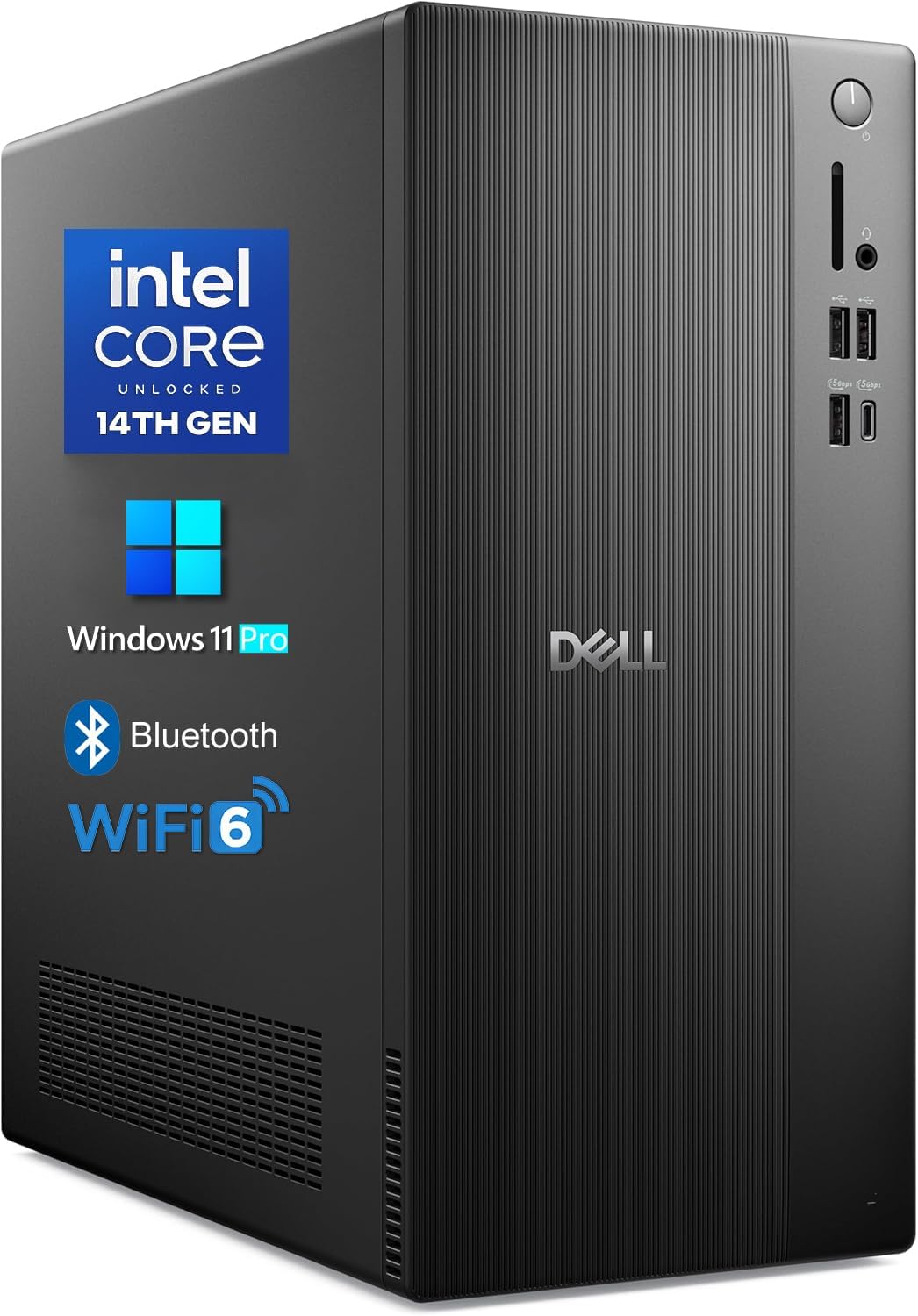
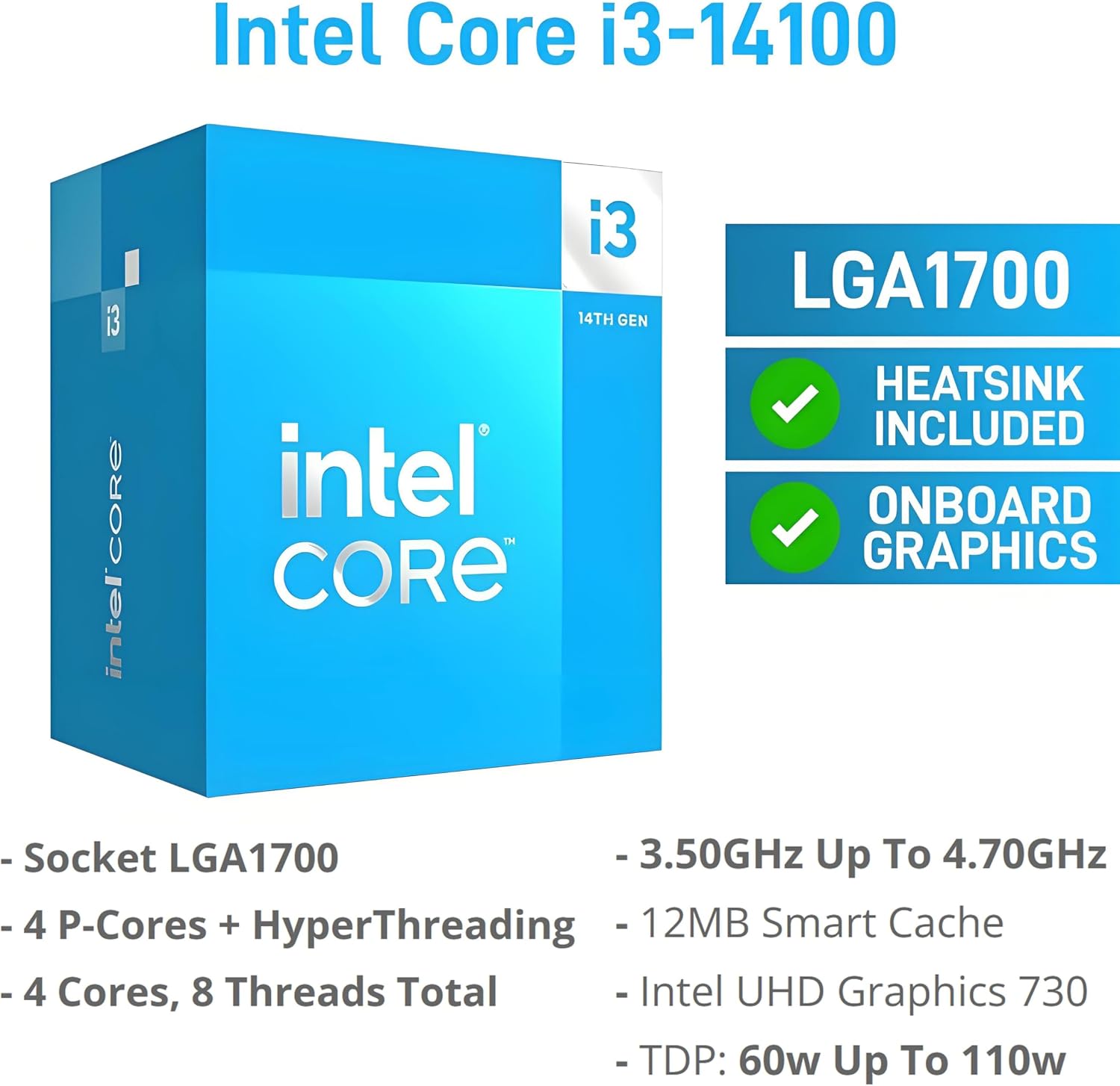
The 14th Gen Intel Core i3-14100 has four cores and eight threads, with Turbo speeds up to 4.7GHz. Paired with Windows 11 Pro, it gives this tower a current desktop foundation for office tasks, browsing, and routine work. The SSD should make a practical difference to everyday file access compared with a desktop relying only on a traditional hard drive, although the listed 256GB capacity may feel restrictive if you keep large archives locally.
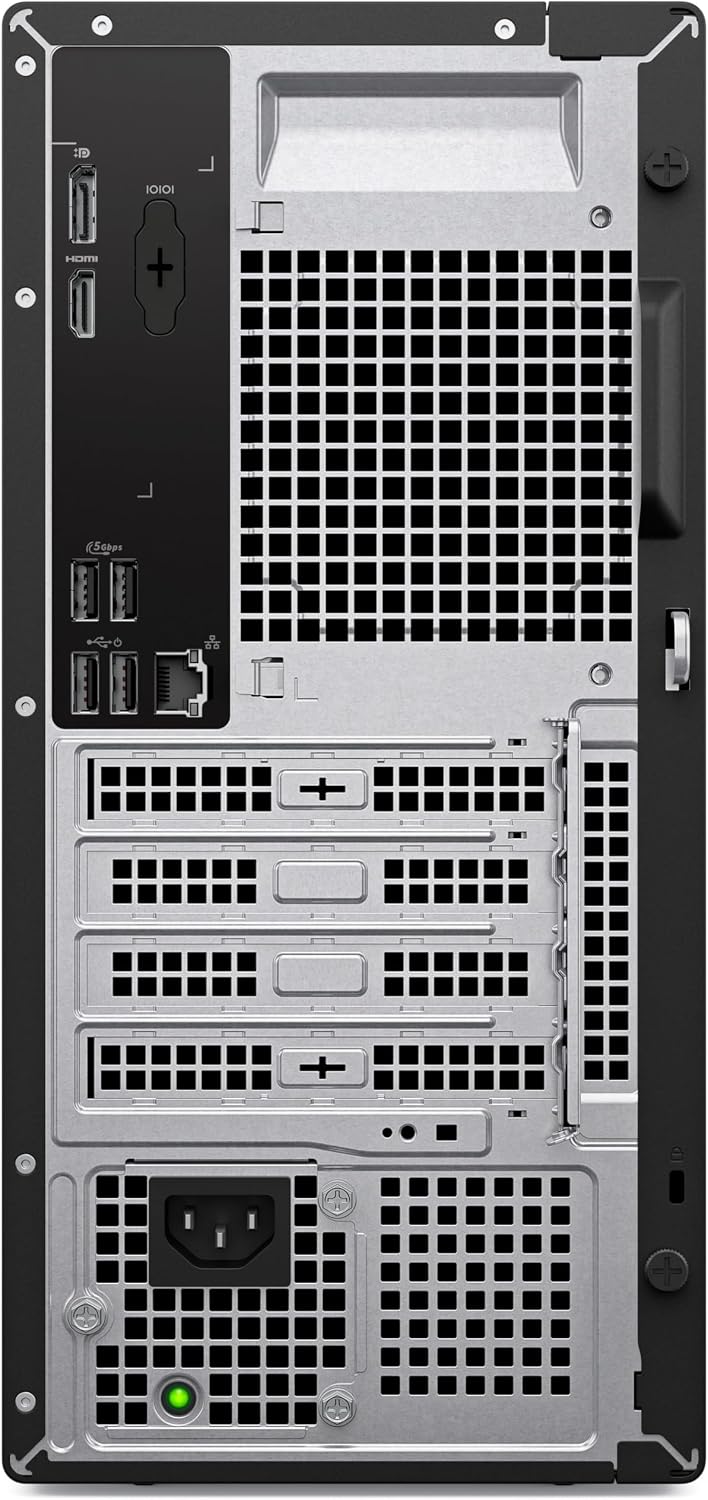
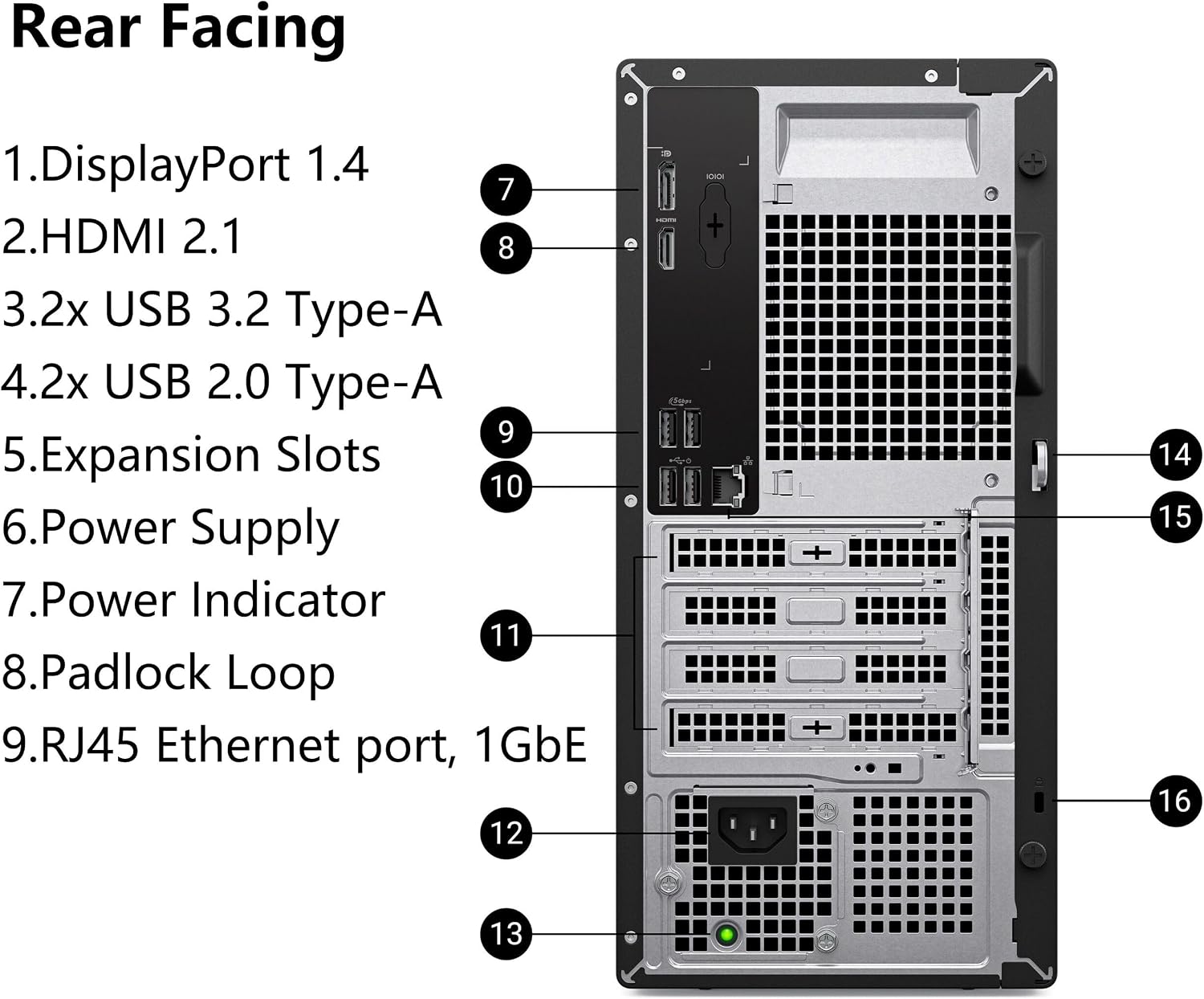
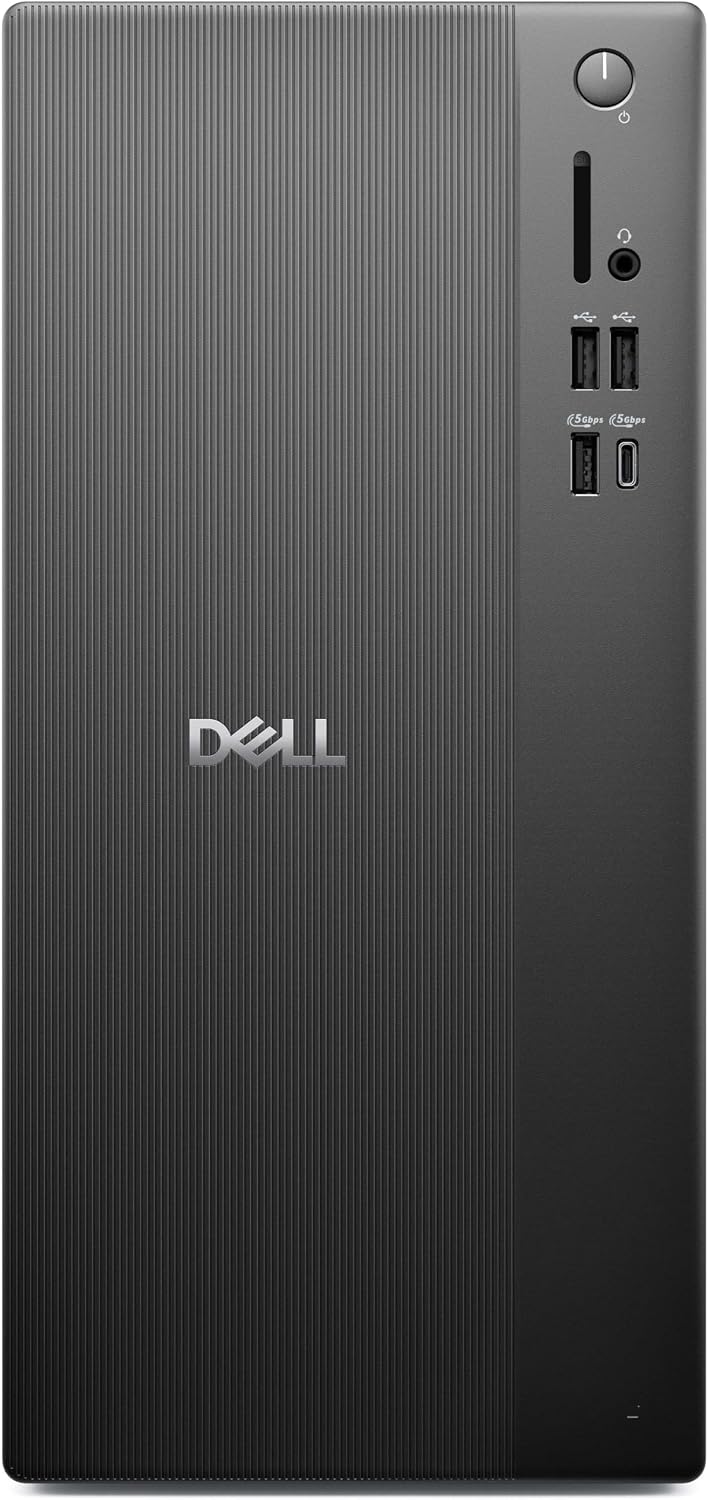
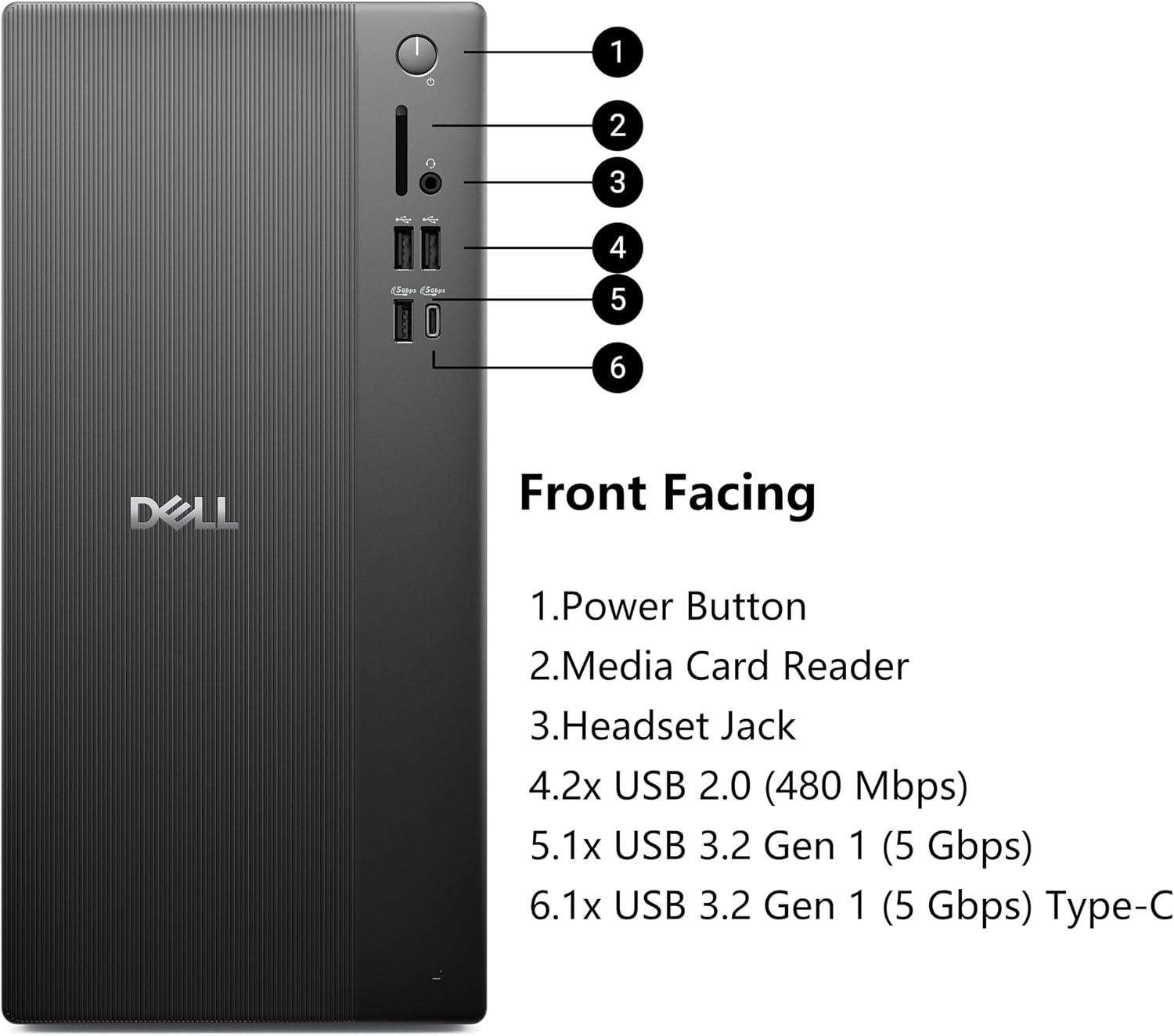
The listed connections include Wi-Fi 6, Bluetooth, USB 3.2 Gen 1 Type-C, USB-A, HDMI 2.1, DisplayPort 1.4a, Gigabit Ethernet, an SD card reader, and an audio jack. Intel UHD Graphics 730 is specified for up to two 4K displays. That gives a user who works across documents and reference windows more screen options, but it is not a promise of gaming or graphics-work performance. Keep in mind that 8GB of RAM is a modest starting point for running many demanding applications at once.
Size & fit
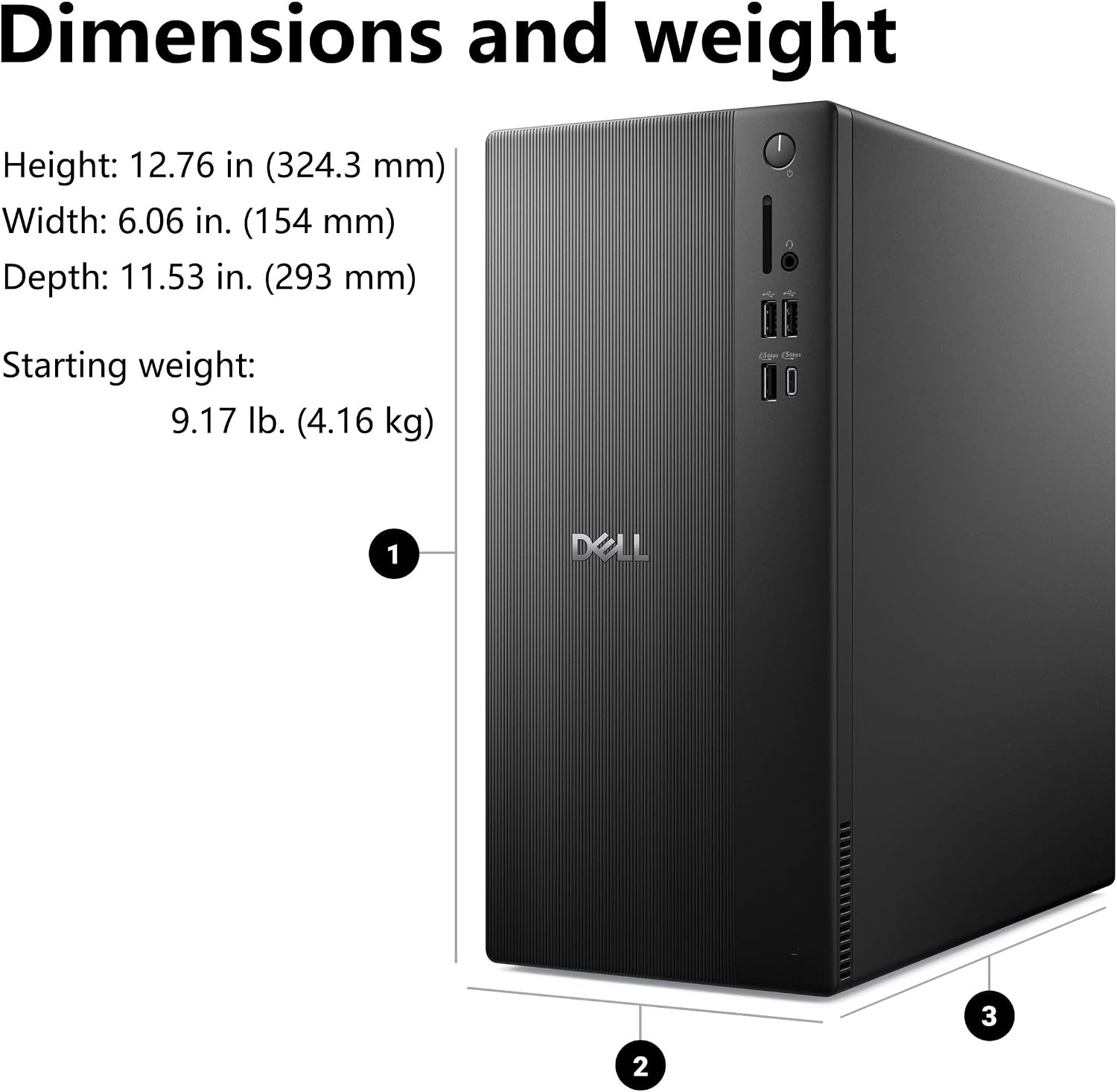
This is a tower desktop, not an all-in-one, so you will need a separate display and space for the computer itself. Its listed dimensions are 12.76 x 6.06 x 11.53 inches. That footprint gives you a concrete way to judge whether it will sit comfortably beside or beneath your desk setup, leave room for the cables and access to the ports you plan to use. The product details do not specify a keyboard or mouse, so check what is included before planning a complete workstation.
Tips for day-to-day use
For a practical setup, connect a monitor through HDMI or DisplayPort, then use Wi-Fi 6 for a wireless network or the RJ45 port for wired Ethernet. A second display can be useful when you want a spreadsheet open beside email or a reference document, without constantly switching windows. Bluetooth can handle compatible wireless accessories, while the Type-C and USB-A ports provide options for wired peripherals.
Keep larger media collections and project folders in mind when deciding whether 256GB of internal storage is enough for your routine. If you mostly work with documents and online services, that capacity may be easier to manage than it would be for someone keeping extensive media locally. No storage expansion details are provided, so base the decision on the capacity listed rather than assuming an upgrade path.
Practical doubts
Does it include a monitor? The listed specifications describe display outputs, but do not say that a monitor is included.
Can it connect to a wired network? Yes. Gigabit Ethernet (RJ45) is listed alongside Wi-Fi 6.
Which operating system does it use? The product is listed with Windows 11 Pro.
When it makes sense
A solid pick if you want a tower for everyday home or office work, value Windows 11 Pro, and expect to connect through standard display and USB ports. Its two-display support may also suit a desk where side-by-side information is useful. You may want to skip it if your workload regularly pushes memory limits, you need more than 256GB of internal storage, or your priority is demanding graphics performance. Compared with a more basic setup, this configuration adds Wi-Fi 6, Bluetooth, and several display options, compared with a more demanding workstation, the listed memory and graphics are the key limits to consider.