

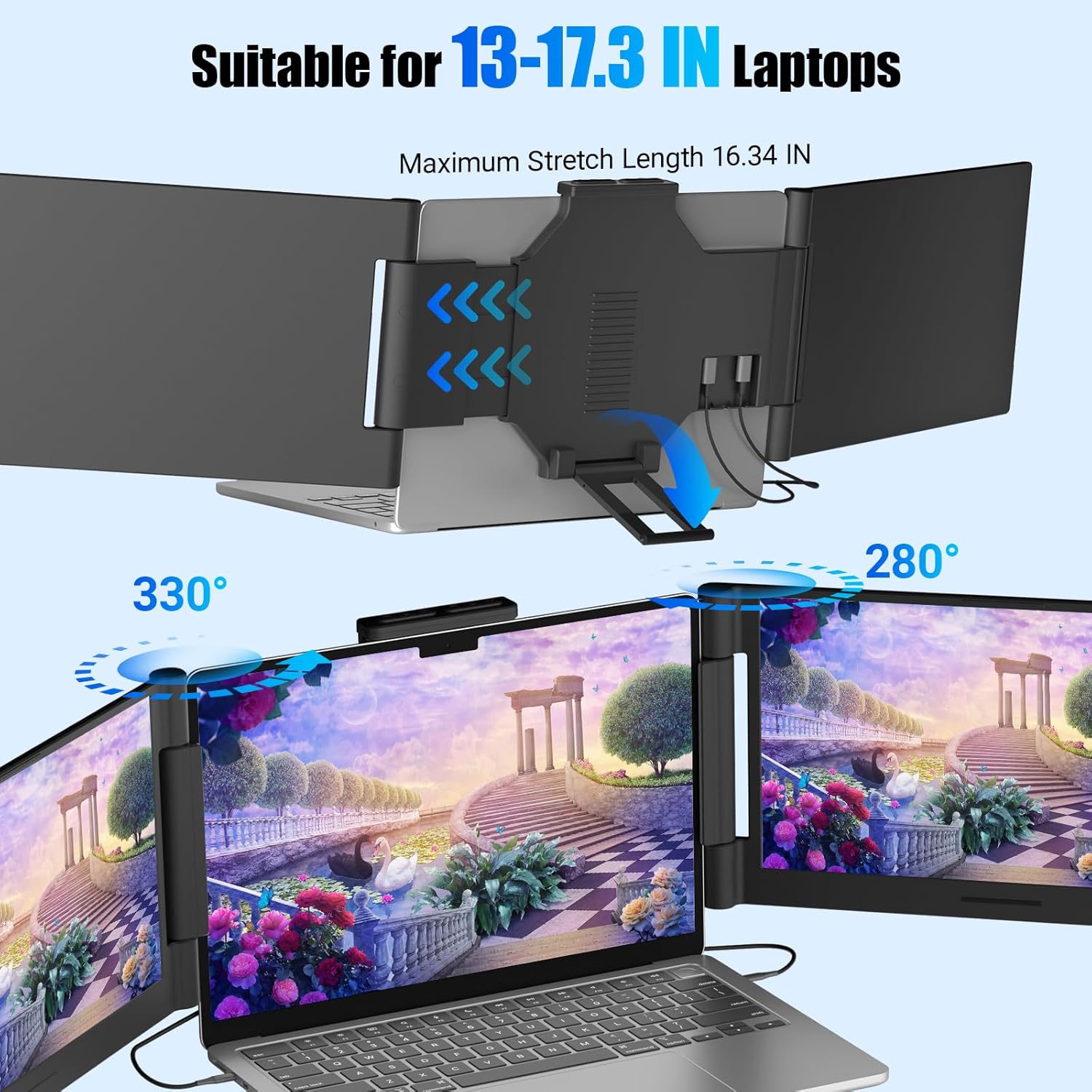
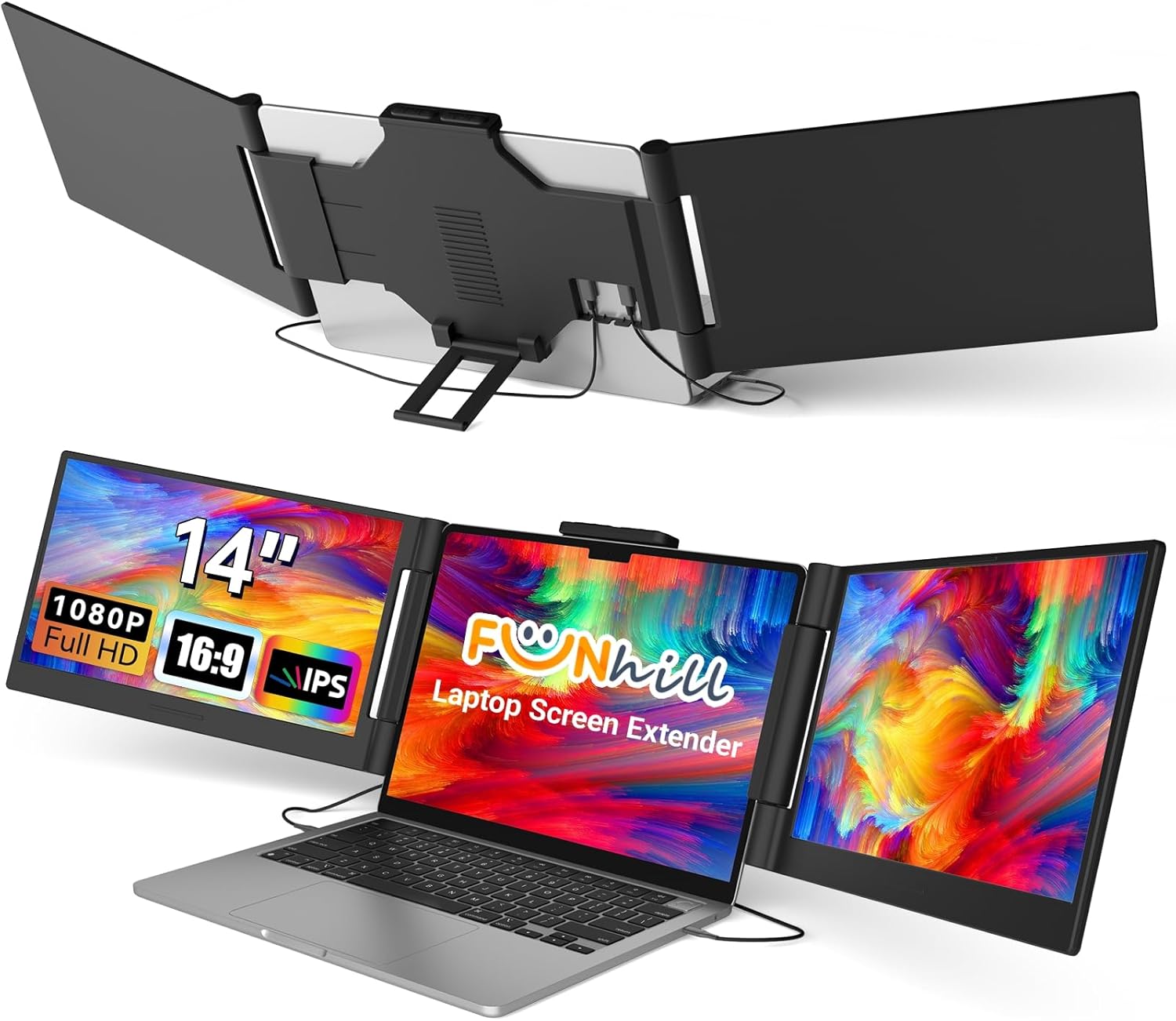
Funhill 14-inch Laptop Screen Extender (1080P IPS, Triple Portable Monitor) for 13–17.3" Laptops
Product description
If you’re juggling spreadsheets, design tools, and chats all day, constantly tab-switching gets old fast. The Funhill 14-inch laptop screen extender is designed to turn your laptop into a more practical multi-screen setup—so you can spread work out instead of flipping between windows.
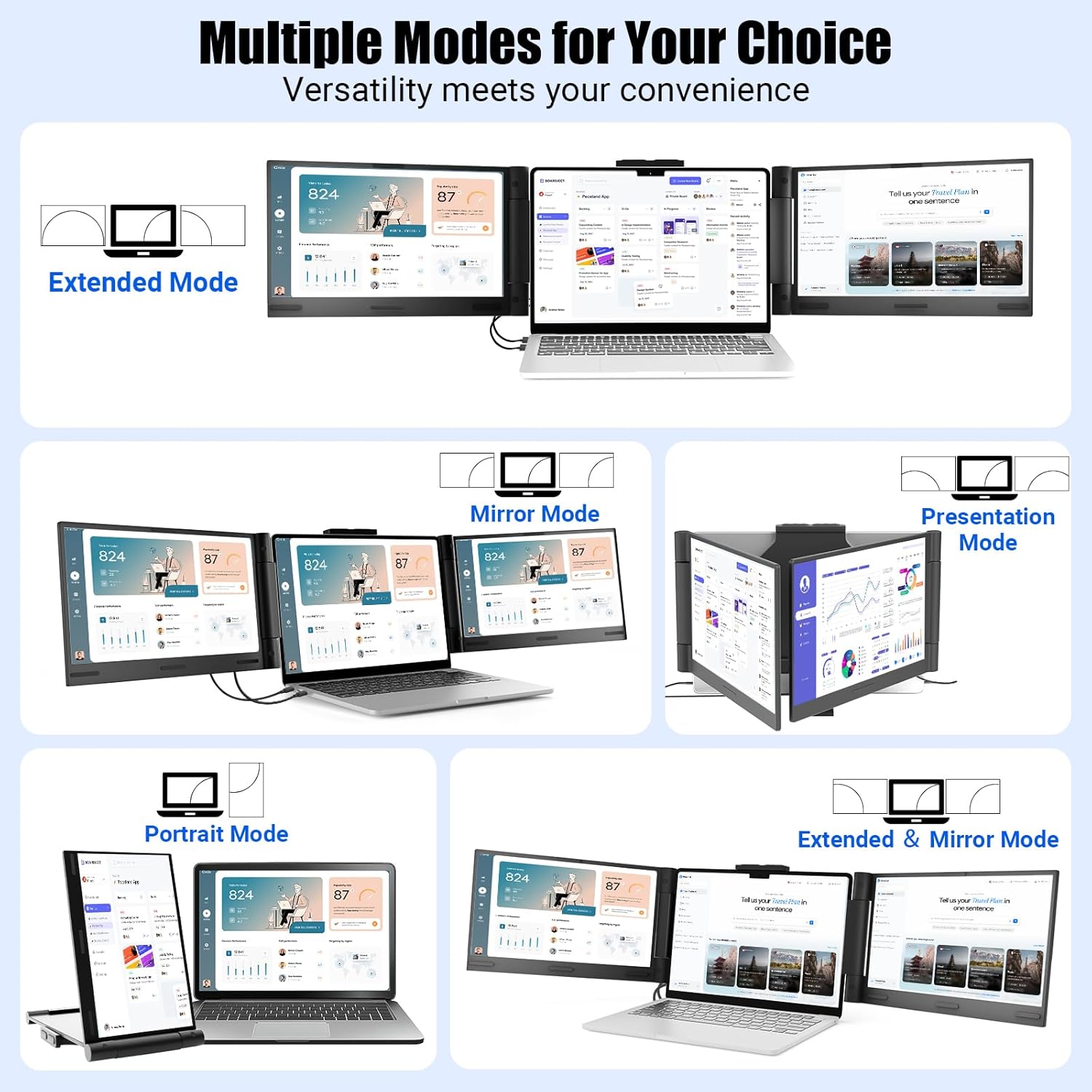
On paper, it’s a neat idea: a portable 14-inch FHD IPS display meant to work as a triple-screen experience, with extended/duplicate/portrait-style modes and rotation adjustments. The real question is fit—your laptop needs the right video ports and power capability, and there are a couple “watch-outs” in the notes.
The essentials
This is a portable monitor extender for laptops (13–17.3" class) that aims to reduce fatigue from switching tabs. Instead of making you bounce between windows on one screen, it supports a multi-screen layout approach so you can view different content at the same time.
It’s positioned for people who need more workspace but don’t want a bulky desk monitor setup. Think of it for office work, school projects, and travel days where you’d rather pack a foldable screen extender than redesign your workstation.
What you’ll notice in daily use
The day-to-day value here is straightforward: more visible content, less mental overhead. For example, you can keep a spreadsheet on one area while referencing notes in another, and still have messaging or a chat open without minimizing everything every few minutes.
The modes and rotation support also matter. The screen can rotate across a wide range (up to 0–330° left and 0–280° right, depending on how you position it), and you can adjust brightness using side buttons on the portable side.
There’s a “nice on paper” element to the efficiency claim too: the extender is intended to boost the way you arrange windows, especially in split-screen workflows.
Display and performance details that matter
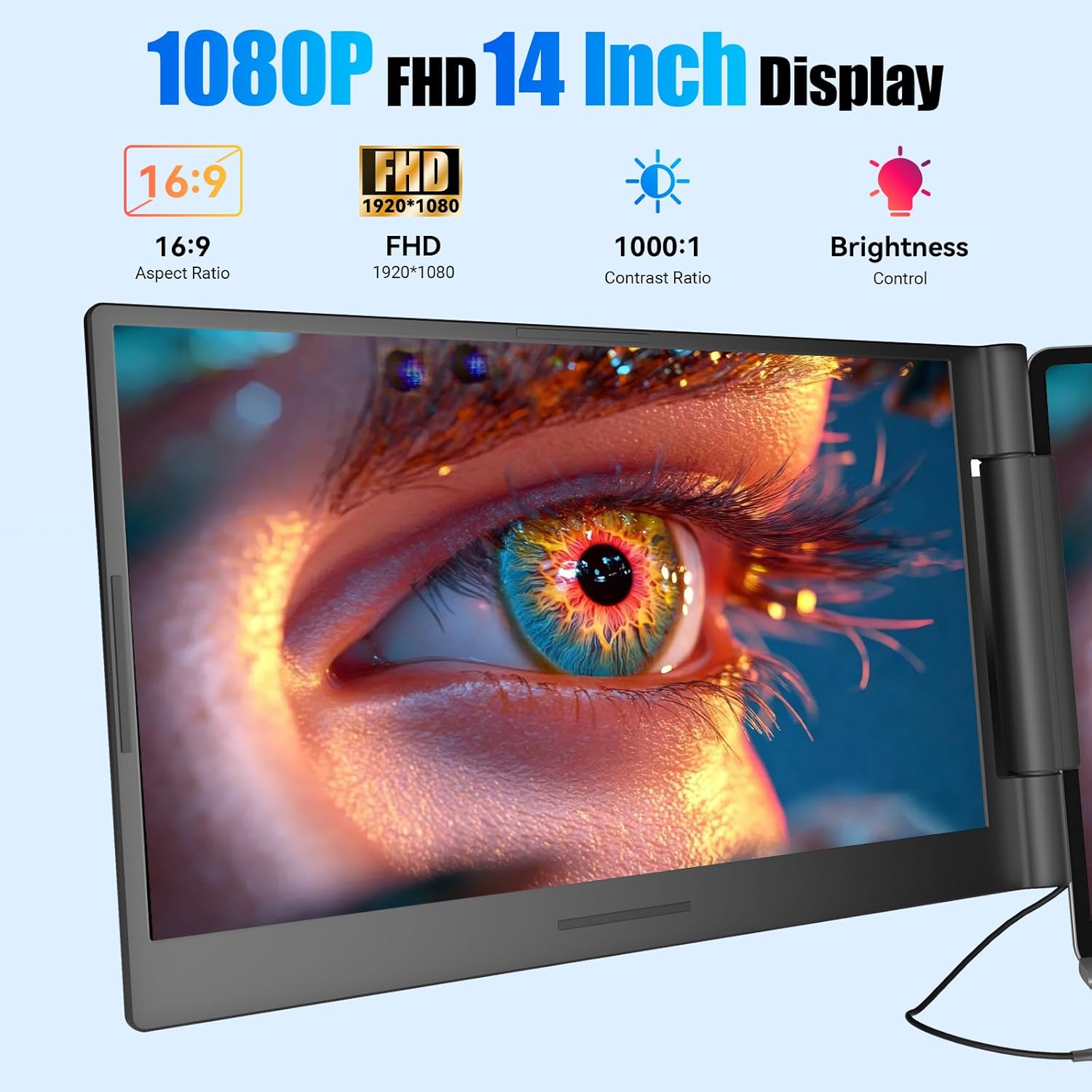
The screen extender uses a 14-inch FHD IPS panel with 1920×1080 resolution and a 16:9 aspect ratio. It also lists a 60Hz refresh rate.
IPS is typically chosen for its viewing-angle friendliness and color stability, so if you move the screen around your setup, it’s less likely to look washed out when you’re not sitting directly centered.
One limitation to keep in mind: refresh rate and resolution are solid for typical productivity use, but it’s not framed as a high-end gaming or pro content creation display in the details provided. If your priority is fast esports gaming, you may find more specialized displays better aligned with that goal.
Portability and setup: simple, but port compatibility is the catch
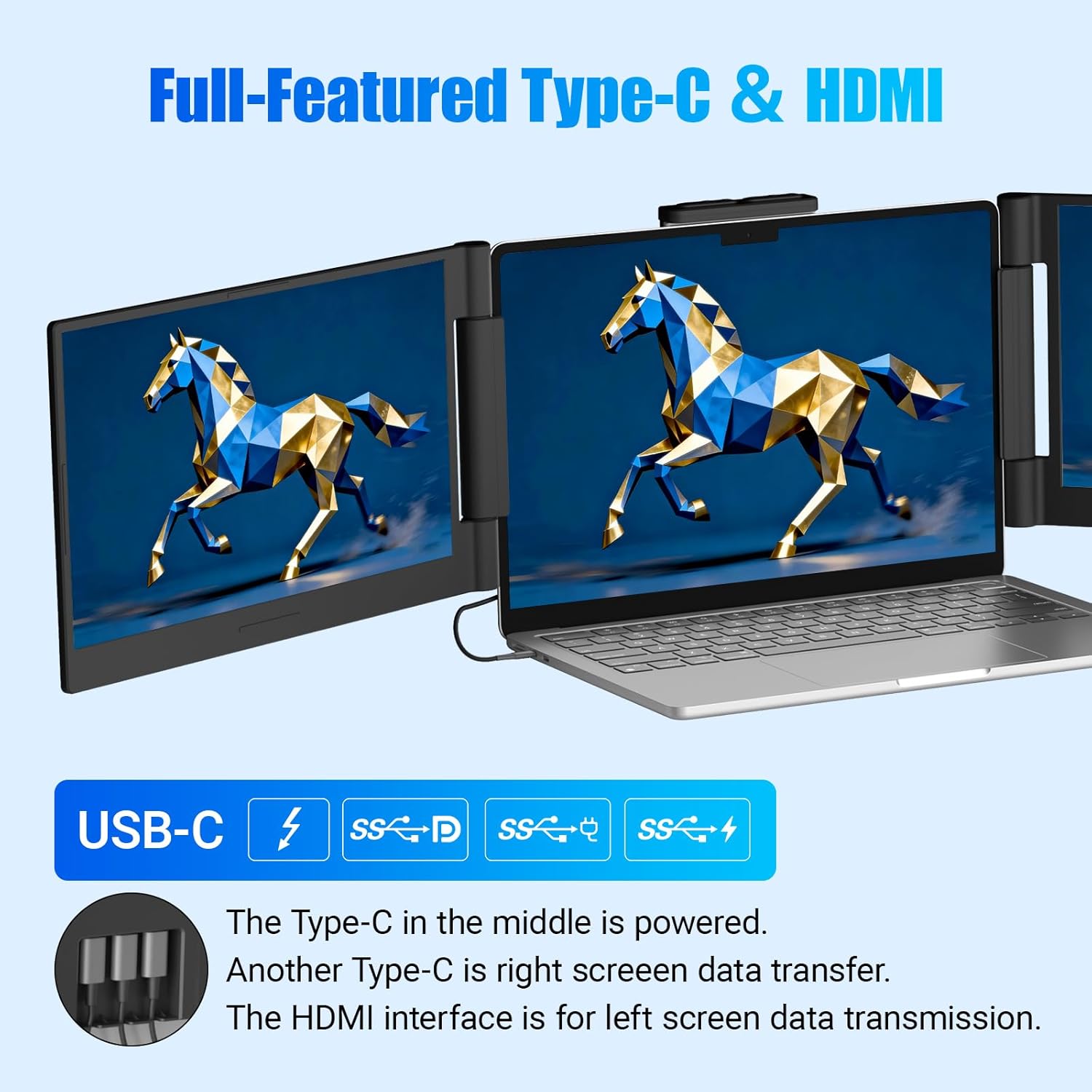
The “plug-and-play without driver” angle is one of the smoother parts. The extender connects using USB-C DP and HDMI directly, without needing extra driver downloads.
However, the notes are pretty explicit about compatibility requirements, and this is where buyers either feel great—or get stuck.
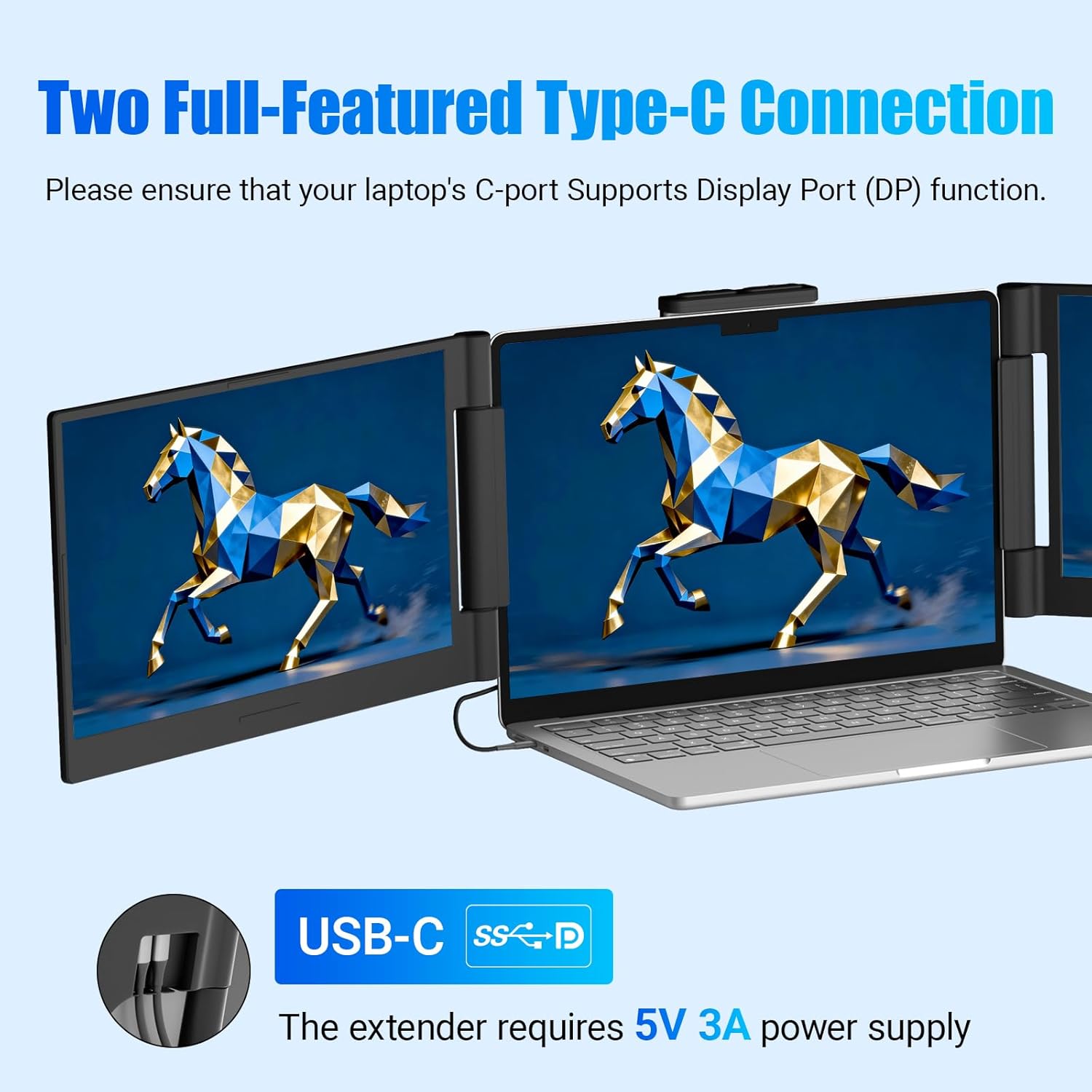
Key points to consider before buying: - Your laptop must support USB-C DisplayPort (DP) video output, and using HDMI has extra power/cabling requirements. - If you’re using HDMI, the instructions say you should connect an additional dual USB-C cable to the same screen extender for power supply. - There’s a specific warning that the right screen may not function properly if your laptop doesn’t have the right USB-C DP port support. - Power can be a factor: if your laptop’s USB-C port can’t provide sufficient power (5V 3A), the instructions recommend connecting an external power adapter to both the laptop and the product.
Also, there’s a careful handling note: close the left screen first, then the right one, and don’t force retraction.
Who it suits (and who should think twice)
It makes sense if you want an affordable-feeling way to expand your workspace on the go, and you’re comfortable checking your laptop’s ports first. It’s also a reasonable pick if you work in split-screen or multi-window flows and you’d rather keep your setup lightweight.
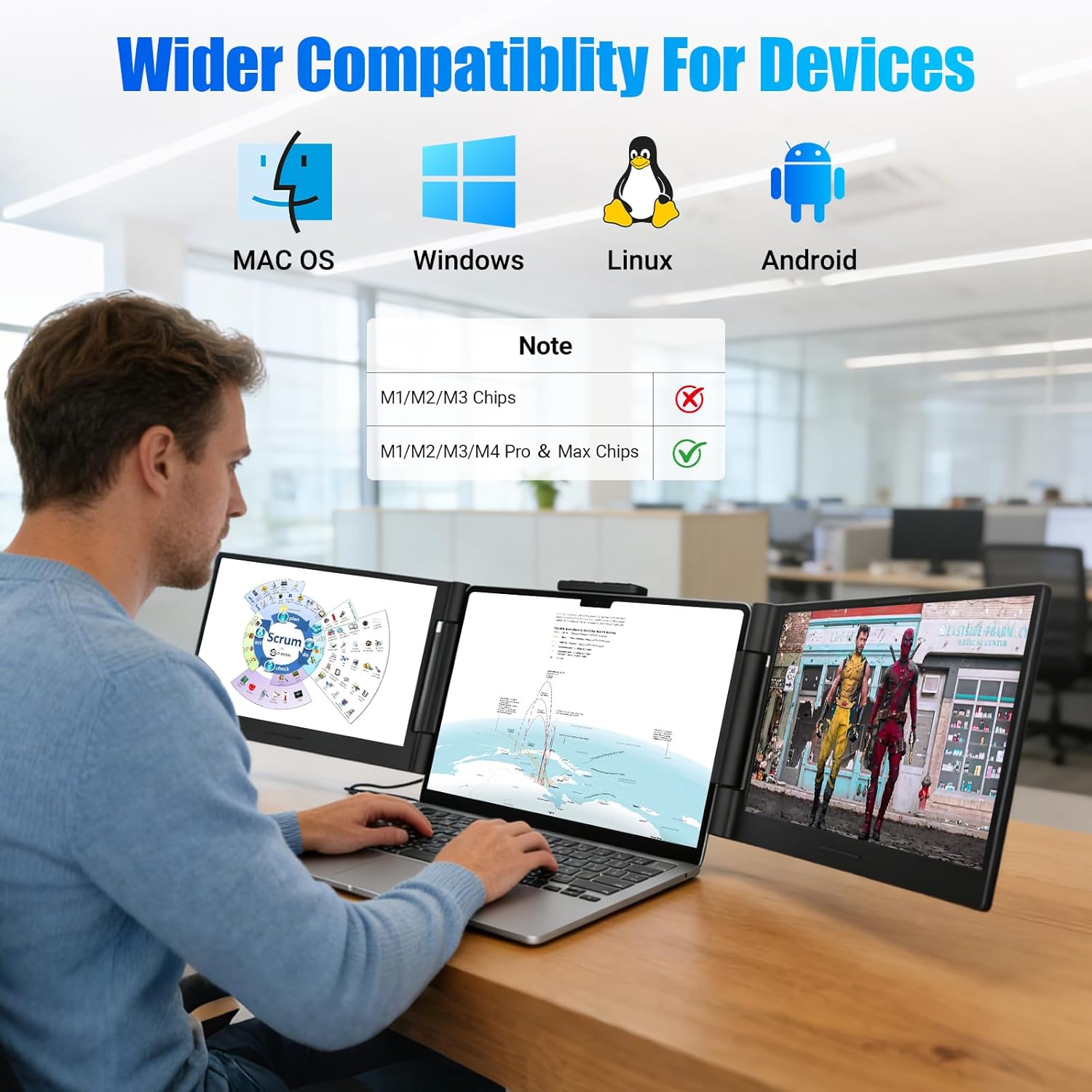
It may not suit you if: - Your laptop lacks USB-C DisplayPort (DP) support (or you can’t meet the documented HDMI + power approach). - You want a system that “just works” without port/power troubleshooting. - Your use case is heavy on specialized professional workflows or high-end performance expectations beyond standard productivity.
It’s also mentioned that it’s not for base M1/M2/M3 series chips. If your laptop is in that category, you’ll want to confirm compatibility before committing.
Key takeaways
This Funhill laptop screen extender is a practical concept for productivity-minded people who want less tab switching and more visible work at once. The display specs (14-inch FHD IPS, 60Hz) should fit everyday spreadsheet and creative-tool reference tasks well.
But the purchase decision depends more on your laptop’s ports and power capability than on the screen’s refresh rate. If you check that your device supports the required USB-C DP setup (or the HDMI method with the extra power/cables), you’ll likely enjoy the simpler experience.
If you can’t meet those requirements, it can turn into a frustrating compatibility headache.
Should you buy it?
Buy it if you have a 13–17.3" laptop that supports the required video output setup (USB-C DisplayPort/DP as described, or the HDMI connection method with the accompanying power cabling) and you want a portable second/third-screen workspace for work and travel.
Skip it if your laptop doesn’t have the needed USB-C DP capabilities, if you don’t want to deal with external power requirements, or if you fall into the “not for base M1/M2/M3” note area.
Mini FAQ
Does it require a driver download?
The setup is described as plug-and-play without driver download, using USB-C DP and HDMI directly.
What video ports does it need?
The notes say it needs laptops that support USB-C DisplayPort (DP). There are also HDMI connection details that require additional cabling for power.
Can I use it with a phone or Android device?
Compatibility is described broadly for devices including Windows, Chrome, Android, Linux, and some Type-C/A phones, as well as game consoles (PS4, Switch). The note also says phones need to support video output.
What’s the biggest reason this might not work?
Most of the “it won’t function properly” warnings point back to port support (USB-C DP) and power delivery. If the laptop can’t provide enough power over USB-C, an external adapter may be needed.
Is the folding/closing process important?
Yes. The instructions include a specific closing order (left first, then right) and caution not to force retraction, a gentle stretch before retracting is recommended.