

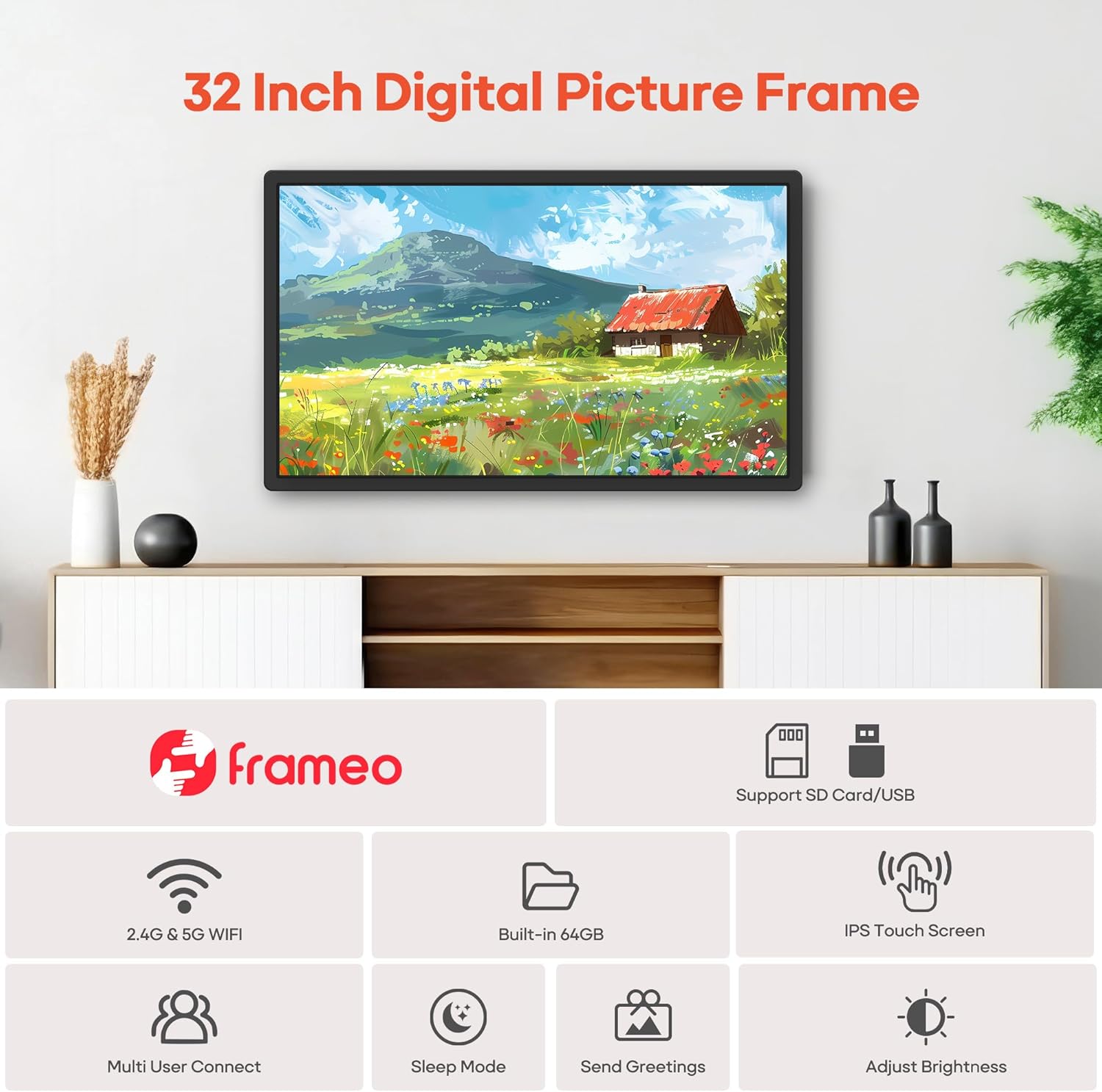
Frameo 32” Extra Large WiFi Digital Picture Frame with 64GB, FHD IPS Touch Screen (Wall Mounted) — Frameo App Sharing
Reviews
Price
Product description
Quick overview
If you like the idea of a digital photo frame but don’t want the hassle of constant USB swapping, the Frameo 32” Extra Large WiFi Digital Picture Frame is built for easy, remote sharing. It pairs with the “Frameo” app over dual-band WiFi (2.4G+5G) and is designed to let you send photos and short videos straight to the frame. On top of that, it has a large 32-inch FHD IPS touch screen, so setup and browsing don’t rely solely on the app.
Still, it’s worth having realistic expectations: the frame supports videos up to 15 seconds via the app, and the storage and media compatibility depend on using the right file types and (for SD/USB) the FAT32 format. If you’re looking for something plug-and-play only, it may feel a bit “system-based” compared to simpler digital frames.
Key points
The core appeal here is remote sharing without distance. You connect the frame to your WiFi network, then use the Frameo app to send photos and videos instantly so family members and friends can participate. The screen is touch-based, so everyday operation feels more natural than older button-only models.
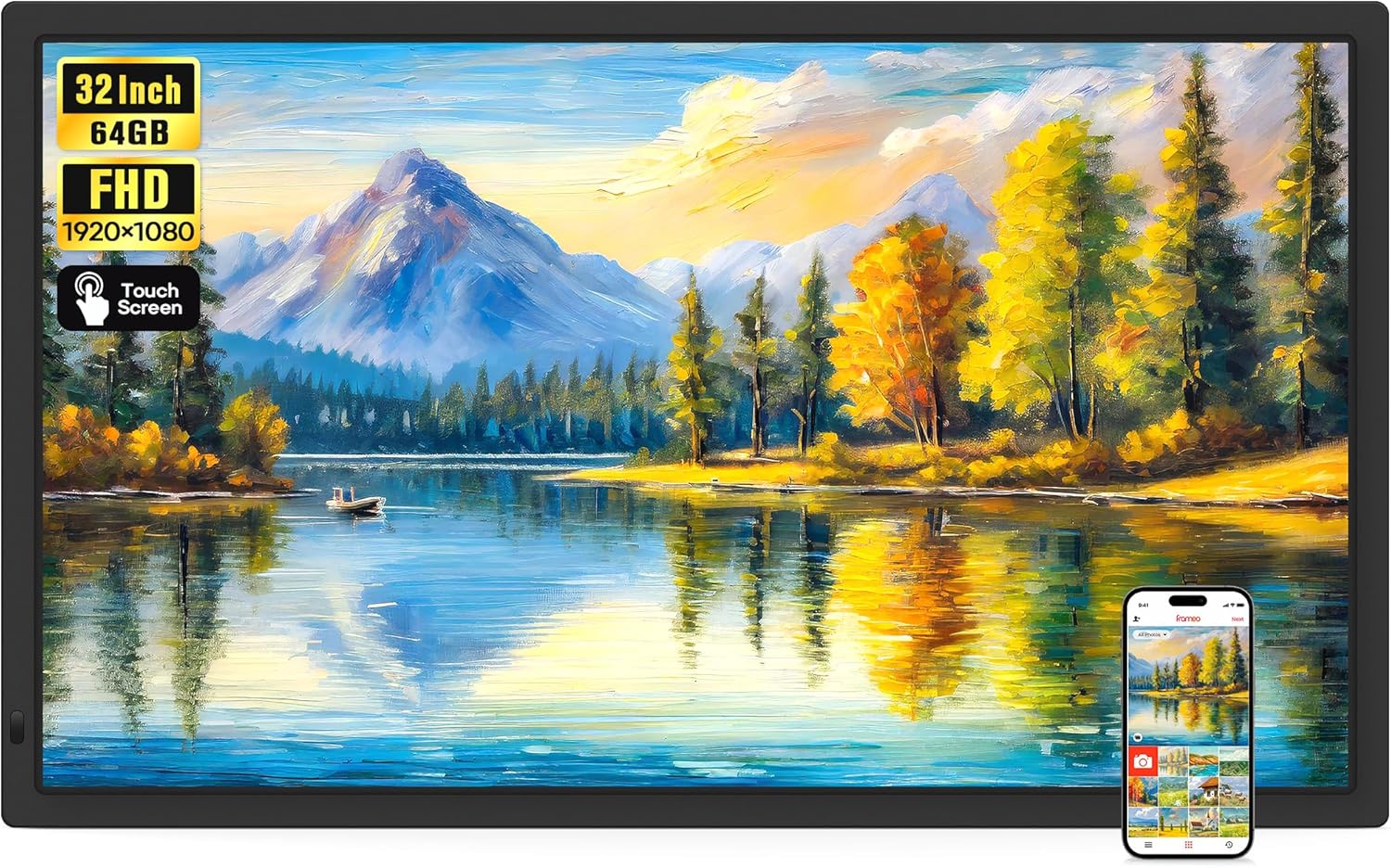
It also leans into “large wall display” use. At 32 inches with 1920 x 1080 FHD resolution and an IPS panel, you get enough screen real estate for a home where photos are meant to be seen—not tucked away.
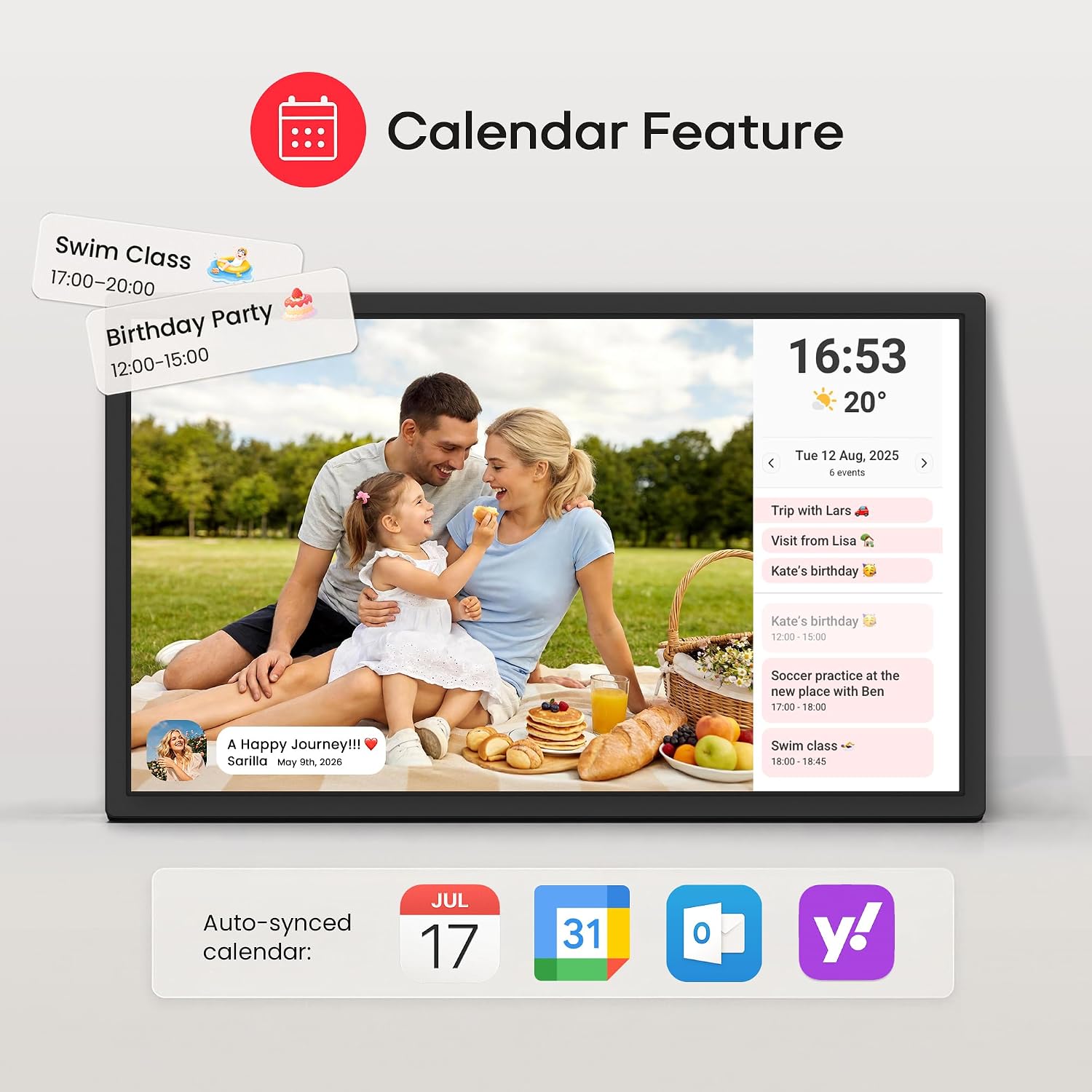
One more thing: the app is described as security-focused, with access limited to the users you add. And there are extra touches like greeting/title display, weather display, sleep mode, and a slideshow-style experience that can be more fun than a basic gallery.
Where it shines in everyday use
A practical scenario: imagine grandparents in one place and the rest of the family in another. After the frame is connected to WiFi, someone can upload a new photo from the app. Within seconds, it appears on the frame, and you can add a title so it’s not just a random image—more like a message.
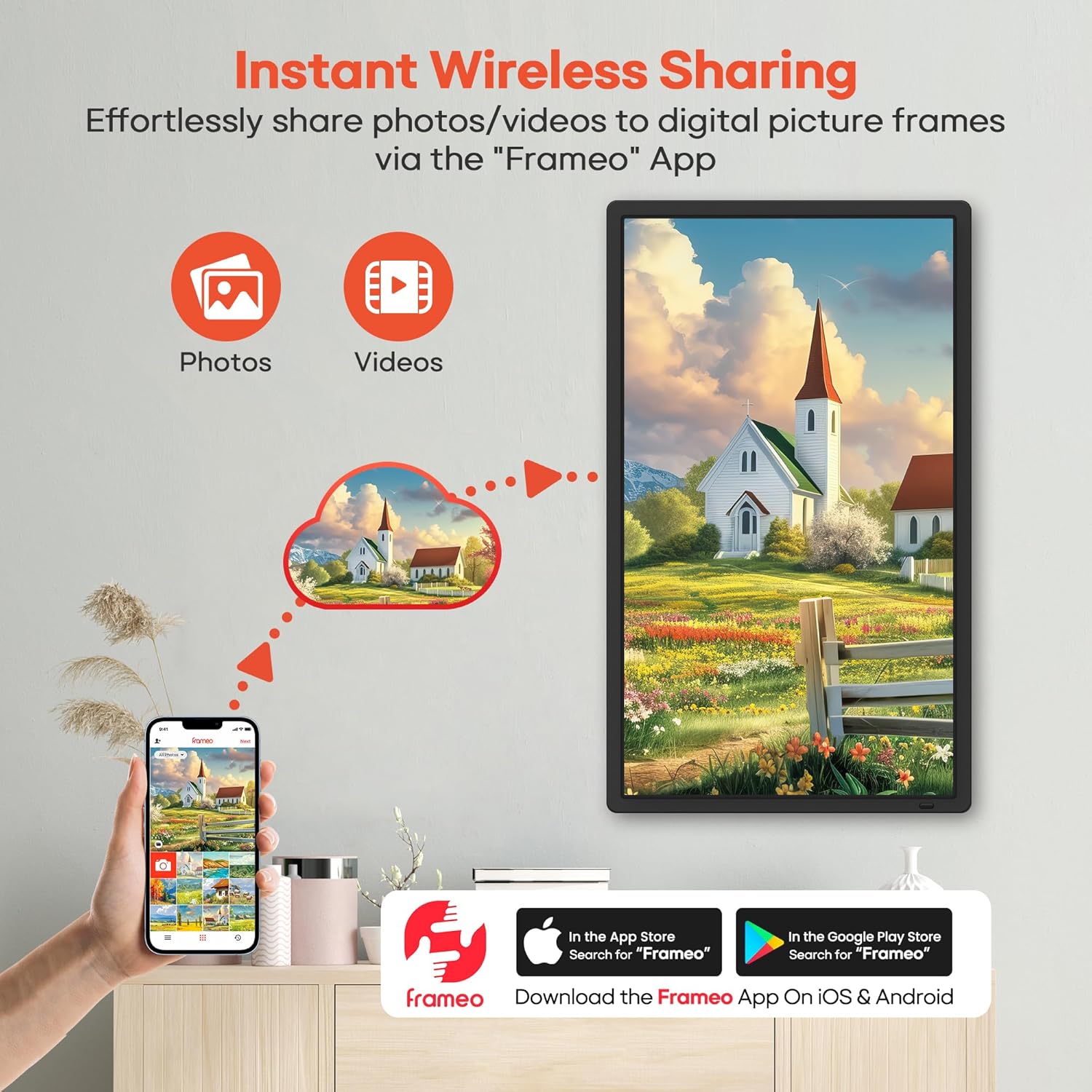
The frame also supports video with sound. You can upload short clips through the Frameo app (up to 15 seconds), or play videos by inserting an SD card/USB drive or importing via SD/USB. That’s a nice middle ground if you want “something more than photos” but don’t need long-form playback.
What to know about storage and media support
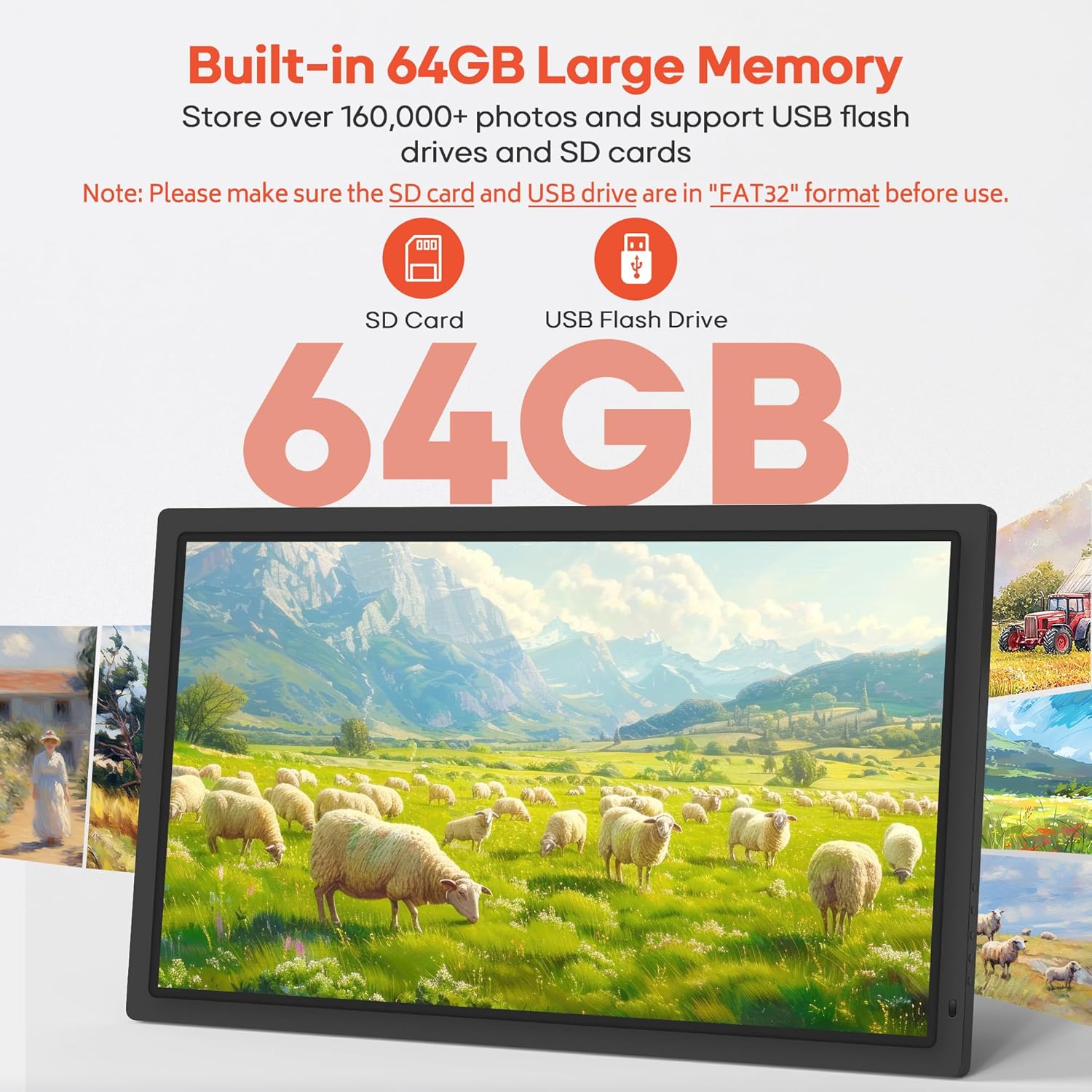
This model includes 64GB of built-in memory, which the listing states can hold 160,000+ photos. For extra flexibility, it supports importing/exporting/backing up photos and videos using SD cards and USB drives.
A couple of details matter for smooth ownership: - Supported photo formats are listed as JPG/JPEG/BMP/PNG. - Supported video format is listed as MP4. - SD card and USB drive support is stated up to 128GB, but there’s an important note: the card/drive should be formatted as FAT32 before use. - For compatibility, the listing recommends using a 32GB SD card/USB drive, and notes that 64GB and 128GB options may not work properly.
If you’re the type who already has spare SD cards around, make sure they’re FAT32 formatted first—otherwise you may be stuck troubleshooting instead of enjoying the frame.
Screen experience and rotation
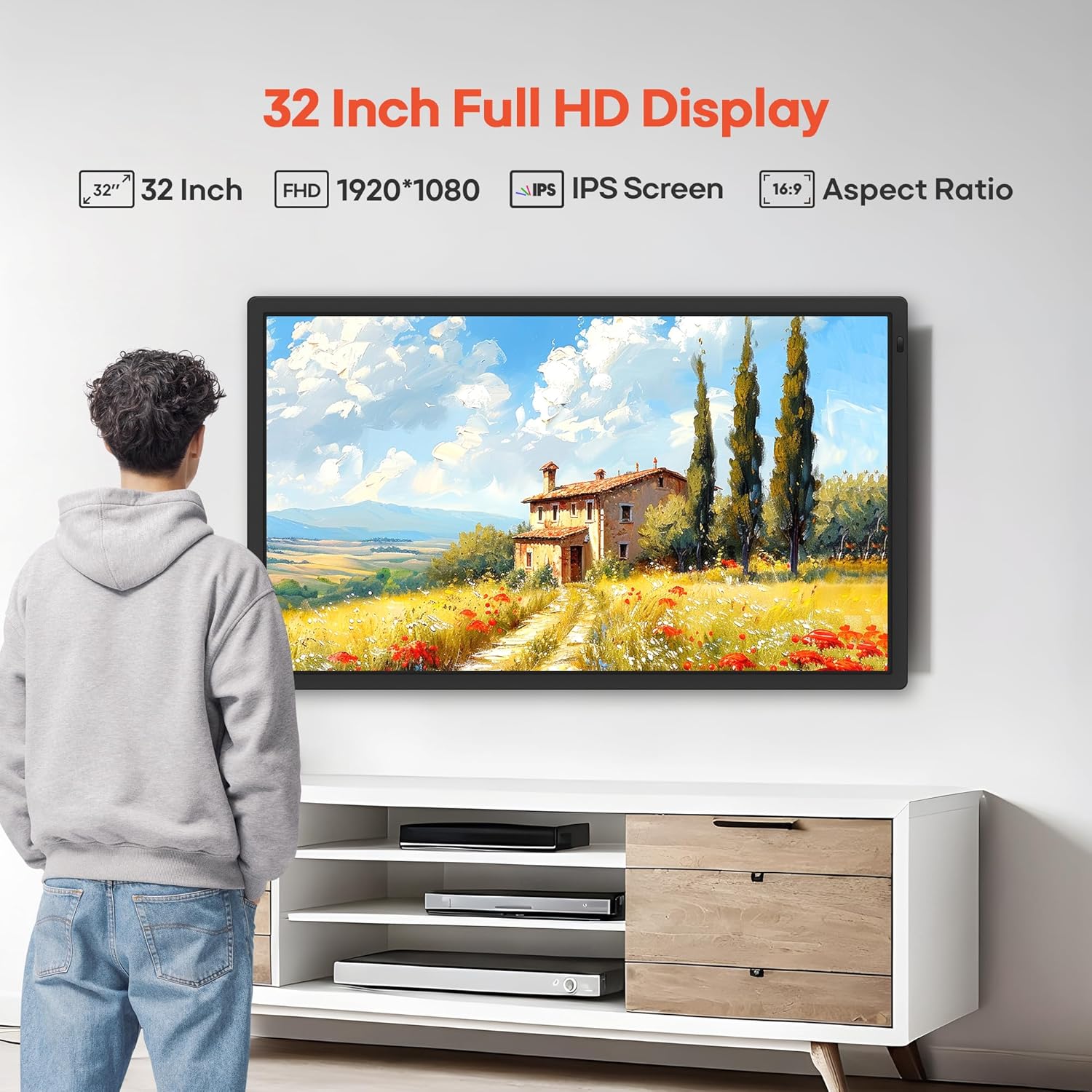
The frame uses a 32-inch IPS FHD touch screen (1920 x 1080). Touch operation can be a big deal for non-tech-savvy users or seniors, since you’re not always dependent on phone navigation.
It also includes an auto-rotation function (with wall mount), switching between horizontal and vertical orientation. That’s useful if you want the frame to display portrait-oriented photos correctly without manually changing anything.
Who it fits best (and who should think twice)

This is a strong match if you want a large digital frame that families can actively use—sending photos/videos from their phones via the Frameo app. It also makes sense if you value a touch screen for on-device control and a wall-mounted presentation.
It may not be the best choice if you’re after a super-simple, offline-only frame. The sharing approach depends on WiFi connectivity and the app workflow. Also, video is limited (up to 15 seconds via the app), and media playback/reading from SD/USB depends on the correct formats and FAT32 requirements. If that sounds like too many “conditions,” you might prefer a more straightforward media approach.
Tech specs
- Name: Frameo 32” Extra Large Digital Picture Frame (WiFi)
- Type: Electronic digital picture frame
- Display: 32-inch IPS touch screen
- Resolution: 1920 x 1080 FHD
- Connectivity: Dual WiFi (2.4G + 5G)
- Memory: Built-in 64GB
- Supported photos: JPG/JPEG/BMP/PNG
- Supported videos: MP4
- Storage expansion: SD card and USB drive (up to 128GB stated)
- Auto-rotation: Yes (with wall mount)
- Video sharing length (via app): Up to 15 seconds
- Format note for SD/USB: FAT32 recommended/required before use (per listing)
Is it worth it?
Buy the Frameo 32” WiFi digital picture frame if you want a large wall-mounted display that’s meant to be updated by real people from their phones. The combination of dual-band WiFi sharing through the Frameo app, touch-screen control, and the ability to play short videos with sound makes it feel more “alive” than basic slideshow frames.
Skip it (or at least think twice) if you mainly want to load media once and forget about the ecosystem. Between the app-based workflow, the FAT32 requirement for SD/USB, and the stated video length limit via the app, it’s not the most hands-off option on the market.
Mini FAQ
What app does it use for WiFi sharing?
It uses the “Frameo” app for iOS and Android to connect the frame to your WiFi network and share photos/videos.
How long are videos when sent through the app?
The listing states videos shared via the app can be up to 15 seconds.
What file formats are supported?
Photos: JPG/JPEG/BMP/PNG. Videos: MP4 (as listed).
Does it need WiFi to work?
For app-based sharing, yes—there’s a WiFi connection requirement described for sending content through the Frameo app.
What format should the SD card or USB drive use?
The listing notes the SD card/USB drive should be formatted as FAT32 before use.