

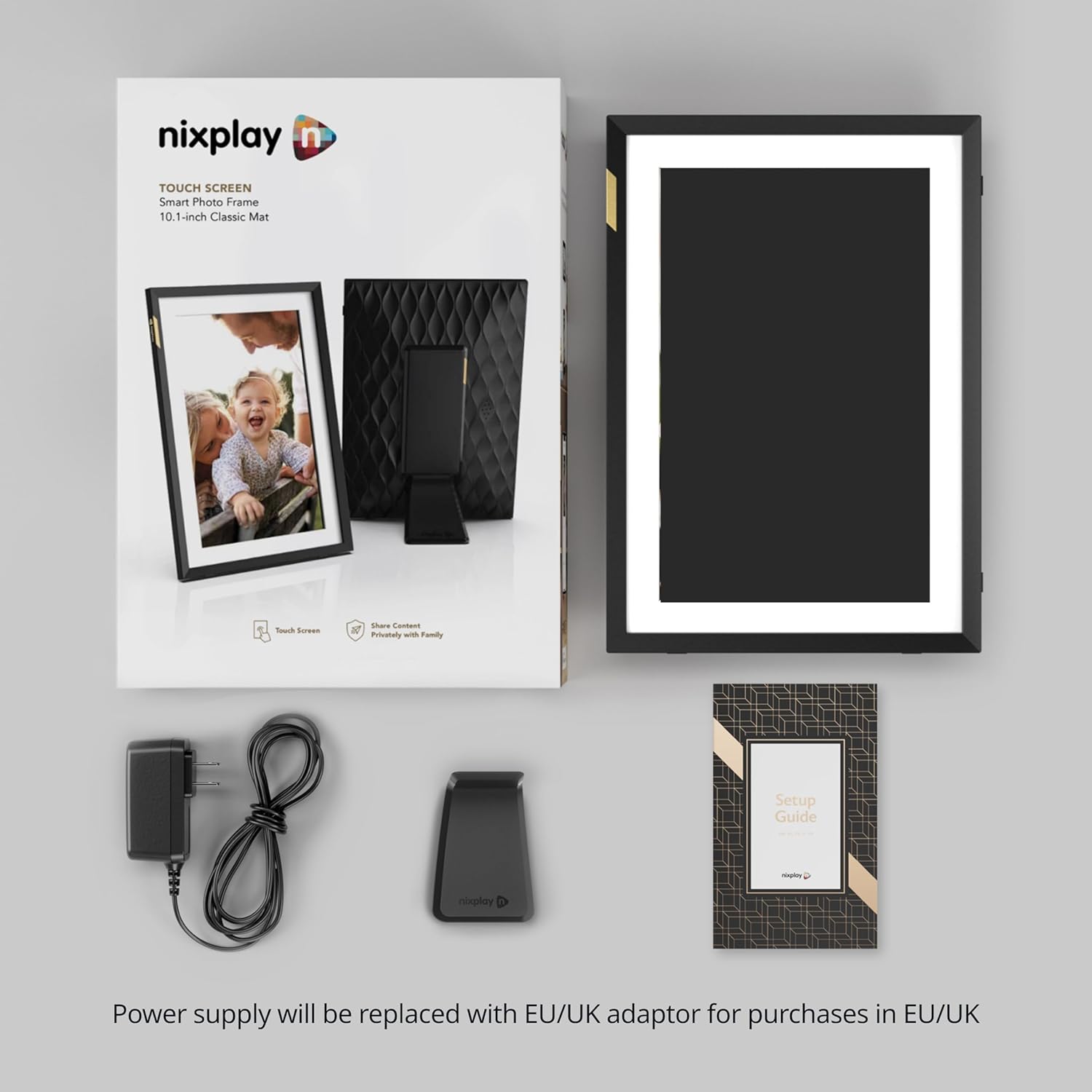
Nixplay 10.1" HD Digital Picture Frame with Wi‑Fi, Auto‑Rotation, and Email/App Sharing
Product description
Quick overview
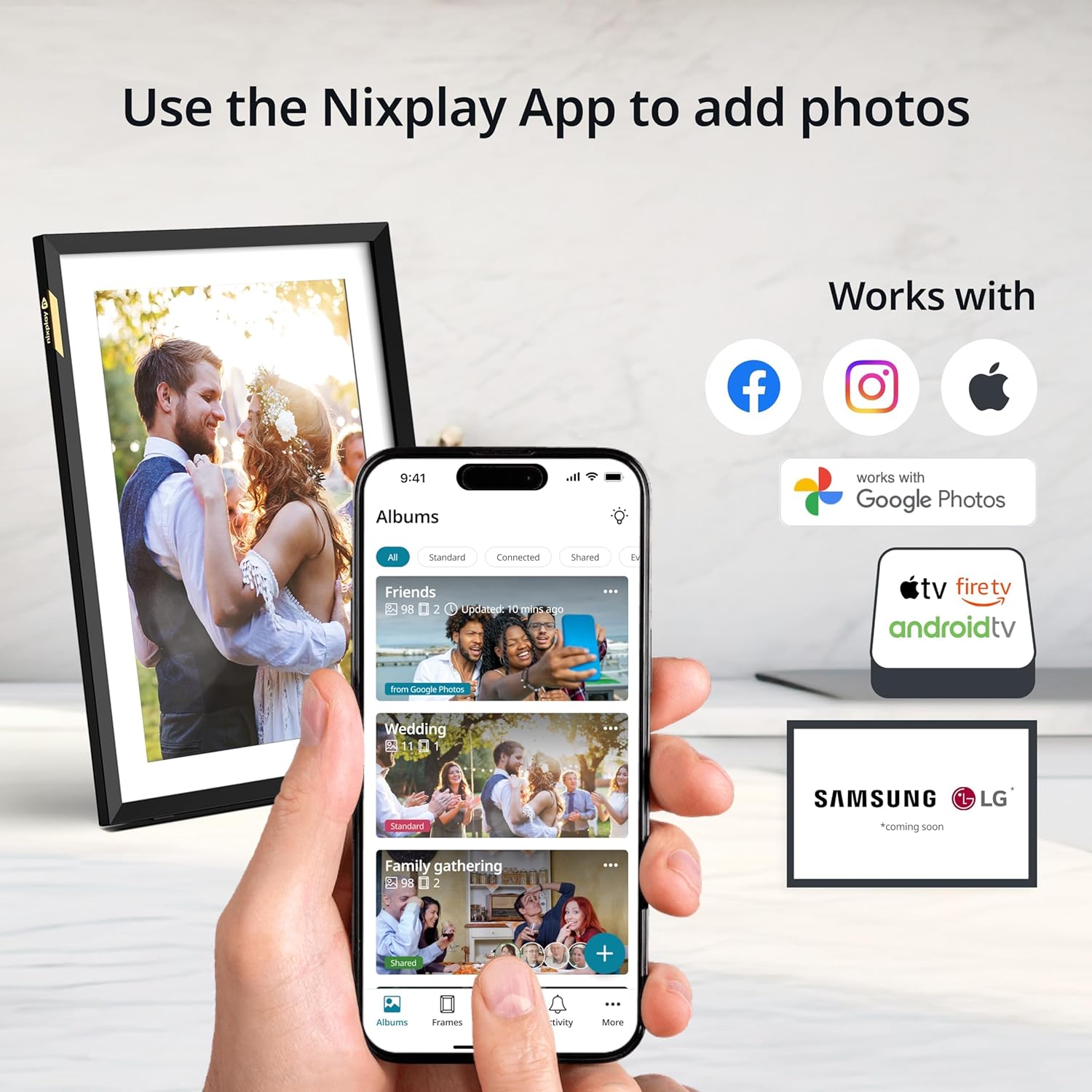
If you’re looking for a gift that feels personal out of the box, a digital picture frame like the Nixplay 10.1" is built for exactly that. The pitch is simple: it connects to Wi‑Fi and lets family members upload photos and videos through the Nixplay app (iOS and Android), or by emailing images directly to the frame—so sharing doesn’t depend on one person doing all the work.
On top of that, the frame supports auto‑rotation (switching smoothly between horizontal and vertical modes) and uses AI‑powered smart centering for a cleaner, more “well-composed” look. It’s not just a slideshow—it’s more like a shared moment board that updates as people add new memories.
What you’ll notice day to day
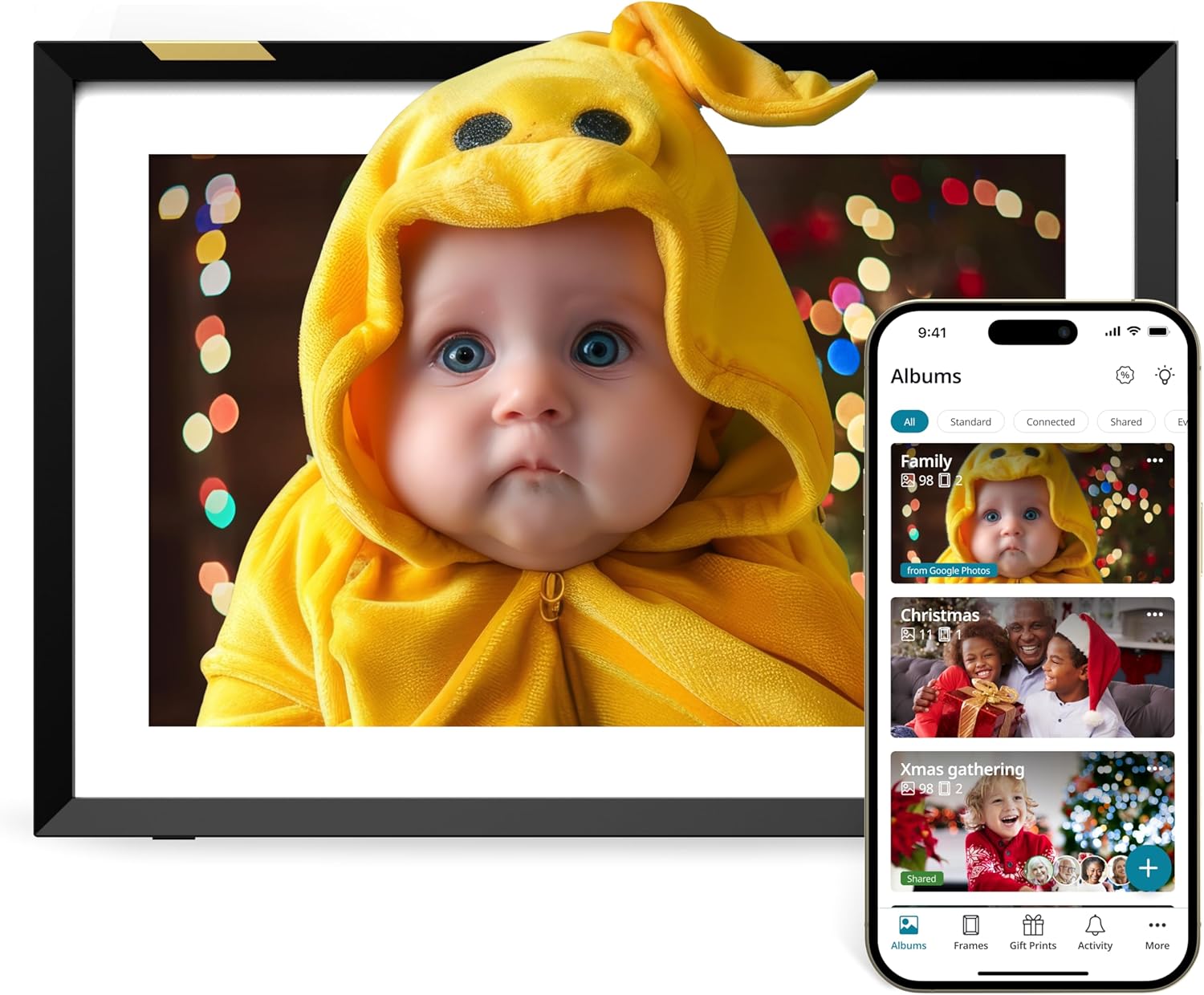
The biggest day-to-day win here is the sharing flow. Instead of taking turns emailing files, downloading, or dealing with cables, you can invite multiple users to upload content to the same frame via the Nixplay app. That matters for gifts for Mom, too—because siblings, cousins, or friends can all contribute without you coordinating every transfer.
There’s also an option if you don’t want to rely solely on the app: Nixplay offers desktop login through a web browser, and you can email photos directly to the frame. So depending on how tech-comfortable the household is, you have a couple of different routes.
A practical micro-example: imagine a family weekend. Someone snaps photos on a phone, uploads them to the frame through the app, and later you walk by and the screen is already updated—no hunting for a cable or waiting for the “upload to a shared album” step.
Where it shines (and what it’s really for)
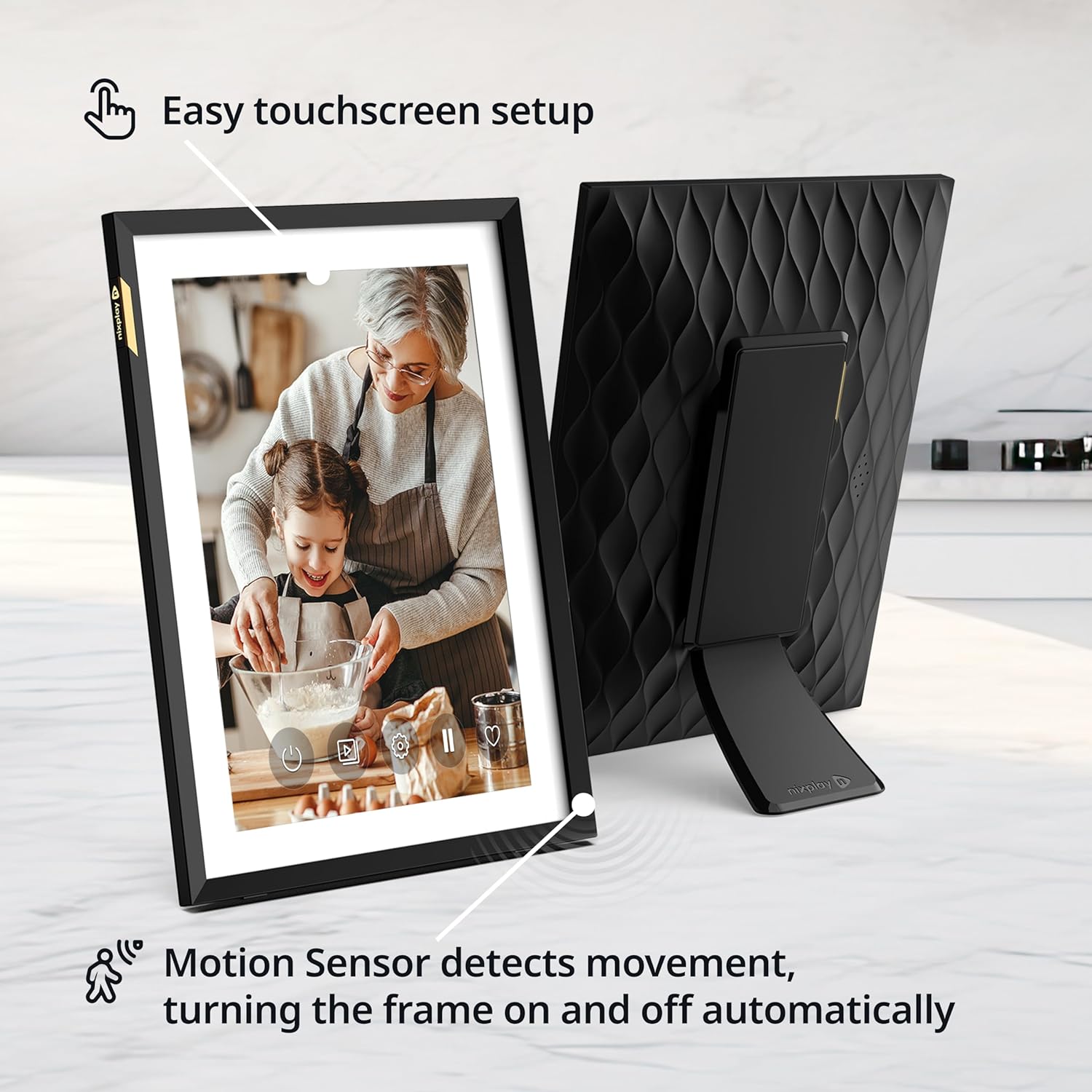
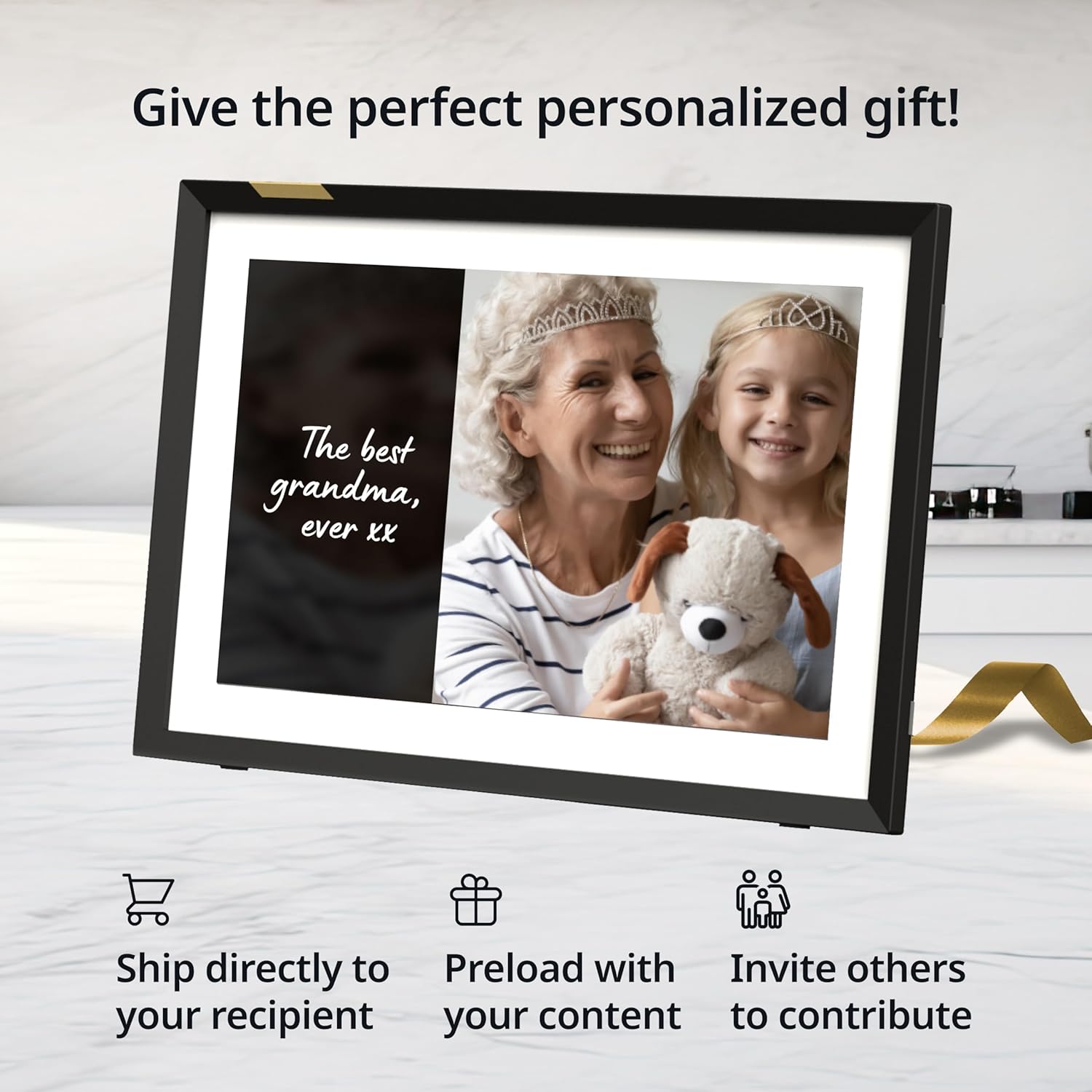
This frame makes the most sense if you want ongoing updates, not a one-time setup. It’s especially compelling as a gift because it’s described as “ready to gift,” with the ability to preload photos, videos, and even a personalized message using the Nixplay app.
It also supports features that go beyond a basic frame: - NixCast: lets you cast photos and videos from the Nixplay app to a smart TV or computer. - NixEvents: designed for gatherings (weddings, birthdays, and similar events) where guests can contribute photos to a shared album. - Secure cloud storage: the cloud storage is stated to be in the United States on secure encrypted servers and is described as compatible with CCPA and GDPR.
If your goal is “keep the frame fresh with minimal effort,” this is the kind of product that’s meant for that.
What matters most before you buy
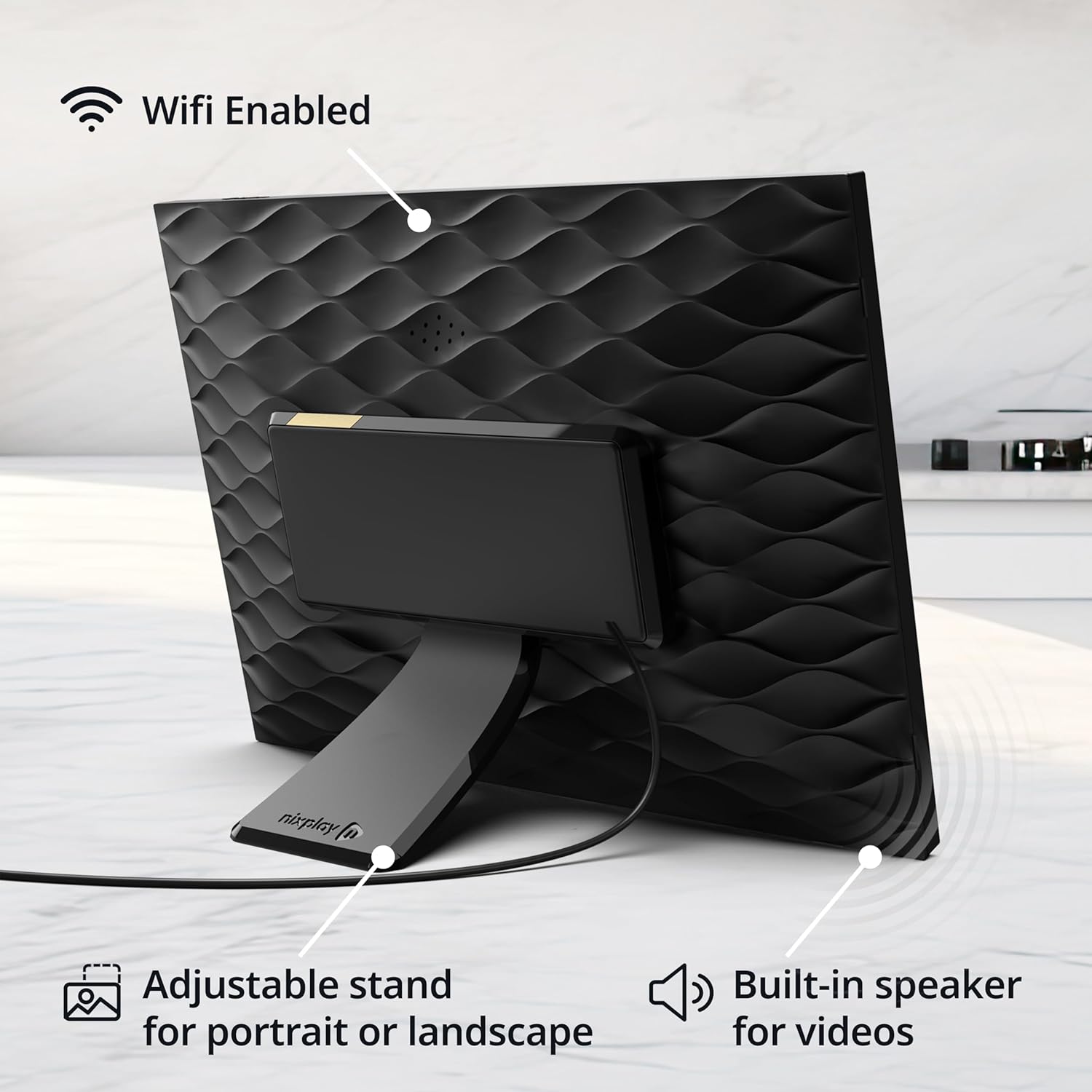
There are a couple of limits to keep in mind. First, the entire experience depends heavily on connectivity and sharing methods. If the recipient doesn’t have reliable Wi‑Fi in the spot where the frame will live—or if the household is unlikely to use the app/email method—then the advantage of “shared updates” can shrink.
Second, while the frame includes smart framing tools (like AI-powered centering and auto-rotation), the exact look of photos will still depend on how the original images are captured and the way people upload them. If everyone tends to upload very large batches of differently oriented images, auto-rotation helps, but it can still be a bit chaotic compared with a curated, manually ordered slideshow.
Third, the description mentions secure cloud storage and privacy compliance, but it doesn’t spell out every data-handling detail. If privacy is a major concern for you, it’s worth reading through the privacy-related info provided by Nixplay before committing.
Tech specs (the essentials from the listing)
Tech specs
- Name: Nixplay Digital Picture Frame
- Type: Digital picture frame with HD touch screen display
- Display size: 10.1"
- Connectivity: Wi‑Fi
- Sharing methods: Nixplay app (iOS and Android), desktop login via web browser, and email sharing
- Rotation: Auto‑rotation between horizontal and vertical modes
Pros, cons, and best-fit scenarios
Why it makes sense: - If you want a frame that supports multiple people contributing, the app-based inviting and email sharing are the core strengths. - The gift angle is practical: you can preload photos/videos and add a personalized message through the app. - Smart framing features (AI centering + auto‑rotation) help photos look more intentional on-screen.
Where it may not fit: - It’s not the best match if your recipient only wants a static display updated rarely, because you’d be paying for the “connected sharing” experience. - If Wi‑Fi setup is complicated for your household, or if nobody will use the app/email upload features, the value can get muted.
Worth considering if: you’re buying for a family member who enjoys seeing updates from others, not just the same few photos.
It’s not for you if: you expect a frame that works great completely offline with zero sharing effort.
Small FAQ
Small FAQ
How do people share photos to this frame? Through the Nixplay app on iOS or Android, via desktop login in a browser, or by emailing photos directly to the frame.
Does it automatically handle portrait vs. landscape? Yes—auto‑rotation is described as switching smoothly between horizontal and vertical modes.
Can it display more than just still images? The listing mentions sharing and displaying both photos and videos.
Is there support for gatherings or event sharing? Yes. NixEvents is described for guests contributing photos to a shared album.
Is it worth it?
A Nixplay 10.1" digital picture frame is worth buying if you want a gift that keeps updating automatically through Wi‑Fi, with multiple people able to contribute via app or email. It’s also a strong pick when you care about presentation—smart centering and auto‑rotation aim to keep the screen looking composed.
You may want to skip it if your recipient won’t use the sharing workflows, or if Wi‑Fi placement is uncertain. In that case, it’s easy for a connected frame to feel like a basic screen rather than a “family update” tool.
If you’re buying specifically for a Mom gift, this one leans toward the practical side: setup is designed to be straightforward, and the ability to preload photos/videos and a personalized message is the kind of detail that makes opening day feel intentional.