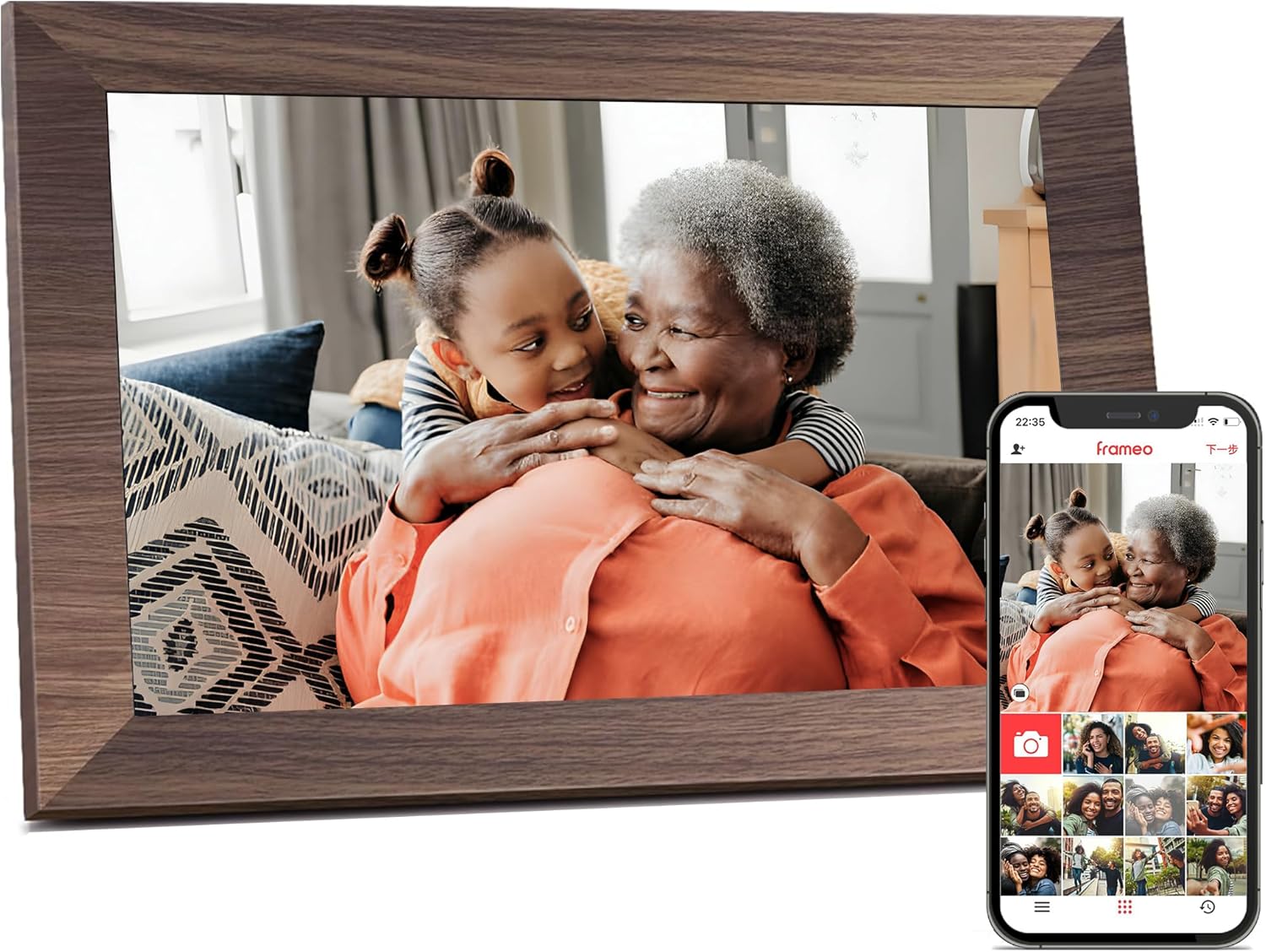
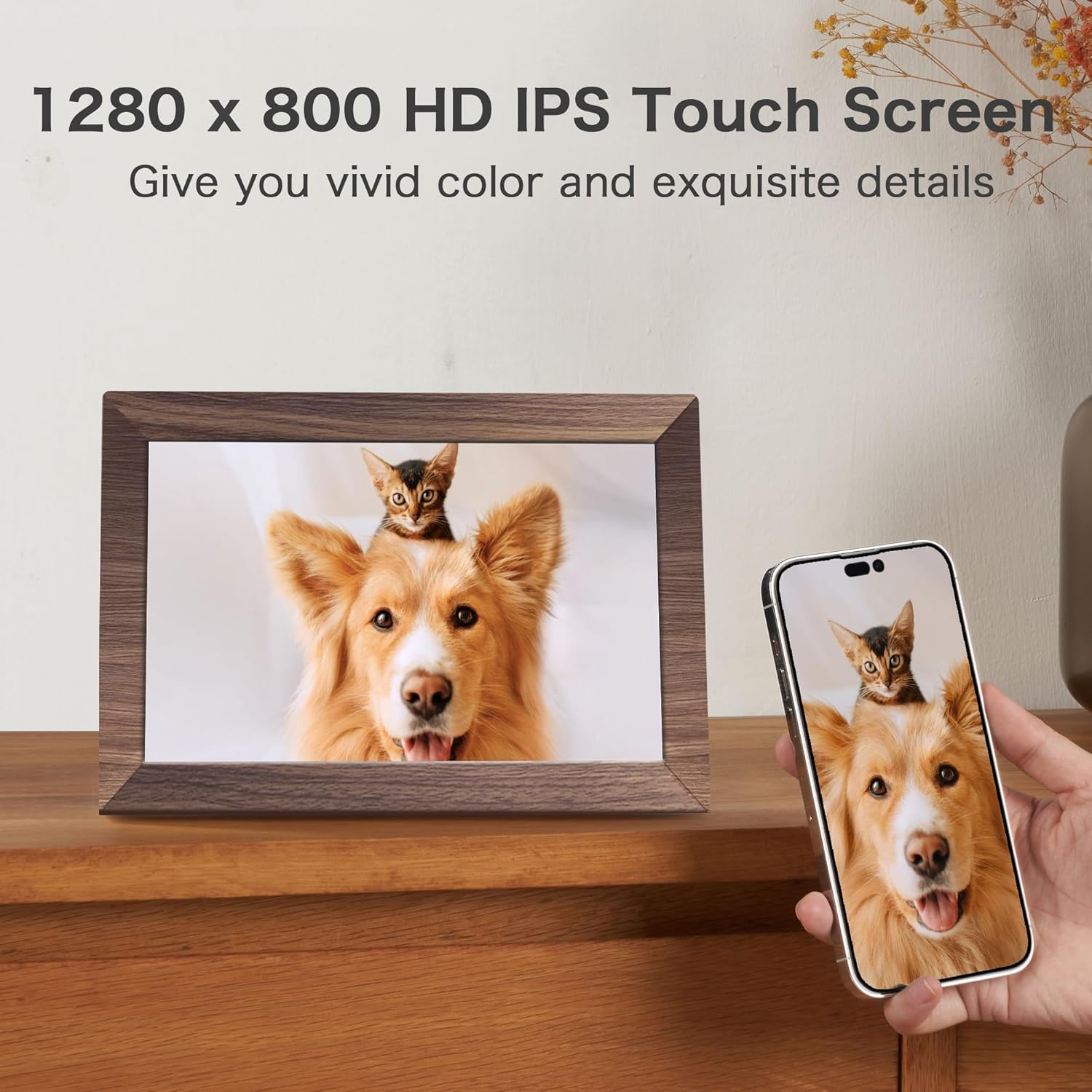
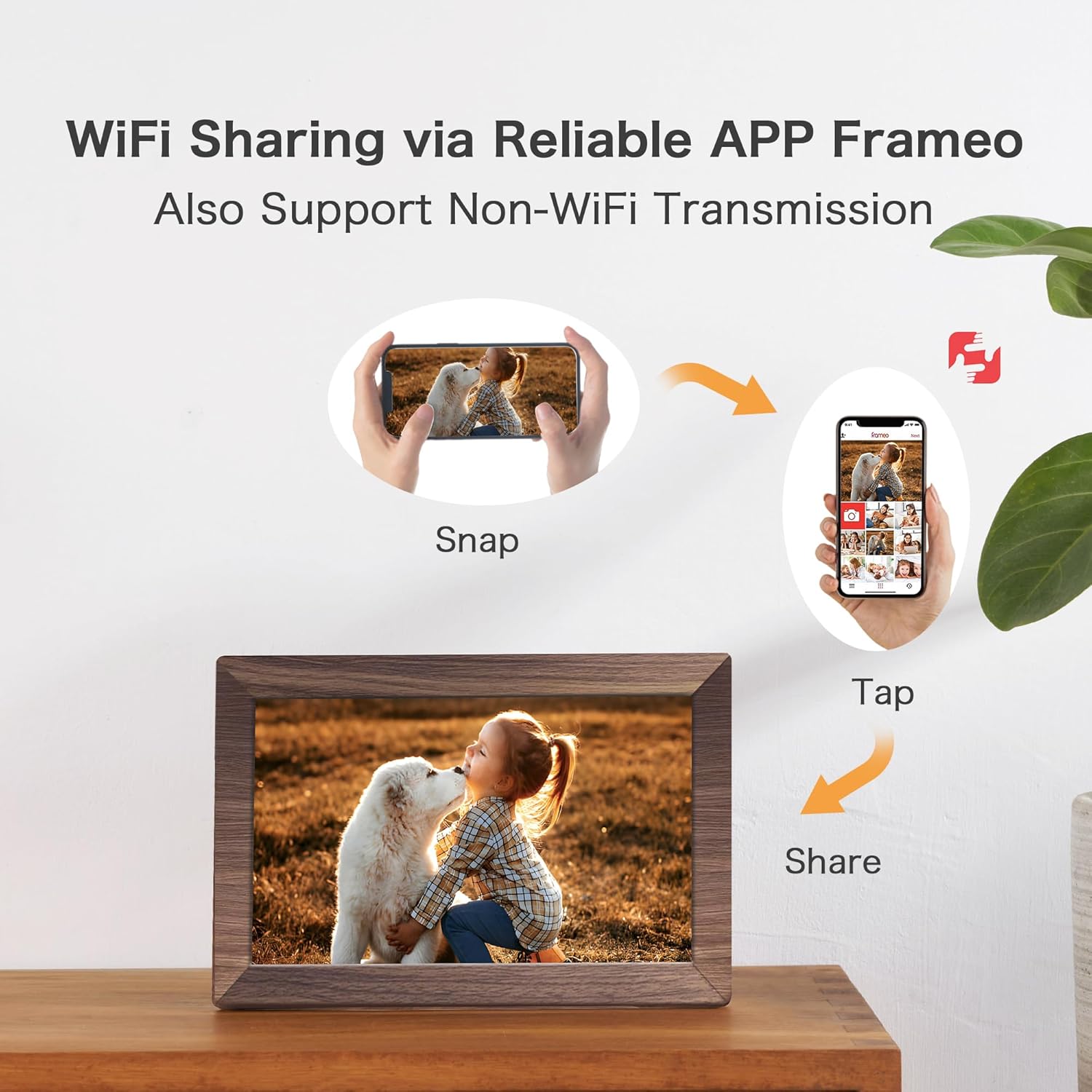
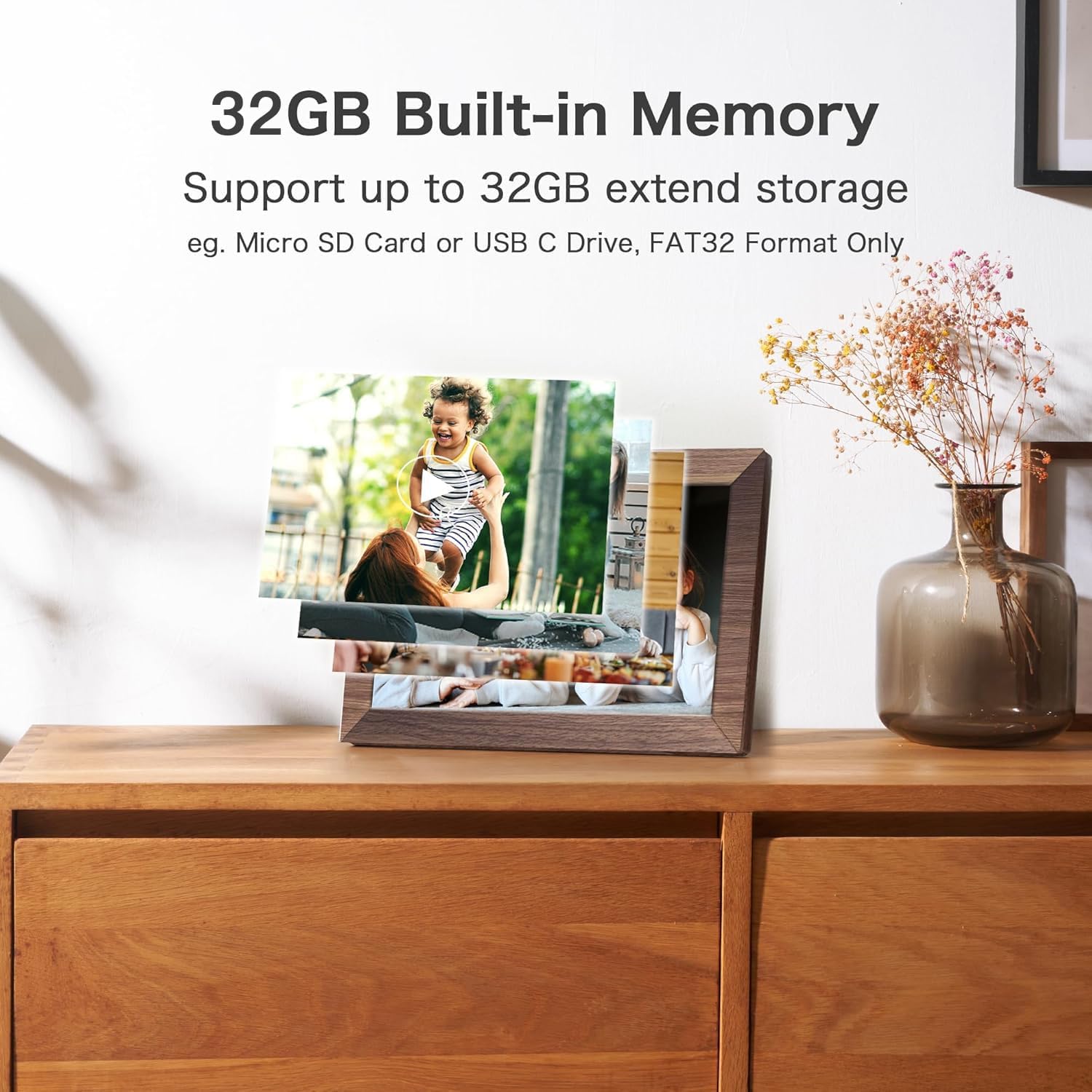
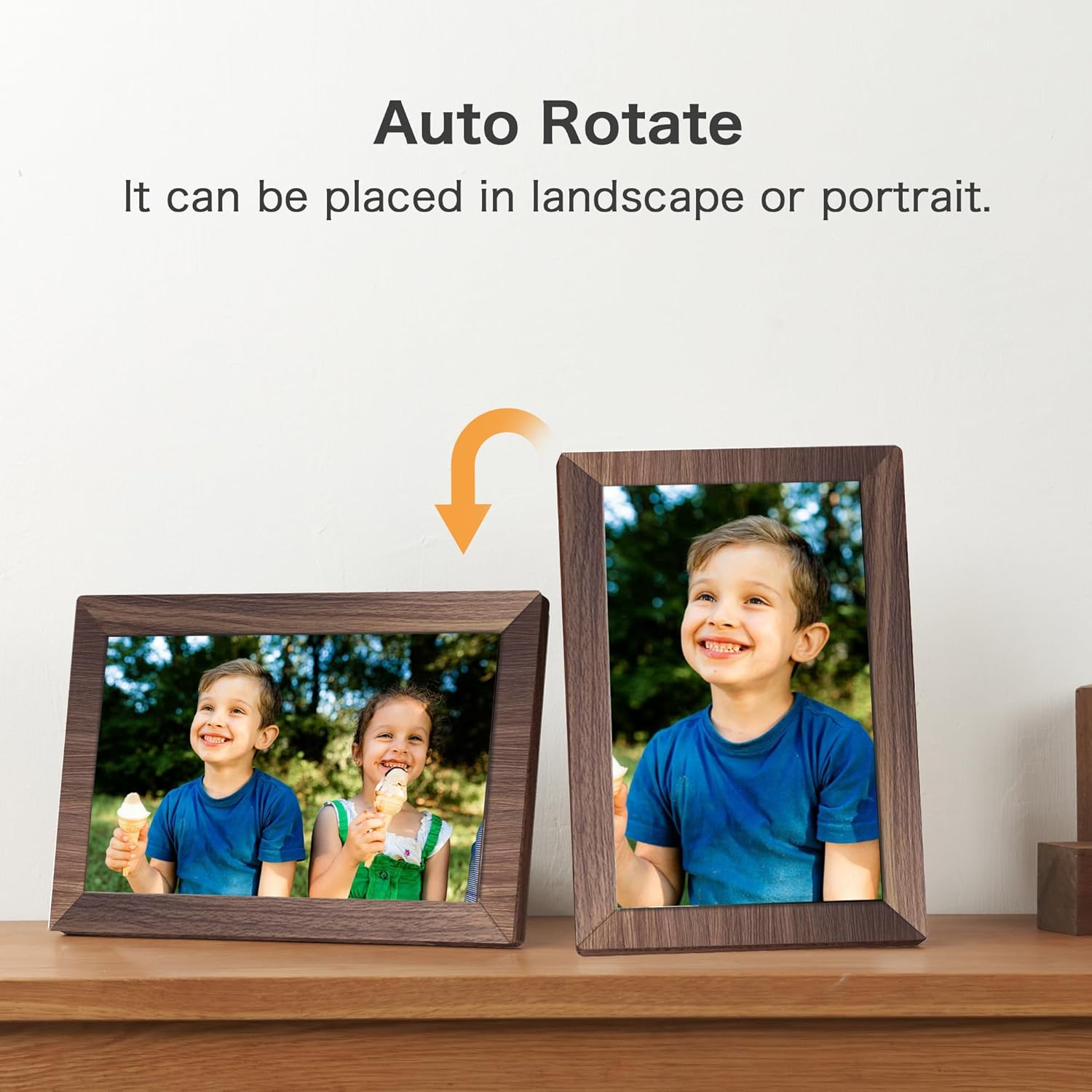
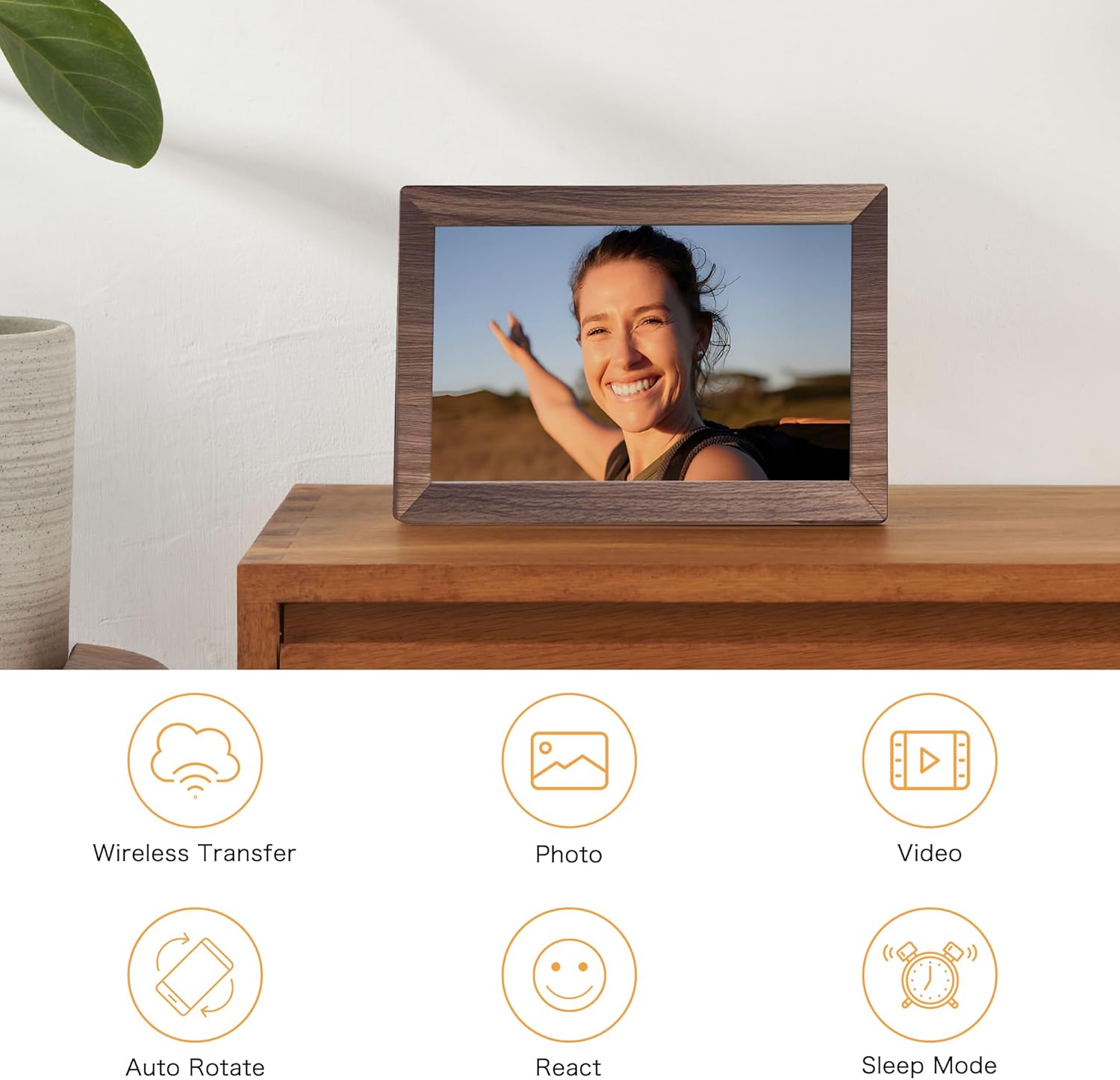
What it is and what it solves\nThis Frameo digital picture frame is a 10.1-inch WiFi-enabled display designed to help families and friends share moments across distances. It centers on a simple idea: you want your photos and short videos to arrive quickly and privately to a loved one’s frame, without the friction of complex accounts or dependencies on a phone. On paper, the setup is straightforward: connect to WiFi and use Frameo to send photos and up to 15-second videos. It also offers an offline path—via TF card, USB drive, or a computer connection—so you can bypass WiFi if needed. This balance matters for households with minimal connectivity or older family members who prefer a direct upload method.\n\n## Design and display: what you’ll see\nThe frame features a 10.1-inch HD IPS touchscreen with 1280x800 resolution, delivering clear colors and readable detail for everyday family photos, pet faces, and kid moments. Auto-rotate keeps landscapes and portraits looking right, and brightness adjustment helps it blend into living spaces from bright to dim. The built-in memory is 32GB, with support for up to 32GB external storage, giving ample space for a large photo library and a growing collection of short clips. The wooden color plastic frame helps it blend into typical home decor without feeling like a tech gadget.\n\n## How sharing works: moves you away from friction\nIf you’re already in the Frameo ecosystem, you’ll appreciate the seamless sharing flow. Photos and videos travel over a private connection via the Frameo app, without public links or account sharing. For new users, the app handles setup and daily transfers, and private sharing remains a core focus. If you value non-WiFi options, you can still load media through a TF card or USB drive or via a USB-C connection to a computer.\n\n## What to like and what may fall short\nPros: straightforward, private sharing, robust local storage options, and a touch-friendly interface. It’s practical for family use, home offices, and as a gentle gift that conveys memory. Cons: the reliance on Frameo for cloud-like sharing means you’ll want a stable WiFi environment for frequent updates, the 10.1-inch size is compact, so it may feel small if you expect a large photo wall. Battery life isn’t advertised (frames like this usually plug in), so plan for a constant power source. If you’re looking for ultra-high resolution or advanced features like smart home integration, this model stays focused on core photo sharing rather than feature bloat.\n\n## Who it’s for\nThis frame fits households that want a simple way to keep relatives in the loop, especially when family members live far apart. It’s also a sensible gift idea for birthdays, anniversaries, or housewarmings. It works well for seniors or users who prefer a direct upload path via USB/TF instead of navigating apps. If your priority is speed and privacy in photo sharing, and you’re not chasing top-tier display specs, it aligns well with real-world use.\n\n## When to buy and when to pause\nBuy it if you want a low-friction, private sharing experience with reliable local storage and occasional non-WiFi transfers. Pause if you need ultra-crisp 4K content, a larger display, or a frame that doubles as a smart-home hub. Consider whether your network setup supports smooth Frameo transfers, and whether you’ll often rely on USB/TF for quick uploads.\n\n## Quick checks before you buy\n- Confirm you’re comfortable with the Frameo workflow and the optional non-WiFi transfer paths.\n- Check that there’s enough media to fill 32GB plus external storage as your library grows.\n- Ensure you have a suitable power outlet as the frame is designed to stay plugged in.\n- Think about placement: the 10.1-inch size is easy to place on a shelf or side table, but it’s not a large wall display.\n\n## Practical usage example\nImagine sending a birthday album to a grandparent. You or a family member uploads a set of photos and a short birthday video via Frameo, and the frame updates in seconds over WiFi, while relatives who aren’t online can still view a compiled album from a USB drive or TF card. It’s not a showpiece for cinema nights, but it delivers a warm, tangible stream of memories in everyday life.\n\n## FAQ snapshot\n- Can I transfer photos without WiFi? Yes, via TF card, USB drive, or USB-C connection.\n- How many photos can it handle? With 32GB internal memory and up to 32GB external storage, it supports a sizable library.\n- Is it easy for seniors to use? The interface centers on a touch screen and simple upload options, which can be friendlier than some fully app-driven frames.\n\n## Final decision: Is it worth it?\nIf privacy, ease of use, and a practical gift-focused frame are priorities, this Frameo model offers a measured, everyday solution for sharing memories. You’ll likely appreciate the non-WiFi upload option as a fallback, and the 10.1-inch IPS screen is adequate for casual viewing. It may not satisfy a power user seeking high-end specs or a large wall display, but for the intended use, it provides clear value.