


Uhale 64GB 15.6" WiFi Digital Picture Frame with 1920x1080 IPS Touch Screen (Uhale app, SD/USB)
Product description
What it is and why people buy it
This Uhale digital picture frame is built for one job: keeping your family photos and videos visible and fresh without constantly printing new pictures. It uses a WiFi connection and the free Uhale app to let you share media to the frame, with a focus on privacy through invited access.
On the surface, it sounds similar to any “digital photo frame” you might see online. The difference here is that it’s positioned as a large, touch-friendly display (15.6" FHD IPS) with multiple ways to load content: from your phone through WiFi, or from storage like SD cards and USB flash drives. If your goal is to send updates on demand—think “I just took a photo, send it to grandma right now”—this approach makes the day-to-day easier.
Key features that matter day to day
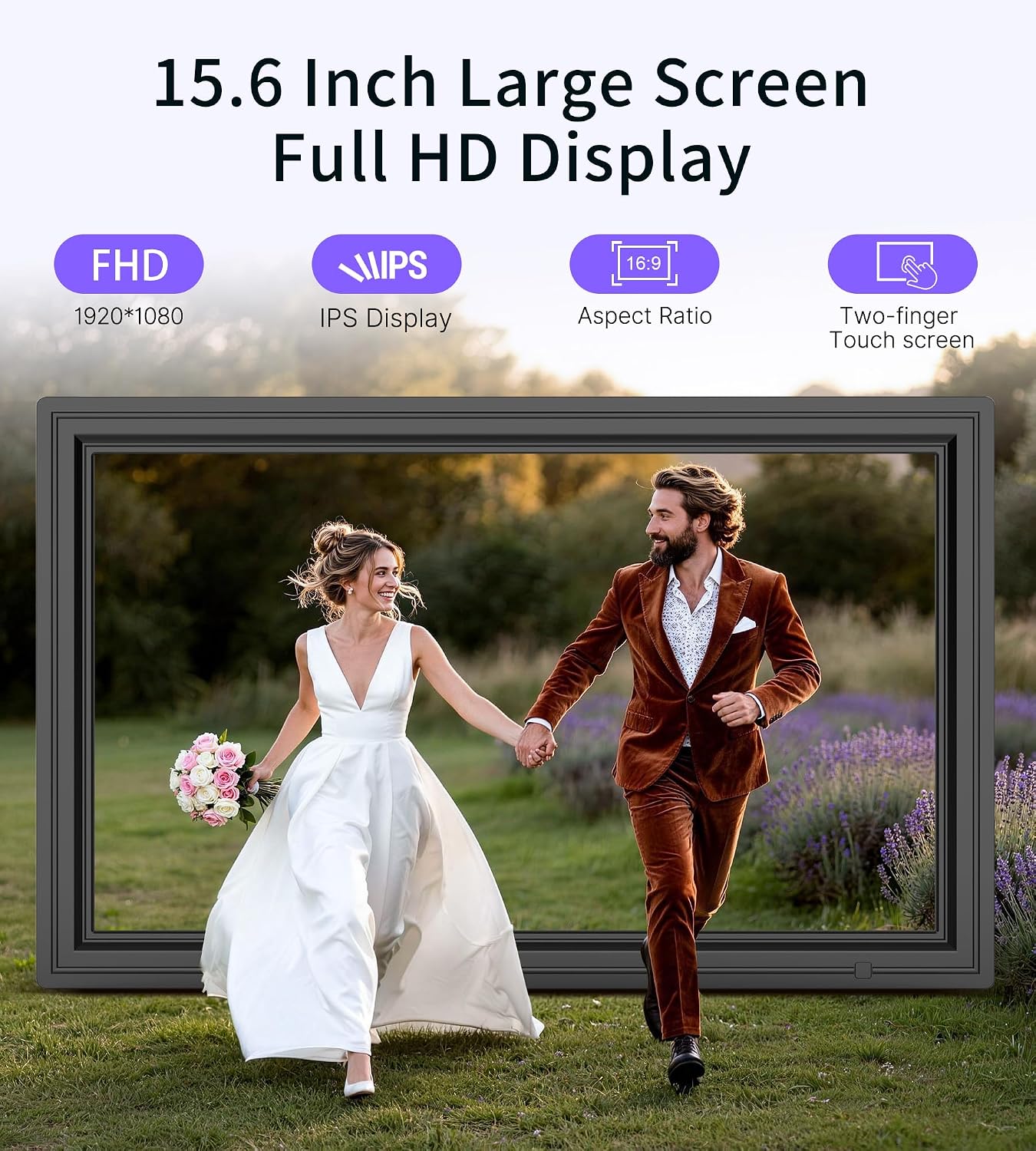
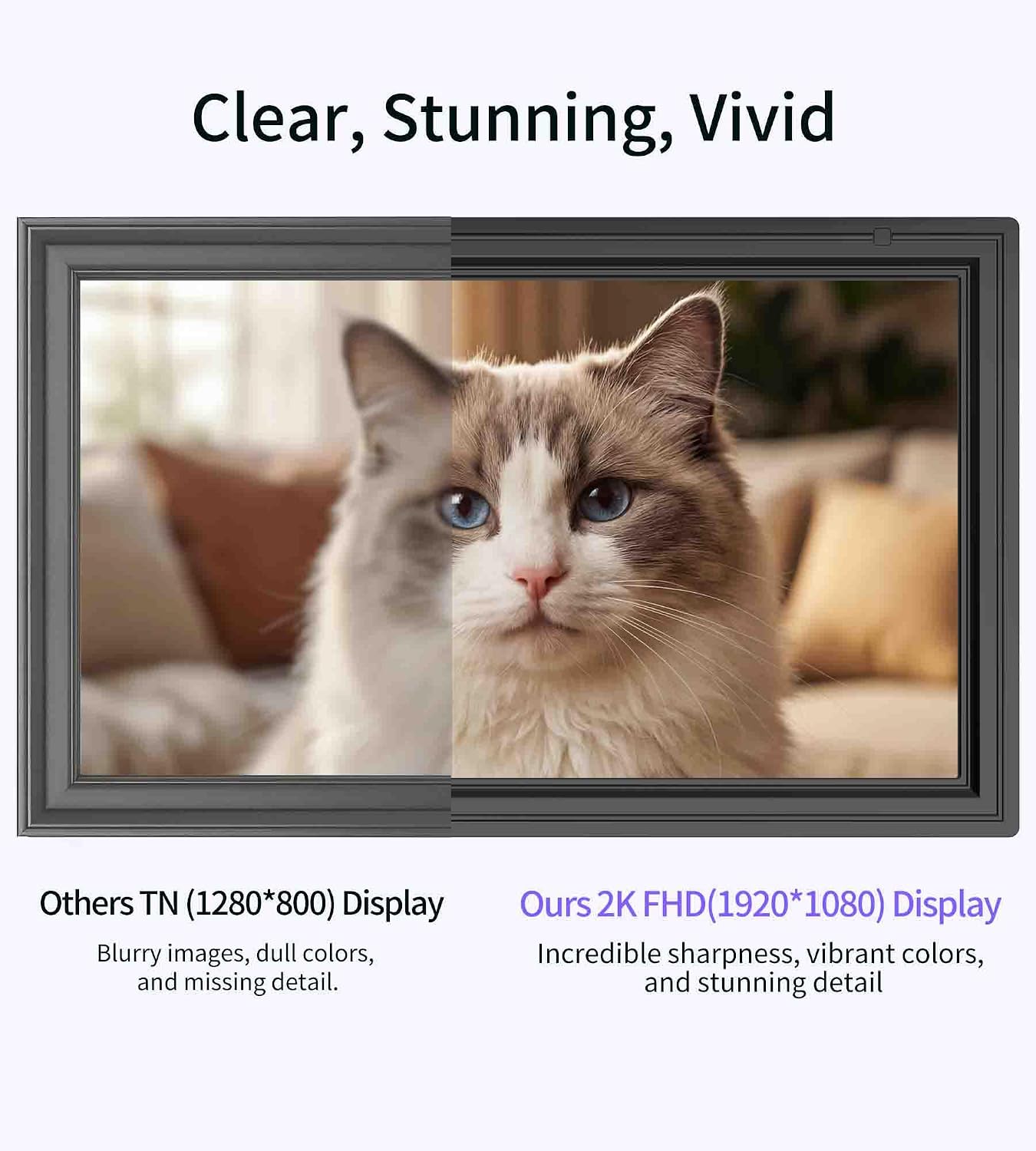
The 15.6" IPS touch screen is the centerpiece. You get a 1920 x 1080 resolution display and IPS panel behavior designed to preserve color accuracy from different viewing angles. In real life, that’s helpful when the frame is mounted on a wall and people aren’t always standing in the same spot.
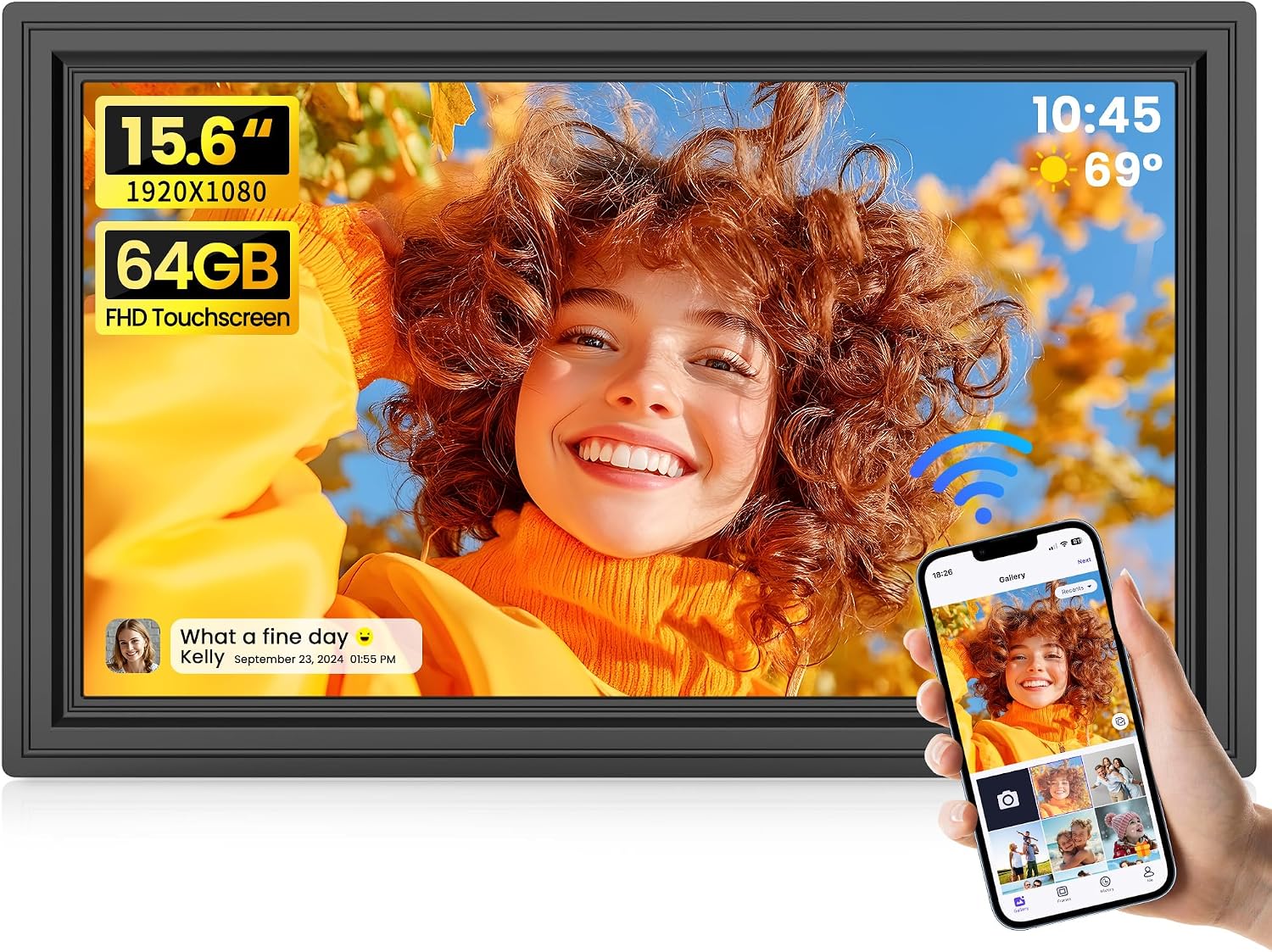
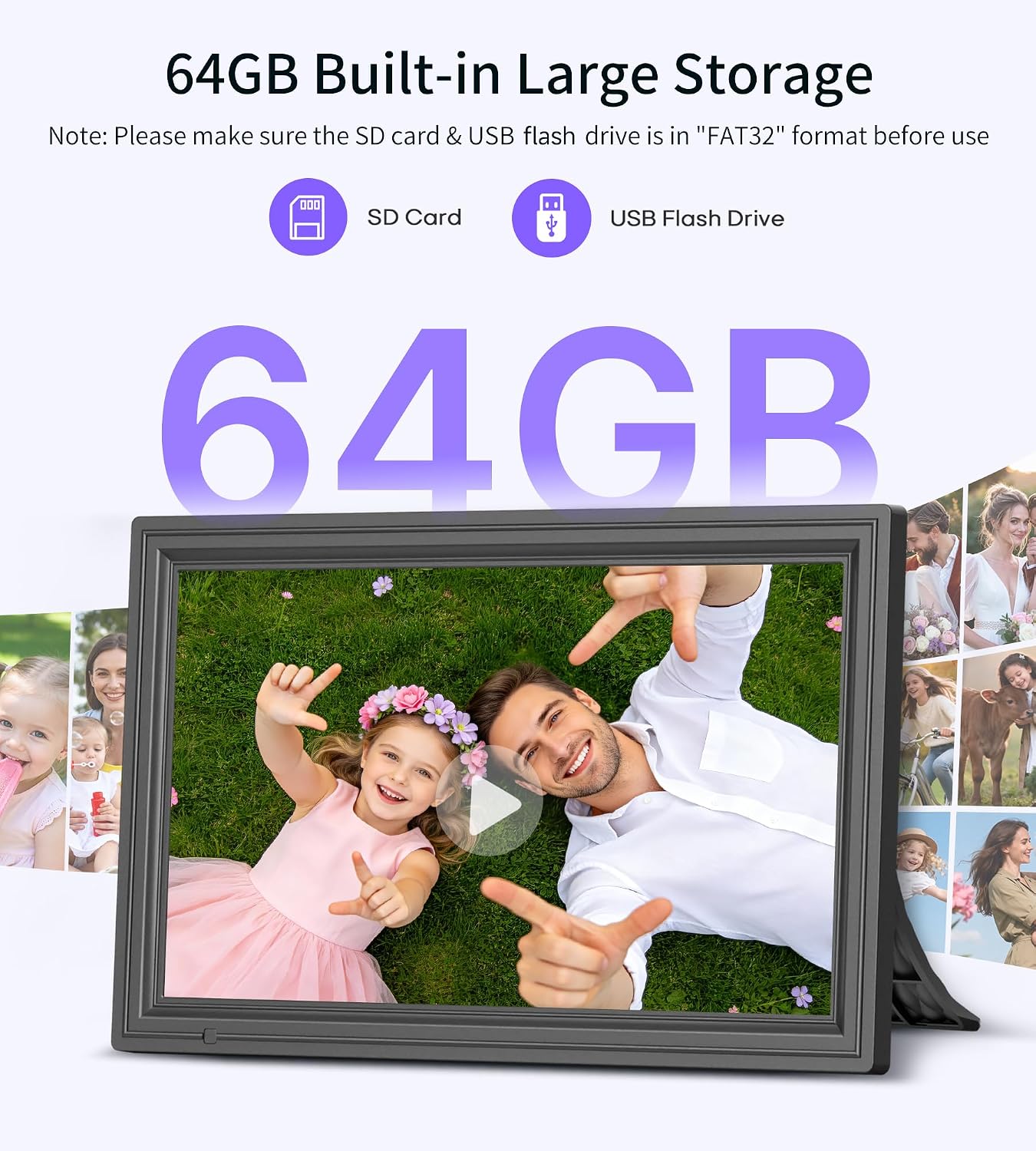
Storage is another big part of the pitch: the frame includes 64GB built-in storage, and the listing estimates it can hold 160,000+ photos. That’s the kind of capacity you want if you plan to keep a steady rotation of memories rather than constantly swapping cards.
It also supports auto-rotation, so the frame can switch between horizontal and vertical photo orientations based on placement. That’s a small feature, but it can save you from awkward sideways images.
The included sound support is worth calling out: it plays videos with audio using a built-in speaker. If videos are part of your sharing (birthday clips, family updates, school performances), this is more than a “photo-only” display.
Tech specs (quick and useful)

- Display size: 15.6"
- Resolution: 1920 x 1080 (FHD 1080P)
- Panel type: IPS
- Touch screen: Yes
- Built-in storage: 64GB
- Playback supports: videos with audio via built-in speaker
- Sharing: WiFi via the free Uhale app (iOS and Android)
- Memory input: SD card and USB flash drive
- Auto-rotate: Supported (photo orientation)
- Video upload limit via app: max 2 minutes per video
Where it shines (and what to watch before you buy)
If you’re choosing a digital frame primarily for remote sharing, the WiFi + Uhale app setup is the heart of this product. The “invited users only” wording matters, because it signals that access is controlled rather than completely open.
The frame also gives you flexibility in how you load content. You can send photos/videos from your phone instantly through WiFi, upload photos via PC web transfer, or insert an SD card/USB drive to play content. That’s useful when you’re not always sending from a phone.
That said, there are a couple of limitations to take seriously:
- Note on storage formatting and compatibility: the listing says you should format the SD card and USB drive to FAT32 before use.
- Card/drive size recommendation: it recommends using a 32GB SD card or USB drive for best compatibility, and mentions that 64GB and 128GB options may not work properly with the frame.
- Video upload via app has a time cap: max 2 minutes videos through the Uhale app.
If your plan is to load large media files in the background without converting them, or if you already own a large-capacity SD card, those compatibility notes could slow you down.
Who it’s for (and who should skip it)
It makes the most sense if you’re the kind of person who wants to keep a parent, grandparent, or friend’s home display updated without mailing prints. For example: you’re on your phone at dinner, snap a picture of your kid, tap share in the Uhale app, and it appears on the frame—simple, immediate, and repeatable.

It also fits well for households that want a “main display” rather than a tiny screen. The 15.6" size and touch navigation are aimed at making interaction straightforward.
It may not suit you as well if you want a purely offline frame with no app setup or WiFi sharing. Also, if you already depend on very large SD/USB sizes and don’t want to deal with formatting or compatibility checks, it’s the kind of thing where you may want to reconsider or plan around the FAT32 and 32GB recommendation.
Getting the most from setup and sharing
Start with the basics: decide how you’ll send content most of the time. If you want instant updates, stick to the Uhale app flow. If you prefer a “batch” approach, use SD/USB or the PC web transfer method.
Also, get your storage ready before you plug anything in. The listing explicitly recommends FAT32 formatting, so doing that up front can prevent “it doesn’t read my card” frustration.
For video, remember the app’s upload limitation (max 2 minutes). If you have longer clips, you may need to trim them before sharing so you don’t end up stuck with content that can’t be uploaded through the app.
And since the frame supports auto-rotation, consider where you’ll mount it. Orientation-based rotation works best when the frame is positioned as intended.
Is it worth it?
This Uhale 64GB 15.6" WiFi digital picture frame looks like a strong choice if your priority is remote sharing with a simple workflow (WiFi + Uhale app) and a large, clear 15.6" IPS touchscreen for everyday viewing. The built-in 64GB storage and ability to play videos with audio give it more staying power than frames that feel like they only handle photos.
You may want to skip it—or at least double-check your plan—if you rely on SD/USB sizes larger than what the listing recommends. The FAT32 formatting requirement and the note about 64GB/128GB drives not working properly could become a headache.
FAQ
What does the frame support for sharing?
It supports WiFi sharing using the free Uhale app on iOS and Android, and it also supports uploading photos via PC web transfer.
Does it play videos with sound?
Yes. The listing says it plays videos with audio through a built-in speaker.
Are there limits on video length when uploading from the app?
Yes. Uhale app uploads are limited to max 2-minute videos.
What file system does the SD card/USB need?
The listing states you should format SD cards and USB drives to FAT32 before use.
How much can it store?
It includes 64GB built-in storage, with an estimate of 160,000+ photos listed for that capacity.