

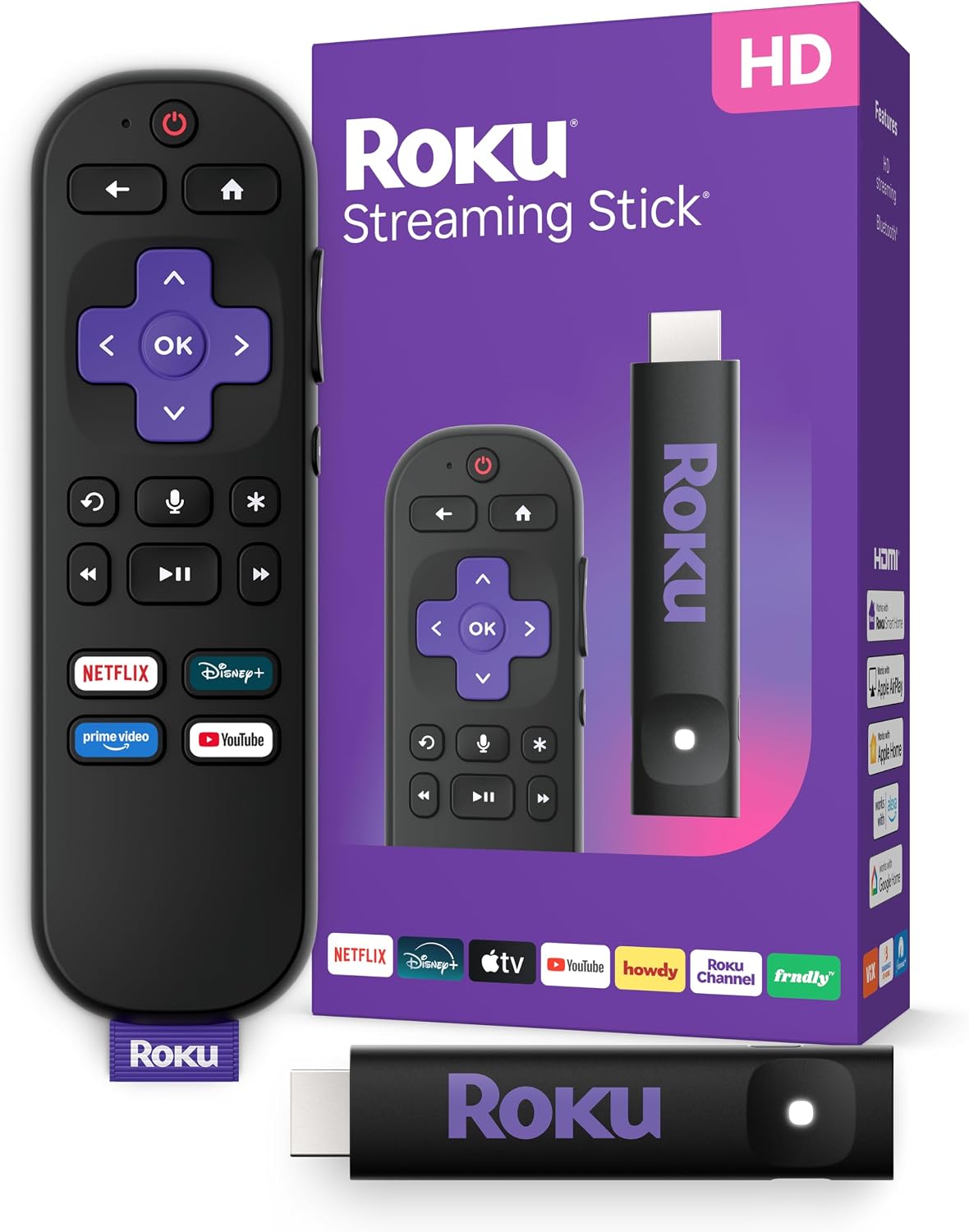
Roku Streaming Stick HD with Voice Remote
Reviews
Price
Product description
What it is and what it solves
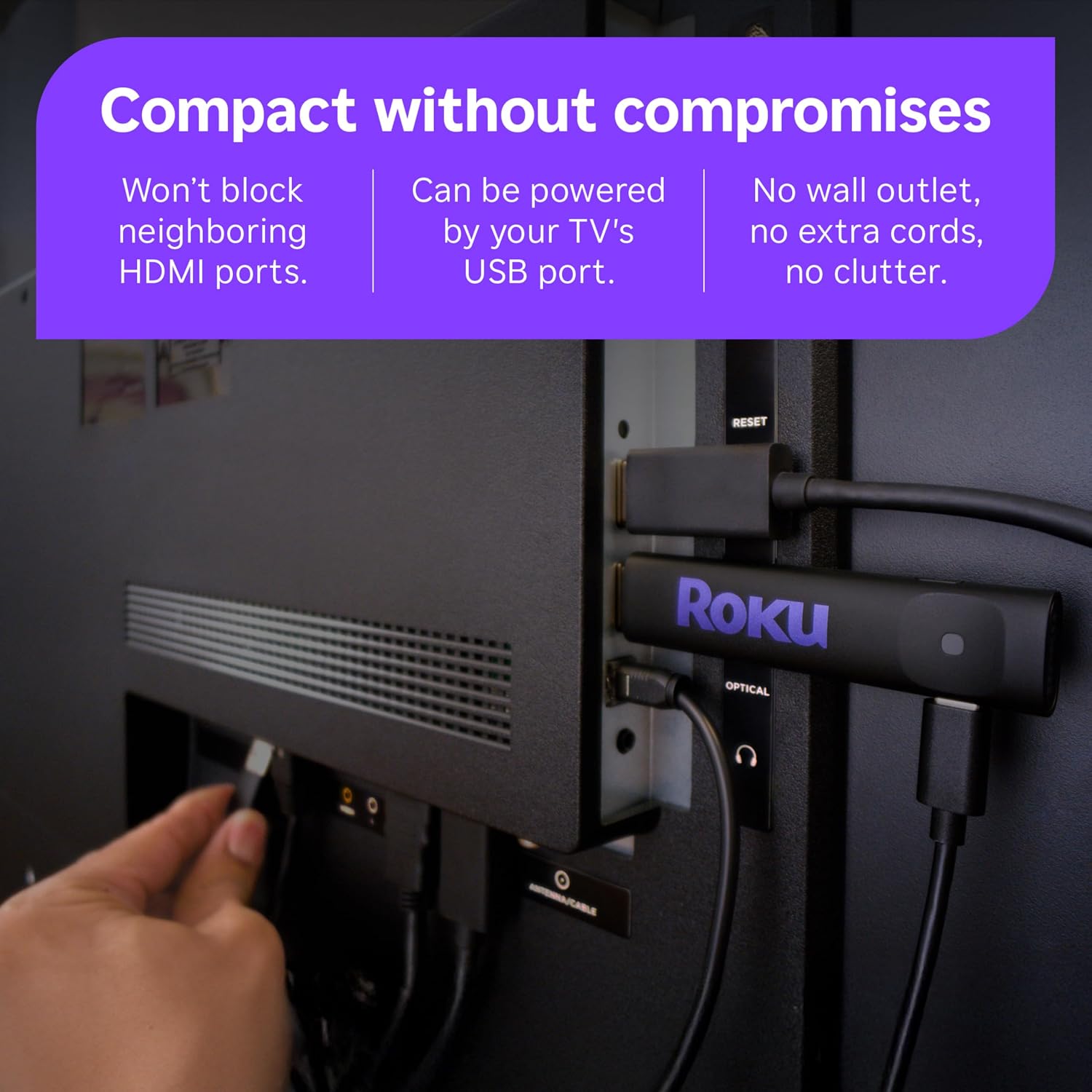
The Roku Streaming Stick HD with Voice Remote is a compact streaming device designed to simplify watching TV by delivering access to a wide range of apps, live TV, and free entertainment. It powers from your TV, so there’s no wall outlet or extra cords to clutter the entertainment setup. If you’re looking to cut through setup friction and focus on content, this stick is meant to help you get there quickly.
How it performs on paper
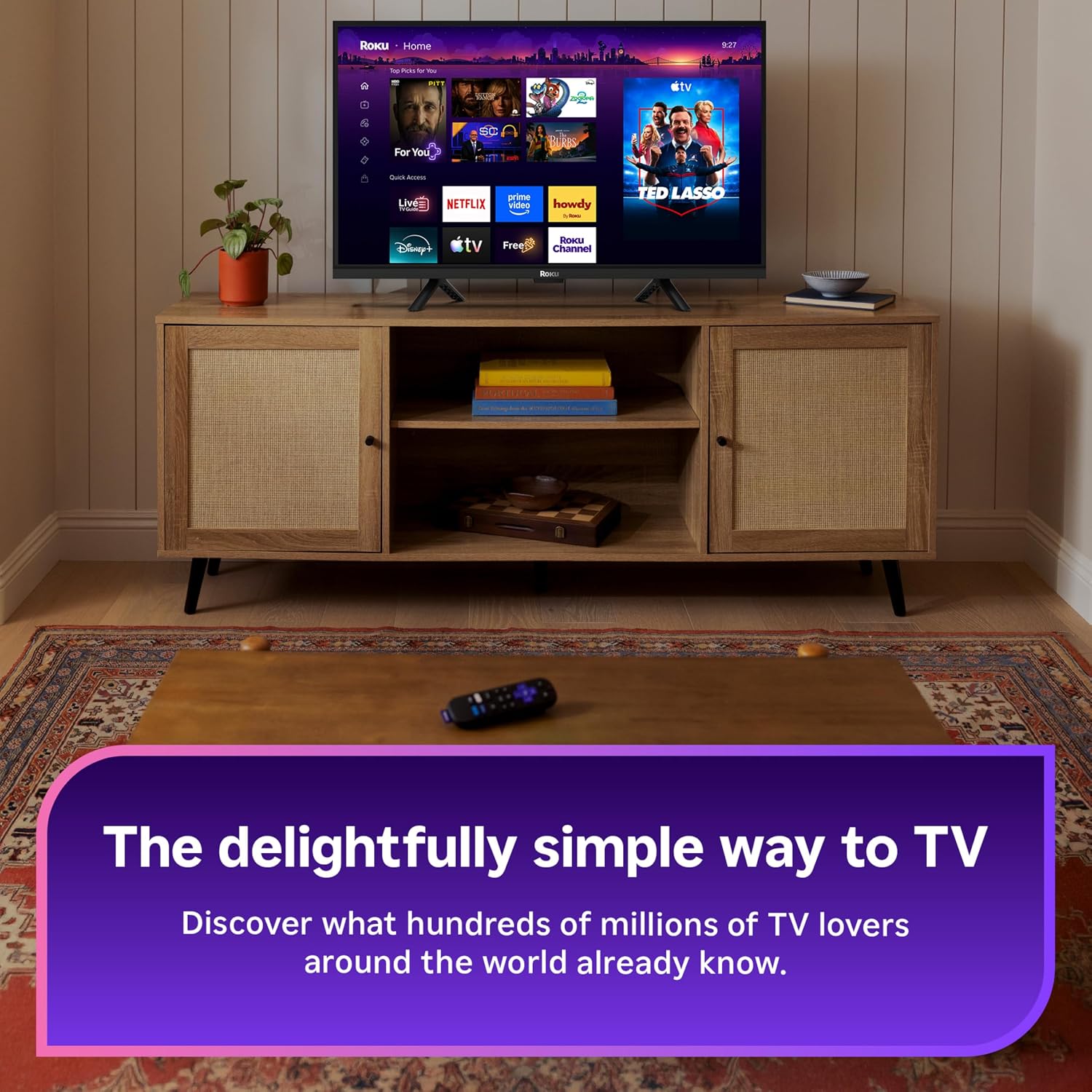
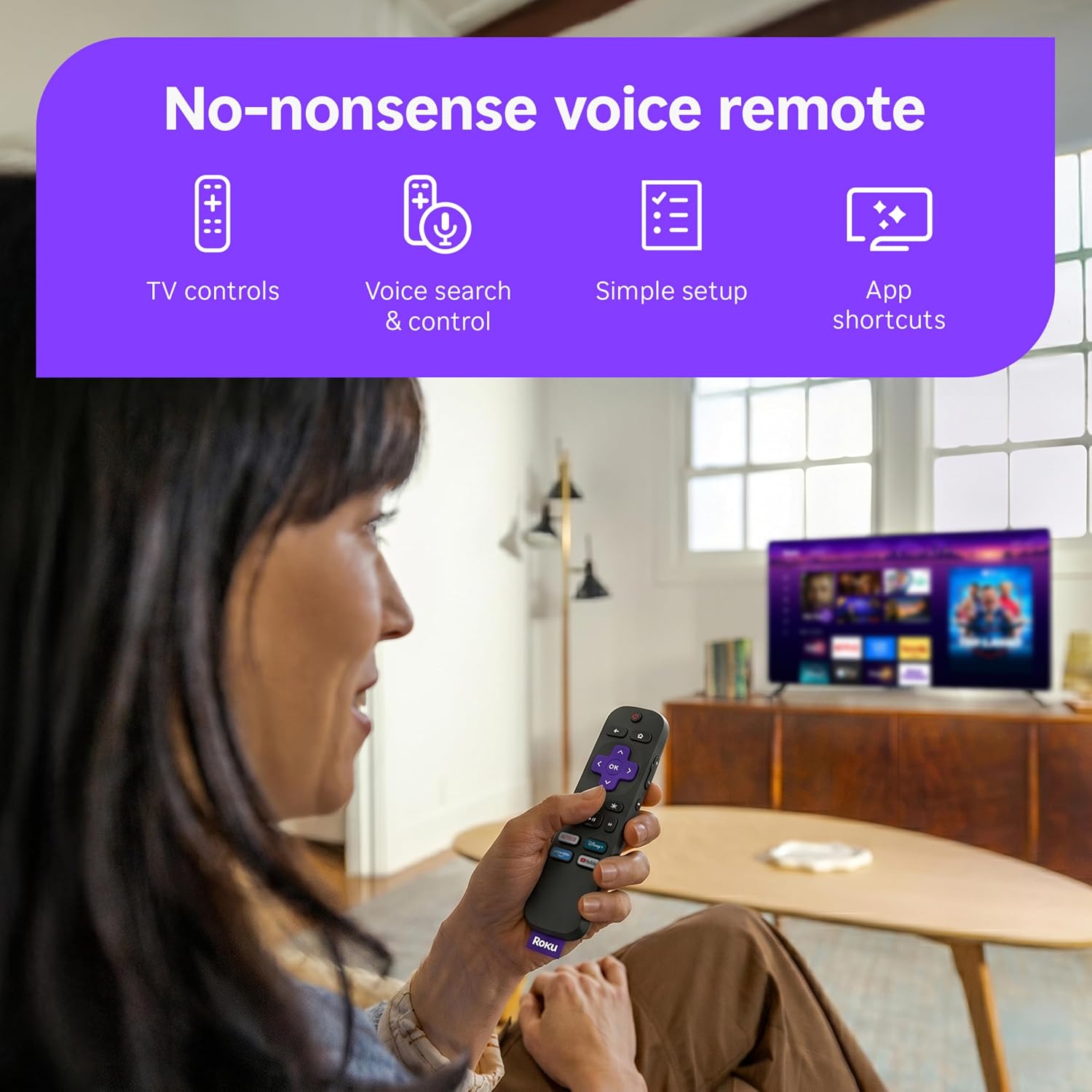
On the surface, Roku emphasizes ease of use, centralized access to apps, and a streamlined remote that handles power, volume, and voice search. The core value proposition is “TV made simple”: a simple Home Screen, fast search, and the ability to sign in once to manage subscriptions and watch from multiple services. It also touts the promise of travel-friendly use and a clutter-free setup, thanks to its plug-in, no-outlet design. If you prioritize a straightforward path to streaming without hardware hurdles, this device checks those boxes.
What stands out in everyday use
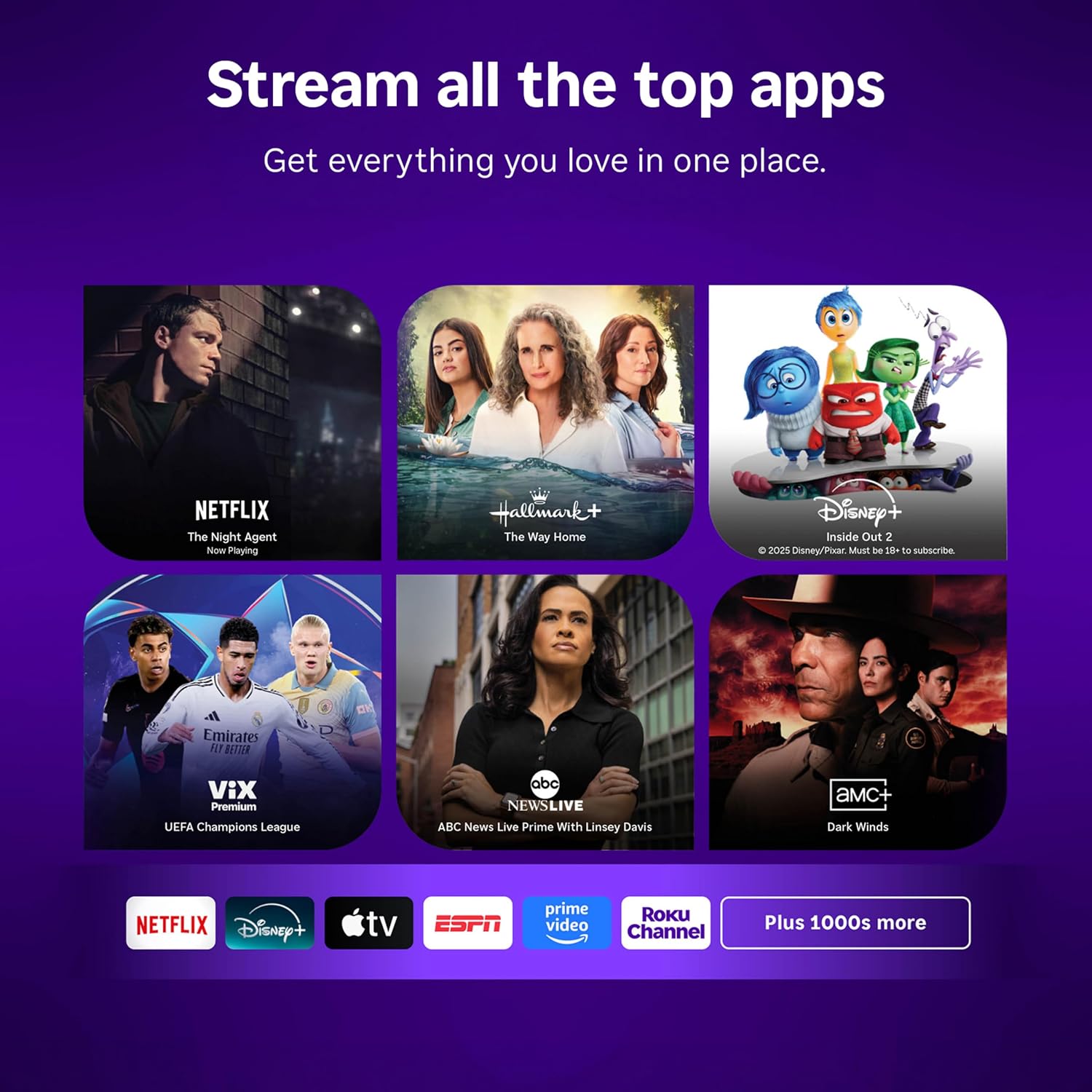
In daily use, the device’s small footprint means it’s unlikely to block neighboring HDMI ports, a practical detail if you’re juggling multiple inputs. The voice remote helps cut down on scrolling, as you can search, play, and control basic TV functions with voice prompts. The home screen is designed to stay uncluttered, which can reduce the “lost in menus” feeling many streaming devices create.
The good and the not-so-good
The biggest plus lies in its simplicity: quick setup, a visible remote that performs essential controls, and a centralized way to manage subscriptions through one Roku account. For someone who wants immediate access to a broad library of free content and live TV, the Roku approach can feel efficient and familiar. On the flip side, HD streaming without fancy extras means it won’t be the most feature-rich option if you’re chasing 4K visuals, advanced picture processing, or a broader app ecosystem beyond the basics. If you’re a power user who wants top-of-the-line performance or a broader device integration, you may feel this sticks to the lower end of the streaming spectrum.
Who it’s for
This device suits casual viewers who value ease of setup and daily usability over high-end features. It’s a practical pick for small living spaces, dorm rooms, or guest setups where a simple, plug-and-play streaming solution is ideal. If you want a single remote to control your TV and streaming, and you value an uncluttered setup around a simple Home Screen, this model makes sense.
Who it isn’t for
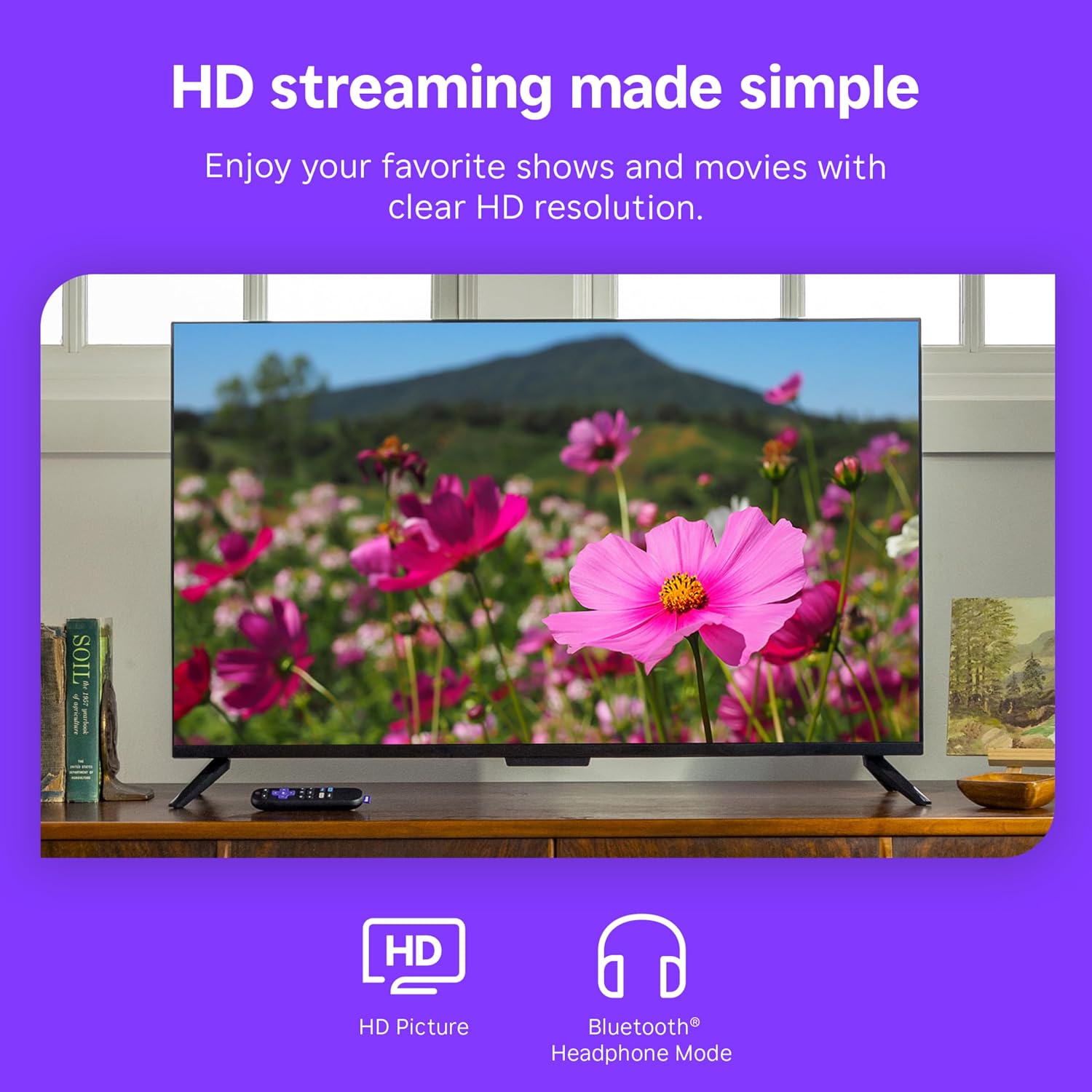
If you’re chasing 4K resolution, Dolby Vision, or snappier performance from heavier apps, this HD-focused stick may feel limited. It also isn’t the strongest option if you rely on a very large app library or want preloaded premium channels that require robust app availability. In those cases, a more capable streaming device or a newer Roku model could be worth exploring.
Before you buy: what to check
- Consider your TV’s HDMI ports and whether you want the device to power from the TV for a cleaner setup.
- Think about the apps you actually use and whether they’re well-supported on Roku’s platform. If your favorite service relies on features Roku doesn’t emphasize, you may hit a few gaps.
- Reflect on your typical viewing setup: is HD enough for your screen size, or do you prefer higher resolution and more processing headroom?
- If you travel with a TV stick, note that the “television to-go” scenario is part of the pitch, confirm your streaming needs align with that use case.
How it compares to the broader approach to streaming
Compared to high-end streaming devices, this Roku emphasizes simplicity, a unified login experience for subscriptions, and a quiet footprint. If you value a clean, straightforward path to entertainment and don’t need the latest hardware bells and whistles, this can be a sensible balance of ease and capability. If, however, you want the broadest app selection, 4K/HDR capabilities, or more aggressive speed, you might lean toward a more feature-rich option and trade some simplicity for performance.
Practical usage example
Imagine a weeknight: you want to unwind with a movie, but you don’t want to wrestle with multiple apps or remotes. You press the Roku remote, say the movie title, and within moments you’re browsing a curated mix of free content and your paid subscriptions in one place. The search is quick, the volume and power controls respond with a single press, and you’re watching without hunting through menus. It’s not flashy, but the flow feels refreshing after a long day.
FAQ (concise, no fabrication)
- Does it require a wall outlet? No, it powers from the TV.
- Can I manage multiple streaming services from one account? Yes, via the Roku account.
- Is HD enough for modern TVs? For many setups, yes, especially in smaller rooms or when you don’t require 4K.
- Do I need to use a smartphone app for setup? Setup is designed to be straightforward, with the voice remote handling many needs.
Final decision
Is it worth it? Worth considering if you want a compact, easy-to-use streaming stick that minimizes clutter and offers a consolidated way to access many apps and free content. It’s a practical pick for casual viewing, shared spaces, or situations where simplicity beats raw performance. If your priorities include high-resolution output, broader app support, or advanced features, you might prefer a more capable model. In short: great for a simple, quick-start streaming experience, not the best choice if you demand top-tier specs or future-proofing.