

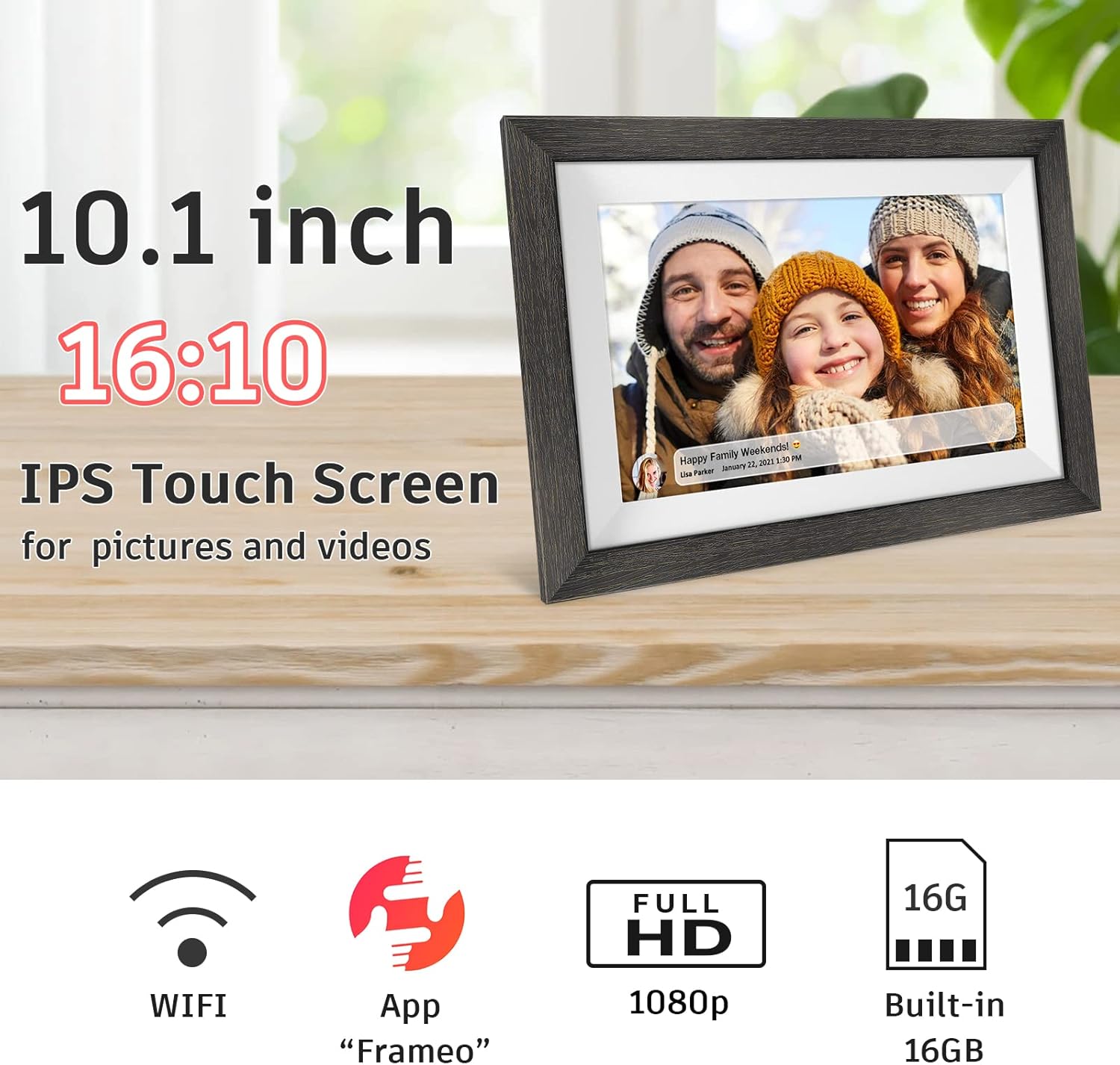
Frameo 10.1-inch WiFi Digital Picture Frame (Wood) with Touch Screen, Auto-Rotate & IPS HD Display
Product description
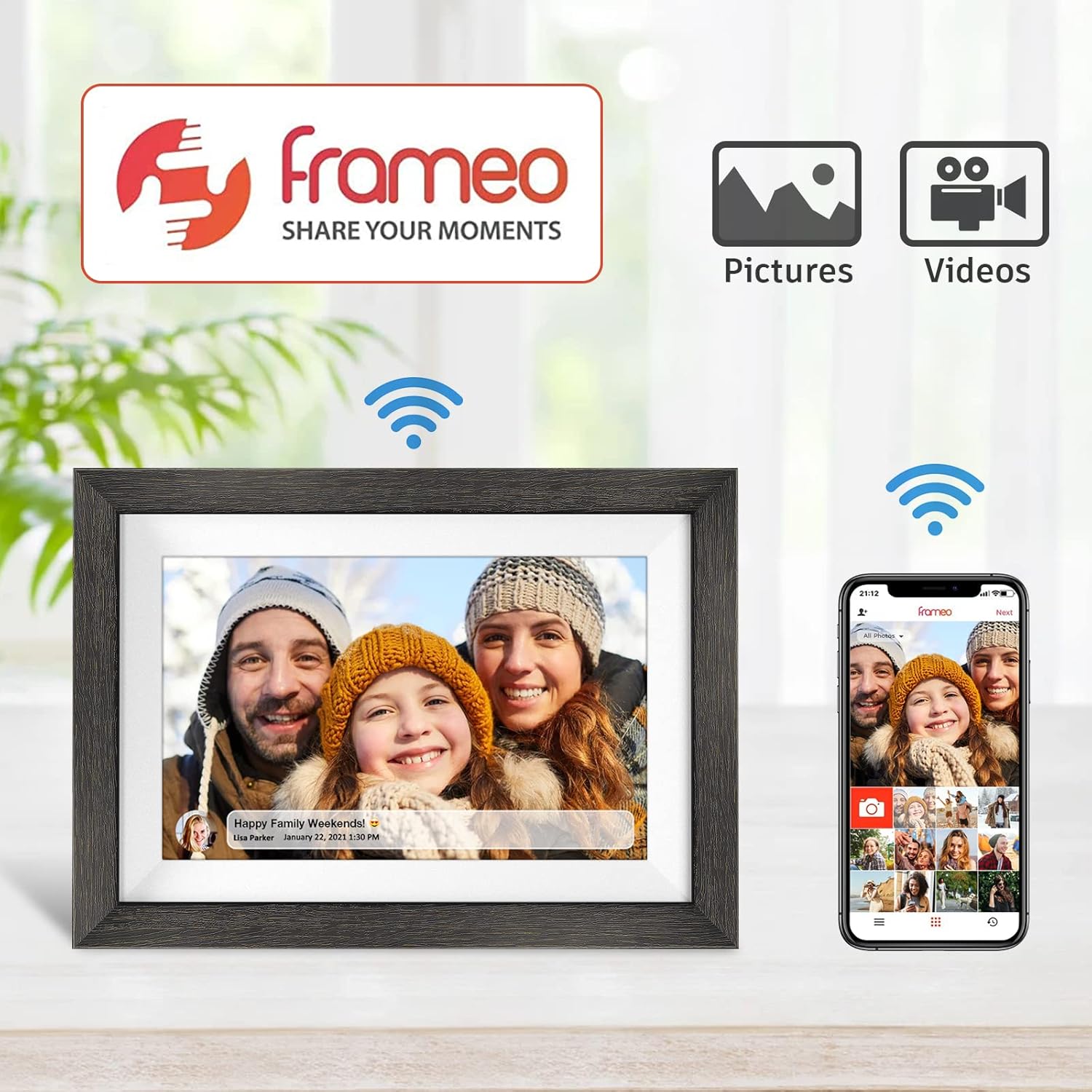
If you’re tired of sharing photos only in chats, this Frameo 10.1-inch WiFi digital picture frame aims to put images and short moments directly in front of everyone. The idea is pretty straightforward: set it up, connect it over WiFi, and then use the Frameo app on a phone to send photos and videos so family and friends can “appear” in the frame—without needing social media accounts or an email sign-in.
On paper, it’s a gift-friendly smart frame that blends an easy setup story with an IPS touch display and auto-rotation. It’s not trying to replace every photo workflow, but it does look built for everyday sharing and living-room display.
Key takeaways
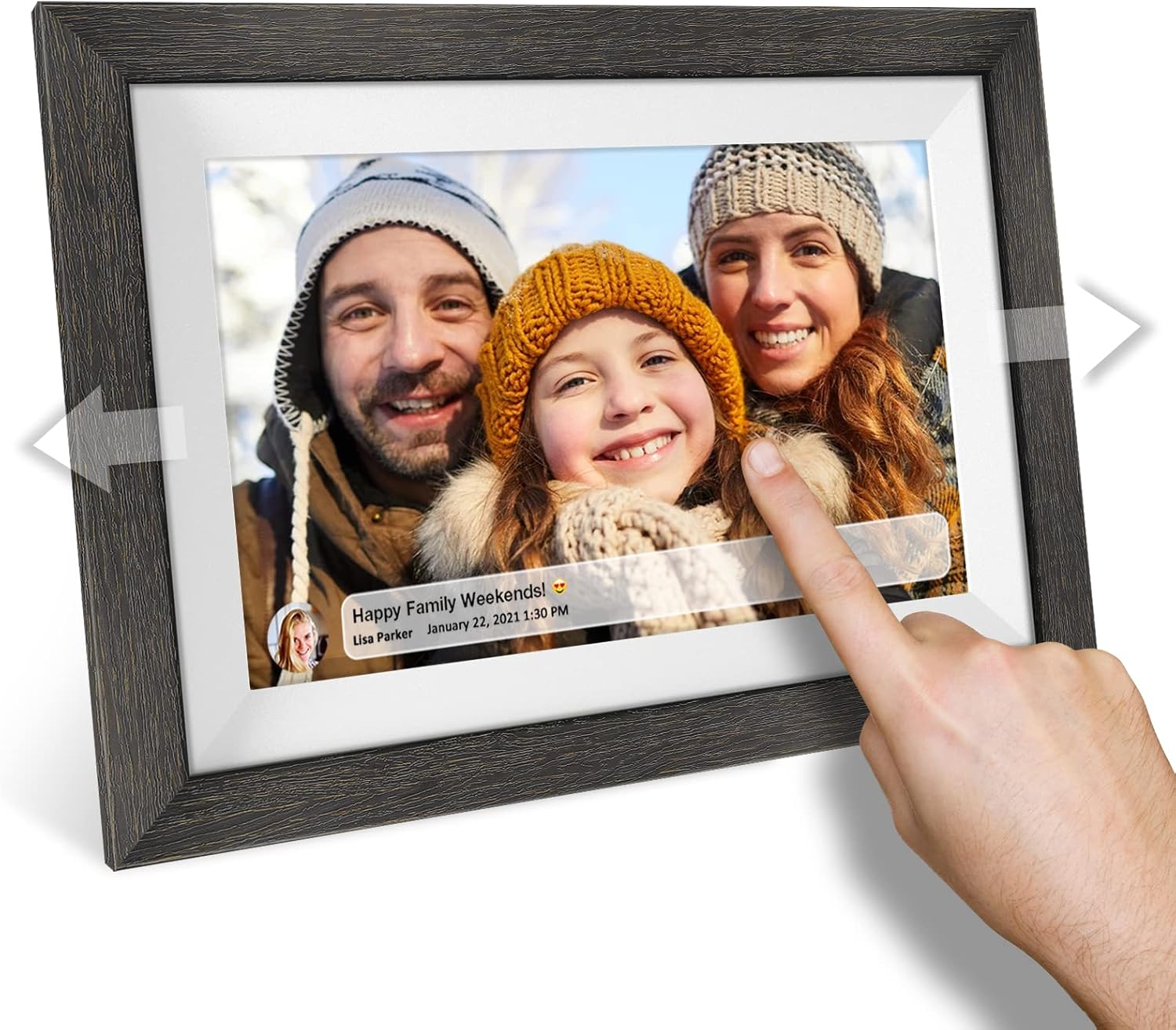
The biggest draw here is the sharing approach. You can upload images and (short) videos from your smartphone to the Frameo app, and send them to the digital picture frame from anywhere on the internet. The listing also emphasizes that the Frameo app is free and supports unlimited data transmission of photos and videos, which matters if you expect regular updates rather than a one-time upload.
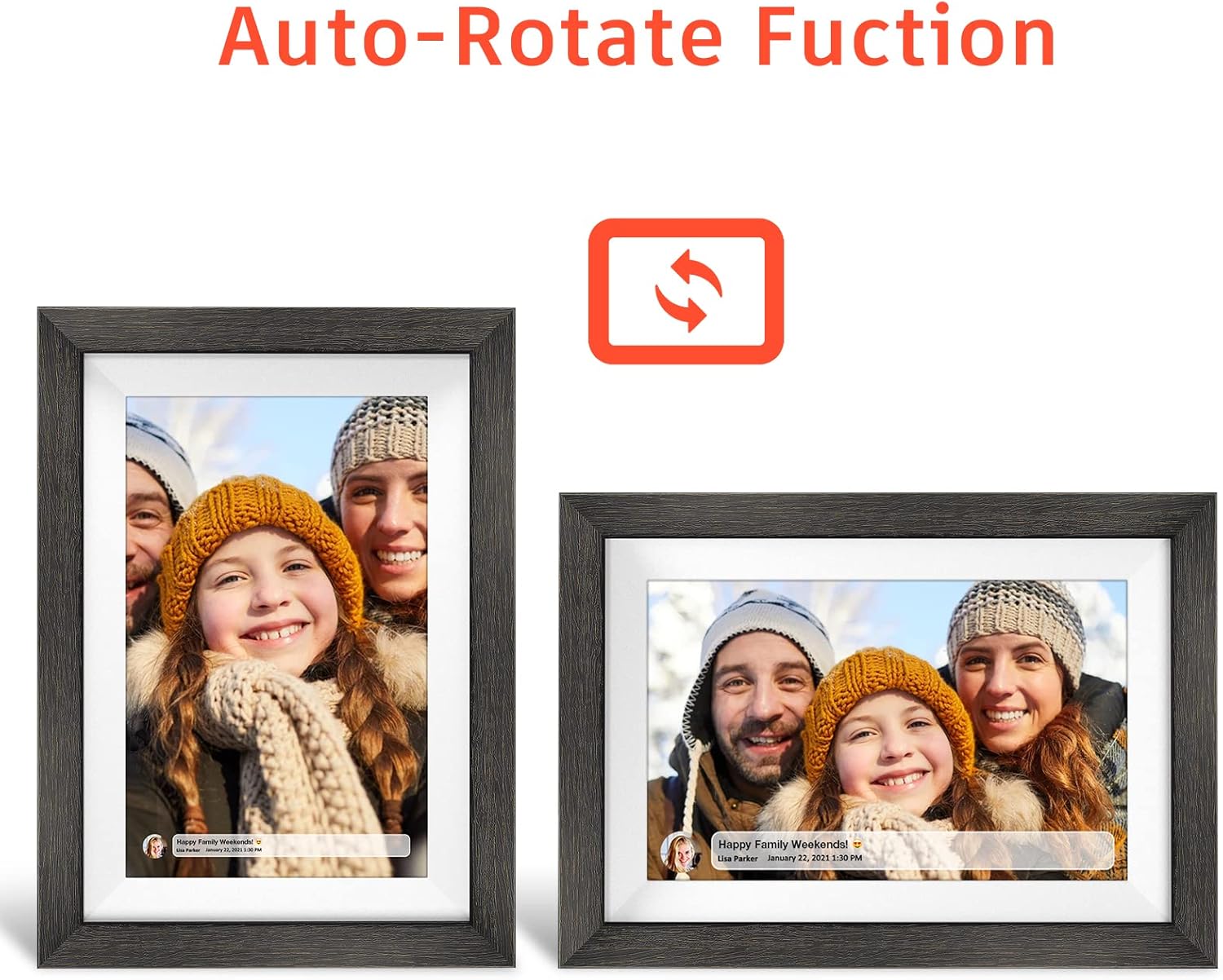
The display side is also handled with practical features: a 10.1-inch HD touch screen with IPS viewing characteristics, plus automatic rotation so portrait and landscape shots don’t feel awkward. Storage is included (16 GB) for keeping a lot of memories on the device itself—claimed around 40,000 photos.
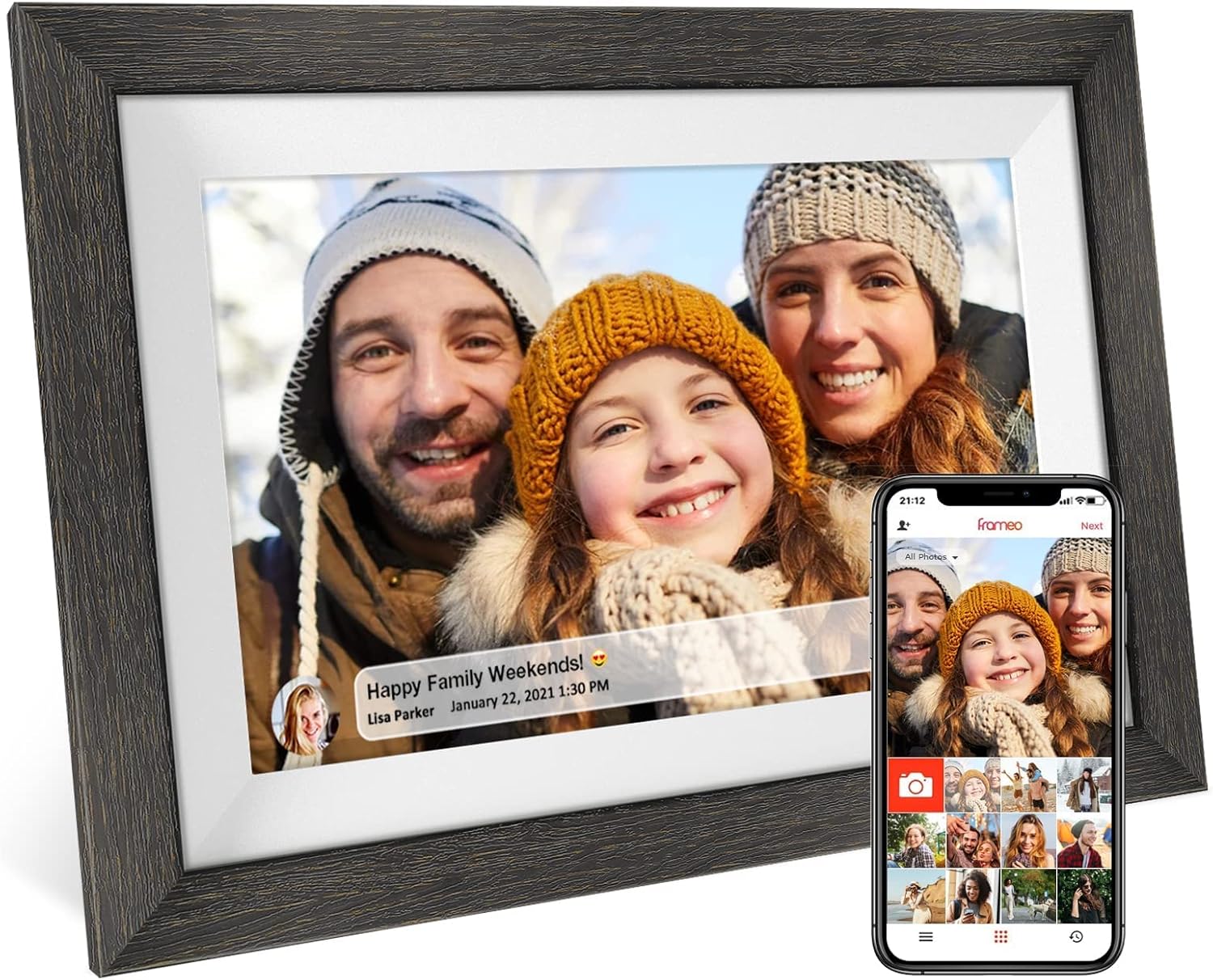
That said, there are a couple of limits you should keep in mind. It supports FHD 1920×1080P photos and short videos at 30FPS, but it’s still a “short video” scenario. If you’re hoping to watch full-length clips or stream media continuously, this isn’t positioned that way.
What you’ll notice day to day
Touch control and auto-rotate are the kind of features you actually feel in use. After you get it mounted or placed where people can see it, the frame can rotate automatically based on how content is oriented, so your photos don’t end up looking sideways. In a family setting, that’s the difference between “we need to fix this” and “it just works.”
For a micro-example: imagine you’re at a graduation ceremony. You snap a few shots on your phone and immediately send them to the Frameo app. Later, once the frame is connected at home, the updated photos can show up on the screen for whoever is there—without anyone needing to log into a specific platform or hunt down your posts.
Where it tends to fit best is the in-between routine: birthdays, anniversaries, baby milestones, holidays, and regular updates when someone lives far away.
The essentials (specs and compatibility)
This Frameo digital picture frame is built around a 10.1-inch HD touchscreen and an IPS panel with full-viewing-angle support (as described in the listing). The display is listed as 8001280, and it supports FHD 19201080P photos. Short videos are supported at 30FPS.
Storage is included via 16 GB memory, which the listing claims can store about 40,000 photos. You can also import images in batches through WiFi and a Micro TF card.
For setup and sharing, the listing says you download the Frameo app on iOS and Android from the app stores. The pitch is that no social media account or email address is required to get started.
Where it shines

Worth considering if you want a simple, family-focused way to keep photos moving. The “send from anywhere on the internet” approach helps when you’re separated by distance and want the physical frame at home to stay updated.
It also makes sense as a gift for occasions that repeat in people’s calendars—Mother’s Day, Father’s Day, birthdays, weddings, graduations, Christmas, and similar milestones. The frame is described as suitable for “all ages,” which aligns with the goal of lowering the steps other people need to understand and enjoy.
If you already know you’ll use a phone to manage the uploads, the setup approach can feel refreshingly practical.
Where it may not fit
It may not be the best match if your main goal is video playback beyond short clips. The listing clearly frames video as short, and the 30FPS note suggests it’s meant for quick moments rather than longer viewing.
Also, if you want a frame that supports high-end media features or an advanced media library experience, this one reads more like an entry-to-mid smart sharing frame than a deep “home entertainment” device. Depending on expectations, it can feel a bit limited compared with more complex screen setups.
And one more thing to consider: the listing does not mention details like speaker support, app user limits, or any specific privacy controls beyond avoiding email/social sign-in. If those matter to you, it’s smart to confirm what you need before buying.
Should you buy it?
It’s a solid pick if you want a WiFi-connected digital photo frame that’s meant for family sharing—set it up at home, then use the Frameo app to send photos and short videos from your smartphone anywhere on the internet. The included storage, touch + auto-rotate behavior, and the “no social media/email required” setup story make it especially giftable.
You may want to skip it if you’re expecting full-length video playback, advanced smart-home integration details, or a more complex media experience. It’s best viewed as a memory display and sharing tool, not a general-purpose media hub.
Mini FAQ
Does it require a social media account or email to set up?

The listing states you do not need a social media account or an email address for setup.
Can I send photos and videos from anywhere?
Yes—according to the listing, photos and videos can be sent to the frame from anywhere on the internet using the Frameo app.
What video format/length should I expect?
The listing mentions support for short videos at 30FPS, but it doesn’t describe longer playback, so assume “short moments” rather than full videos.
How much content can it store?
It includes 16 GB memory, and the listing claims it can store about 40,000 photos.
Can I import photos without WiFi?
The listing says you can import images in batches through WiFi and a Micro TF card, so offline options appear limited to that card-based approach.