

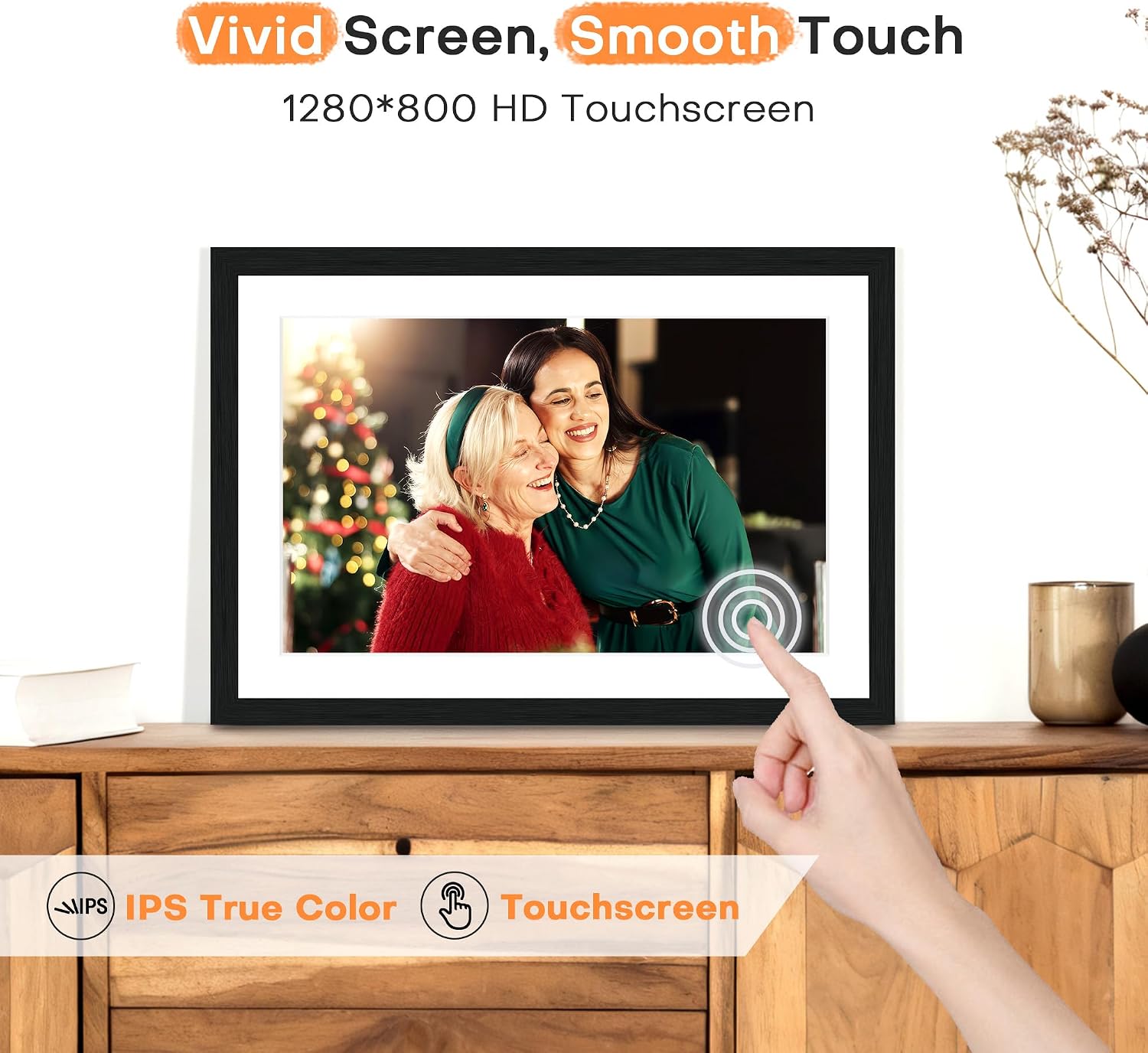
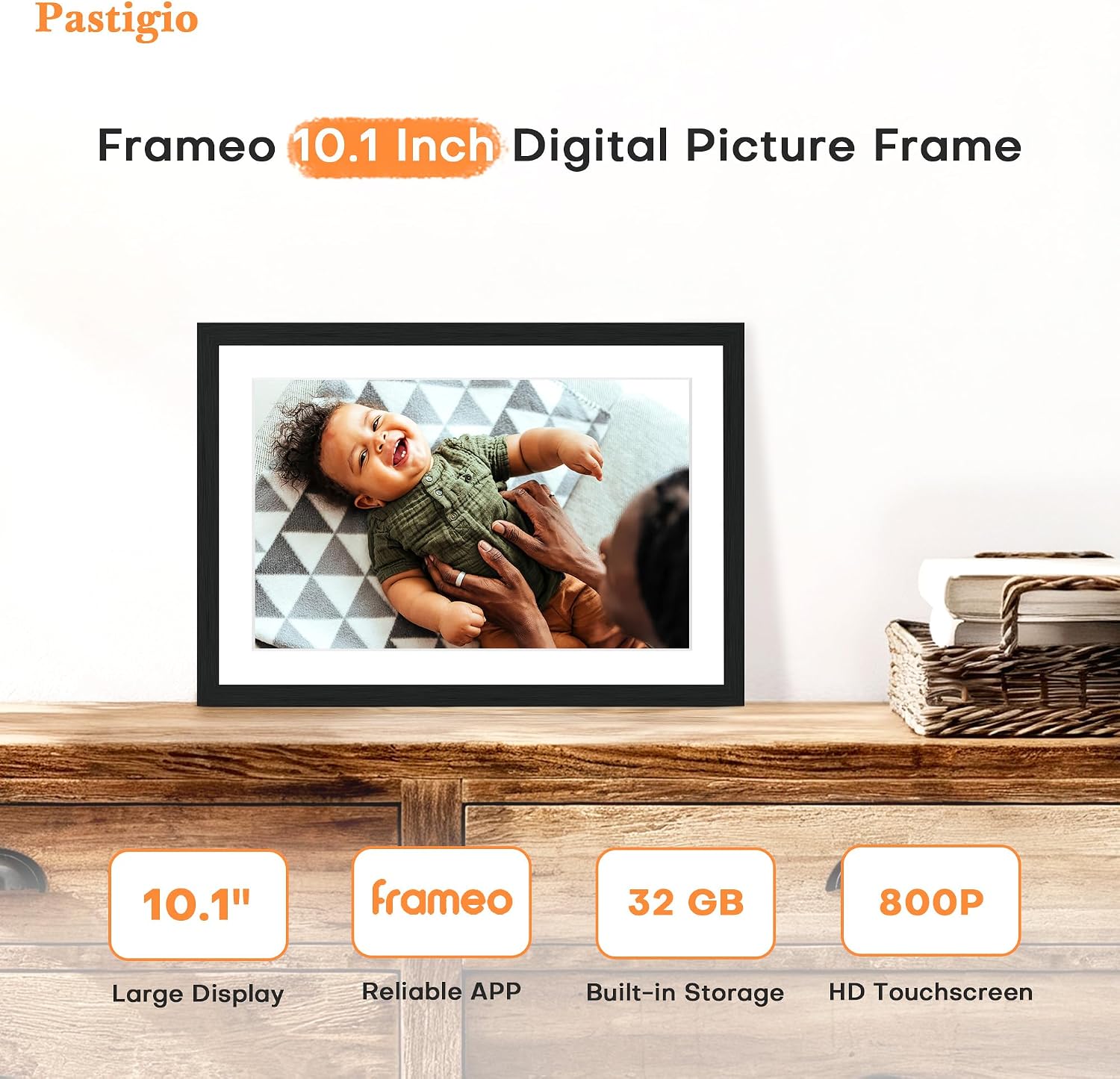
Frameo digital picture frame, 10.1-inch
Product description
The 10.1-inch IPS touchscreen gives photos a larger, more immediate presence than a small phone display, while auto-rotate adjusts between portrait and landscape images.
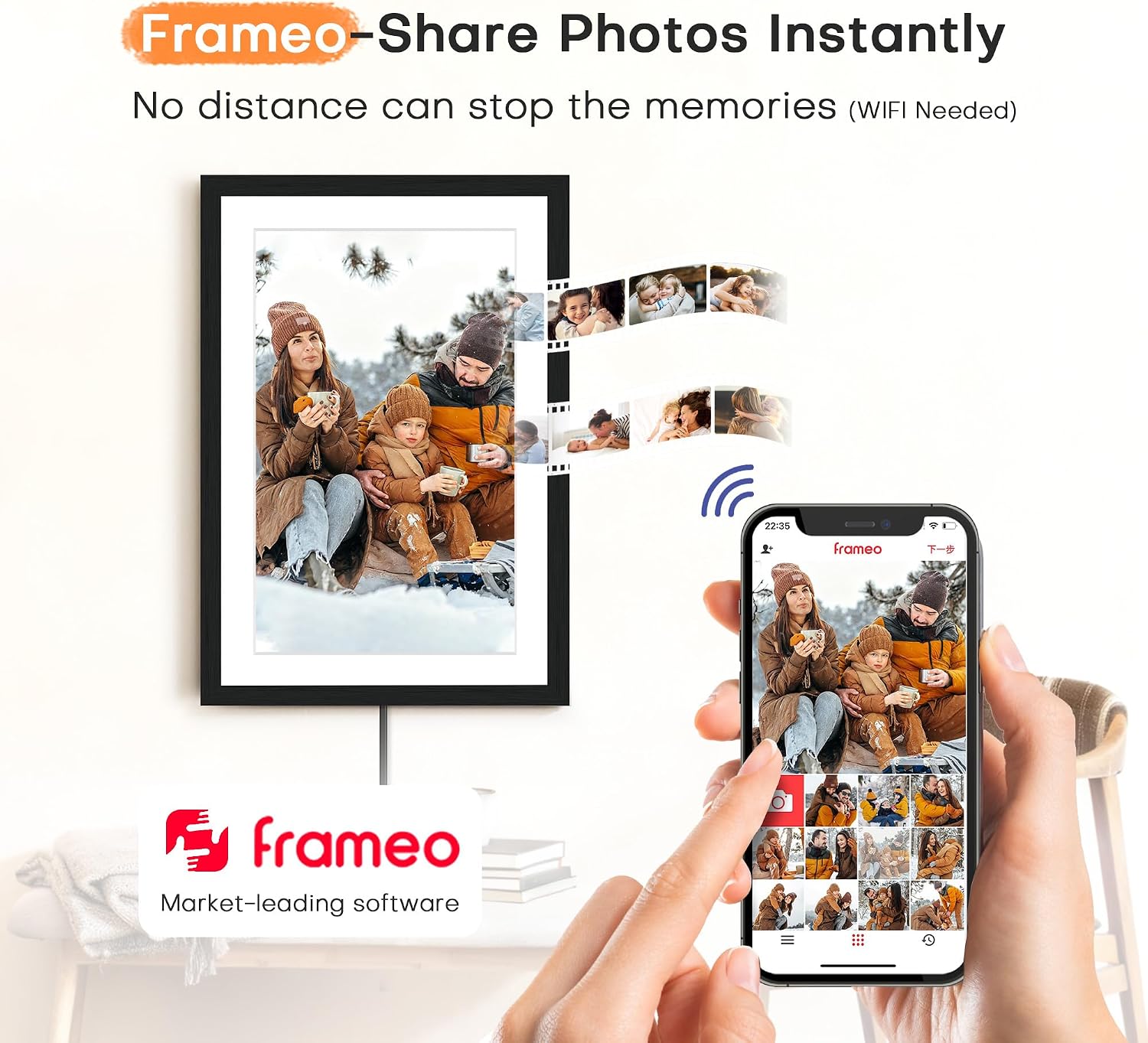
With Wi-Fi, family and friends can send photos and videos through the Frameo app, even when they’re not at home.
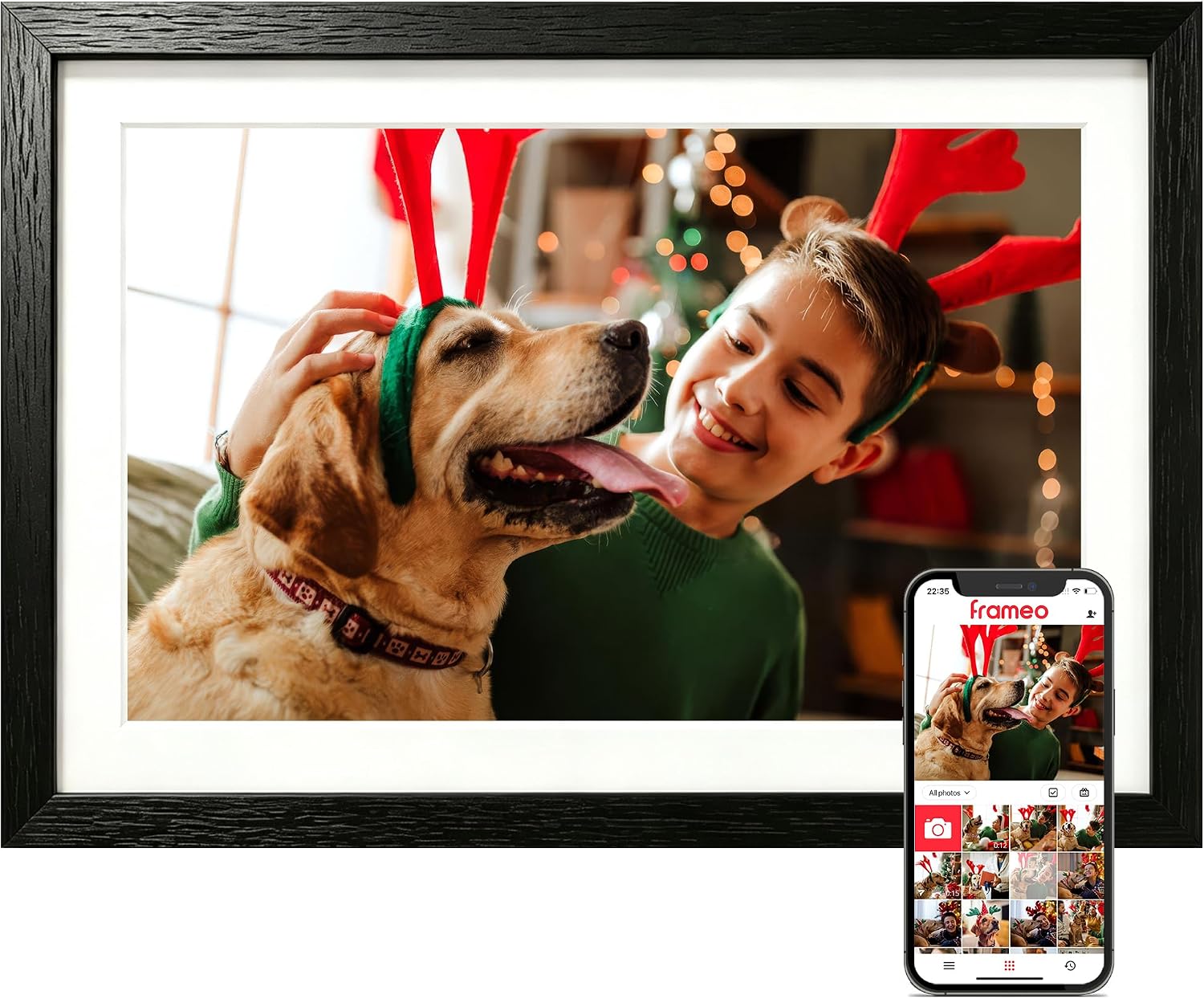
If you prioritize easy sharing, the app is the main attraction, if you prefer to skip Wi-Fi and apps, you can also load content from supported storage or a computer.
Getting the most from it
Set the frame up where people naturally gather, then use the slideshow to bring a changing mix of family photos into view. The 1280 x 800 touchscreen supports touch controls, and the frame can crop images, zoom to fit, and adjust brightness and volume. Auto-rotate is useful when a batch includes both portrait and landscape shots, so you don’t have to sort every image by orientation first.
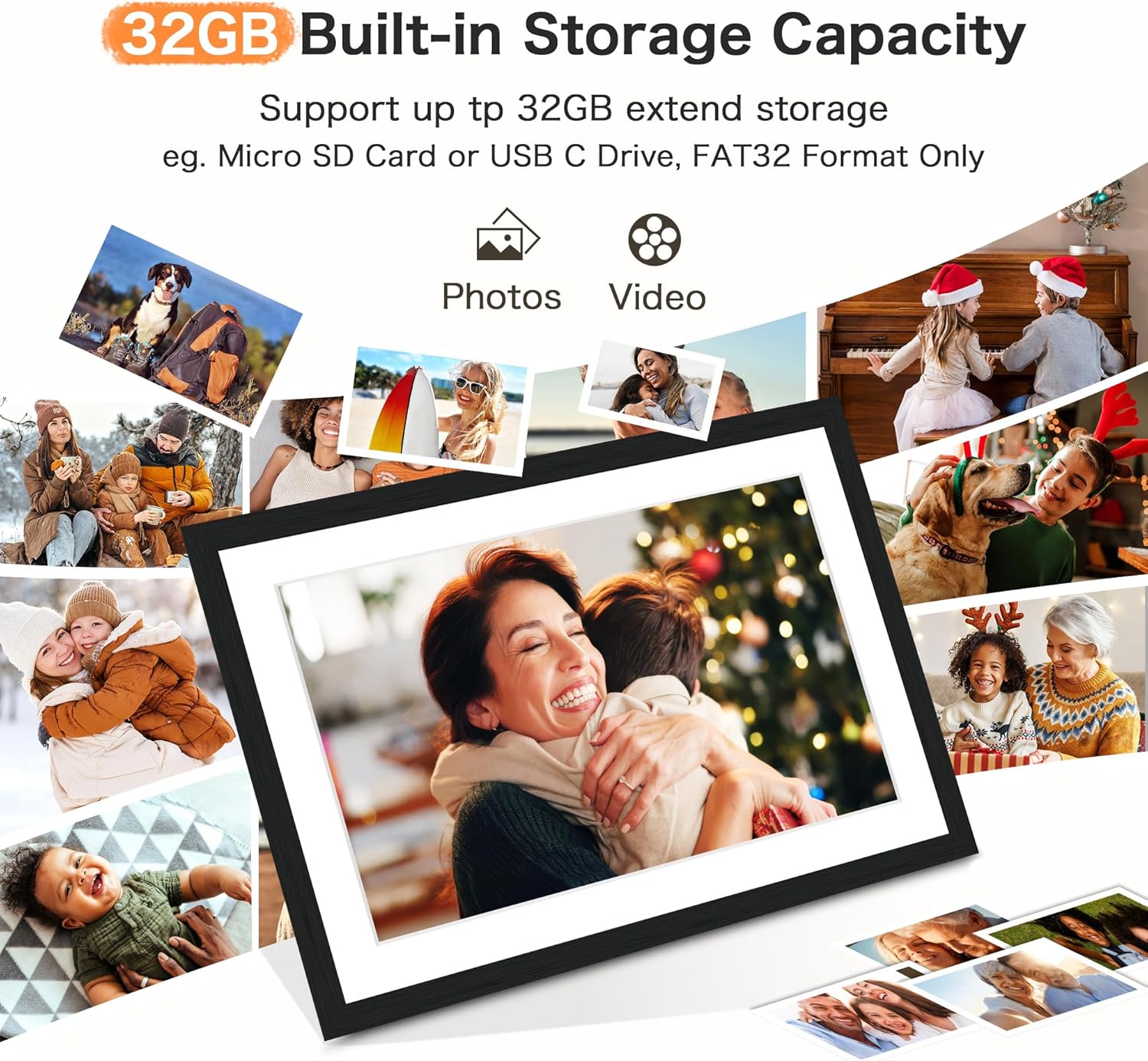
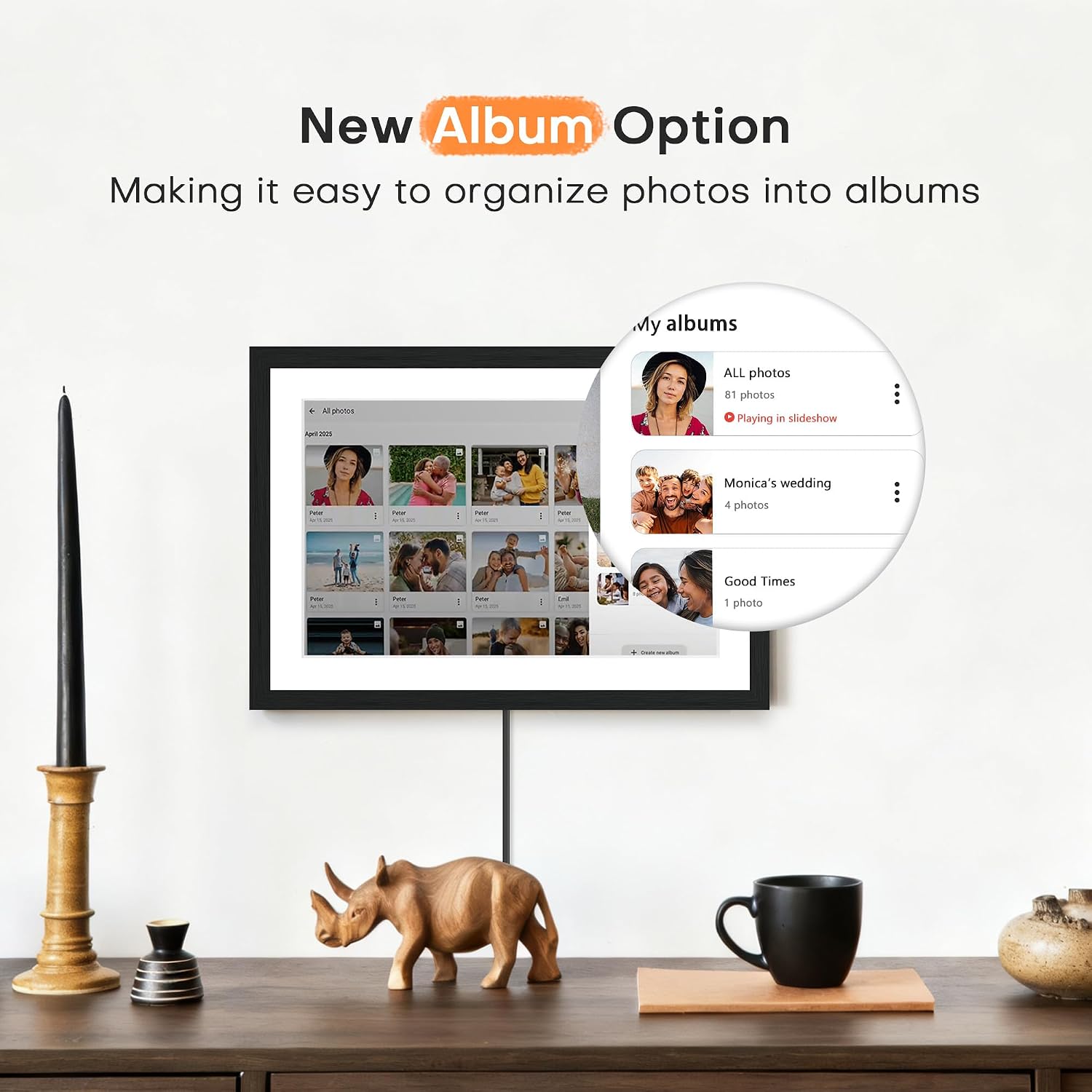
For remote sharing, connect it to Wi-Fi and use the Frameo app to send photos or videos up to 15 seconds long. The listing says there’s no limit to the number of connected members, which makes it suited to a family group contributing pictures over time. You can also create albums, react to photos with emojis, and keep the clock or live weather on screen. If Wi-Fi is unavailable or the app isn’t a comfortable fit, photos can be transferred using a Micro SD card or USB-C drive in FAT32 format, or through a computer with a USB-C cable.
Why it’s worth it
The combination of app sharing and non-Wi-Fi transfer gives this frame more than one way to receive pictures. Its 32GB of built-in storage is listed as expandable by a further 32GB, so there’s room to keep a substantial collection on the frame rather than relying only on new uploads. The woodgrain finish also gives it a more decorative look than a plain electronic screen, which may matter if it will stay on display in a living room or bedroom.
Compared with a traditional frame showing one print, the slideshow can rotate through changing memories, compared with a simpler digital frame, remote app sharing makes it easier for people in different places to contribute. It’s a great fit if you want a shared family display and are comfortable using Frameo. Without having tried it, the clearest limitation in the listing is that photo sharing is tied to that app rather than a choice of services.

Worth noting
The videos are limited to 15 seconds, so this is better for short clips than longer recordings. The alternative USB-C drive and Micro SD transfer also has a format requirement: FAT32. That adds a small setup step if your existing storage is prepared another way. Sleep mode can dim the display later to reduce power use, but the listing doesn’t specify a schedule or other display details beyond the screen resolution and size.
Buying verdict
Choose this Frameo if you want a 10.1-inch touchscreen that can receive family photos remotely, keep them in built-in storage, and still accept transfers without Wi-Fi. The clock, weather, albums, and auto-rotate add useful everyday touches for a display that stays out in the open. Better avoided if you need longer video playback, want to use a photo-sharing app other than Frameo, or don’t want to manage the FAT32 requirement when transferring files by USB-C drive or Micro SD card.