


Flyruit Digital Picture Frame, 32GB
Product description
What to know
When family photos are spread across phones and chat threads, a Wi-Fi frame gives everyone a shared place to see them. This Flyruit digital picture frame pairs a 10.1-inch touchscreen with the Frameo app for sending photos and videos remotely.

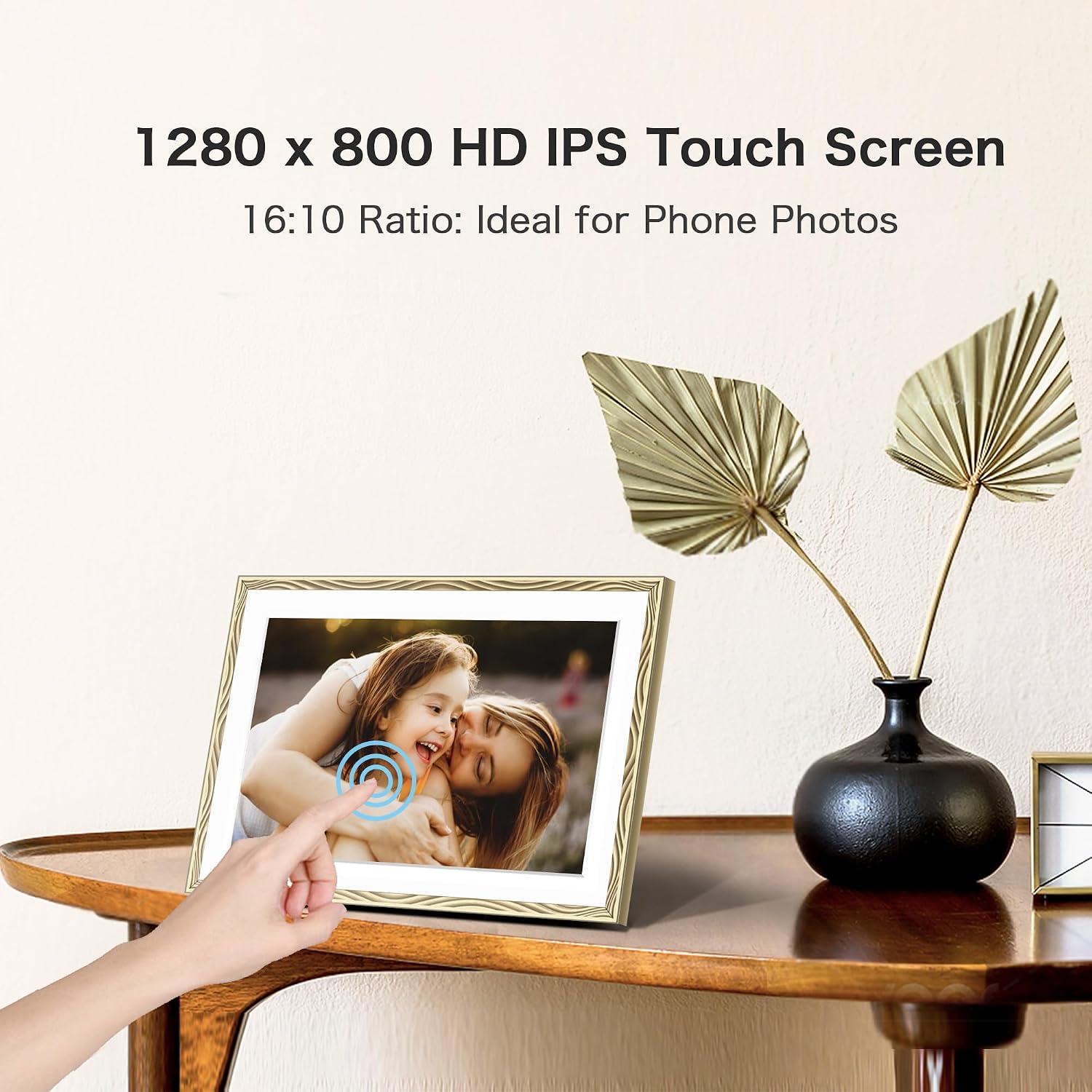
Its 1280 × 800 IPS display is designed to keep images clear and colorful from different viewing angles. The built-in 32GB storage holds photos on the frame, and the touchscreen lets the person at home respond to received pictures with emojis.
Frameo supports sharing from multiple app users, so relatives can contribute without one person having to collect every photo first. Keep in mind that Wi-Fi sharing works only on a 2.4GHz network, and the frame needs to stay plugged into power.

Best use cases
This setup makes sense for a shared family display, especially when people who live apart want to send snapshots as they happen. Picture a grandparent seeing a new pet photo appear on the frame without having to ask someone to print it or forward it another way. It suits you if you want remote sharing and a touchscreen in one device, rather than a basic frame that only displays photos loaded manually.
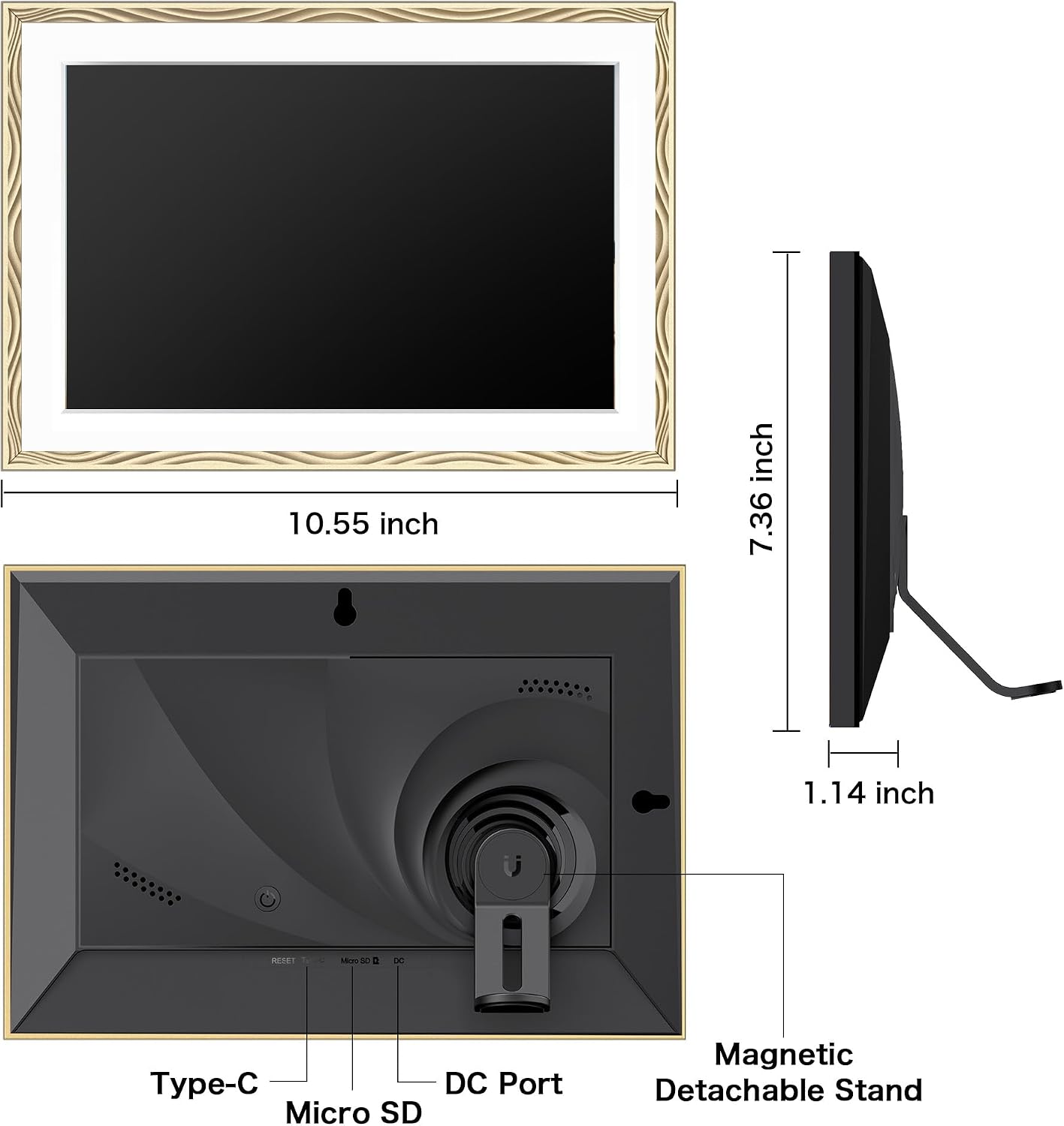
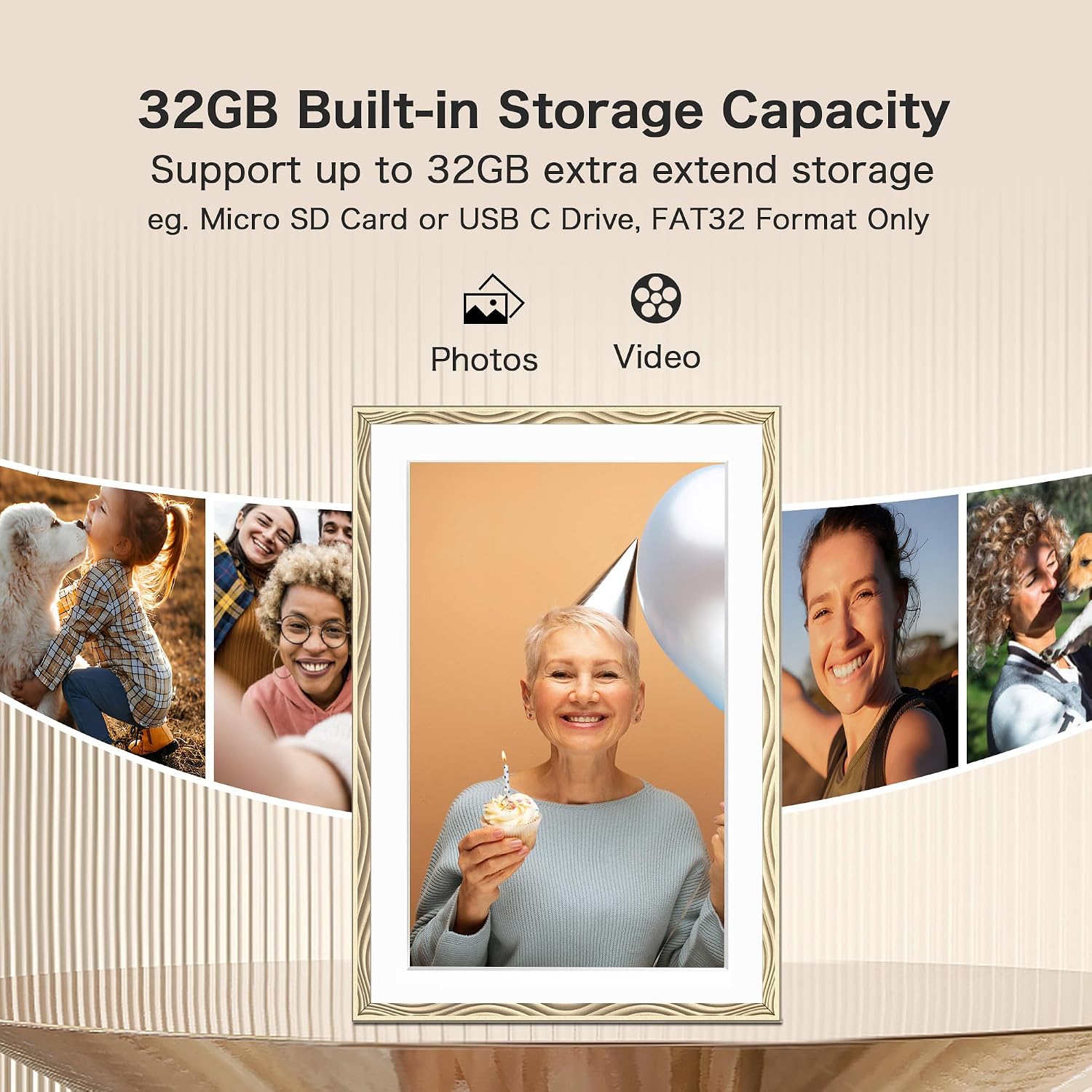
Wi-Fi isn’t the only way to add pictures. You can transfer files using a Micro SD card or USB-C drive, or connect the frame to a computer with a USB-C cable. The card and drive aren’t included, and transfers without Wi-Fi require FAT32 formatting. That gives less app-focused households another route, though it does mean someone has to load the files directly.
Tips for day-to-day use

For family sharing, set up the Frameo app and connect the frame to a compatible 2.4GHz Wi-Fi network. Existing Frameo users can use the same app, and the listing says multiple members can share. If you’re setting it up for someone who prefers not to use apps, prepare photos on a Micro SD card or USB-C drive instead.
The frame supports JPG, JPEG, BMP, and PNG images, plus MP4 videos. Auto-rotate switches between portrait and landscape orientation, which helps when photos arrive in different formats. You can also adjust pictures for display, use themed greetings, and set sleep mode to reduce brightness or avoid light while someone is sleeping. It can be wall mounted, though the listing doesn’t specify mounting hardware or dimensions, so plan the location around the available space and power connection.
Practical doubts
Does it work without Wi-Fi? Yes. Photos and videos can be transferred using a Micro SD card, USB-C drive, or USB-C connection to a computer. Direct sharing through the app does require Wi-Fi.
Can people send videos as well as photos? Yes. MP4 video is supported, alongside the listed image formats.
Does it run on battery power? The product information says it must remain plugged in. It might not be a great match if you need a frame that can be moved around and used without a nearby power outlet.
Final verdict
The main reason to choose this frame is the combination of remote sharing, 32GB of built-in storage, and a touch interface, with manual transfer available as a fallback. That’s a more connected approach than a basic frame that relies on someone updating a memory card, but it also depends on a suitable Wi-Fi setup for app sharing. Choose it if sending family photos to one shared display is the point, look elsewhere if you need a battery-powered frame or your home network doesn’t support 2.4GHz Wi-Fi.