

Homlab Mini DVD Player with Remote: All-Region, 1080P HD, Compact & Portable
Product description
What this is and who it’s for
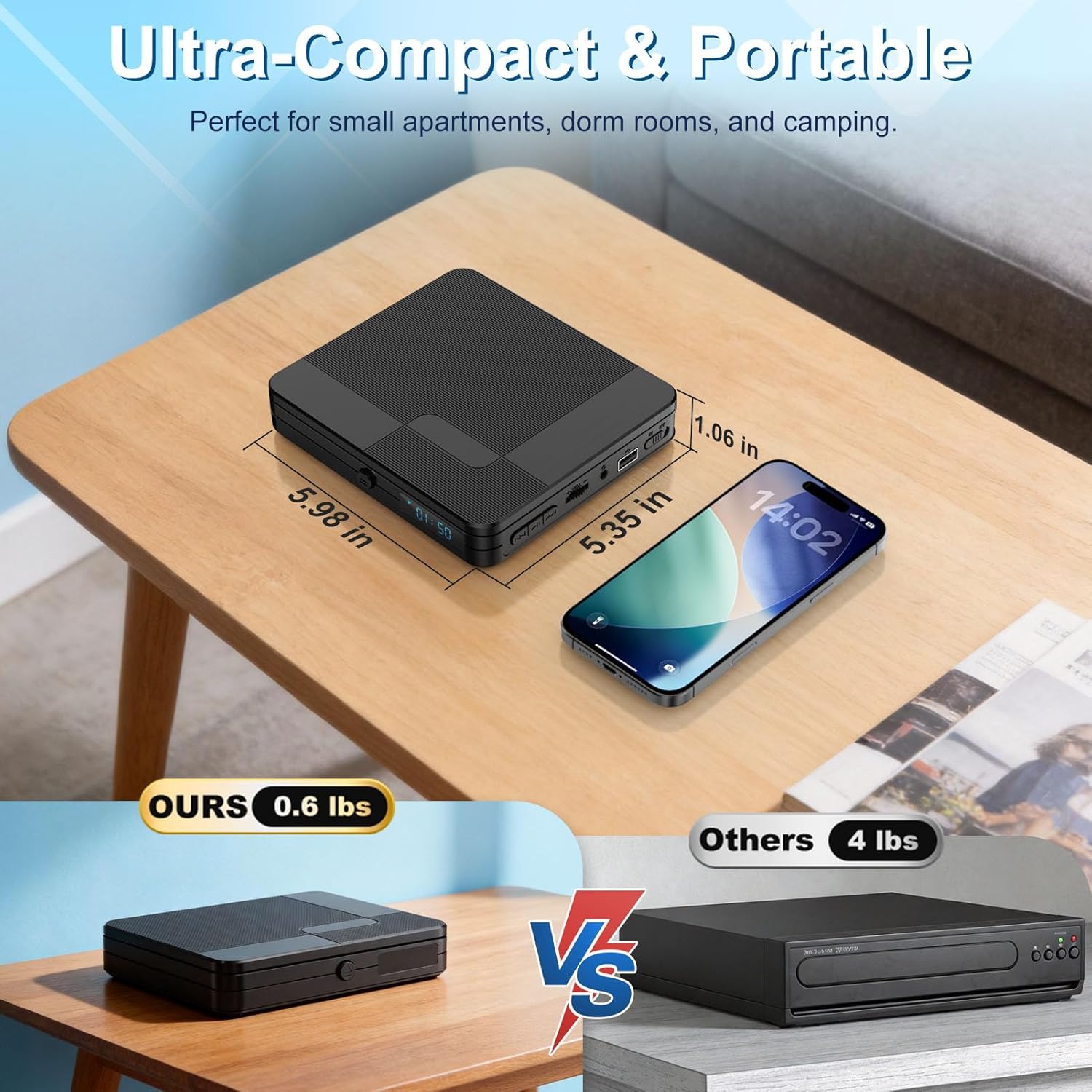
The Homlab Mini DVD Player is a compact, lightweight option designed to add DVD/CD playback versatility to small living spaces, dorm rooms, or travel setups. With its 6.1×5.4×1.06 inches footprint and 0.62 lb weight, it fits neatly on a shelf or in a bag without bulk. If you want a simple, no-fuss way to watch DVDs or play MP3s and photos from USB on a larger screen, this device aims to deliver that convenience.
Key design and usability notes
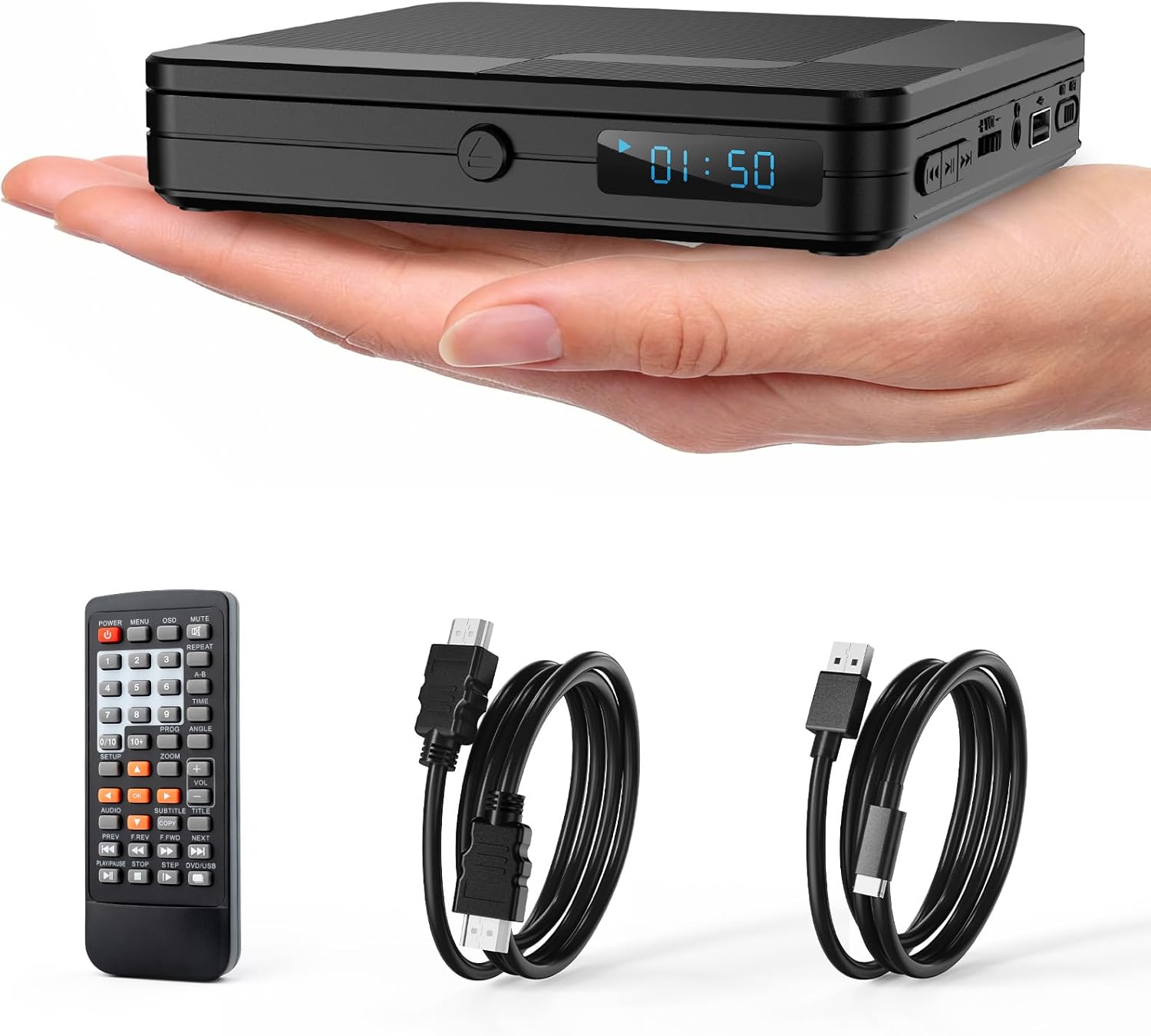
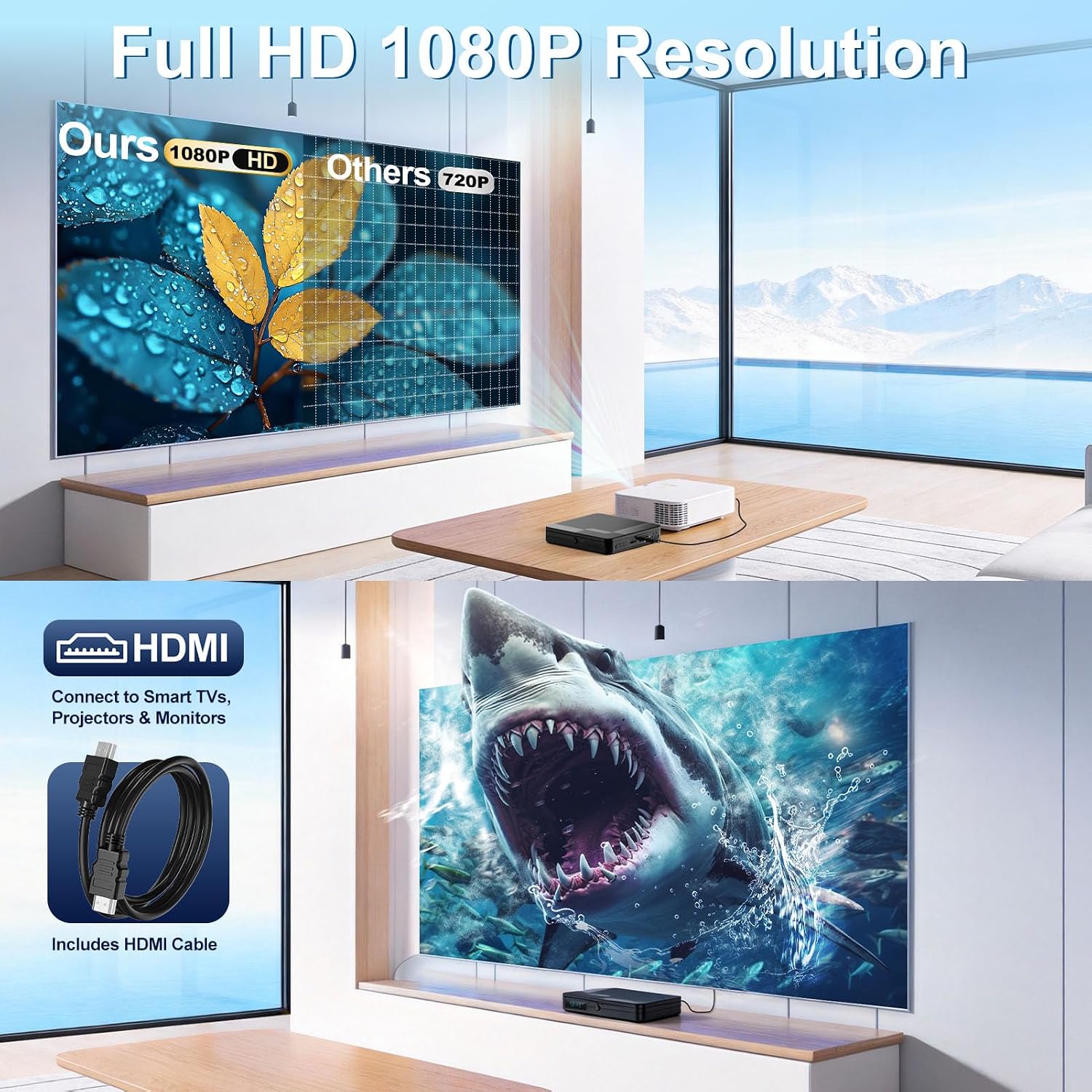
Included remote control lets you operate menus and playback from your couch, while a straightforward manual helps you get going quickly. A dedicated headphone output offers private listening, which can be handy for late-night movie nights or listening to music CDs on the go. The device uses an HDMI output to upscale content to 1080p, which helps when you connect to a modern TV or projector.
Playback capability and formats
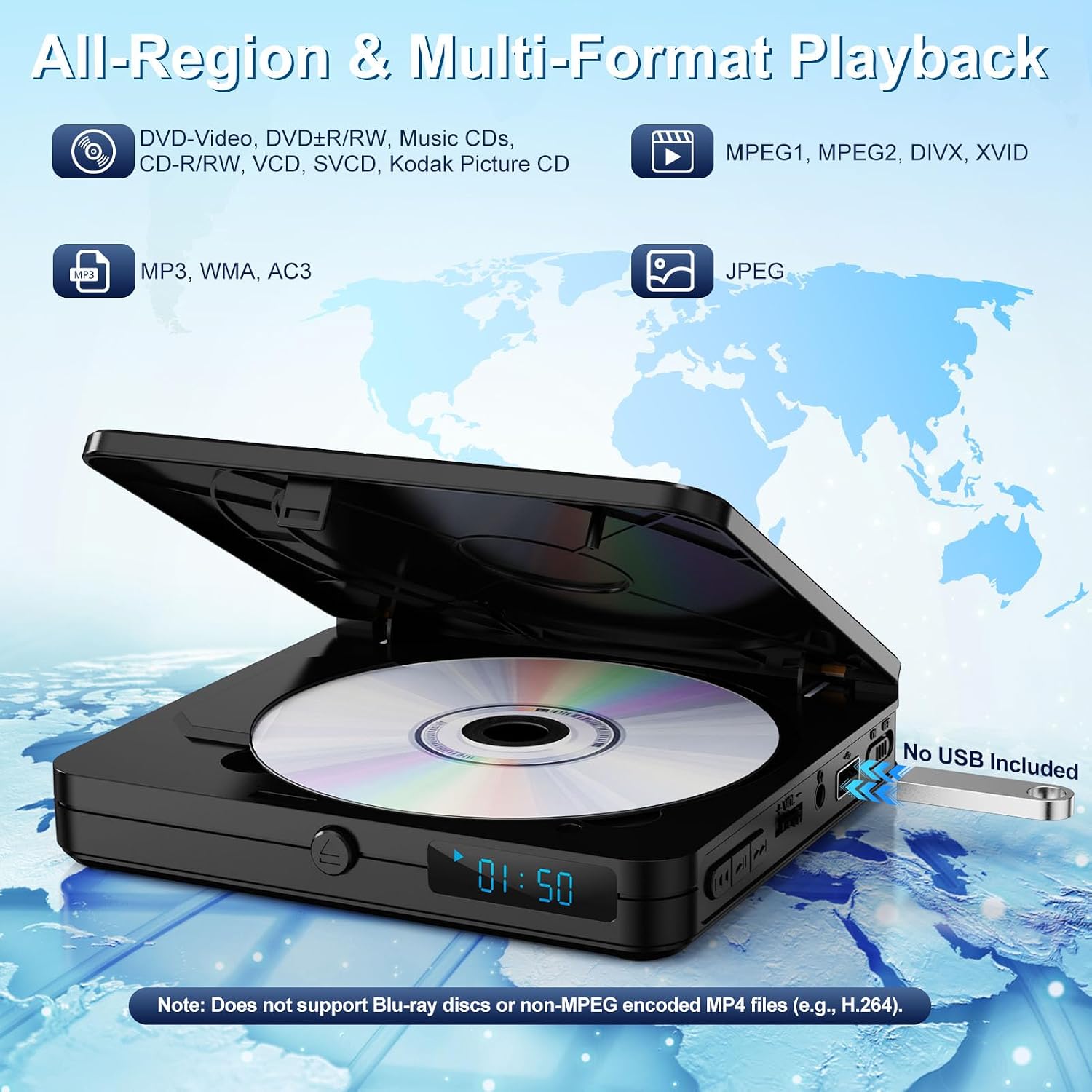
This model is advertised as All Region for DVDs and CDs, covering standard formats like DVD-video, DVD±R/RW, CD-R/RW, and music CDs. It also doubles as a USB media player, supporting MP3 audio, JPEG photos, and video files in MP4/VOB/AVI (MPEG encoding). Note that it does not support Blu-ray discs, and USB video is optimized for lower resolutions around 480p to ensure smoother playback.
Performance notes
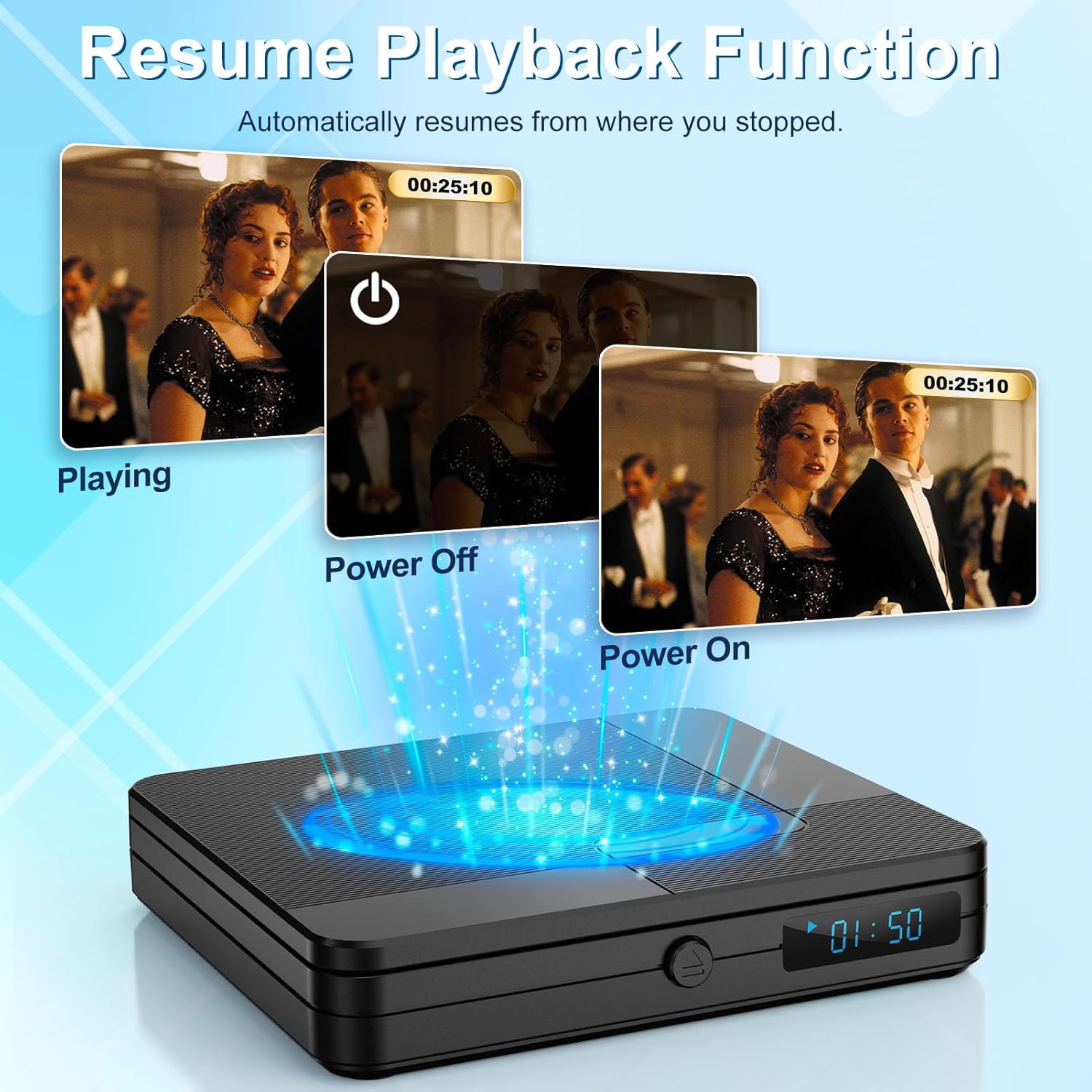
Behind the scenes, the player touts an upgraded drive with faster, quieter disc reading and error correction for minor scratches. It includes anti-shock and a resume function, which helps when using the device for longer sessions or during interruptions. If you prioritize uninterrupted playback from a compact device, this approach is a meaningful upgrade over older, noisier drives.
Connectivity and output
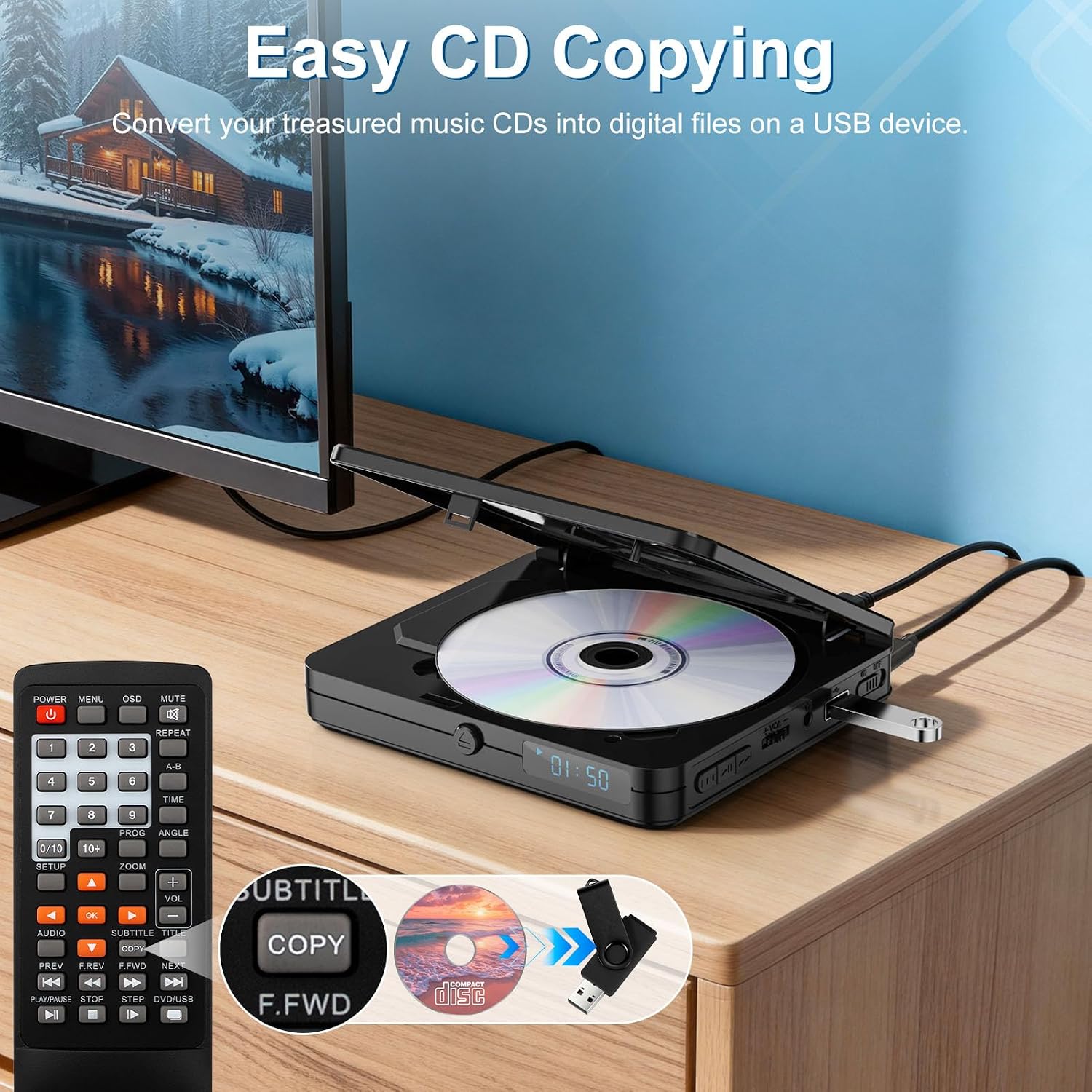
HDMI output is central to how this unit hooks into a TV or projector, with the goal of delivering a clearer, Full HD 1080P picture. A USB 2.0 input expands options for playing media and for the built-in CD-to-USB copy feature, letting you digitize music from CDs onto a USB drive without a computer.
What’s in the box and setup tips
The package includes a Mini DVD Player, HDMI cable, USB cable, remote control, and user manual. For best remote control range, point the remote at the sensor on the lower right front panel and keep within roughly 10 ft at a modest 30° angle. Remember to replace the batteries after testing for regular use.
Pros and potential drawbacks
You’ll likely appreciate the ultra-compact form factor, all-region compatibility, and the ability to upscale to 1080P via HDMI. The model is practical for those who want a simple, travel-friendly playback option and occasional CD-to-USB copying. However, a potential trade-off is the absence of Blu-ray support and the note that USB video playback prefers lower resolutions. If you need high-resolution USB video playback or Blu-ray compatibility, this may not be the best fit.
Suitable users and ideal use cases
This device makes sense for someone who wants a tiny, plug-and-play DVD/CD player that can connect to a smart TV or projector and handle basic USB media. It’s a sensible pick for apartments, dorms, or guest rooms where space is at a premium and the need is to watch discs or listen to CDs without investing in a larger player.
When it might not be the best option
If you regularly watch Blu-ray discs, require high-resolution USB video (beyond 480p), or need advanced streaming capabilities, you’ll likely outgrow this model. It’s also worth noting that region-free loading is a helpful perk, but it doesn’t turn DVDs into a streaming device.
What to review before buying
Confirm that you have a TV or projector with an HDMI input and that you’re comfortable with upscaling via HDMI to 1080P. Consider whether you’ll rely on USB media, if so, check your files’ formats and resolutions since the device notes MPEG encoding limitations and a preferred 480p target for smoother playback.
Practical usage example
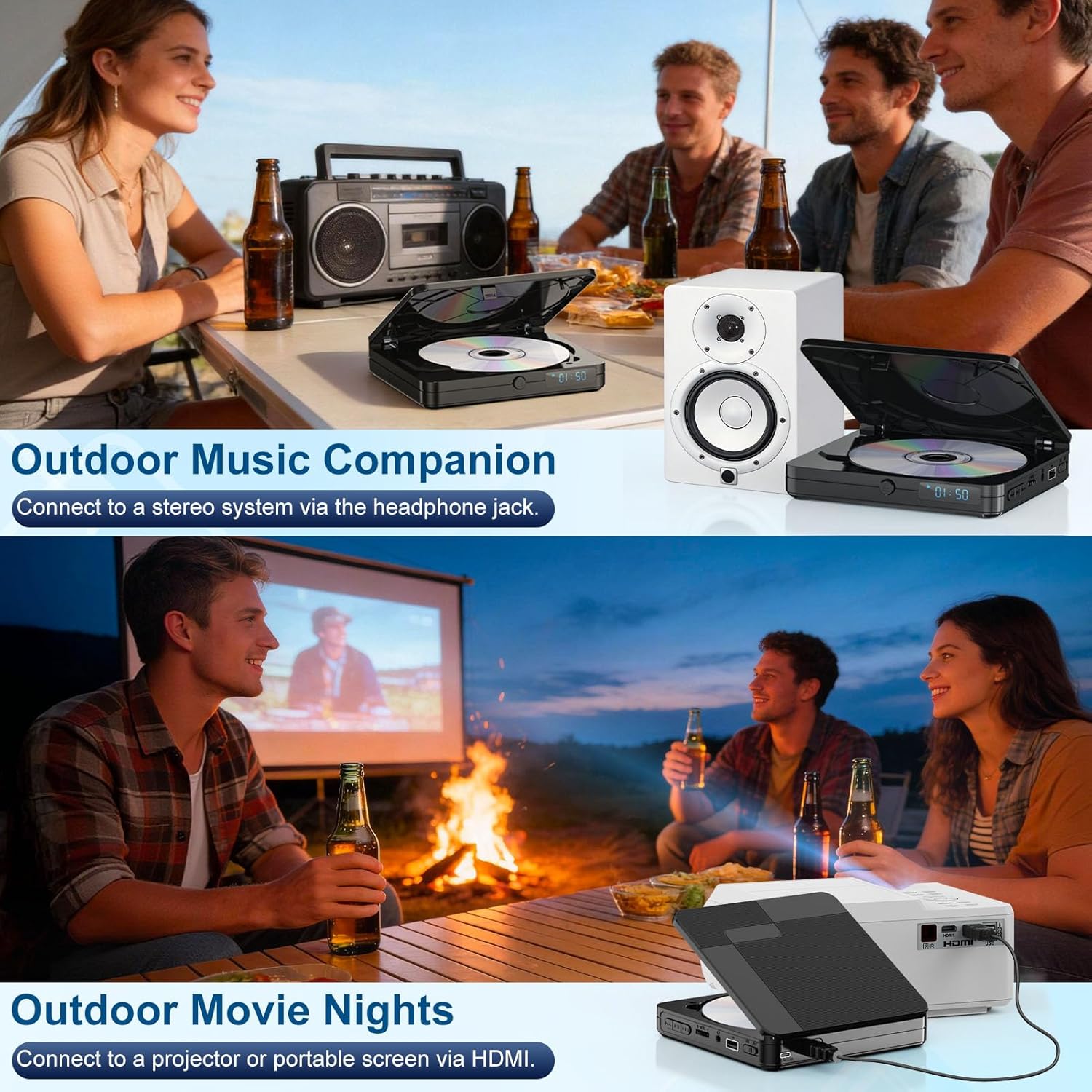
Imagine a small living room movie night: you connect the Homlab to a projector, load a DVD, and settle into the couch with the remote in hand. The drive reads efficiently, playback resumes after a pause, and the audio can be routed through headphones via the dedicated jack for a late-night session without disturbing others.
FAQ (quick answers)
- Does it play Blu-ray discs? No, this model does not support Blu-ray discs.
- Can I copy CDs to USB without a computer? Yes, there is a built-in CD-to-USB copy function when a USB drive is connected.
- What resolution does USB video play at? USB video is generally best around 480p for compatibility, as higher encodings may not be supported.
Final decision
Is it worth it? Worth considering if you want a compact, all-region DVD/CD player with HDMI upscaling and a simple remote for casual viewing in small spaces. It’s well-suited for basic disc playback, light USB media use, and setups where space or portability matters. If your needs lean toward Blu-ray, higher-res USB video, or streaming apps, you may want to look for a more versatile option.