


VHS to Digital Converter 2.0 — VHS capture device
Reviews
Price
Product description
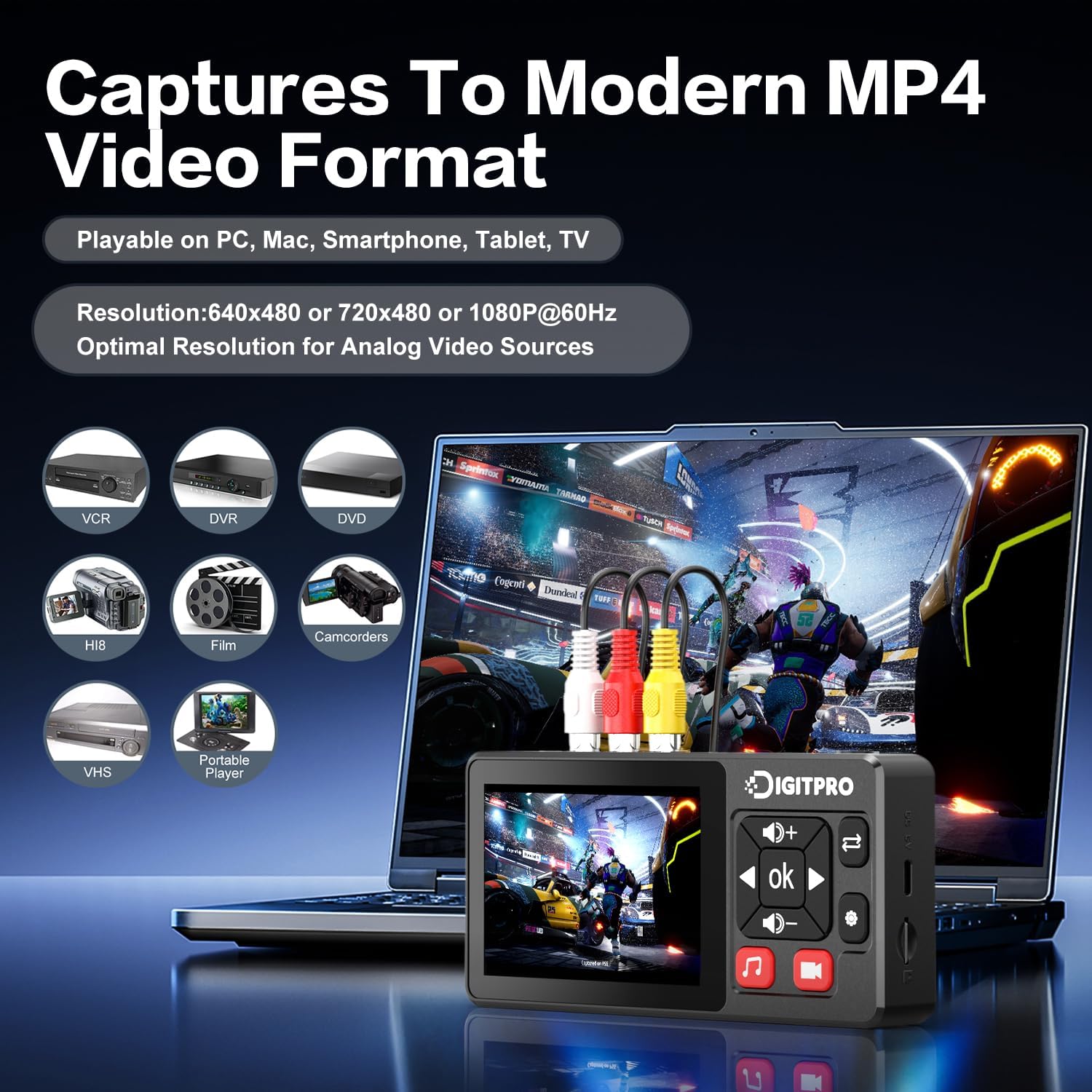
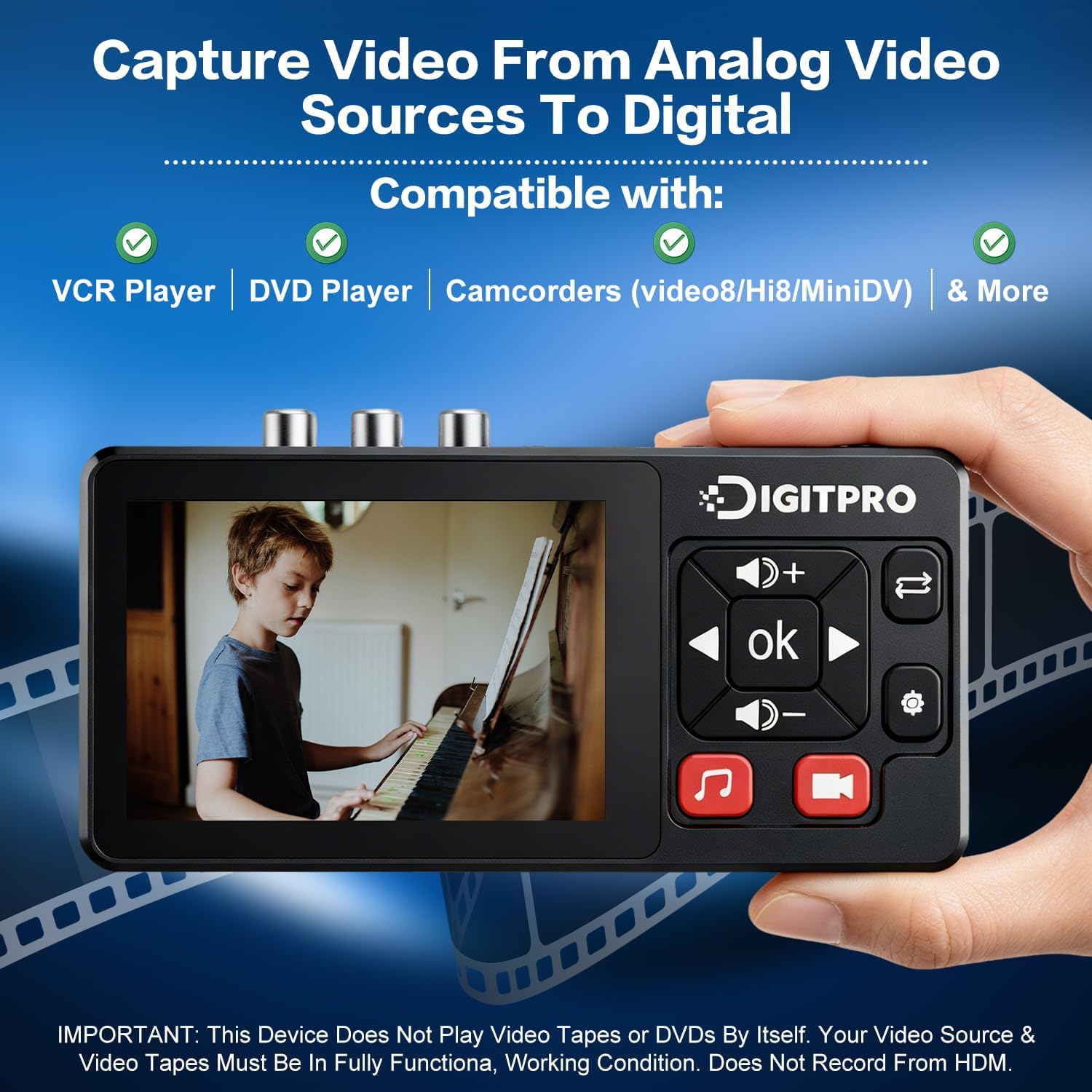
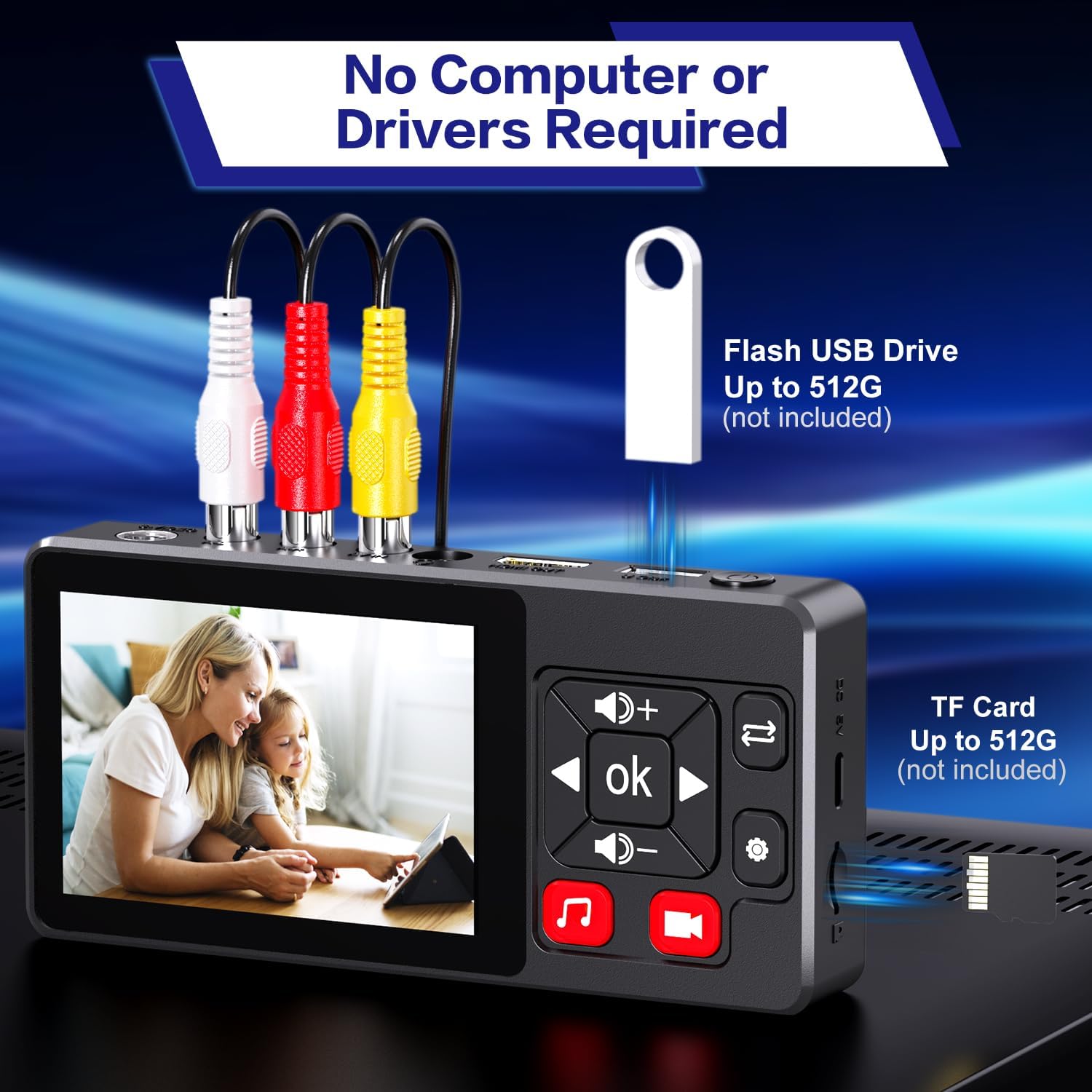
This DigitPro unit converts analog tapes and players into digital files with one-touch recording, making it practical to preserve old VHS, VCR, Hi8, Mini DV and DVD footage for home archiving or simple editing. The VHS to Digital Converter records directly to USB or TF card and includes a built-in preview screen, so you can monitor capture without a computer. This approach helps you digitize memories quickly while keeping original equipment in use.
Key Points
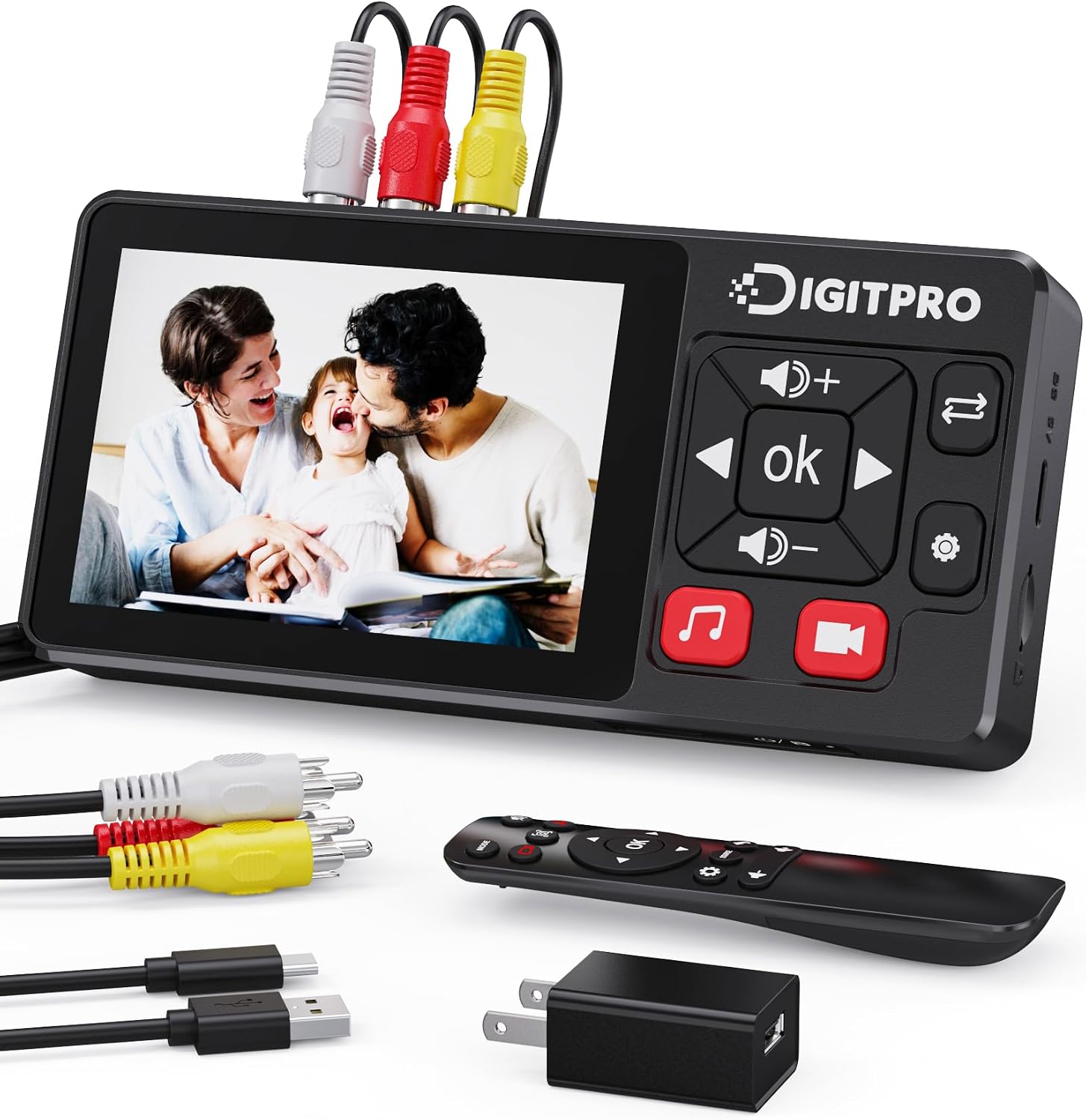
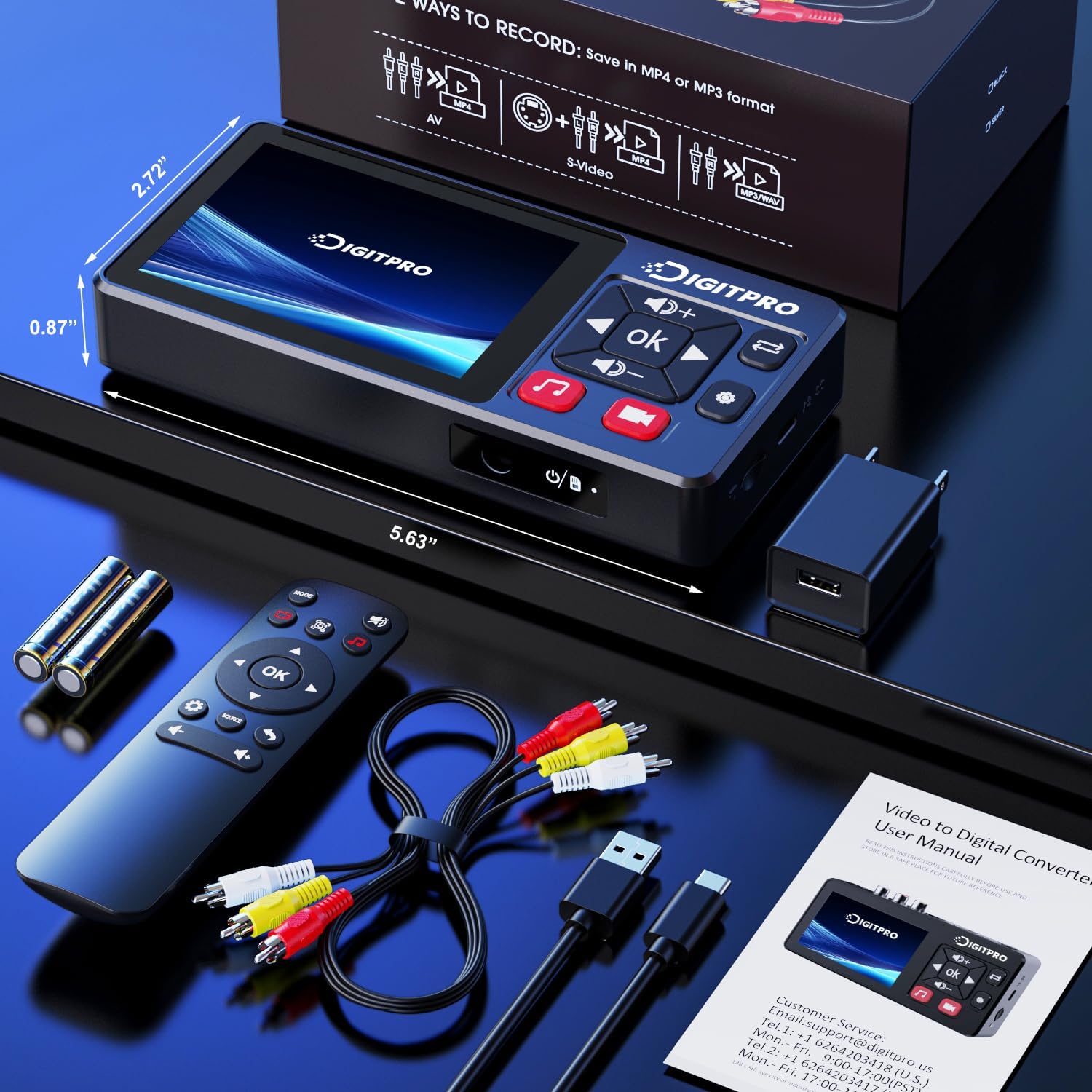
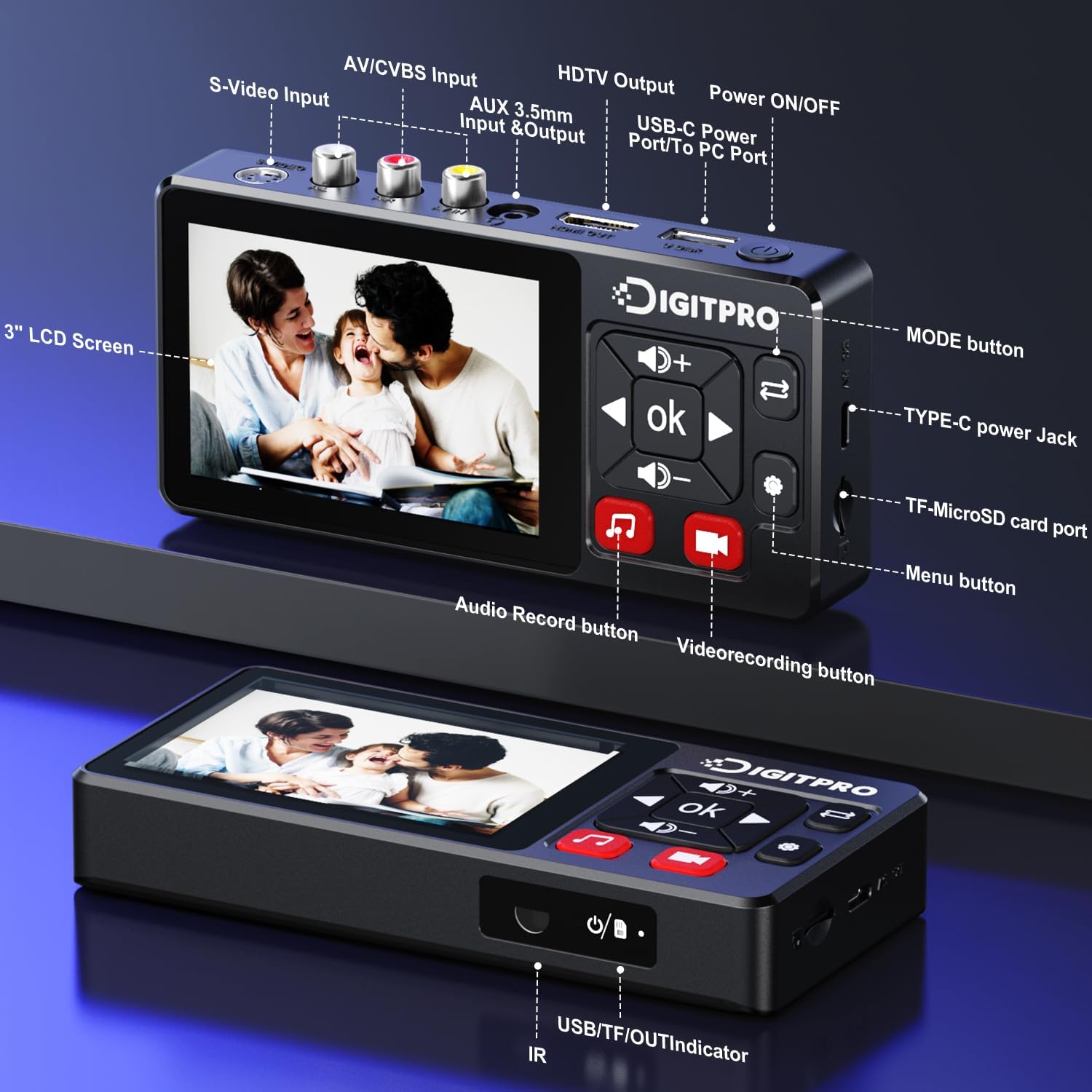
The recorder accepts AV/RCA and S-Video inputs and captures video into MP4 and audio into MP3 or WAV formats, letting you choose common file types for easy playback on modern devices. It records without a PC, which simplifies the process and reduces setup time. A 3.5-inch HD preview screen and integrated stereo speakers provide immediate playback and verification of captured content, and the device supports NTSC and PAL formats for international tapes. For convenience, the unit uses USB Type-C power and comes with the necessary AV cable and adapter. Note that video resolution is captured at 640×480 in 4:3 or by automatic detection according to the manufacturer, so very high-definition upscaling is not part of this model.
🎞️ The device includes features for practical recording control, such as pause and resume when a signal is lost, scheduled recording, and time stamp watermarking for reference. It also supports separate audio and video capture with a screenshot function activated by a long press. These tools help when assembling footage or extracting clips.
Technical Specifications
- Name: DigitPro VHS to Digital Converter 2.0
- Inputs: AV/RCA and S-Video
- Output formats: MP4 for video, MP3 and WAV for audio
- Display: 3.5-inch LCD preview screen with integrated stereo speakers
- Storage support: up to 512 GB via USB flash drive or TF card
- Power: USB Type-C supply included
- Formats supported: NTSC and PAL, 640×480 (4:3) or auto-detection
Usage Recommendations
For best results, connect the player (VHS or camcorder) directly to the converter using the included AV cable and preview the signal on the built-in screen before starting a full capture. If tapes show dropouts or unstable playback, use the pause and resume function to avoid creating long unusable segments. When archiving large collections, format your USB drive or TF card and confirm available space with the device’s indicator to prevent interrupted recordings. Keep in mind that captured files reflect the source tape quality, and additional cleanup or stabilization can be performed later using video editing software on a computer. 🎬
Consider keeping spare TF cards or a second USB drive when transferring many tapes to avoid swapping media mid-session.