

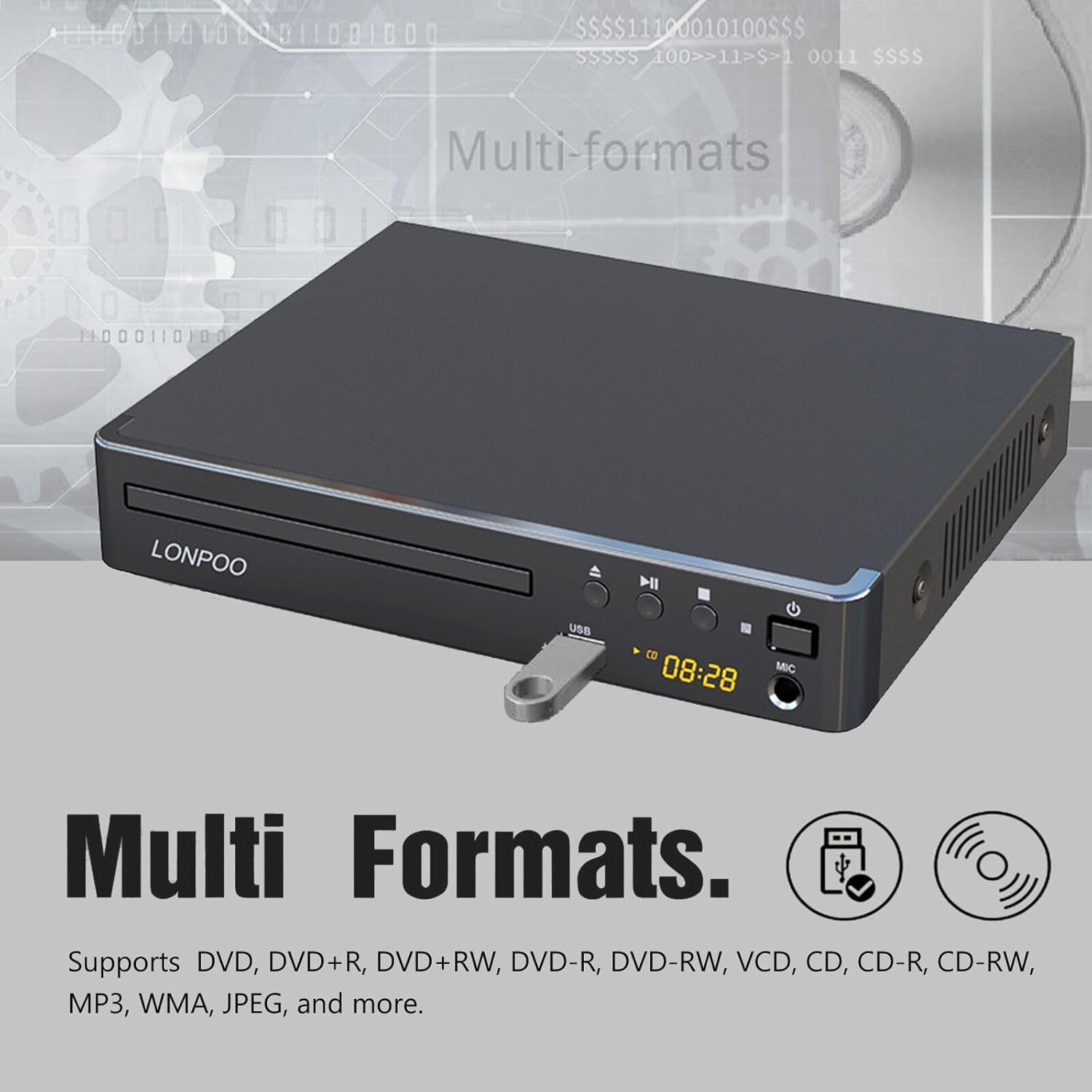
LONPOO HDMI DVD Player for TV (Compact Multi-Region) with USB Playback and Remote
Product description
What you’re really buying (and why HDMI matters)
If you still have a DVD collection but your TV setup is more modern, an HDMI DVD player is often the cleanest path forward. This LONPOO DVD player is built around HDMI output, aiming to make older DVDs look and sound closer to what you’d expect from higher-definition viewing. On paper, the value is simple: fewer “why is it blurry?” moments and a clearer, sharper picture and more satisfying audio via HDMI.
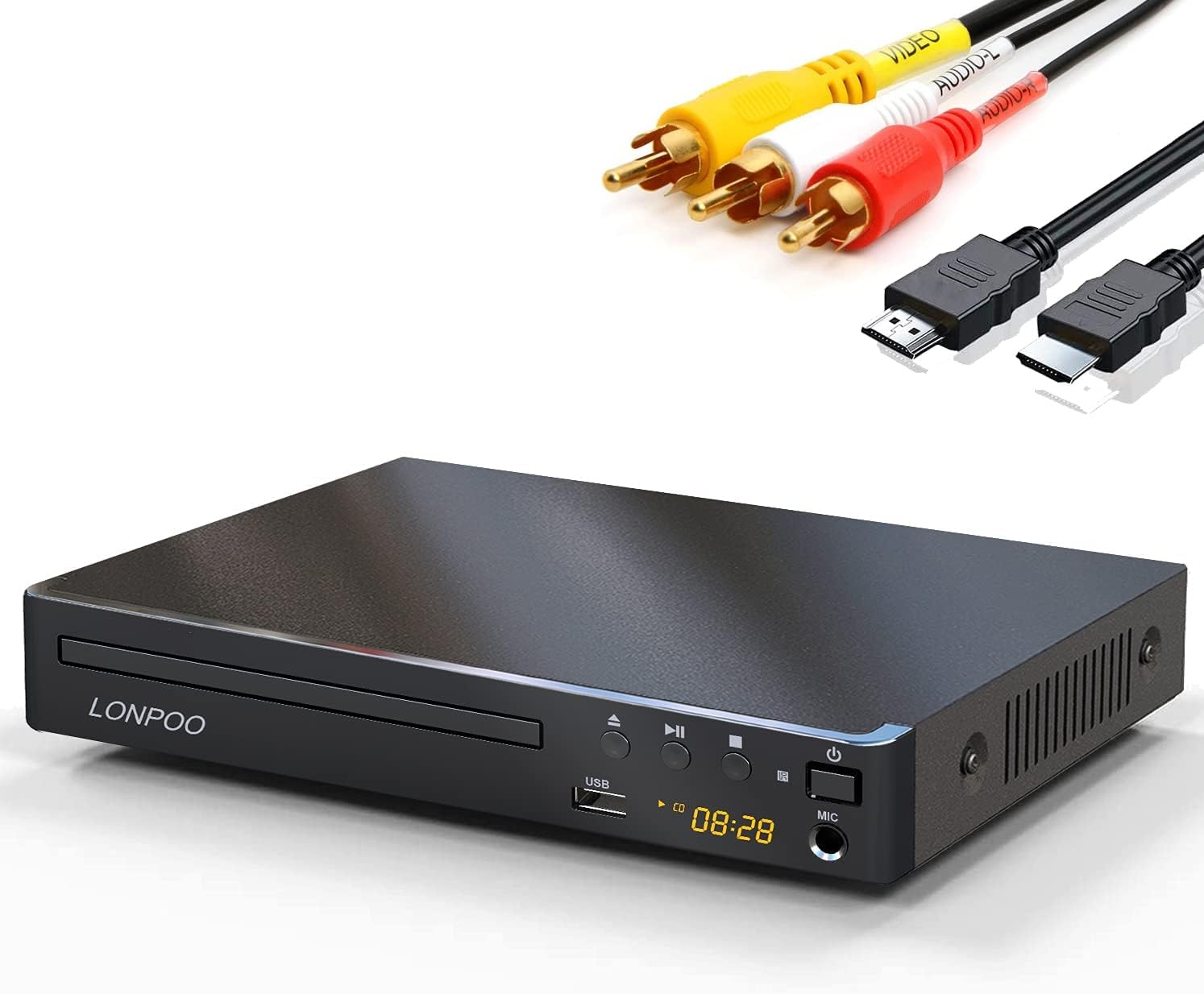
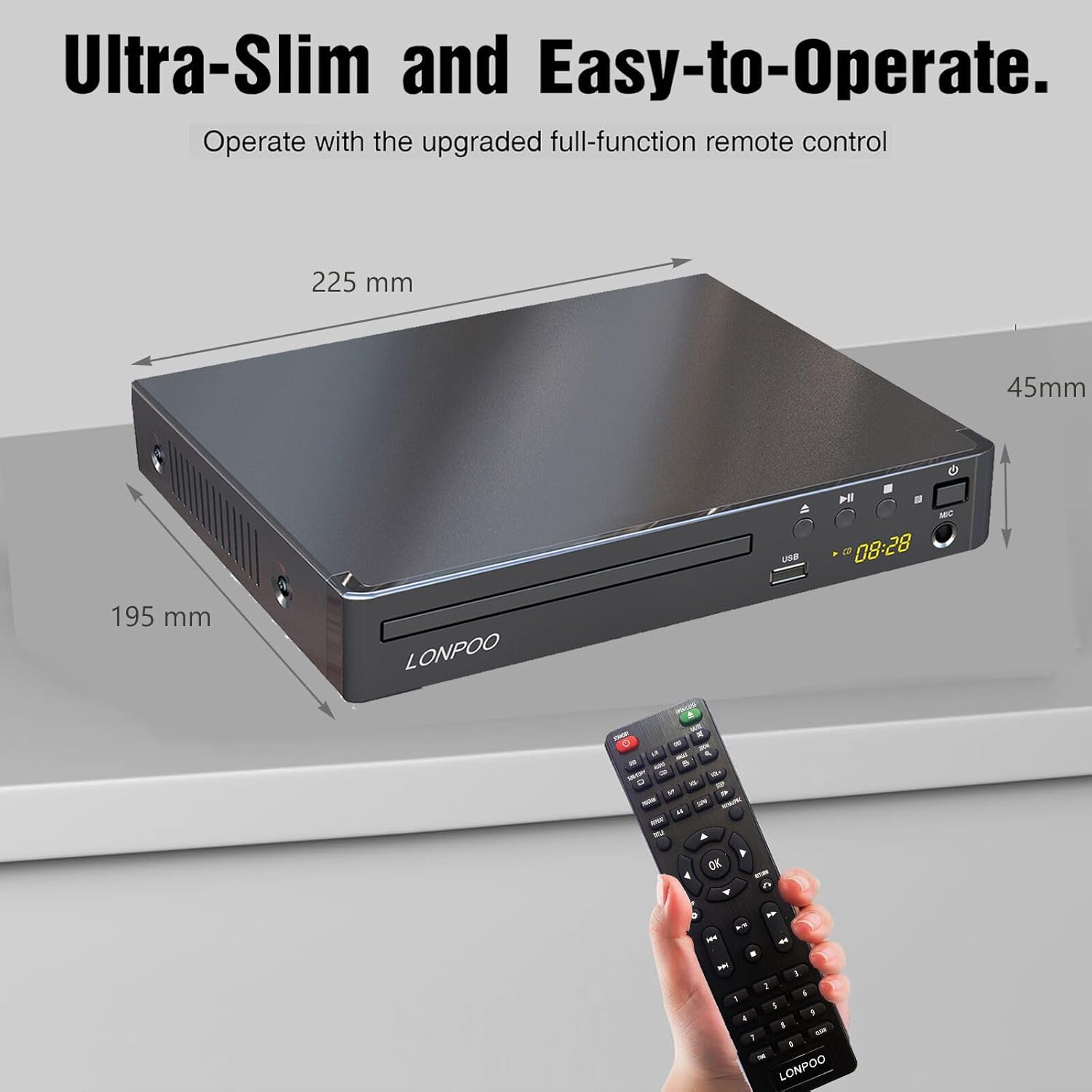
It also includes HDMI and AV cables, which is useful if you’re not sure whether your TV only has HDMI inputs available (or if you keep a second setup around, like a bedroom TV). The device is compact, includes a remote, and supports USB playback, so you’re not limited to discs alone.
Key features that show up in everyday use
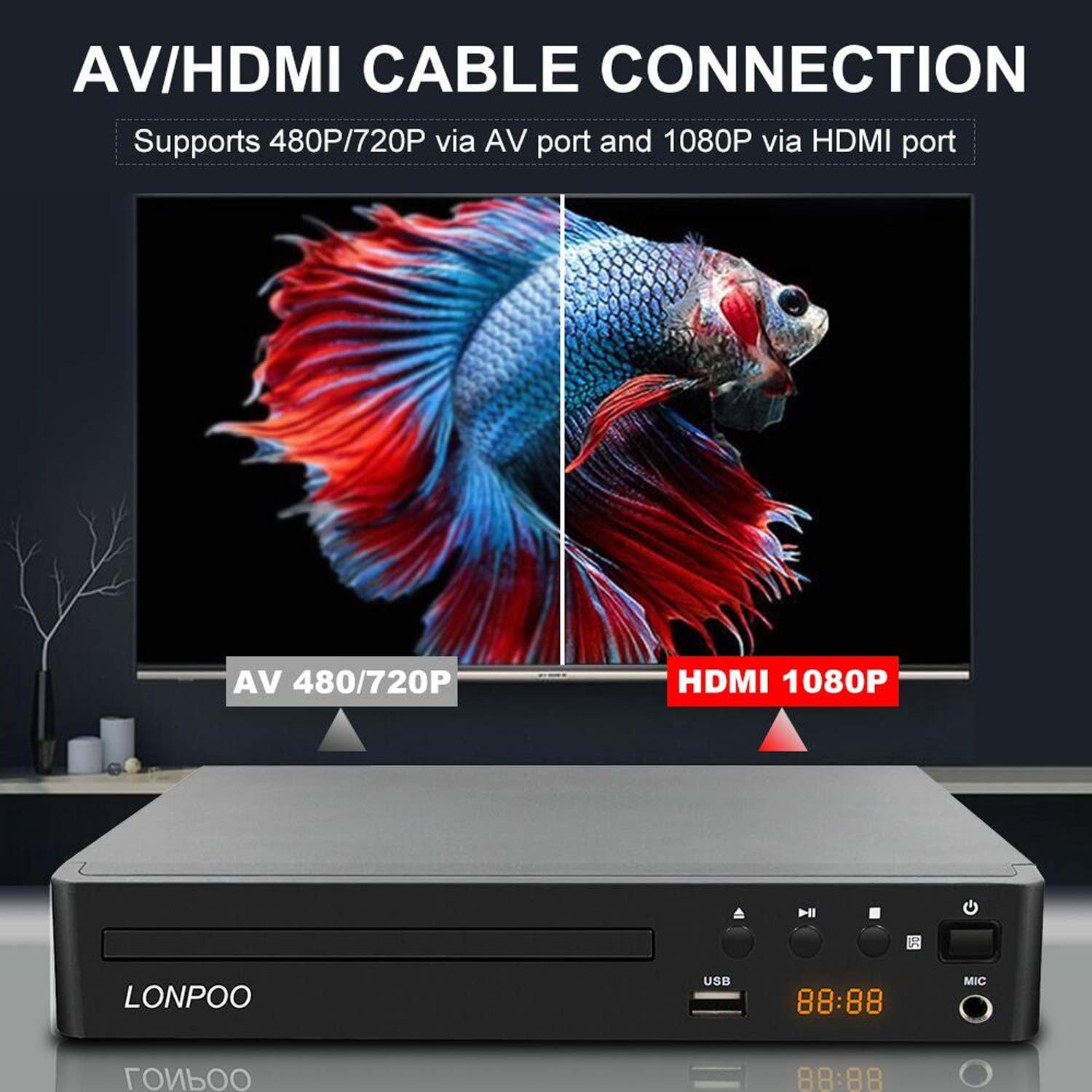
The headline promise here is picture improvement. The player uses 1080p up-conversion, described as raising image quality by correcting in pixel units. It also references brightness signal correction from recorded content and DVD movies, with the goal of smoother, high-resolution images.
For color, the description claims more “true-to-life” tones, including more faithful reds, aqua blues, and emerald greens, and improved skin tones. Whether you’ll notice every detail depends on your TV and viewing distance, but it’s a reasonable direction if you care about natural-looking scenes instead of flat, overly processed color.
Two practical playback claims are also front and center: anti-skip and “no picture freeze.” No product is magic, but if you’ve experienced stuttery playback from disc movement, scratches, or interruptions, these are the types of features you’ll appreciate.
There’s also a microphone port mentioned in the listing. That’s a nice extra if you plan to do karaoke-style playback or want to use the player with a mic. Just keep in mind that the real-world experience will depend on what you’re connecting to and how you plan to use it.
Media support: discs, files, and what it can play
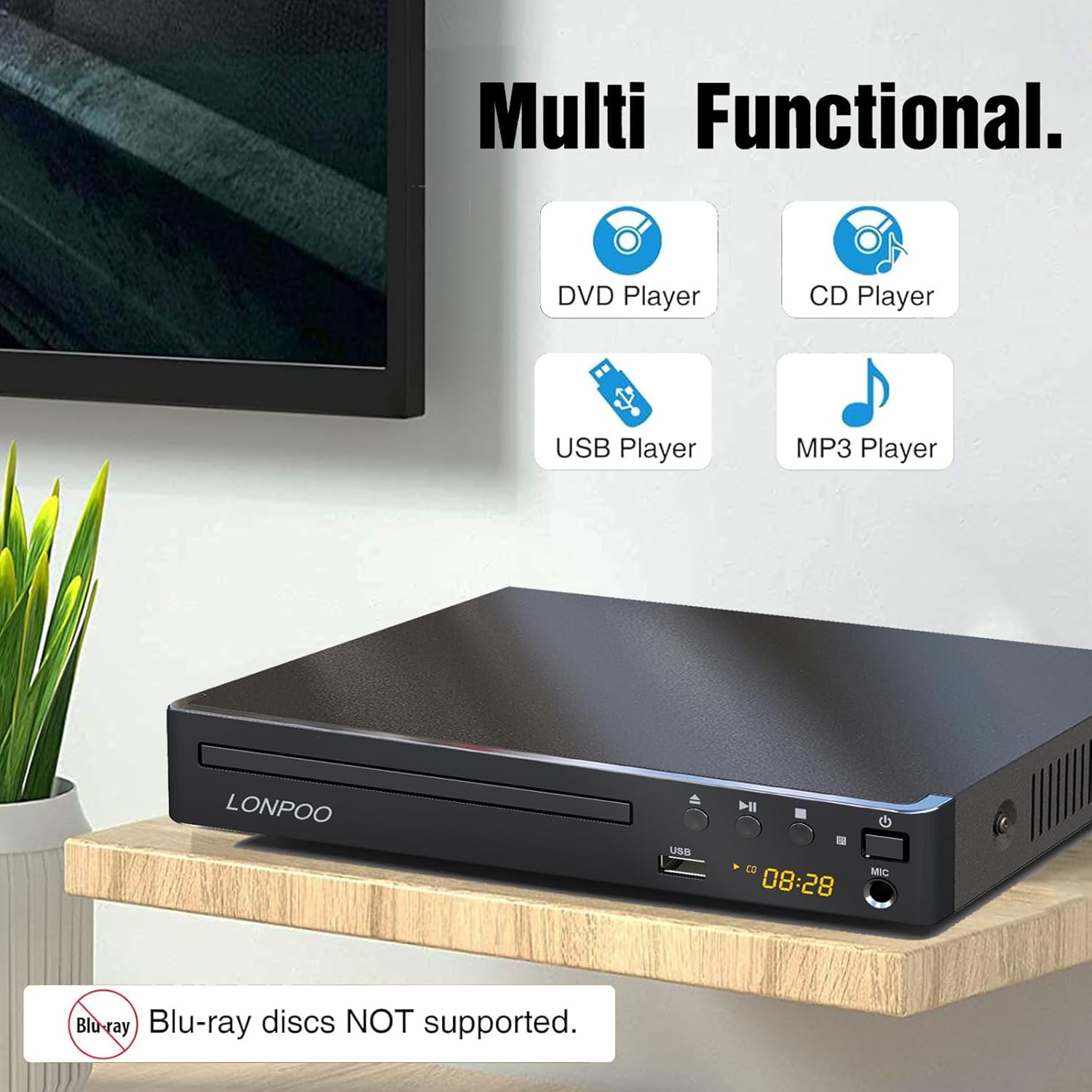
This LONPOO is positioned as a multi-format player. It supports multiple disc types including CD-R/RW and several DVD formats (DVD+RW/+R/+R DL and DVD-RW/-R/-R DL). It also supports media types like JPEG for image playback, plus MP3, MPEG-4, WMA, and AAC for audio and compatible video formats (based on what’s listed).
In a practical sense, this is the kind of player you can use two ways: - Watch DVDs you already own - Use a USB source to play media without burning another disc
That’s a big deal for people who have “some of everything” in their library. If you’re the type who keeps a mix of DVDs and saved files, this approach can feel more convenient than buying a player that’s purely disc-based.
The essentials of connectivity (and a limitation to consider)
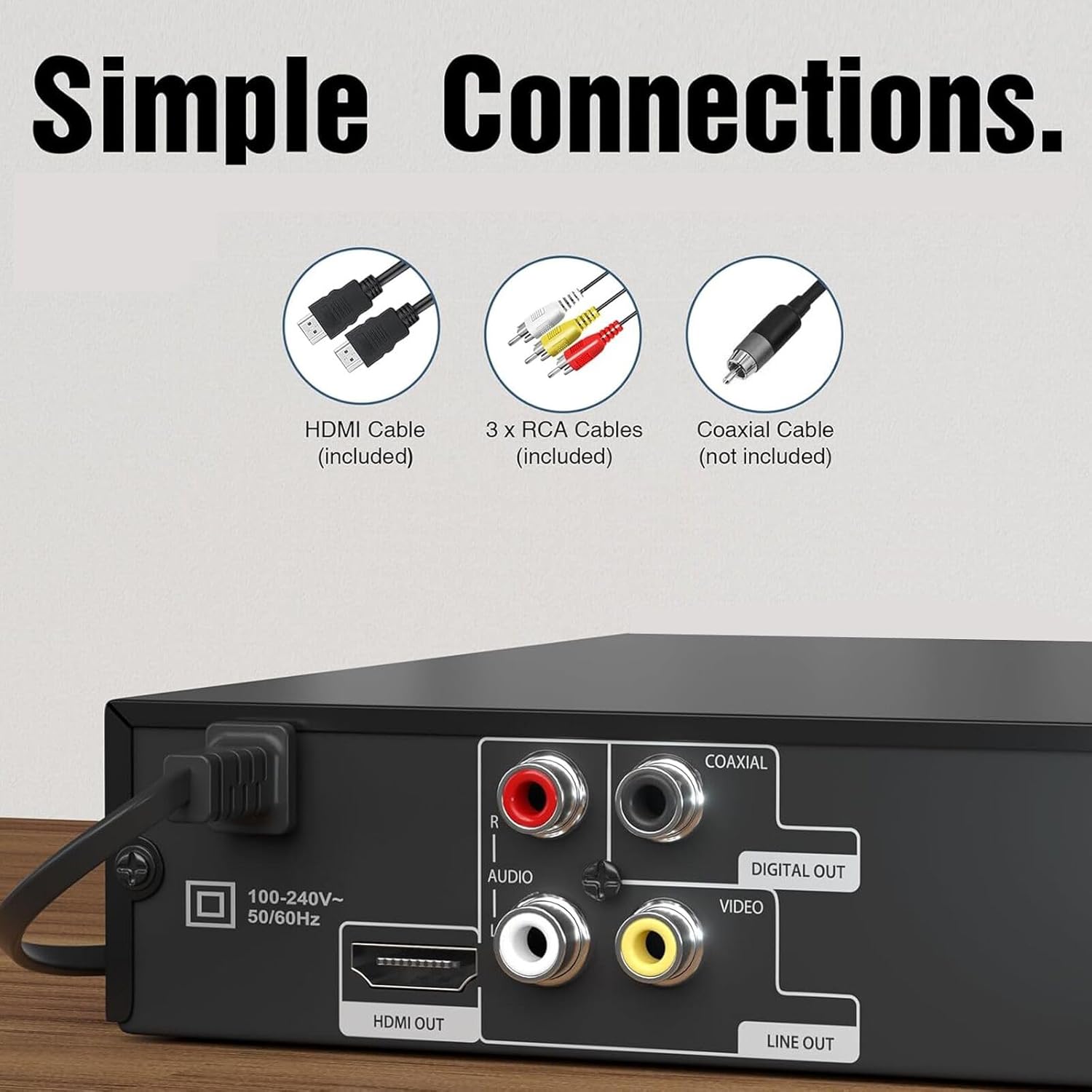
The most important connection for most buyers will be HDMI. This player is explicitly described as “HDMI for TV,” and it comes with an HDMI cable included. That reduces friction at setup time.
It also includes an AV cable, which matters if you’re using older TVs or a setup that still relies on the classic red/white/yellow inputs. So you’re less likely to get stuck immediately after opening the box.
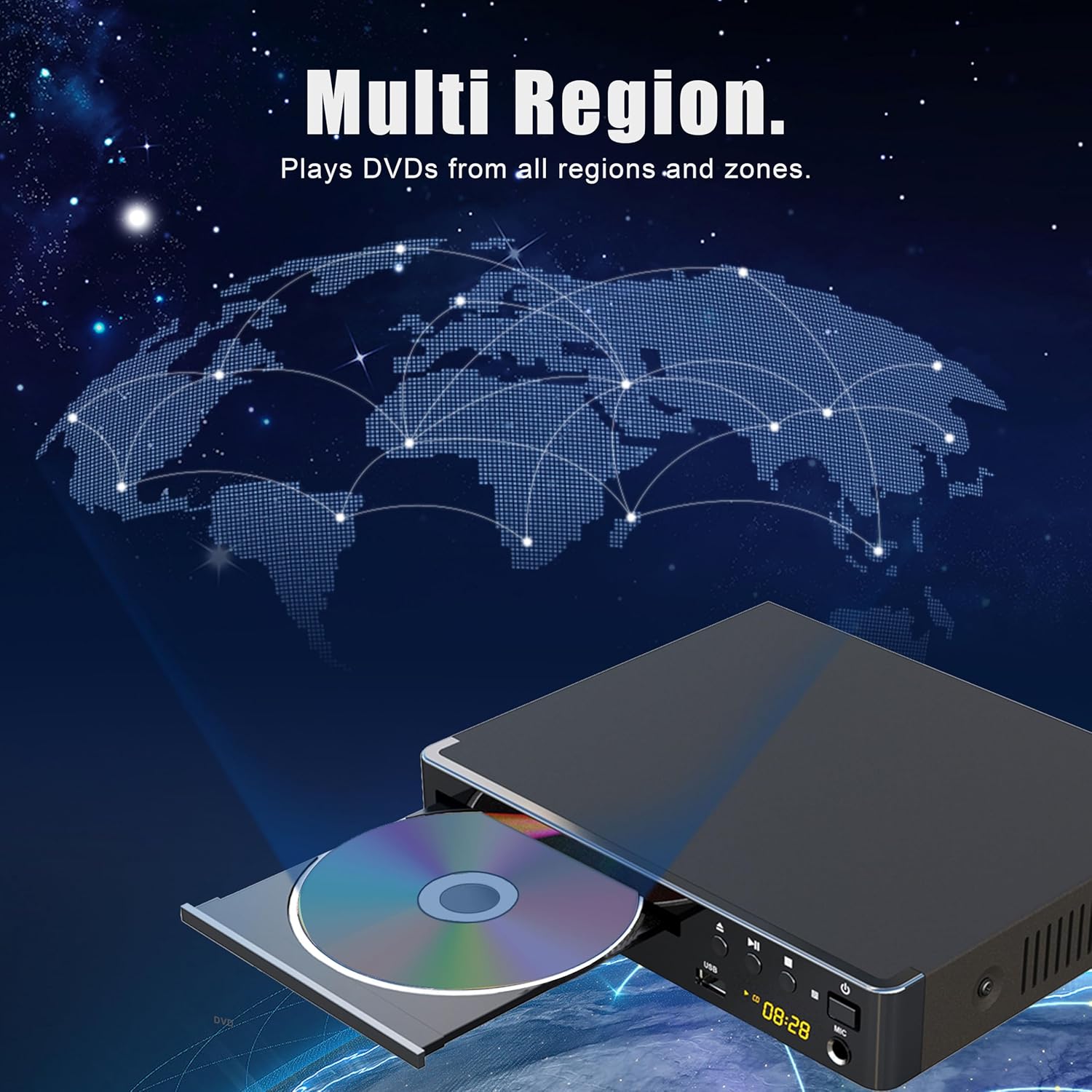
One limitation to keep in mind: the listing calls it a “multi region DVD player,” but it doesn’t specify the exact region behavior in the details provided here. If region compatibility is critical for you (for example, importing discs), you’ll want to double-check region specifics before you buy.
Tech specs snapshot (what the listing claims)
For a quick “buy/no-buy” mental checklist, the description highlights these technical directions: - HDMI output for clearer picture and better audio via HDMI - 1080p up-conversion to smooth the look of standard DVDs - Anti-skip and “no picture freeze” claims for steadier playback - USB playback - Microphone port - HDMI & AV cables included
It’s not perfect if your goal is the most advanced home theater processing. But as an HDMI-ready DVD player that also covers USB playback, it’s aimed squarely at practical everyday viewing.
Who it’s for (and who should skip it)
It makes sense if you: - Want an HDMI DVD player so DVDs look and sound better on a modern TV - Need flexibility with both discs and USB playback - Care about smoother visuals and fewer playback hiccups - Appreciate having HDMI and AV cables included for different TV setups - Might use a microphone port for karaoke or similar purposes
You may want to skip it if: - You need fully confirmed DVD region performance for specific imported discs (the listing doesn’t spell out the exact regions here) - You’re expecting top-tier home theater performance beyond up-conversion and basic HDMI output (this is more “smart everyday viewing” than high-end media processing)
Final verdict
Worth considering if you’re upgrading your DVD viewing experience with HDMI and want a compact player that also supports USB playback. The anti-skip and “no picture freeze” claims are there for a reason—if you’ve had trouble with discs or expect stable playback, this is the kind of feature set to look for.
It might not be the best fit if region compatibility is your make-or-break requirement, since the details provided don’t confirm the exact region behavior. If you’re mainly trying to play your existing DVDs and keep setup simple, though, this is the kind of buy that can feel immediately useful.
Mini FAQ
How is the picture improved vs standard DVD output?
The listing focuses on HDMI output and 1080p up-conversion, described as correcting image quality in pixel units and improving brightness signals.
Does it play USB media?
Yes. USB playback is listed, and it also supports formats like JPEG, MP3, MPEG-4, WMA, and AAC.
Are HDMI and AV cables included?
Yes. The package includes both an HDMI cable and an AV cable.
Is it good for karaoke-style use?
A microphone port is mentioned, so it’s designed with that kind of use in mind, at least at the connection level.
What should I verify before buying?
If you rely on specific DVD region discs, double-check region compatibility details, since the listing doesn’t provide the exact region behavior in the information shown here.