

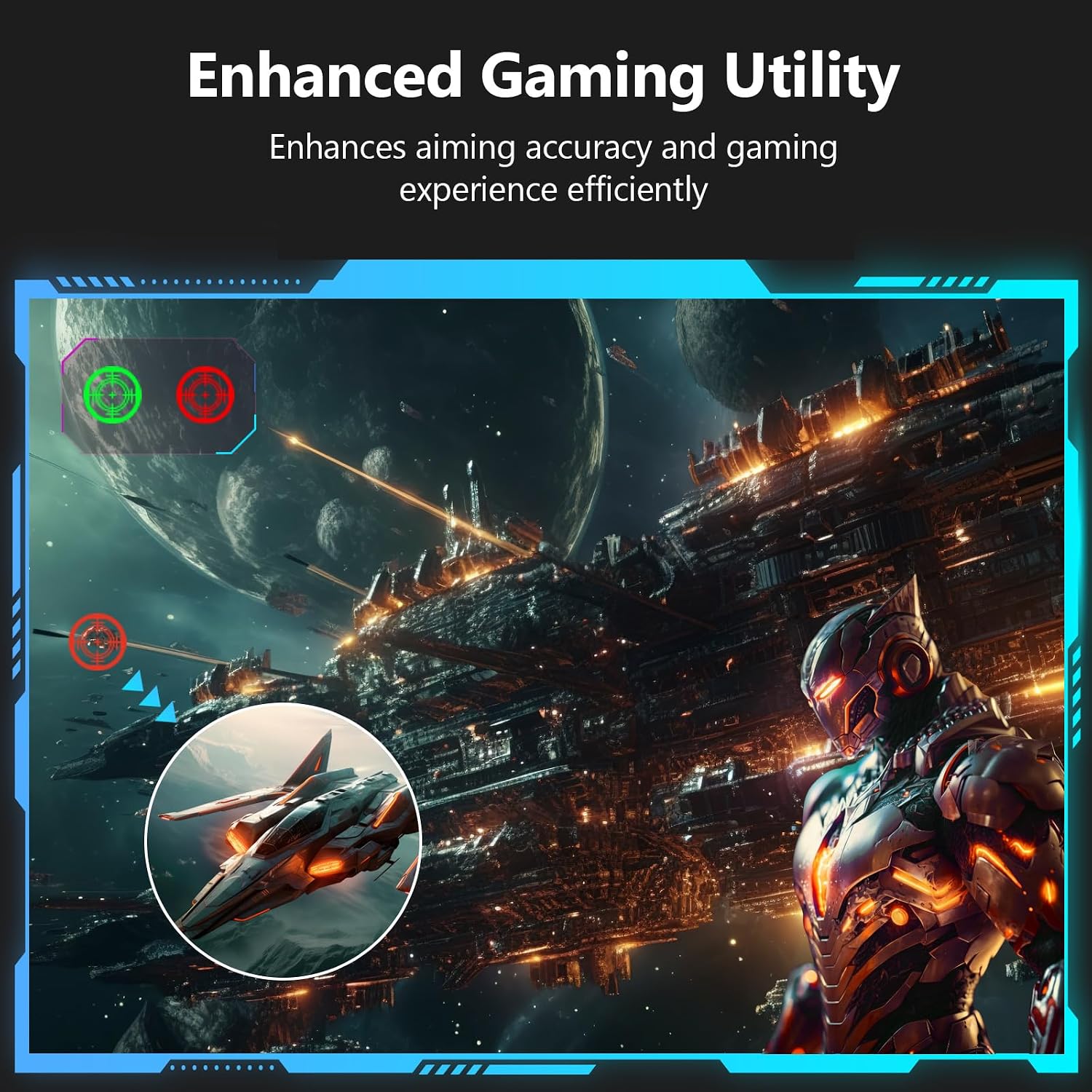
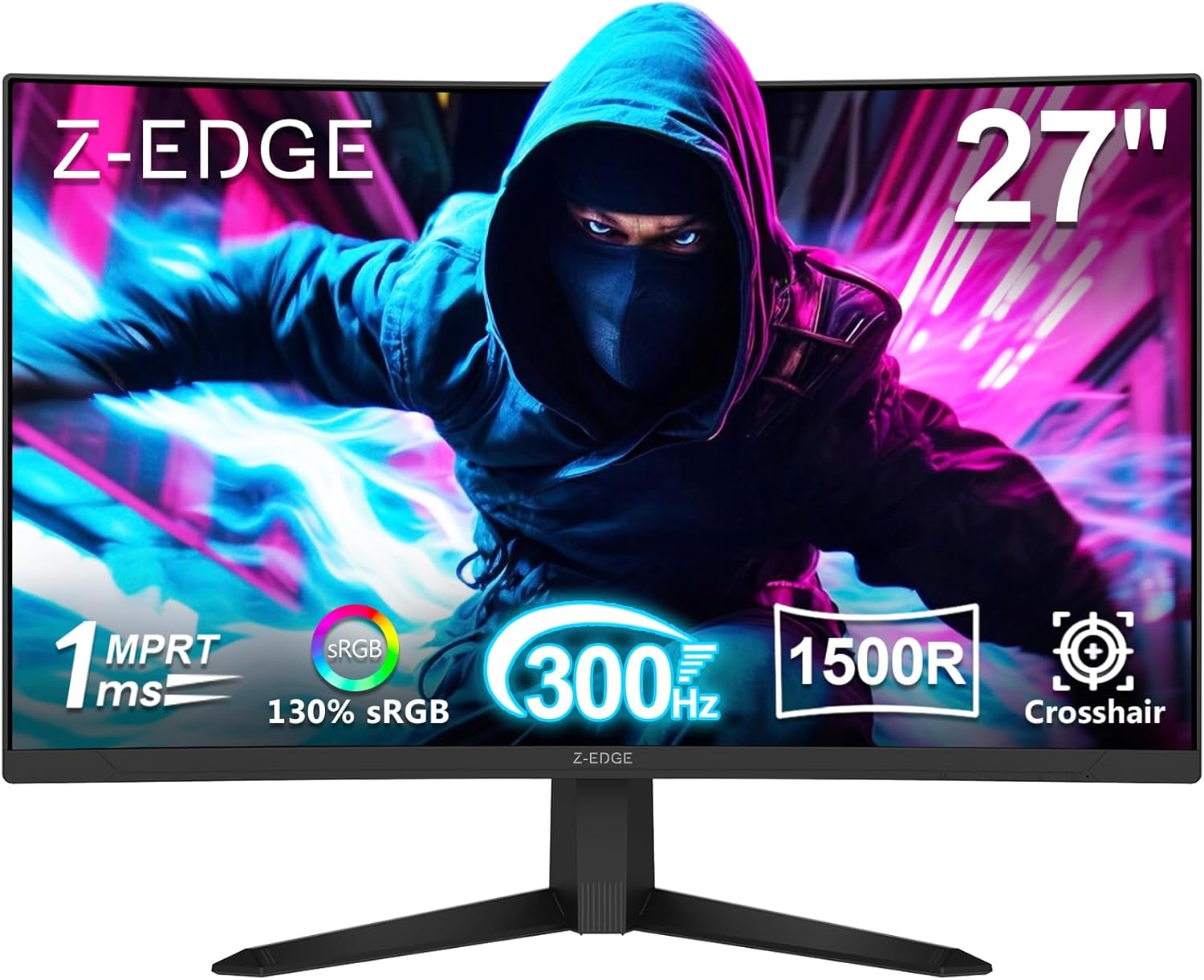
Z-Edge 27-Inch Curved Gaming Monitor – FHD 1080p, 300Hz, 1ms, FreeSync, 1500R
Product description
What it is and the need it can satisfy
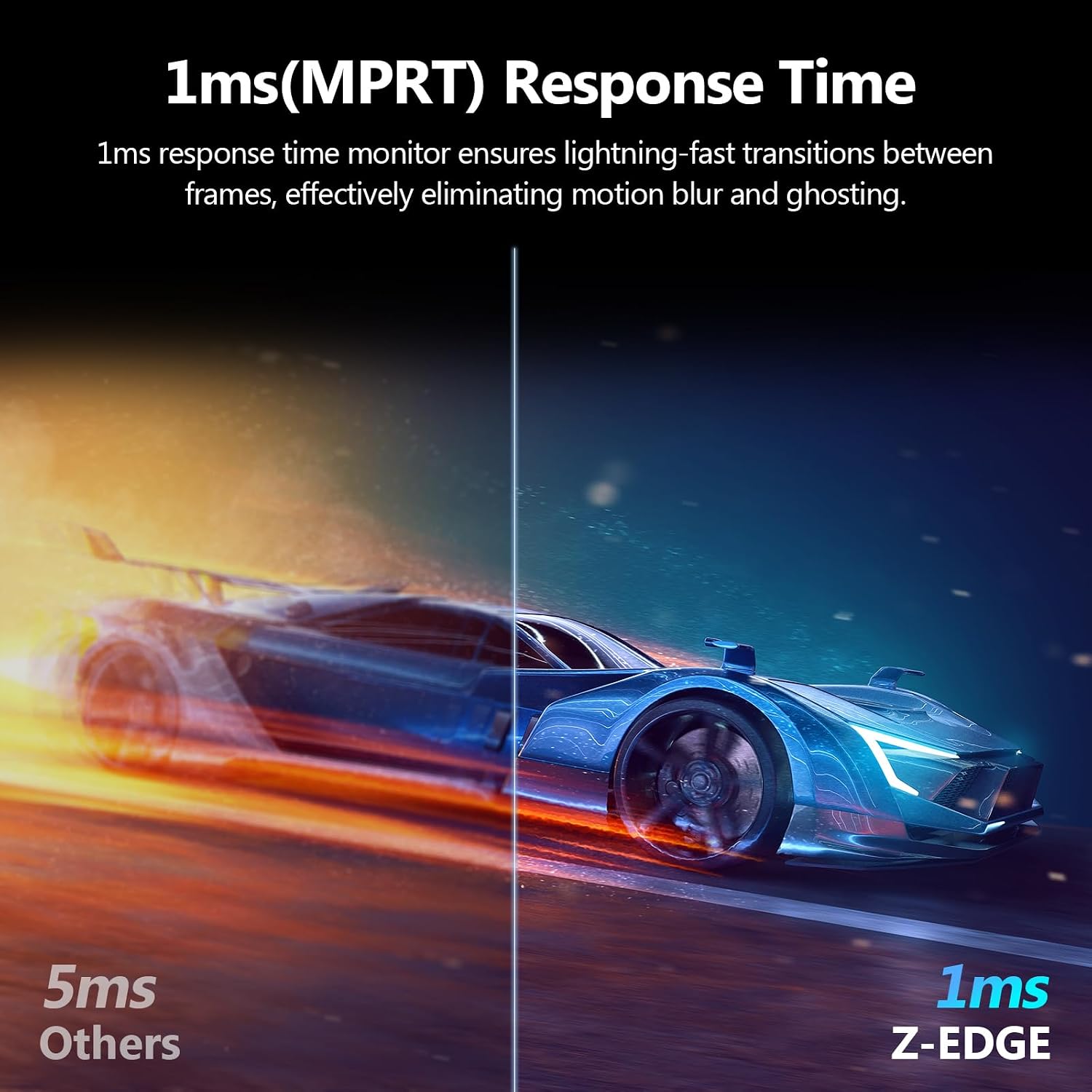
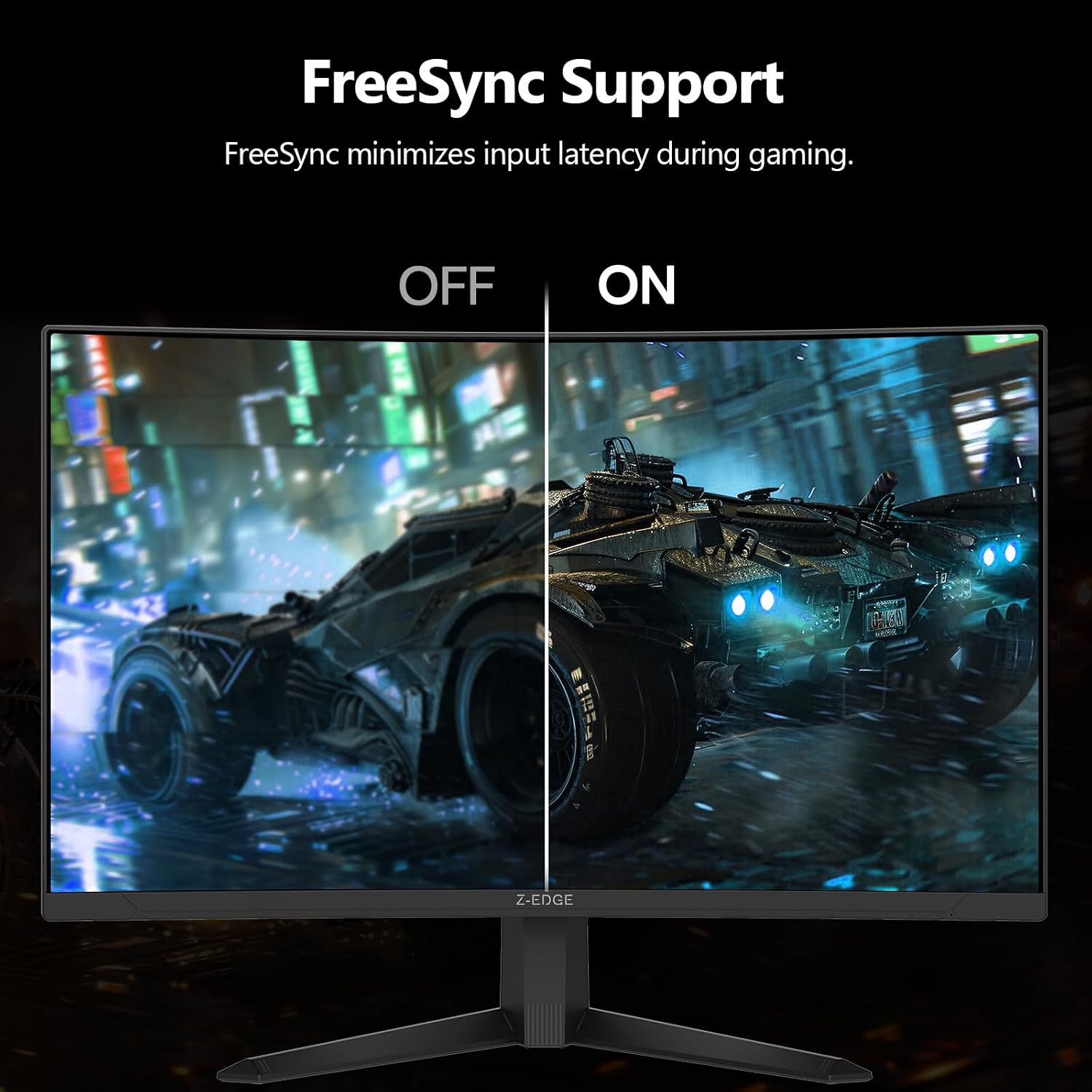
The Z-Edge 27-inch curved gaming monitor is built for fast-paced games and competitive play. With a Full HD 1080p panel wrapped in a 1500R curve, it aims to pull you into the action while keeping a wide field of view. The core claim is a 300Hz refresh rate and a 1ms response time, designed to minimize motion blur and input lag so you can react quickly in esports or fast shooters.
How it performs in real-world use
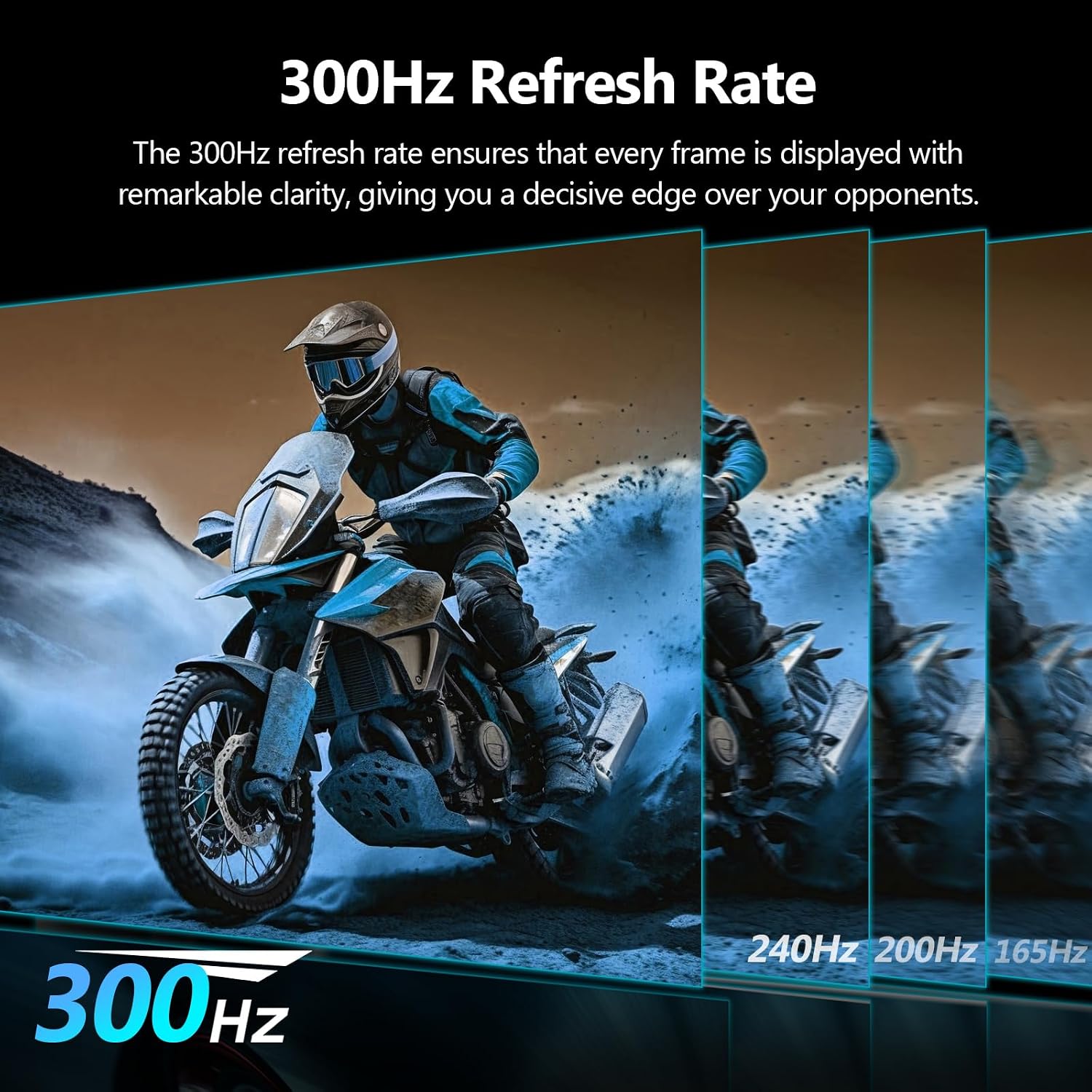
On paper, the high refresh rate and ultra-low latency sound appealing for players who want every frame to matter. The curved screen can help with immersion and may reduce eye strain during long sessions, especially when combined with the monitor’s flicker-free technology and low blue light features. In practice, whether you notice a meaningful difference hinges on your GPU, the games you play, and whether you’re pulling sustained high frame rates.
What stands out
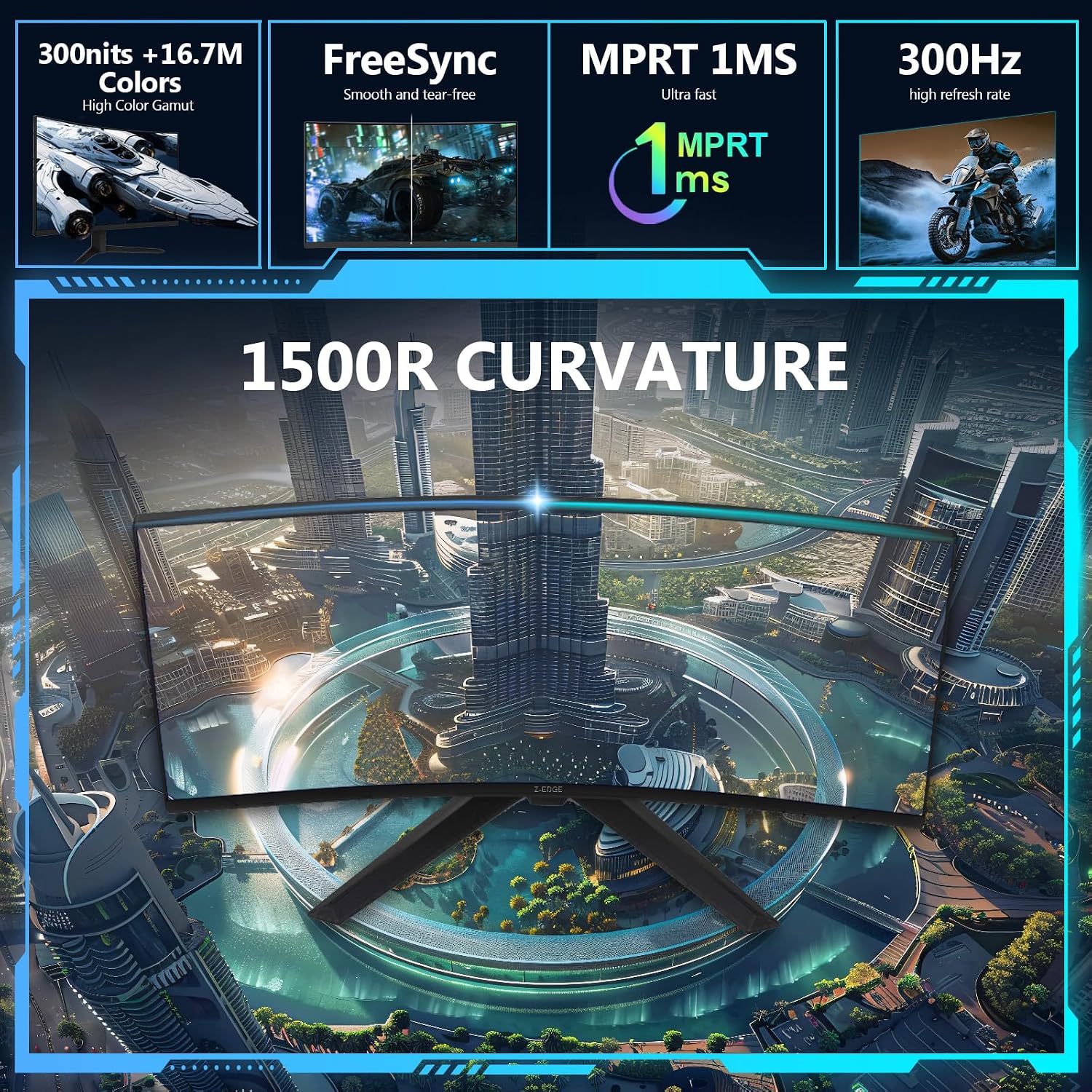
- Ultra-fast refresh and latency: up to 300Hz (DP) and 240Hz (HDMI) with a 1ms response time, which could translate to smoother panning and crisper on-screen movement.
- Immersive design: 1500R curvature and a three-sided border-less look, which can help create a more expansive multi-monitor setup.
- Connectivity ready: two DisplayPort inputs and two HDMI ports provide flexible options for a PC and console or secondary device.
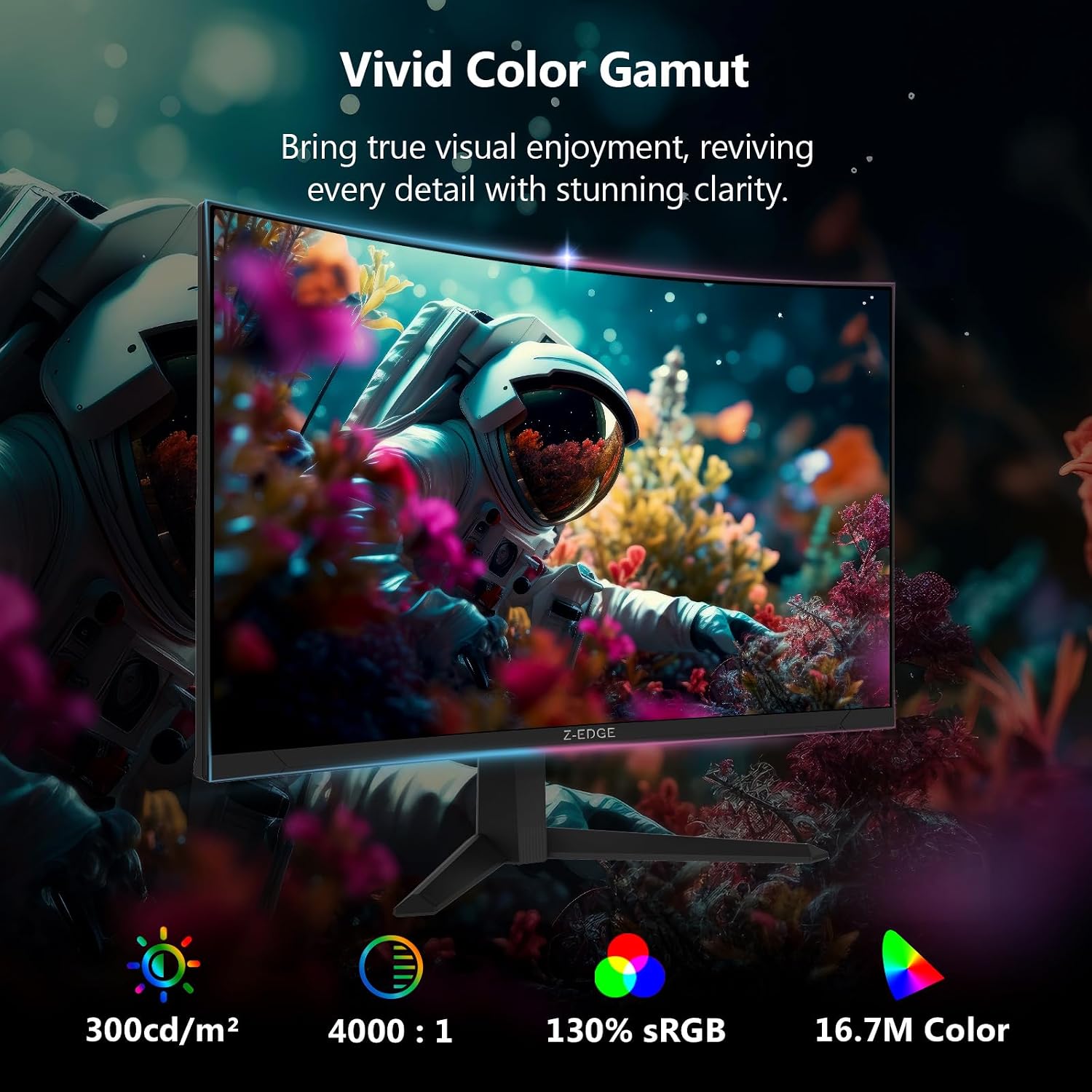
- Visuals and comfort: Full HD resolution with a wide color range and low blue light features, aiming for clearer scenes and less eye fatigue during long sessions.
Things to weigh before buying
- Image sharpness: At 1080p on a 27-inch panel, you’re far from Retina-level pixel density. If you value ultra-crisp text and detail for productivity or media work, this size/resolution pairing is common but not top-tier.
- Real-world frame rates: To truly enjoy 300Hz, you’ll need a powerful GPU and games that run well above 180+ FPS. If your typical frame rates hover around 60–120, you won’t experience the full benefit.
- Use-case balance: This monitor leans toward competitive gaming. If you also want to do serious color-critical work or production tasks, you might notice color accuracy and resolution limitations compared with higher-end panels.
Who it’s for
- Players seeking a competitive edge in fast-twitch titles who can leverage high refresh rates.
- Gamers who want a curved, immersive screen with multiple input options and a sleek, border-less aesthetic for a multi-monitor setup.
- Setups where PC and console connections need flexible input routing without swapping cables.
Who it isn’t ideal for
- If you prioritize 4K clarity or a high-pixel-density experience for detailed work, this 1080p panel may feel limited on a 27-inch display.
- If your GPU cannot consistently render very high frame rates, you might not see the full advantage of the 300Hz claim.
When it makes sense to buy
- You play fast, reflex-driven games and want to reduce motion blur and input lag.
- You’re building or upgrading a multi-monitor or curved setup and want flexible connectivity (2x DP, 2x HDMI).
- You value a lower blue light experience for long gaming sessions and prefer a screen with flicker-free technology.
What to check before purchasing
- Ensure your system can push high frame rates in your main titles to exploit the 300Hz/240Hz capability.
- Confirm desk space and mounting compatibility (100x100 mm VESA mount compatibility is noted).
- Consider side-by-side performance with other resolution options, 1080p on a 27-inch panel is common but not the sharpest for text.
Practical usage example
Imagine you’re in a fast-paced shooter tournament. You flick to an enemy at the edge of your screen and react in milliseconds—the combination of a 1ms response and high refresh rate helps reduce blur and ghosting, making target tracking feel snappy. If you also switch between PC and console, the dual DP/HDMI setup can simplify your cable layout without sacrificing smoothness.
FAQ at a glance
- Q: Will I notice a difference between 300Hz and 240Hz? A: If you’re chasing every subtle frame, the higher DP-specified rate can matter in theory, but real-world gains depend on your game and GPU output.
- Q: Is 1080p enough for a 27-inch curved panel? A: For gaming, many players are comfortable with 1080p at this size, for productivity or text clarity, some may prefer higher resolution.
- Q: Can it replace a video monitor? A: It can handle media, but colors and detail may not match higher-end IPS or VA panels designed for color-critical work.
Final considerations
If prioritizing smooth motion, fast responsiveness, and a curved immersive feel fits your setup, this monitor delivers on its core promises. It’s less convincing if you need ultra-high color accuracy or pixel-dense text work. A practical choice for competitive gaming or a multi-monitor, space-conscious desk where you want high refresh rates with flexible inputs.
Is it worth it?
You’ll appreciate it if you game aggressively and want the potential edge of high refresh rates, provided you have a capable GPU and a use-case that benefits from a curved, immersive display.