

Philips 24E2N2100 24-inch IPS FHD 120Hz Gaming/Office Monitor with HDMI & VGA (Eye Care, VESA)
Product description
The essentials (what it is and why people buy it)
The Philips 24E2N2100 is a 24-inch IPS monitor built for the everyday mix: office work, streaming, and casual gaming. On paper, it’s the kind of display you get when you want sharper-looking visuals (Full HD on an IPS panel) plus smoother motion than the usual 60Hz monitors. The refresh rate jumps to 120Hz, and that’s the main “feel it in use” difference if you do any scrolling, video playback, or gameplay that benefits from responsiveness.
It also leans practical. There’s HDMI for modern devices and VGA for older gear, so it can work when your setup still includes a legacy connection. Add VESA mounting support and you’ve got flexibility for a desk arrangement—especially if you’re trying to save space or tidy cable runs.
That said, it’s not a magic fix for every scenario. If you’re chasing the absolute top tier of gaming performance (think ultra-low input lag at all costs or high-end HDR experiences), this one may feel more like a balanced mid-range office-and-entertainment pick than a dedicated “max performance” gaming screen.
Key features that affect day-to-day use
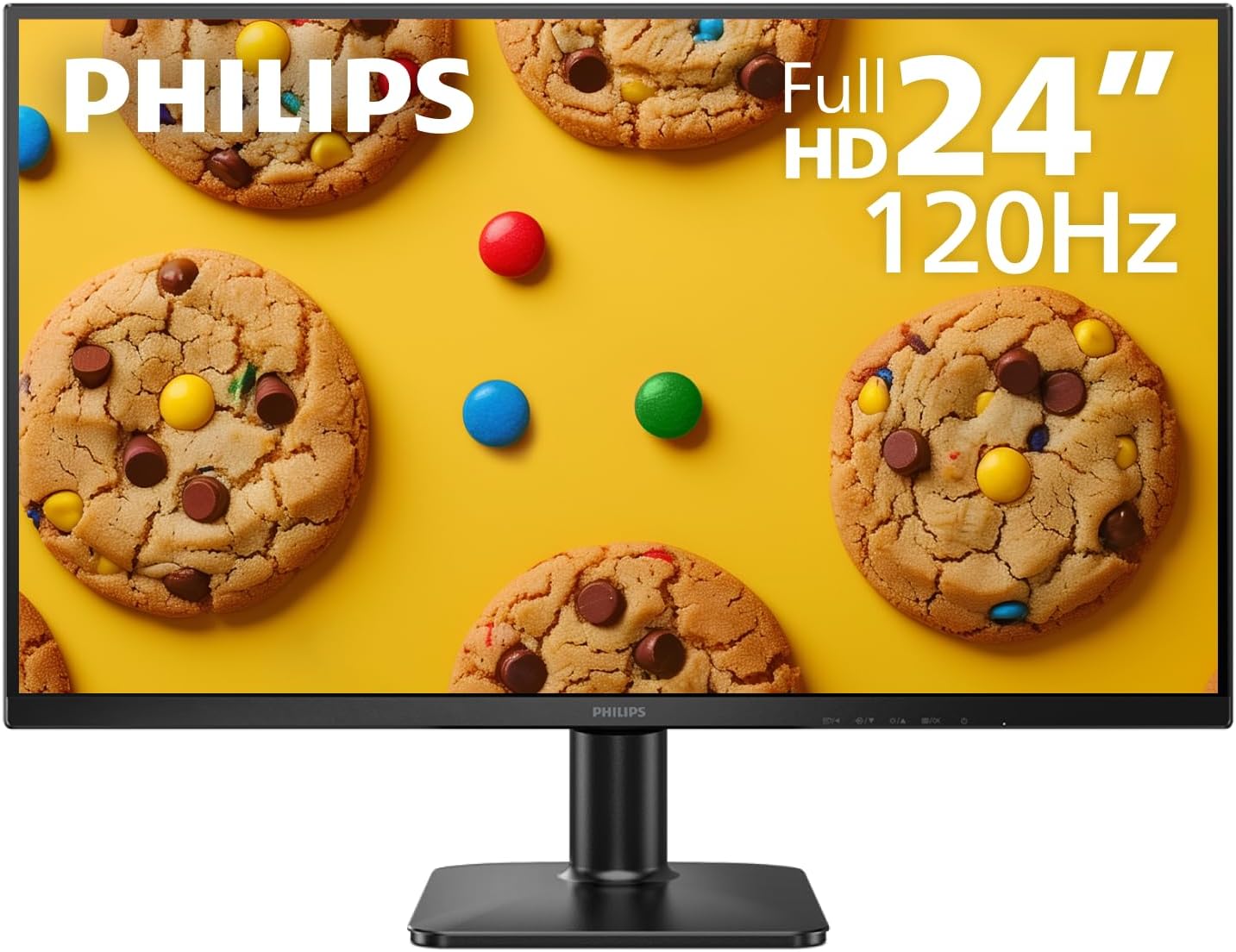
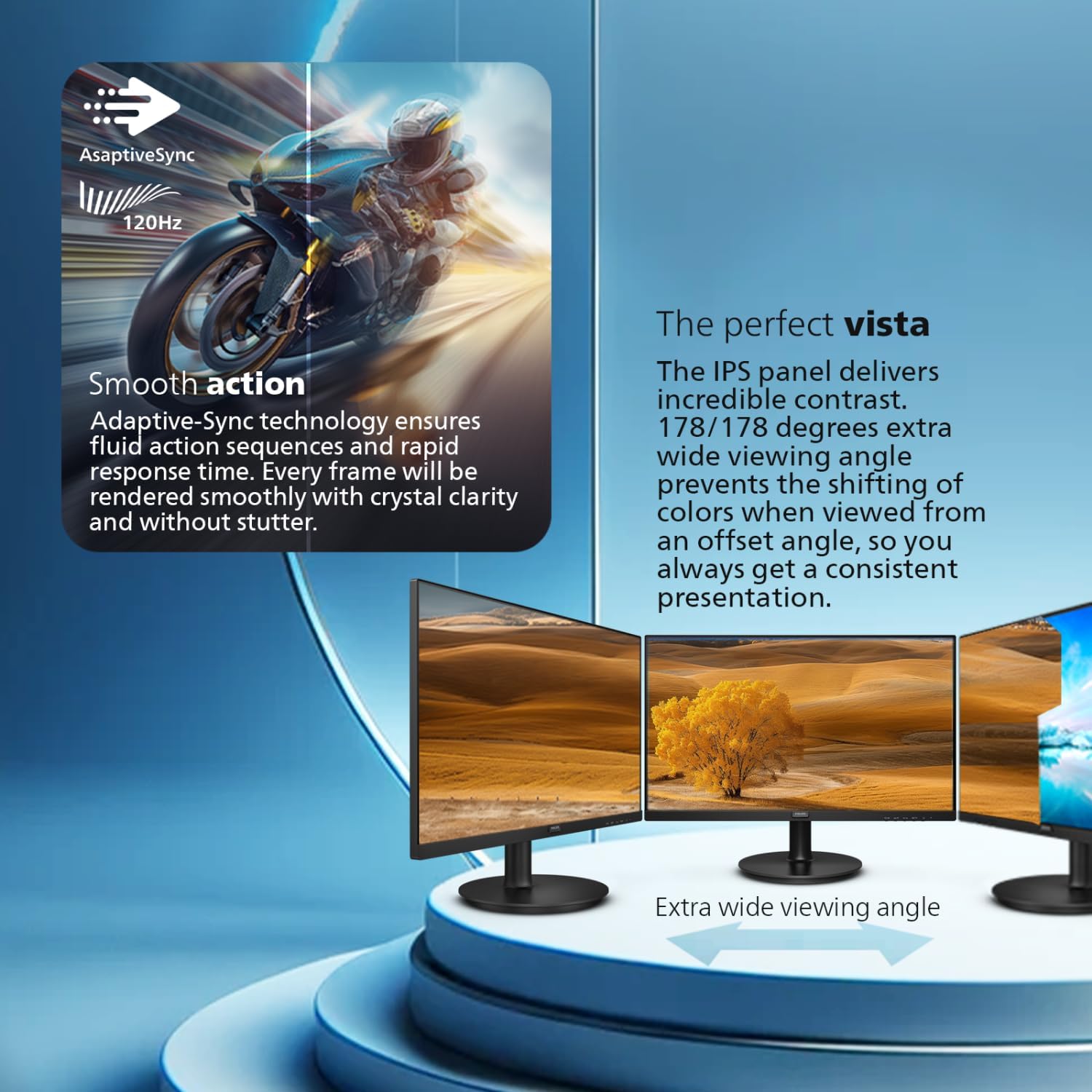
The biggest headline is 120Hz “smooth visuals.” The benefit is simple: motion should look and feel less choppy than a 60Hz display, particularly during fast scrolling, action scenes, and games that can keep up.
The panel choice matters too. With a 24” Full HD IPS (1920 x 1080), you can expect clear text and solid color consistency for typical desk tasks—spreadsheets, documents, and web work. IPS is also generally a comfortable choice for mixed viewing angles, which helps if you share your screen during casual use.
For desk setup, Philips includes ultra-narrow bezels with a 3-sided frameless design. This is the kind of detail that can make multi-monitor arrangements look cleaner, and it can help you focus on content rather than thick borders.
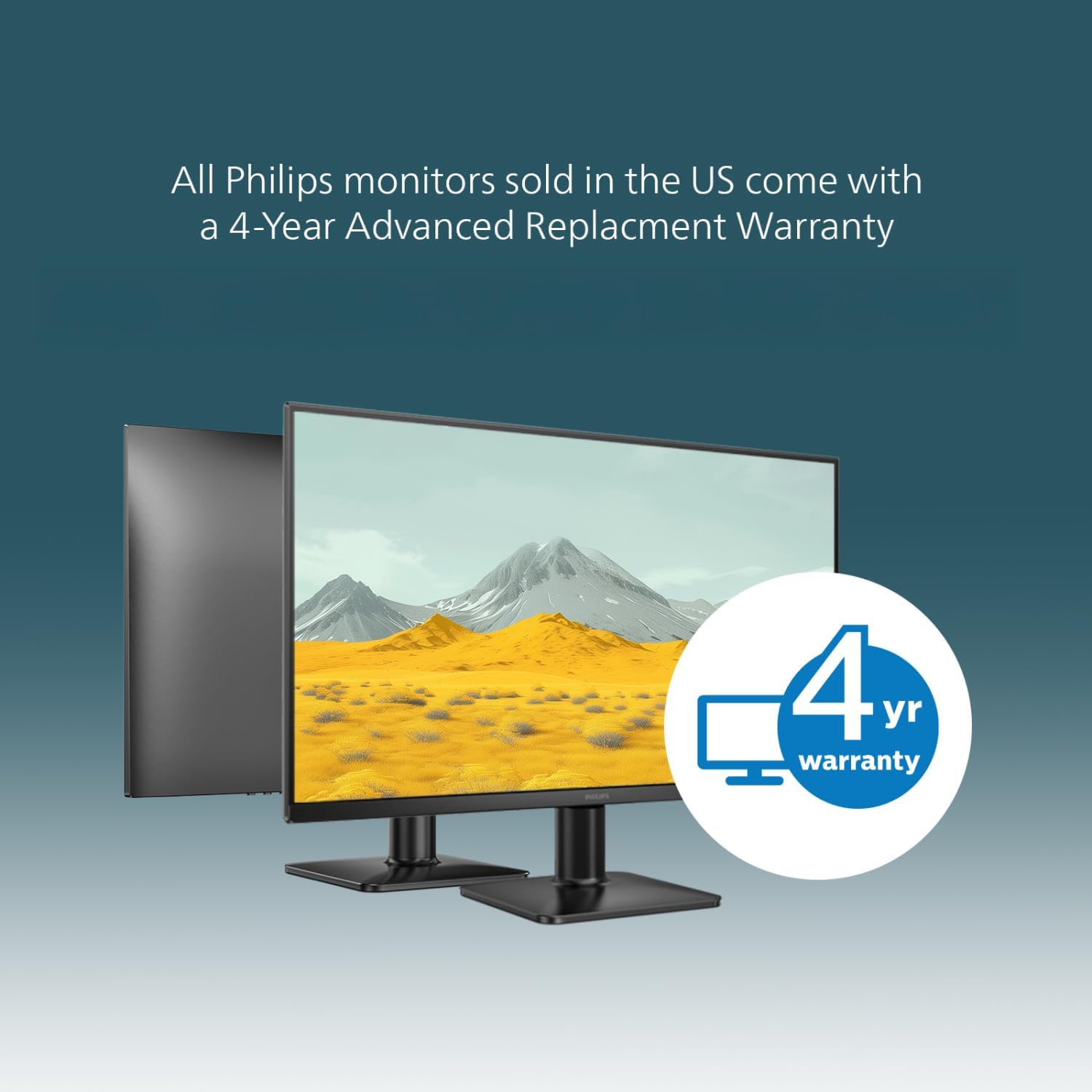
Connectivity and placement: where it really helps
One of the more practical reasons to consider this model is the mix of inputs. It includes HDMI x1 and VGA x1, which gives you options for connecting both newer PCs and older devices without needing extra adapters (or at least not rushing to buy them right away).
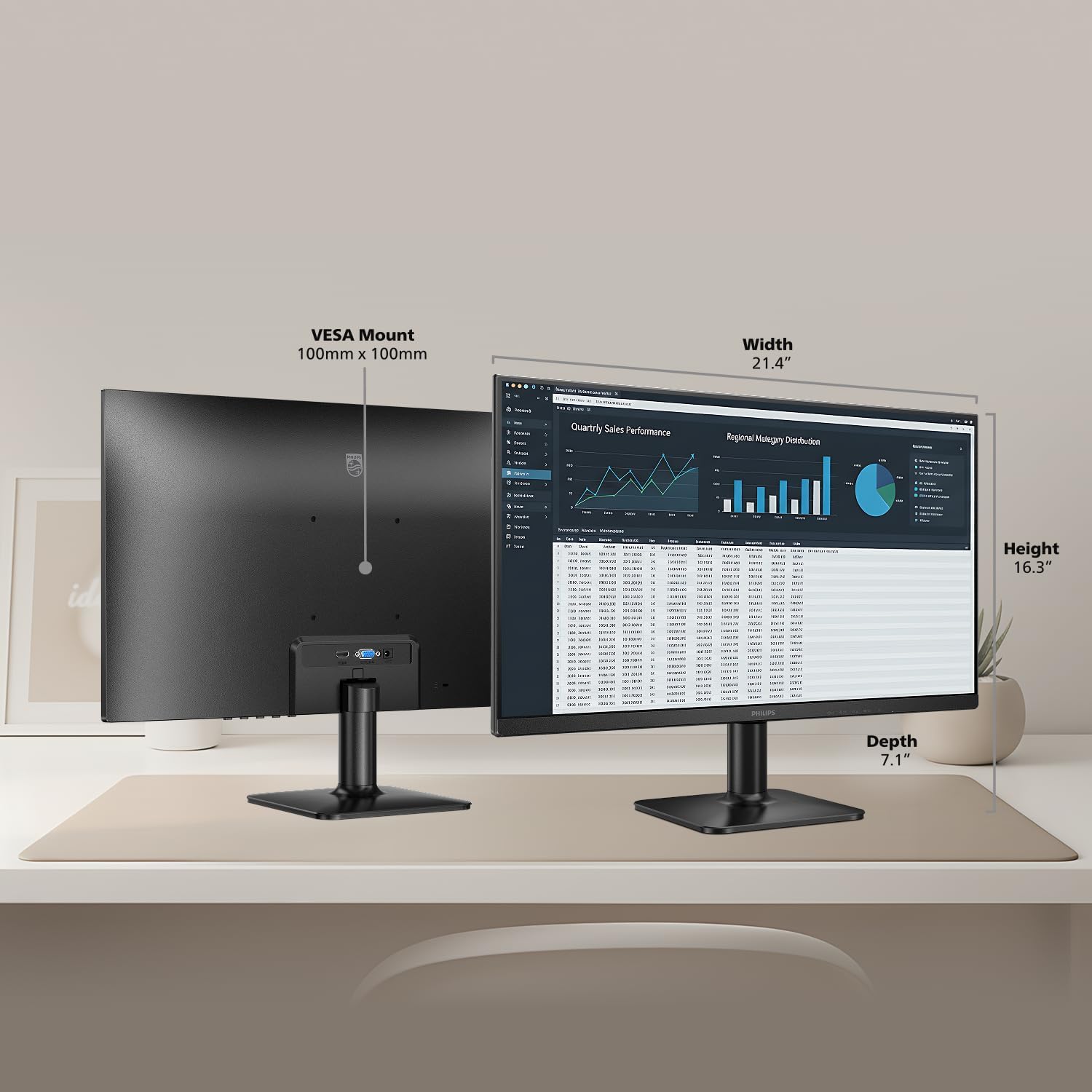
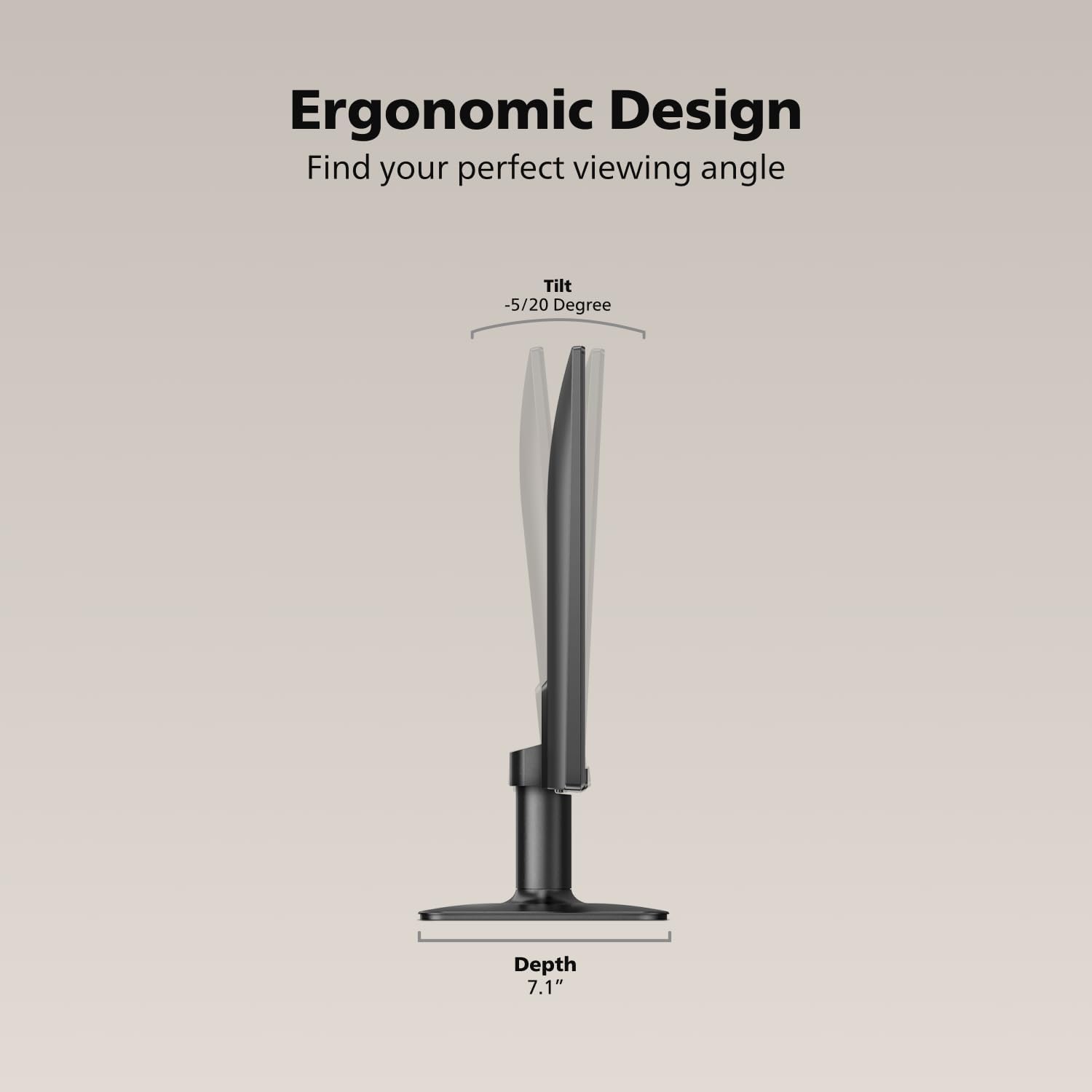
There’s also VESA support, which matters if you don’t want to rely only on a desk stand. Even if you’re not mounting it immediately, being VESA-compatible gives you room to grow your setup later.
Comfort for long sessions (and where it can fall short)
Philips’ Eye Care approach here is focused on long-hour comfort: LowBlue Mode and flicker-free technology. In real office and streaming use, those features are aimed at reducing eye fatigue when you’re staring at a screen for hours.
Still, it’s worth tempering expectations. Comfort features aren’t the same as good lighting conditions, correct viewing distance, and healthy breaks. If you’re sensitive to screen brightness or you work in harsh overhead lighting, you’ll still want to adjust your workspace and monitor settings.
Tech specs (at a glance)
- Type: IPS
- Size: 24-inch
- Resolution: 1920 x 1080
- Refresh rate: 120Hz
- Inputs: HDMI x1, VGA x1
- Mounting: VESA
Who it’s for (and who should be cautious)
This monitor makes sense if you want a single screen that can cover office productivity, everyday entertainment, and casual gaming without feeling like you’re constantly switching devices or settling for basic motion.
It may not suit you as well if you’re primarily a competitive gamer who plans to tune for the absolute fastest performance and the most advanced gaming visuals available in higher-end offerings. In that case, 120Hz is a good start, but your priorities might demand more than what’s described here.
Worth considering if you need legacy support: the VGA port can be a genuine time-saver when you’re repurposing older machines or keeping an established setup running.
Getting the most from it (simple setup example)
If you’re setting up a work-and-play desk, a straightforward way to use it is: connect your main PC via HDMI for daily tasks, then keep the VGA input available for an older secondary device. Pair that with the narrow bezels for a cleaner dual-monitor look if you expand later. And if you do long spreadsheet sessions, enable LowBlue Mode and use flicker-free settings consistently—small comfort tweaks add up over a week.
Final verdict
The Philips 24E2N2100 is a practical, desk-friendly IPS monitor that tries to cover a lot of bases: sharp Full HD visuals, smoother-than-60Hz motion at 120Hz, and comfort features aimed at longer sessions. The HDMI + VGA combo is especially appealing if you want flexibility and don’t want to think about compatibility too much.
Buy it if you’re looking for a mainstream office/entertainment monitor with a noticeable upgrade in motion smoothness, and you appreciate having both HDMI and VGA available.
Skip it if your goal is high-end competitive gaming performance or advanced visual features beyond what’s described here—this one feels more like a solid all-rounder than an enthusiast-focused “everything maxed out” display.
Mini FAQ
Does this monitor work for office work as well as gaming?
Yes. It’s marketed as a gaming/office style monitor, and the IPS Full HD panel plus comfort features (LowBlue Mode and flicker-free) are the kind of setup you’d expect for long productivity sessions.
What connections does it include?
It includes HDMI x1 and VGA x1, so it supports both newer and legacy connections.
Is 120Hz a meaningful upgrade from 60Hz?
If you’re sensitive to motion smoothness or you play casual games and watch fast-moving content, 120Hz can feel smoother than a 60Hz baseline.
Can it be mounted?
It supports VESA mounting, which is useful if you want more flexible placement on your desk.