

Dell Tower Desktop with 16GB DDR5 RAM
Product description
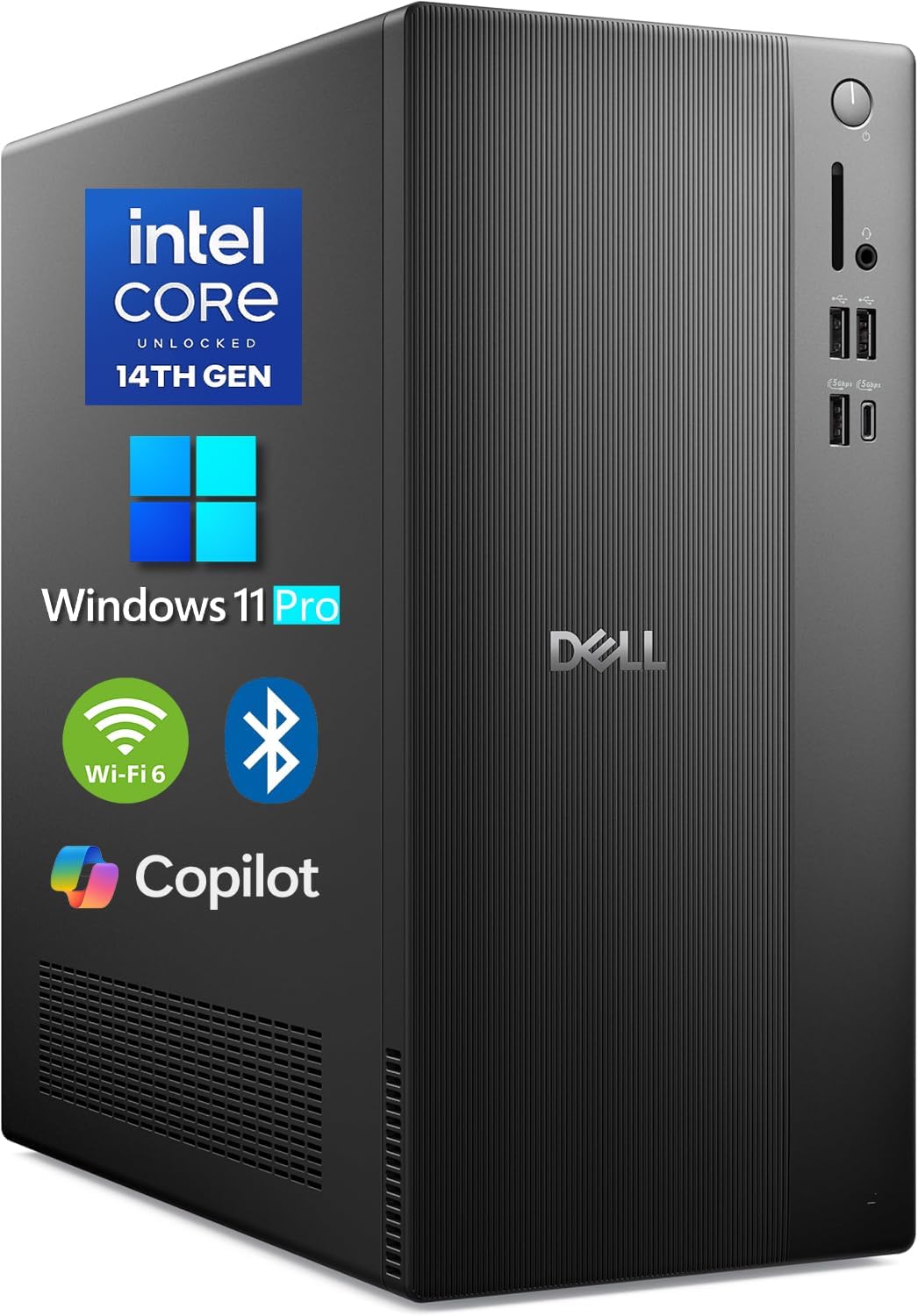
If you want a desktop for everyday work and several open apps, this Dell tower pairs a 14th Gen Intel Core i3-14100 with 16GB of DDR5 memory and a 512GB PCIe SSD. Windows 11 Pro is already installed, so its focus is a ready-to-use work setup rather than a gaming-first build.
The practical split is simple: if you prioritize office productivity, multitasking, and flexible monitor connections, its listed features cover those needs, if you prefer a desktop for demanding graphics work, the integrated graphics are an important distinction.
Getting the most from it
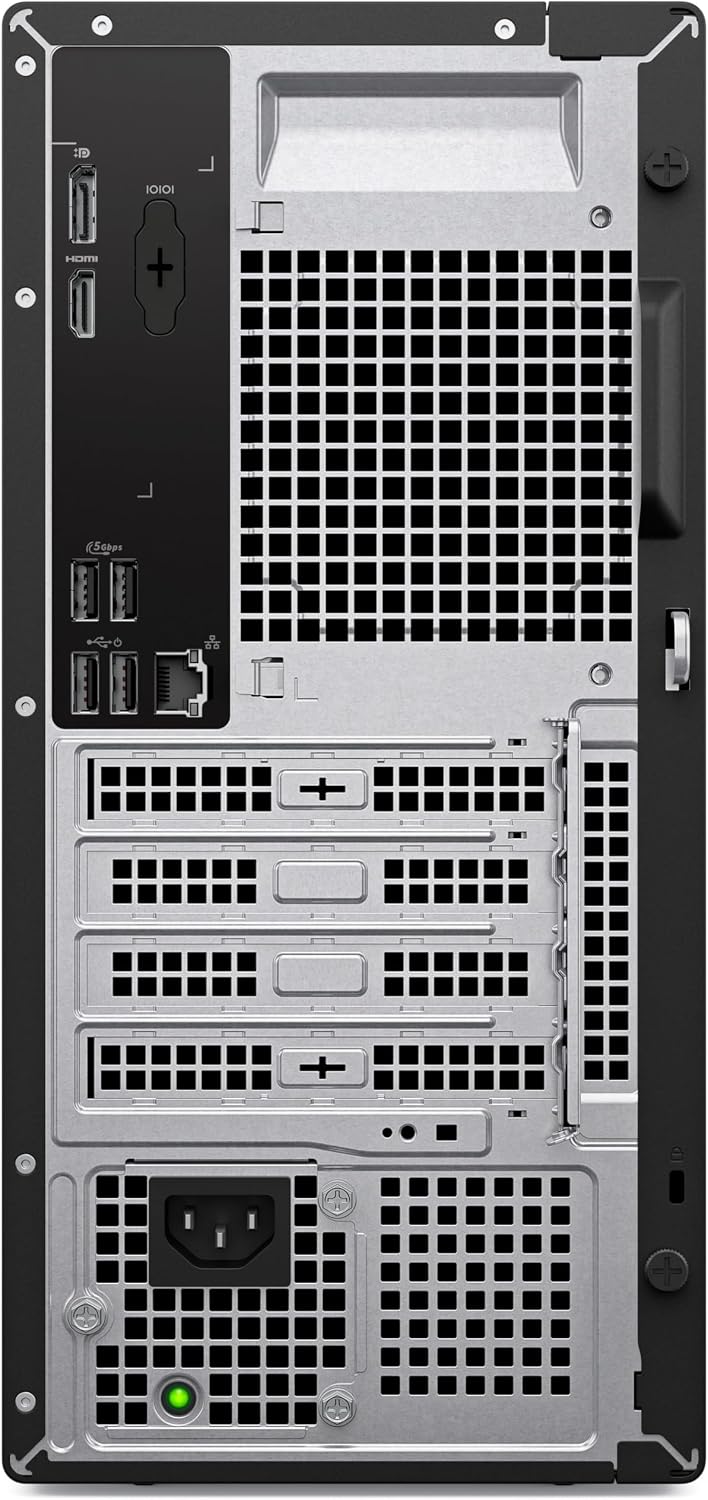
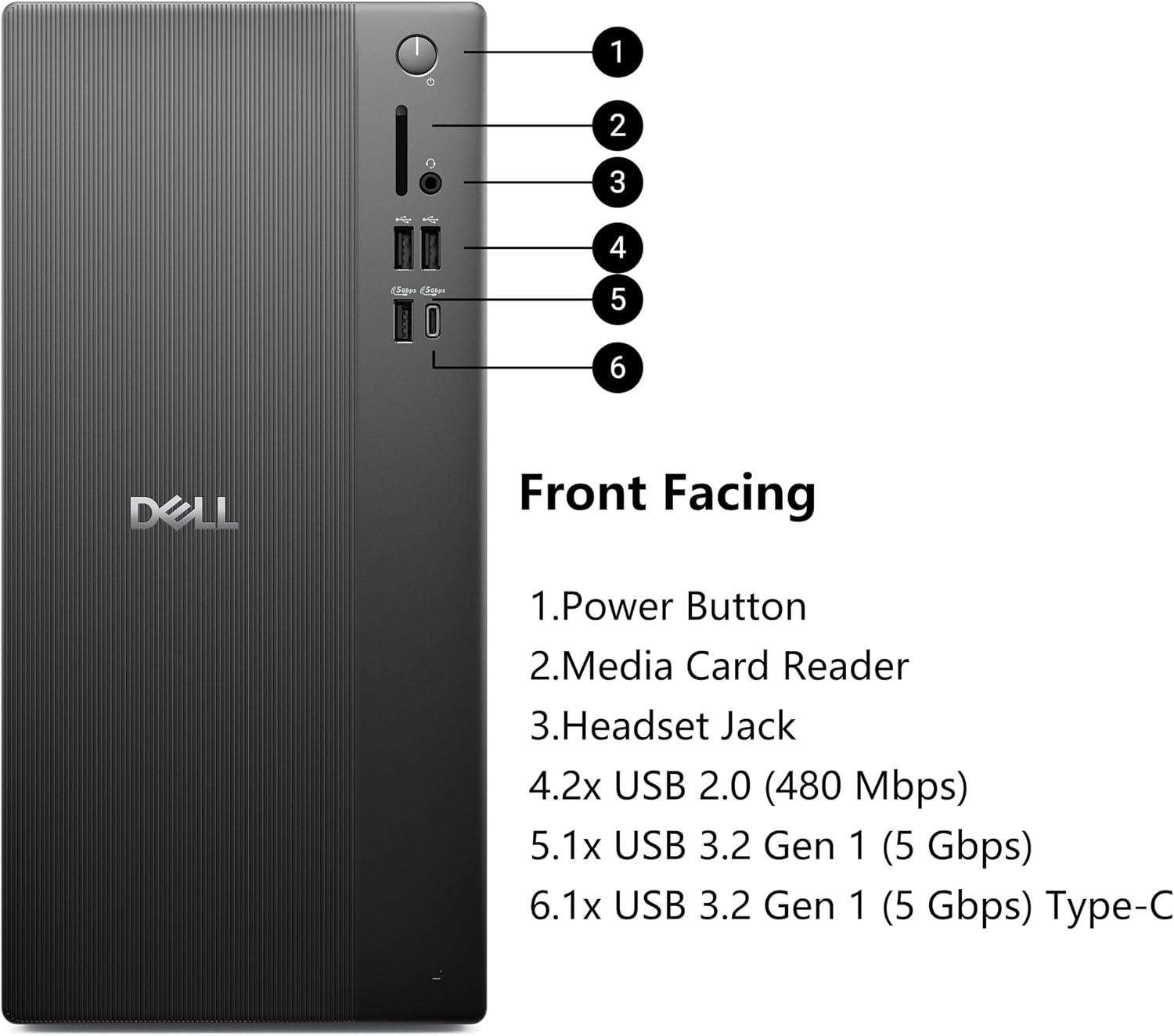
Use it as a desk-based hub for email, documents, spreadsheets, and browser tabs, with the SSD providing storage for work files and the operating system. For example, you could connect a monitor through DisplayPort, keep a headset and other peripherals plugged in, and use the Type-C port for a compatible accessory. Wi-Fi 6 and Bluetooth also allow wireless network and device connections, Gigabit Ethernet is available when you want a wired network connection.
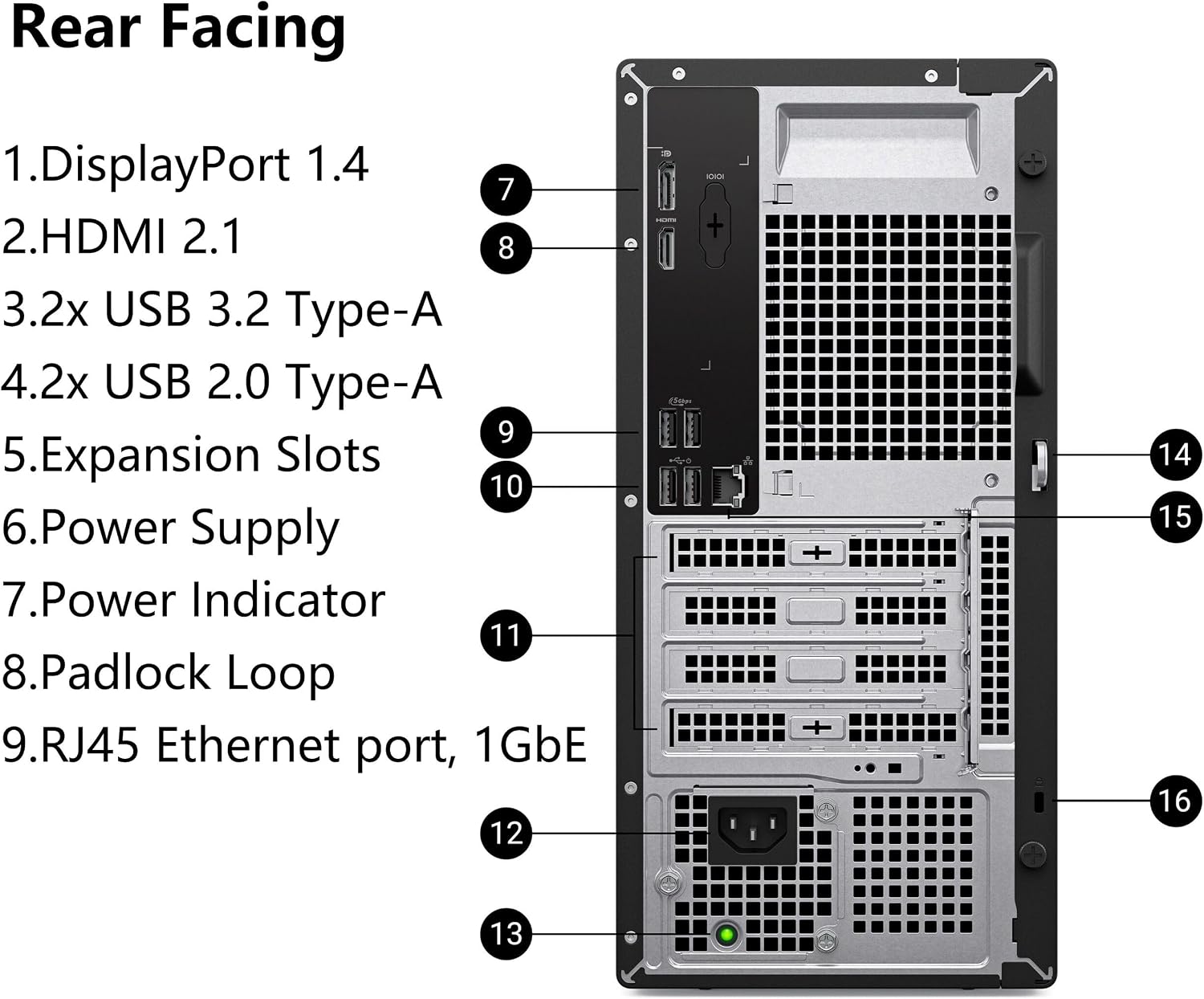
The maker lists support for up to four FHD monitors through DisplayPort, or dual 4K displays using HDMI and DisplayPort. That can help when your workflow benefits from keeping a spreadsheet, reference material, and communication apps visible at once. Display support can depend on the setup, so check the ports and resolution needs of your screens before building a multi-monitor workstation.
Why it’s worth it
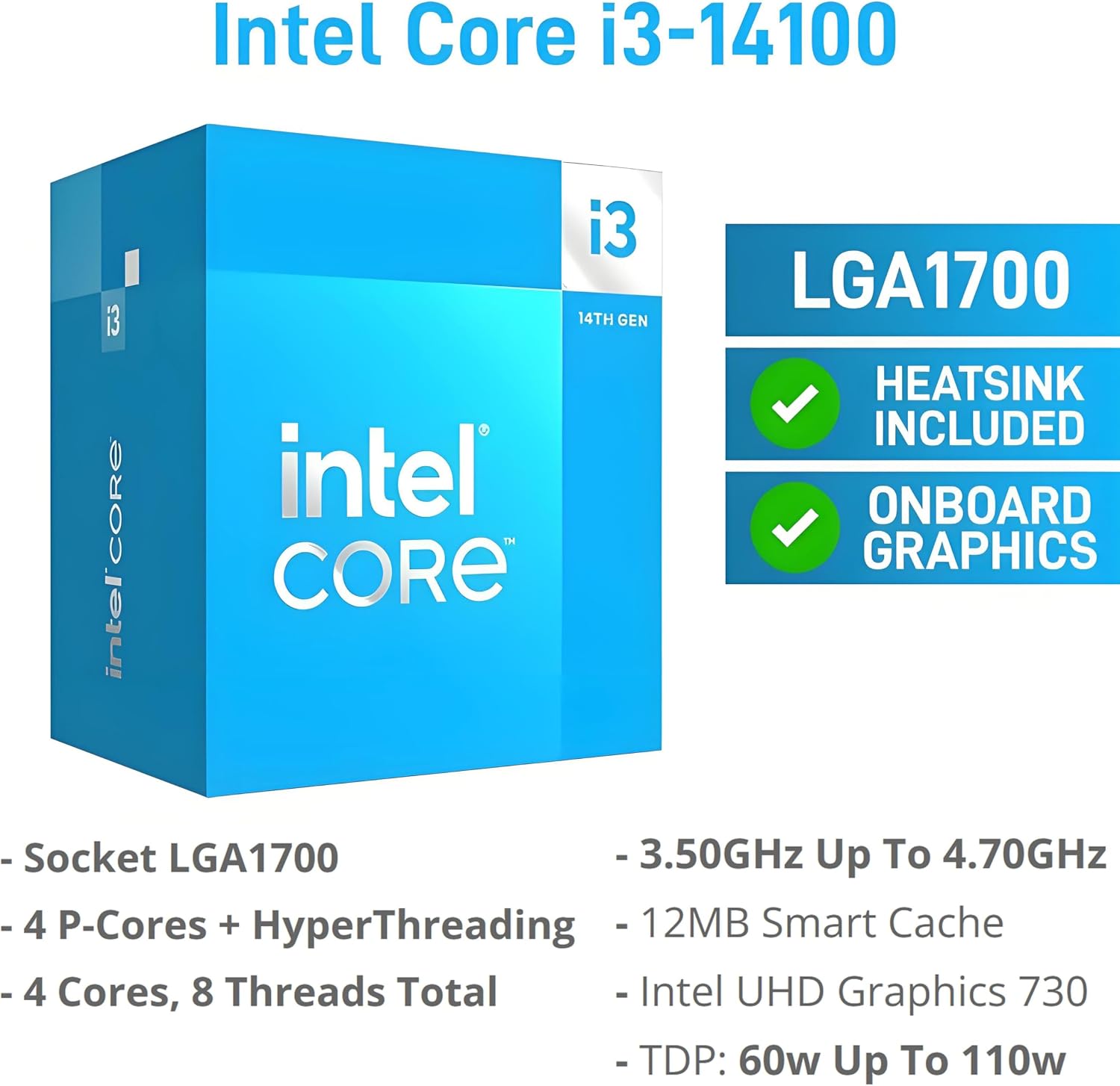
The appeal is the combination of Windows 11 Pro, 16GB DDR5 RAM, and a 512GB PCIe SSD in one tower. The Core i3-14100 has four cores and eight threads, with a 3.5GHz base clock and up to 4.7GHz turbo, according to the maker. Those details point toward routine business tasks and general productivity, rather than a system aimed at intensive graphics workloads.
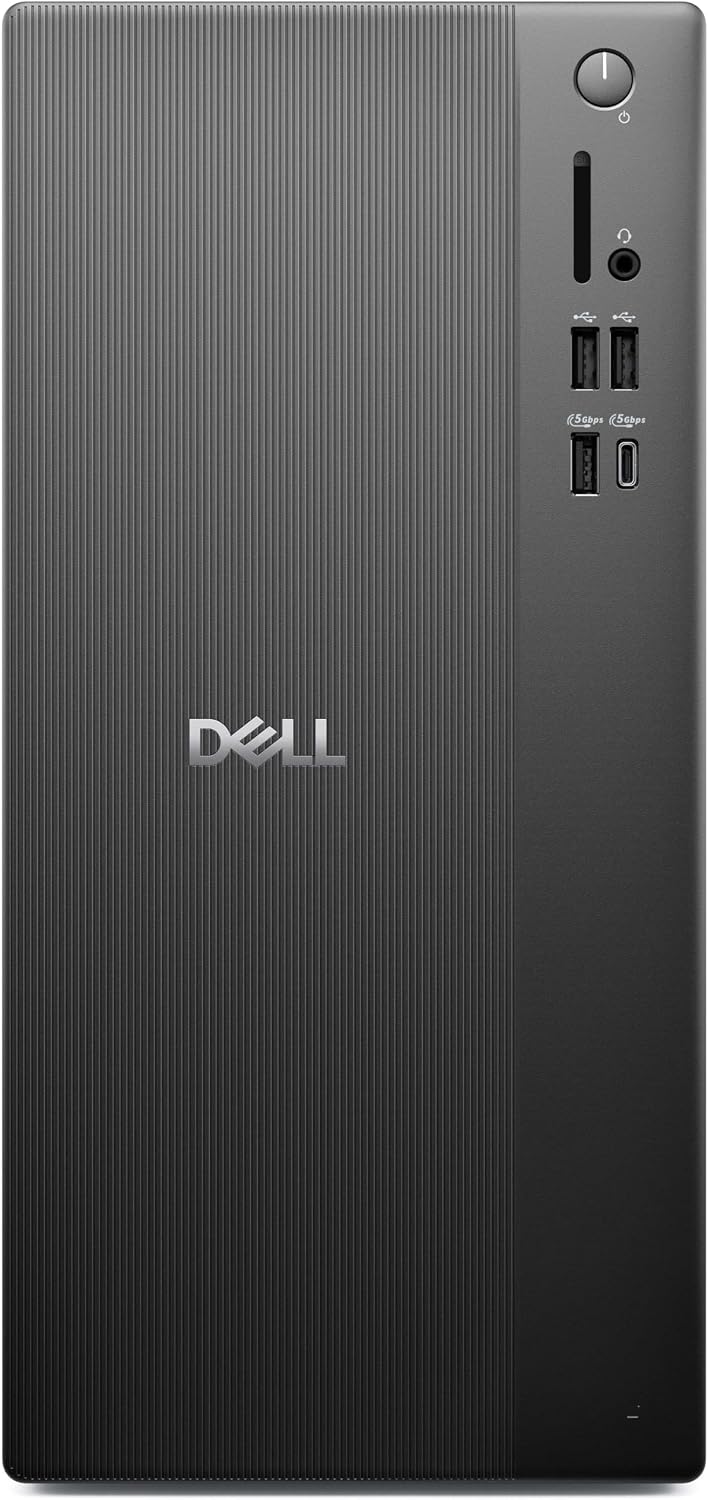
There’s a useful range of connections, including HDMI 2.1, DisplayPort 1.4, USB Type-C, USB Type-A, RJ45 Ethernet, a media card reader, and a headset jack. This gives you more options than a minimal desktop when you need to attach wired accessories or multiple displays. The main limitation is that the listed graphics are integrated Intel UHD 730, not a dedicated graphics card.
At a glance
- Processor: 14th Gen Intel Core i3-14100, 4 cores and 8 threads
- Memory: 16GB DDR5 RAM
- Storage: 512GB PCIe SSD
- Graphics: Integrated Intel UHD 730
- Operating system: Windows 11 Pro 64-bit
- Wireless: Wi-Fi 6 and Bluetooth
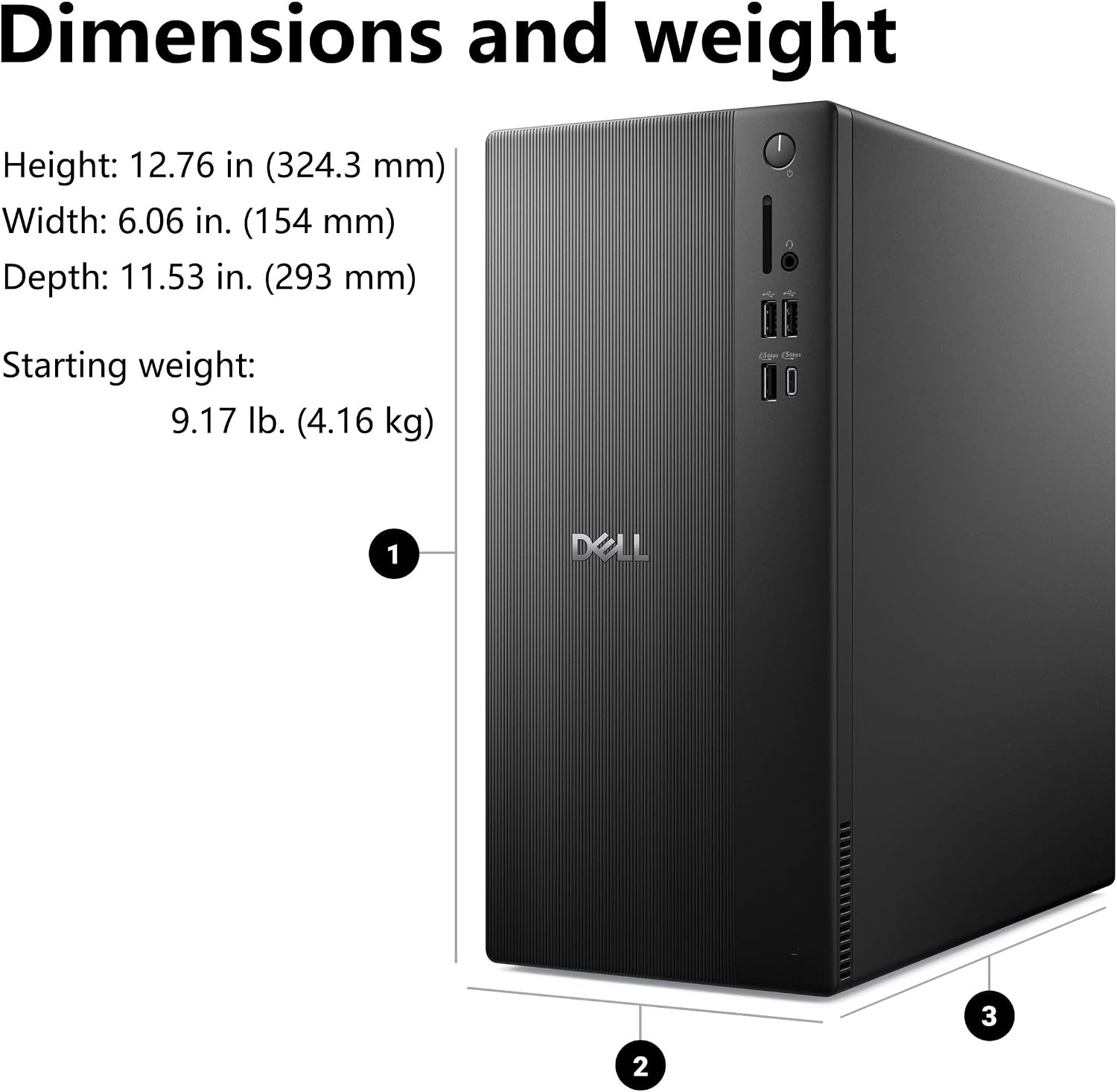
- Chassis dimensions: 12.76 x 6.06 x 11.53 inches
The compact tower dimensions may suit a desk where space matters, while still offering a selection of display, network, and peripheral connections. No dedicated graphics card is listed, so plan around the integrated graphics rather than assuming this configuration is built for demanding visual work.
When it makes sense
Worth considering if you need a Windows 11 Pro desktop for business or home productivity, want an SSD and DDR5 memory included, and expect to connect a wired network or more than one display. It may also suit a shared desk where Bluetooth and a range of ports can reduce the need to swap connections.
Better avoided if your priority is graphics-heavy creative work or gaming: the listed configuration uses integrated graphics, and the product details don’t specify a dedicated GPU. For everyday documents, web-based work, and a multi-display office setup, its feature set is more relevant than choosing a system primarily for graphics performance.