

Dell 24 Monitor SE2426H: 23.8-inch FHD with 144Hz IPS, FreeSync, and slim bezels
Reviews
Price
Product description
What matters most
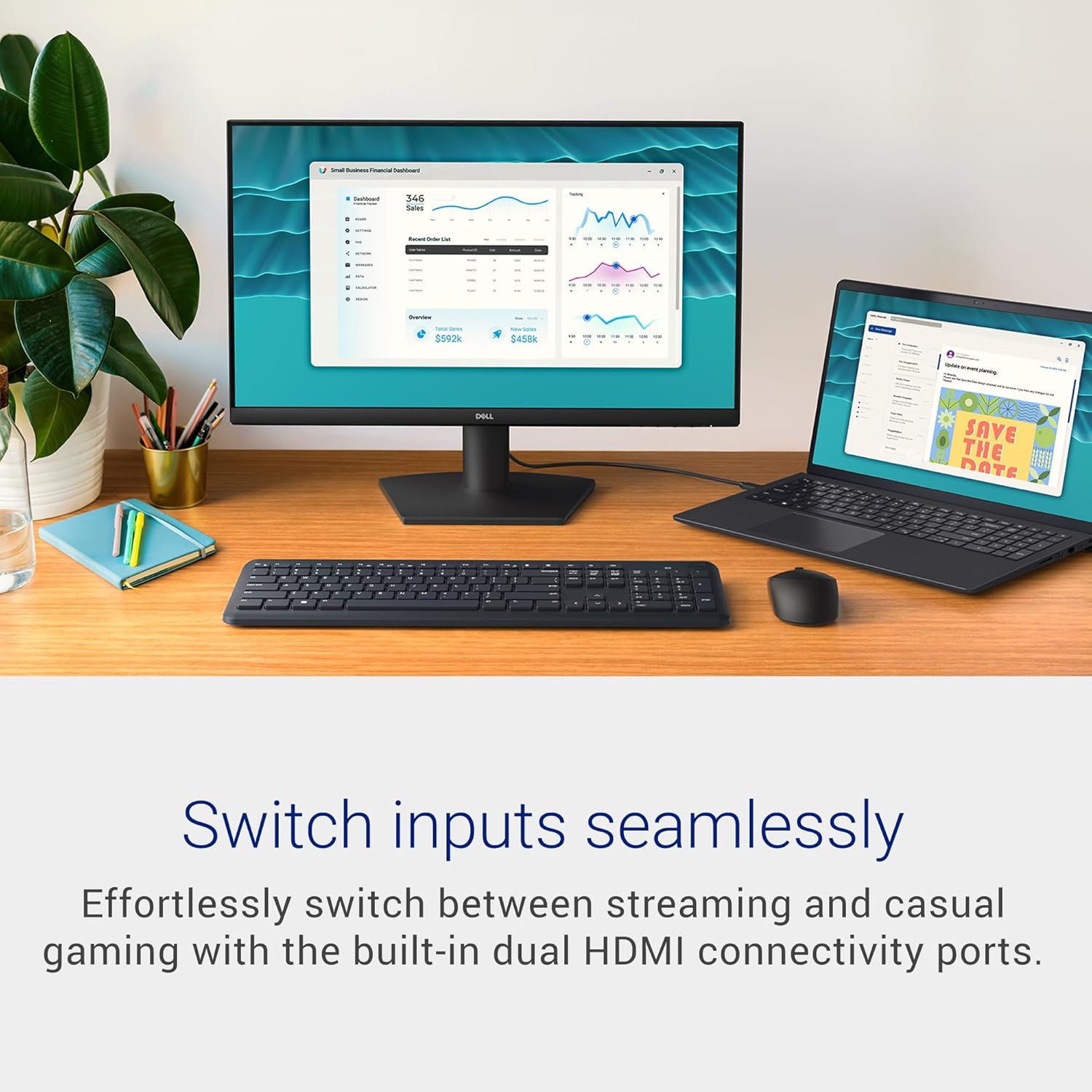
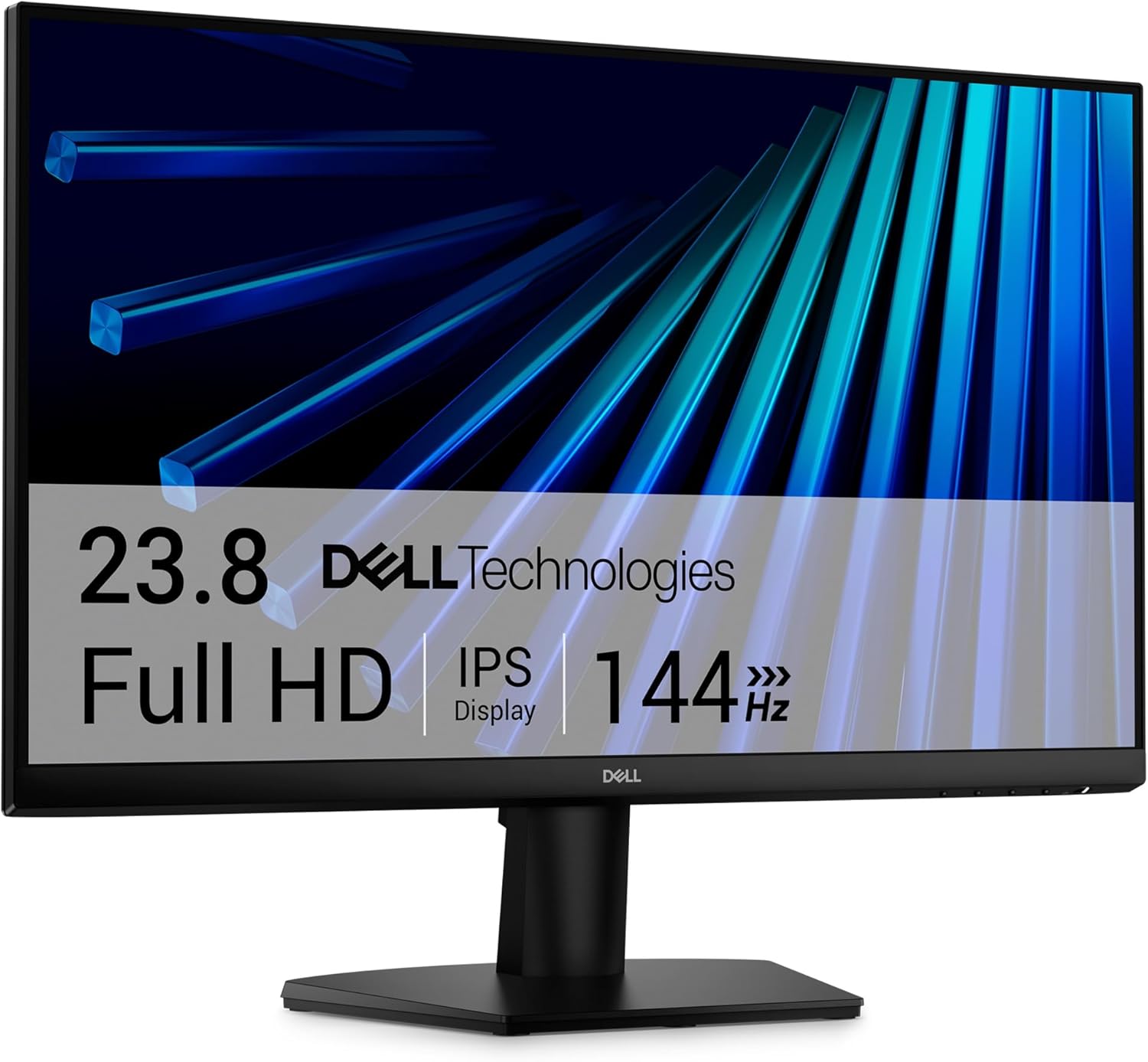
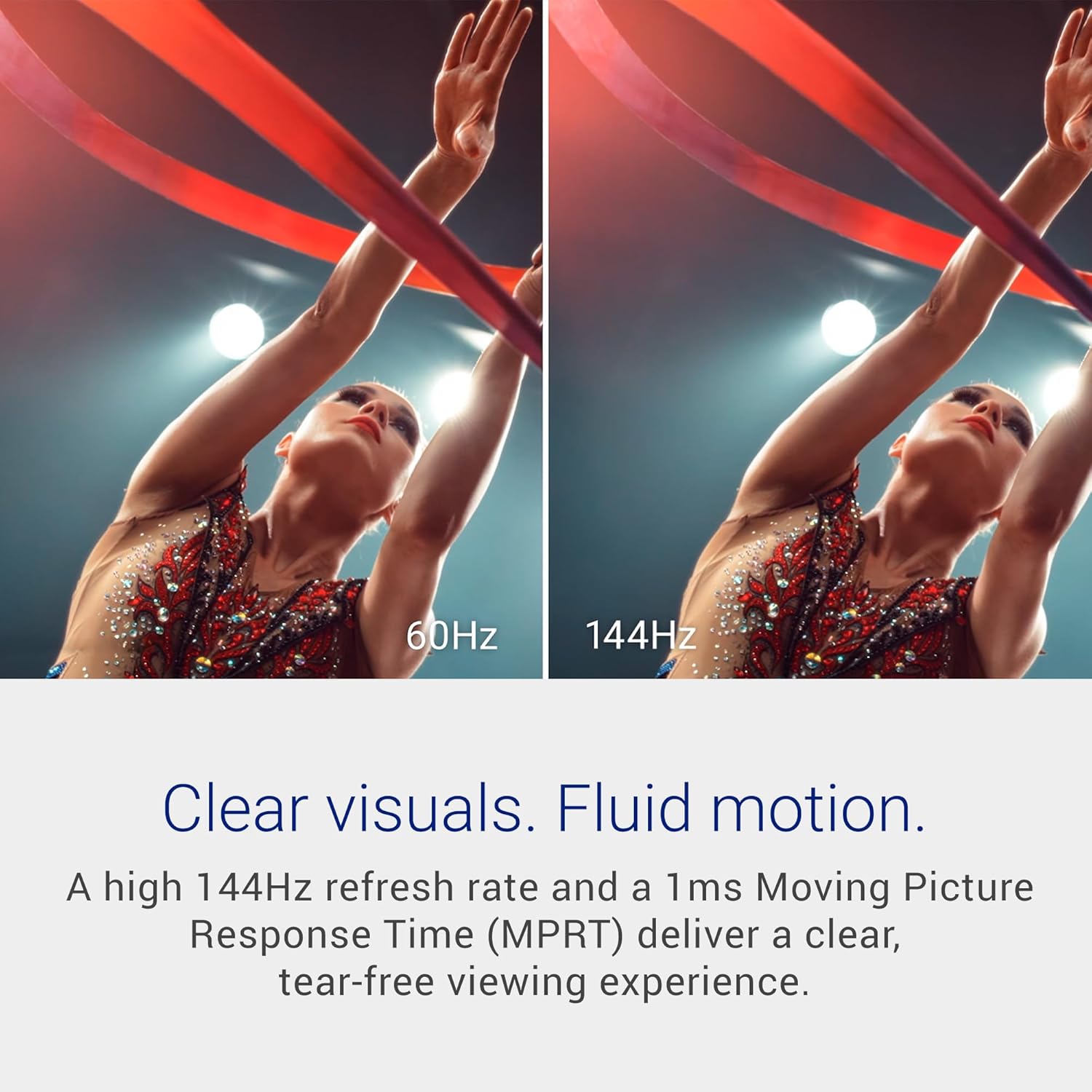
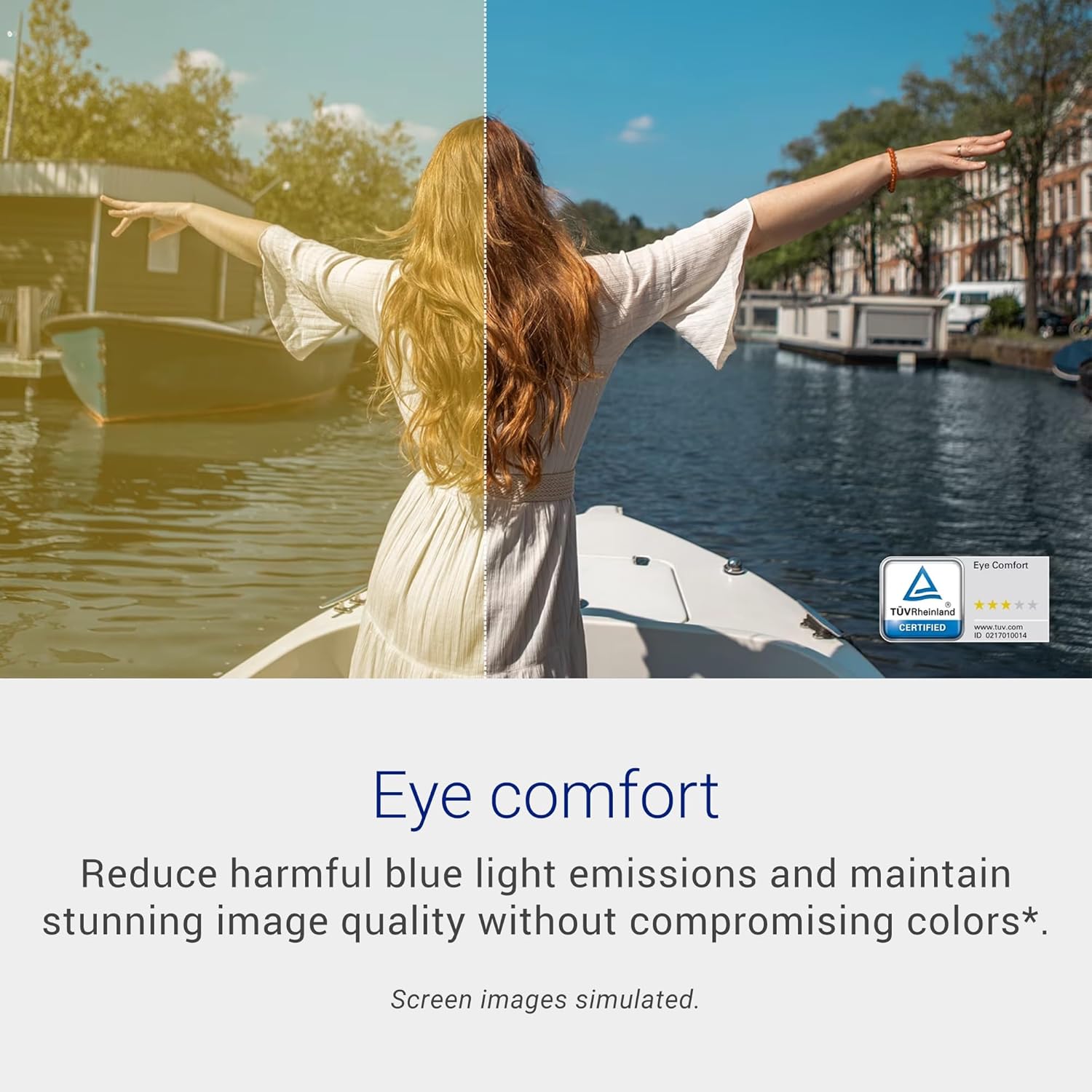
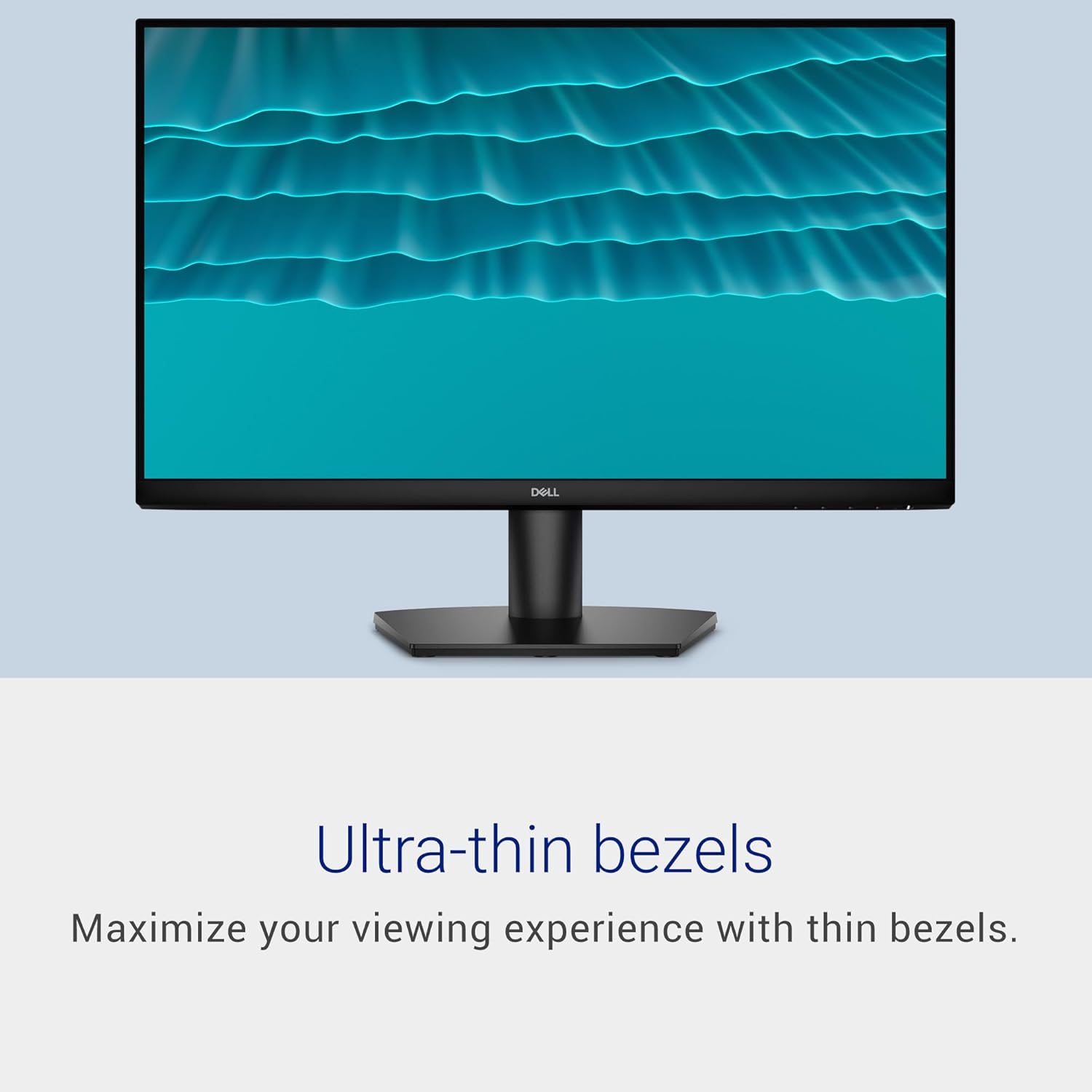
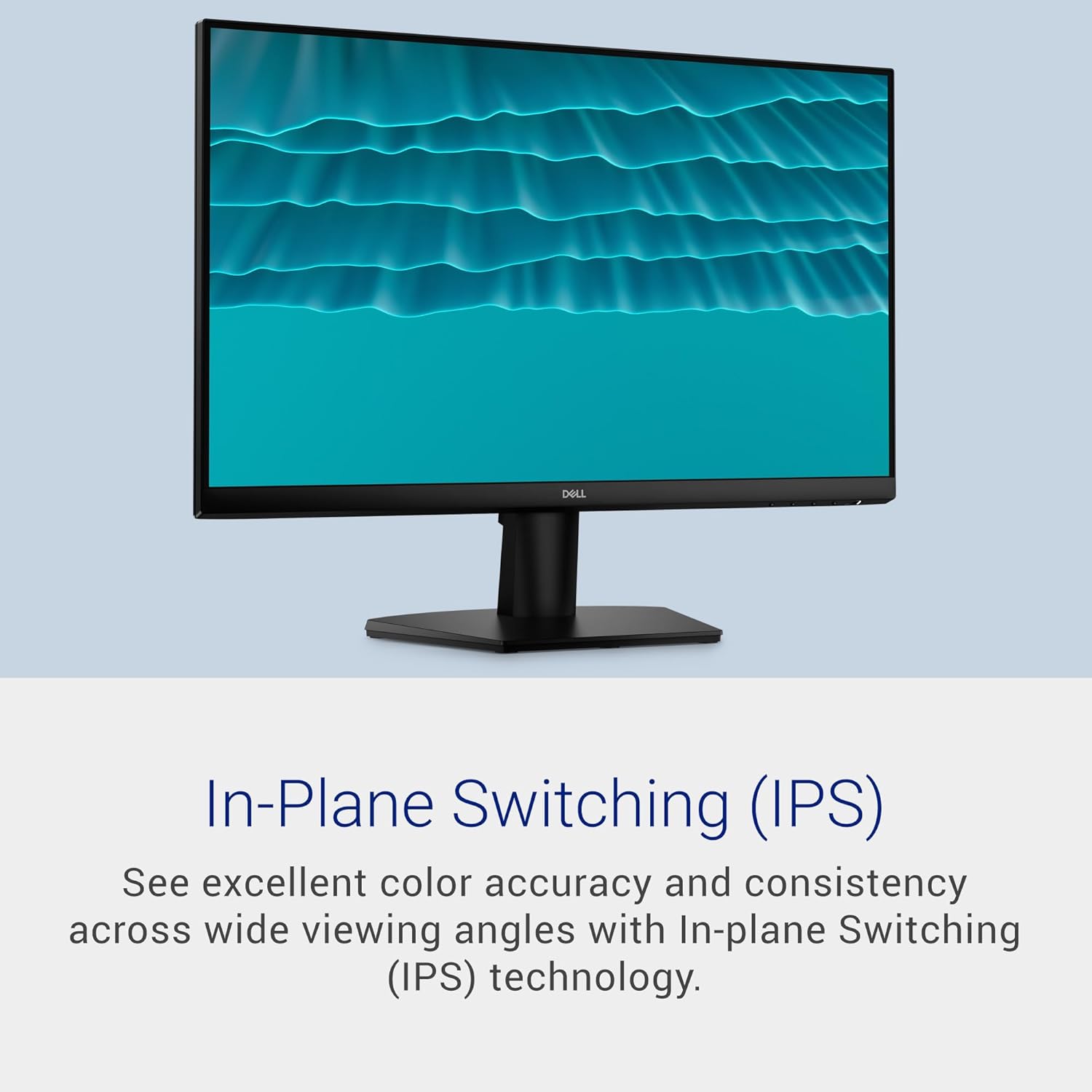
This Dell monitor targets a balanced use case across work, gaming, and media. At its core is a 23.8-inch, 1080p panel with IPS technology, delivering wide viewing angles and color consistency. A 144Hz refresh rate paired with 1ms MPRT aims to provide smoother motion and less blur during fast-paced scenes, which can improve cutting between windows during productivity tasks or keeping up with fast action in games and streams. The TÜV Rheinland 3-star eye comfort certification suggests a design mindful of longer sessions, reducing blue light without sacrificing color quality. Ultrathin bezels help maximize screen real estate for multi-monitor setups or immersive single-monitor viewing. Two HDMI ports offer flexible connectivity for typical home setups.
Tech specs
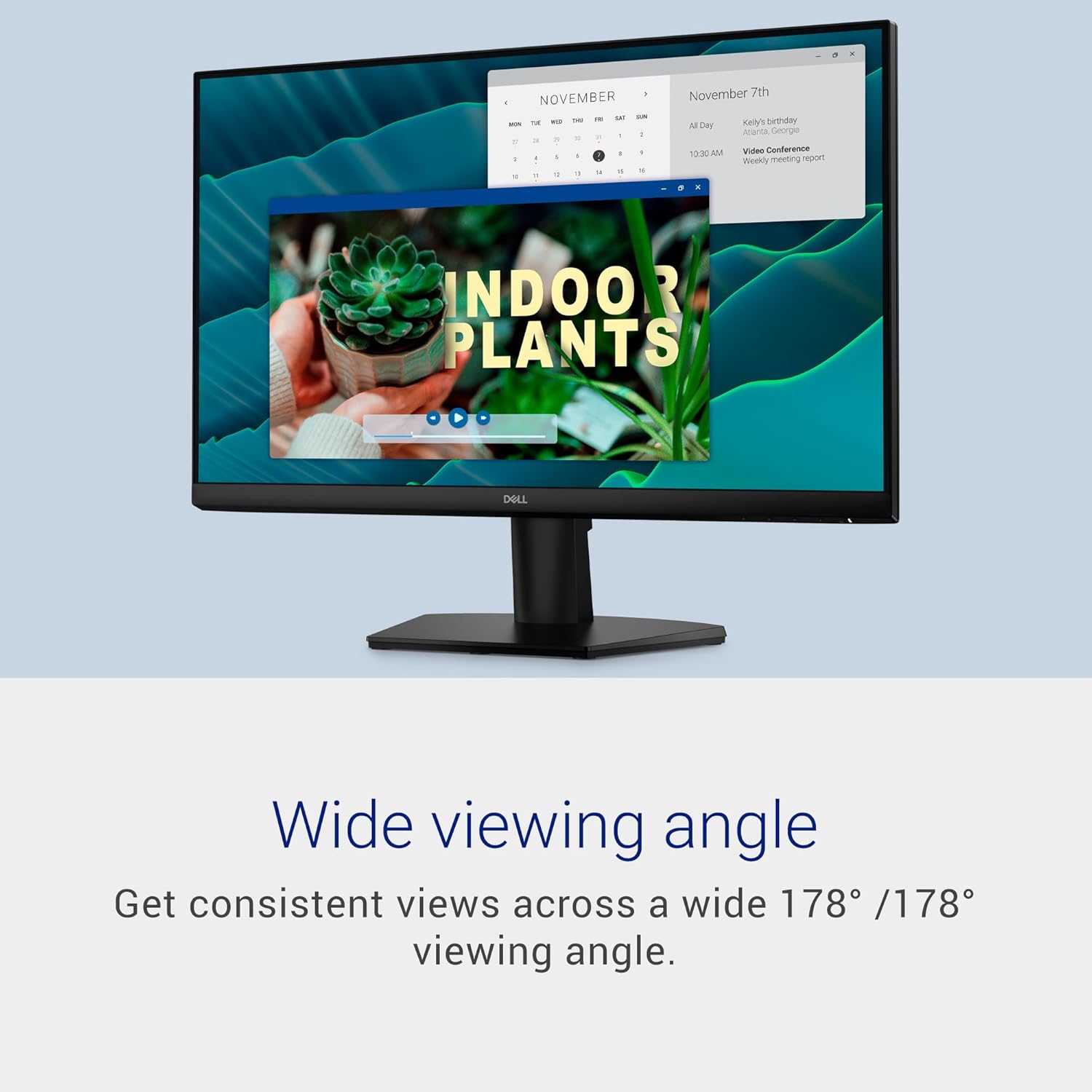
On the technical side, the monitor emphasizes a high refresh rate and fast response for fluid motion. It leverages IPS to maintain color accuracy and viewing consistency across a wide 178°/178° angle, which is useful when sharing the screen with colleagues or teammates. While exact brightness, contrast, and additional chroma details aren’t provided here, the combination of 144Hz and 1ms MPRT suggests the panel is configured for low-latency performance. The presence of AMD FreeSync introduces variable refresh support for compatible GPUs, helping to reduce tearing in dynamic scenes. The display is certified for eye comfort by TÜV Rheinland, which can be a meaningful factor for buyers who spend hours in front of the screen. The physical design highlights ultra-thin bezels, contributing to a clean, distraction-free look when used solo or in a multi-monitor array.
What stands out
The standout combination here is the blend of high refresh rate with IPS color fidelity and broad viewing angles, packaged in a slim-bezel form factor. For buyers prioritizing smoothness in fast-moving content without sacrificing color accuracy, this model positions itself as a practical middle ground between basic office monitors and higher-end gaming panels. The dual HDMI inputs add convenience for typical living-room or desk setups, and the TÜV eye comfort certification provides a qualitative cue about long-term use.
Usage tips
If you’re using this monitor for both work and play, try enabling FreeSync with your GPU to minimize tearing when scrolling documents or watching videos with rapid motion. Position the monitor at roughly eye level and consider a slight tilt to reduce glare and eye strain over long sessions. For productivity, you can pair this display with a second screen to create a more efficient workflow—especially since the bezels are slim, which helps when you line up screens to extend your desktop. On gaming nights, take advantage of the 144Hz cadence to experience smoother transitions in faster titles, though keep expectations in mind since this is a 1080p panel and may not reveal the finest detail in some genres.
Who it’s for
This model fits users who want a versatile panel for daily tasks, casual gaming, and streaming without stepping up to a higher-resolution, higher-cost display. It’s sensible for someone building a mid-range setup who values color consistency from an IPS panel and appreciates smoother motion. It also suits multi-monitor configurations thanks to its slim bezels.
What to check before buying
Confirm whether you’ll benefit most from the 144Hz refresh rate and 1ms response—these are most noticeable in fast-paced games or action-heavy content. If your workflow relies on color-critical work in professional software, you may want to verify color accuracy expectations against your needs, since exact color specs aren’t listed. Ensure your GPU and video output support FreeSync to maximize tear-free performance. Consider desk space and viewing distance to ensure the 23.8-inch size feels appropriate for your setup. If you plan to use more than two HDMI sources, check cable management and additional adapters, since only two HDMI inputs are specified.
Frequently asked questions
- How many HDMI ports does it have? Two HDMI ports are available for easy connection to common devices.
- Is it suitable for gaming? The 144Hz refresh rate and 1ms MPRT are designed to reduce motion blur, which can help with gaming motion. Real-world results may vary by game and system configuration.
- Does it support FreeSync? Yes, it includes AMD FreeSync for smoother gameplay with compatible GPUs.
- What’s the viewing angle like? It offers wide viewing angles, listed at 178°/178° with IPS technology, helping maintain color and clarity from off-center positions.
Is it worth it?
Worth considering if you want a capable all-around monitor that emphasizes smooth motion and color consistency without moving into high-end gaming panels. It convienently balances a fast refresh with IPS color, plus dual HDMI inputs and slim bezels. If your priorities lean toward higher resolutions, HDR, or professional color accuracy, this model might fall short and you could explore alternatives that push those features further. It’s a practical pick for mixed-use setups where budget and versatility are key, and you want a single screen that handles work tasks, media, and casual gaming without fuss.