

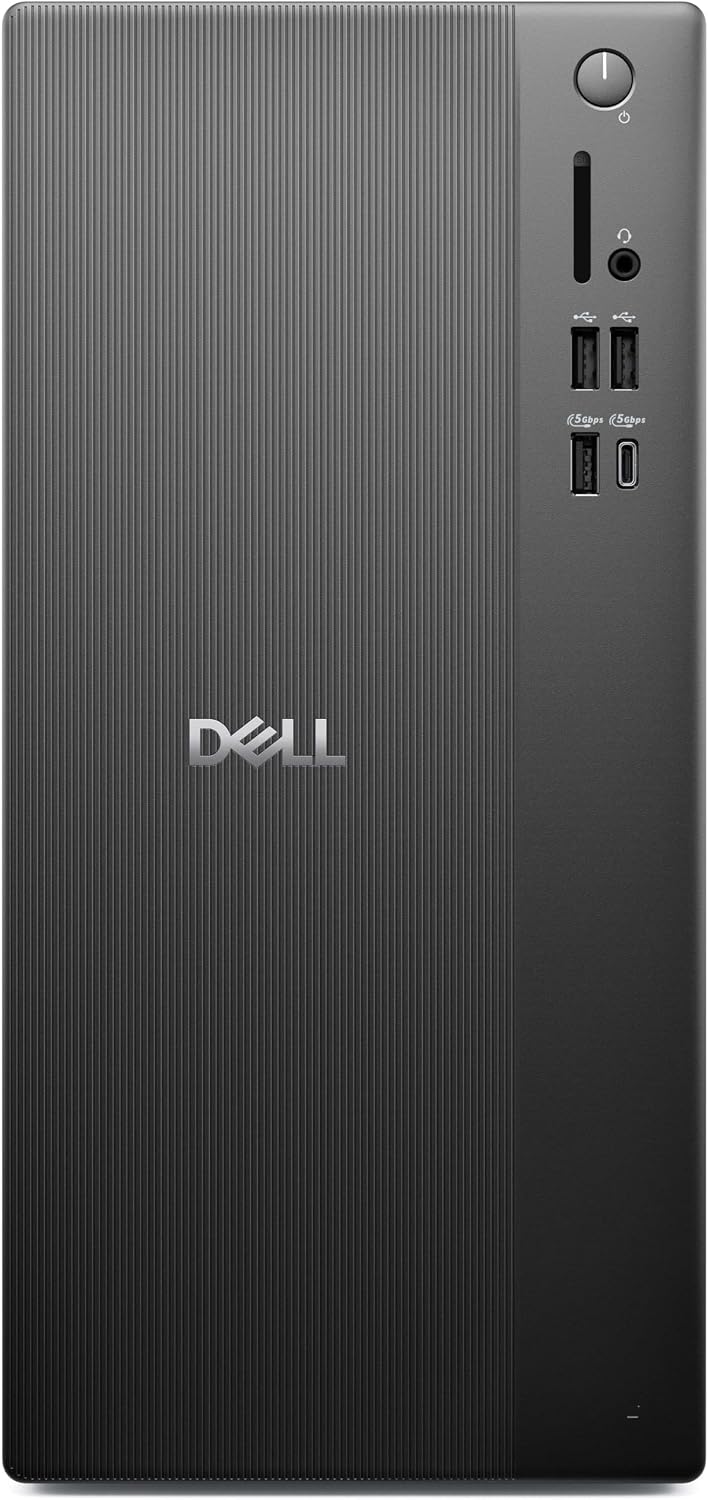
Dell Pro 1250 Desktop Tower, Core i3-14100, 16GB DDR5, 512GB SSD
Product description
This compact desktop tower brings a 14th Gen Intel Core i3-14100 processor, 16GB of DDR5 memory, and a 512GB PCIe SSD together in a business-ready setup.
Windows 11 Pro provides a familiar environment for office tasks, schoolwork, and everyday computing, with tools such as BitLocker and Remote Desktop.
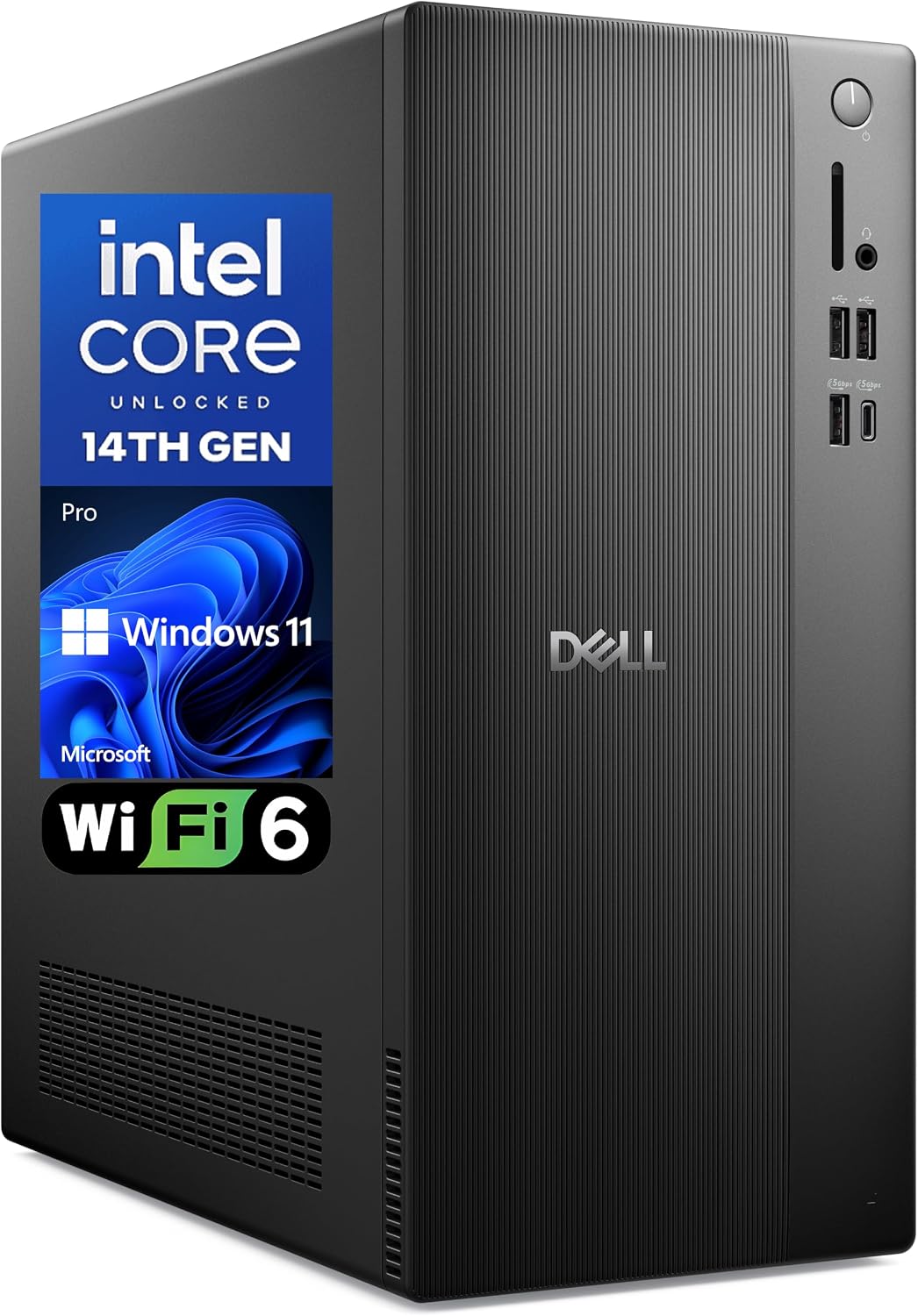
Integrated Intel UHD Graphics 730 handles everyday visuals, while Wi-Fi 6, Bluetooth, DisplayPort, and HDMI give you flexible ways to connect to a network, peripherals, and displays.
Key takeaways
The combination of a four-core Intel Core i3-14100, 16GB DDR5 RAM, and a 512GB PCIe SSD is suited to common productivity routines: working with documents, browsing, and switching among everyday applications. The SSD supports responsive starts and application launches, while the memory provides room for typical multitasking.
Windows 11 Pro adds business-focused features, including BitLocker data protection and Remote Desktop access. For a home office or small workplace, that means the desktop can fit into a Windows-based work setup with tools for both local and remote work. Integrated Intel UHD Graphics 730 supports everyday display needs without a separate graphics card.
Buyer feedback often highlights speed and quiet operation. Opinions about cooling are mixed, so those impressions are best treated as individual customer experiences rather than a guarantee of how every setup will behave.
Best use cases
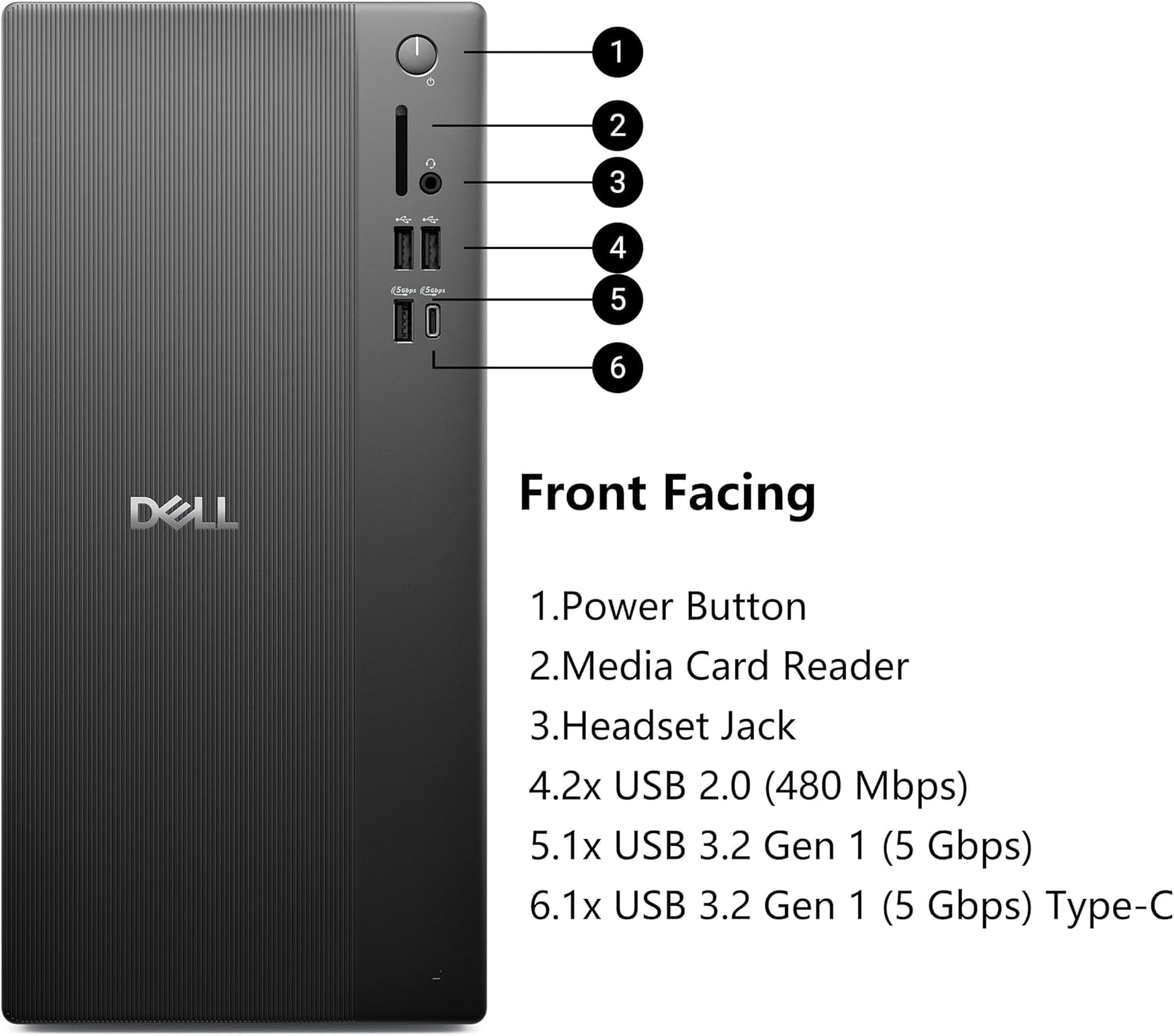
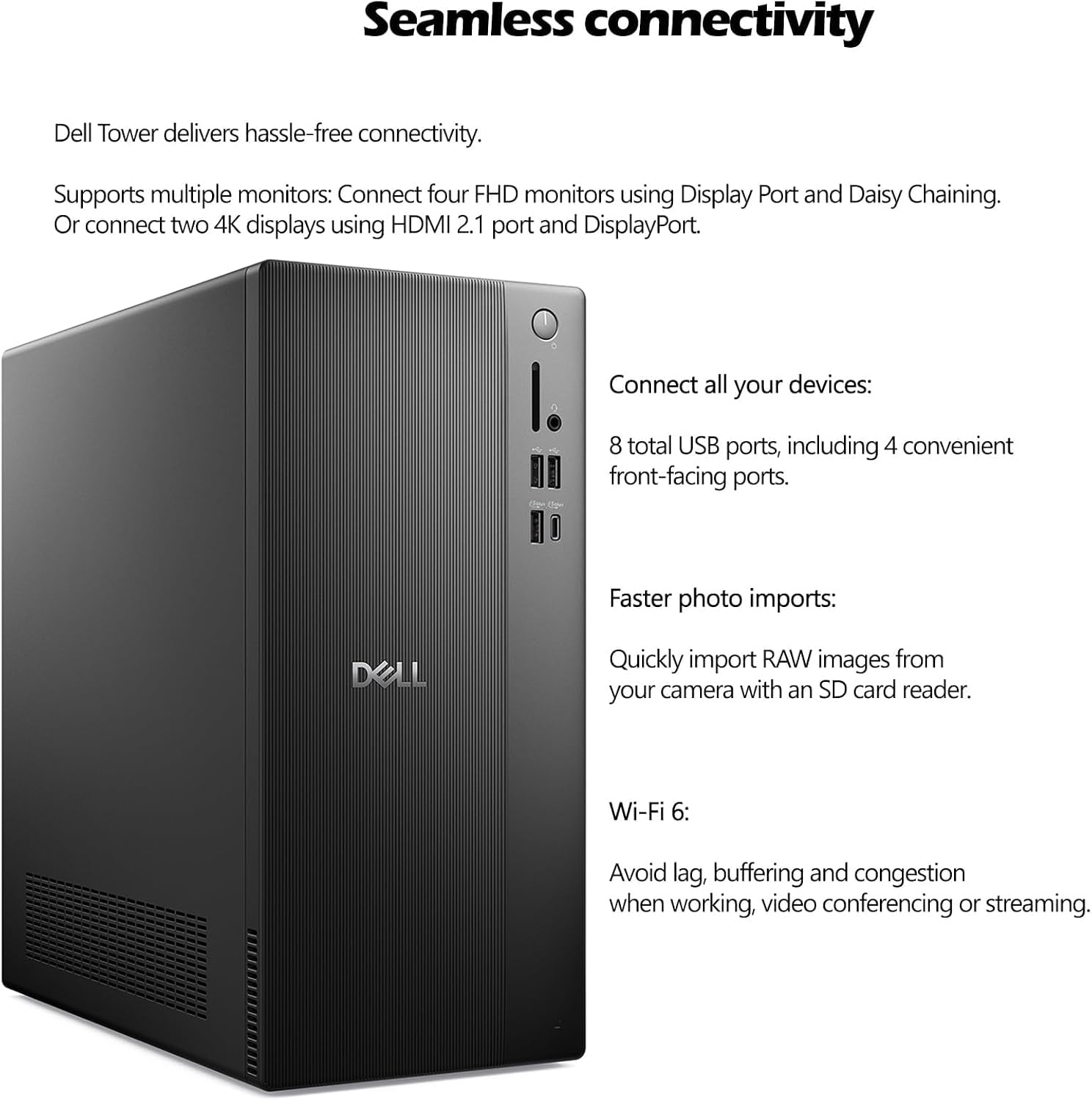
This tower suits work-from-home desks, small business workstations, education, and general household computing. For example, it can serve as a shared home-office computer for writing documents, managing email, joining typical productivity workflows, and connecting a monitor through DisplayPort or HDMI. Wi-Fi 6 supports wireless networking, while Bluetooth provides a wireless connection option for compatible peripherals.
If you are choosing between a compact desktop for everyday office use and a system centered on demanding graphics work, this Dell is configured around productivity: a Core i3 processor, integrated graphics, Windows 11 Pro, and practical display and network connectivity. Its tower form also gives you a dedicated desktop setup rather than an all-in-one screen-and-computer design.
Tips for day-to-day use
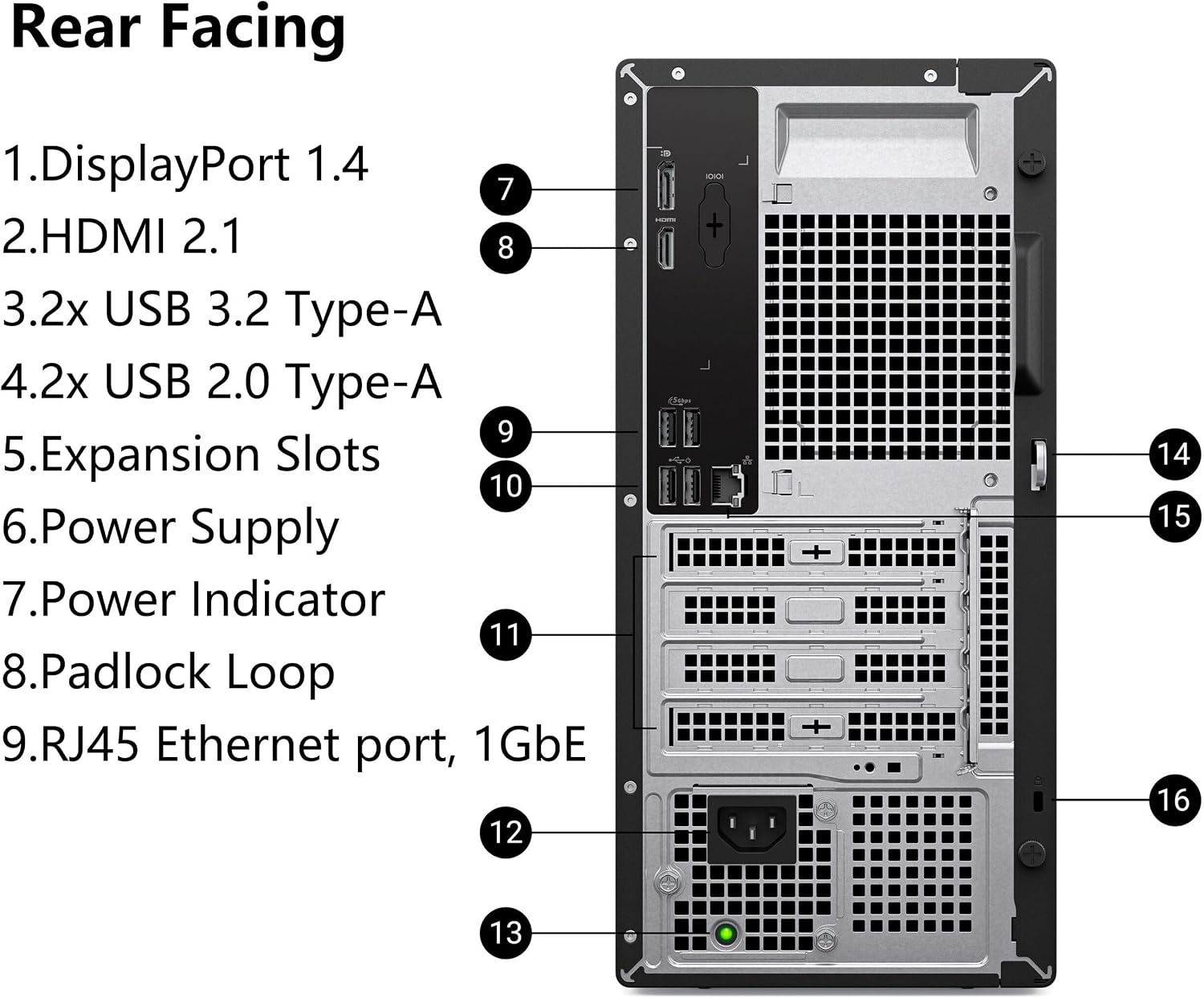
Use the DisplayPort and HDMI outputs to connect displays, and choose the connection that matches your monitor. USB ports support wired peripherals, while Ethernet offers a wired network connection alongside Wi-Fi 6. Bluetooth can help keep compatible accessories connected without another cable.
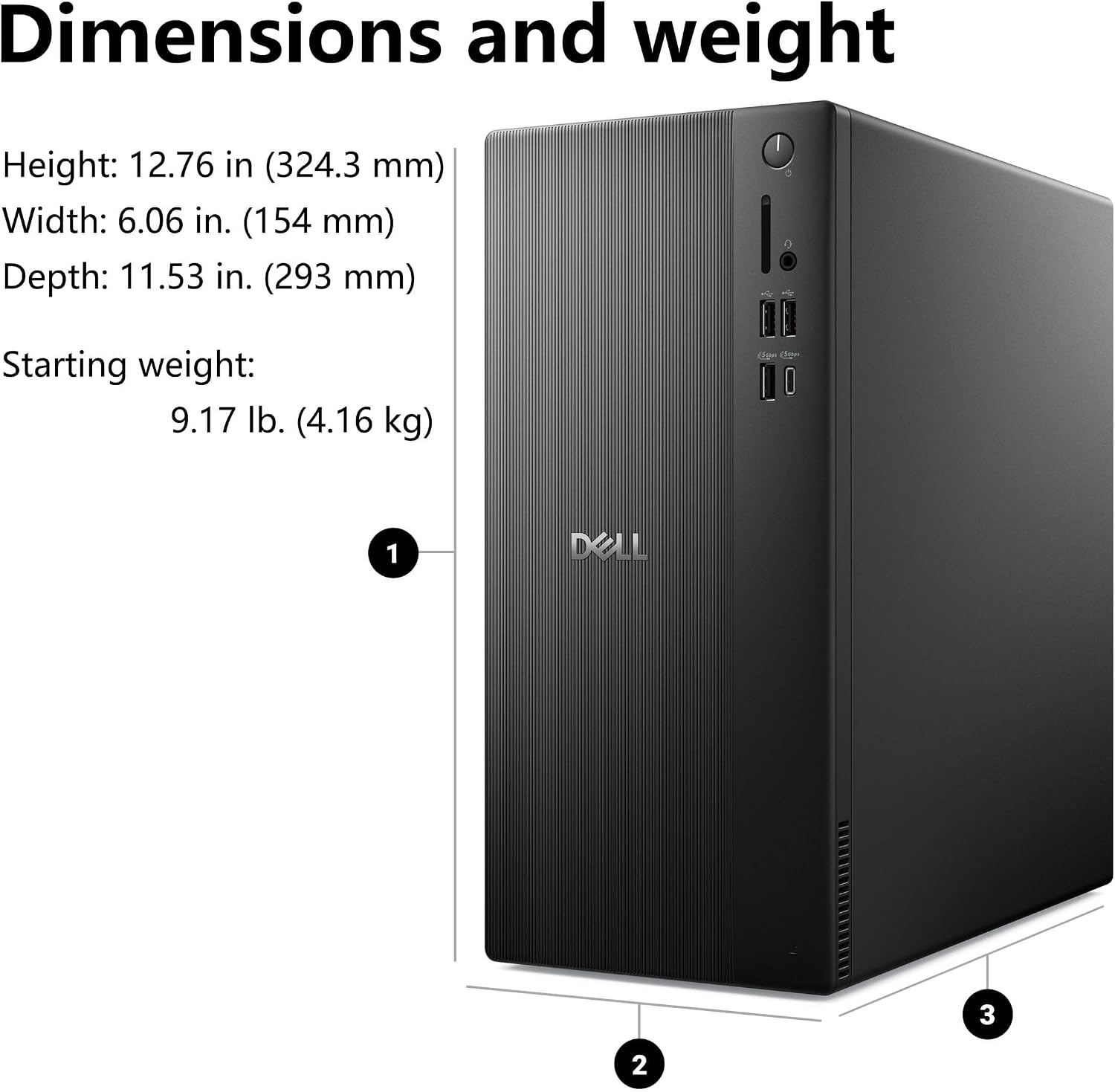
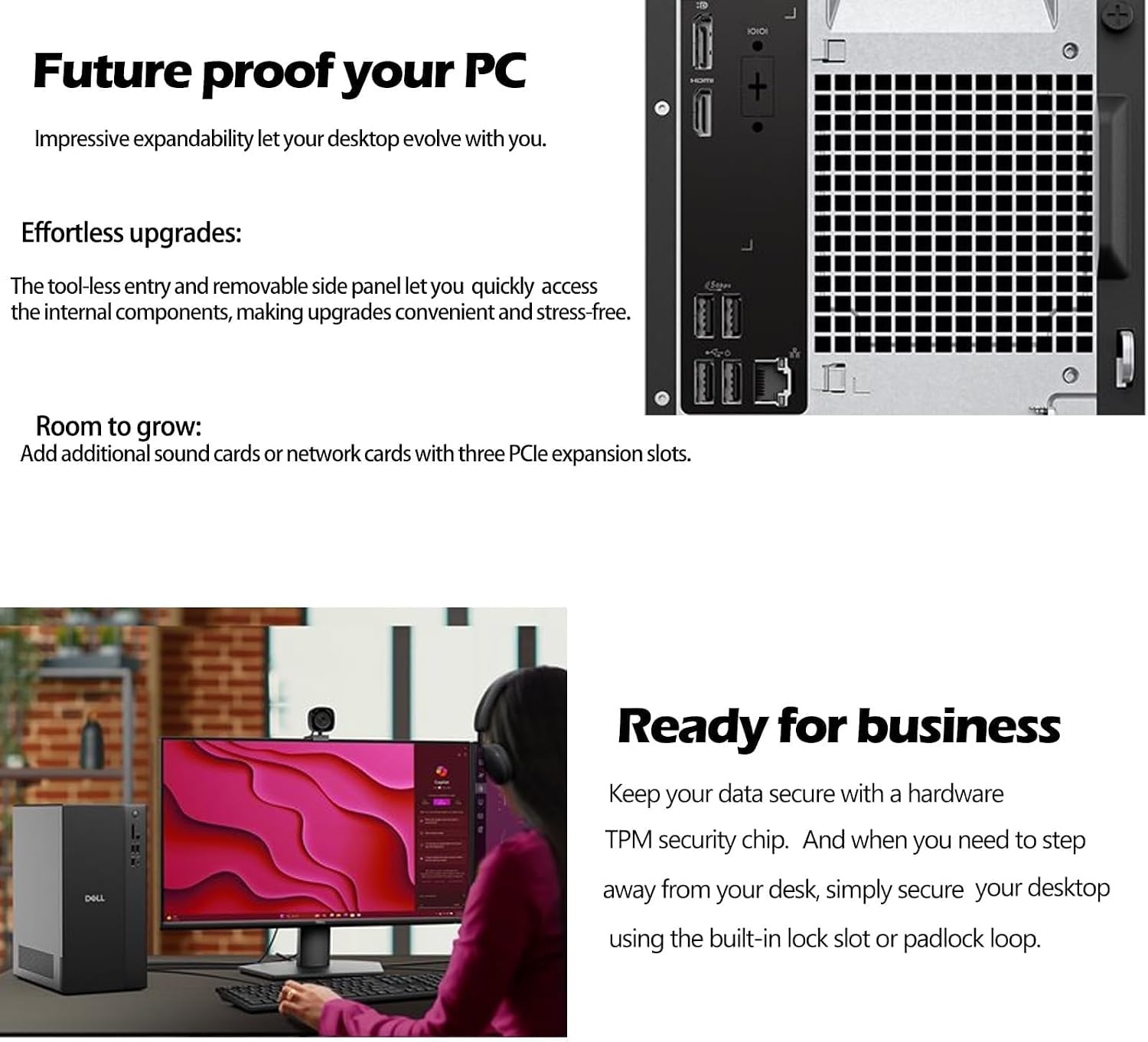
In a shared office, the built-in Kensington lock slot and padlock loop provide physical securing options for the chassis. Windows 11 Pro’s BitLocker feature is relevant when protecting business files is part of your routine, configure security and remote-access settings to suit your organization’s policies.
Before you decide
Which processor and memory does it use? It has a 14th Gen Intel Core i3-14100 processor and 16GB of DDR5 RAM, a configuration aimed at everyday productivity and multitasking.
How can I connect a monitor? The desktop has DisplayPort 1.4 and HDMI 2.1 video outputs. Check which input your display supports and use the matching connection.
Which operating system is installed? It comes with Windows 11 Pro, including business-oriented features such as BitLocker and Remote Desktop.
Final verdict
The Dell Pro 1250 is a practical fit for home offices, small businesses, and everyday work or study setups that need a compact tower with Windows 11 Pro. Its Core i3-14100, 16GB DDR5 memory, 512GB PCIe SSD, and built-in wireless and display connectivity make it a focused choice for routine productivity.