

Beelink Mini PC Ryzen 3 3200U
Product description
Where it shines
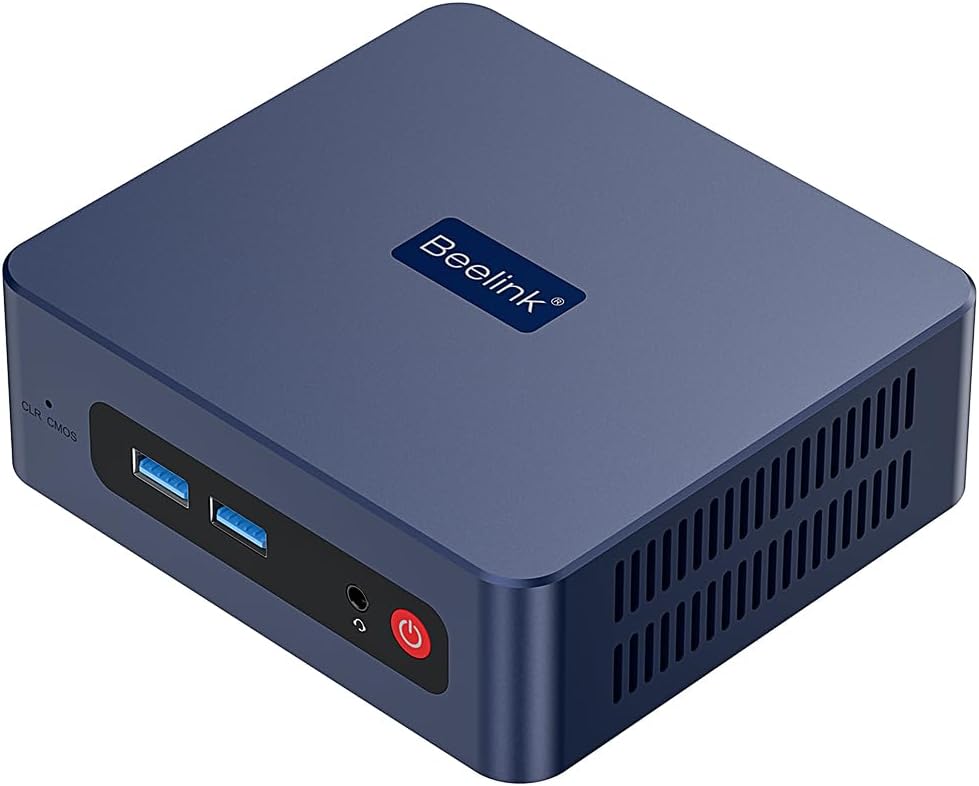
When desk space is tight but you still want a Windows computer for everyday work, the Beelink SER3 keeps the setup compact without giving up useful connections. It comes with Windows 11 Pro, 16GB of DDR4 memory, and a 500GB NVMe SSD, a combination aimed at office tasks, web browsing, and 4K video playback. Picture a small desktop tucked beside a monitor, handling a document, browser tabs, and a video without taking up the room of a tower.
The contrast is practical: if you prioritize a compact machine for routine desktop tasks, this setup has a clear purpose, if you prefer a PC built for demanding editing, virtualization, or graphics-heavy work, its Ryzen 3 3200U and Radeon Vega 3 graphics point to a more modest class of performance. The product description lists editing and virtualization as possible uses, but doesn’t provide benchmarks to show how well it handles heavier workloads.
Highlights
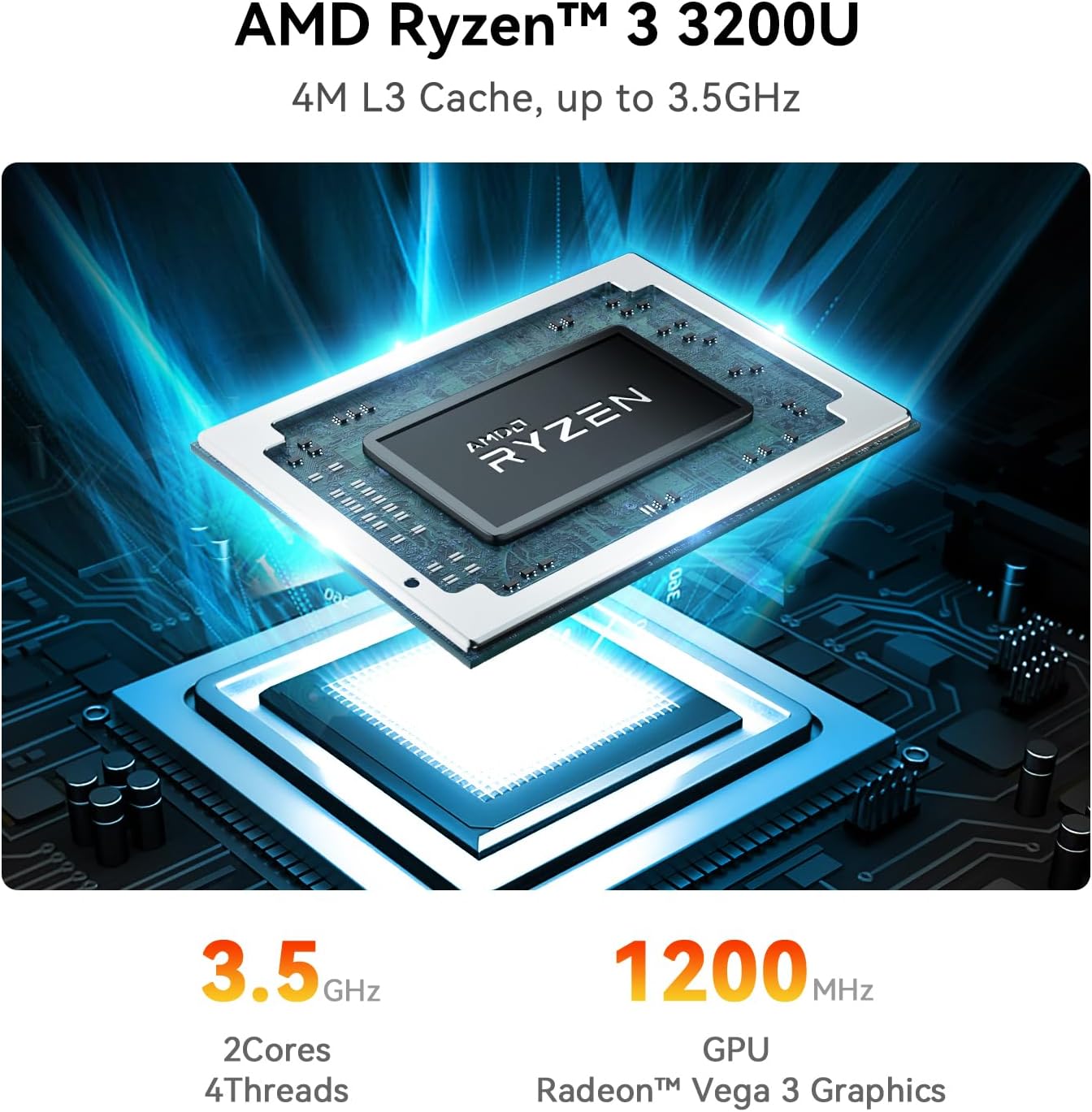
The Ryzen 3 3200U is a 2-core, 4-thread processor with speeds listed up to 3.5GHz. For a typical home-office routine—opening files, working in Microsoft Office, browsing, and streaming—the 16GB of memory and NVMe storage give the system a useful starting configuration. The 500GB drive also provides room for everyday files, though anyone with a large local media library may want more storage.
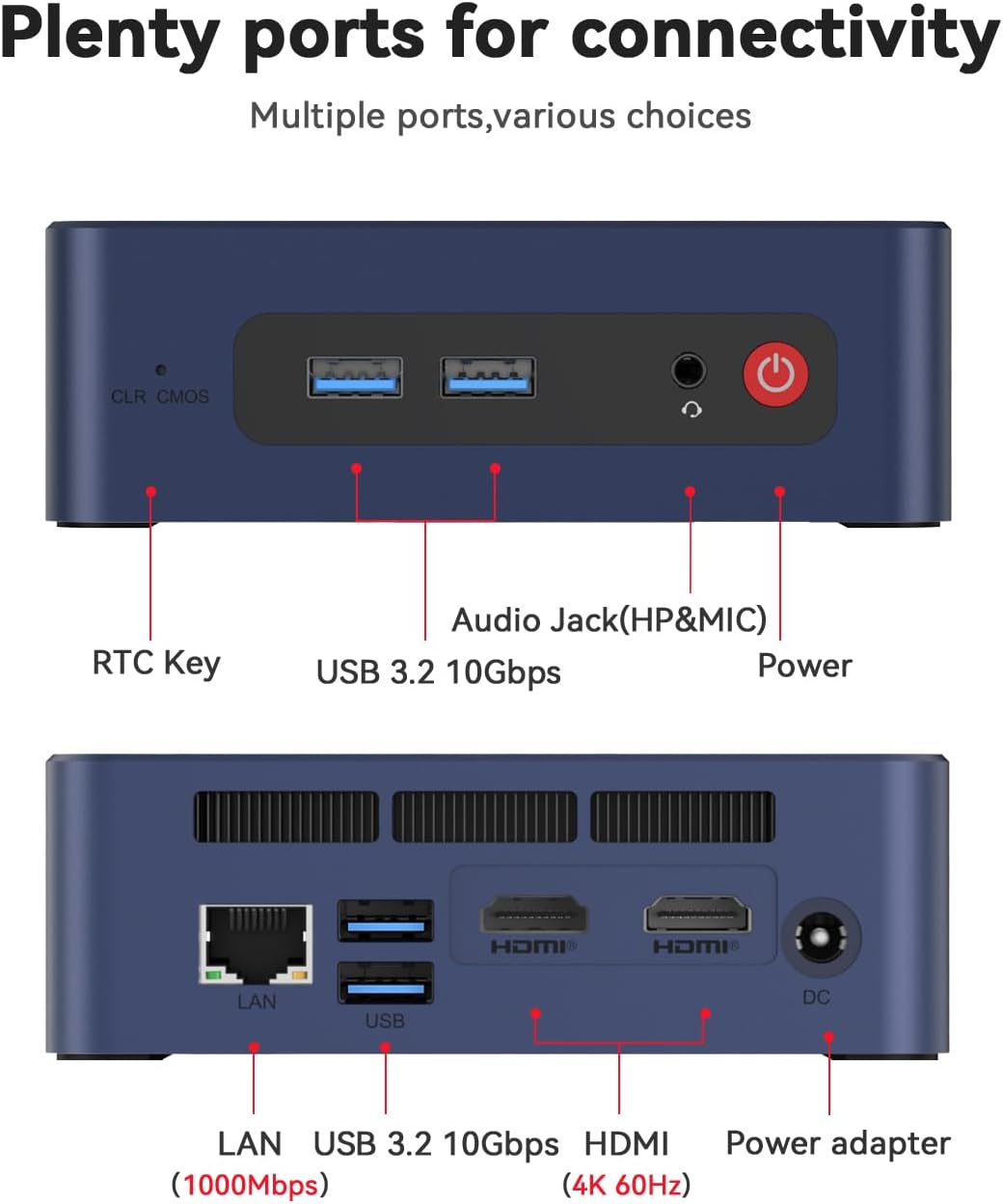
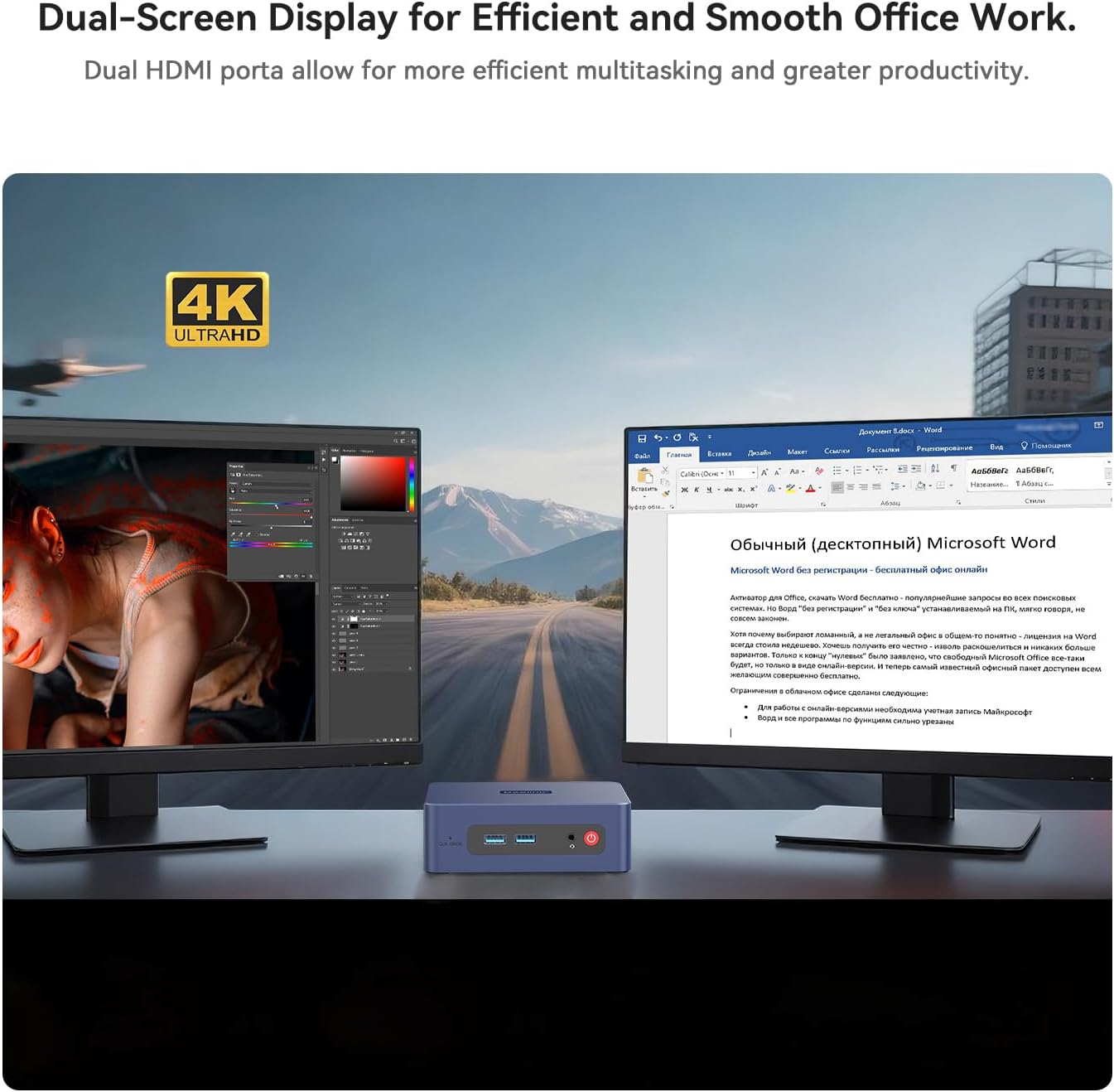
Two HDMI outputs support dual displays, with up to 4K at 60Hz listed for the HDMI output. That can make a practical difference when you want a document open on one screen and a browser or video on another. Connectivity includes Wi-Fi 5, Bluetooth 5.0, Gigabit Ethernet, four USB 3.2 ports listed at 10Gbps, and a 3.5mm audio jack. Ethernet is there for a wired network connection, Wi-Fi and Bluetooth keep the desk less cluttered when wireless is more convenient.
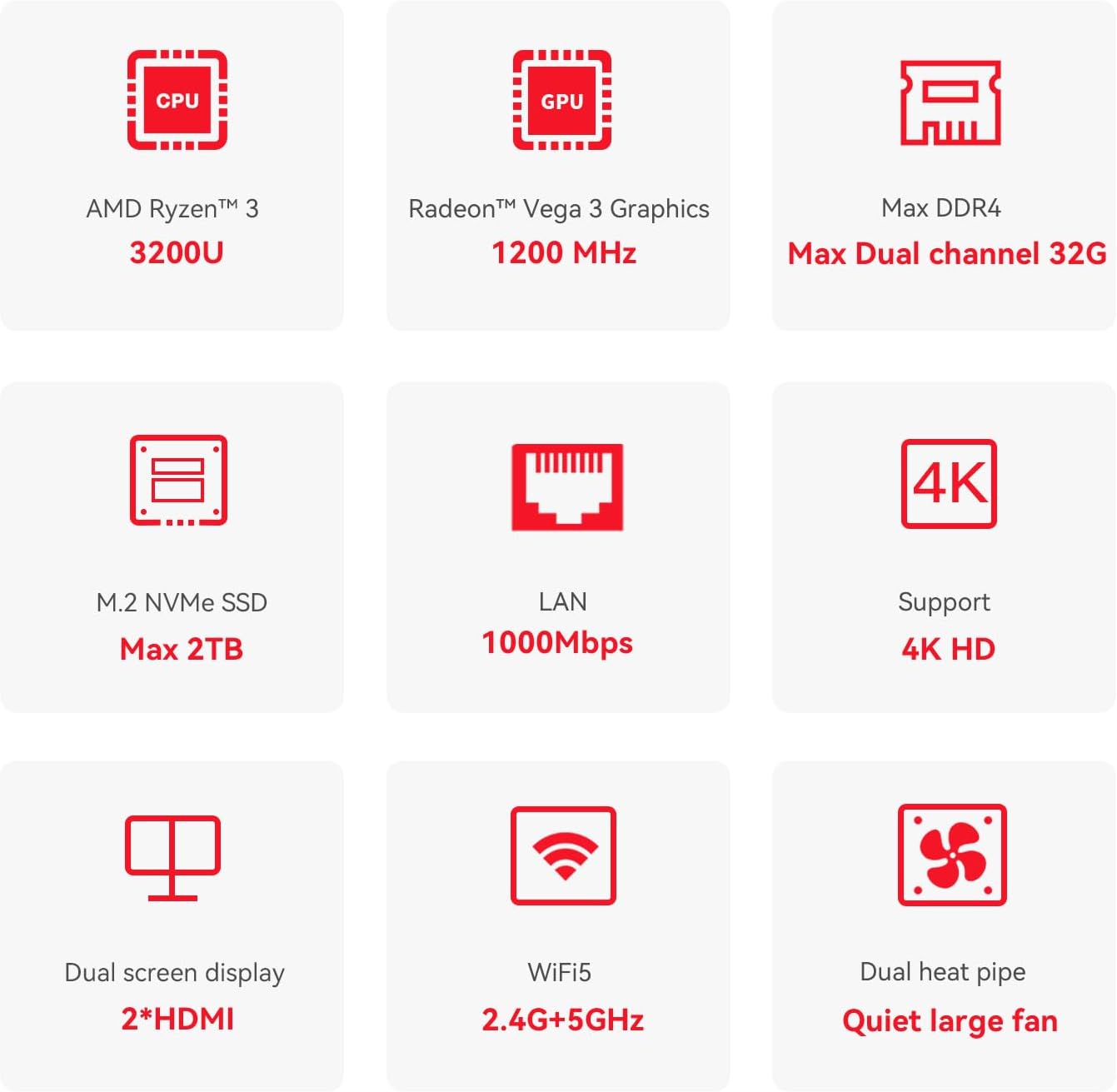
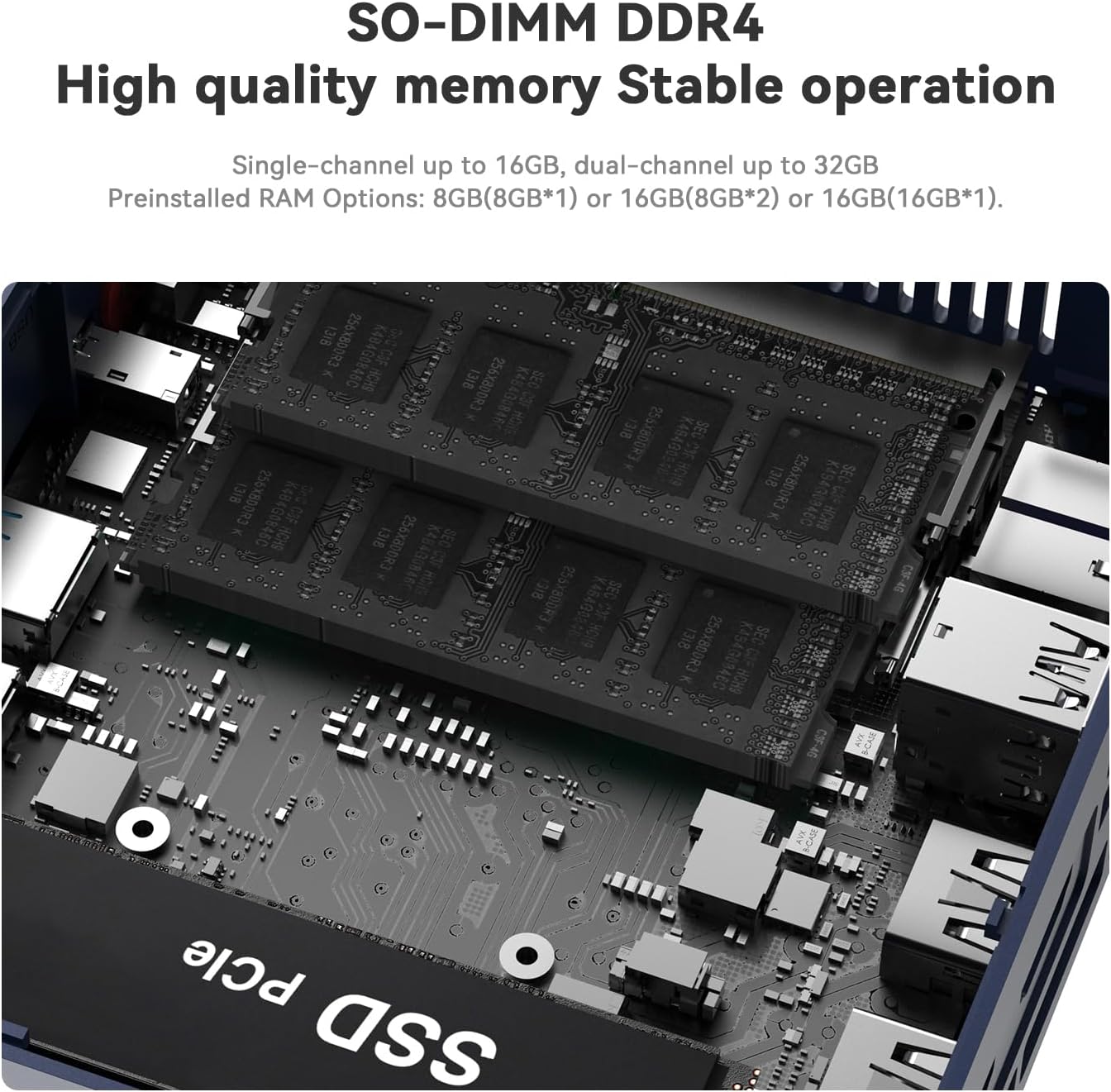
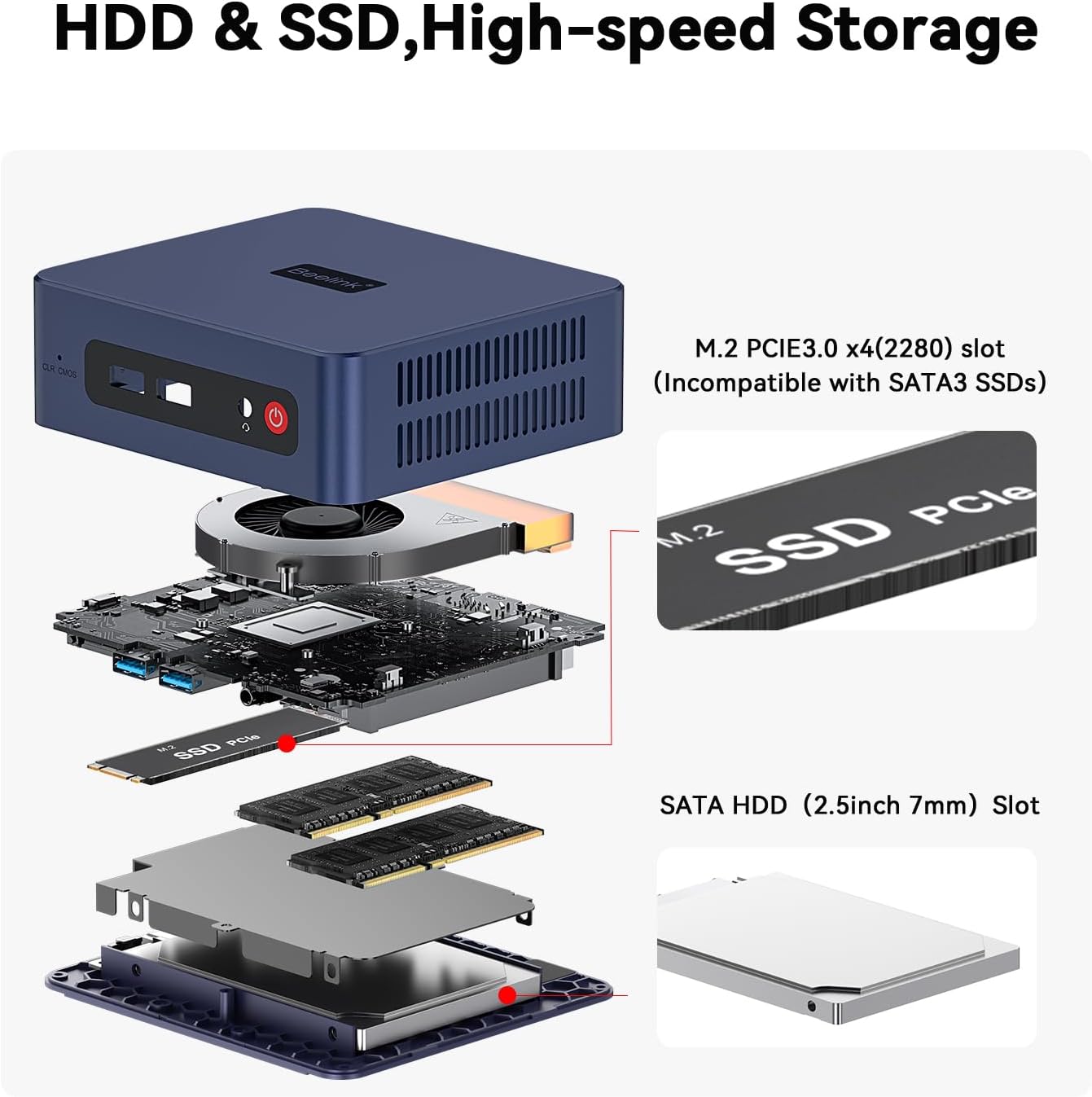
The listing says memory can expand to 32GB, the NVMe drive to 2TB, and a 2.5-inch SATA HDD or SSD to 2TB, according to the maker. Those options may help if your storage needs grow, but the included configuration is the only one specified here. Radeon Vega 3 is integrated graphics, so this isn’t a discrete-GPU desktop for demanding graphics work.
Best use cases
This mini PC makes the most sense as a compact office or household computer: connect it to an HDMI monitor, add a keyboard and mouse, and use it for everyday tasks or 4K video playback. Dual HDMI can suit a simple two-screen workspace, while Gigabit Ethernet offers a wired alternative to Wi-Fi. Its small format may also appeal if you want a desktop at a secondary workstation rather than a larger tower.
Worth considering if you want Windows 11 Pro, 16GB of memory, and a 500GB NVMe SSD in a small desktop. It’s not for you if your priority is demanding editing or graphics performance, the listed 2-core processor and integrated Vega 3 graphics set a more basic performance profile.
Should you buy it?
The SER3 is a reasonable fit when the goal is a compact Windows desktop for office work, browsing, streaming, and a dual-display setup—not a machine chosen for maximum processing or graphics power. Its memory and storage are more substantial than a bare-minimum starting point, and the listed expansion options offer a path to add capacity. The trade-off is that there’s no discrete graphics card, and the product details don’t establish how it performs in intensive creative or virtualization workloads. Choose it for a space-conscious everyday setup, look at a more powerful class of PC if those heavier tasks are central to your routine.