

CIDETTY Laptop Screen Extender 14-inch
Product description
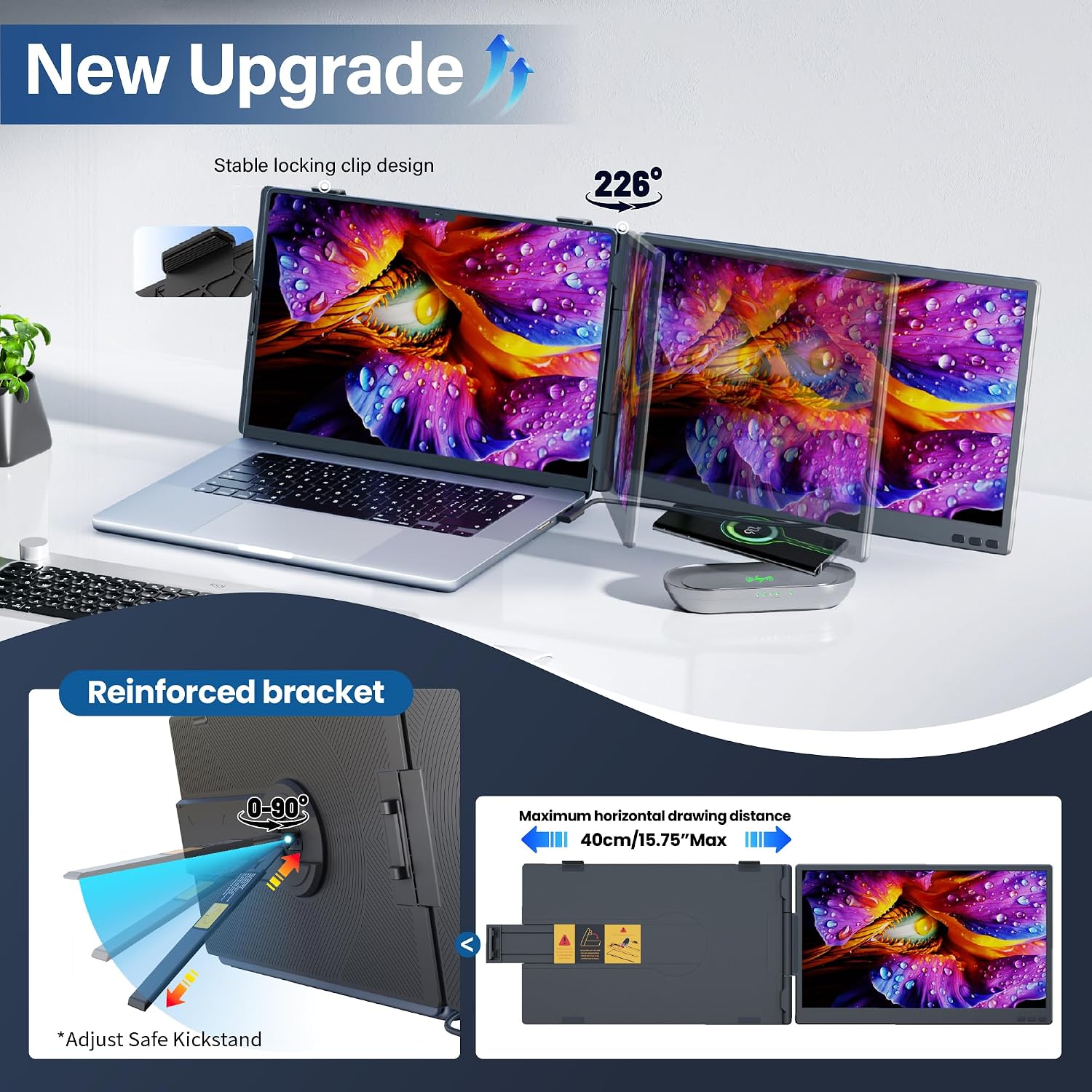
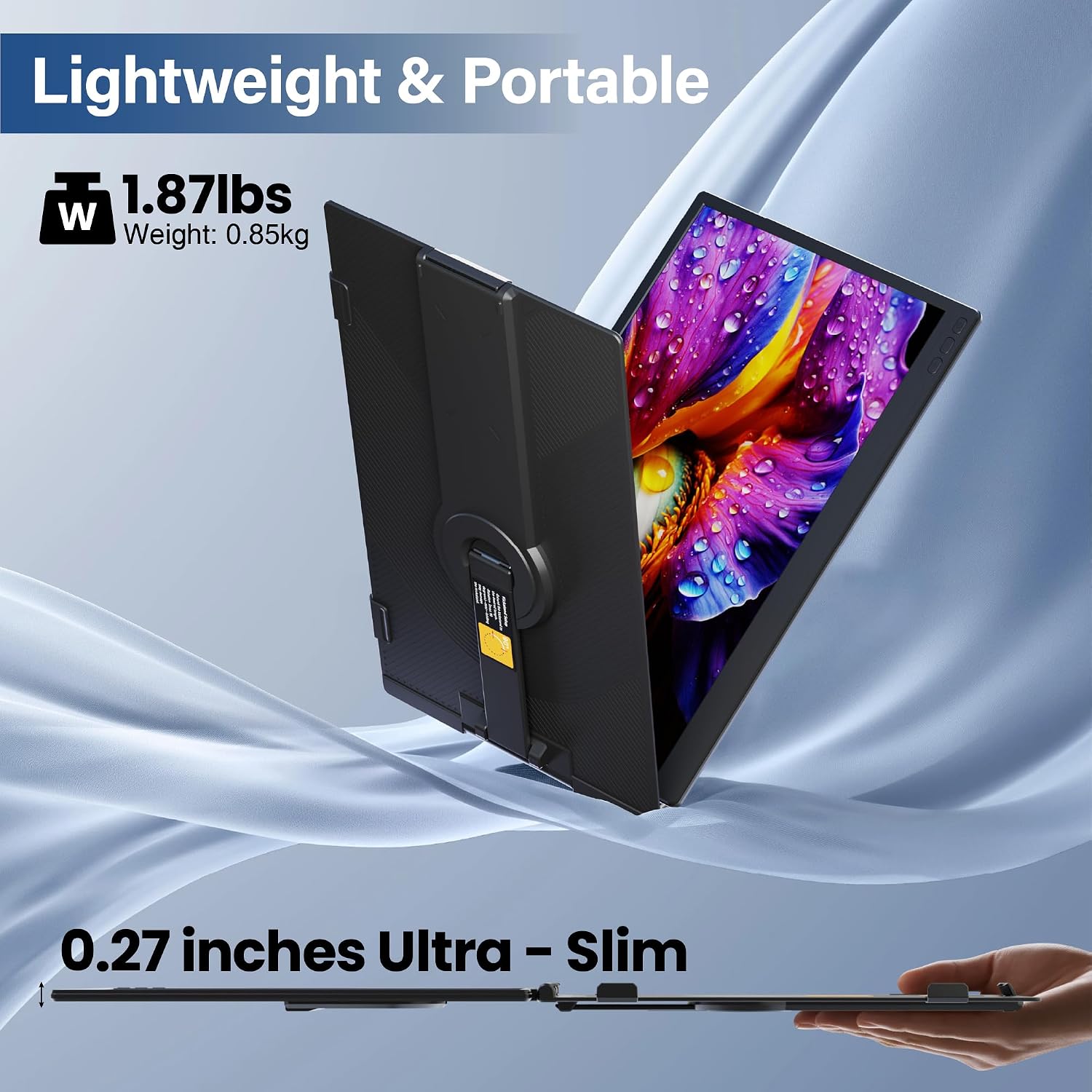
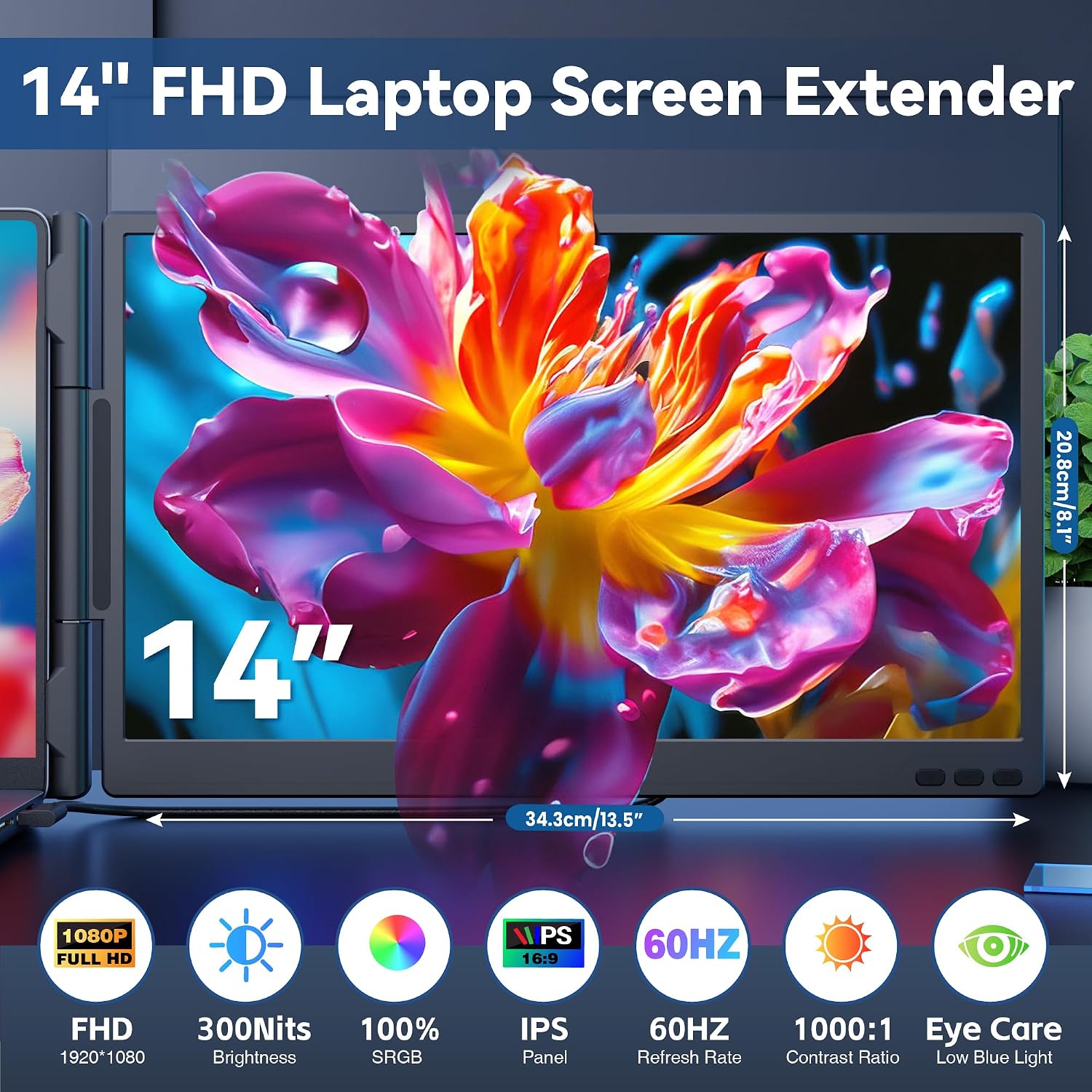
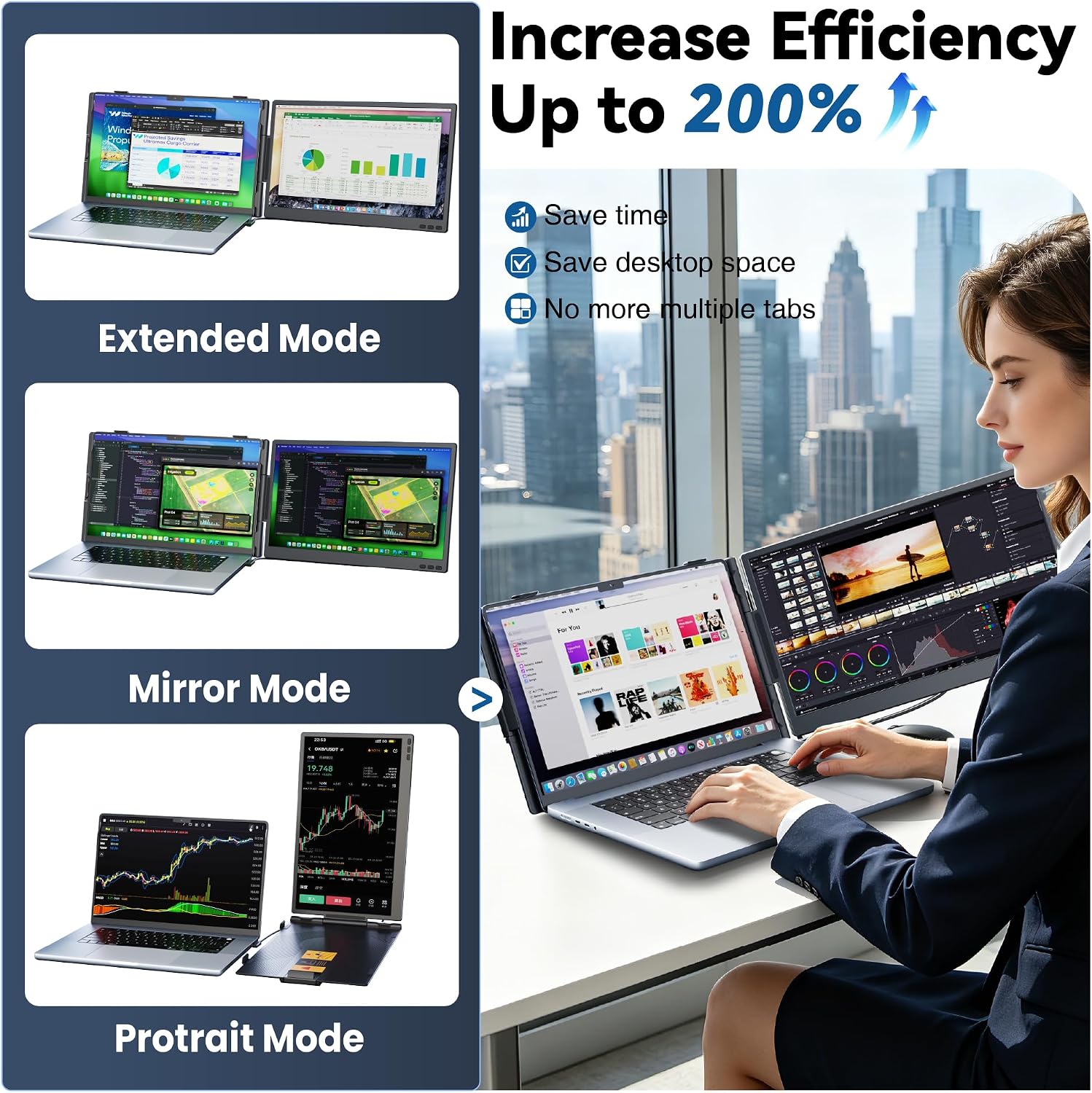
When a laptop screen feels crowded during a call, spreadsheet session, or presentation, this CIDETTY screen extender adds a second display beside your computer instead of asking you to keep switching windows. Its 14-inch FHD IPS panel is designed to attach to laptops in the 13–17.3-inch range, with an adjustable telescopic stand and padded contact points. You can use it for an expanded desktop or mirror your laptop screen, which makes it more flexible than a setup meant only for duplicating what is already on your display. The main buying question is whether your laptop has the right video connection, not just whether it runs a listed operating system.
Size & fit
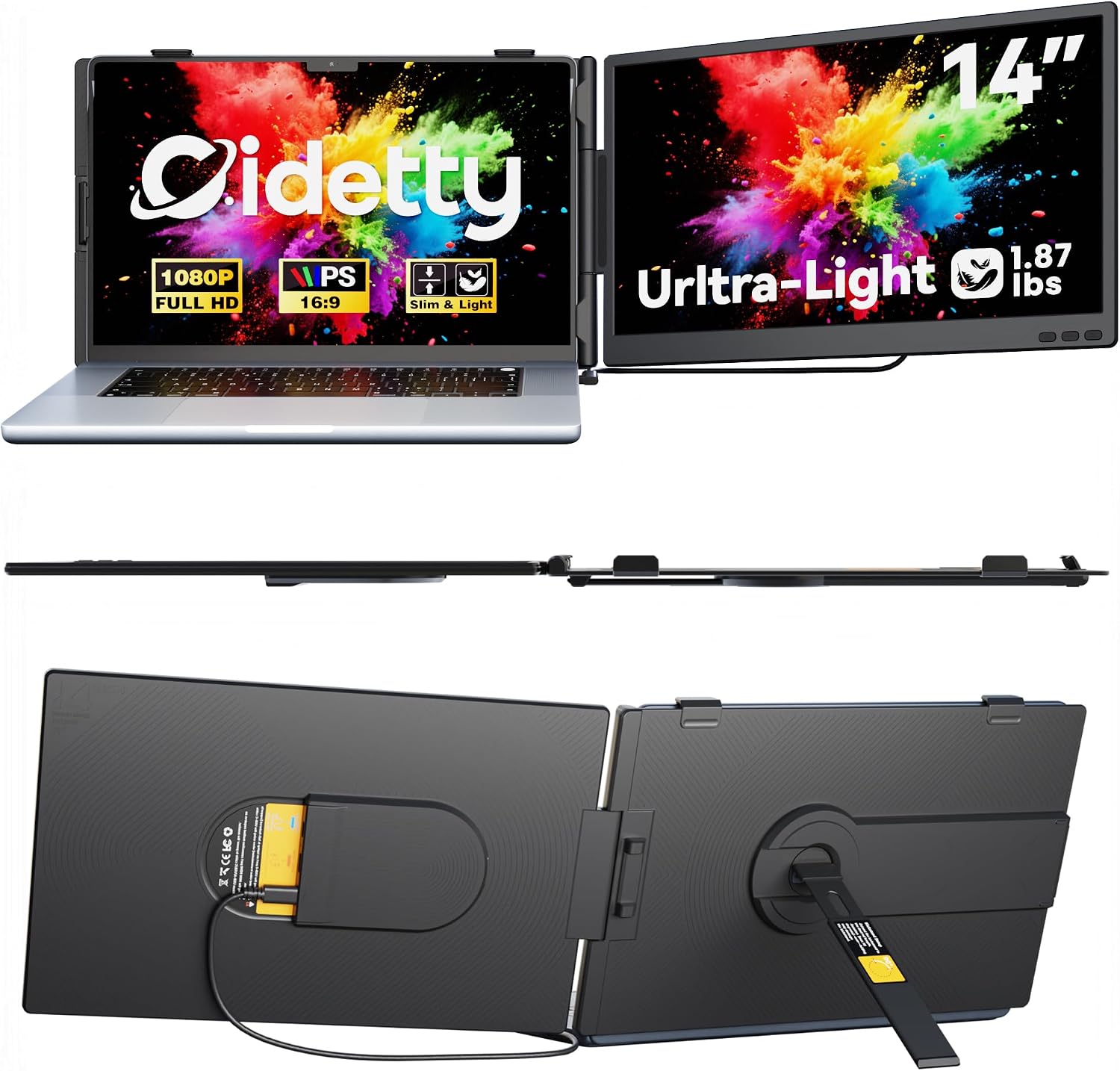
The extender is listed for laptops from 13 to 17.3 inches, and its stand adjusts to fit that range. Padding where it meets the laptop is intended to protect the edges from scratches. That setup could be useful at a hotel desk or shared workspace: attach the screen, open a document on one display, and keep a video call or reference page visible on the other. It’s a more portable approach than carrying a separate monitor, though the attachment still depends on a compatible laptop and a stable fit.
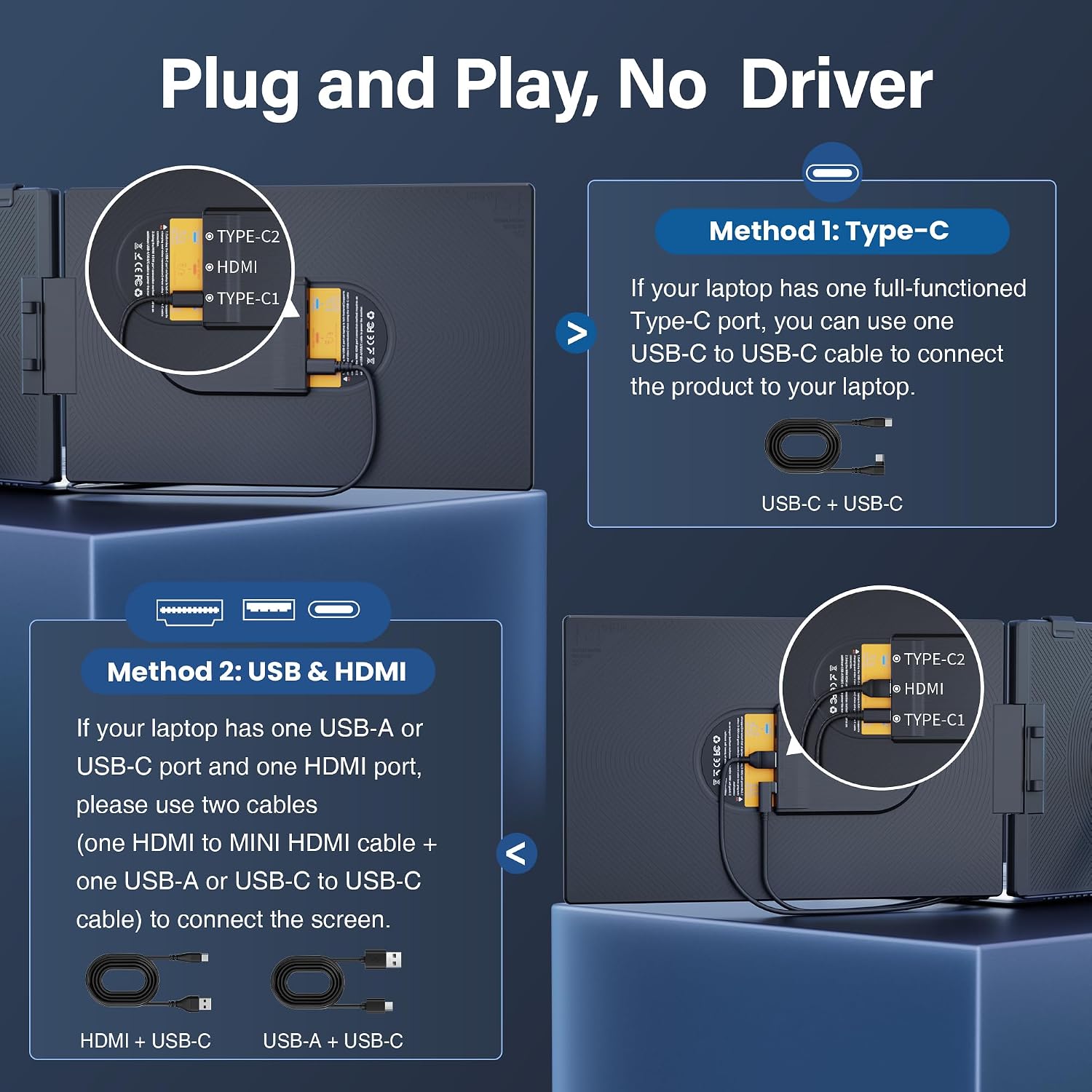
Connection requirements deserve attention before choosing it. A full-function USB-C port supports a one-cable USB-C connection. If your laptop instead has HDMI plus a USB-A or USB-C port, the listed setup uses an HDMI-to-USB-C cable and a USB-A-to-USB-C or USB-C-to-USB-C cable. A USB-C port that only handles charging or data may not provide the video connection this screen needs. According to the maker, some older Surface models may lack the required ports, if your laptop’s capabilities are unclear, ask support about compatibility before buying.
Pros
- A second screen can keep reference material, messages, or a meeting visible while you work on the laptop display.
- Expand, mirror, and second-screen modes cover different tasks, from multitasking to sharing what is on your computer.
- The matte finish, independent brightness controls, and 178° viewing angle are useful details for desk work and shared viewing.
- USB-C or HDMI connection options give you more than one way to hook it up, depending on the laptop’s ports.
The trade-off is that this is an attached screen, not a universal one-cable accessory: some laptops need two cables, and port support matters. You’ll appreciate it if a compact travel setup and a larger working area matter more than a standalone monitor. It’s not for you if your laptop lacks a suitable video output or falls outside the stated size range.
Spec sheet
- Name: CIDETTY laptop screen extender
- Type: Portable dual laptop monitor
- Size: 14 inches
- Display: FHD IPS, matte anti-glare coating
- Resolution: 1920 × 1080
- Refresh rate: 60 Hz
- Brightness: 300 nits
- Viewing angle: 178°
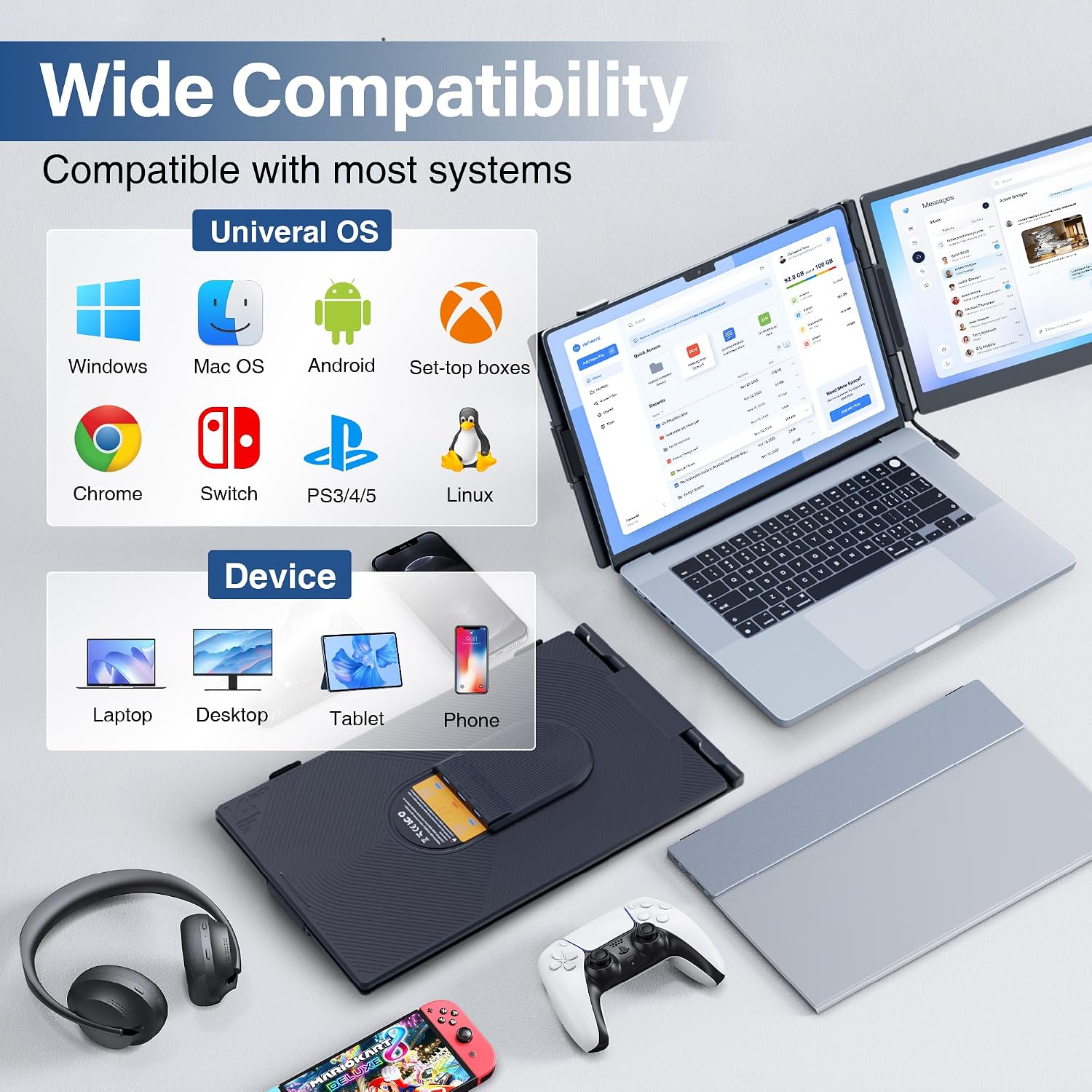
- Compatibility: Windows, Mac, Chrome, Android, Linux, DeX, and Switch are listed, connection requirements still apply.
When it makes sense
This is a practical fit for someone who regularly works away from a fixed desk and wants room for two open windows without packing a conventional separate monitor. A designer reviewing a reference beside a working file, or a traveler keeping a call visible while taking notes, can make direct use of the extra display. Would a basic laptop stand solve the same problem? It may improve screen positioning, but it won’t add another display, a separate portable monitor may make more sense if you want a screen that stands independently. Choose this extender when the attached format suits your workspace and your laptop’s ports are confirmed. Skip it if you need a self-standing display or cannot verify video compatibility.