

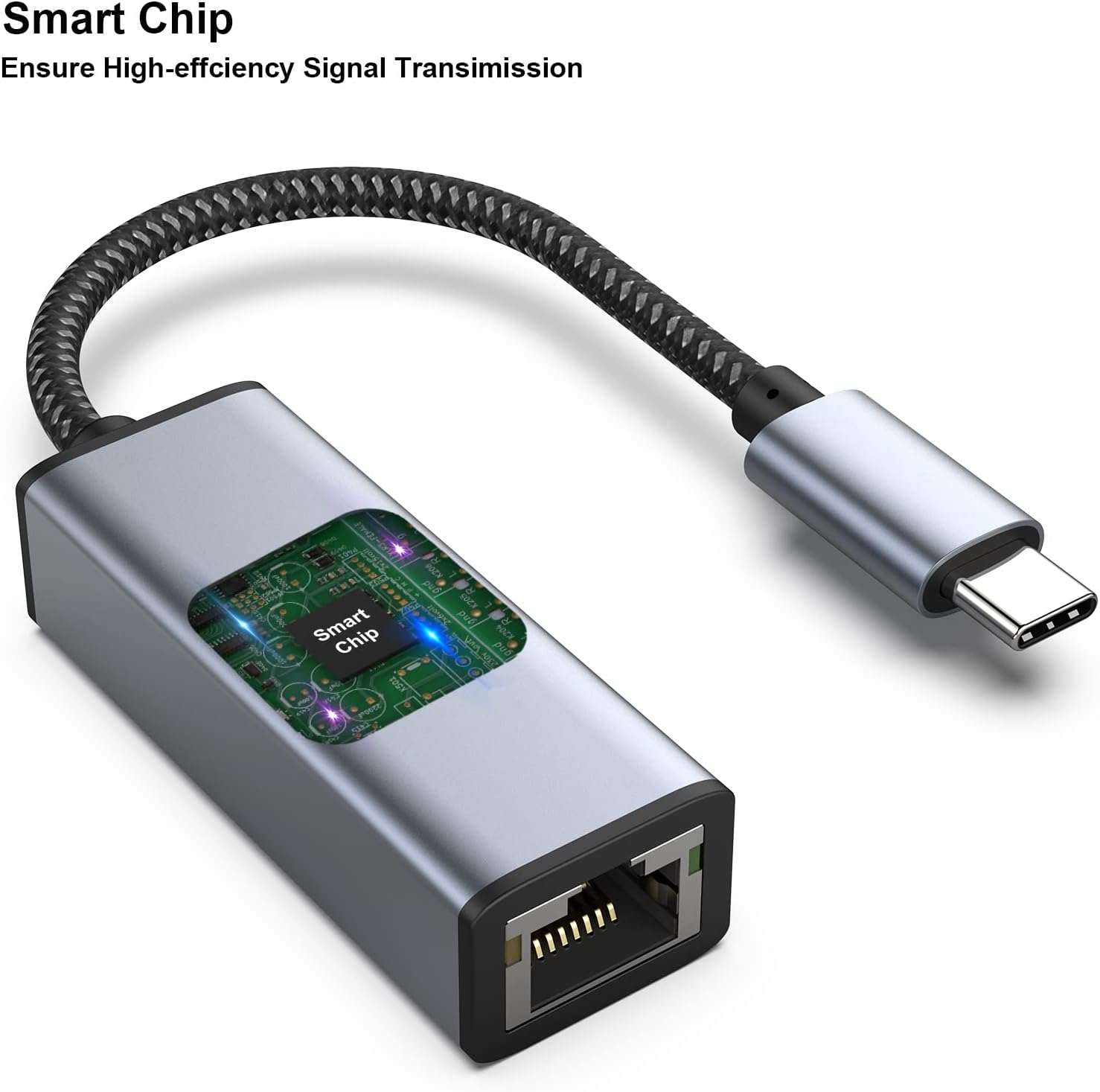
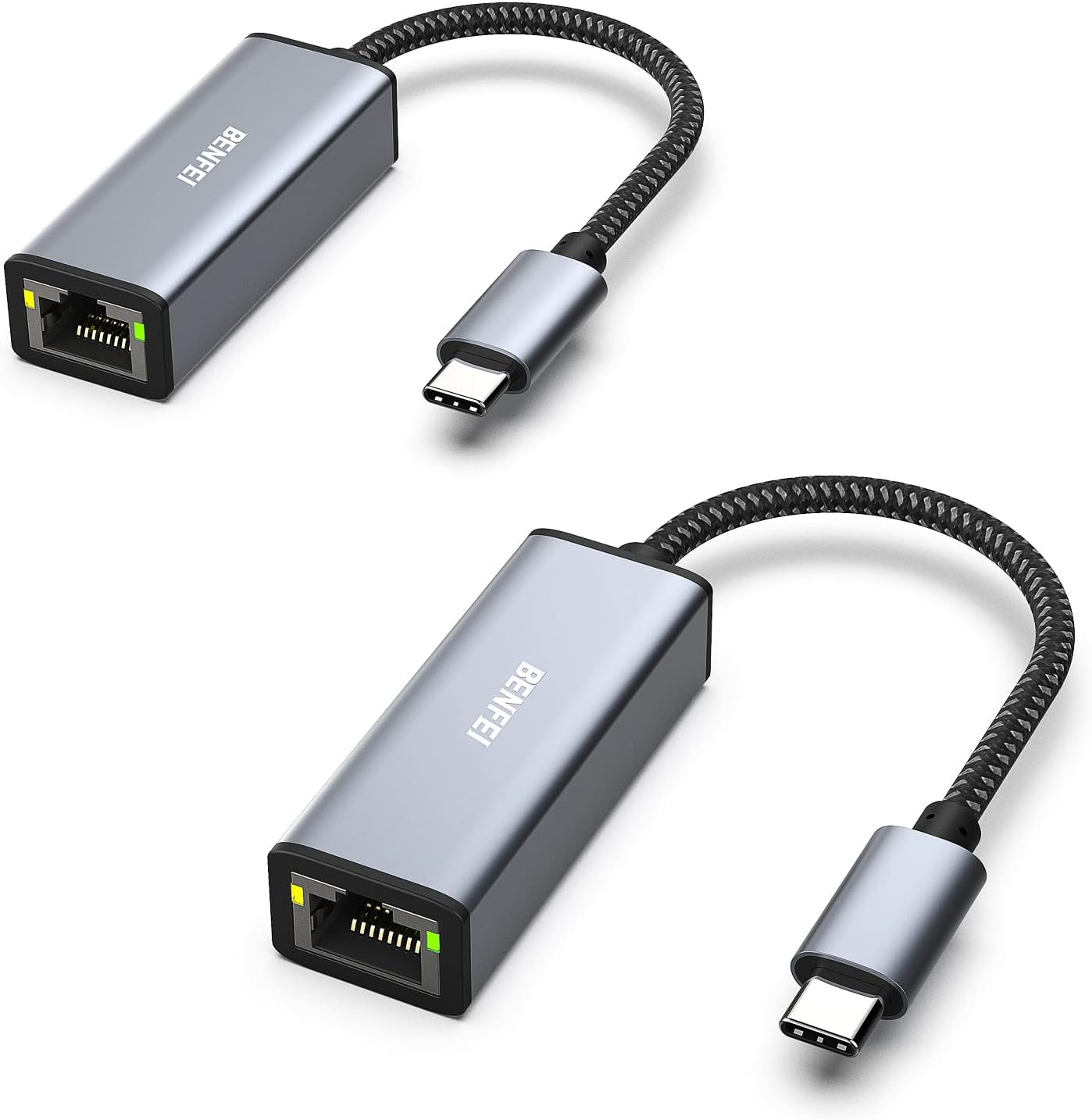
BENFEI 2-Pack USB-C to Ethernet Adapter (Thunderbolt 3/4) to RJ45 Gigabit LAN
Product description
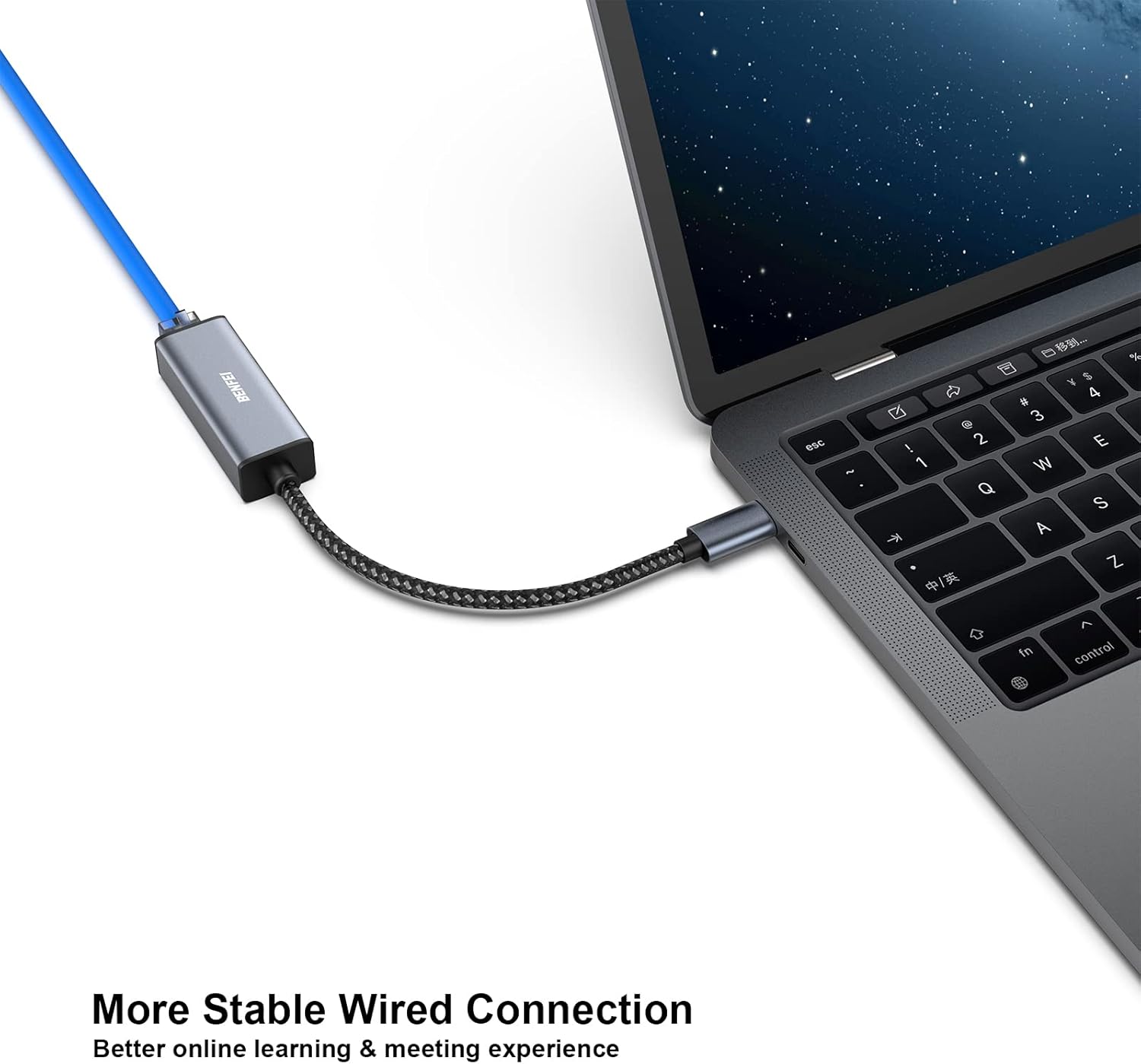
If your Wi‑Fi gets flaky when you need a steady connection, a USB‑C Ethernet adapter is one of those “small fix, big difference” accessories. The BENFEI 2‑Pack is built for plug‑and‑play wired networking from a USB‑C port to an RJ45 connection, aiming to keep your downloads and video calls steadier when wireless performance is inconsistent.
That said, it’s not a magic upgrade for every situation. You still need the right cable quality for the advertised gigabit speeds, and wired connectivity may not be as convenient as Wi‑Fi when you’re constantly moving around.
Key takeaways
This 2‑pack gives you a practical backup (or a second adapter for another device/location) while keeping the setup straightforward. On paper, it’s designed to deliver stable gigabit Ethernet speeds and fall back to lower speeds if your network is 100Mbps or 10Mbps. The adapters use a compact, lightweight build with a non‑slip design and braided nylon cable for durability.
Where it makes the most sense is in everyday work and learning setups: plugging in for more consistent connections during big downloads, video meetings, or anything where “buffering” is the enemy.
What to know about performance and speed
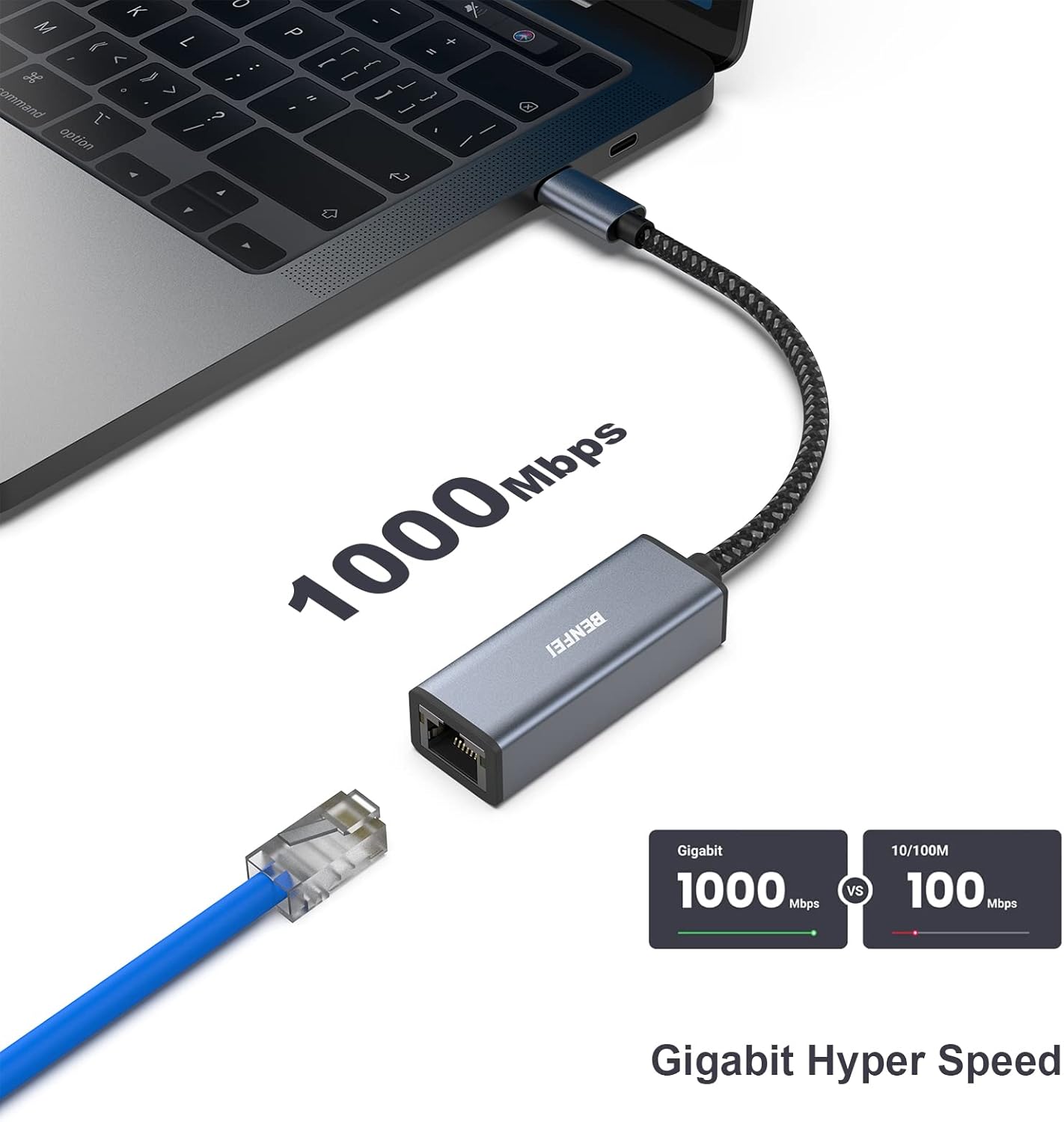
The standout claim is stable gigabit Ethernet connectivity up to 1Gbps via RJ45. It also supports downward compatibility to 100Mbps and 10Mbps networks, so it shouldn’t feel incompatible with older setups.
One important limitation to keep in mind: to reach 1Gbps, the listing says you should use CAT6 Ethernet cables or higher. If you’re using a lower-grade cable, you may not see the full speed the adapter can theoretically support.
A realistic micro-scenario: you’re working from a desk and your Wi‑Fi drops during a large file transfer. Swapping to this wired connection can remove the “wireless variability,” so your transfer stays more consistent. It won’t make your internet plan faster, but it can reduce the network instability layer.
Design that’s meant to survive daily plugging
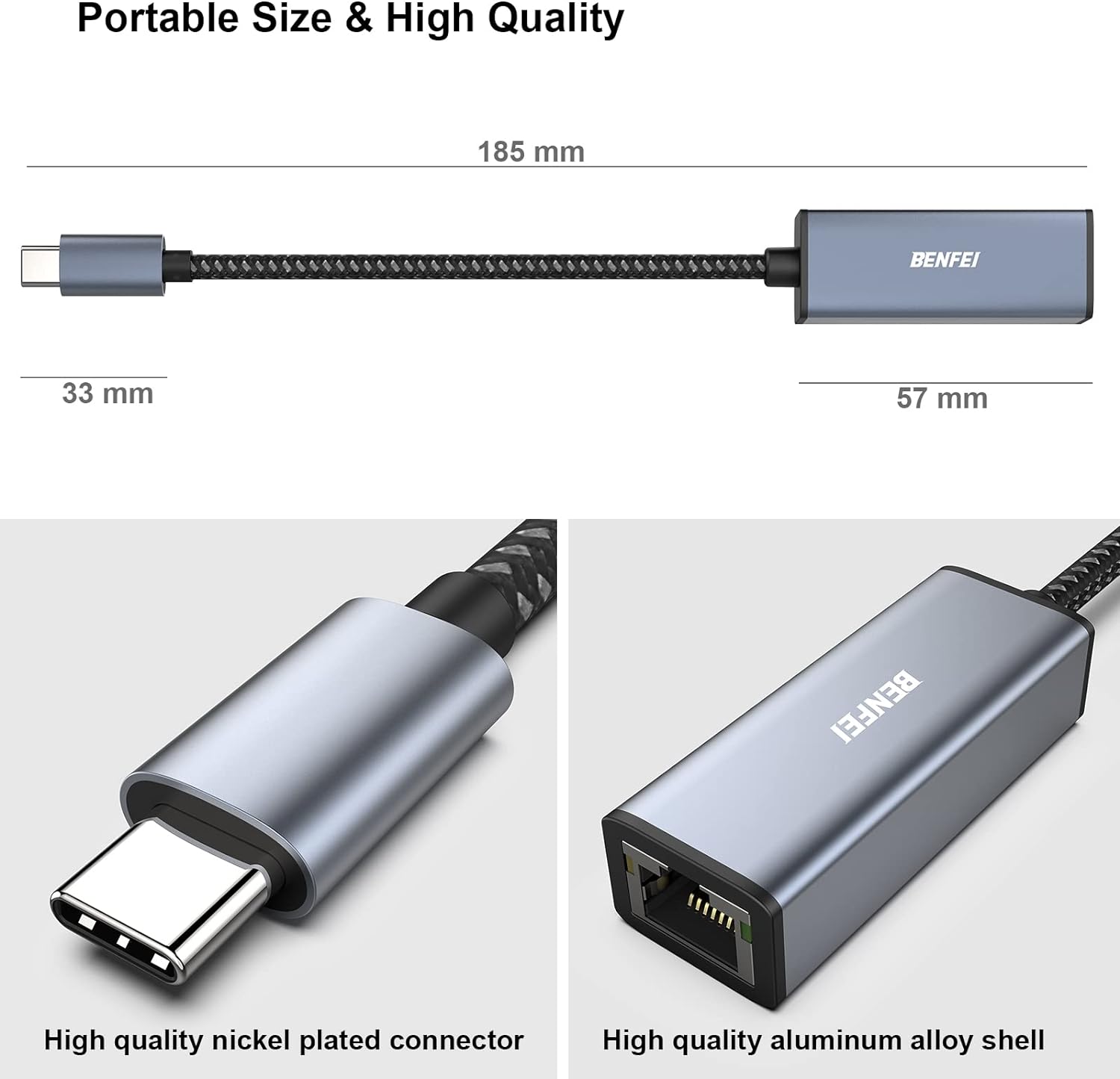
These adapters are compact and lightweight, with a user-friendly non‑slip design to make plugging in and removing easier. The cable is braided nylon, which is a sensible choice for frequent use because it’s typically more durable than plain cable sheathing.
There’s also an aluminum casing described for better heat insulation, plus a snug fit into USB‑C ports intended to help protect signal transfer.
Not perfect, though: any USB‑C Ethernet adapter has to share the realities of your network and cabling. If your environment struggles with cable quality or your router/network equipment is the bottleneck, you’ll feel that even with a good adapter.
Compatibility: where it’s expected to work (and where it isn’t)
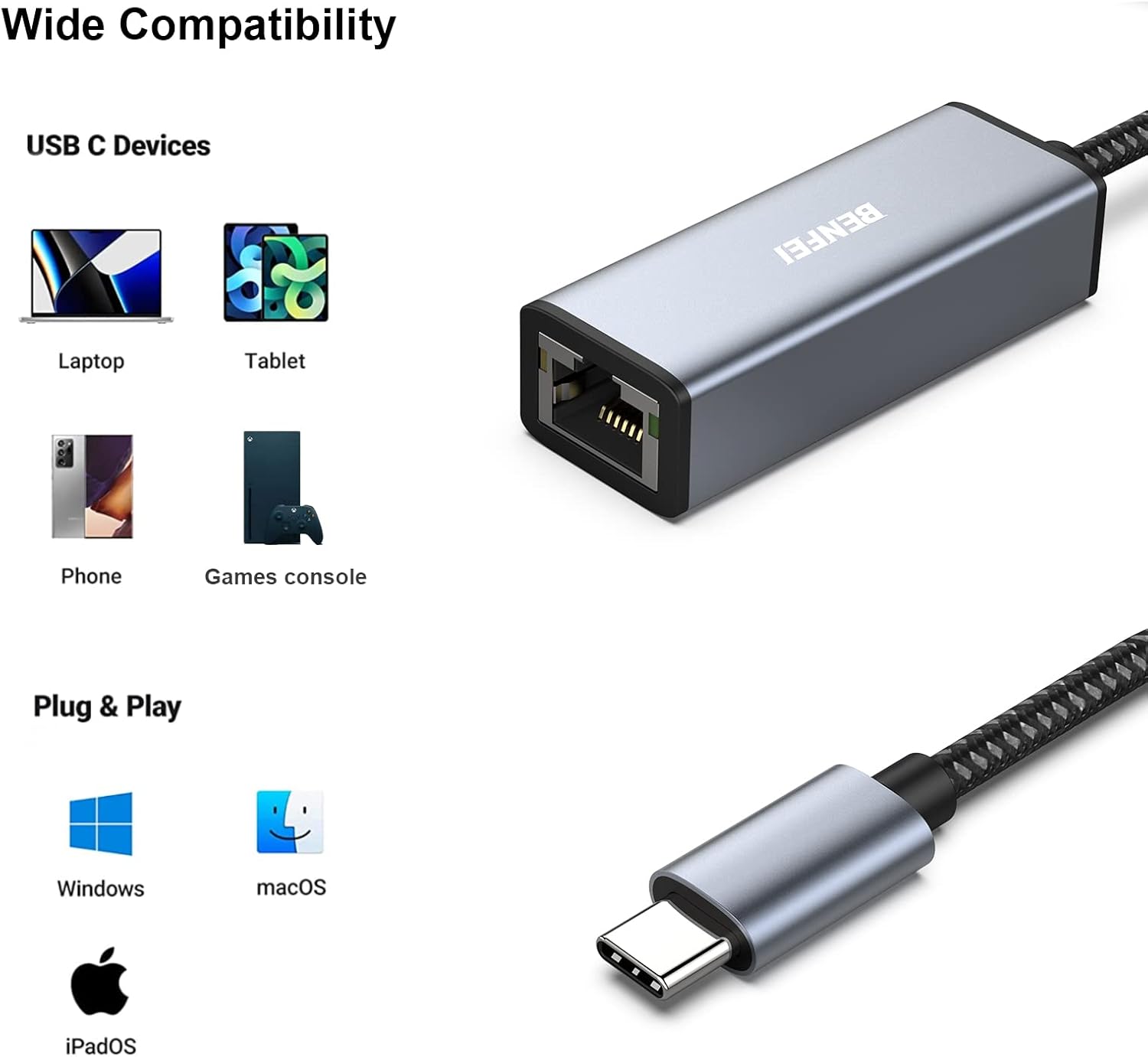
This model is marketed for USB‑C connections (including Thunderbolt 3/4) and lists compatibility across a wide range of devices, including iPhone 15 Pro/Max series, multiple MacBook Pro/Air generations (notably 2023 plus several prior years), iPad Pro models, iMac, and several Samsung and other USB‑C laptops/tablets.
Two practical points for purchase confidence: - The listing includes “(NOT compatible with Nintendo Switch).” If you were considering it for that device, you’ll need a different approach. - Your exact device port type matters: the listing calls out USB‑C (Thunderbolt 3/4) and doesn’t speak to every possible USB‑C device that exists. If your device is USB‑C but not described in the provided compatibility examples, it’s worth double-checking before you commit.
When it makes sense to buy the 2-pack
A two-pack is especially handy if you want one adapter at home/office and another at work, or if you routinely swap between two devices. It also helps if you travel and don’t want to carry just one fragile “single point of failure.”
It’s a good fit if you: - Prefer wired stability for downloads or calls when Wi‑Fi is unreliable. - Want gigabit Ethernet capability, and you’re willing to use CAT6 (or better) cabling. - Like having a backup for quick replacements.
It may not be the best choice if you: - Only need occasional connectivity and don’t want to deal with cabling. - Expect big speed gains without considering cable quality and the rest of your network. - Need compatibility for Nintendo Switch (the listing says it’s not compatible).
Pros and realistic limits
What stands out: - Designed for plug‑and‑play USB‑C to RJ45 wired networking. - Gigabit Ethernet up to 1Gbps, with stated compatibility down to 100Mbps/10Mbps. - Built to be used often, with braided nylon cable and a compact, non‑slip design.
What to be careful about: - To hit 1Gbps, you’ll need CAT6 Ethernet cables or higher. - Real-world speed depends on your internet plan and the equipment/cabling in your setup. - Compatibility is broad, but not universal—check your device against what’s listed.
Included warranty support
The listing includes an 18‑month warranty described as an unconditional BENFEI warranty, along with customer service support intended to solve problems in a timely way. That’s a solid safety net if you run into issues after installation.
Is it worth it?
Buy the BENFEI 2‑Pack if you want more consistent wired Ethernet than Wi‑Fi provides, especially for work, school, or any situation where stability matters. It’s particularly compelling if you’re already set up to use CAT6 (or better) Ethernet cable and you like the convenience of plug‑and‑play.
Skip it if you don’t plan to use Ethernet at all, if you’re relying on lower-grade Ethernet cabling for gigabit results, or if your device isn’t clearly within the listed compatibility (and definitely if you’re considering Nintendo Switch).
If you’re trying to reduce “wireless inconsistency” and keep downloads and meetings steadier, this is the kind of straightforward accessory that often earns its spot quickly.
Mini FAQ
Does it support gigabit speeds?
The listing states stable connection speeds up to 1Gbps, with downward compatibility to 100Mbps/10Mbps. It also says you should use CAT6 Ethernet cables (or higher) to reach 1Gbps.
Is it truly plug-and-play?
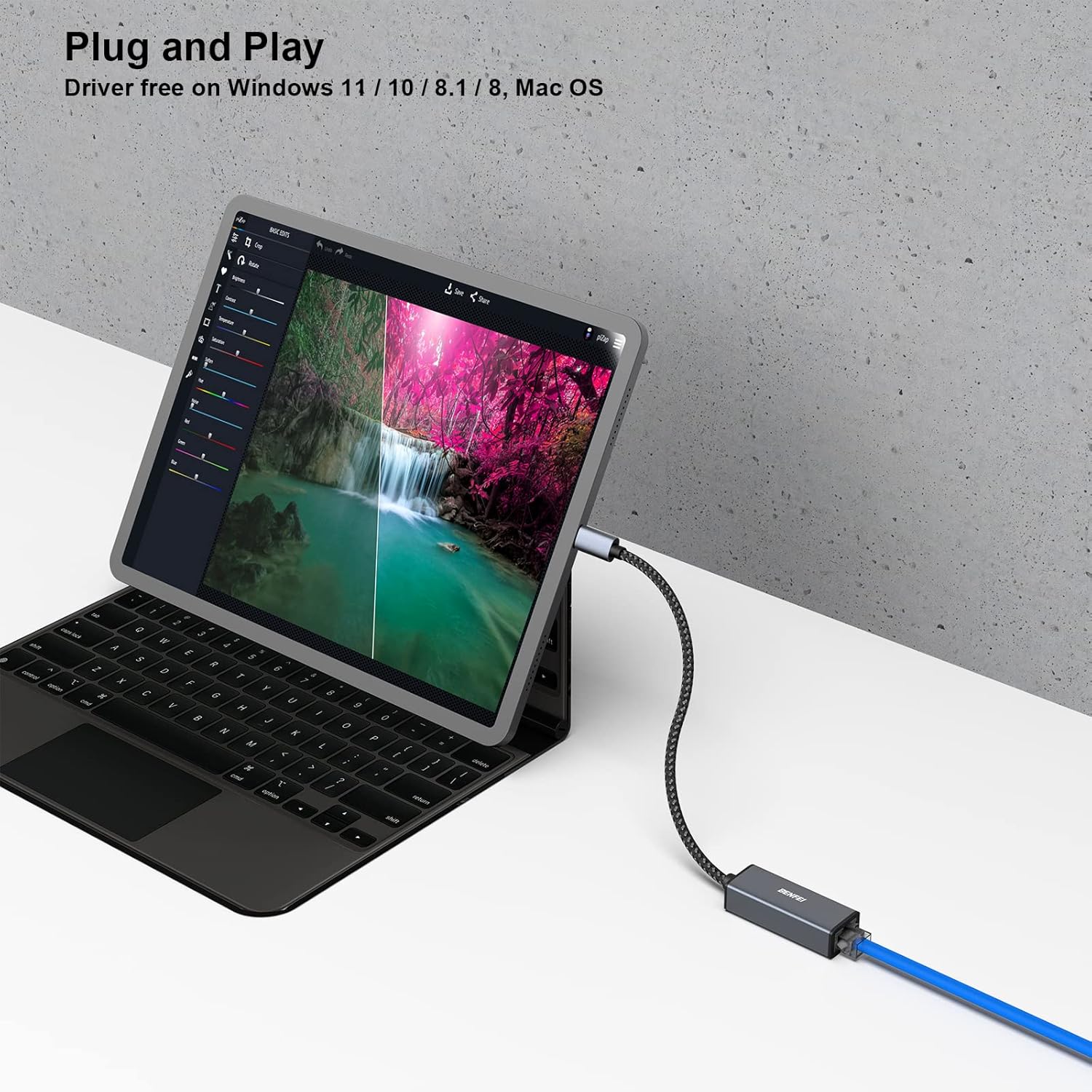
It’s described as designed for plug‑and‑play connection between USB‑C devices and wired networking via RJ45.
What devices does it work with?
The provided compatibility list includes iPhone 15 Pro/Max, multiple MacBook Pro/Air and iPad Pro models, plus a range of other USB‑C devices. The listing also explicitly notes it’s not compatible with Nintendo Switch.
What’s the main downside vs using Wi‑Fi?
It requires a wired connection, so you’ll be limited by cable reach and setup. If you need maximum mobility, Wi‑Fi may still be more practical.