

Elelink 4K Webcam
Product description
What matters most
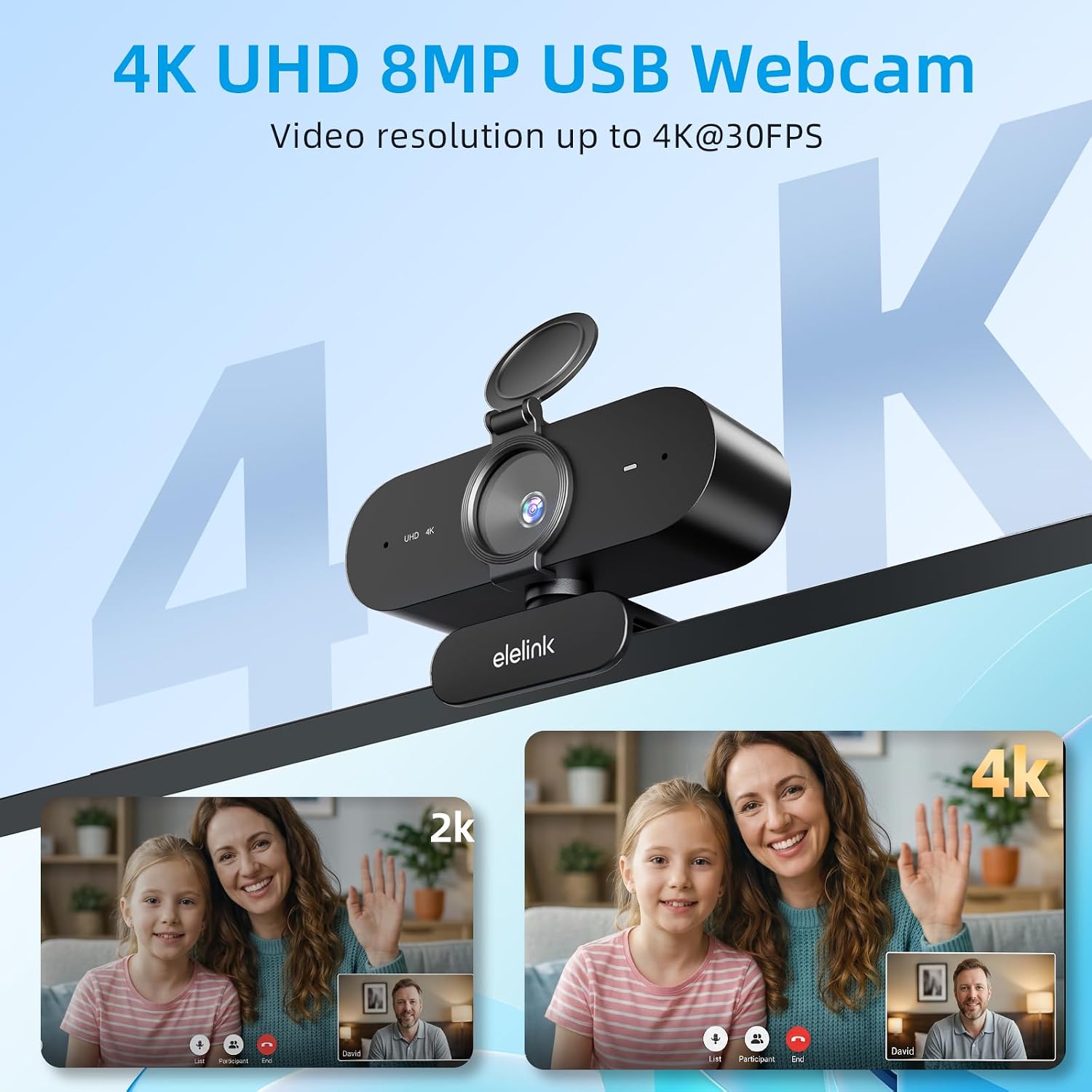
The 4K resolution is the headline feature: this webcam is designed to show more picture detail than a basic 1080p model, which can help when you’re streaming, teaching, or joining a work call. The listing also specifies 30 fps, a wide-angle lens, and autofocus.
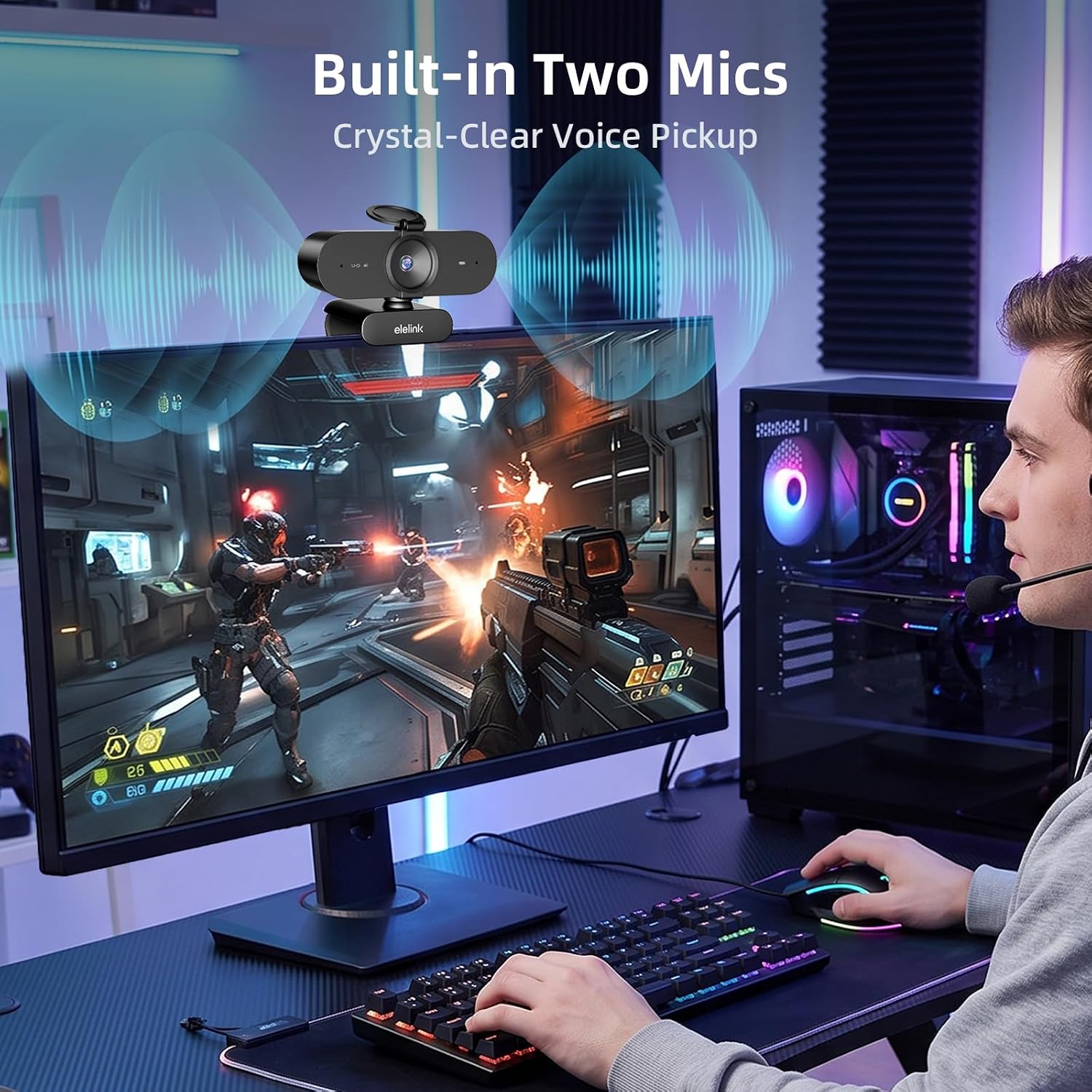
Two noise-reduction microphones aim to keep your voice clear without a separate desk mic. That could be useful for a video meeting from a shared room, though the description doesn’t provide audio samples or details about how much background noise they can reduce.
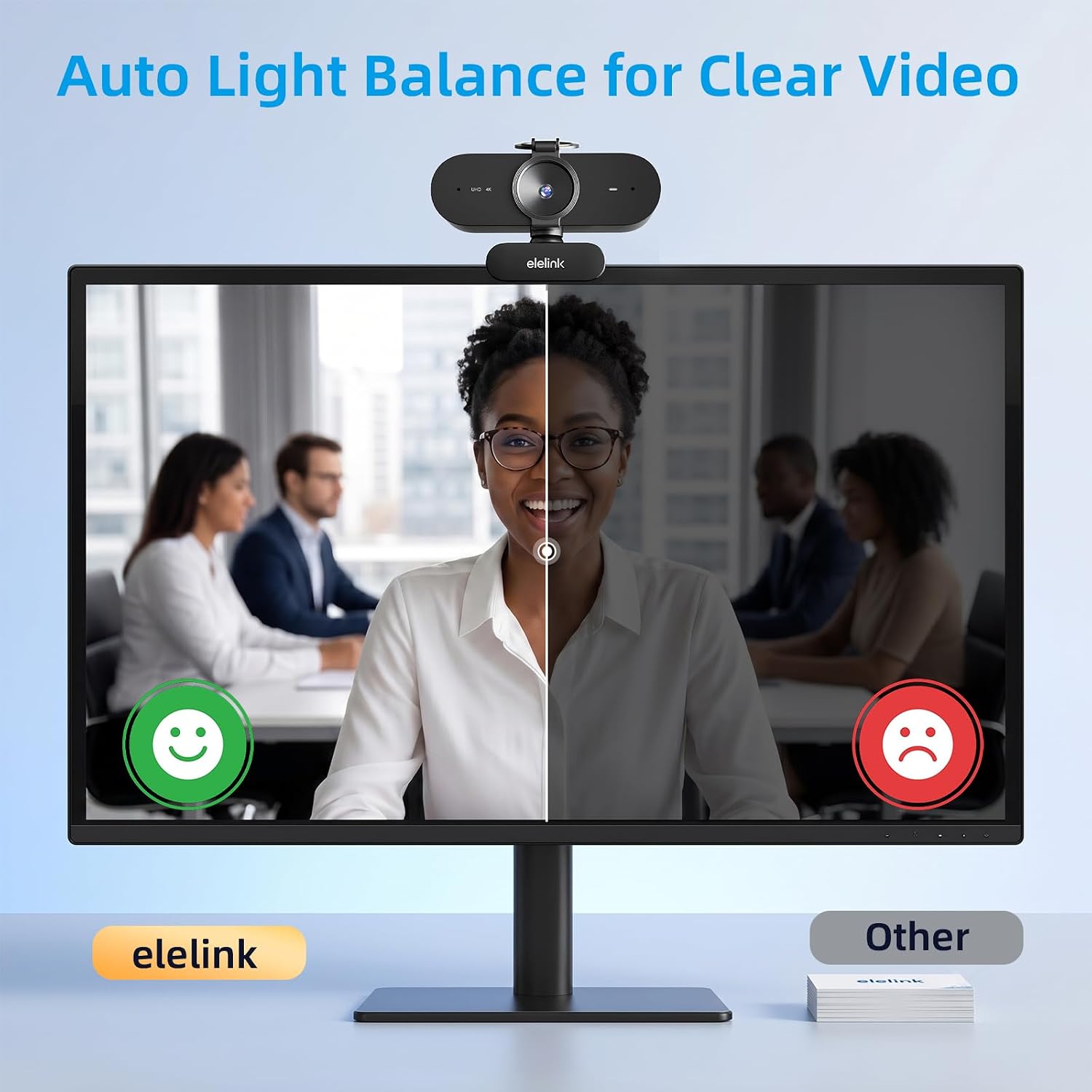
Automatic light correction is intended to adjust exposure and brightness in dim rooms, backlit setups, and brighter spaces. Keep in mind that the lens’s viewing angle isn’t quantified, so it’s harder to predict exactly how much of your room will appear in frame. A flip-open privacy cover gives you a direct way to block the lens between calls.
How to use it
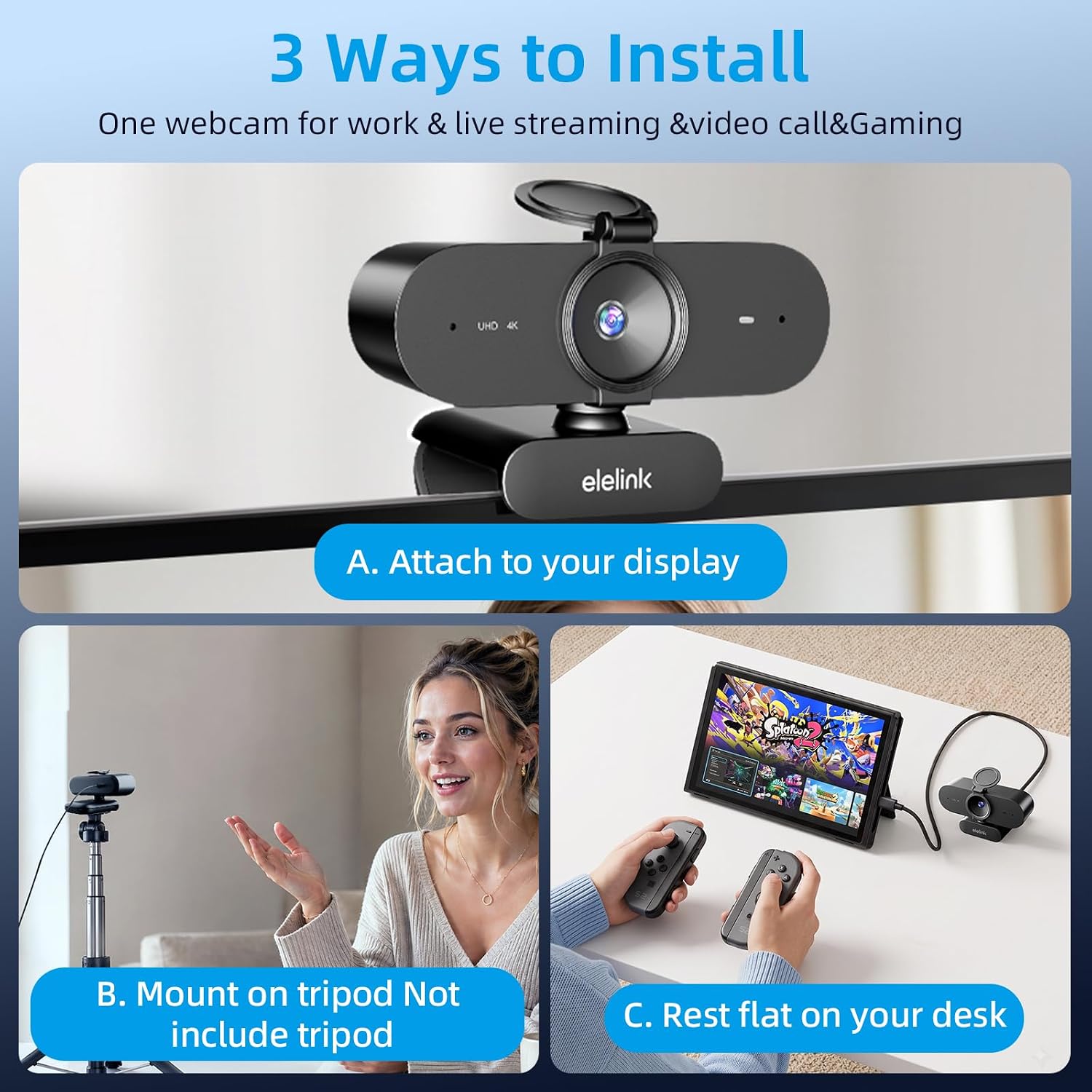
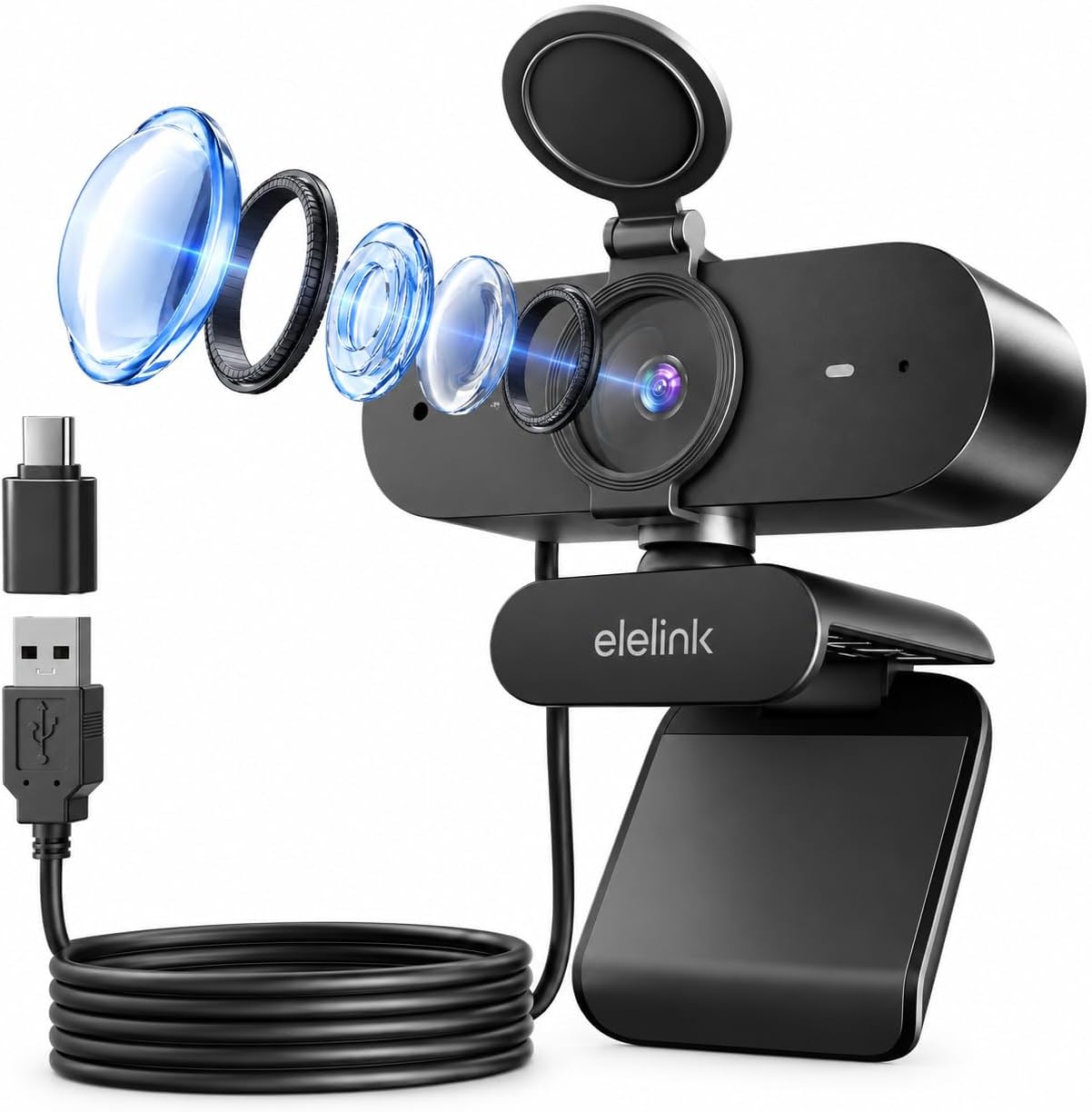
This is a USB webcam for a PC, laptop, or desktop setup. The listing describes plug-and-play operation with no extra drivers required and includes a 6.6 ft USB cable. It names Windows, Mac OS, and Android, as well as Zoom, Teams, Skype, YouTube, and Twitch, actual use still depends on the device and app recognizing the camera.
For a typical work call, place it near your display, connect the cable, and check the framing and microphone selection in your video app before joining. The wide-angle lens may show more of your surroundings than a narrower webcam, so a tidy background can matter. A solid pick if you want one USB camera for calls and occasional streaming rather than a separate, more specialized setup.
Practical tips
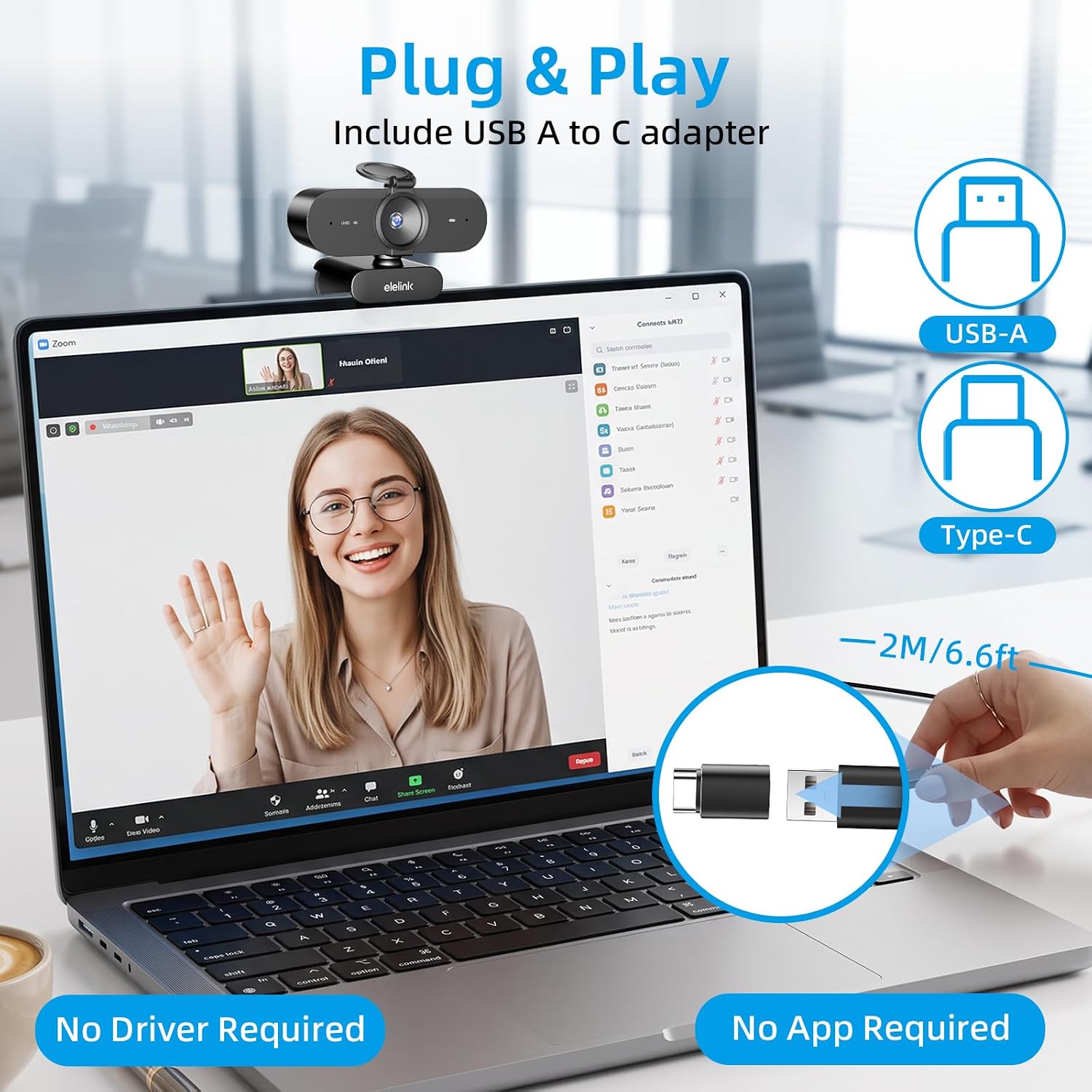
Use the privacy cover whenever the camera is idle, and open it only when you’re ready to appear on video. If the image looks too bright or dark, try changing the room lighting or your position relative to a window, automatic correction can adjust the picture, but the listing doesn’t promise that it will solve every lighting problem.
The claimed 4K output is most relevant if your computer and chosen software can use that resolution. The description doesn’t specify a field-of-view measurement, mounting options, or detailed system requirements, so those details may matter if you need precise framing or have a particular setup. The webcam is positioned as a flexible plug-in choice, rather than a camera with extensive published setup controls.
Practical doubts
Does it need a driver? The product description says it is plug-and-play and does not require extra drivers. It does not give setup steps for each operating system.
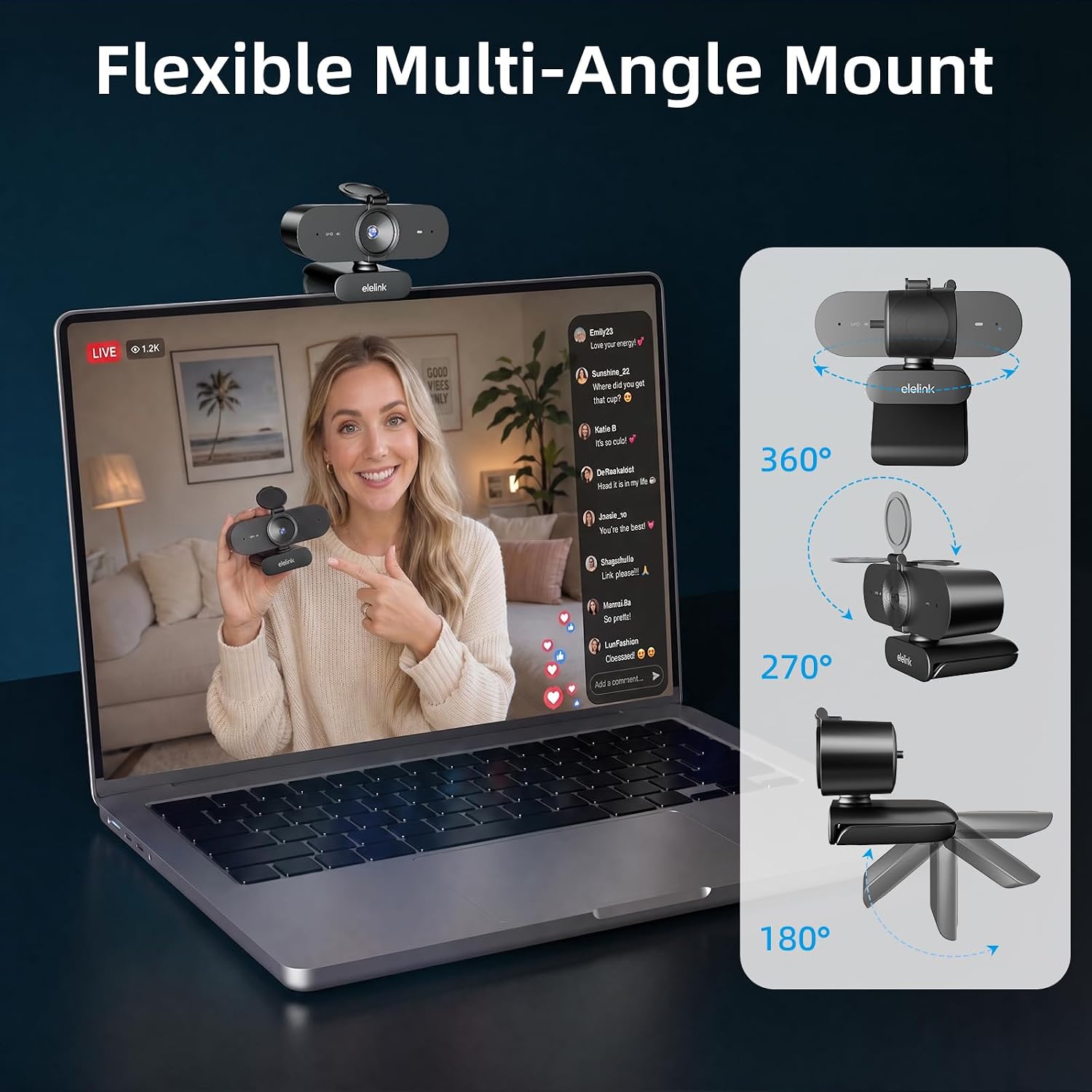
Can you close the lens when it’s not in use? Yes. A detachable, flip-open privacy cover is included to shield the lens.
What video frame rate is listed? The description specifies 30 fps. It doesn’t provide separate frame rates for different resolutions or apps.
Final verdict
This Elelink webcam makes sense if you want a 4K-focused USB camera with autofocus, dual microphones, automatic light correction, and a physical privacy cover for calls or streaming. It offers more built-in features than a basic camera, while avoiding a separate microphone as a must-have for everyday meetings. You may want to skip it if you need a documented viewing angle, detailed setup specifications, or more control over the image than the listing describes. The key buying question is whether its stated 4K format and broad framing suit your actual desk and software—not just whether the feature list sounds comprehensive.