

ACEMAGICIAN Kron Mini K1 Mini PC Gaming Review: Compact Power with 4K Multiview
Product description
What it is
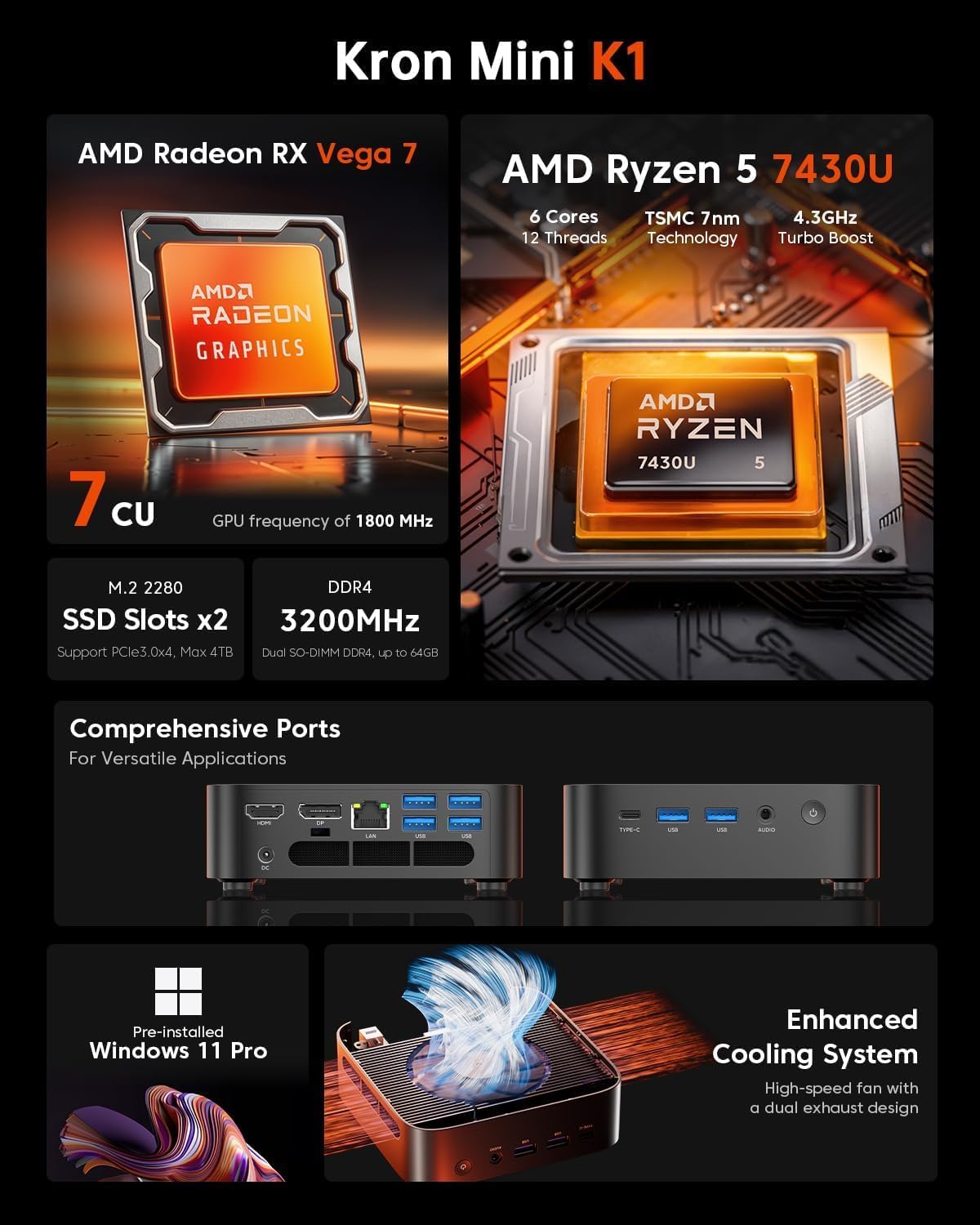
The ACEMAGICIAN Kron Kron Mini K1 is a compact mini PC designed for daily productivity and light gaming, powered by a 2025 Enhanced Edition AMD Ryzen 5 7430U (6 cores / 12 threads, up to 4.3 GHz). It aims to blend desktop-grade performance with a space-saving form factor, offering a Windows 11 Pro experience pre-installed and a flexible upgrade path.
How it performs
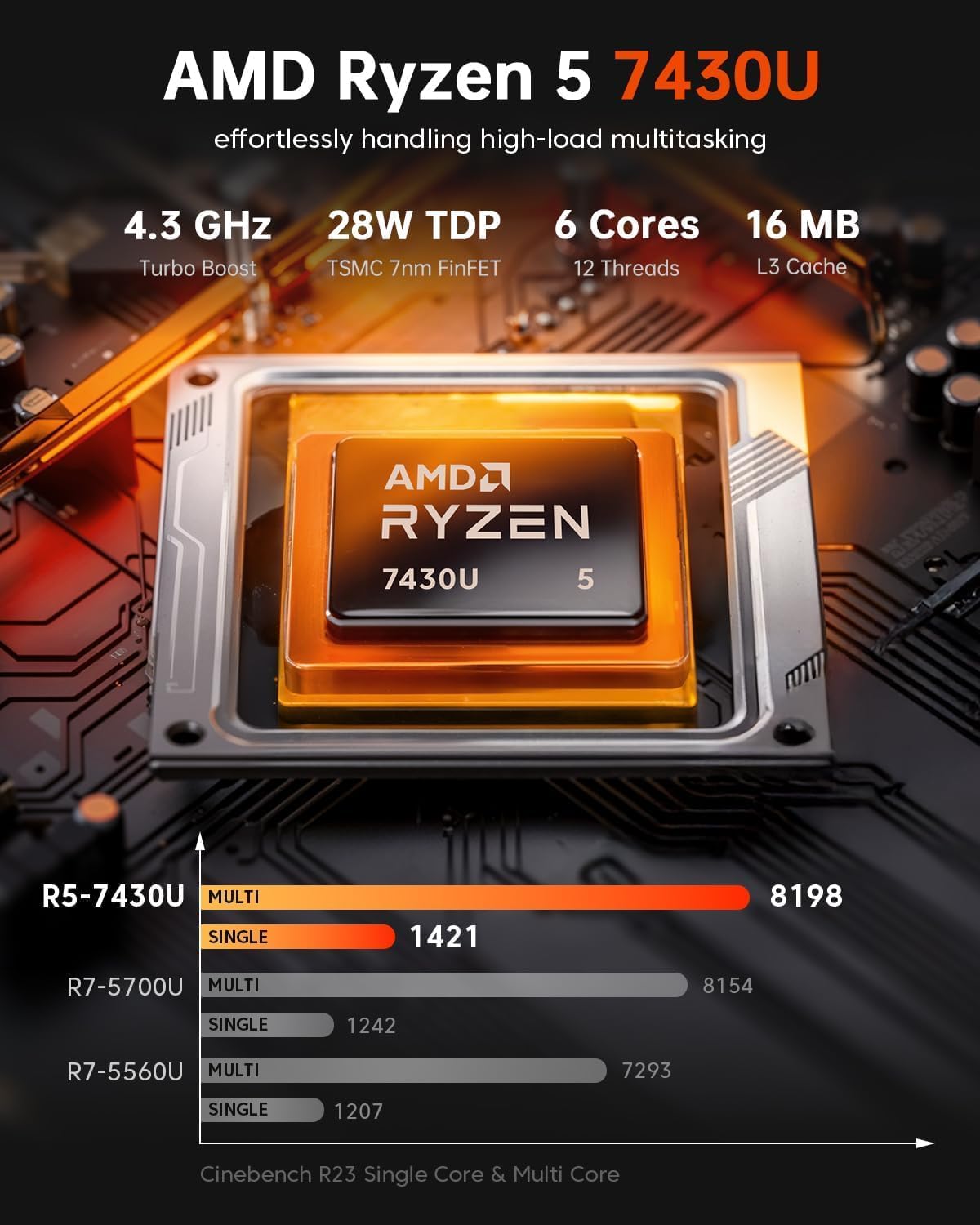
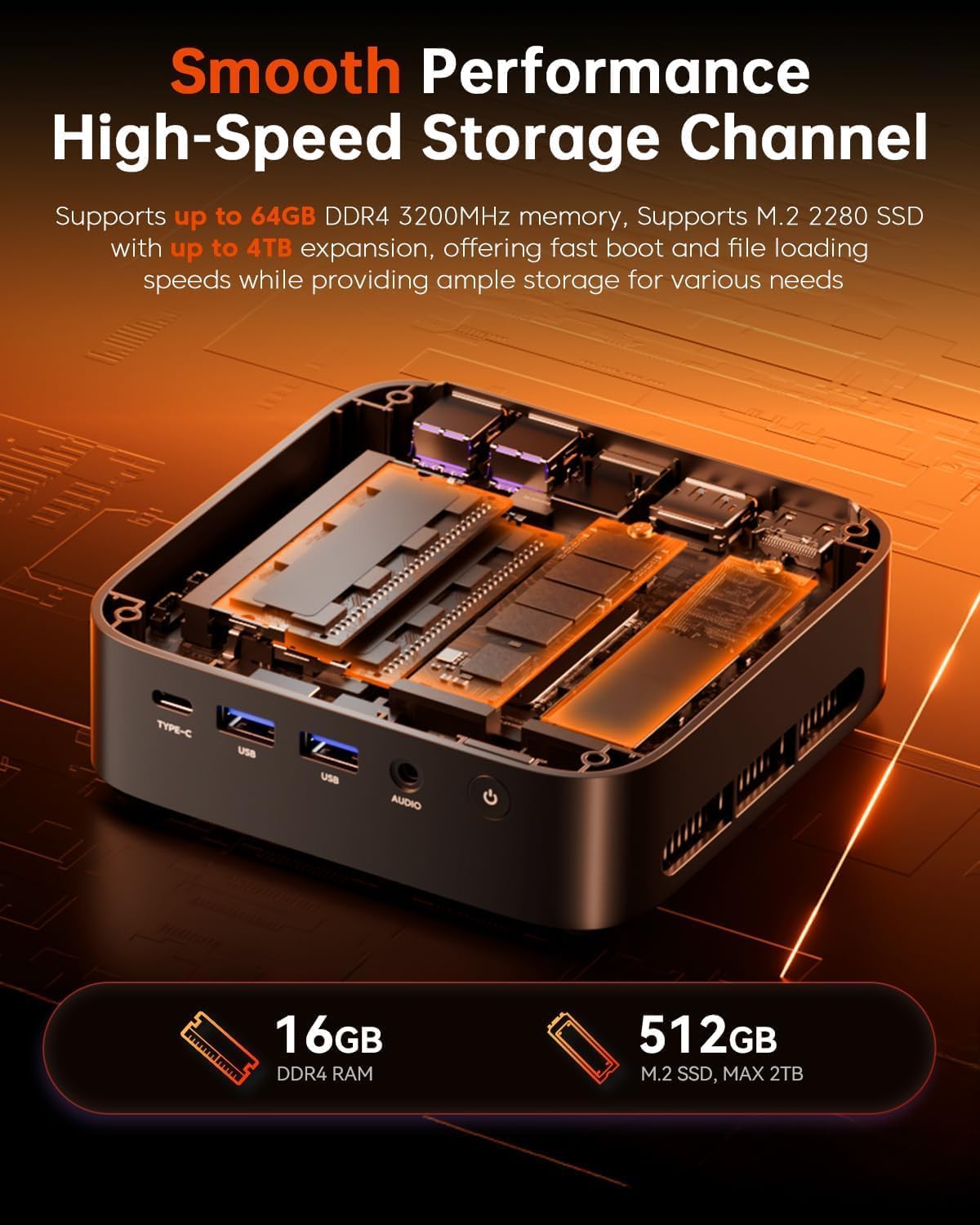
On paper, the Ryzen 5 7430U delivers efficient multitasking thanks to its Zen 3+ architecture and 7nm process. Combined with 16GB DDR4 RAM (expandable to 64GB) and a 512GB M.2 SSD (with two M.2 slots total), it handles everyday workloads, multitasking, and moderately demanding apps without noticeable lag. The 45W general power envelope with a CPU TDP cap around 28W suggests a balance between performance and efficiency, which can be beneficial for long work sessions in a compact chassis.
Graphics and display capabilities
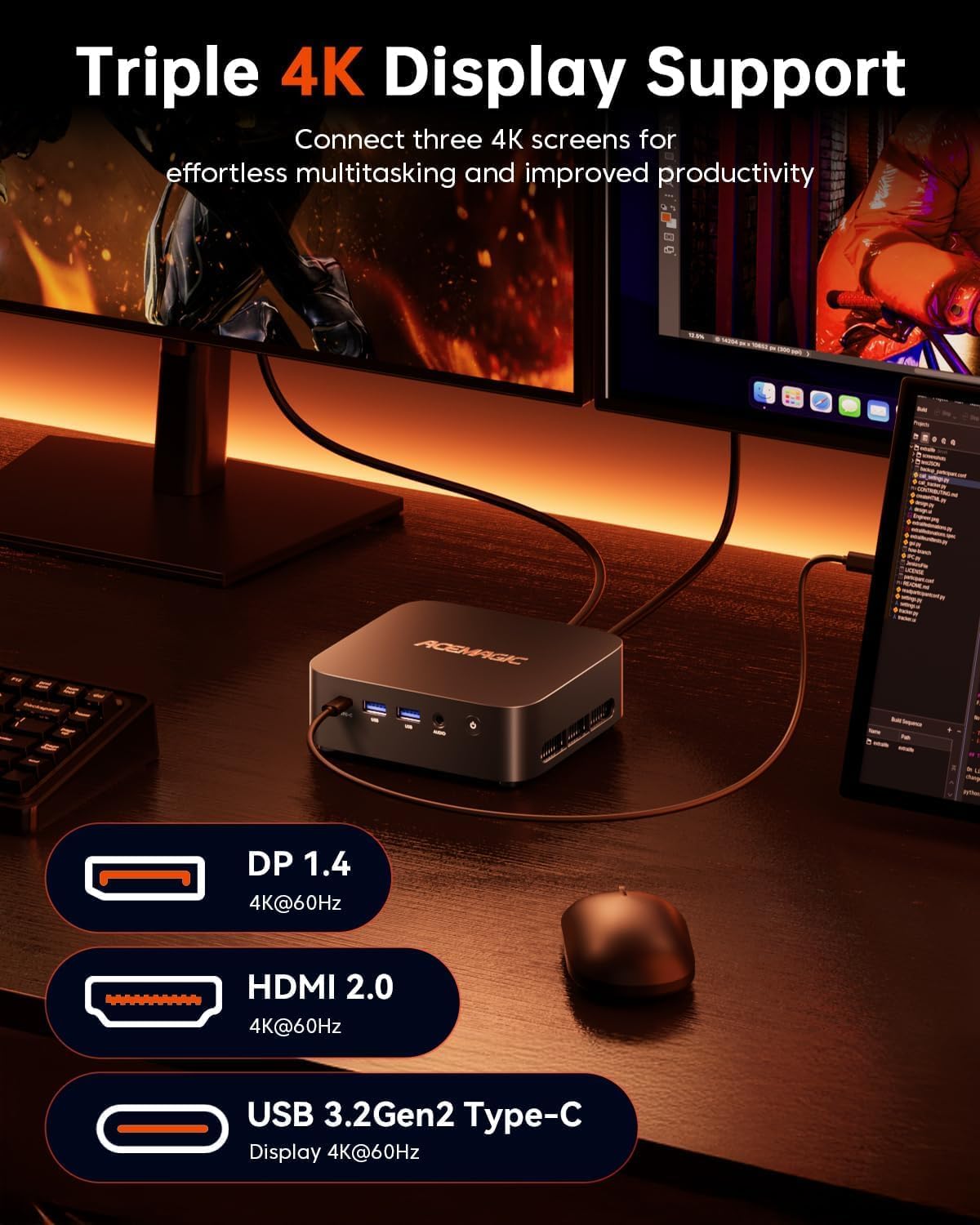
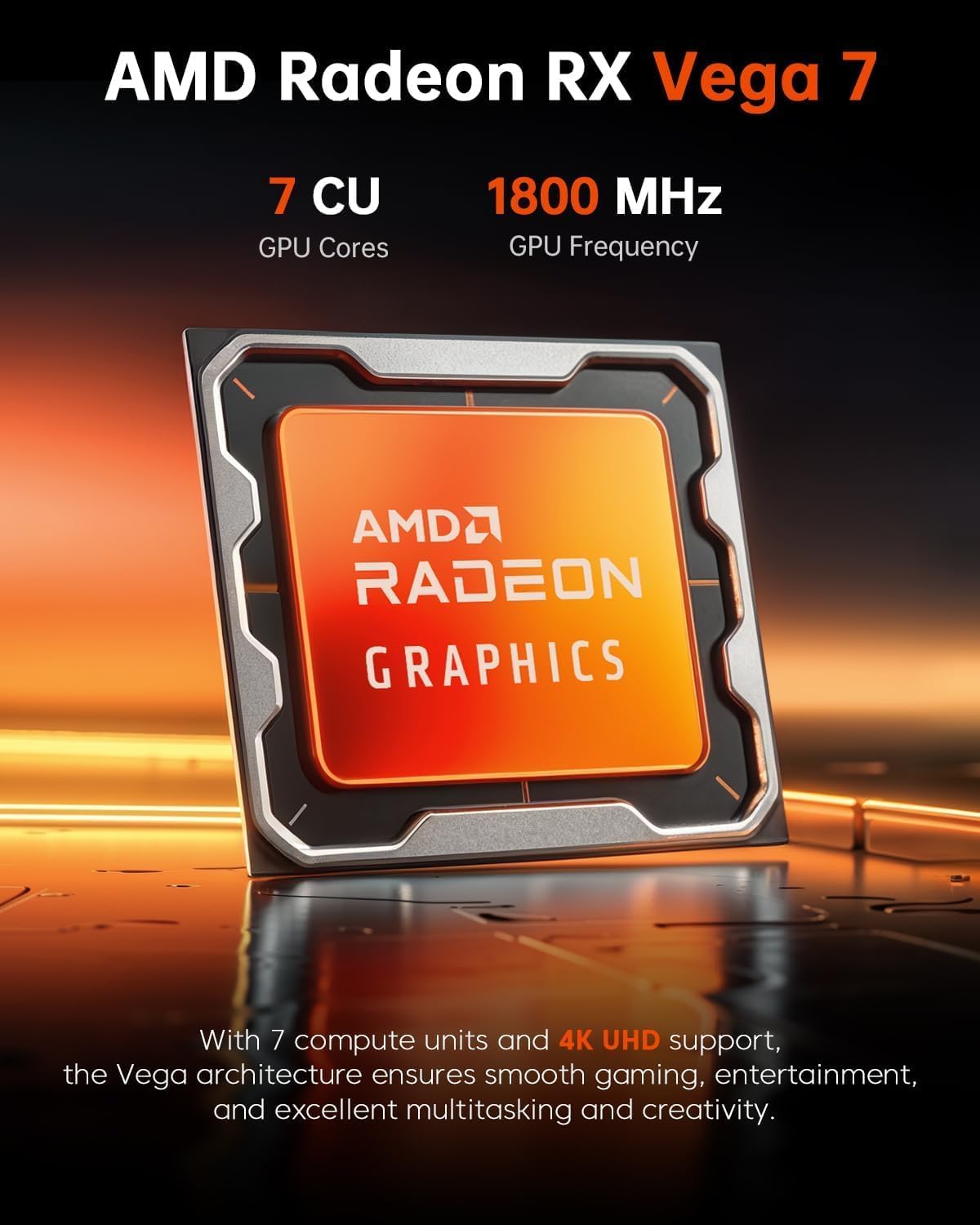
This mini PC includes integrated Radeon Vega 7 graphics, supporting 4K at 60Hz output. It can drive up to three displays via HDMI 2.0, DP 1.4, and a Type-C port with DP1.4 if needed for a multi-monitor setup. While it’s not a dedicated gaming rig, it’s capable of light gaming and smooth video playback across multiple screens, which can be handy for productivity or creative workflows.
Connectivity and cooling
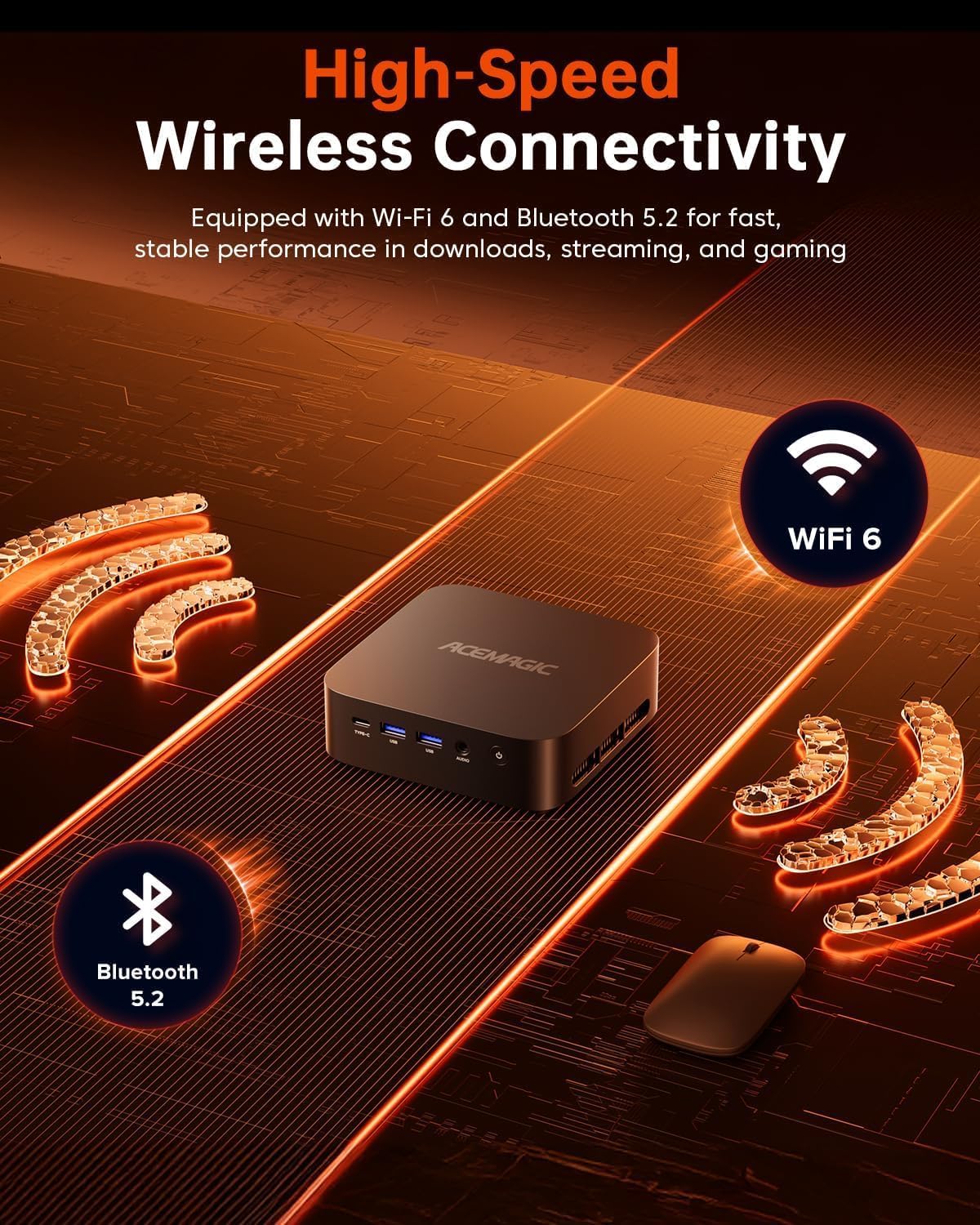
WiFi 6 and Bluetooth 5.2 are built-in for snappy wireless performance and stable peripheral connections. A dedicated cooling fan helps manage heat during longer sessions. However, as with many compact desktops, expect the chassis to be more sensitive to sustained heavy loads than a larger tower.
Storage and expandability
Out of the box you get 16GB RAM and 512GB SSD. There are up to two M.2 slots, each supporting NVMe PCIe or SATA drives, enabling expandable storage up to 4TB total. This gives you room to scale if your library or project files grow, yet you’ll want to consider a practical upgrade plan to avoid bottlenecks in demanding tasks.
Ports and quick hands-on notes
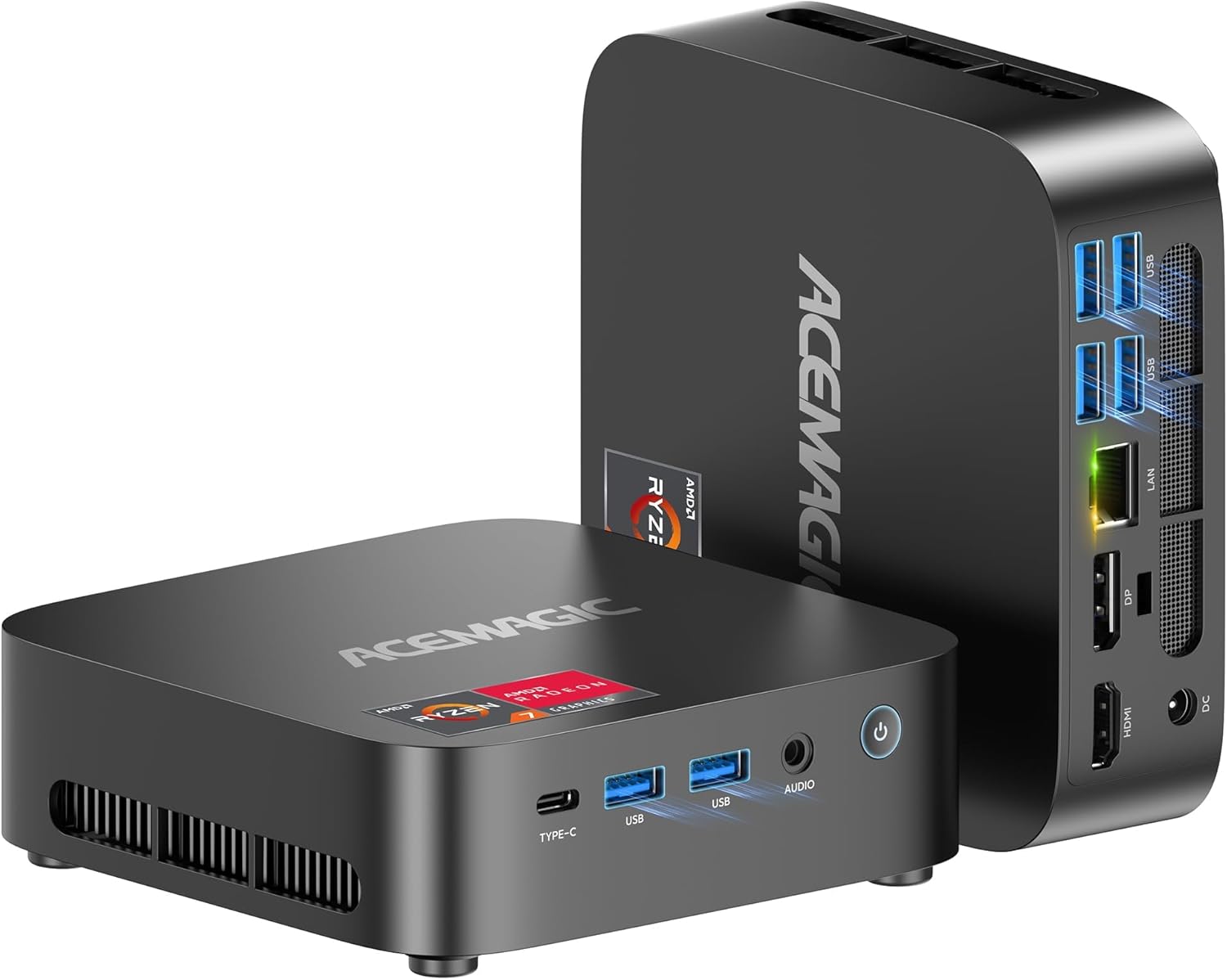
The Kron K1 offers a robust port suite: Ethernet, multiple USB 3.2 Gen2 and Gen1 ports, USB-C with DP and PD, plus video outputs across HDMI and DP. In a small footprint, this covers most deskside setups and peripheral ecosystems, from external drives to monitors and headsets.
Who it’s for and who it isn’t
If your use cases revolve around home office tasks, content creation basics, light gaming, and multi-monitor productivity, this mini PC provides a sensible balance of price, performance, and expandability. It may not be the best option if you need sustained gaming with high-refresh 1080p/1440p titles at high settings, or if you require pro-grade GPU acceleration for resources-heavy workloads.
What to check before buying
- Confirm you’re comfortable with HDMI 2.0 and DP 1.4 outputs in a three-display setup.
- Consider your storage needs long-term: the 512GB SSD is solid, but upgradable slots mean you can add more capacity as your file library grows.
- If you work near the limits of RAM, plan for a future upgrade to 32GB or 64GB to keep multitasking smooth.
Practical usage example
A typical day could be: browse, document editing, and a few browser tabs plus a light video edit in the same session. With 16GB RAM and the Ryzen 5, you’ll likely experience smooth window switching and decent responsiveness. For a creative task that benefits from a second monitor, you can run a design app on one screen while keeping references on another without notable slowdowns.
Alternatives and buying angle
Compared with larger desktops or dedicated gaming rigs, the Kron K1 shines on space-saving and easy setup. If you prioritize ultra-fast 4K gaming with high FPS or want a silent, fanless ultra-compact, this model may feel limited. If you value a flexible multi-display arrangement and a ready-to-use Windows environment, it’s a credible option.
What stands out
- Compact, upgrade-friendly design with two M.2 slots for storage expansion.
- 4K @ 60Hz support with triple-monitor capability via HDMI, DP, and USB-C.
- WiFi 6 and Bluetooth 5.2 for modern wireless connectivity, plus a dedicated cooling solution.
Decision moment: final considerations
Is it worth it? It makes sense if you need a space-saving desktop that covers everyday tasks and light multitasking with the option to expand storage and memory. It won’t replace a high-end gaming PC, but for a compact setup that doubles as a productive workstation, it can be a solid fit.
FAQ (quick answers)
- Can I upgrade the RAM? Yes, up to 64GB total.
- Can I install additional storage? Yes, via the two M.2 slots for NVMe or SATA drives.
- Will it run 4K video smoothly? Yes, 4K @60Hz output is supported across compatible displays.