

GEEKOM GT1 Mega AI Mini PC 32GB RAM 1TB SSD 🖥
Reviews
Price
Product description
This compact mini PC brings desktop-level performance to a small footprint, combining the Intel 14th Gen Core Ultra 9 185H processor with generous memory and fast storage for demanding work and creative workflows. With hardware-accelerated AI, advanced connectivity and support for multiple high-resolution displays, it suits users who need a powerful, space-saving system for content creation, streaming, or multitasking.
Key Points
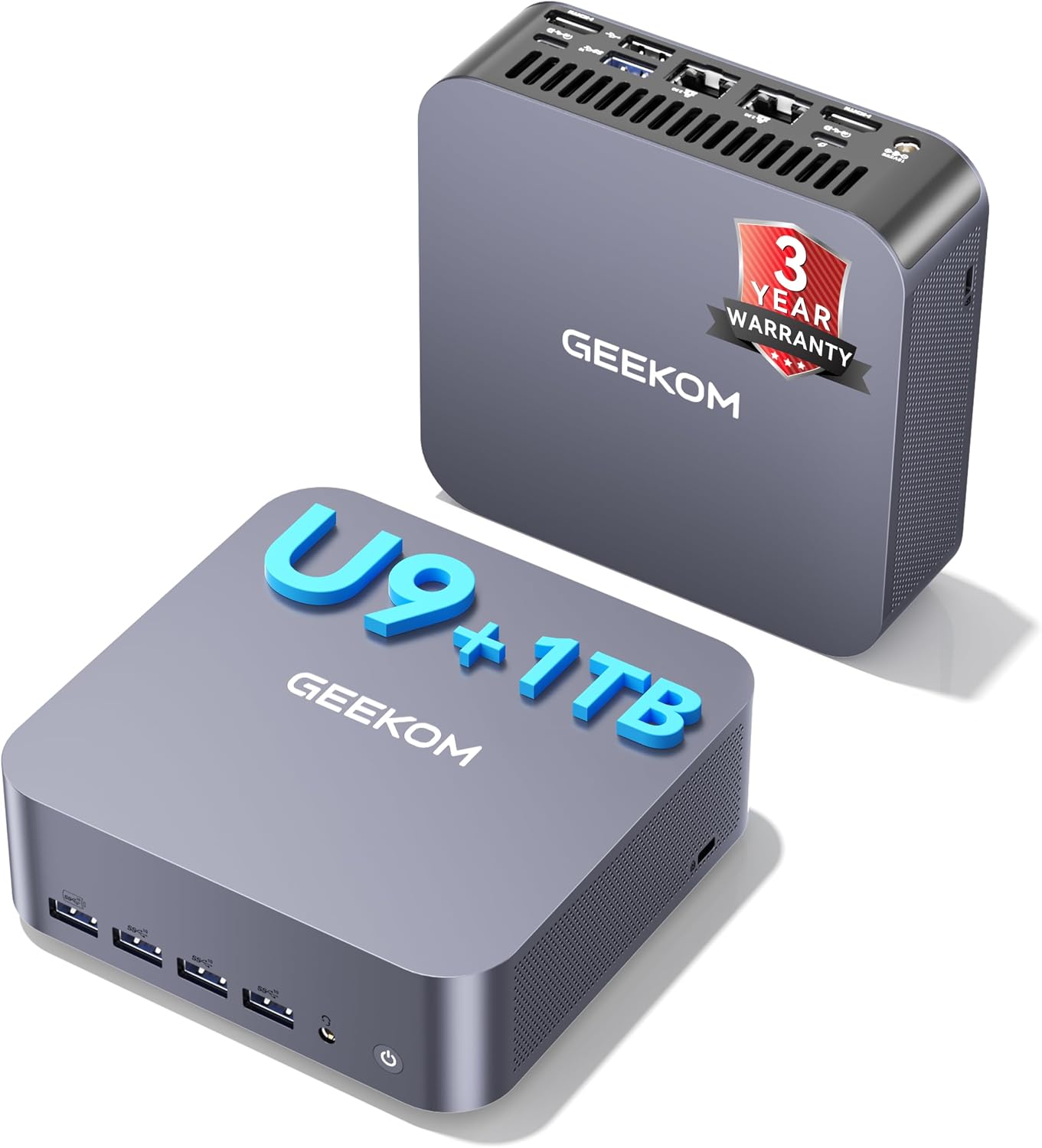
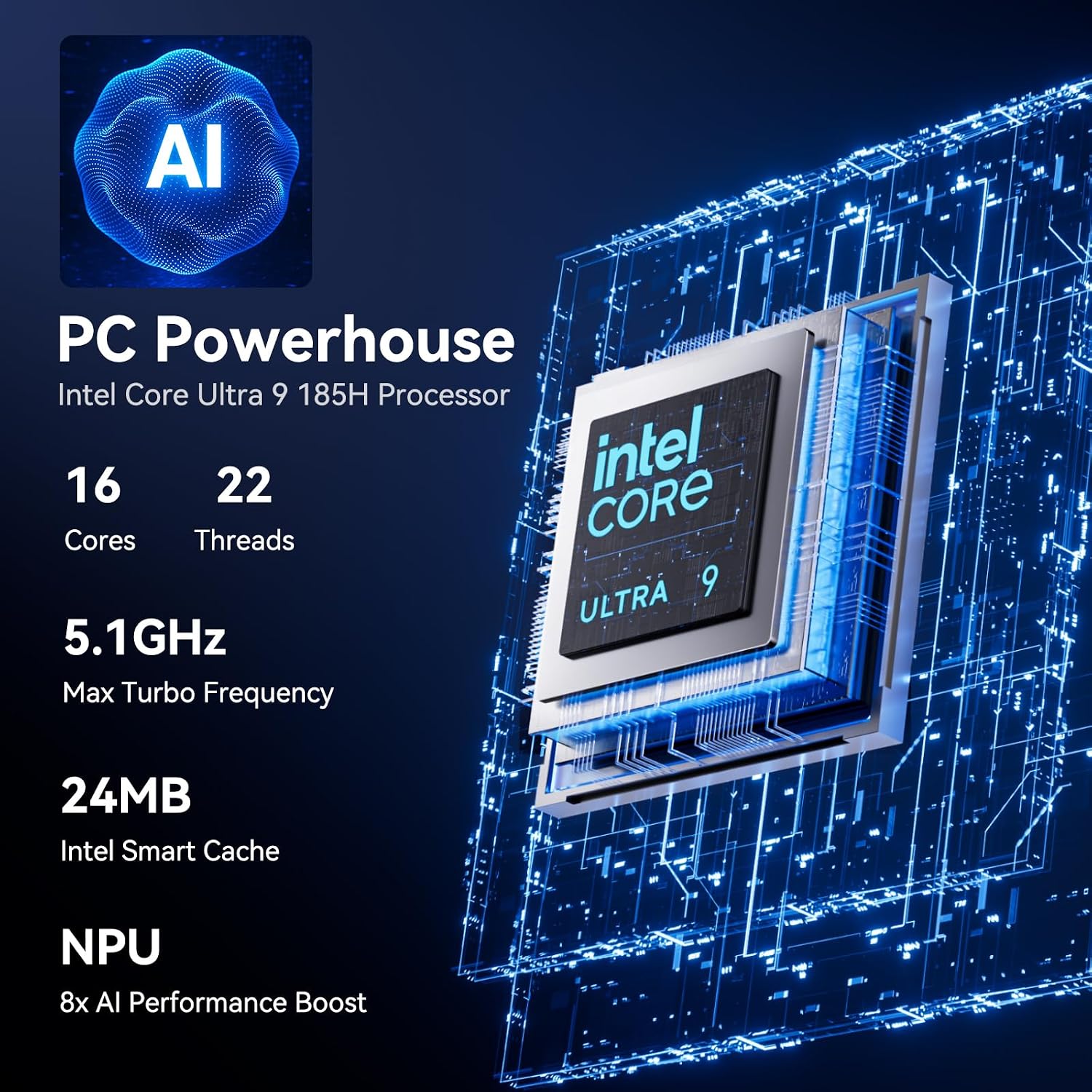
The GEEKOM GT1 Mega AI Mini PC pairs an Intel Core Ultra 9 185H CPU with an integrated neural processing unit to accelerate AI workloads according to the manufacturer. It ships with Windows 11 Pro and comes configured with 32GB DDR5 RAM and a 1TB NVMe SSD, giving plenty of headroom for multitasking and fast project loads. Dual 2.5G Ethernet ports and WiFi 7 promise robust network performance for high-bandwidth tasks and smooth remote collaboration. Note that actual AI throughput and gaming performance will vary depending on software optimization and drivers.
Technical Specifications
- Name: GEEKOM GT1 Mega AI Mini PC
- Processor: Intel 14th Gen Core Ultra 9 185H, up to 5.1 GHz, 16 cores / 22 threads
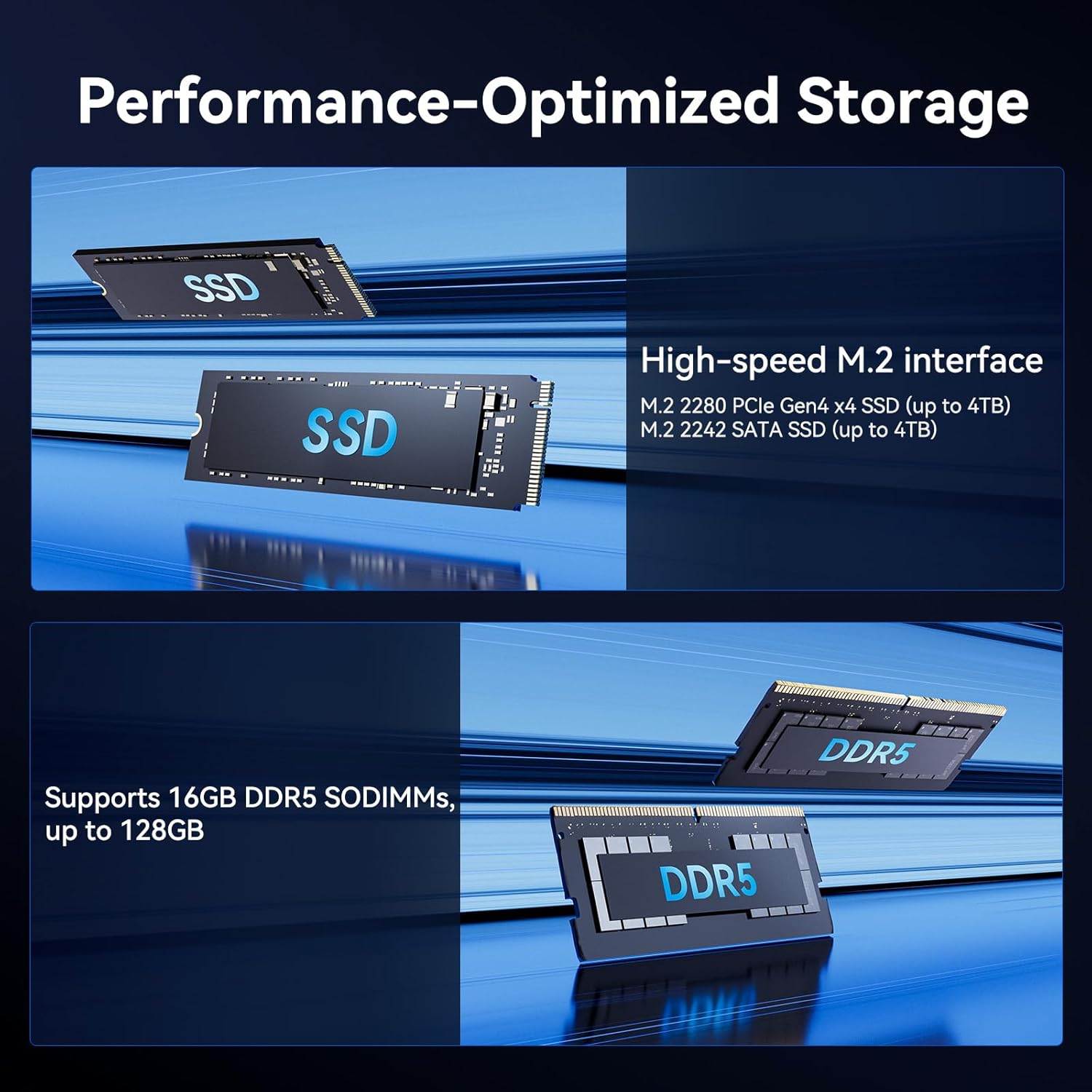
- Memory: 32GB DDR5, expandable up to 128GB
- Storage: 1TB NVMe SSD, M.2 2280 PCIe Gen4 x4 slot (up to 4TB)
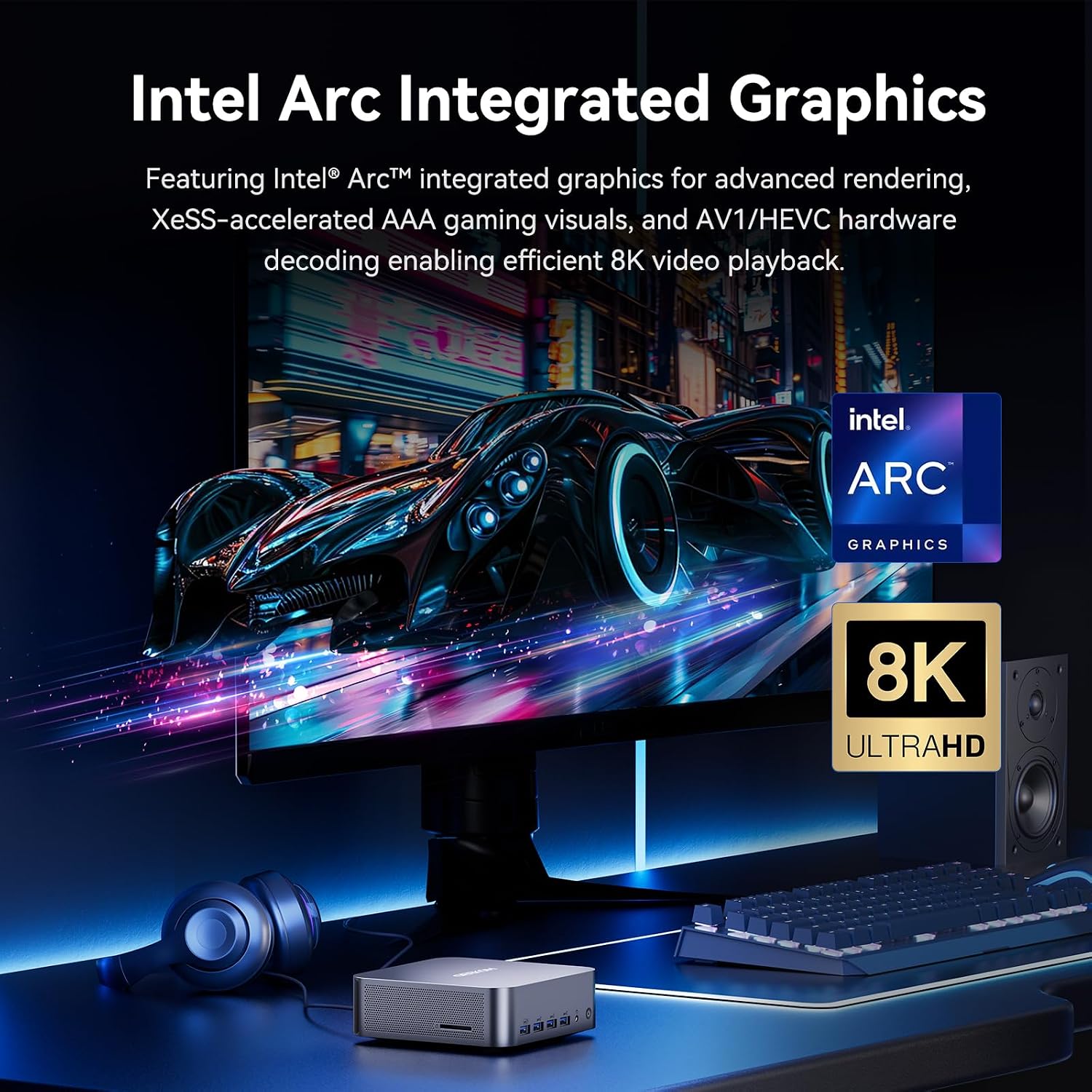
- Graphics: Intel Arc integrated graphics with 8 Xe-cores
- Connectivity: Dual 2.5G LAN, WiFi 7, Bluetooth 5.4, USB4 ports, SD 4.0 card reader
Advantages
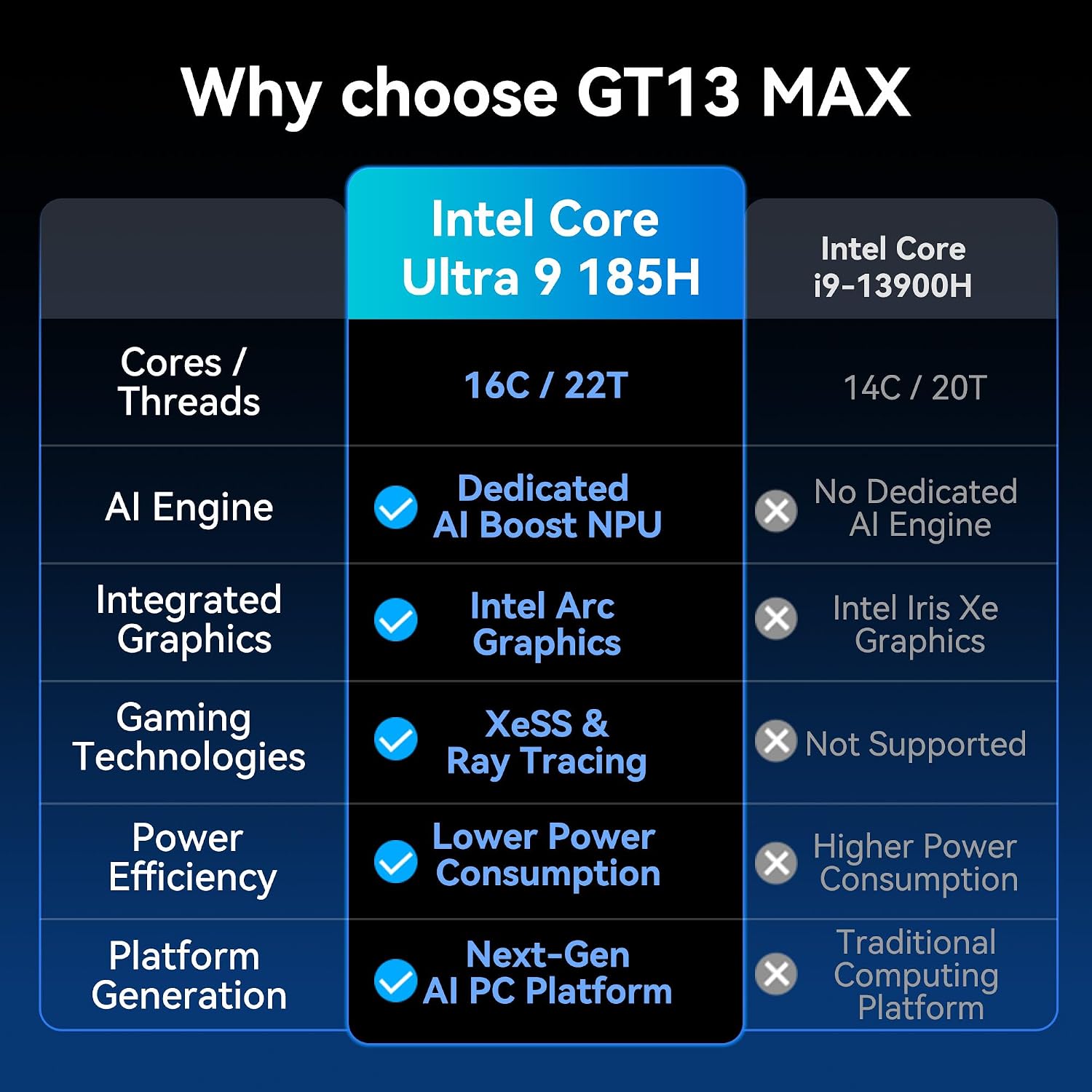
Thanks to the triple-engine architecture combining CPU, GPU, and NPU, the system can offload specific tasks to the best-suited hardware for faster processing of AI models and graphics workloads. The inclusion of USB4 enables flexible use of peripherals, power delivery and high-resolution external displays from a single port. Expandability is a practical benefit since memory is not soldered down and additional M.2 slots plus an SD card slot allow configuring more storage for large media libraries or scratch space. The manufacturer states a three-year warranty, which may be reassuring if long-term support matters to you.
Usage Recommendations
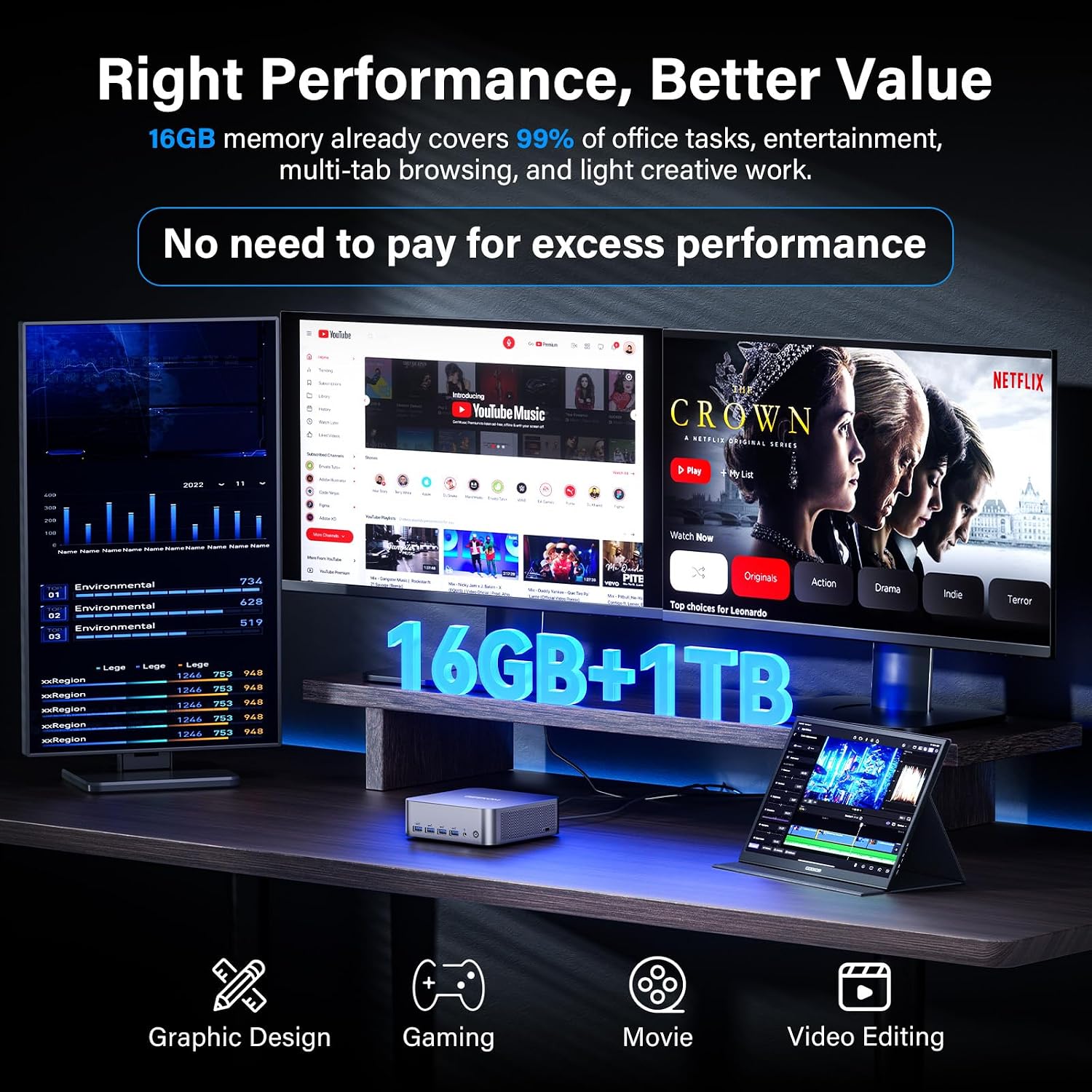
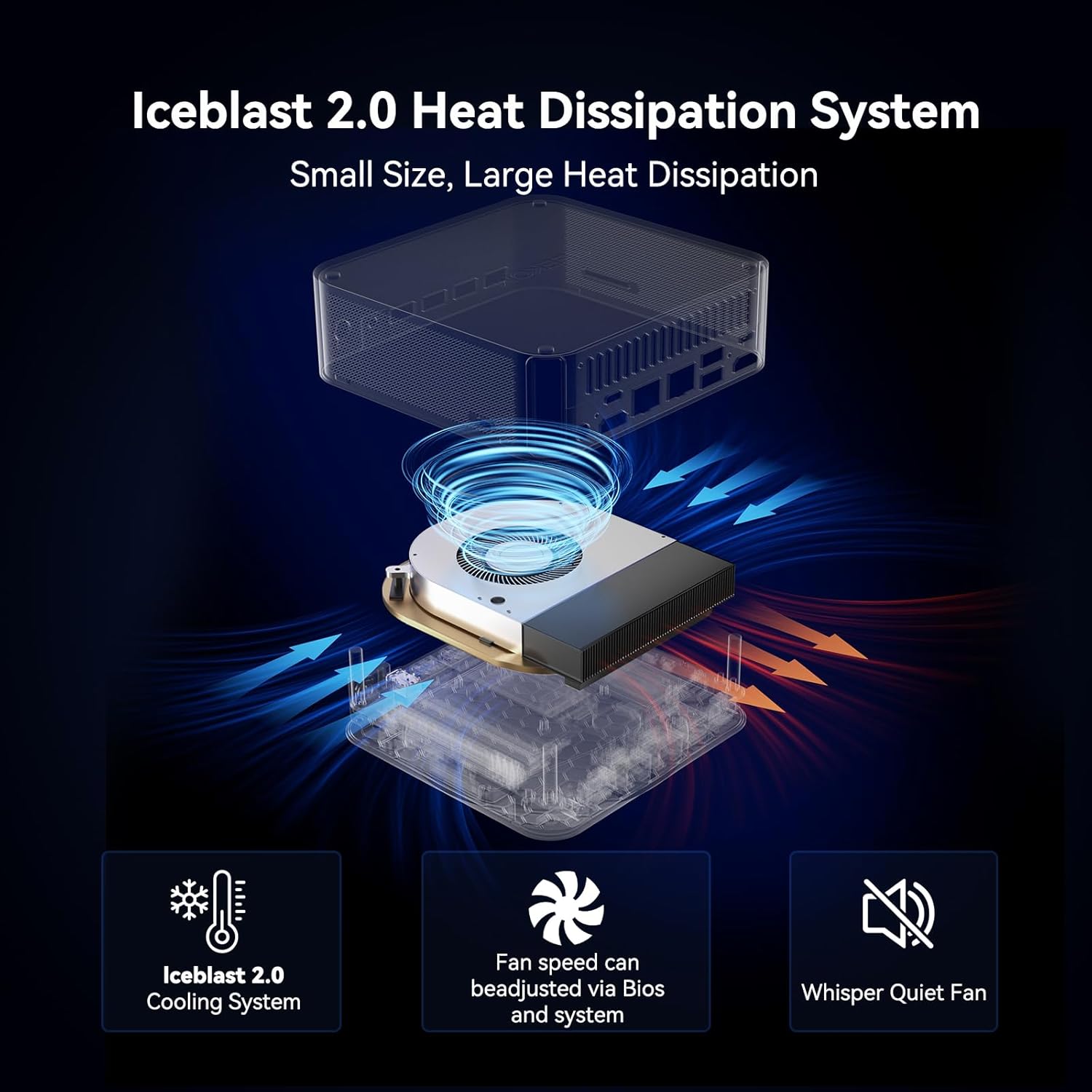
For creators working with 4K video or complex image models, enable the higher power mode in BIOS when rendering to extract maximum sustained performance. Gamers can leverage the Intel Arc graphics for many modern titles at respectable settings, and connecting multiple displays via USB4 supports multitasking workflows across editing, asset management and streaming windows. Keep in mind that thermals and noise levels will depend on ambient conditions and the chosen performance mode, and driver updates from Intel can influence both graphics and AI acceleration features.