

ABLEWE USB-C to Ethernet Adapter (4-in-1) with RJ45 Gigabit LAN + USB 3.0 Ports
Product description
If your laptop (or tablet) is missing an Ethernet port, you’re left juggling Wi-Fi or hunting for a bulky dock. This ABLEWE USB-C to Ethernet Adapter is built for that exact in-between moment: you plug it into a USB-C/Thunderbolt 3 port and suddenly you’ve got a wired network connection plus extra USB connectivity.
That “4-in-1” setup is the main appeal on paper. Still, it’s worth understanding the trade-offs—especially the Ethernet speed rating and what you should expect from the USB ports when multiple devices are connected.
Key features that matter day to day
The adapter combines a 100Mbps RJ45 Ethernet port with three USB 3.0 ports in a compact aluminum case. In practical terms, it’s designed for quick upgrades like:
- connecting to a wired router during setup or video calls
- using a keyboard and mouse while keeping the rest of your USB-C port free
- plugging in a USB flash drive or external storage for transfers
It’s also described as plug-and-play with no driver installation required, which matters if you don’t want a software step before you can get online.
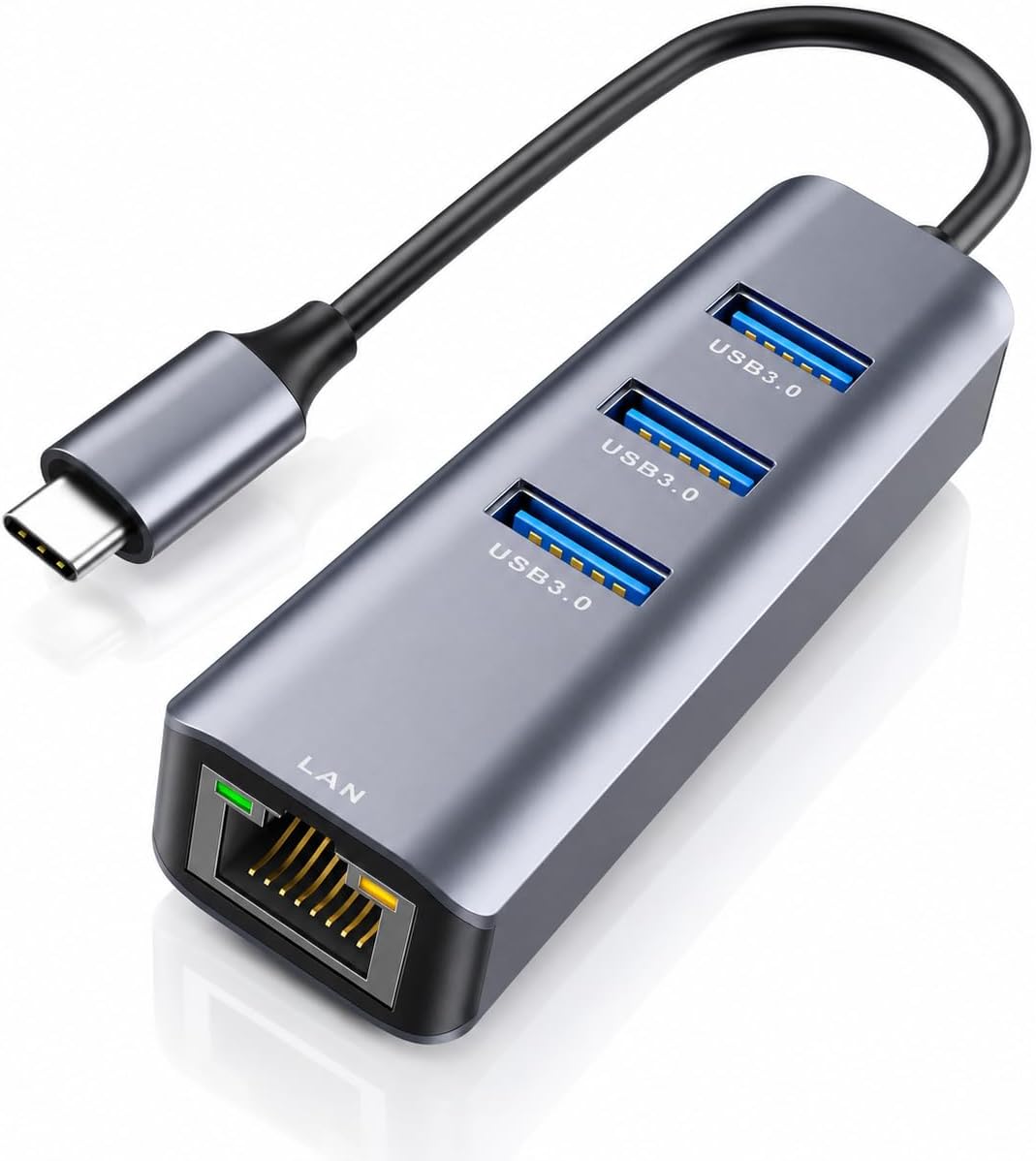
And the “all ports can work simultaneously” idea is a big deal if you expect to run Ethernet and USB peripherals at the same time instead of constantly swapping cables.
Ethernet speed and the reality check
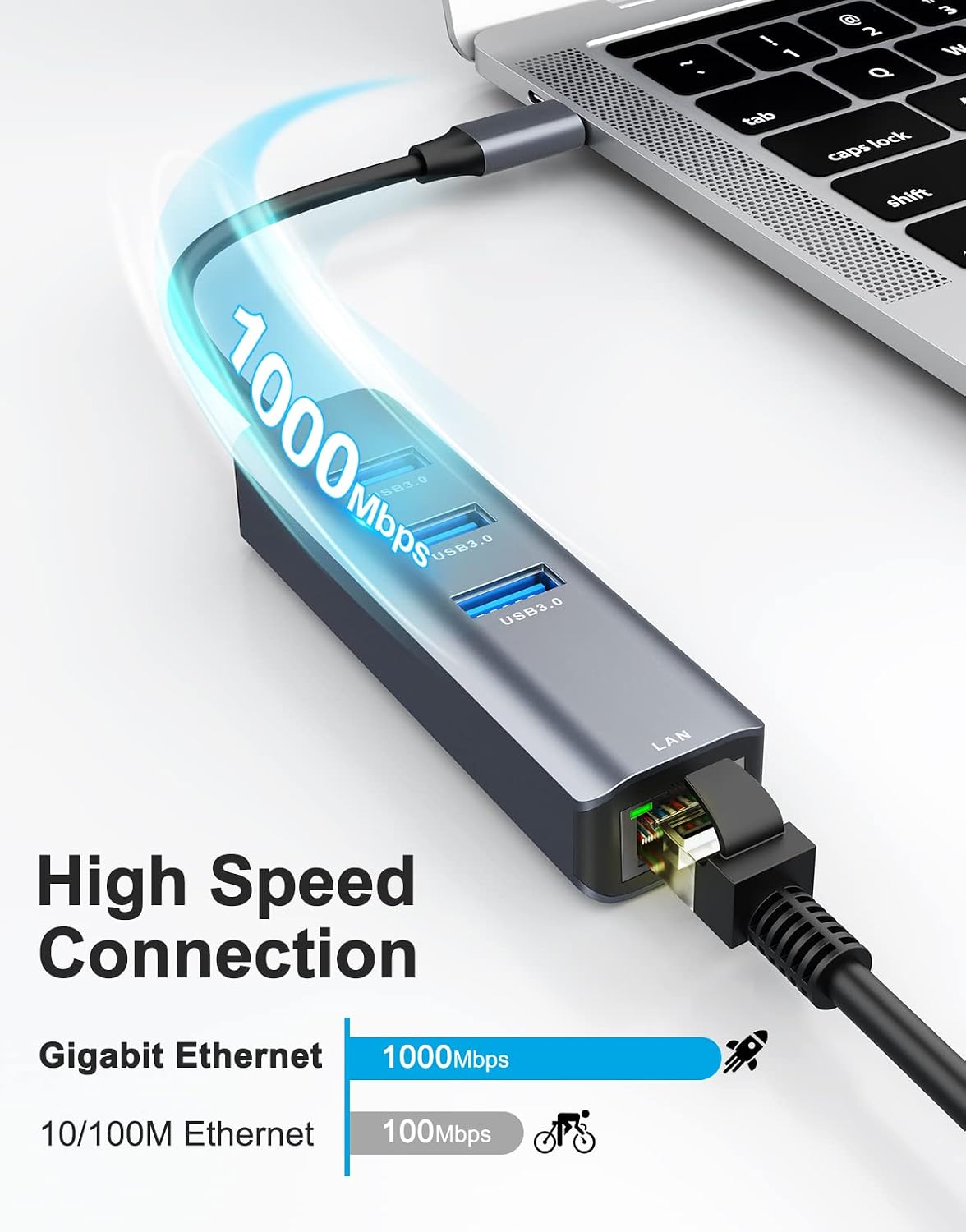
One detail you shouldn’t gloss over: the Ethernet portion is labeled as a 100Mbps RJ45 port. That’s solid for many everyday uses (work meetings, browsing, streaming), but it’s not positioned as a full-on high-speed gigabit network adapter.
Also, the product description mentions “superfast network speeds 1000Mbps” alongside the 100Mbps RJ45 spec. Since those numbers conflict in the way they’re presented, it’s smart to check how it’s marketed for your exact use case and expectations—especially if you rely on high-throughput file transfers over Ethernet.
USB 3.0 ports and transfer performance
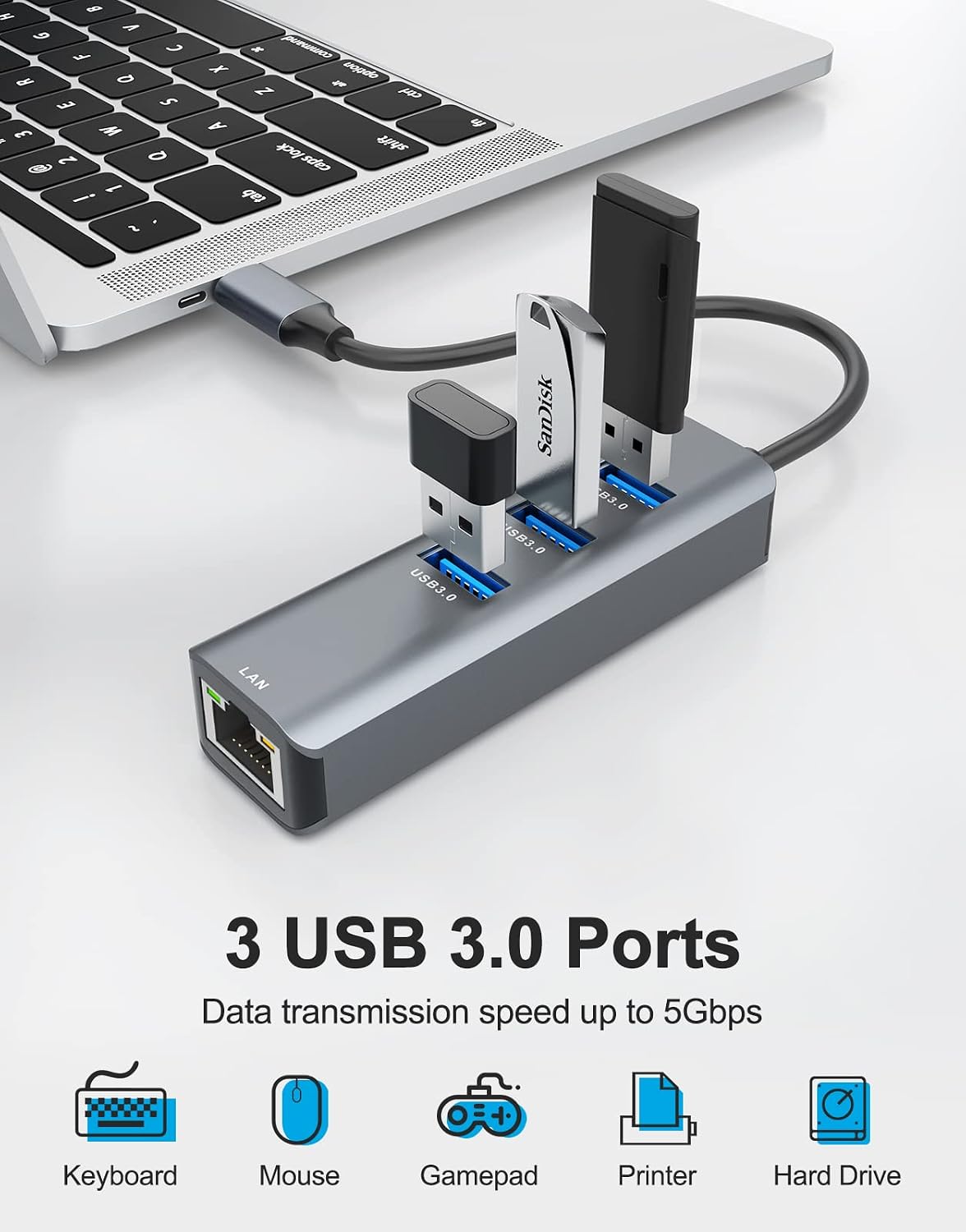
Where this adapter tries to stand out is in its 5Gbps data transfer claim. With three USB 3.0 ports, it’s aimed at connecting multiple peripherals at once—think keyboard/mouse plus a flash drive or external drive.
If you routinely move media, this is the kind of add-on that can save you from unplugging and re-plugging everything whenever you want to connect storage. That said, performance can depend on what you plug in and how many devices are active, so don’t treat the headline rate as a guarantee for every scenario.
Compatibility and what it’s meant to plug into
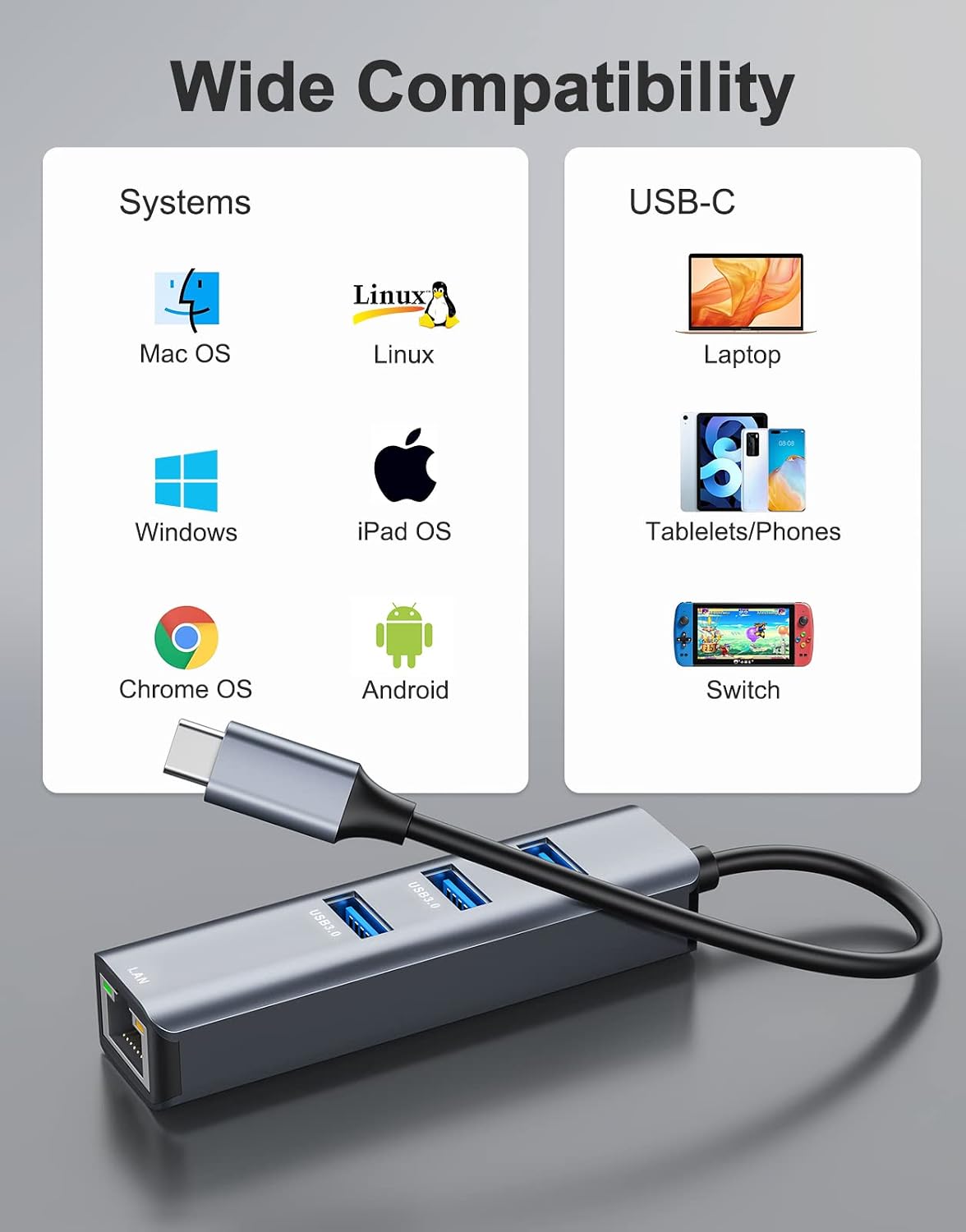
This ABLEWE adapter is described for wide compatibility with USB-C ports on newer laptops and some devices that use USB-C/Thunderbolt 3. The listing specifically calls out MacBook Pro/Air (2017+ era) and devices like iPad Pro and iPhone 15/16 Pro/Max, plus Chromebooks, XPS, and Surface Book.
It also notes support for Windows 10/8.1/8, Mac OS, and Chrome OS, with plug-and-play behavior.
It’s not perfect for every scenario, though. If your device requires a very specific driver stack for Ethernet (or if your USB-C port behaves differently with adapters), you may find the experience isn’t as seamless as the marketing suggests.
What you’ll notice in use (a simple example)
Imagine you’re working from a desk and your Wi-Fi is a little unstable. You plug the adapter into your laptop’s USB-C port, connect the Ethernet cable to the RJ45 side, and then plug in a USB keyboard and mouse. Within the setup flow (on the assumption of plug-and-play working), you’re wired for a steadier connection and you’ve also freed up ports for daily peripherals.
That’s the value here: fewer cable headaches, less friction, and a cleaner desk setup.

Pros, cons, and who should buy
What stands out
- A compact multiport design that adds Ethernet and extra USB ports in one small adapter
- Three USB 3.0 ports for multiple peripherals at the same time
- Plug-and-play approach (no driver install mentioned)
- Aluminum case design for durability while traveling
The limitations to keep in mind
- Ethernet is presented as 100Mbps RJ45, so it may not match what you want for fastest possible wired networking
- There’s also a “1000Mbps” wording in the description that you’ll want to reconcile with your expectations before relying on it for gigabit-level performance
- As with many USB-C adapters, real-world behavior can vary depending on the device and how it handles USB networking
This is most worth considering if you want an uncomplicated, portable fix for devices without an Ethernet jack and you mainly need reliable wired connectivity plus a couple extra USB slots.
It may not be the best fit if you’re specifically chasing maximum Ethernet throughput for heavy transfers where you truly need gigabit-class performance.
Tech specs
- Type: USB-C to Ethernet network adapter hub (4-in-1)
- Ethernet port: RJ45, 100Mbps (as listed)
- USB ports: 3 × USB 3.0
- Claimed transfer rate: up to 5Gbps
- Plug-and-play: no drivers needed (as stated)
- Housing: aluminum case (compact, lightweight)
When it makes sense

Worth buying if your priority is practical: add wired Ethernet to a USB-C/Thunderbolt 3 device, keep your desk peripherals connected, and keep the setup portable.
You may want to skip it if your main goal is consistently fast wired speeds beyond what a 100Mbps adapter implies—or if you expect guaranteed gigabit Ethernet performance.
A solid rule: if you can live with “good enough” wired speeds for everyday work and you want extra USB ports in the same dongle, this is in the right lane.
Is it worth it?
If your device lacks an Ethernet port and you don’t want a full docking station, the ABLEWE USB-C to Ethernet Adapter is a reasonable, desk-friendly add-on on paper. The three USB 3.0 ports plus the plug-and-play promise make it aimed at everyday productivity.
Just don’t blindly assume top-tier wired throughput. The listing points to 100Mbps Ethernet, and the description also mentions 1000Mbps elsewhere, so if you care about high-speed Ethernet transfers, it’s worth double-checking what you’re actually getting for your specific device setup before you commit.
Quick FAQ
Does it require installing drivers? The description says there’s no need to install drivers and it’s plug-and-play.
How many USB ports does it include? It includes three USB 3.0 ports plus an RJ45 Ethernet port.
Is it good for streaming or video calls on a wired connection? A 100Mbps Ethernet rating is usually enough for many streaming and meeting scenarios, especially if your goal is stability over raw speed.
Will it work with Mac and Windows? The listing claims compatibility with Mac OS and Windows 10/8.1/8, plus Chrome OS.
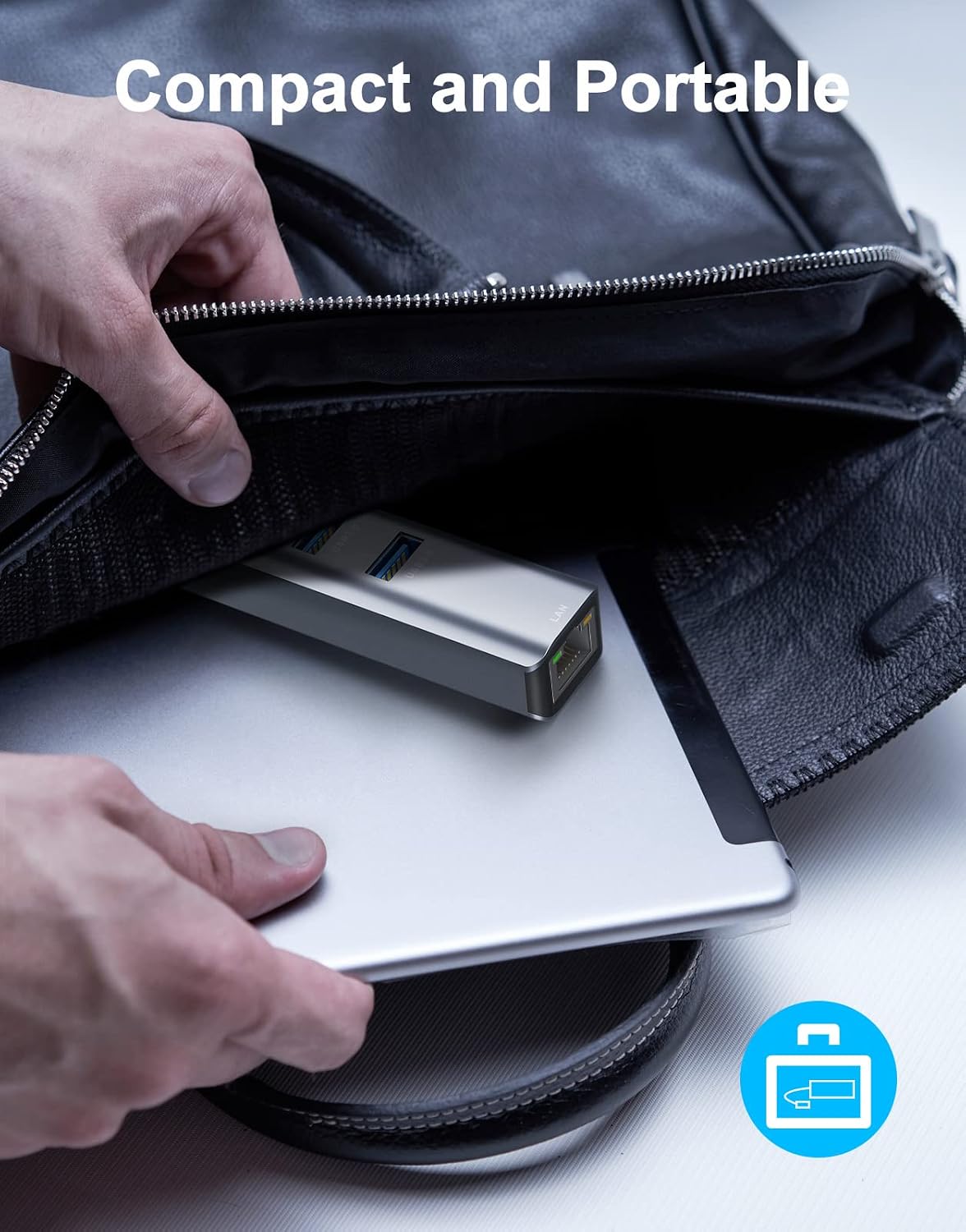
Is it portable enough to carry daily? It’s described as compact and lightweight, with an aluminum case for durability.