

15.6" Laptop Screen Extender Ultra-Thin 1080P FHD IPS Dual/Triple Portable Monitor (USB-C/HDMI Plug & Play)
Product description
What it is and why people buy it
This 15.6" laptop screen extender is a portable second (or even third) display meant to reduce the “everything happens on one screen” problem. If you constantly juggle spreadsheets, a video call, notes, and tabs, having extra real estate can make your workflow feel calmer right away.
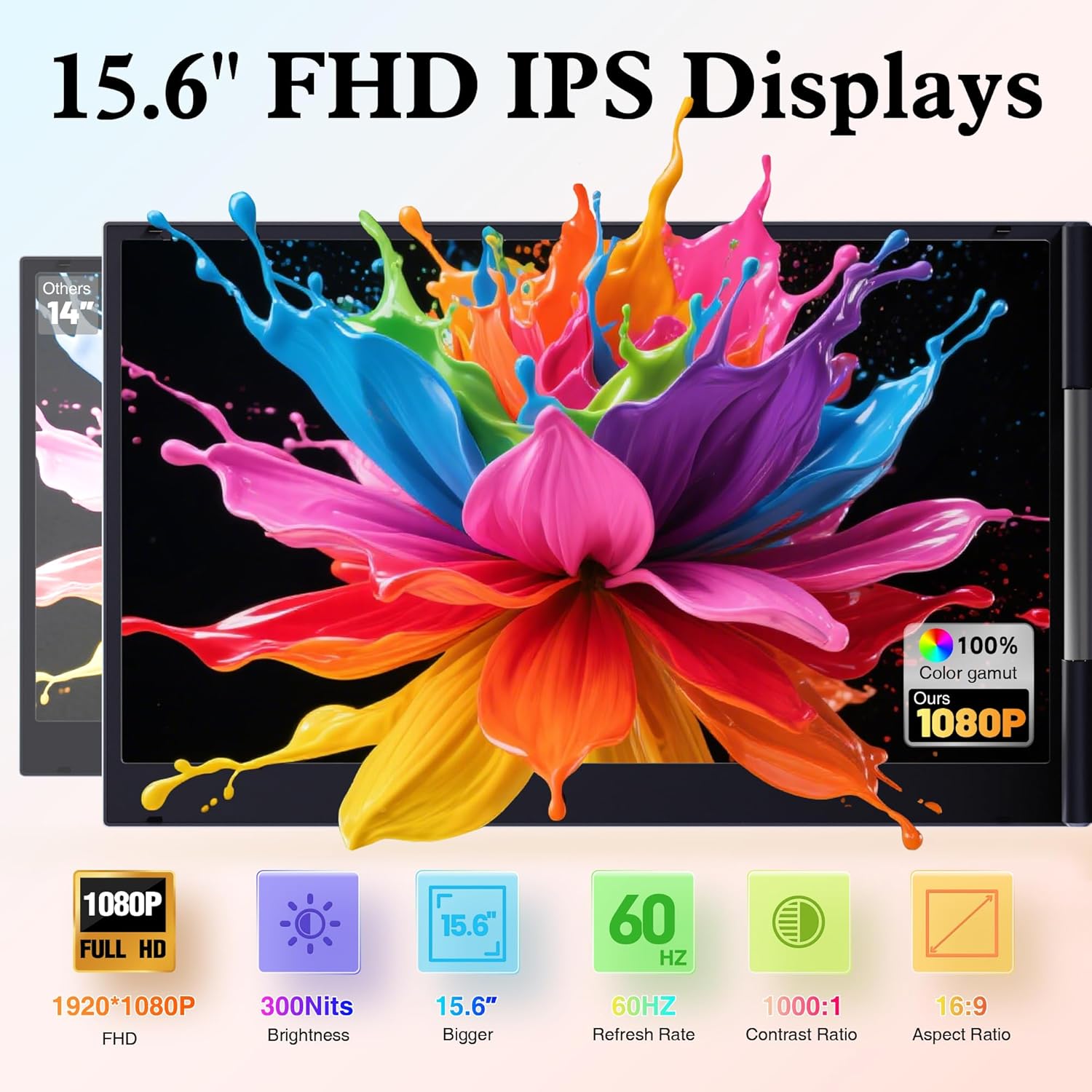
On paper, the pitch is simple: a pair of ultra-thin 15.6" FHD IPS panels that you unfold quickly for a dual or triple-monitor setup. The frame is described as aluminum, and the package includes a carry case—so the intent is clearly travel and desk-switching rather than a permanent workstation.
Key takeaways before you commit
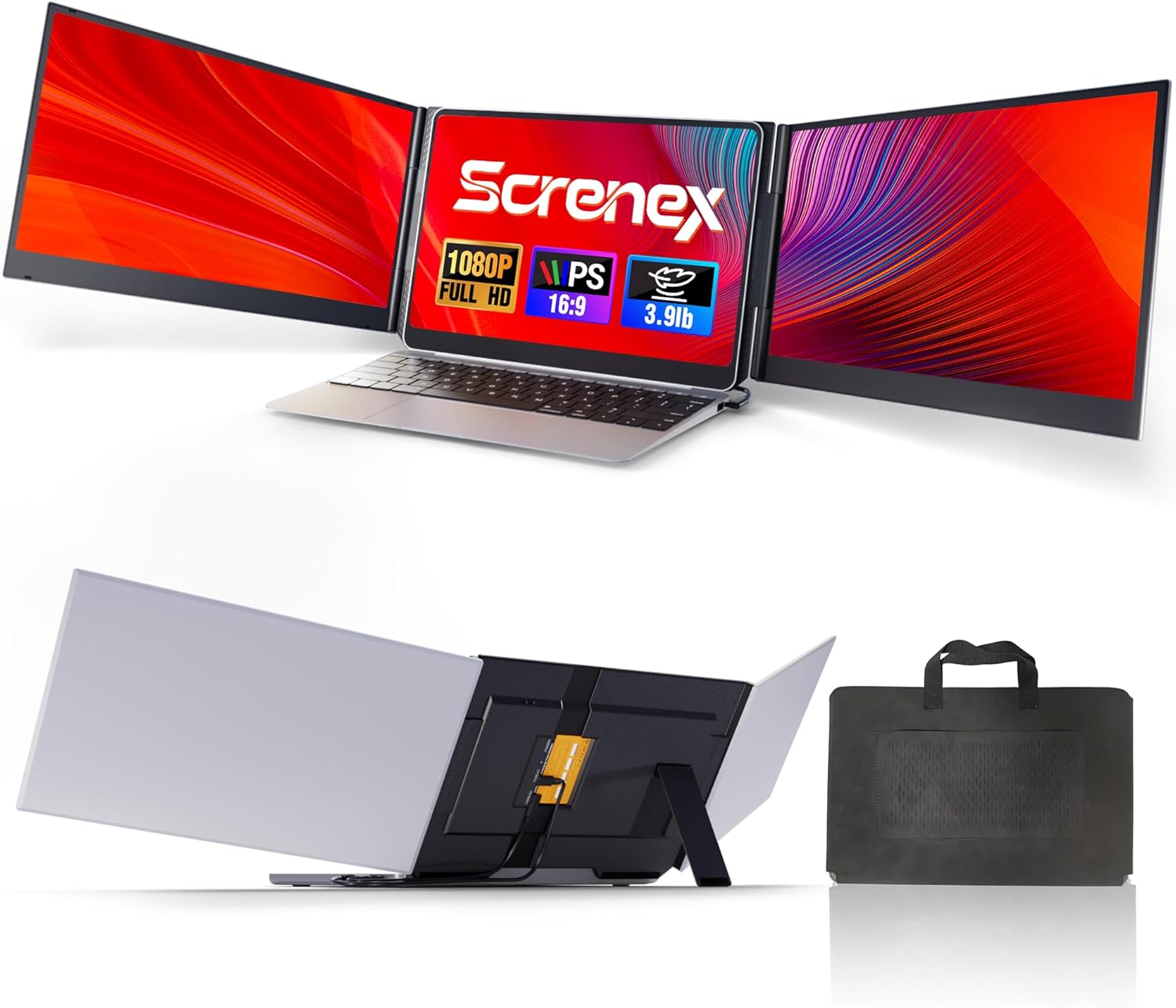
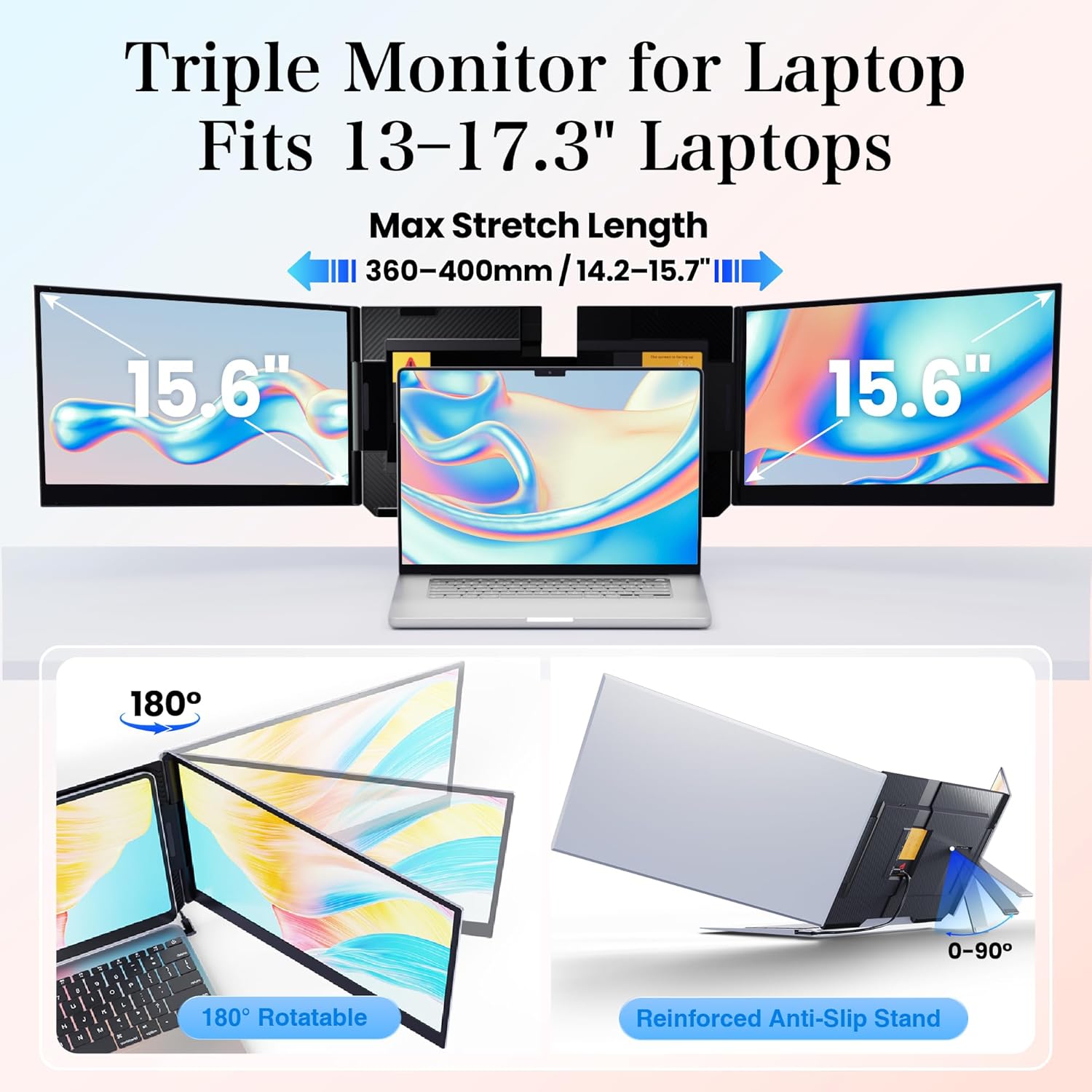
The standout idea here is the standalone setup. Instead of clamping or hanging from your laptop screen (which can worry people who travel often or who just don’t want pressure on the hinge), the extender uses an independent stand with non-slip pads. That design choice matters if you’re using it in cafés, hotel rooms, or any spot where you want a secure, low-fuss setup.
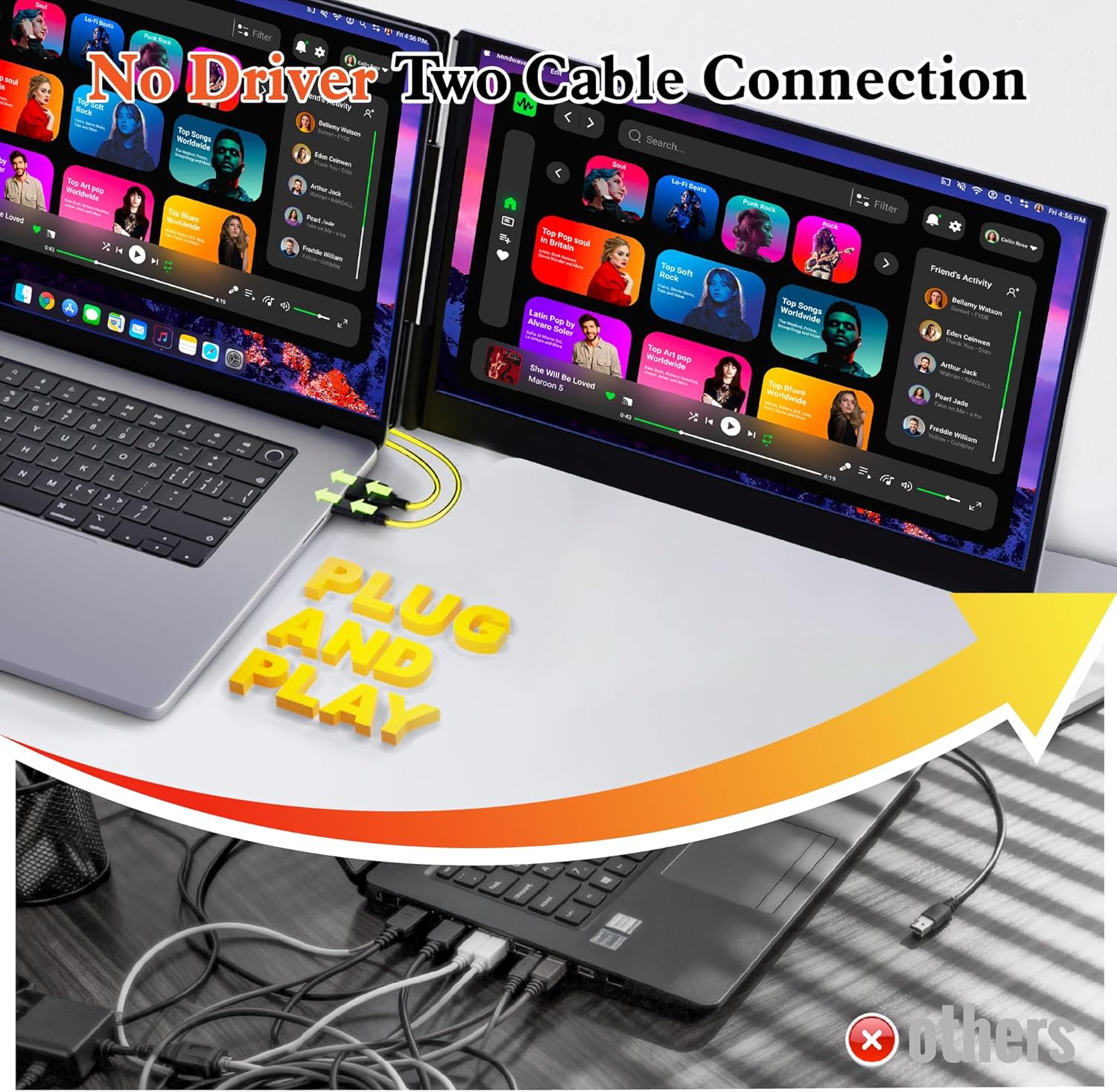
The next thing to consider is the cable approach. The product description emphasizes “two cables only” plug-and-play simplicity, using USB-C and/or HDMI depending on the connection option you choose. No dock or driver is mentioned, which is exactly the kind of convenience that makes a portable monitor extender more likely to get used instead of left in a bag.
That said, it may not be a perfect match for every laptop setup or chipset. The description specifically calls out that for certain M1–M4 MacBooks, an additional H5-T cable may be required and you may need to contact support for compatibility help.
Where it shines in everyday use
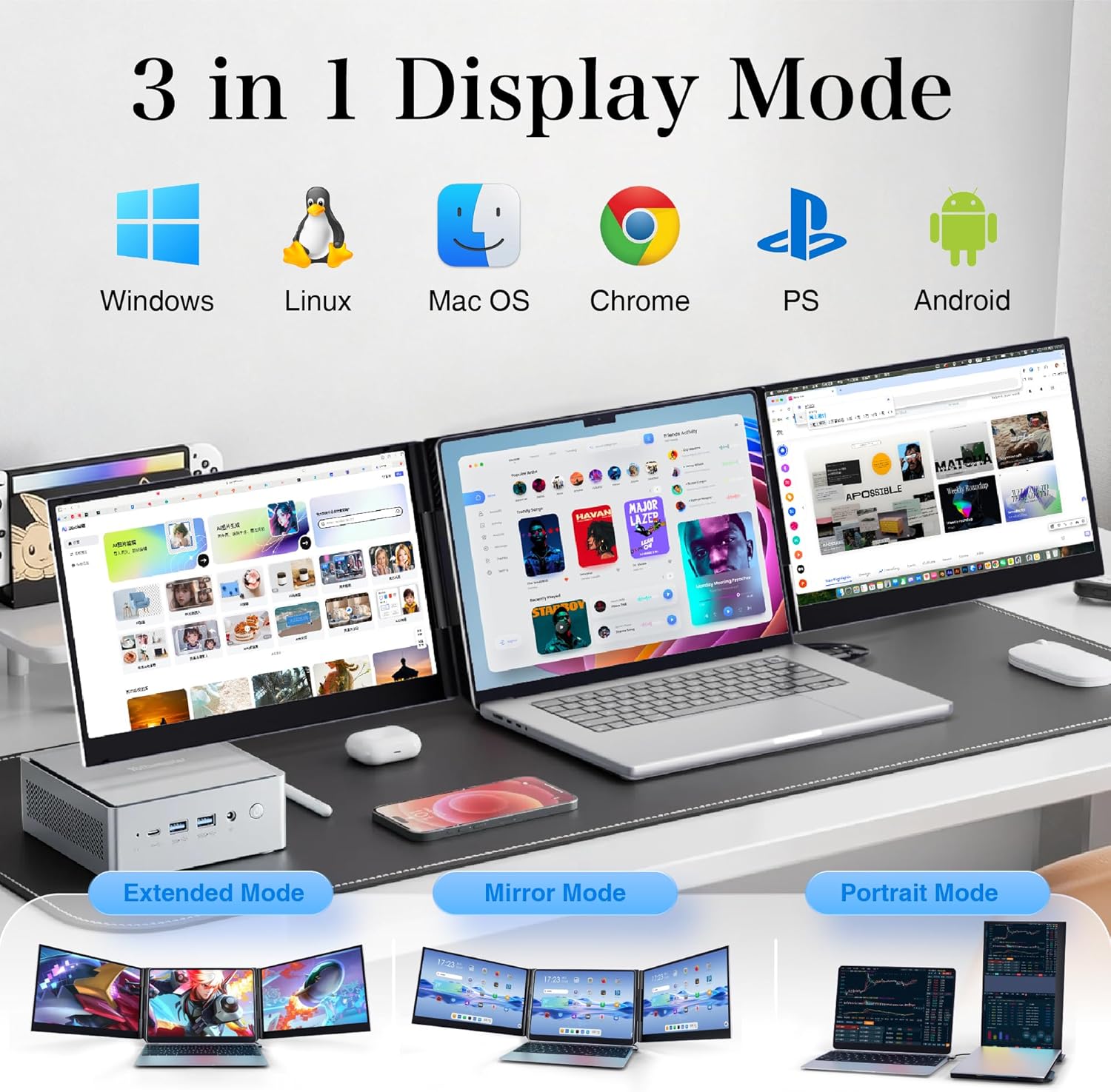
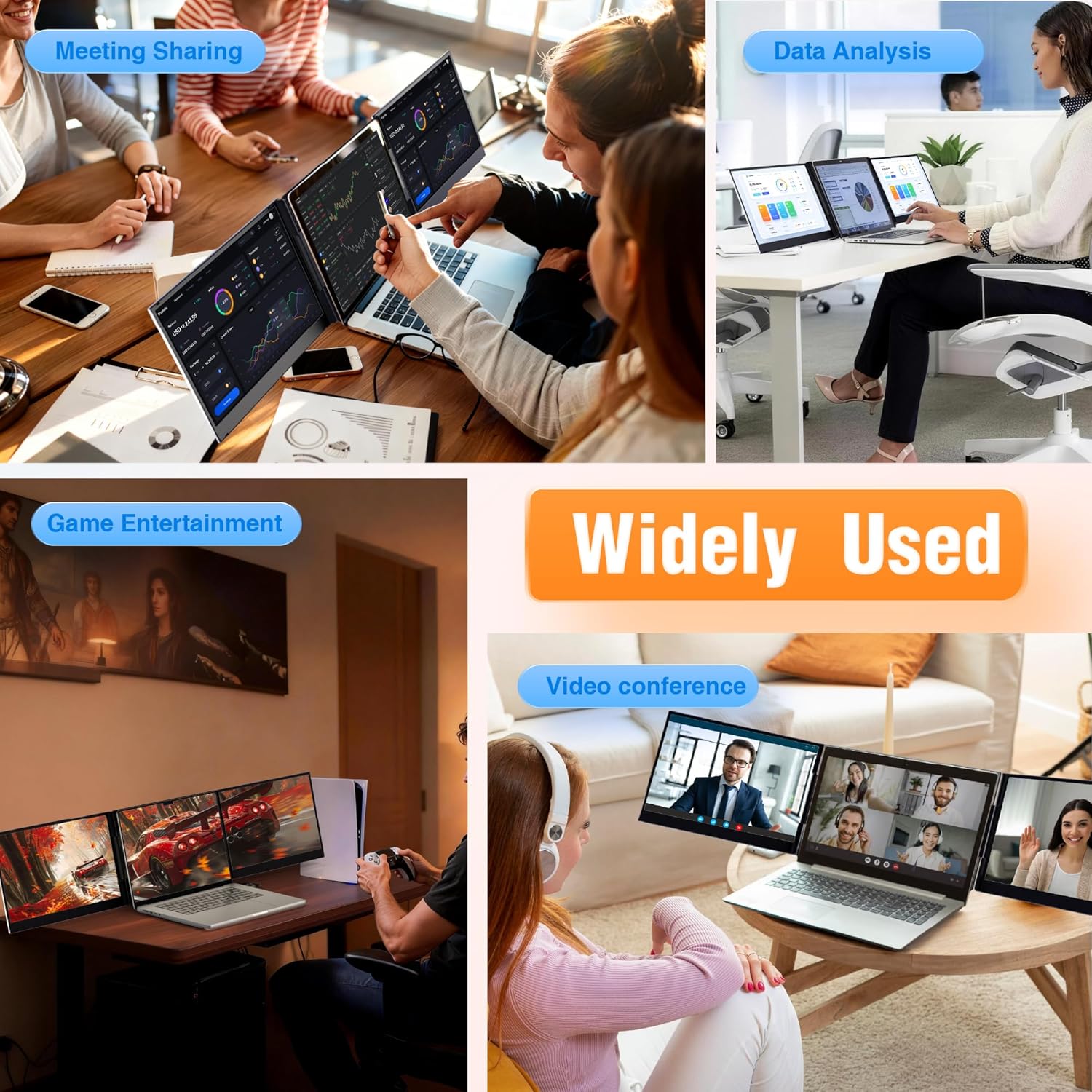
If you’re working in extended mode—spread your data on one screen, keep your references on the other, and use the third display for messages or a presentation view—this setup is built for that kind of rhythm. The product supports Mirror, Extended, and Portrait modes, with adjustable brightness and 180° rotation for finding a comfortable viewing angle.
A small but practical example: imagine you’re on a trip with a small workspace. You unfold the screens, angle them for less glare, and run your spreadsheet on one panel while your video call sits on the second. You’re not hunting for tabs every few seconds, you’re letting your workflow breathe.
Tech specs at a glance (what you can rely on)
- Name: 15.6" Laptop Screen Extender Ultra-Thin, 1080P FHD IPS Dual/Triple Portable Monitor
- Type: Portable dual/triple monitor extender
- Display: 15.6" FHD IPS
- Resolution: 1080P FHD
- Rotation: 180°
- Adjustment: Adjustable brightness
- Compatibility (stated): Windows, Mac, Android, Chrome OS, and Switch
- Usage modes (stated): Mirror, Extended, and Portrait
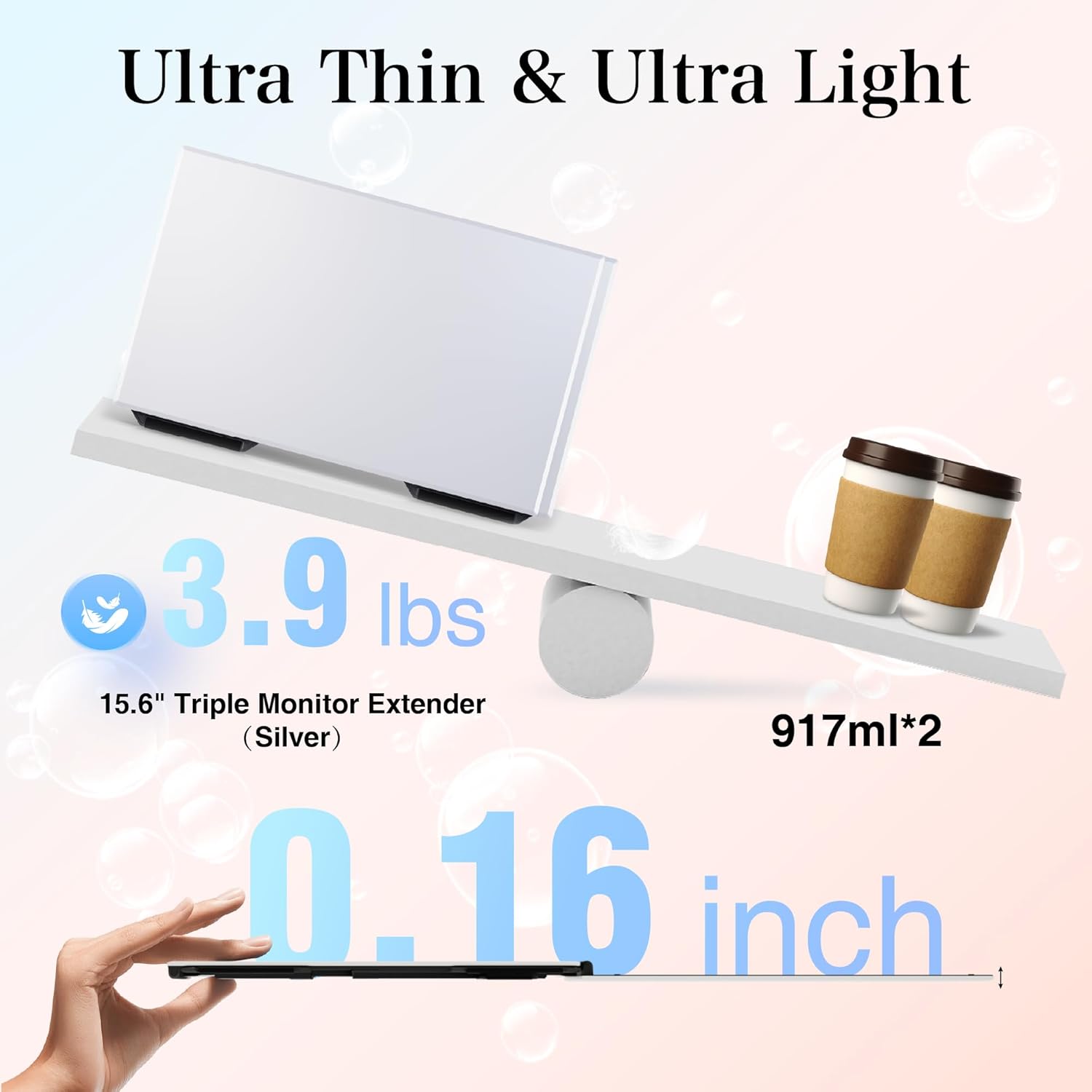
- Weight (stated): 4 lbs
- Fit limit (stated): Fits up to 17.3" max laptops
Compatibility and setup realities (things to double-check)
This is where buyers usually separate “works great” from “it’s a pain.” The description says it can fit laptops up to 17.3", and it’s meant to be compatible across multiple operating systems and devices (Windows, Mac, Android, Chrome OS, and Switch).
But the devil is in the details of how your device handles video output. The listing mentions different connection options (USB-C to USB-C, plus an HDMI + Type-C path, and additional charging where relevant). If you’re buying specifically for a MacBook with an M1–M4 chip, note the warning that an H5-T cable may be required. That doesn’t mean it won’t work for you—it just means you should plan for compatibility questions before you assume it will be plug-and-play in every scenario.
Also, the stand design is intended to prevent scratches and hinge stress by not clamping onto your laptop screen. Still, you’ll want to place the extender on a stable surface, because “secure” depends on the stability of your table too.
What’s in the box and why it matters
A big practical advantage of this kit is that it’s packaged as a ready-to-setup bundle. The description says you get the screen extender(s), all necessary cables, a power adapter, quick guide/instructions, and a quality carry case.
If you’ve ever bought “monitor add-ons” only to realize you’re missing the right cable, you’ll appreciate this approach. Over time, it usually saves more effort than any single spec.
Is it worth it?
Buy it if you want a travel-friendly dual/triple screen extender that doesn’t clamp onto your laptop screen, supports multiple modes (Mirror/Extended/Portrait), and offers adjustable brightness plus 180° rotation for comfortable viewing. It’s especially compelling for people who work on a laptop and regularly hit the limits of a single display—data analysis, video calls, studying, and general multitasking.
Skip it or double-check first if you have an M1–M4 MacBook and you don’t want to deal with potential extra cable requirements. Also, if you’re expecting the kind of “desktop monitor experience” that comes from a large, purpose-built external display, this is more of a portable extender concept—useful and flexible, but not always the same feel as a fixed monitor setup.
Mini FAQ
Will this work for dual or triple monitor setups?
The product is described as capable of dual or triple configurations depending on how you set it up, with support for mirror/extended/portrait modes.
Does it require drivers or a dock?
The listing emphasizes plug-and-play simplicity and states that no dock or driver is needed for the multi-monitor setup.
What laptop sizes does it fit?
It’s stated to fit devices up to a 17.3" max laptop size.
Is it compatible with MacBooks?
Compatibility is listed for Mac, but the description also notes that for certain M1–M4 MacBooks, an H5-T cable may be required—so it’s worth checking before you rely on a single cable path.
How adjustable is the screen?
It includes adjustable brightness and allows 180° rotation to help you find a comfortable viewing angle.