

ZORNHER ST68 Wireless Ergonomic Split Mechanical Keyboard (65%), Pink & Purple Creamy Keycaps with Knob
Product description
What it is and who it’s for
The ZORNHER ST68 is a wireless ergonomic split mechanical keyboard with a 65% layout and a cream colourway that blends pink and purple tones. It’s designed for long gaming or work sessions where comfort and customisation matter. If you value a compact footprint without sacrificing typing comfort, and you like the idea of a split design you can reassemble into a single board, this model could be a practical choice. It’s not a flawless product for every setup, but it aims to balance form, function and flexibility.
Design and comfort
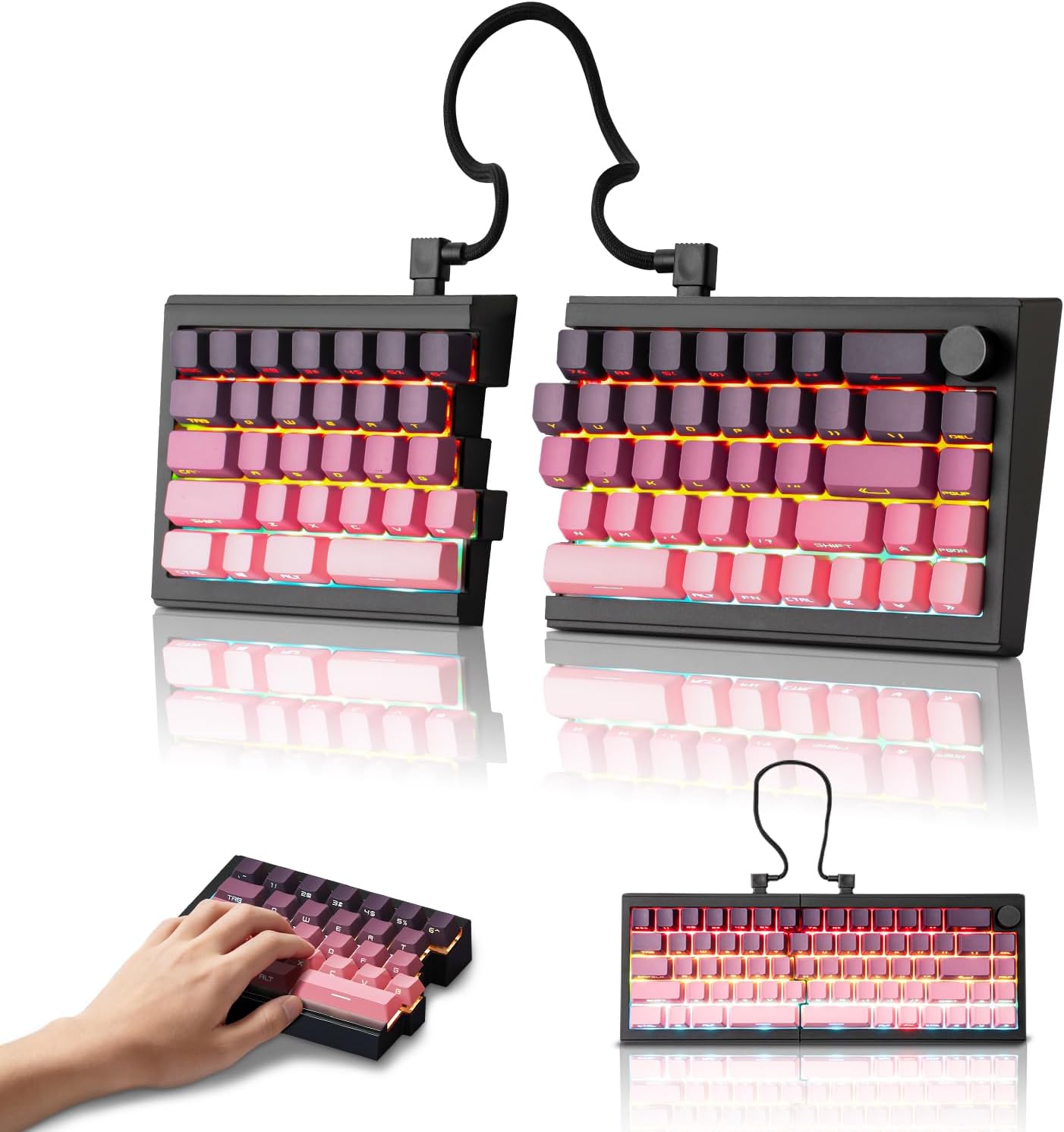
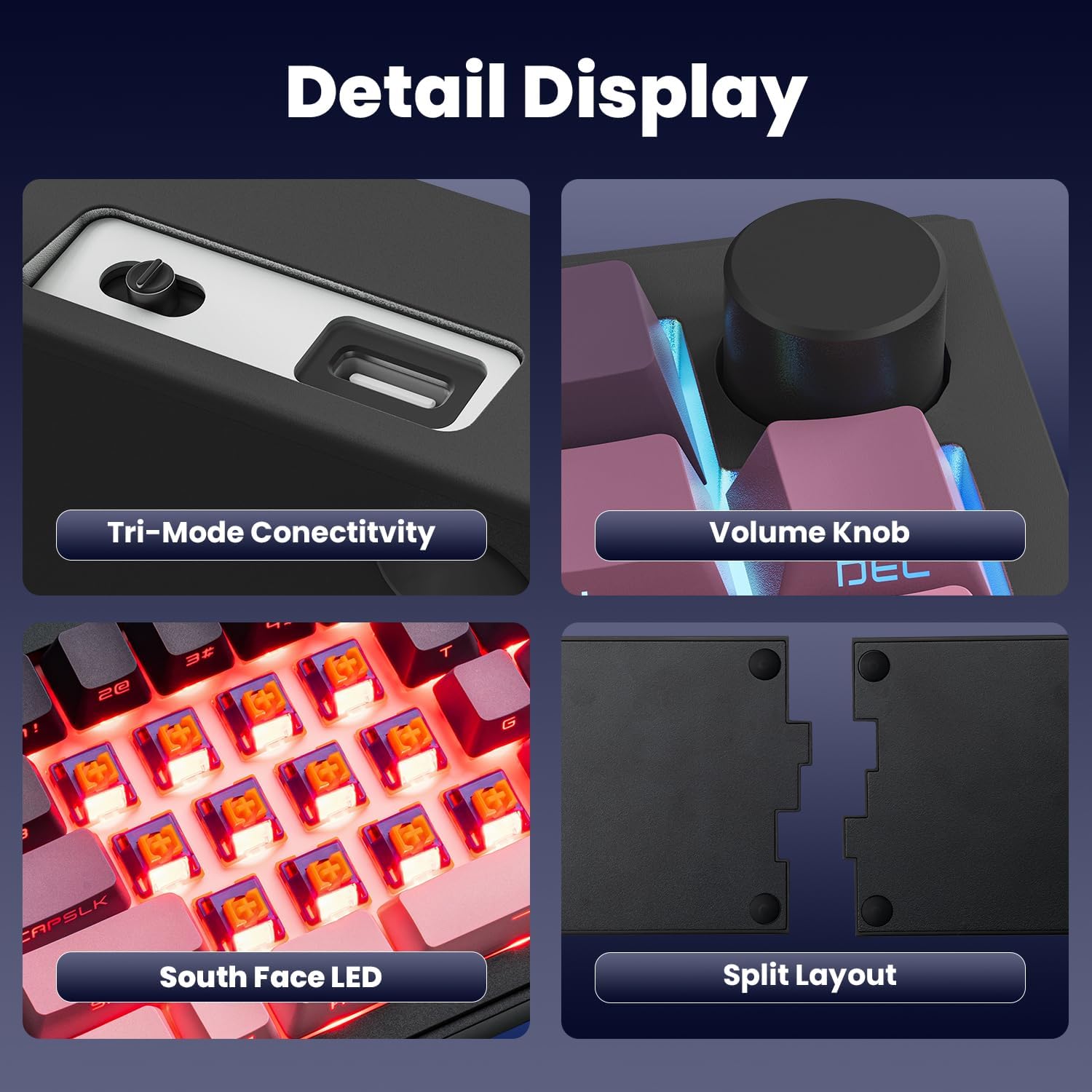
A key selling point is the split layout, which allows you to adjust typing angle to suit your posture. The halves can be connected with a coiled cable for a traditional single-keyboard feel if you prefer. The Dipped PBT keycaps resist shine and wear and feature clear legends that glow with RGB, offering a visually immersive setup right out of the box.
Typing feel and acoustics
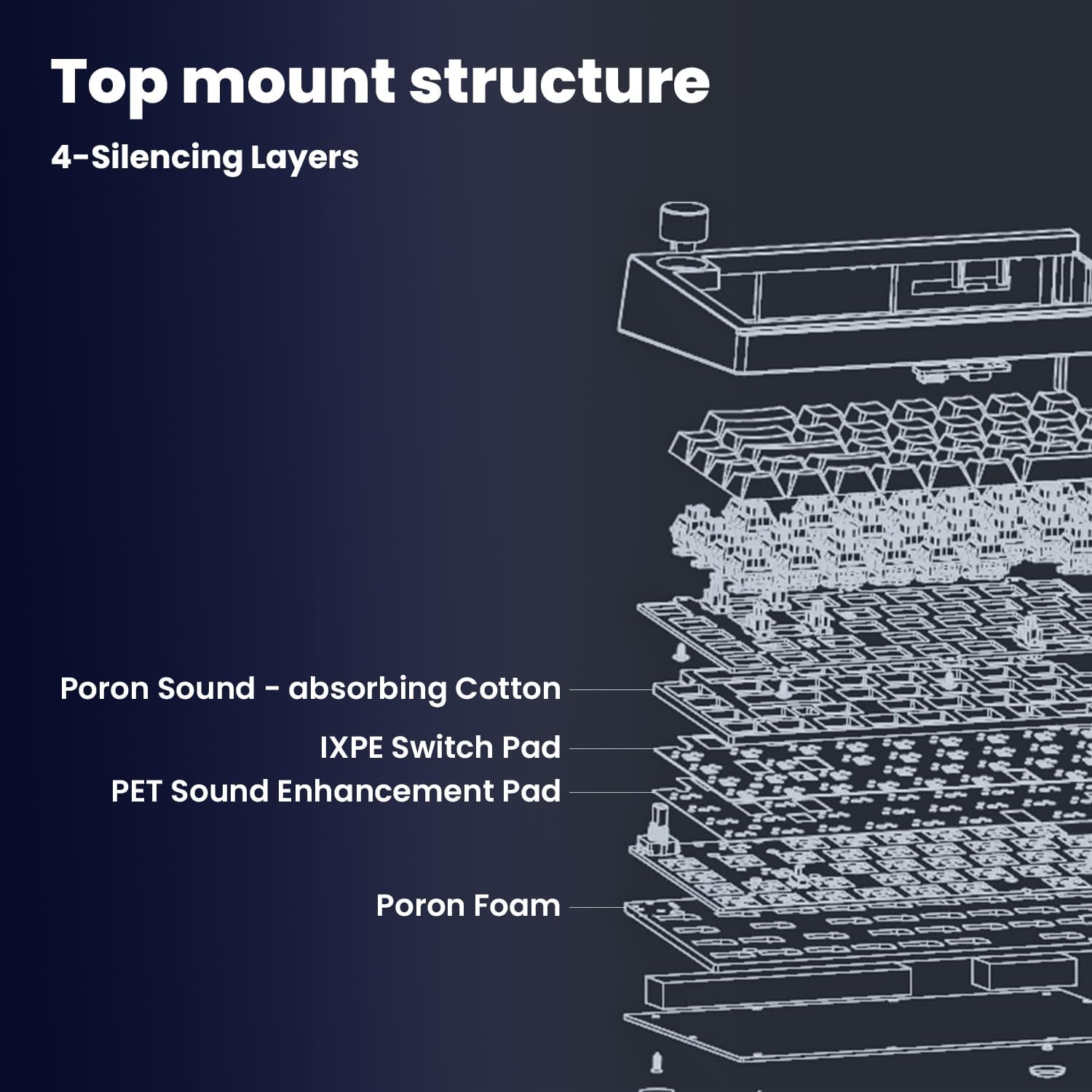
The ST68 uses creamy linear switches that are factory-lubed and mounted on a gasket structure. This pairing tends to deliver a softer, more forgiving typing experience with a distinctive, audible rhythm. It’s pleasant for rhythmic keystrokes, but it isn’t designed for ultra-quiet environments where every sound needs to be silenced.
Lighting and aesthetics
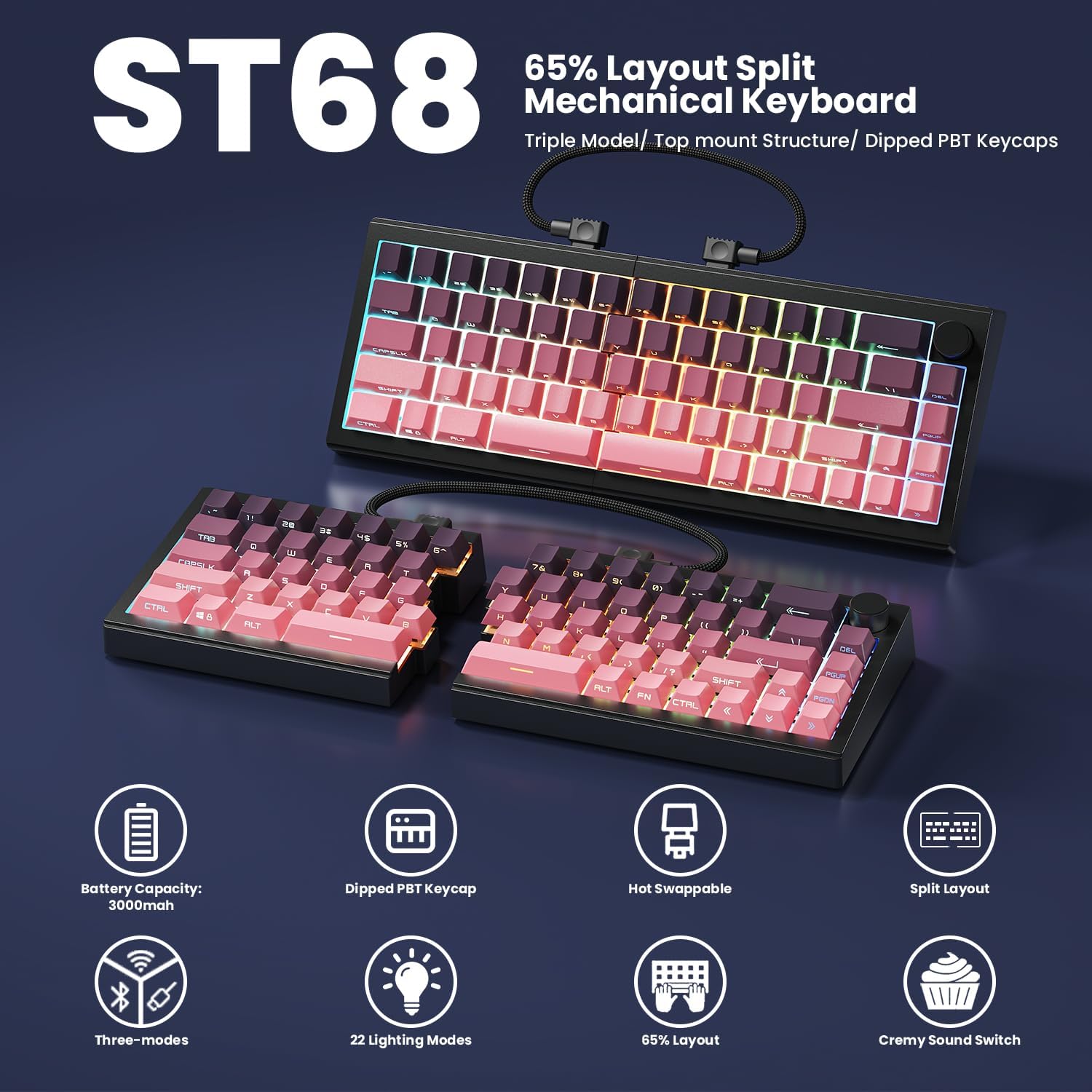
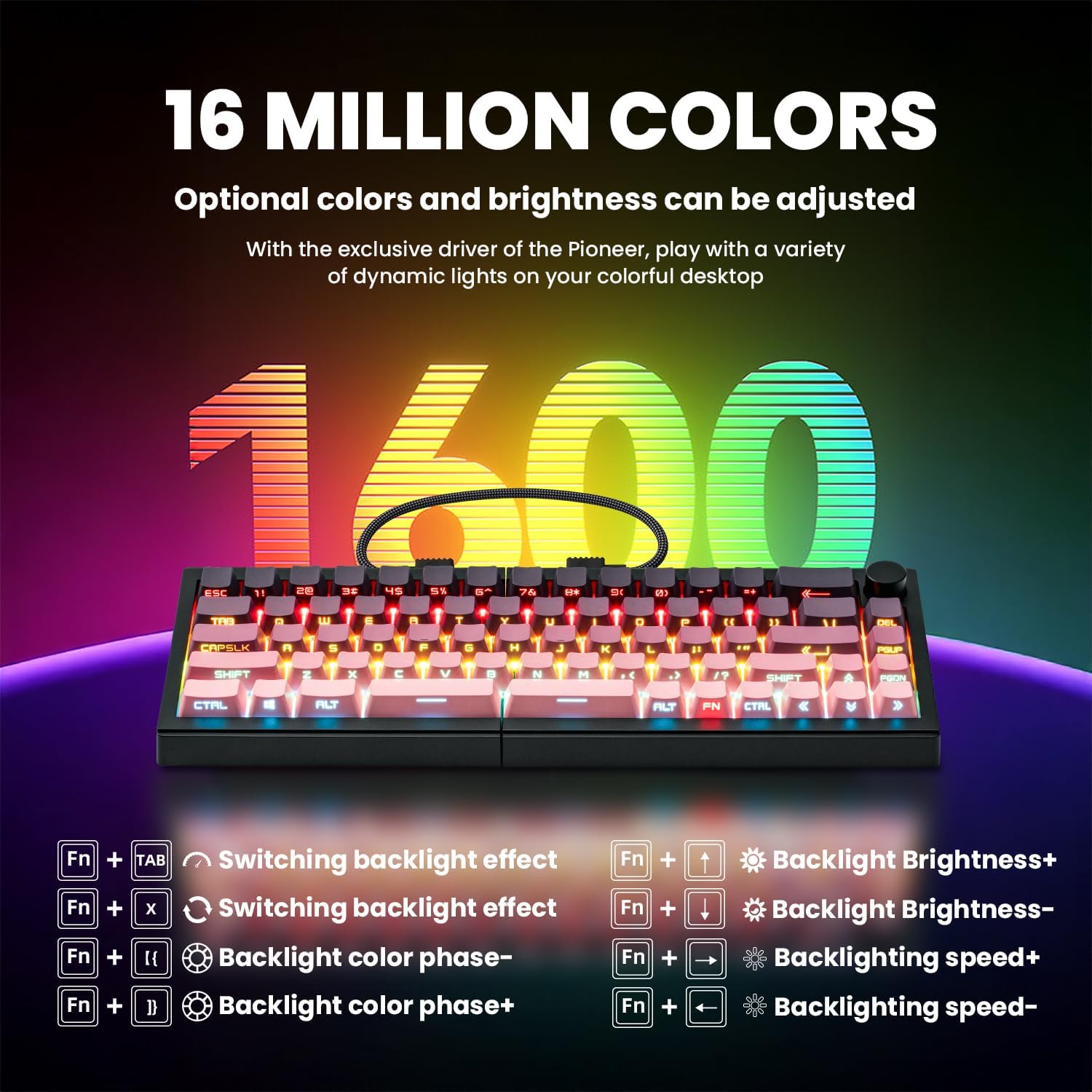
With 22 preset RGB modes, including edge glow and south-facing LEDs, the keyboard can be customised to match your mood or desk setup. The combination of high-quality keycaps and lighting adds to an immersive, stylish look that can complement a colourful gaming rig or a clean, focused workstation.
Connectivity and power
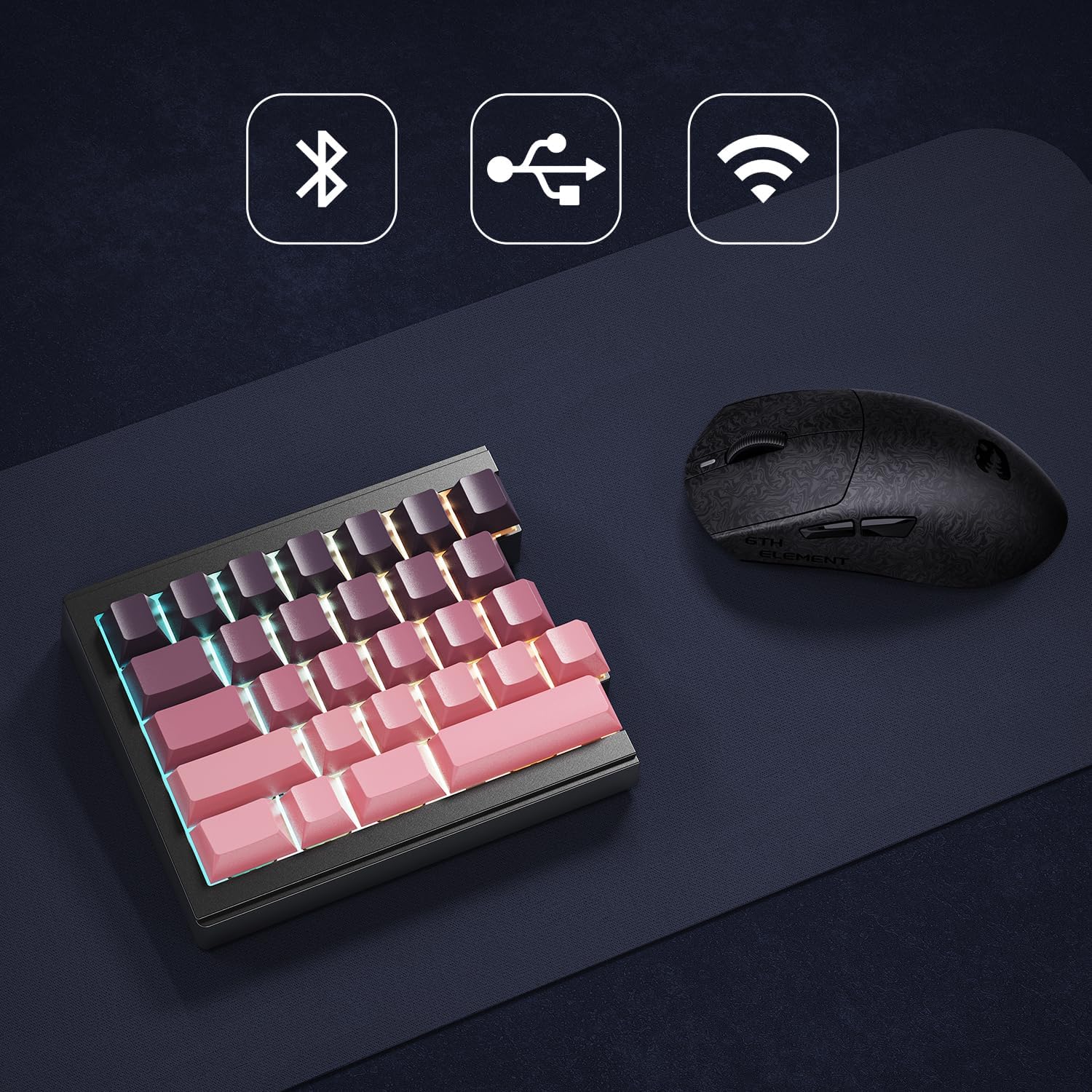
Tri-mode connectivity covers Bluetooth 5.0, 2.4GHz wireless, and USB-C. It supports switching between up to five devices, which is handy if you move between a PC, tablet, and laptop. The built-in 3000 mAh battery promises reasonable longevity between charges, and the included 1.8 m nylon-cable provides a wired option if the battery is low or you’re at a desk.
Customisation and software
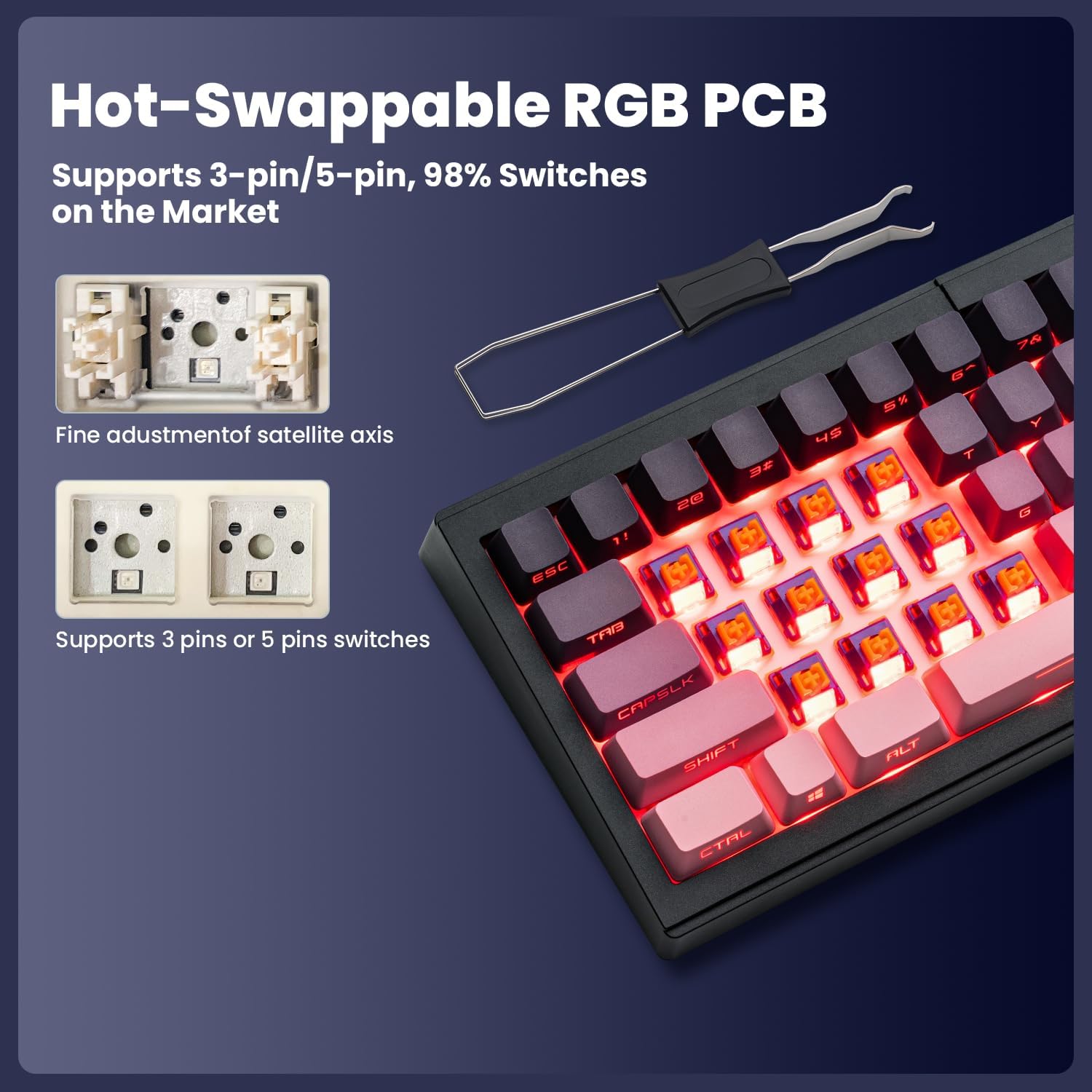
The PCB supports both 3-pin and 5-pin mechanical switches, giving some flexibility for switch choice. Driver software enables key remapping, macro creation, and RGB adjustments, so you can tailor the typing feel and lighting to your preferences. It’s a solid feature-set for users who enjoy tweaking their setup without soldering.
What stands out and caveats
On the plus side, the split design, comfortable typing angle, light-reflectivePBT keycaps and the lightweight, customisable lighting are all attractive for enthusiasts who want nuance in feel and look. On the downside, the keyboard won’t suit those who need absolute quiet or rely on a plain, non-split layout for a compact desk where space isn’t an issue. The “creamy” switches deliver sound and feedback that some may find too audible in shared spaces.
Who it’s for
This model fits users who appreciate ergonomic flexibility, meaningful aesthetics, and a moderate level of customisation without venturing into high-end, price-heavy territory. It’s a good match for gamers who want a tactile rhythm and for productivity-focused buyers who value comfortable posture and multi-device versatility. It may not be ideal for those who require a whisper-quiet keystroke or a traditional, non-split 65% layout.
What to check before buying
Ensure your use-case aligns with the split design: are you happy to adjust posture and possibly reconfigure to a single unit? Consider whether you’ll benefit from the 65% footprint yet still want full access to essential keys. If you rely on absolute silent environments, you might prefer a keyboard with quieter switches or built-in dampening. Finally, verify your preferred OS and software compatibility for remapping and macros.
Practical usage example
Imagine a long gaming session or a coding sprint: you sit back, set the two halves at a comfortable angle, and use the knob for quick volume control or media playback. The RGB can be tuned to match your mood, while the macros speed up repetitive tasks. If you’re collaborating on a project across devices, Bluetooth pairing lets you switch seamlessly between a PC and a laptop without swapping keyboards.
FAQ (based on available information)
- Is the keyboard silent? It uses creamy linear switches and a gasket mount, which provides a softer sound, but it is not designed for ultra-silent environments.
- Can I use it as a non-split keyboard? Yes, by linking the two halves with the coiled cable.
- How many devices can it connect to at once? It supports up to five devices across Bluetooth 5.0, 2.4GHz wireless, and USB-C.
- Does it require soldering to customize switches? No soldering is needed, it’s hot-swappable with 3-pin and 5-pin support.
- What is included in the box? The base description mentions the keyboard, a 1.8 m nylon cable for wired mode, and software for customization, exact box contents are not exhaustively listed here.
Is it worth it?
A solid pick if you prioritise ergonomic flexibility, distinctive aesthetics and mid-range customisation, and you don’t mind a little keyboard noise from the switches. It’s less convincing if you need a whisper-quiet desk or a compact, non-split setup.