

SABRENT DS-4SSD 4 Bay SATA SSD dock
Product description
If you want a straightforward way to connect multiple 2.5 inch SATA SSD or hard drives to a PC, the SABRENT DS-4SSD Hard Drive Docking Station is a practical 4 bay enclosure. It is designed for fast, direct data transfers using UASP, with up to 5 Gbps transfer speeds when used with USB 3.0, so you can move large files with less waiting. With cooling built in, it also focuses on keeping drives stable during longer copying sessions, including offline cloning scenarios.
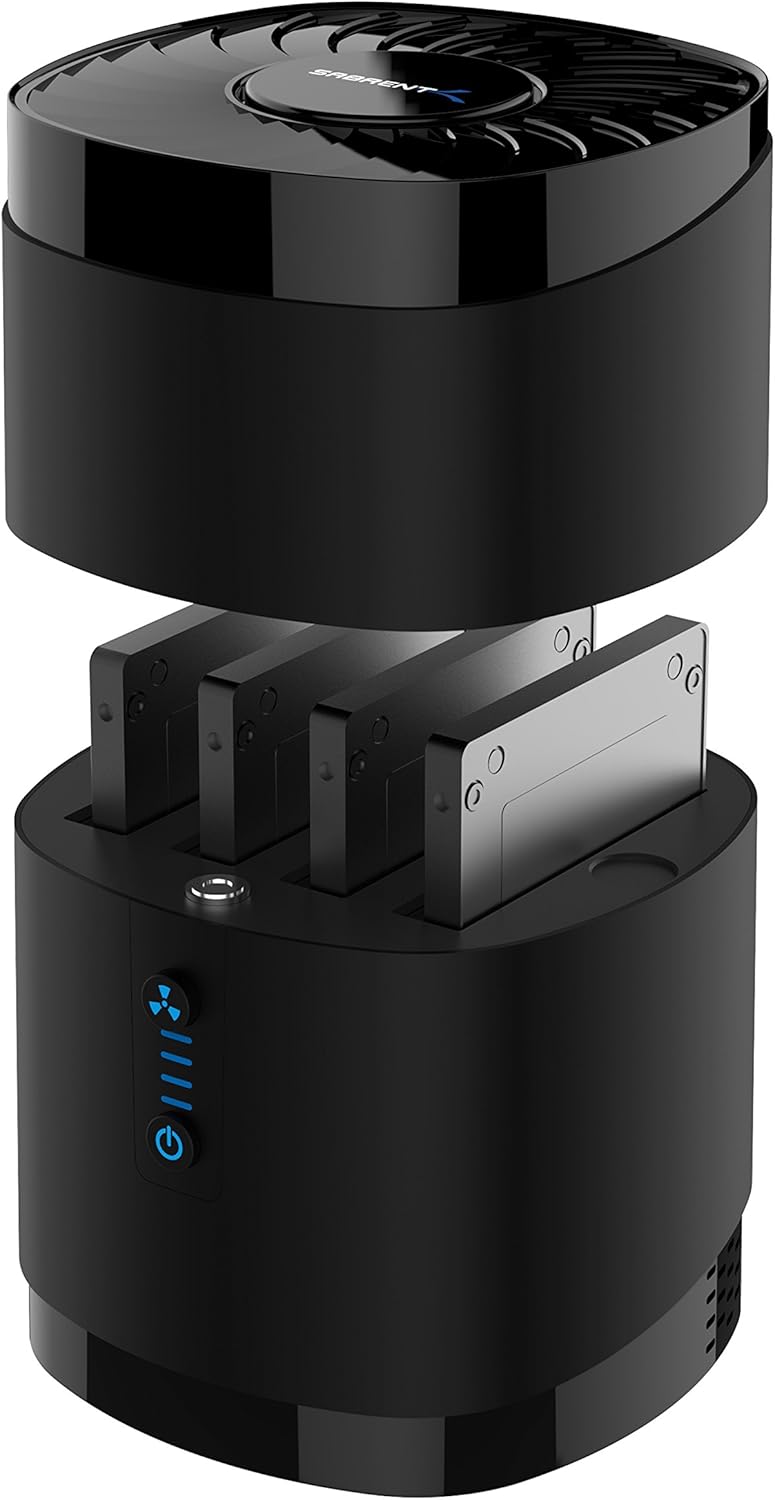
Using a 4 bay docking station can make everyday drive work easier, especially when you need a reliable enclosure that supports SATA multiport use rather than swapping drives in and out of a single caddy. The DS-4SSD is built around tool free installation, plus a magnetic structure that helps you get set up quickly. 🧊
Key features
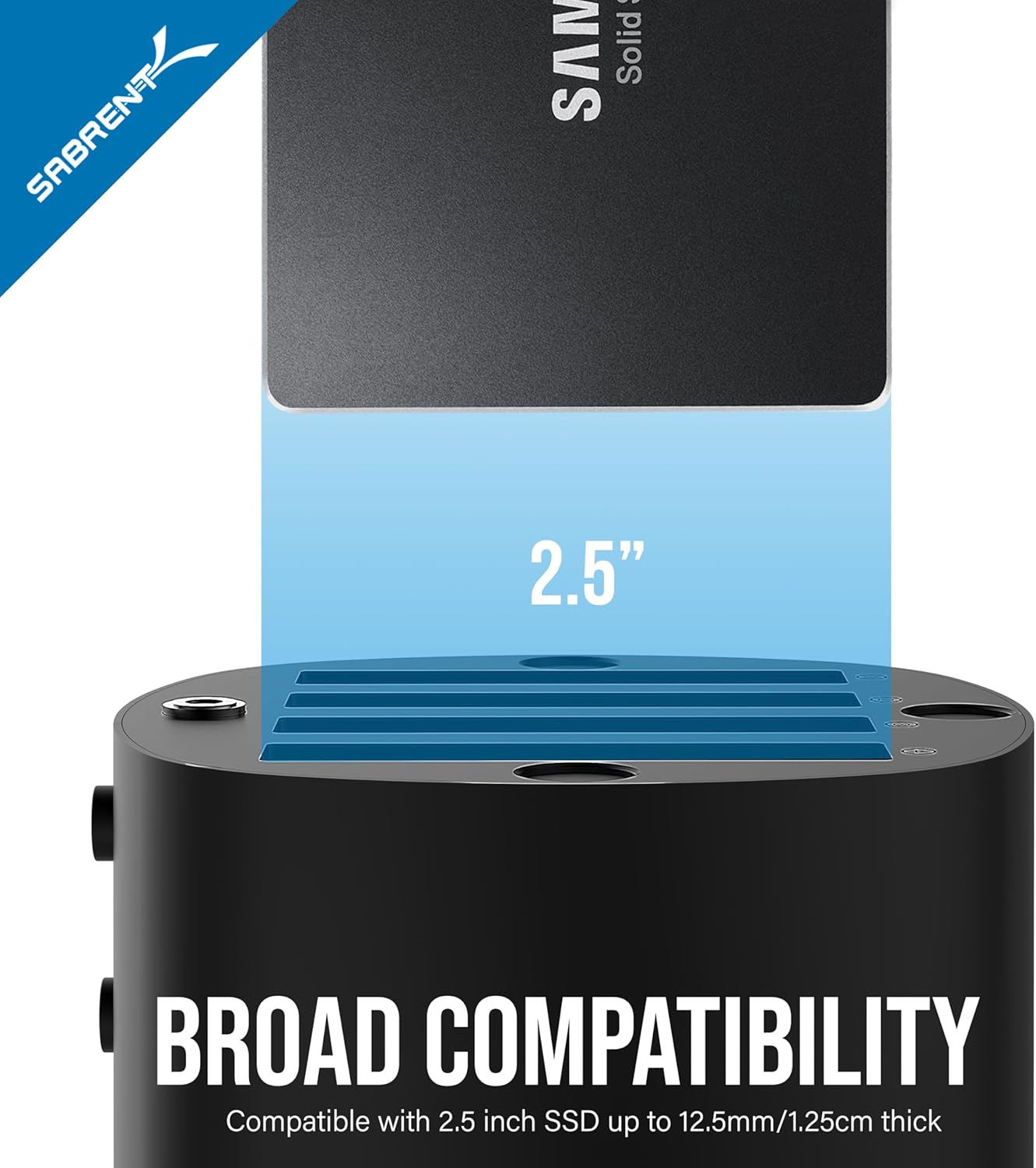
The first thing to appreciate is that this is a 4 bay SATA docking station made for 2.5 inch drives. The enclosure supports 2.5 inch SATA SSD and hard drives, and it is compatible with drive heights ranging from 9.5 mm to 12.5 mm. That wide range helps you match the dock to common 2.5 inch form factors without fiddling around.
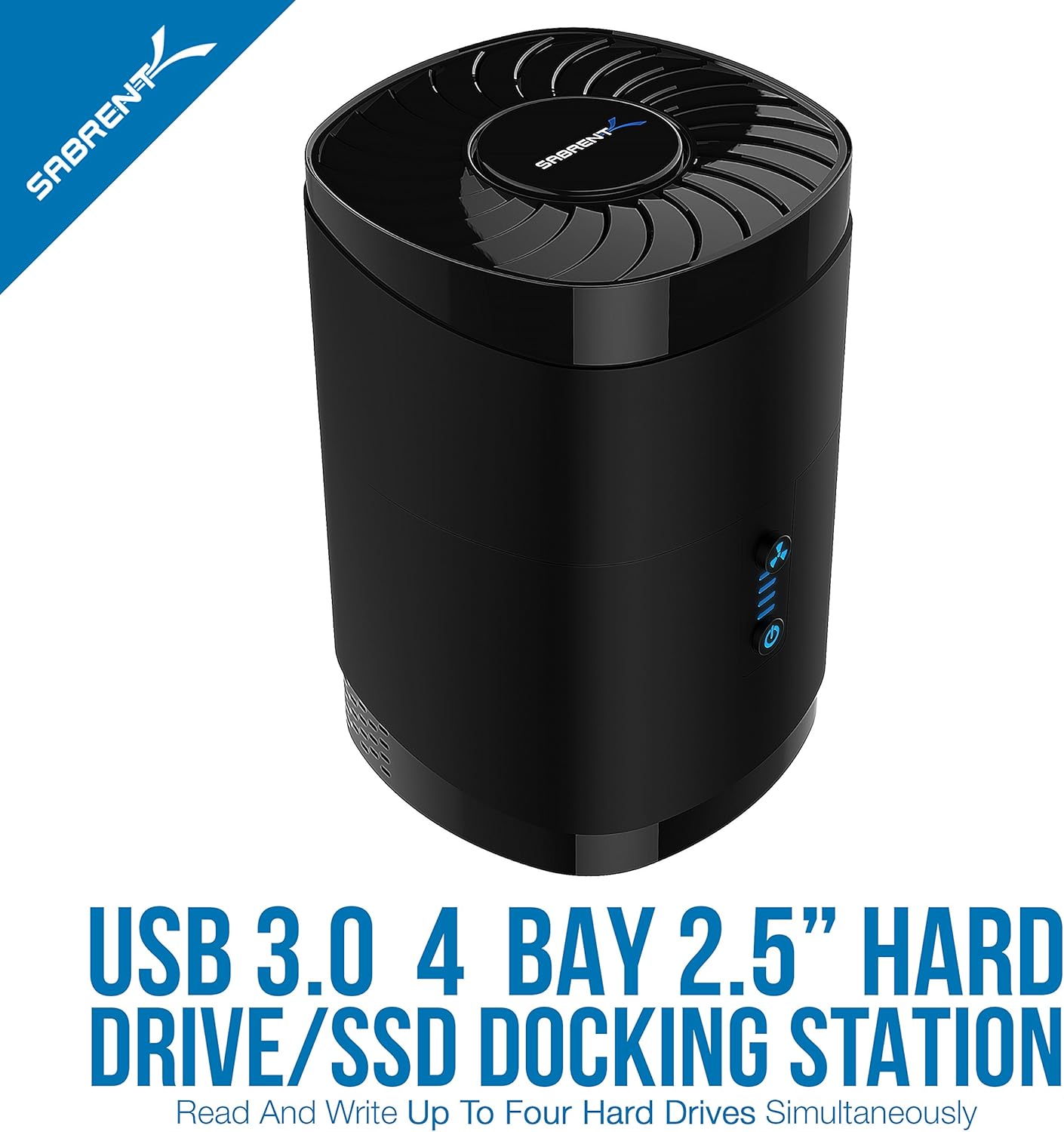
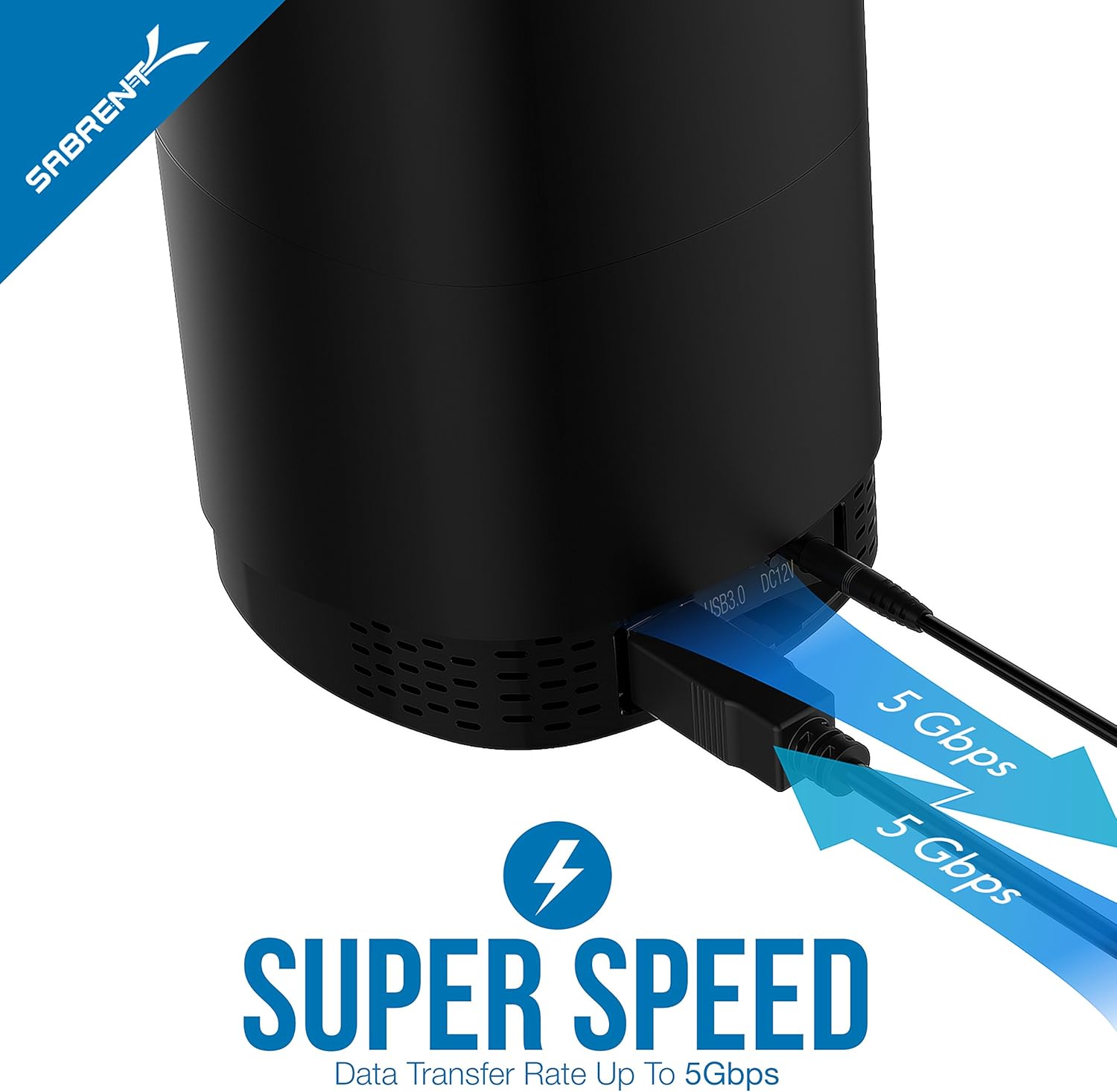
For transfer performance, the enclosure supports UASP, which is a key part of getting better speeds over USB 3.0. According to the product description, data transfer can reach up to 5 Gbps with USB 3.0. In practical terms, that means moving high definition files and large folders is quicker than using slower legacy approaches, saving time during backups and media transfers. 🚀
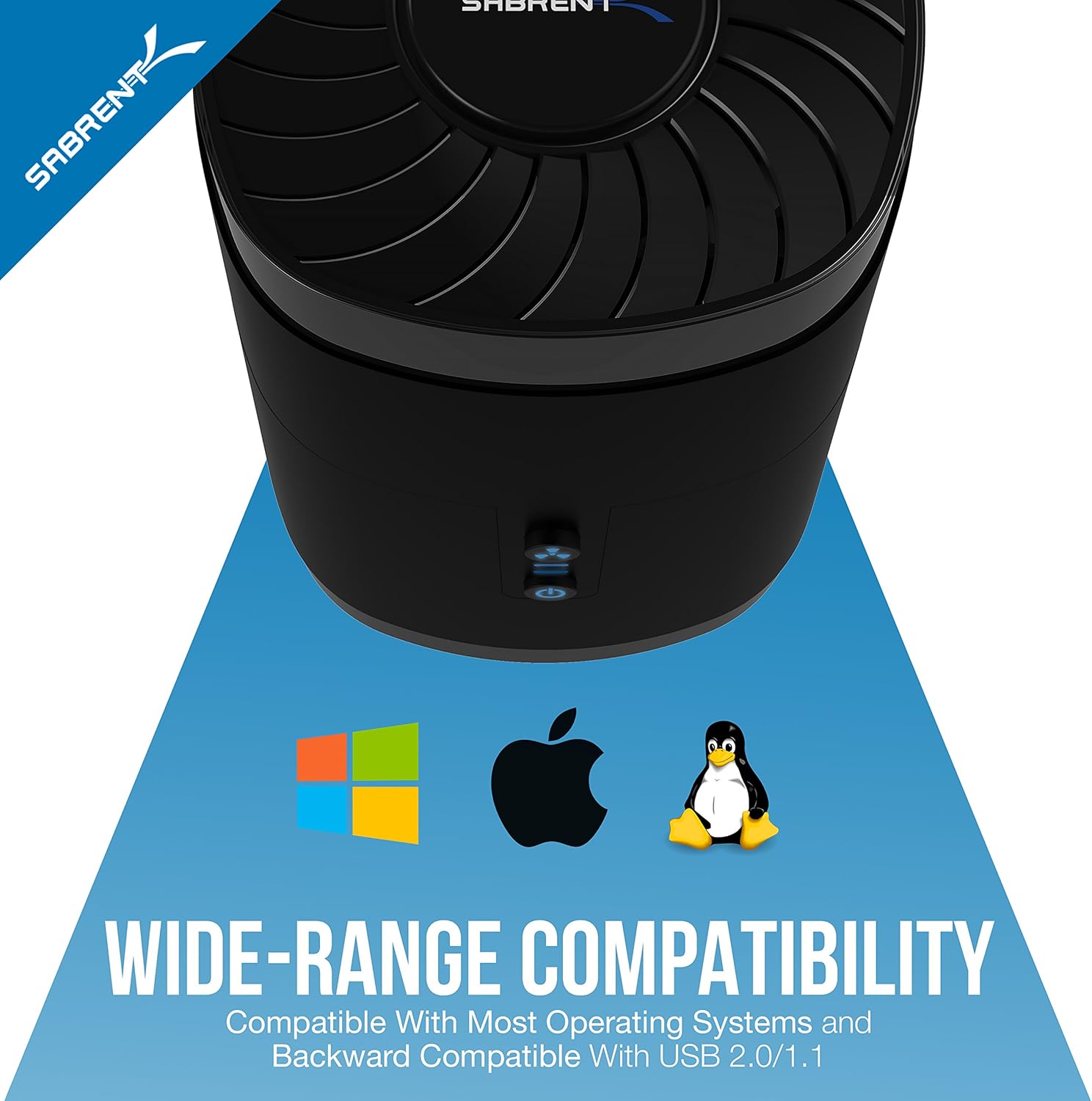
This docking station also includes offline cloning support, which can be useful when you are preparing drives without relying on continuous computer control. If you are performing repeat cloning tasks, the offline approach can simplify your workflow. It also has a blue power and status indicator, giving you quick visibility over operating state.
Tech specs
- Type: Hard drive docking station
- Bays: 4 bay
- Drive compatibility: 2.5 inch SATA SSD and hard drives
- Max capacity supported: up to 64TB
- Transfer speed: up to 5 Gbps with USB 3.0
- Interface support: UASP
- Supported drive thickness: up to 12.5 mm, 69.85 mm x 100 mm x 12.5 mm
What stands out
You get a mix of convenience and stability in the build. Installation is described as tool free, and the magnetic structure is intended to make loading drives quick, with the product claiming installation in about 3 seconds. That matters if you are moving between different drives throughout the day, for example when testing storage devices or running scheduled backups.
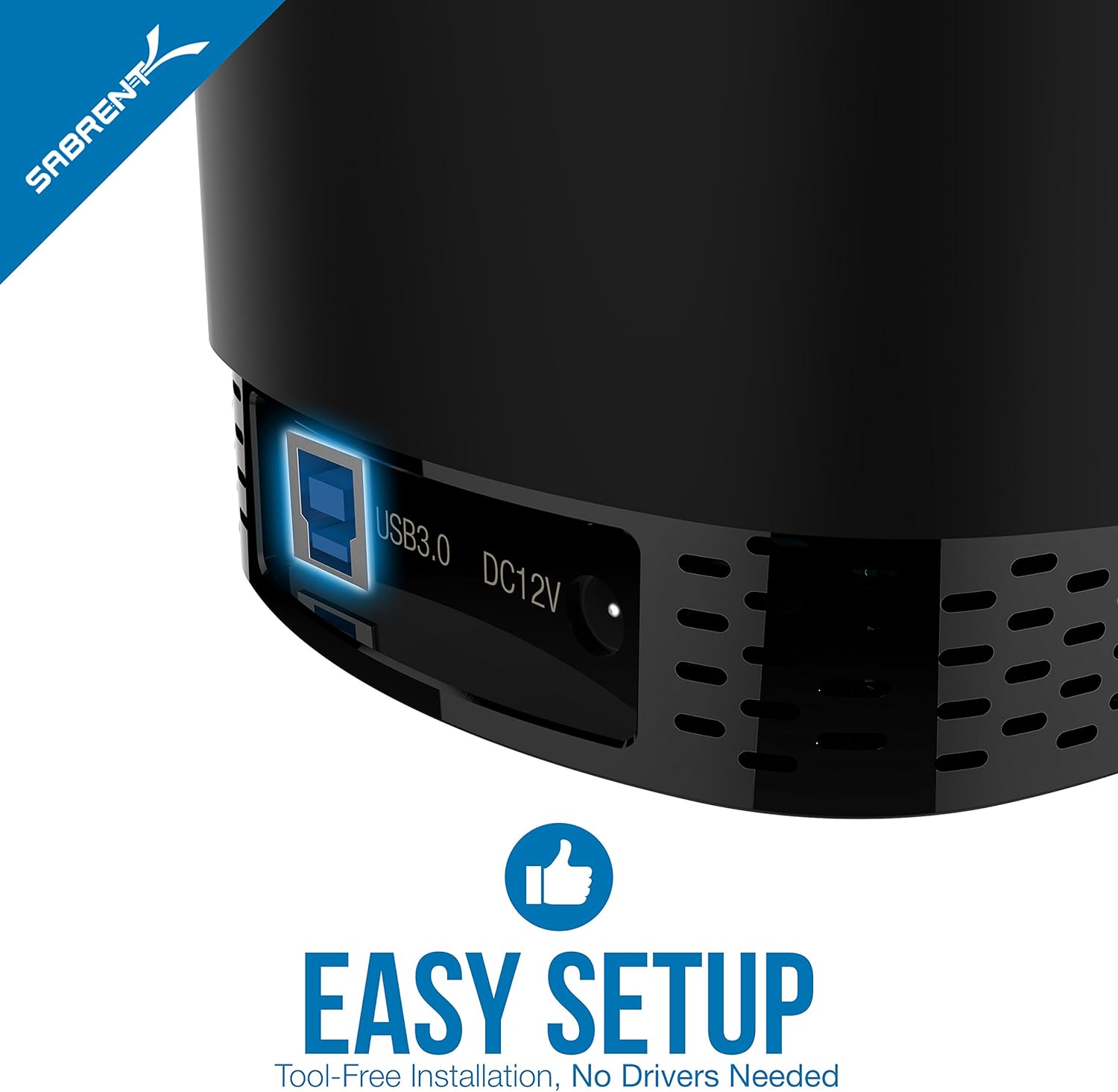
Cooling is handled with a fan located at the rear of the unit. Better airflow helps reduce heat build up during sustained transfers, which can be a real factor when copying large amounts of data. There is also a blue LED indicator to help you see at a glance that the dock is operating.
The enclosure uses ABS material, and the description highlights a focus on durability and grip. It is described as non slip and able to reduce impact force, which can help maintain a secure connection during motion free transfer sessions. The product also lists multiple protection features such as protection against tension, overcurrent, overheating, short circuit, and leakage, which supports safer day to day use. 🔒
One important limitation to keep in mind is that the dock supports 2.5 inch SATA drives with a maximum thickness of 12.5 mm, and it explicitly does not support 2.5 inch drives at 15 mm thickness. Also, the enclosure is described as universally compatible with 2.5 inch, so if your drive is outside these thickness specifications you may need a different enclosure.
Everyday use and fit
It makes sense if you regularly handle SATA 2.5 inch drives and you want a single enclosure that can hold multiple drives at once. It suits you if you are moving high volume files, doing offline cloning, or managing backup workflows where speed and a clear operating status are useful. It may also appeal if you prefer tool free handling, thanks to the magnetic loading design.
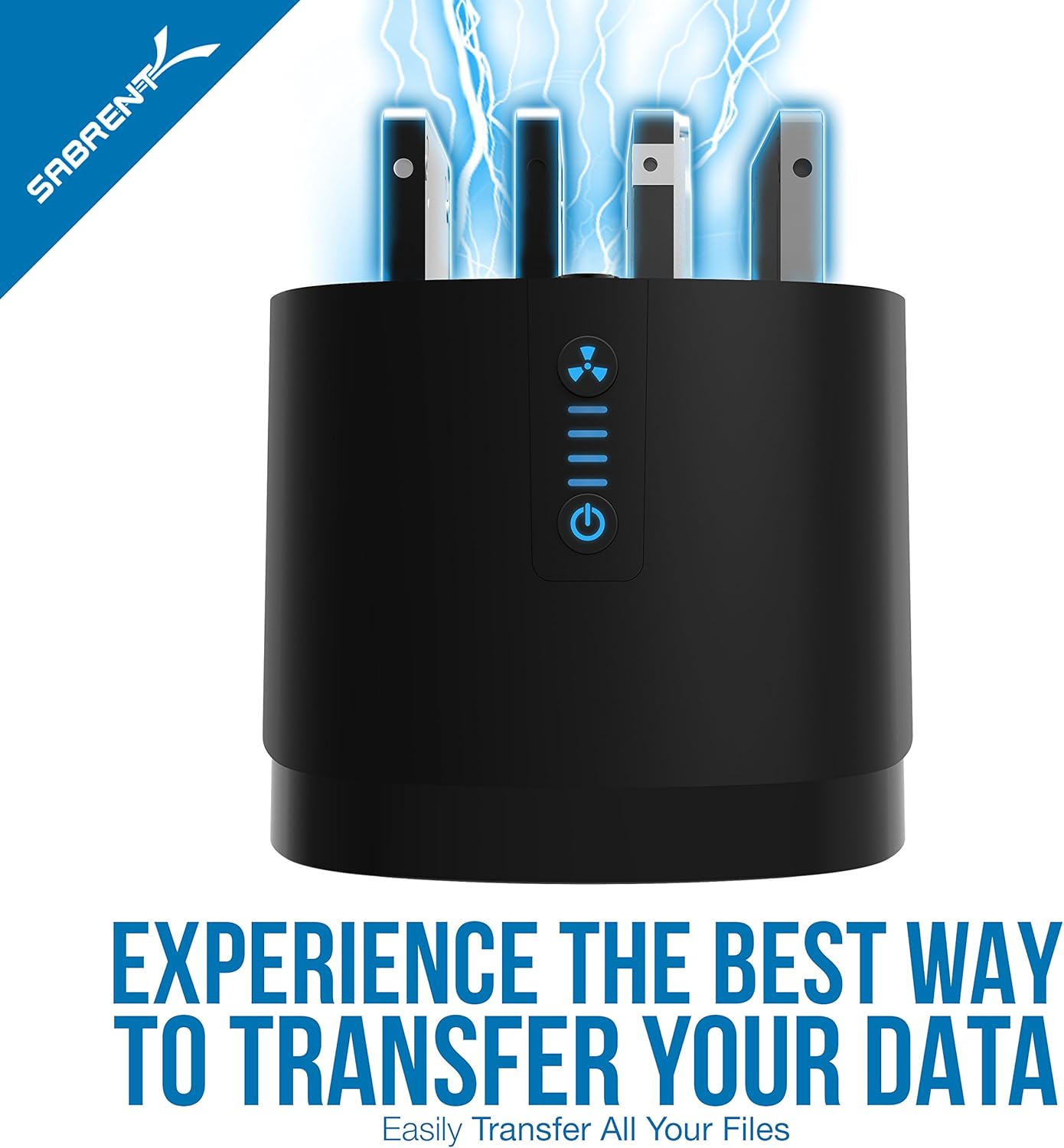
You’ll like it if you already have USB 3.0 available, since the description ties up to 5 Gbps performance to USB 3.0 use. It might not be a great match if your drives are thicker than the supported range, or if your storage setup does not use SATA 2.5 inch drives. In those cases, checking drive thickness and SATA compatibility first will help you avoid wasted time.