

Huidun 2026 New H50 Mini PC: Quiet, compact powerhouse for home office
Product description
What it is
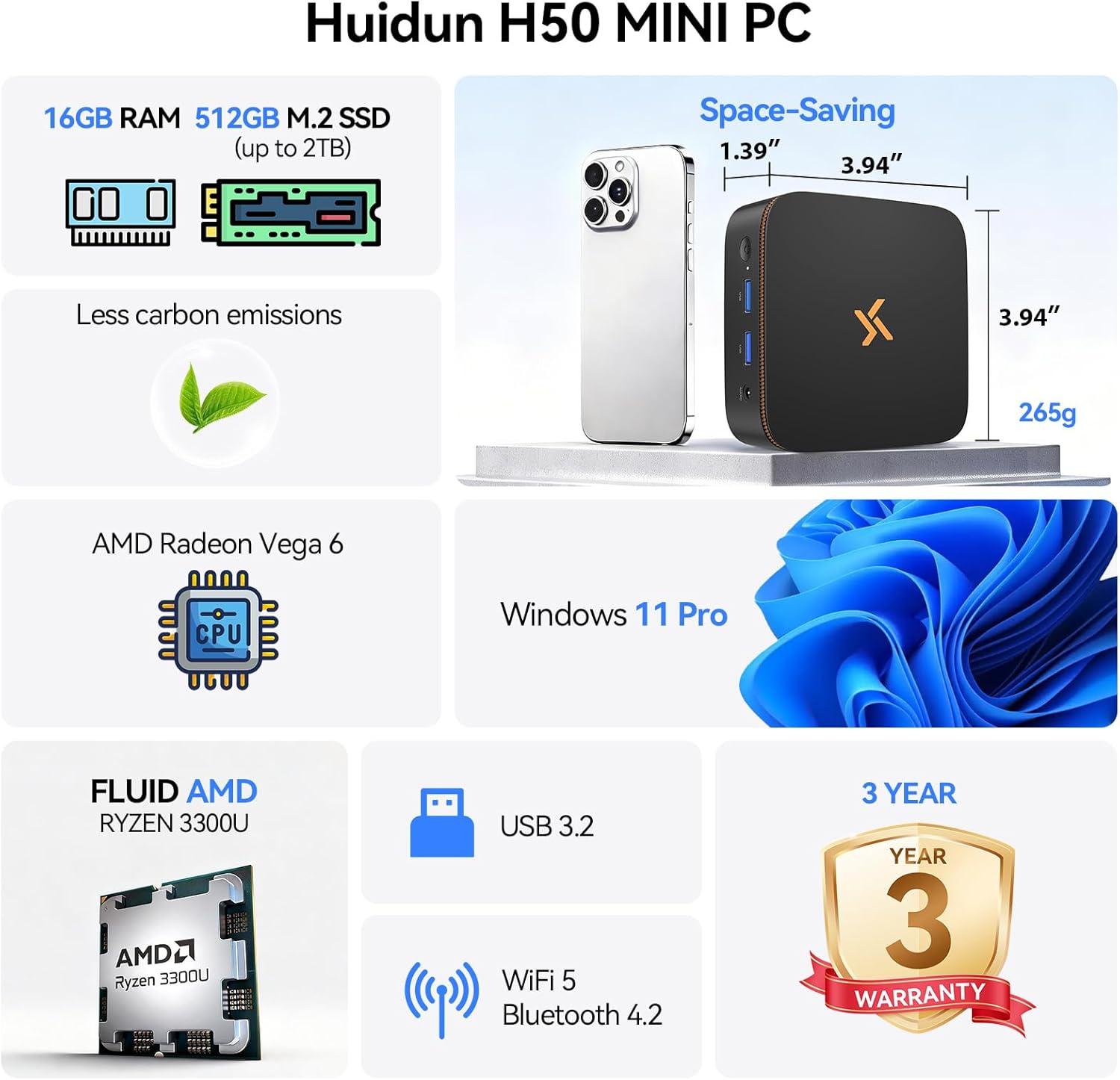
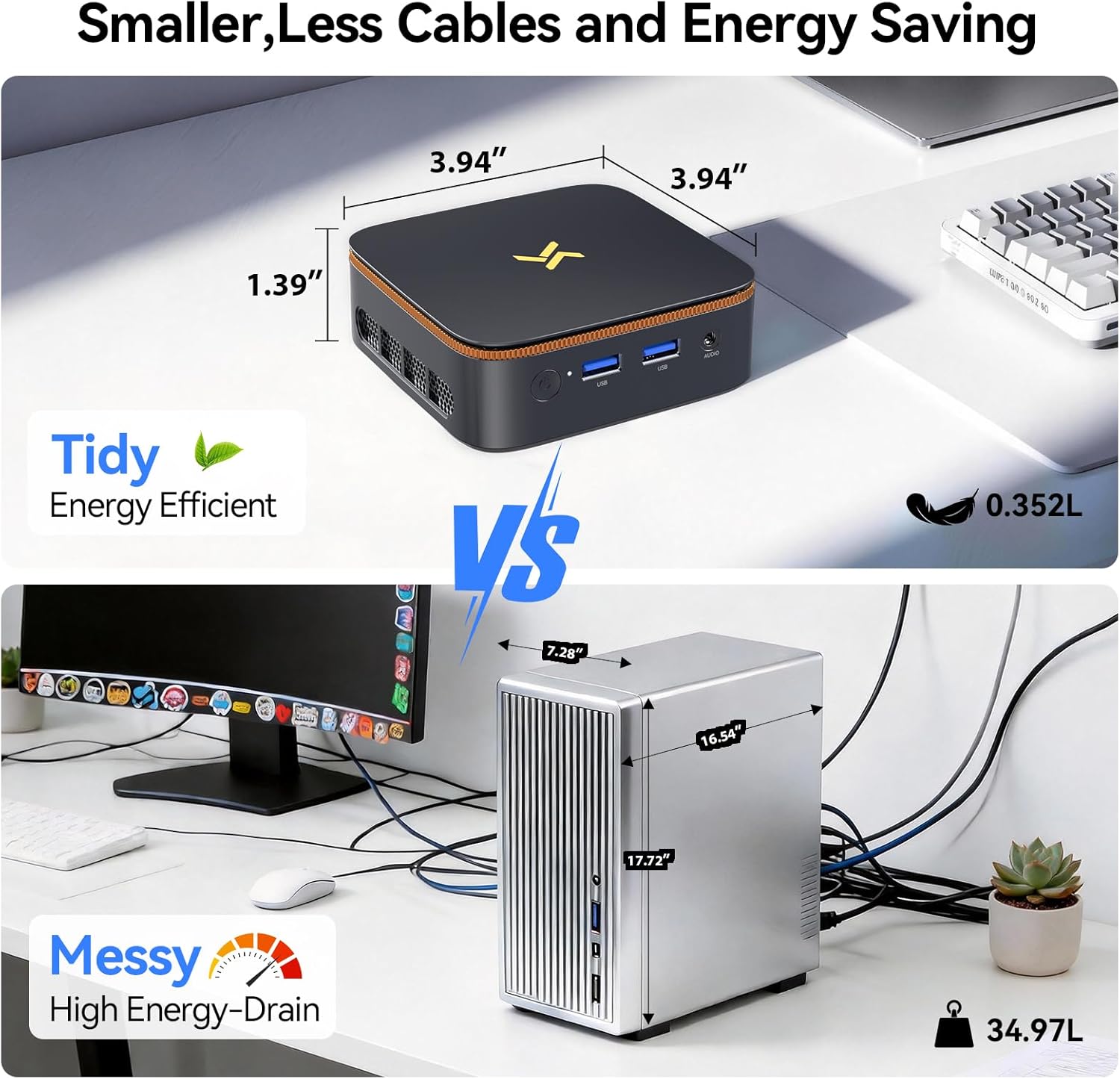
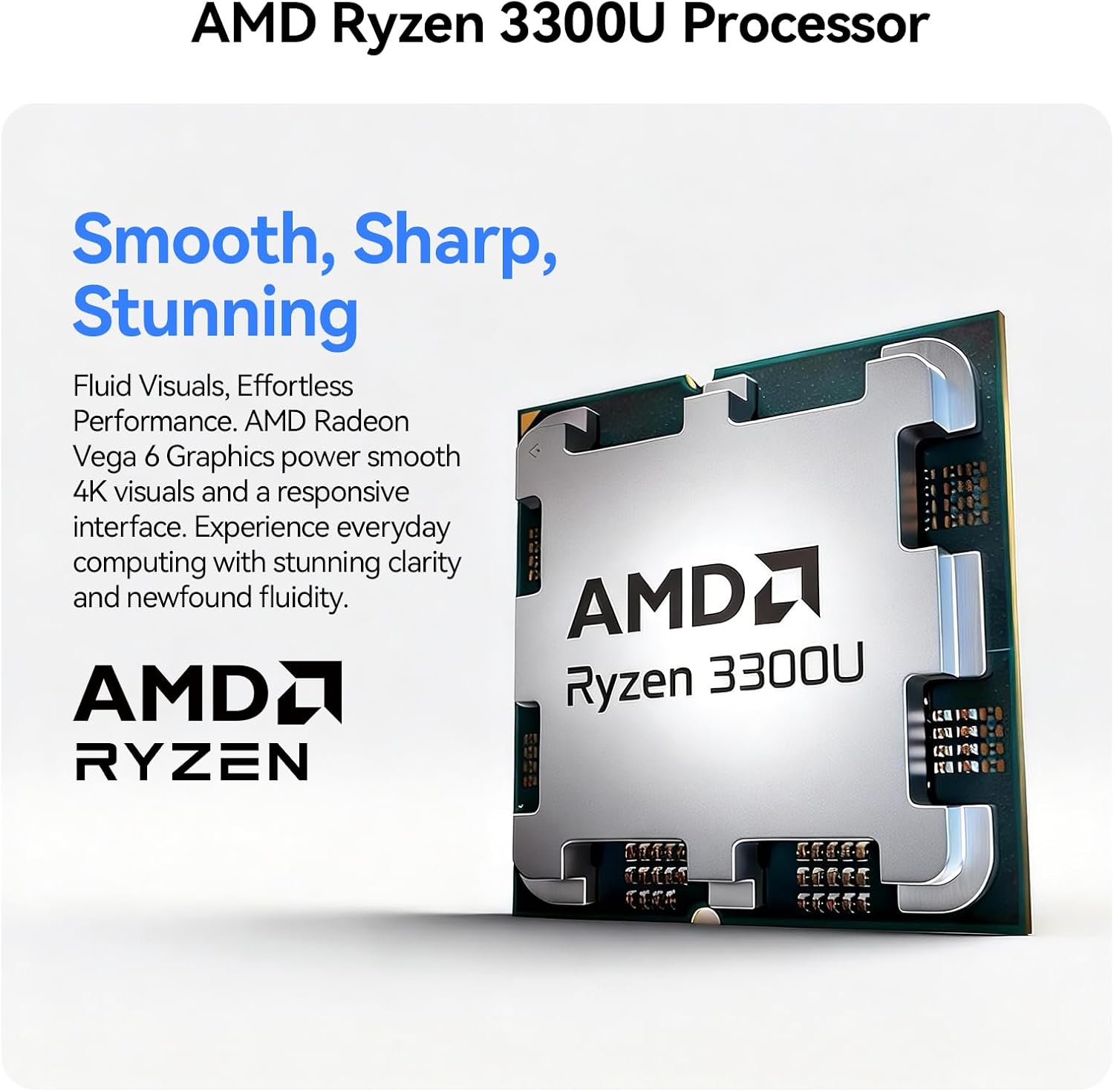
The Huidun H50 is a compact mini PC designed for home offices and small business use. With a Ryzen CPU and Radeon Vega 6 graphics, it aims to balance basic productivity tasks with light multimedia work, all from a footprint about the size of a small book and a weight of 265g.
How it performs on paper
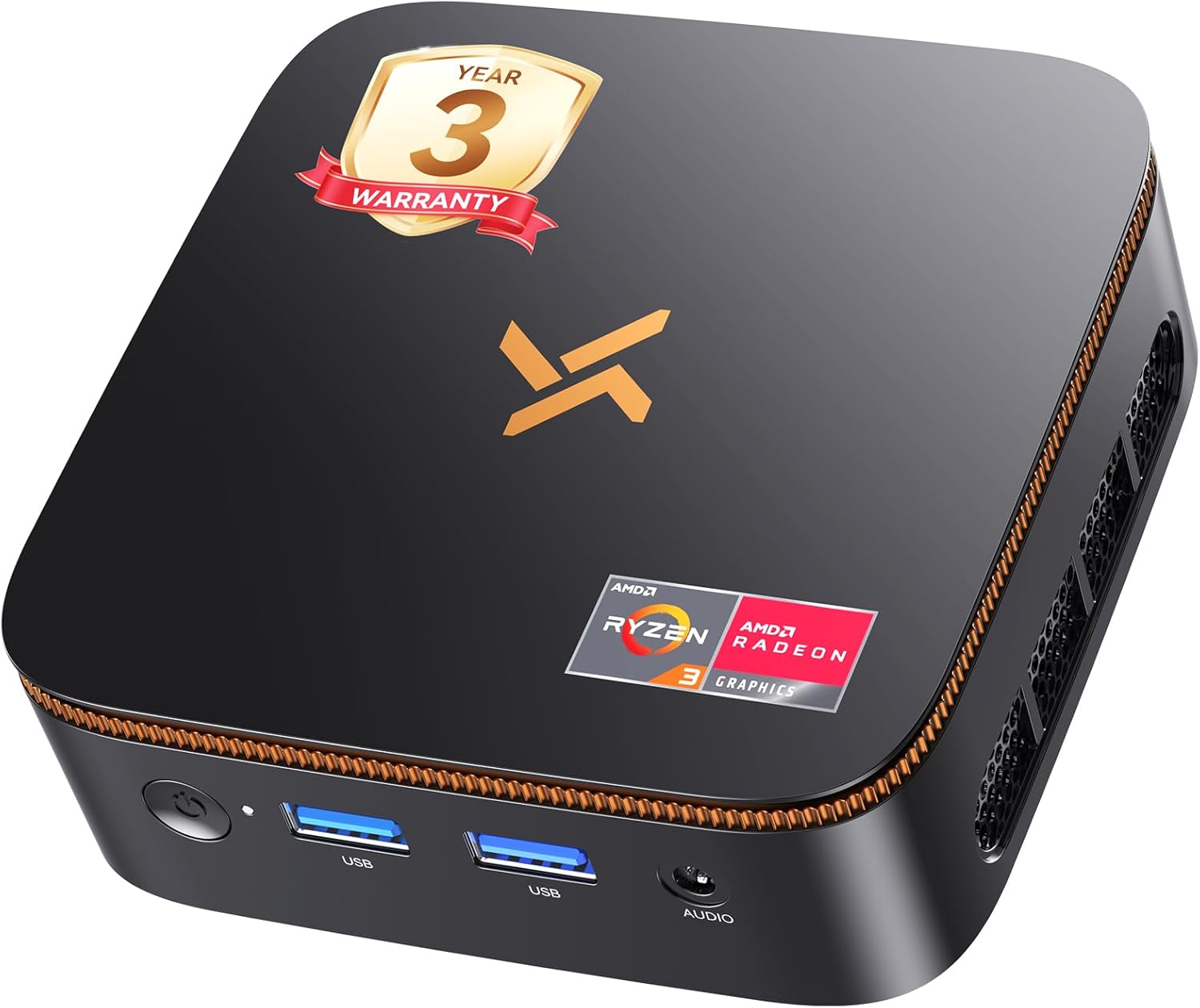
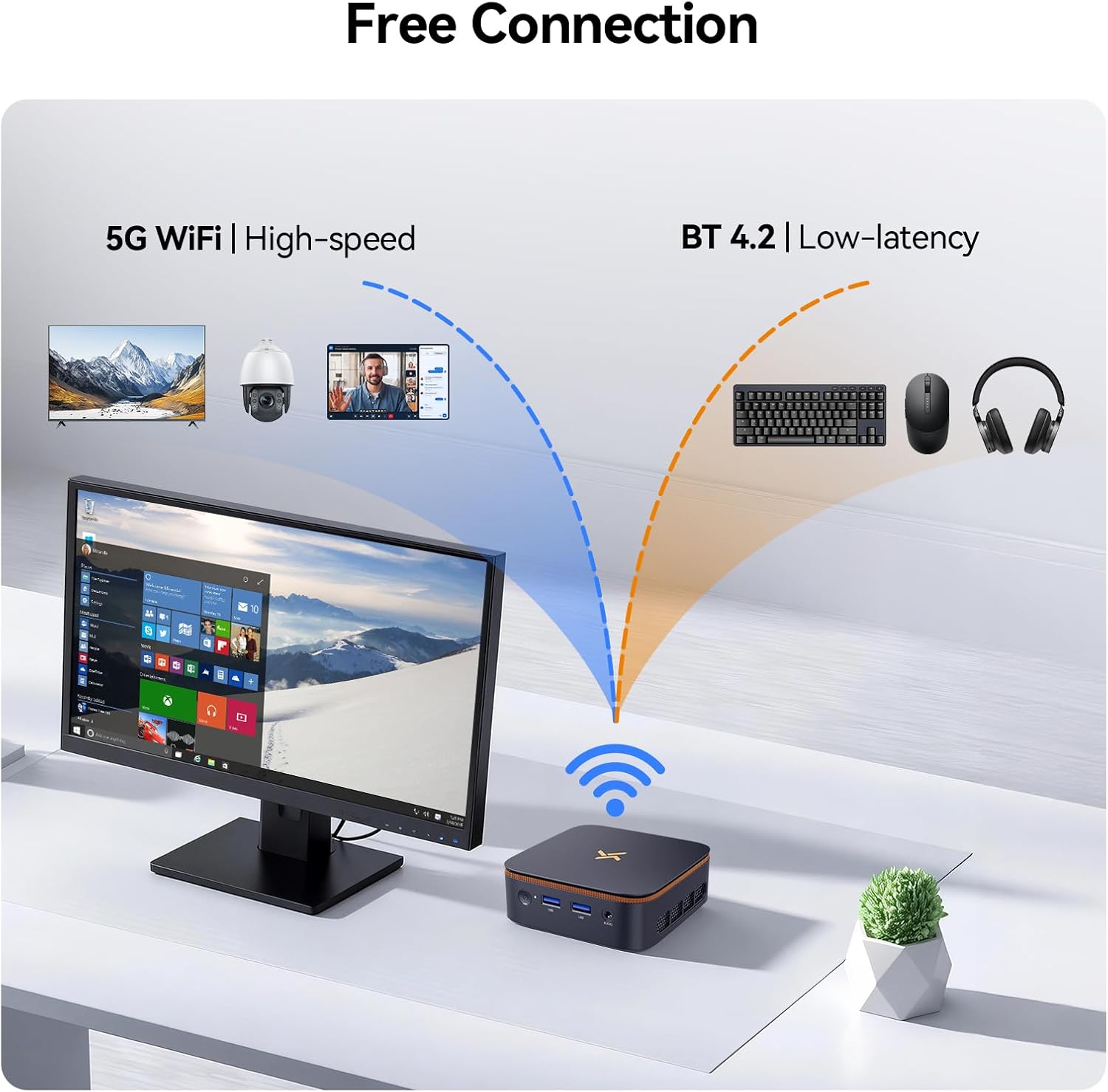
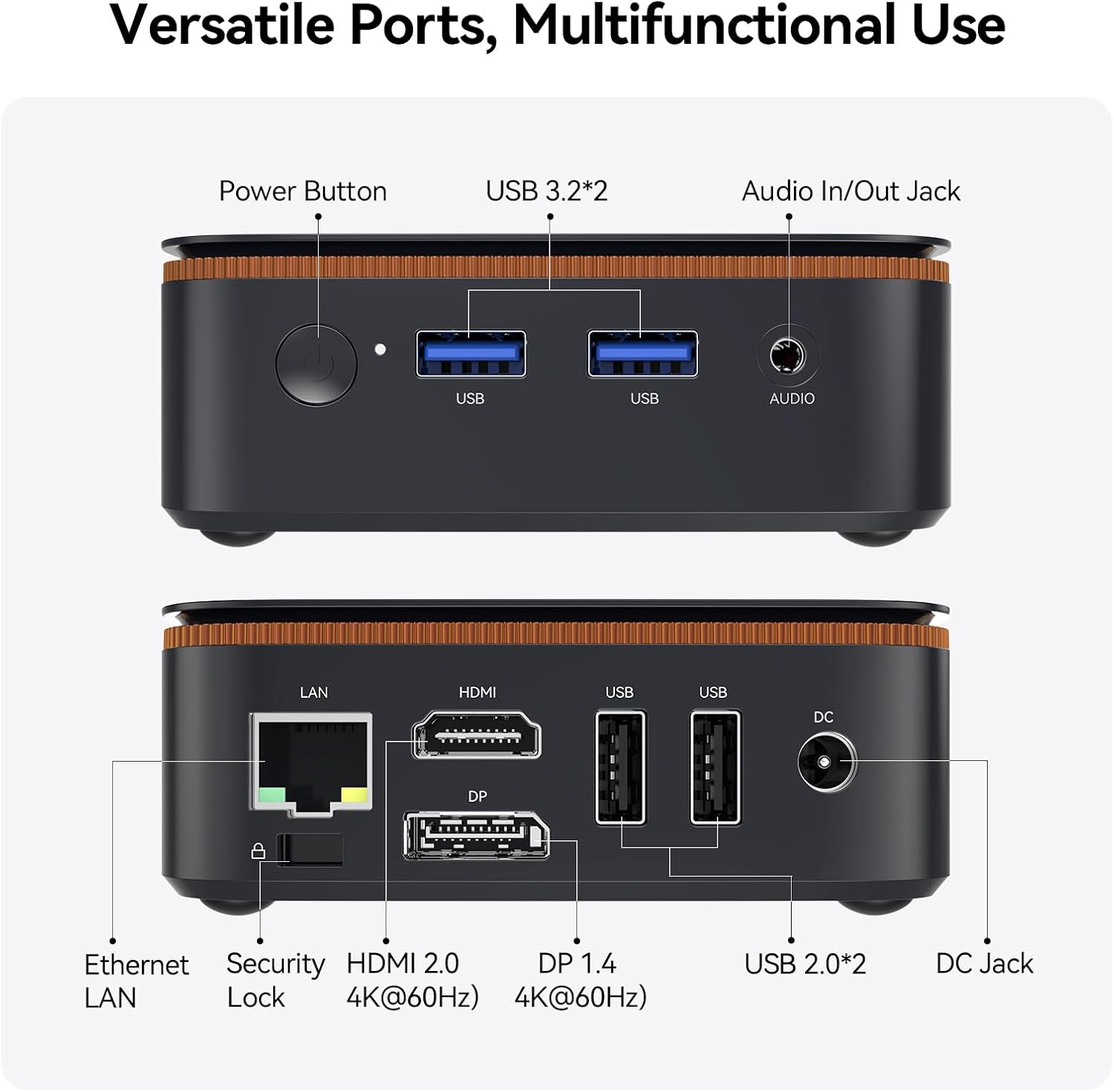
On the fundamentals, you get 16GB DDR4 RAM and a 512GB M.2 SSD, plus HDMI 2.0 and DP 1.4 for dual 4K display setups. The system ships with Windows 11 Pro and includes dual‑band WiFi, Bluetooth 4.2, and a practical port selection (USB, RJ45, HDMI, DP). Its cooling is designed to stay quiet at around 25dB, aided by a copper heat pipe and a dual‑fan layout, which helps maintain steady performance during typical office tasks.
Design and practicality
The H50 is deliberately small and light, enabling convenient placement behind a monitor via a VESA mount. This supports a tidy, cable‑free desk, which matters when you’re aiming for a distraction‑free workspace. The 15W processor design emphasizes efficiency and lower heat output, which can be helpful in a home environment where noise and power use matter.
What stands out day to day
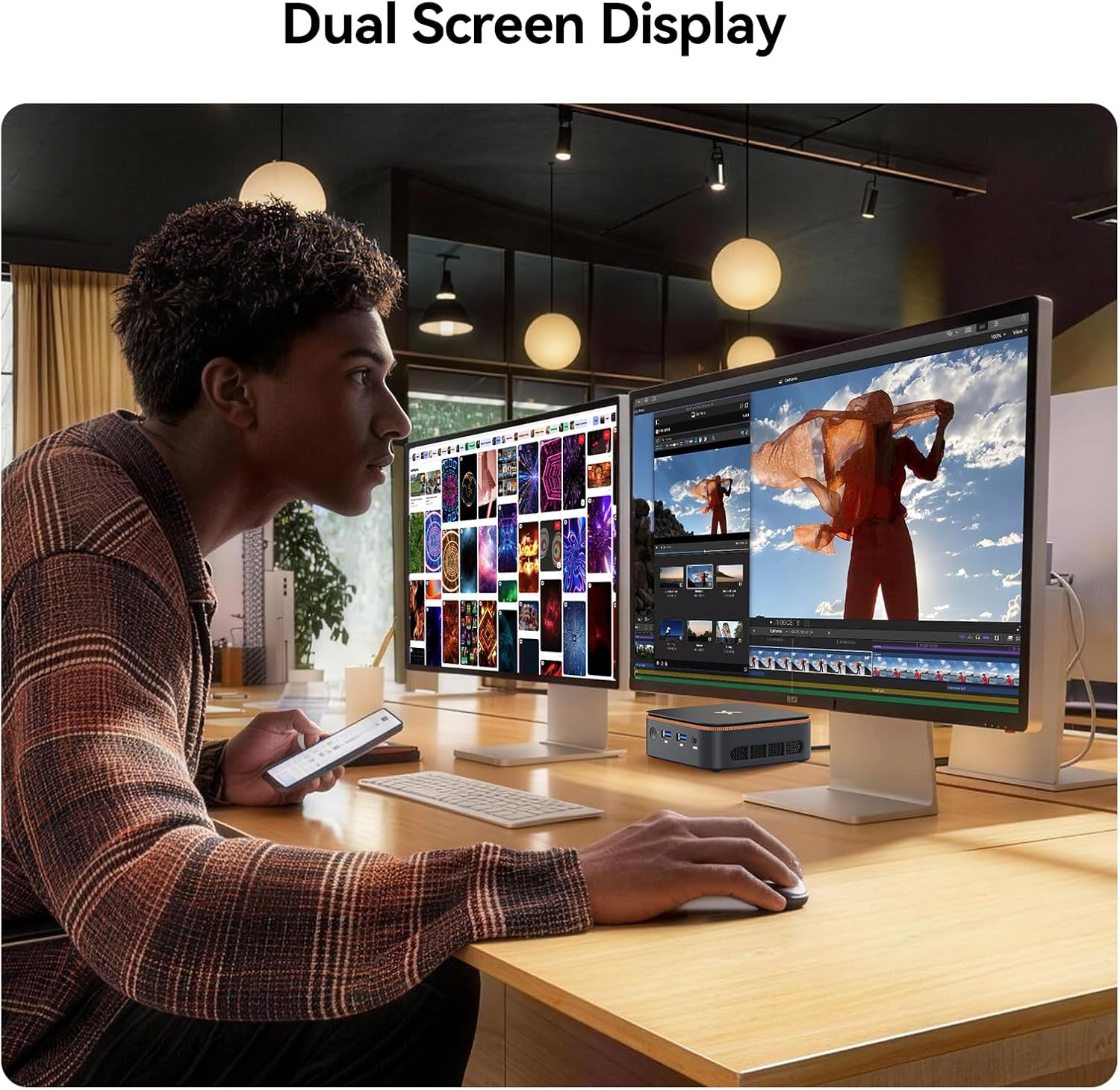
- Dual 4K display output makes it easier to multitask with spreadsheets and reference documents or to run video calls while reviewing materials on a second screen.
- 16GB RAM and 512GB SSD provide a responsive experience for everyday office tasks and light content creation.
- The VESA mount and compact footprint help you reclaim desk space and keep peripherals neatly connected.
Potential limitations
This device is positioned for productive work rather than heavy‑duty creative or gaming workloads. Radeon Vega 6 Graphics and the Ryzen tier are generally suitable for office apps, web browsing, and video conferencing, but may struggle with demanding renders or modern, high‑end gaming at high settings. If you prioritise peak CPU/GPU performance, you may want to consider higher‑spec options.
Who it’s for
- Remote workers and home office users who value a quiet, small form factor without compromising on a desktop feel.
- Professionals who need a dependable, easily upgradeable Windows 11 Pro machine with multiple screen support.
- Organisations seeking compact PCs for simple station setups or conference rooms where space is at a premium.
Who it isn’t for
- Gamers or professionals needing heavy 3D rendering or video editing at high resolution.
- Users expecting rapid internal storage expansion or PCIe GPU upgrades beyond the built‑in M.2 SSD capacity and 2TB expansion note.
When it makes sense to buy
If you want a compact PC that sits unobtrusively in a home office, supports dual 4K displays, and runs common professional apps with sensible power use, the H50 aligns with those needs. It’s a practical choice when space, quiet operation and a modern Windows Pro environment are priorities.
What to check before buying
- Confirm your monitor setup supports HDMI 2.0 or DP 1.4 for 4K at the resolutions you expect.
- Consider your storage needs and whether the built‑in 512GB SSD plus potential expansion will cover your projects.
- Ensure your network requirements are met by the dual‑band WiFi and Ethernet options for stable video calls and file transfers.
How it compares to the alternatives in its niche
If you’re weighing ultra‑compact PCs, the H50 tends to appeal to buyers who want a low‑noise, space‑savvy workstation with credible everyday performance rather than pure power. In this light, it sits above basic mini‑PCs in terms of RAM and onboard storage, while not aiming at the high end of CPU/GPU performance. For those who need more GPU headroom or extra processing power, a larger or more expensive build may be preferable.
FAQ (short answers)
- Does it come with Windows 11 Pro pre‑installed? Yes, Win 11 Pro is pre‑installed.
- Can I run two 4K monitors at once? Yes, via HDMI 2.0 and DP 1.4.
- Is it suitable for home entertainment or video calls? It’s capable for video calls and light media tasks, with quiet operation and a dual‑display setup.
Decision time
Is it worth it? Worth considering if you prioritise a small, quiet, efficient desk setup with dual 4K outputs and Windows Pro for home office tasks.