

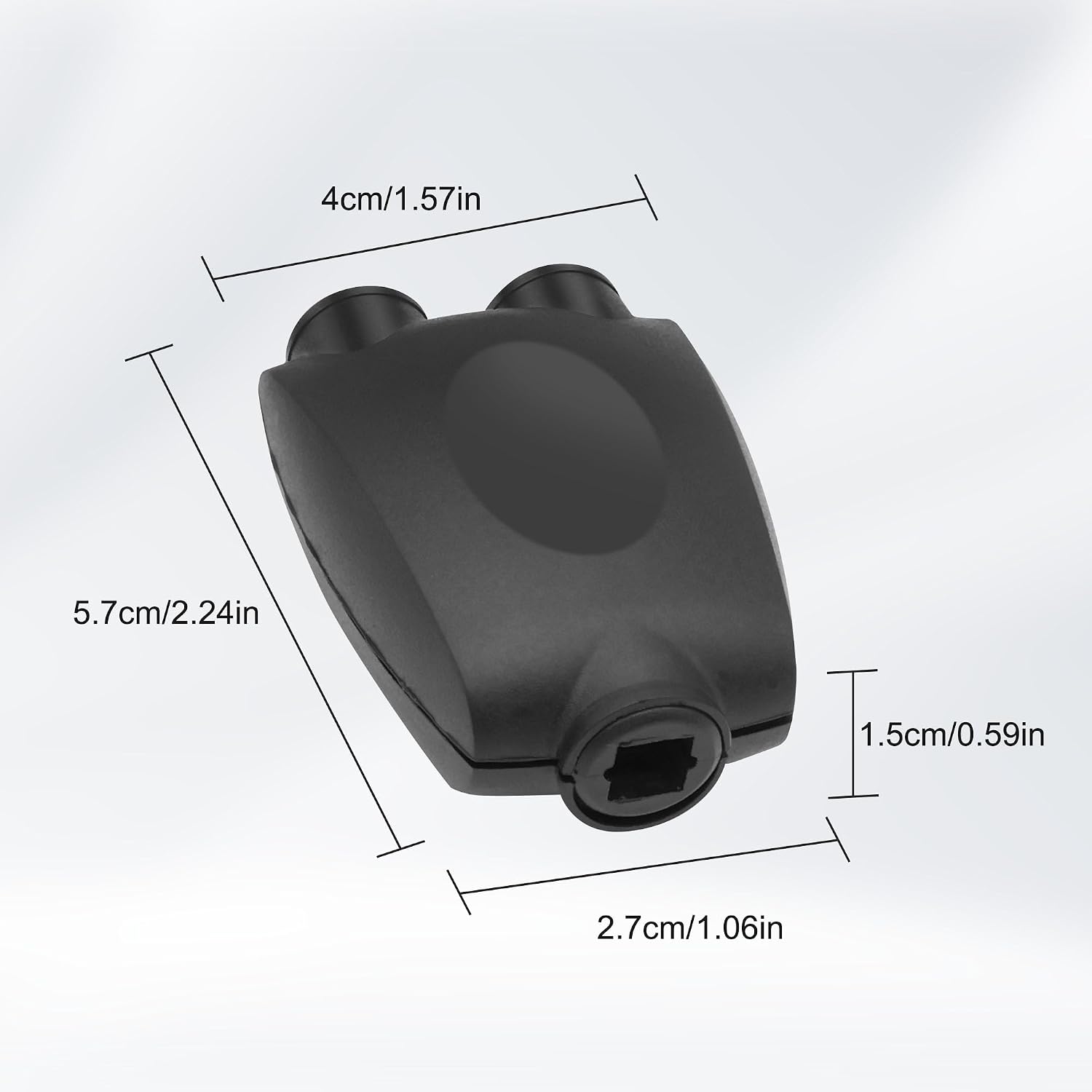
XMSJSIY Digital Optical Audio Splitter 1 in 2 Out (Toslink) – 24K Gold-plated, Passive Splitter
Product description
What it is and what it does
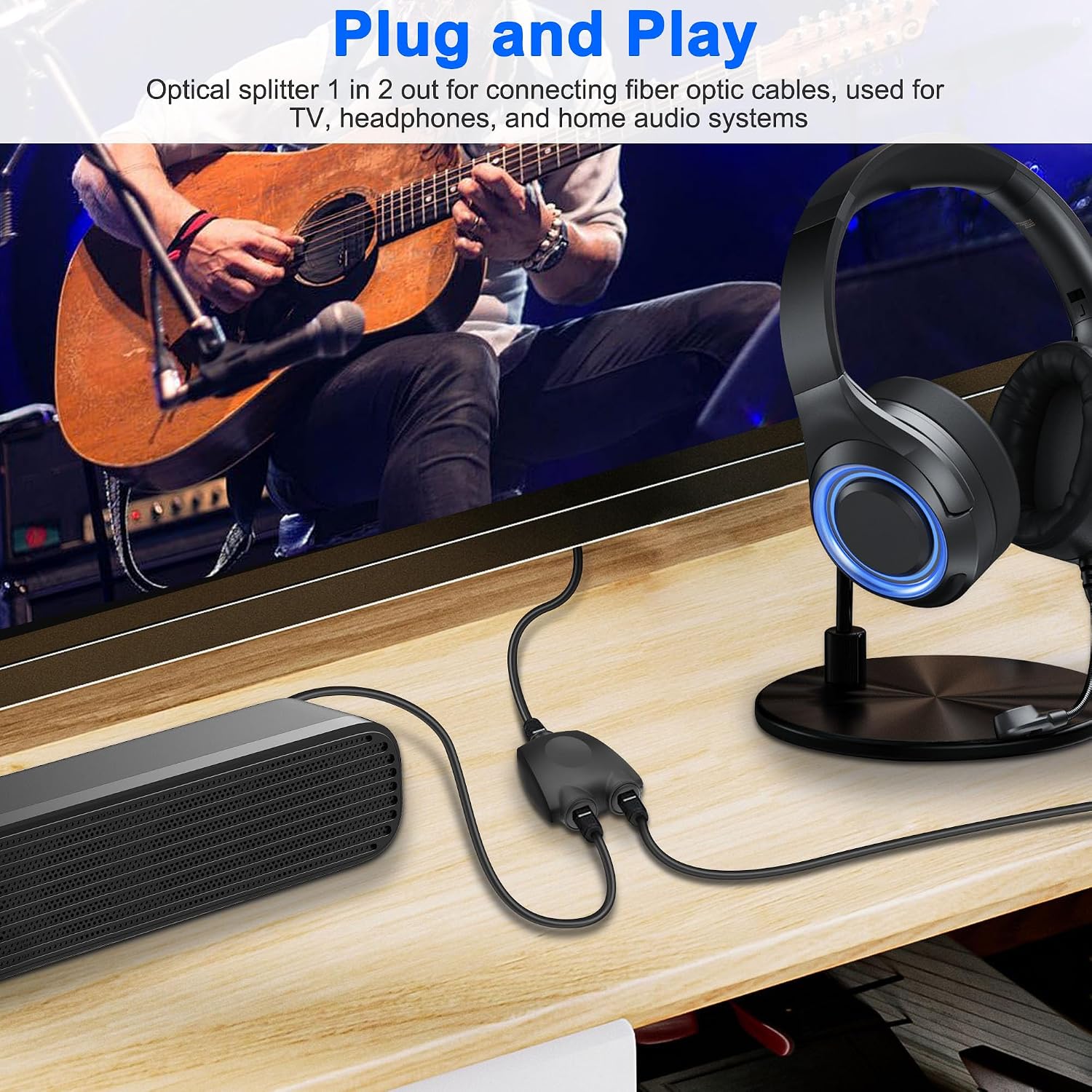
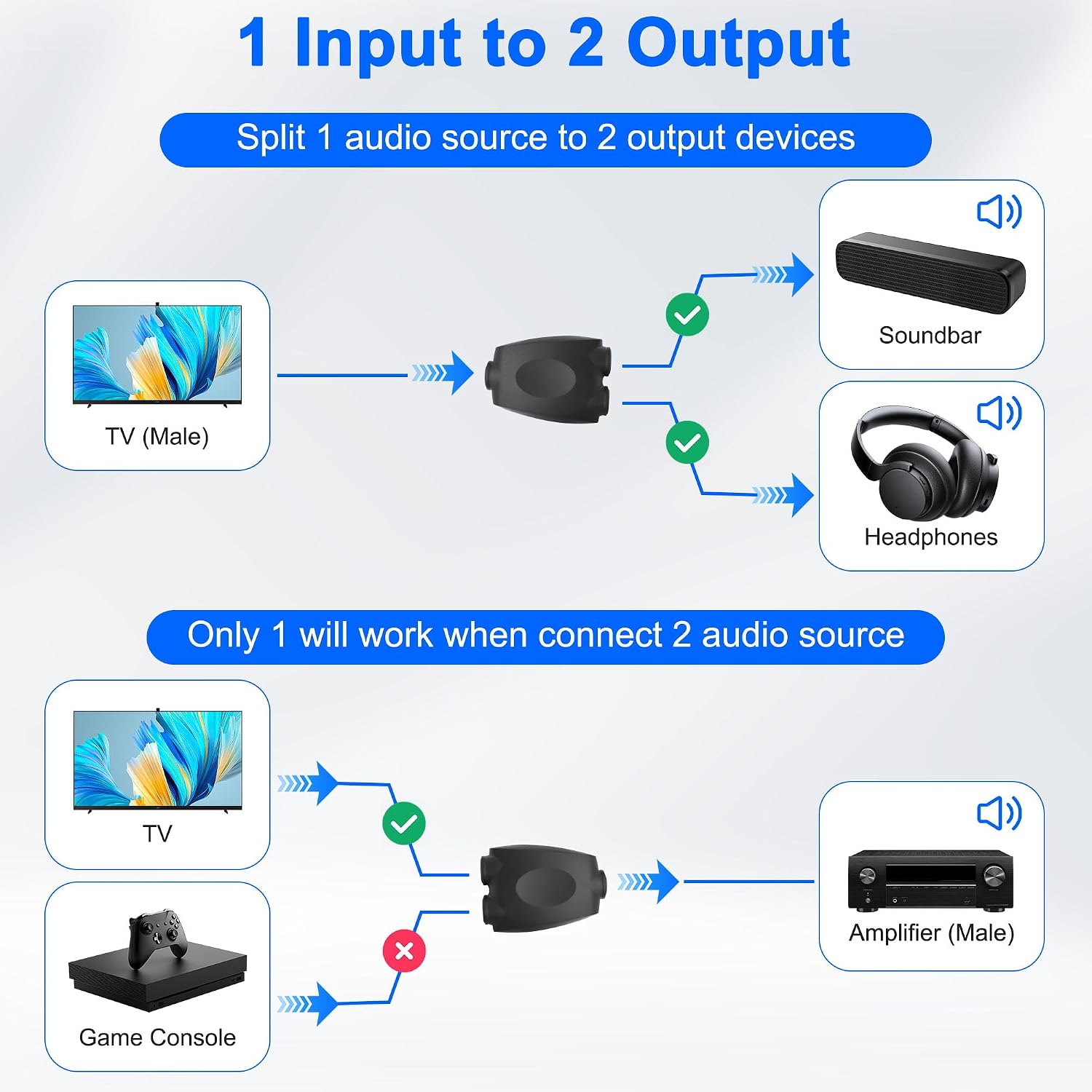
The XMSJSIY Digital Optical Audio Splitter is a Toslink passive device designed to take a single optical digital audio signal and split it into two outputs. In practice, this lets you feed two optical receivers—such as a soundbar and a TV or a receiver and a DVD player—from one source. It’s a simple, maintenance-free accessory for home theatres where PCM or multi-channel audio needs to be shared across devices without a powered splitter.
Build and materials
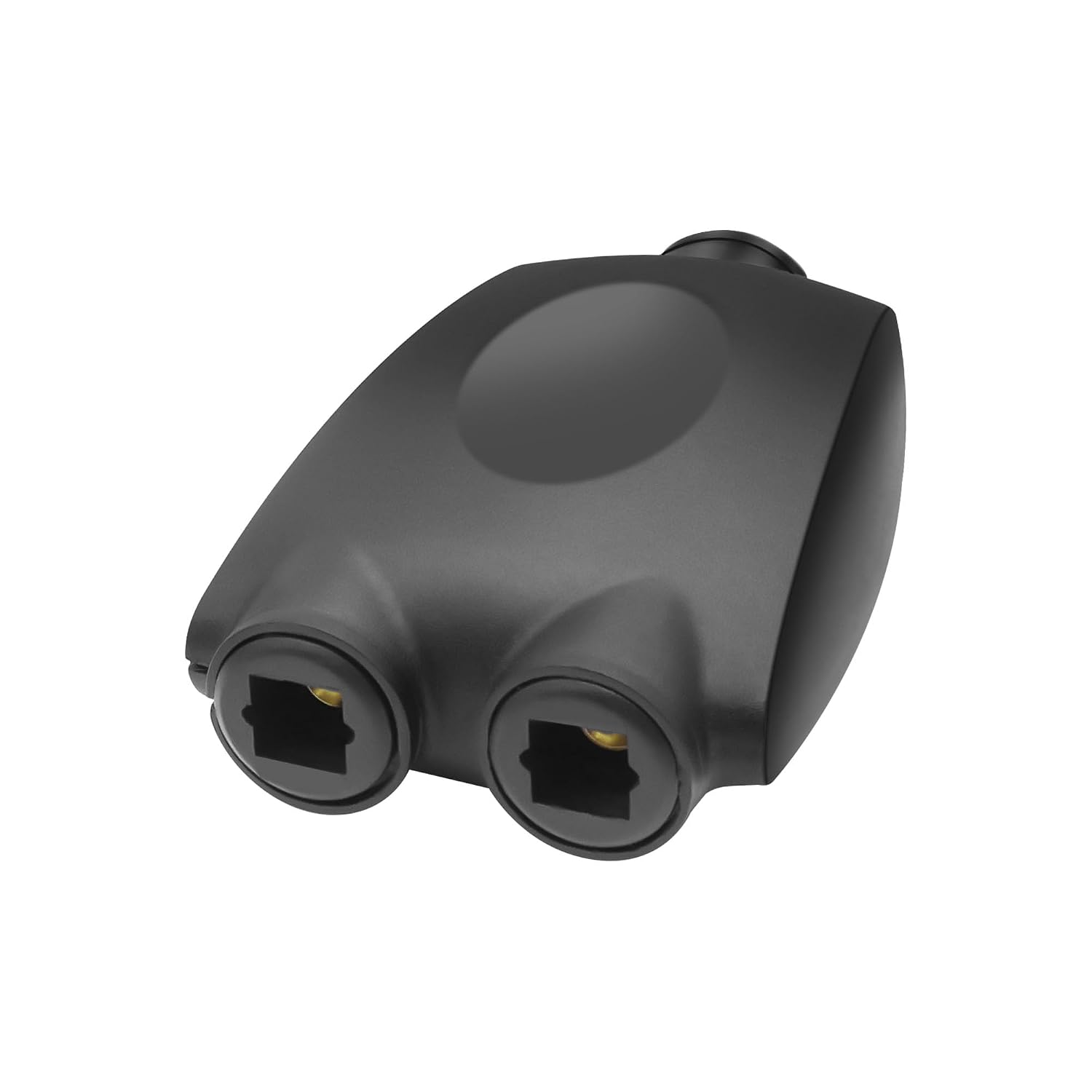
The splitter uses a PVC shell, which provides durability for everyday use. The contacts are 24K gold-plated, aiming to improve conductivity and help keep the signal clear across connections. As a passive splitter, it doesn’t require its own power supply and relies on the optical drivers of the connected devices.
What it supports (audio formats)
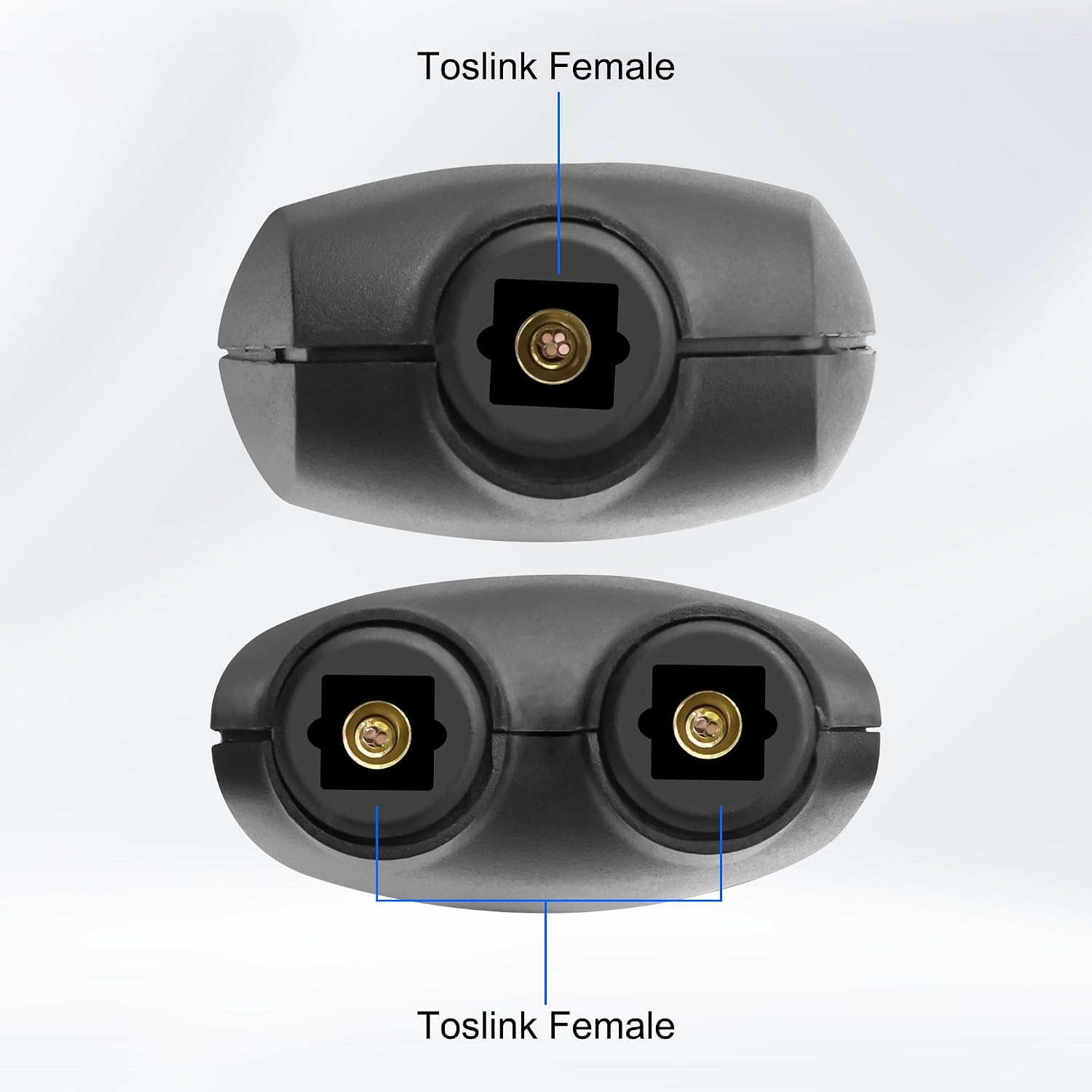
On paper, it’s compatible with uncompressed PCM audio as well as compressed multi-channel surround sound formats (5.1 to 7.1). In other words, if your gear supports Toslink input and output, this adapter should keep the signal intact for the listening experience.
Practical considerations and limitations
Because this is a passive splitter, the quality of the audio can depend on the originating source and the receiving equipment. It’s not a regulator or booster, so long cable runs or marginal optical quality can introduce issues. It also relies on the two connected devices negotiating the same format and sampling rate. If you’re chasing maximum volume or the most advanced surround decoding, you may notice limitations relative to a powered splitter or a dedicated audio matrix.
Who it’s for
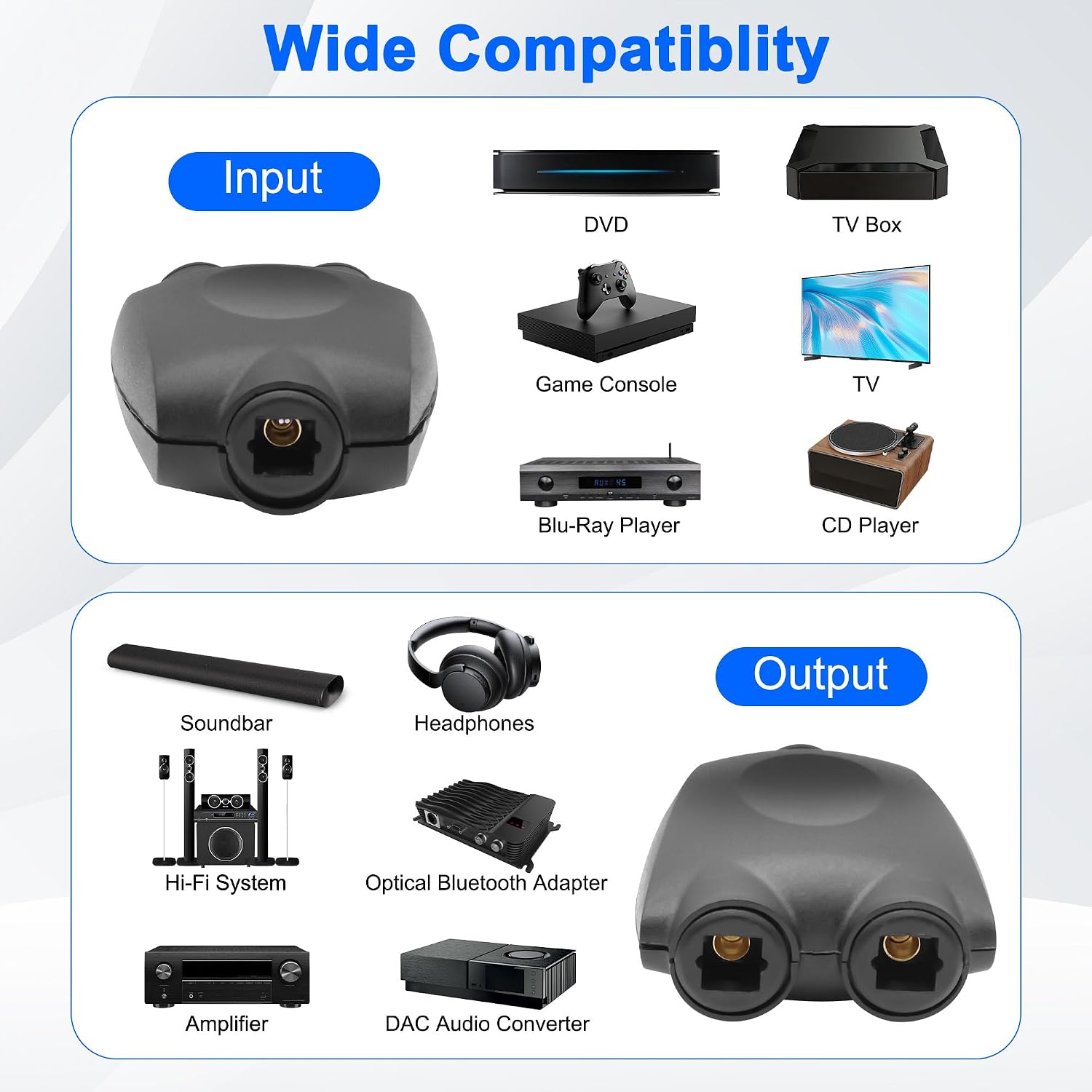
This product is well-suited for households with multiple optical inputs but a single optical output from a player or computer. If your setup involves a soundbar and a TV that both need to hear from the same source, or you’re trying to feed two optical devices from one optical player, this splitter offers a compact, inexpensive solution without extra power plugs.
When it makes sense to buy
- You want a straightforward, plug-and-play method to share an optical signal between two devices.
- Your devices support Toslink and you’re not pushing the limits of high-end surround processing.
- You prefer a compact, debris-free connection with gold-plated contacts for better conductivity.
When you might want to pass
- If you rely on very long optical cable lengths or you require the strongest possible signal for high-end theatre setups, a powered or more robust matrix solution could be more reliable.
- If you frequently alternate which device receives the signal, a non-split approach or a switcher with manual selection may suit you better.
What to check before buying
- Confirm both target devices have Toslink ports and accept optical input from a splitter.
- Consider cable lengths, very long runs can reduce signal integrity in passive splits.
- Ensure the source device is capable of outputting the audio format you need (PCM, 5.1, etc.) without requiring downstream amplification.
A real-world scenario
Imagine you’re watching a movie from a Blu-ray player and want the same soundtrack on both the TV’s built-in speakers and a dedicated soundbar. Using this splitter, you can connect the player to the splitter and then run two Toslink cables to the TV and the soundbar. In practice, setup is quick and neat, with minimal clutter and no additional power bricks.
FAQ
- Q: Will this improve audio quality compared to using one device? A: It doesn’t amplify or boost the signal, it simply splits it. If both outputs negotiate well, you’ll get stereo or multi-channel audio on both devices, but performance depends on source and receivers.
- Q: Is it compatible with all optical formats? A: It’s described as compatible with PCM and 5.1–7.1 formats, real-world results depend on your equipment’s capabilities.
- Q: Do I need to install drivers or software? A: No. It’s a passive hardware splitter, so no software is required.
Final verdict
Final verdict: Worth considering if you need a simple, low-cost way to share a single optical output between two devices and your setup stays within typical consumer audio limits. It’s not a substitute for high-end or mission-critical surround processing, and you may see the best results with shorter cable runs and compatible formats. If you prioritise a fuss-free, compact option and don’t expect to push the limits of multi-channel audio, this splitter offers sensible value for everyday use.