

OREI HDMI Splitter 1 in 2 Out 4K (1x2) – Mirror/Duplicate, Powered, USB Cable Included
Product description
What it is and what it does
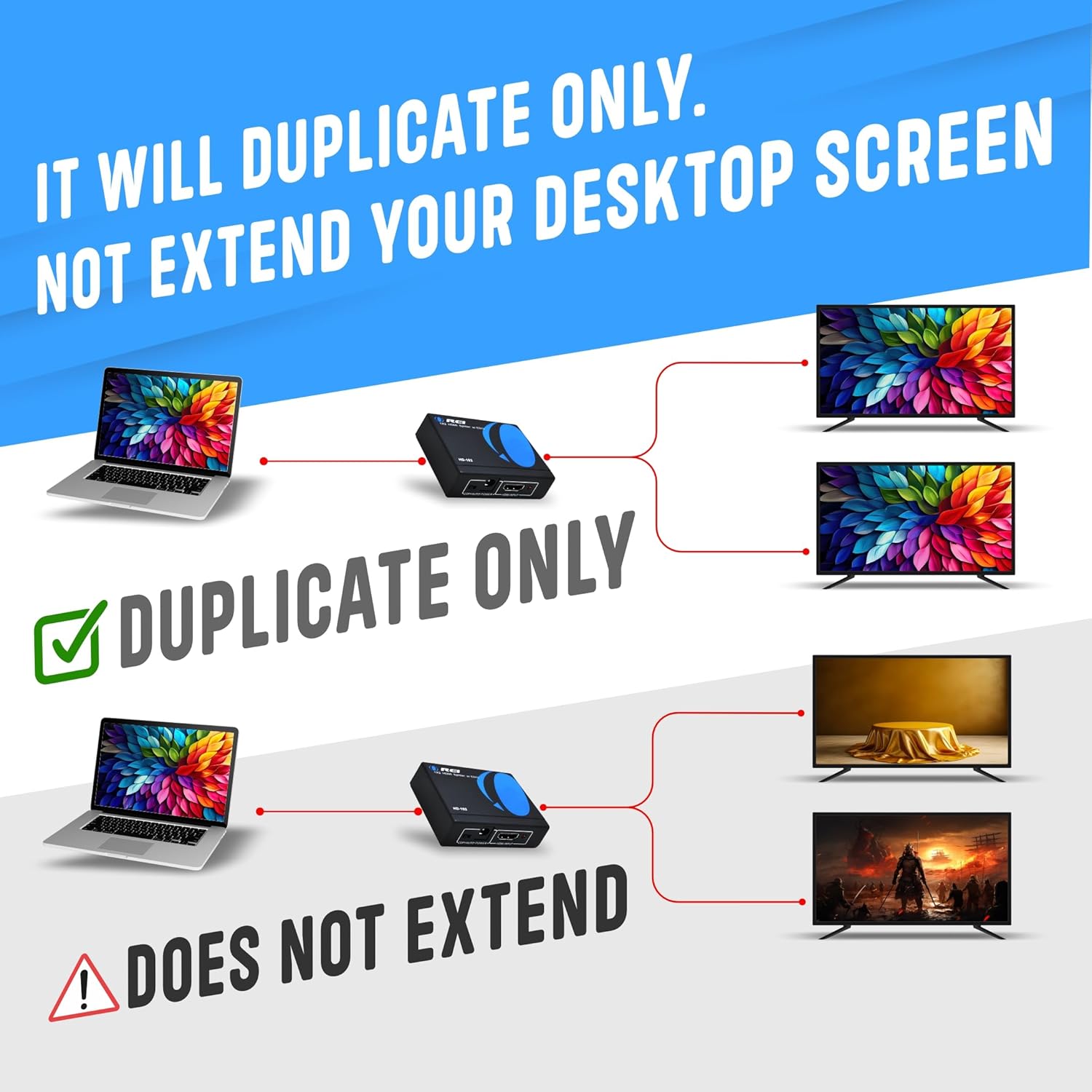
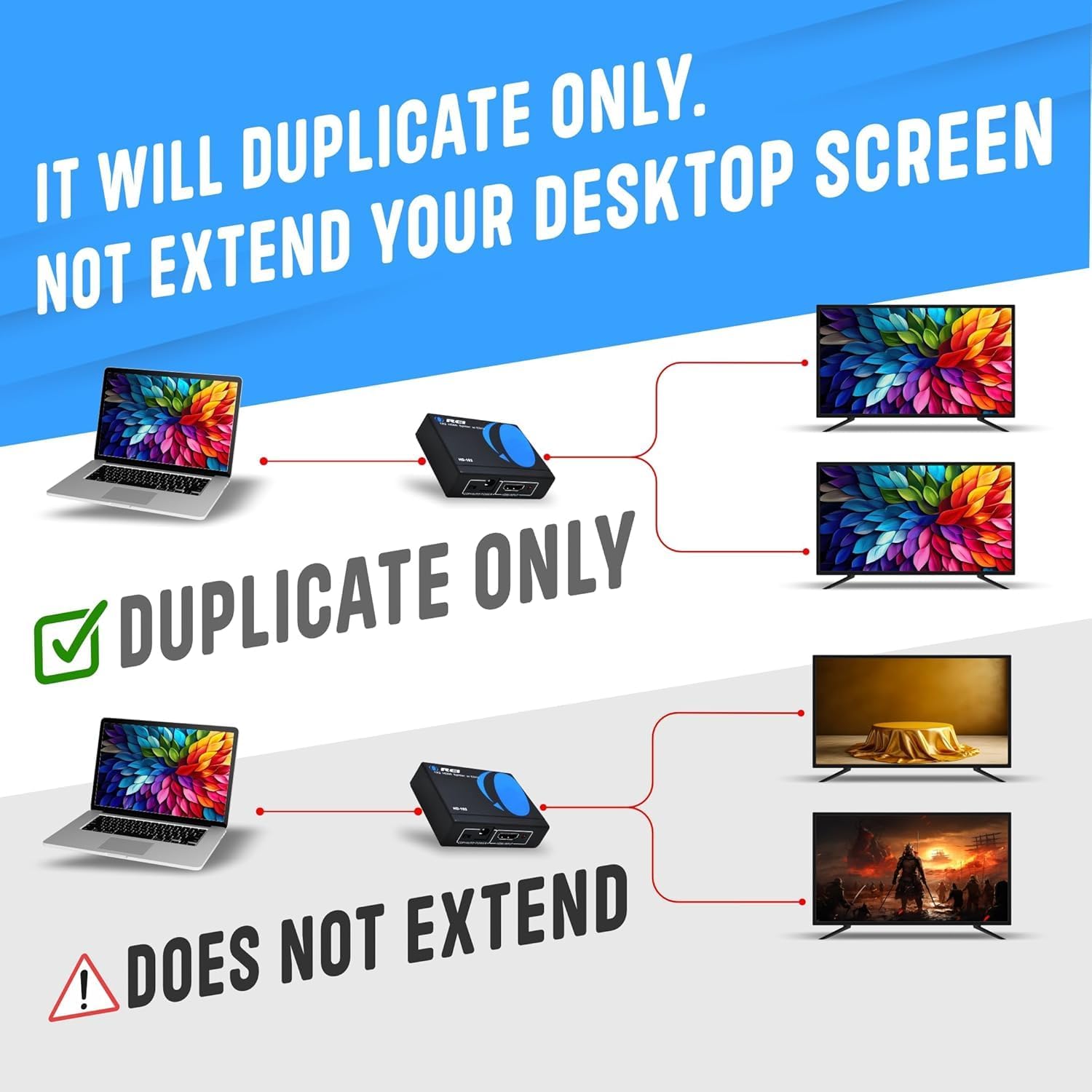
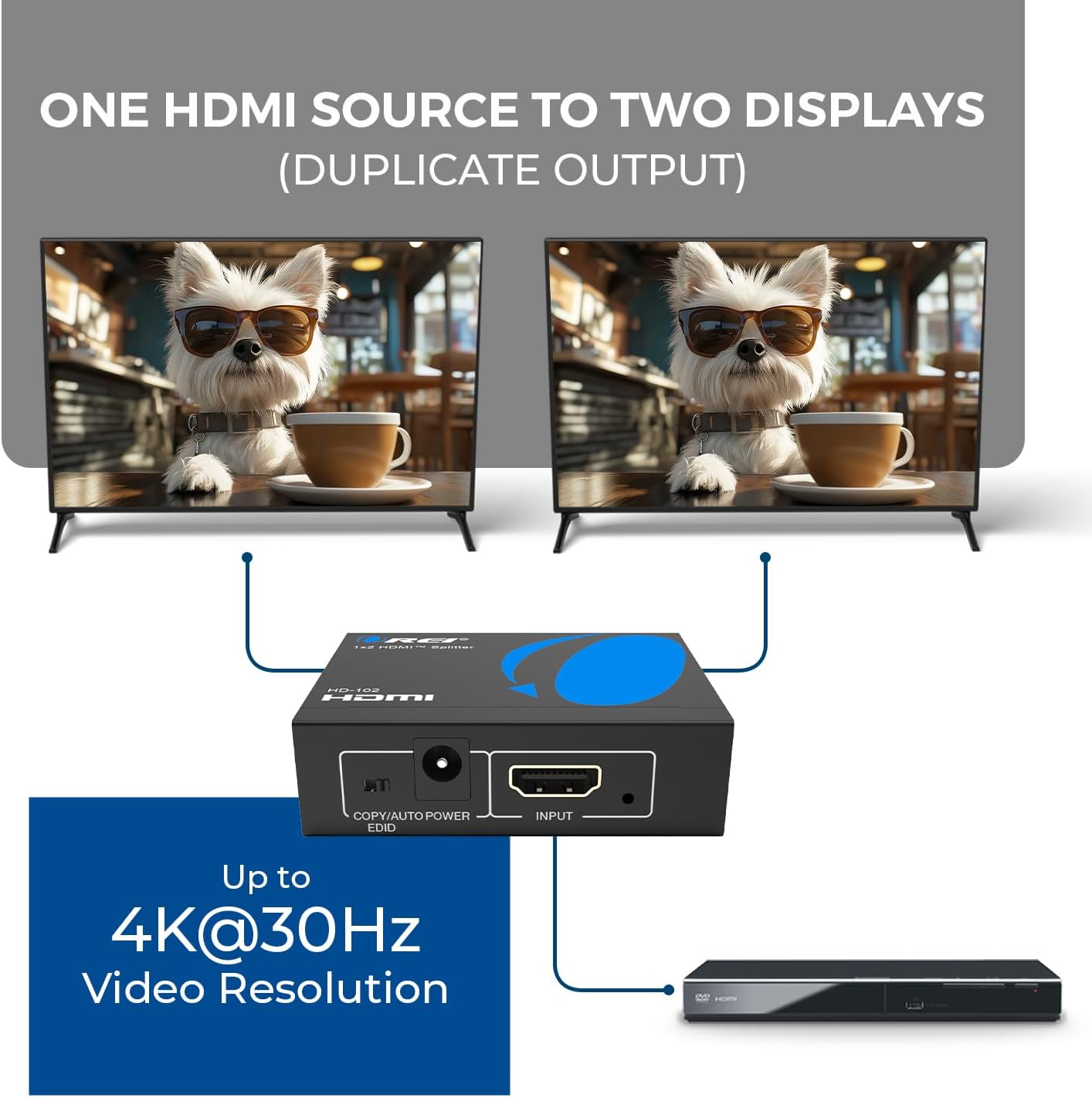
The OREI HDMI Splitter 1 in2 Out is a simple solution to duplicate a single HDMI source to two displays. It’s designed for mirroring the input signal rather than extending desktops, making it suitable for presentations where both screens need to show exactly the same content.
How it works and what it supports
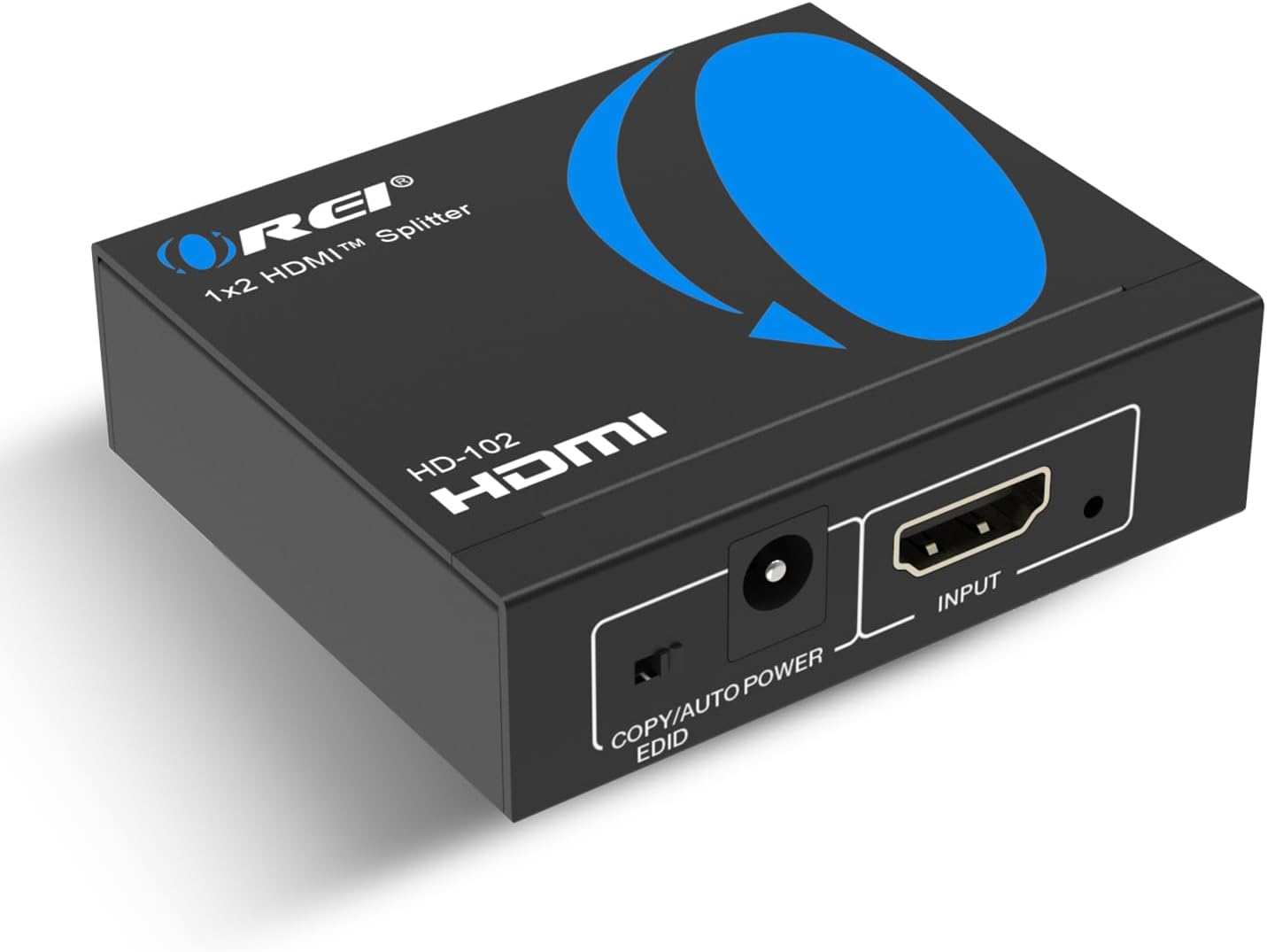
This unit accepts HDMI 1.2/1.3/1.4 signals and outputs two identical HDMI signals. It supports full 4K x 2K at 30Hz and 1080p at 60Hz, along with Deep Colour and a range of common video formats. It does not bypass HDCP, so content protection remains in place. An included USB power cable helps keep the unit cool and reliable during extended use, though power from the USB is optional depending on the setup.
Build, heat management and durability
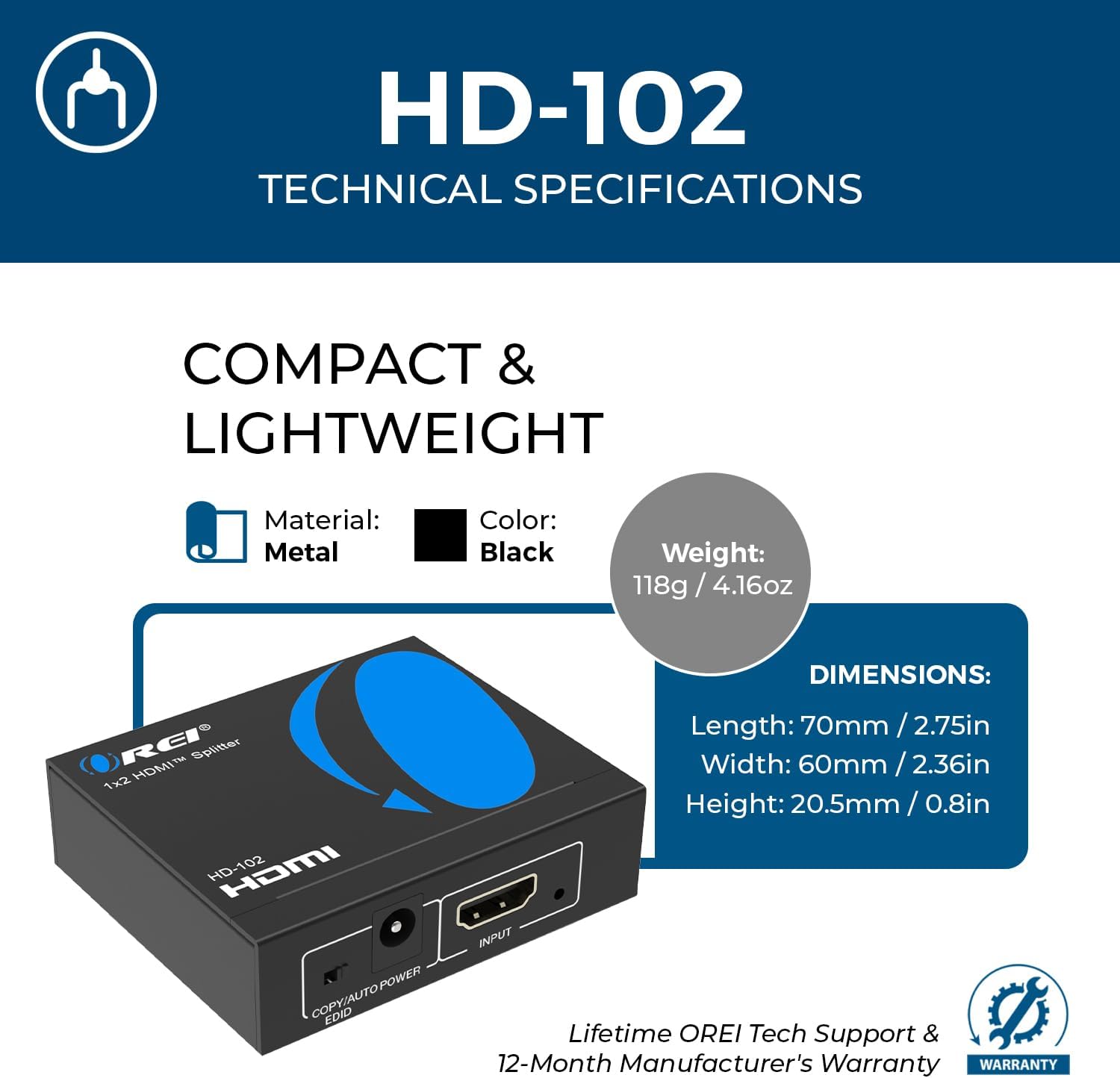
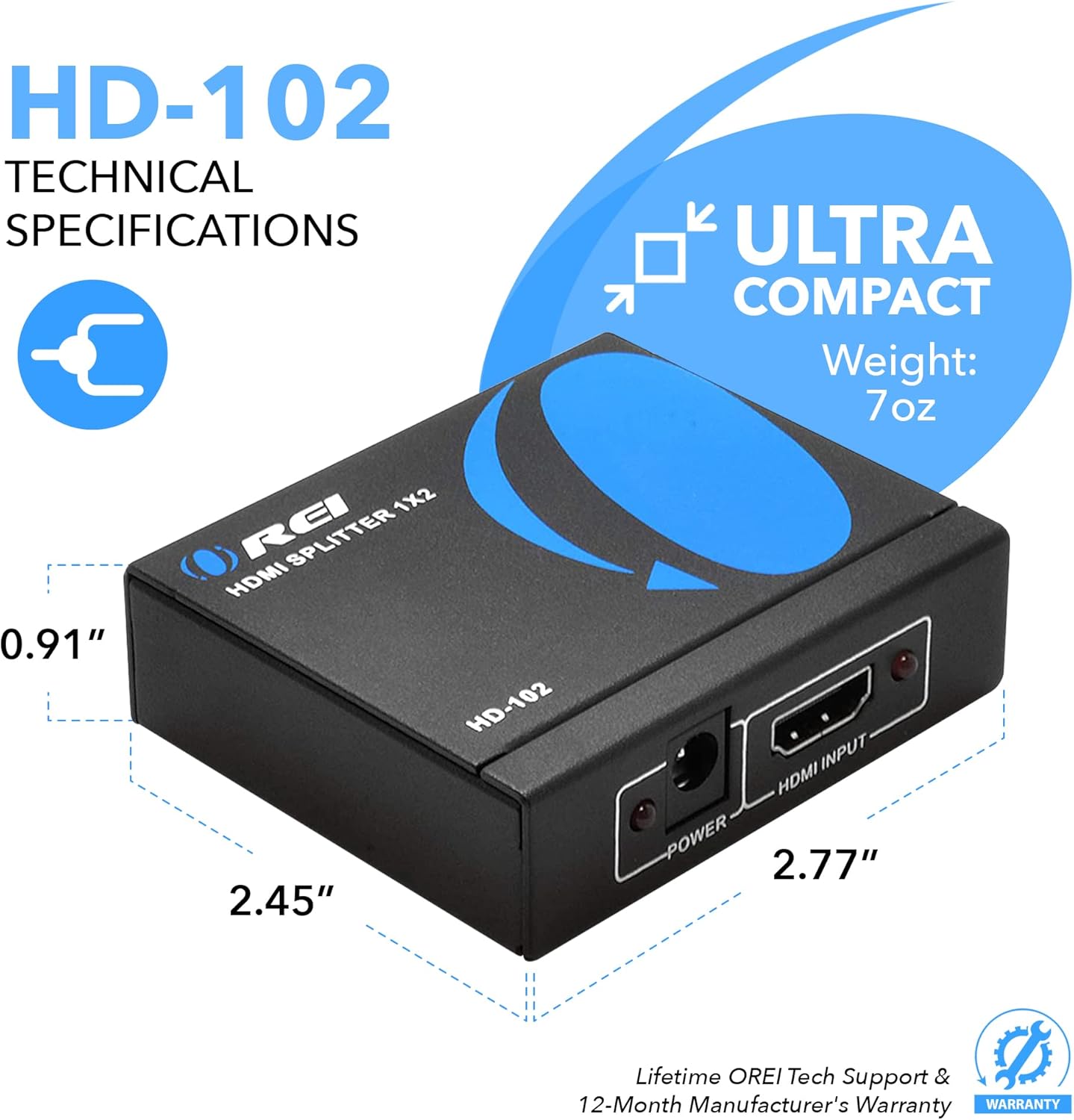
Housed in a heavy-duty metal enclosure, the splitter is built to handle daily use and helps with heat dissipation. This can be a practical benefit if you’re running the splitter for longer periods in a fixed installation or during back-to-back presentations.
What you’ll notice in everyday use
If you’re connecting from a computer, game console, Blu-ray player or streaming stick to two displays (TVs or monitors), you’ll get identical output on both screens. The key caveat is that the same content appears on both displays, it won’t give you additional workspace or separate tasks across screens.
Pros and cons at a glance
Pros: simple setup, reliable mirrored output, supports 4K at 30Hz and 1080p up to 60Hz, metal chassis, USB-powered option. Cons: no extension functionality, HDCP not bypassed, distance notes suggest keeping HDMI cabling under 30 feet for best quality.
Ideal use cases and who it suits
This splitter is well-suited for classrooms, meeting rooms, or home setups where you want the same image on two displays—for instance, a projector and a television showing the same feed. If the goal is to compare content on two screens side by side or to ensure an audience at different angles sees the same image, it performs as expected.
When it might not be the best option
If you need to extend a desktop across displays or require HDCP 2.0/2.2 compatibility, this model won’t meet those needs. Likewise, if you’re planning to drive high-refresh-rate gaming across two screens, you may notice limitations due to 4K @ 30Hz and 1080p @ 60Hz ceilings.
What to check before buying
- Confirm your source device’s HDMI version and HDCP requirements.
- Plan cabling length and keep within the 30 feet guidance to maintain picture quality.
- Decide whether you need mirror output only or if you actually require a multi-output extender with extended desktops.
Practical example of use
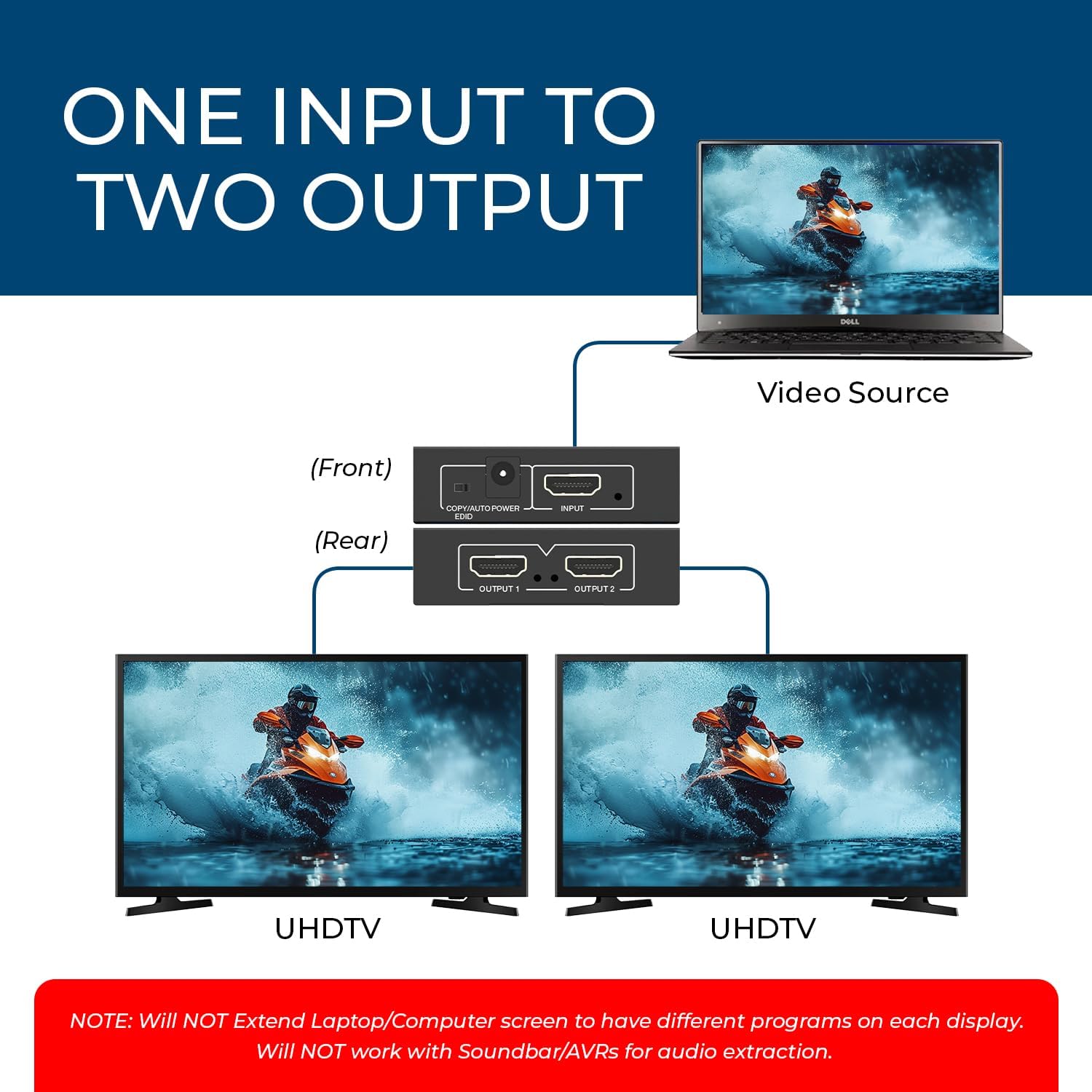
Imagine presenting from a laptop to both a projector and a large wall monitor. You connect the laptop to the splitter, then run two HDMI cables to the projector and the monitor. The same slide deck appears on both displays, with no lag between sources and outputs, which keeps everyone in sync during the talk.
Technical snapshot (brief)
- Input: 1 x HDMI
- Outputs: 2 x HDMI identical signals
- Video formats: 4K @ 30Hz, 1080p @ 60Hz, 3D supported
- HDCP: HDCP 1.4 (not bypassed)
- Power: USB power cable included (adapter not required)
- Cable distance guideline: up to 30 feet for best picture
The essentials
Overall, the OREI 1x2 HDMI splitter offers a straightforward, no-fuss way to duplicate an HDMI signal across two displays. It’s not a premium multi-display extender, but it does what it’s designed to do with clarity and durability. If you prioritise a reliable mirror output for presentations or shared viewing, and you don’t need to extend desktops, this unit is worth considering.
FAQ
- Will it bypass HDCP? No. It follows HDCP 1.4 and will not bypass newer protections.
- Do I need a power adapter? The USB power cable is included and can help with stability, but some setups may run without an external power adapter.
- How far can the cables be? Manufacturer guidance suggests up to 30 feet for the best results, longer runs may degrade quality.
Is it worth it?
Worth considering if you need a simple, durable splitter that mirrors from one source to two displays and you’re okay with 4K at 30Hz rather than higher refresh rates or extended desktop layouts.