

UGREEN Webcam for PC 1080p webcam
Reviews
Price
Product description
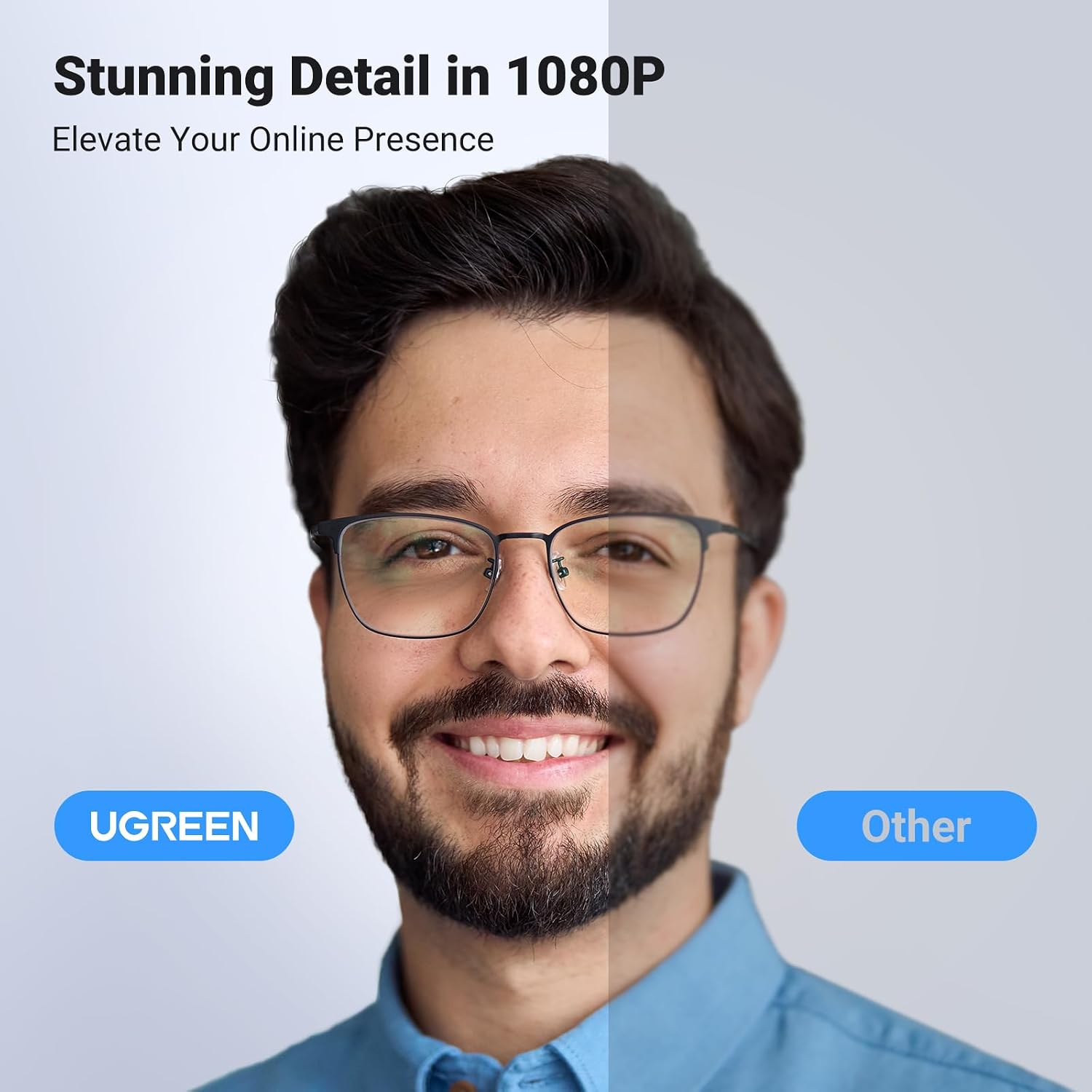
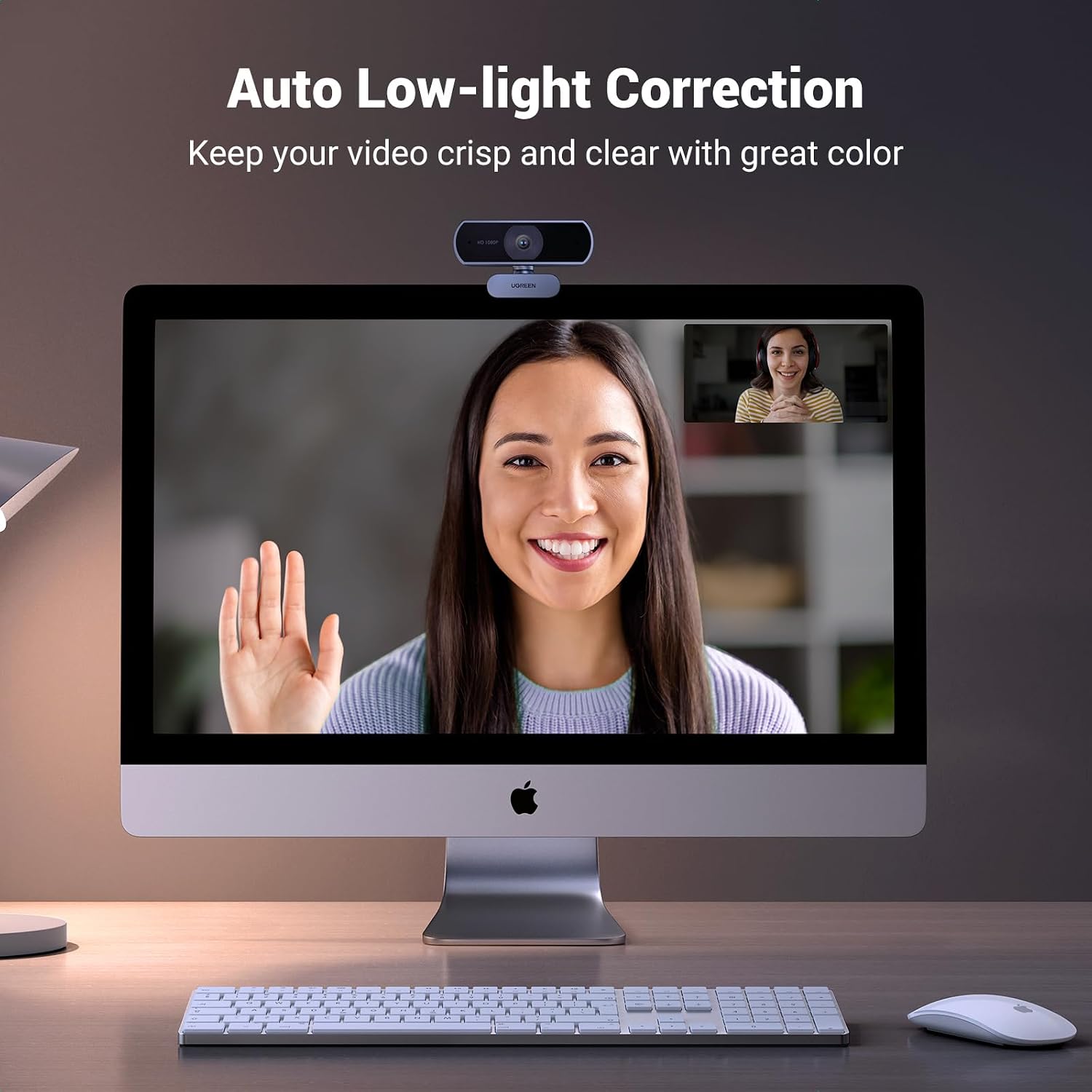
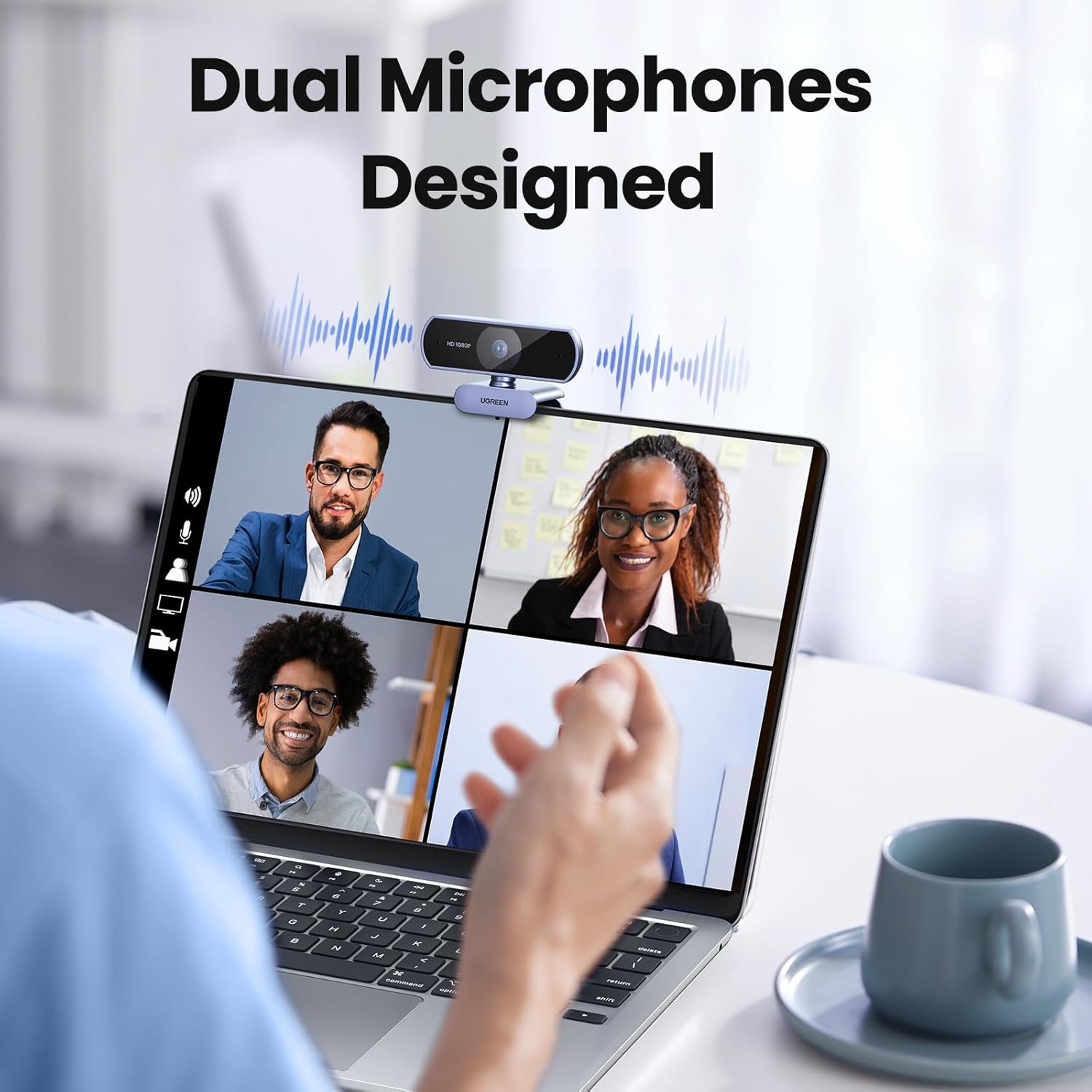
This compact UGREEN webcam delivers Full HD video and clear stereo sound for remote meetings, streaming and online lessons. With 1080p at 30fps and auto light correction, it helps maintain a sharp image in varied lighting, while the dual omnidirectional microphones capture voice from around the desk for group calls.
Key Points
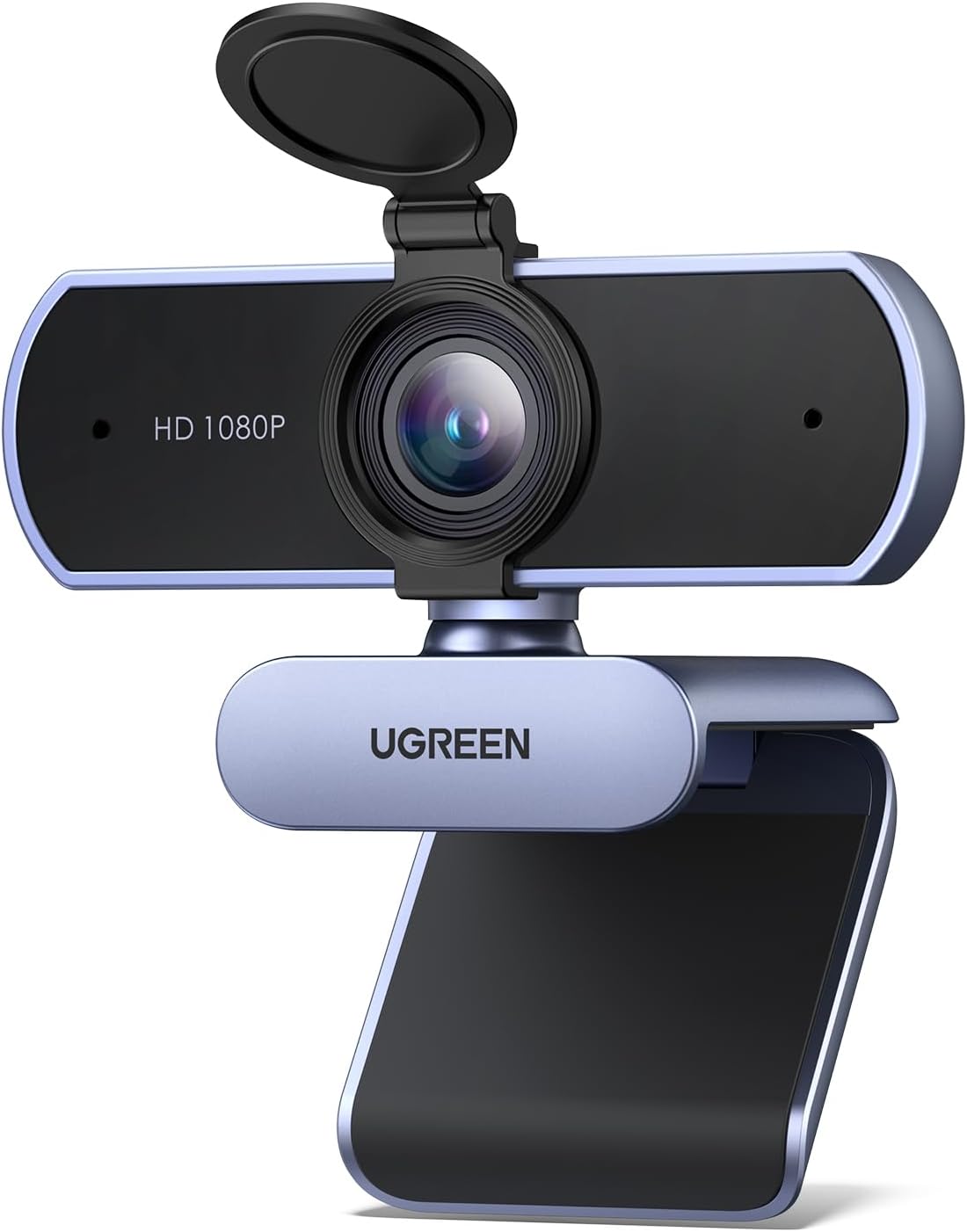
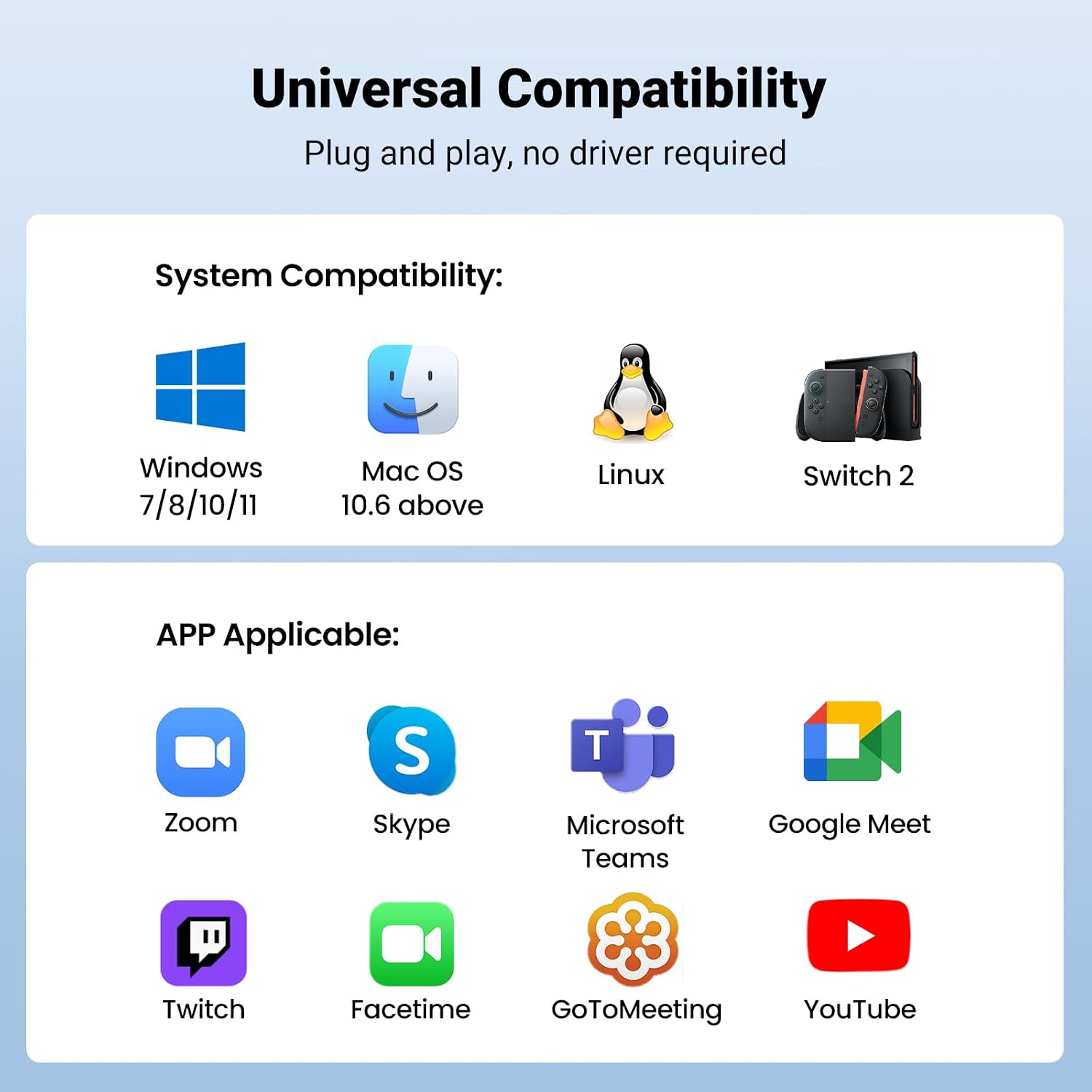
The camera supports 1080p at 30 frames per second, offering a fluid picture for video calls and live streaming. Auto light correction adjusts exposure in low light, improving contrast according to the manufacturer. Built-in dual omnidirectional microphones include noise reduction and can pick up sound at a distance of up to 3 metres, which is useful for small group discussions. Connection is via USB 2.0 and the cable length is around 2 metres, allowing flexible placement on a monitor or desktop. The unit is plug and play on common systems, so it is detected automatically without separate drivers for Windows, macOS, Linux and Android devices.
Technical Specifications
- Name: UGREEN Webcam for PC, Full HD 1080P/30fps
- Resolution: 1080p (1920 x 1080) at 30 fps
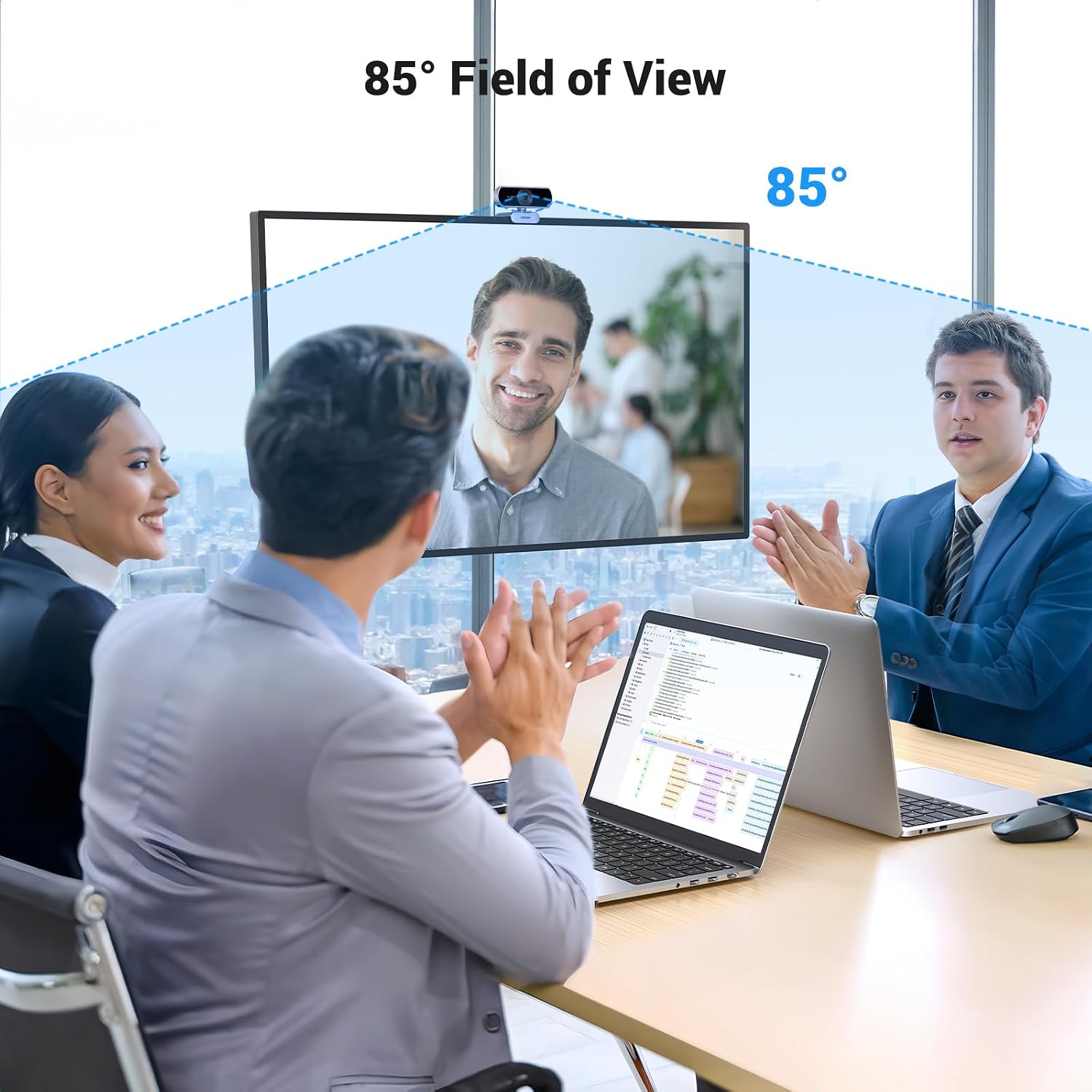
- View angle: 85°
- Microphones: Dual omnidirectional with noise reduction, up to 3 m pickup
- Interface and cable: USB 2.0, approximately 2 m long
Usage Recommendations
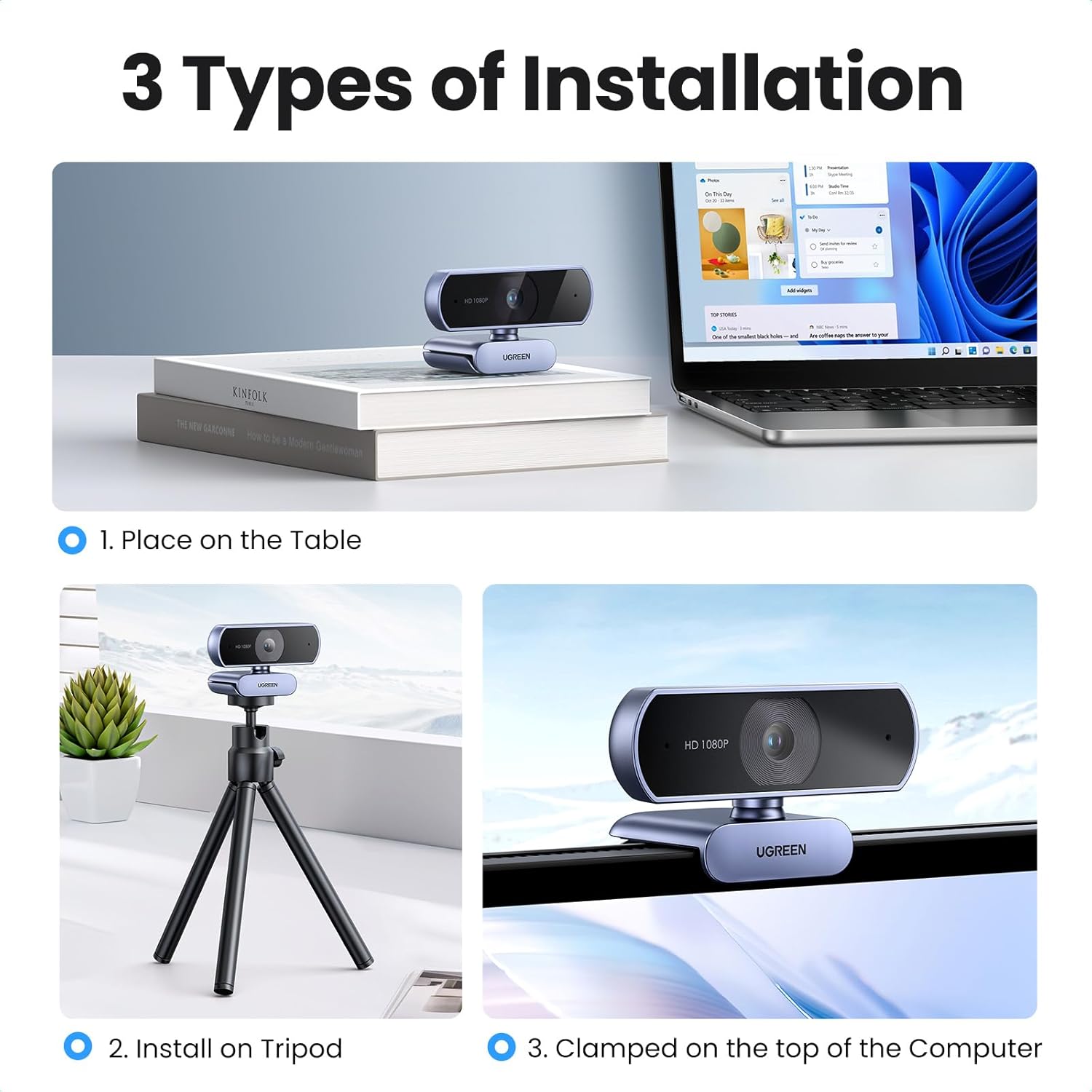
Clip the webcam to the top of a monitor or place it flat on a desk. The mount supports a tripod if you prefer elevated or more stable positioning. Rotate the camera horizontally 360 degrees and tilt it up or down by about 15 degrees to frame participants naturally. For best audio, position the webcam so speakers are within the 3 metre pickup range and reduce background noise where possible. Note that connection to a Nintendo Switch model requires a USB-A to USB-C adapter which is not included.
Practical Tips
Use available video-platform settings to select 1080p when bandwidth permits and switch down if your network is congested to avoid stuttering. If your room is dim, rely on the auto light correction but consider adding a simple desk lamp behind the camera for more consistent skin tones. The plug-and-play nature makes it straightforward for classrooms and home offices, although very advanced conferencing features may require a dedicated external microphone or professional lighting.