


HD 1080P Webcam for PC with Microphone
Product description
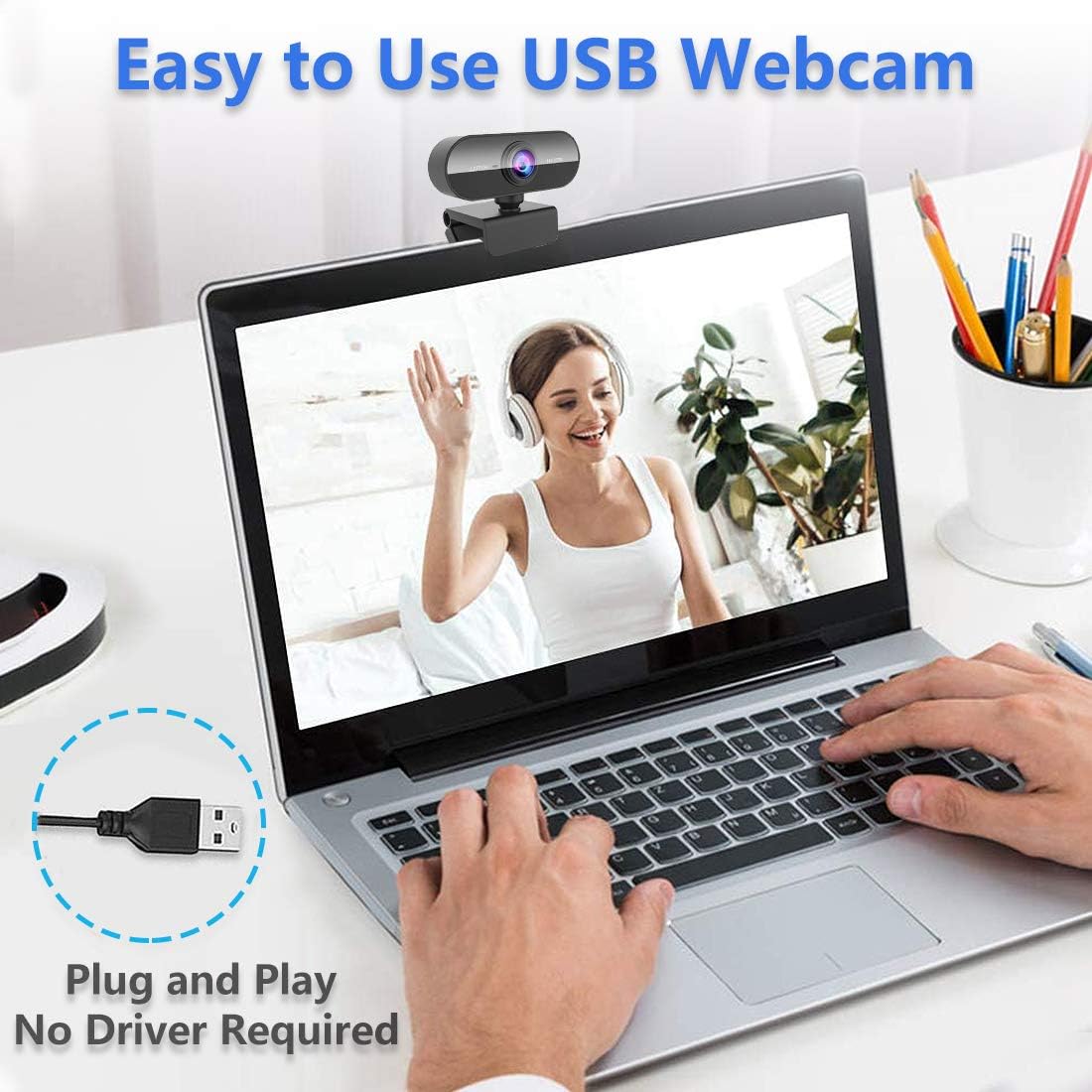
This compact USB webcam from Kouric brings Full HD 1080p video and an integrated microphone to everyday calls, streaming and remote classes, offering clearer picture and usable audio for work and leisure. It supports plug-and-play USB connection and automatic low-light correction, making it a practical choice for video calls, streaming or online teaching without extra drivers.
Key Points
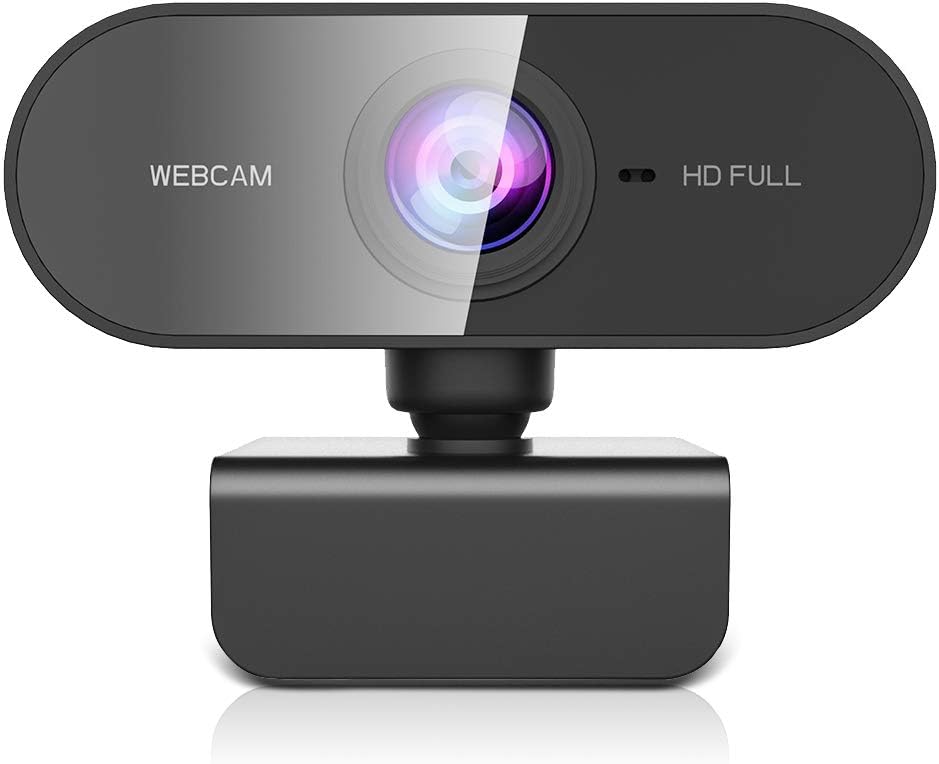
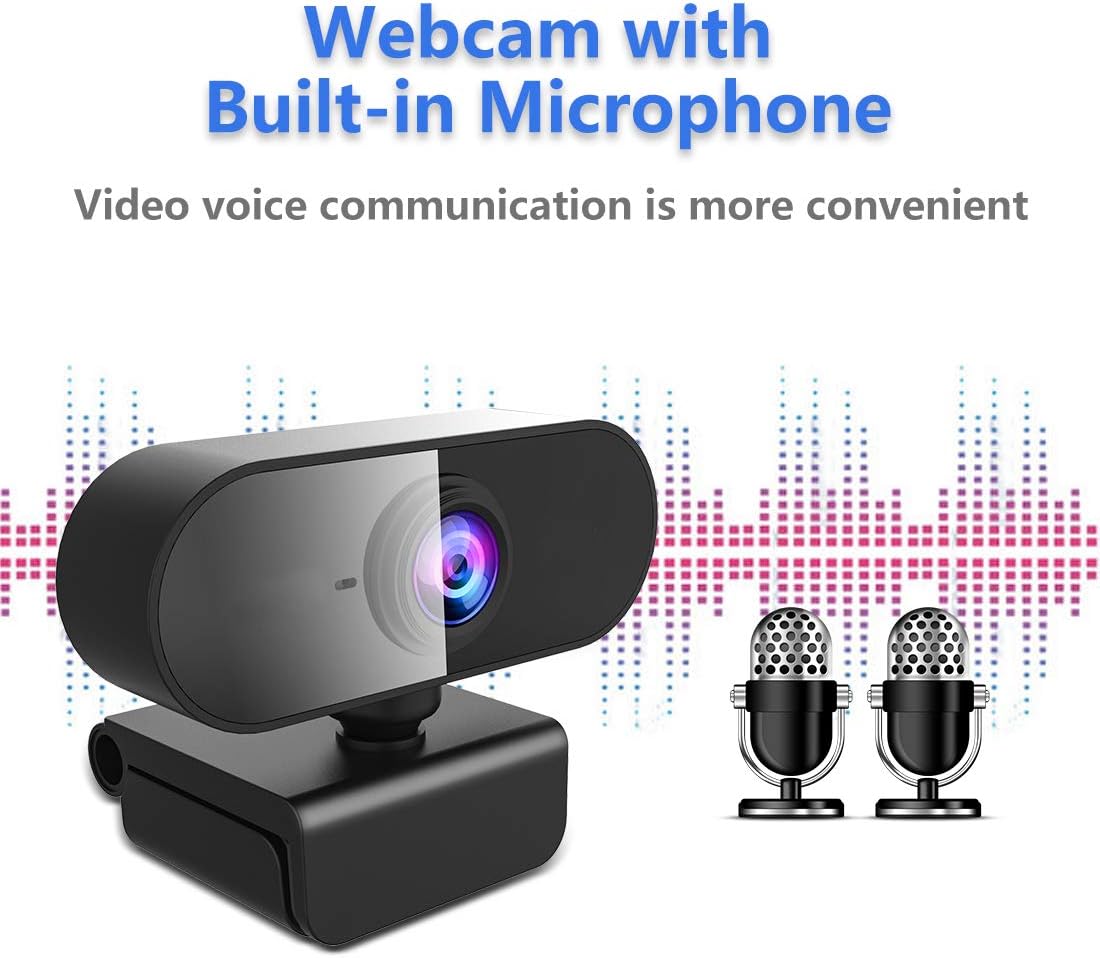
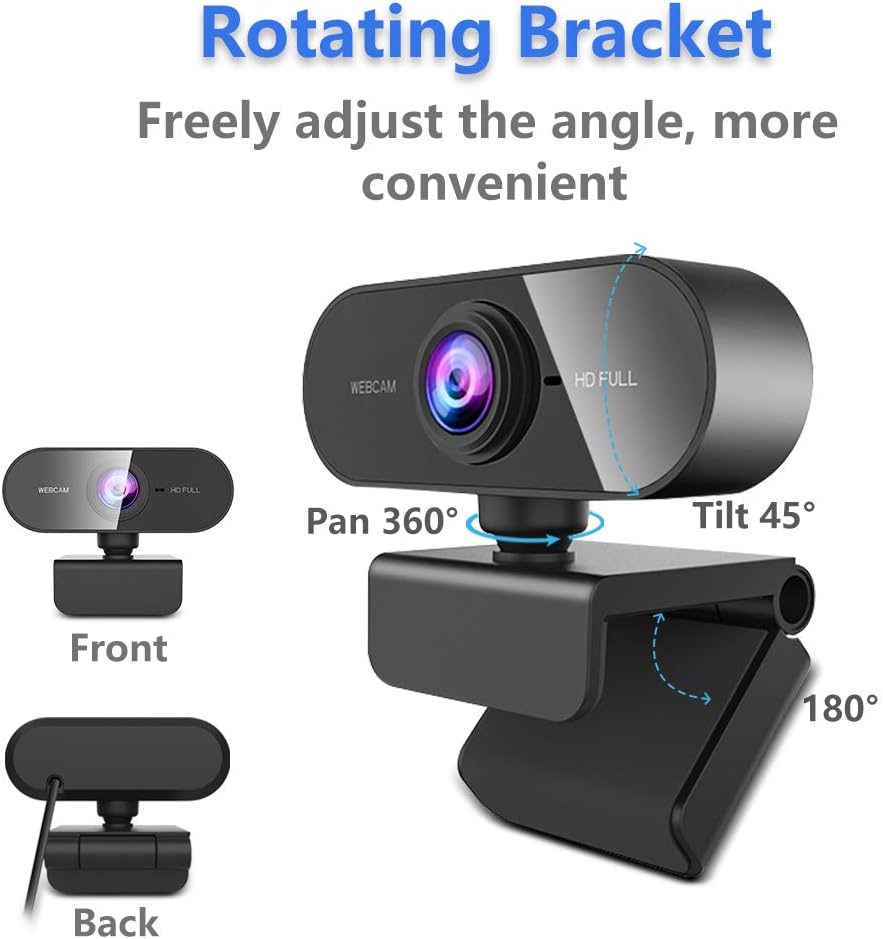
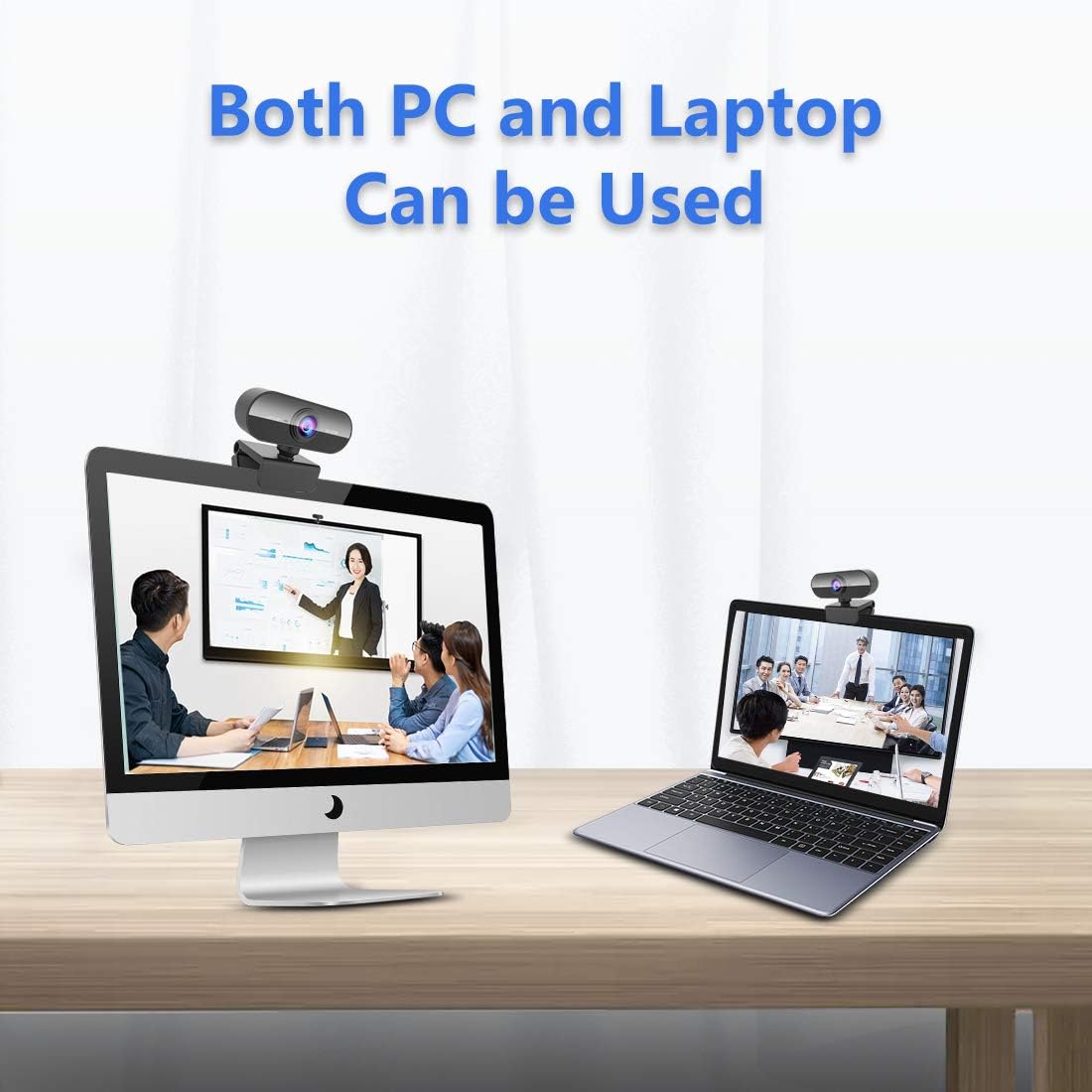
The camera records at 1080p resolution with a glass lens that aims to deliver fine detail and consistent image quality. Automatic low-light correction and a basic beauty enhancement mode help maintain visible faces in dim rooms, while autofocus simplifies framing when you move during a call. The built-in microphone features noise reduction to reduce background sound, which is useful for webinars and group meetings. The clip-and-stand design with a rotatable head means you can attach it to laptops, monitors or position it on a desk for different angles.

Technical Specifications
- Name: Kouric Webcam with Microphone
- Resolution: 1080p at 30 fps
- Interface: USB 2.0, plug and play
- Rotation and tilt: 360 degrees rotation, 180 degrees up/down adjustment
- Compatibility: Windows (older and modern versions listed by manufacturer), macOS, Linux
- Lens: glass lens, autofocus
- Microphone: built-in with noise reduction
Usage Recommendations
Position the clip on the top edge of your screen and angle the lens to eye level for the most natural framing during video calls. If you work in a low-light room, allow a little more ambient light behind your screen to improve the camera’s automatic correction. For streaming or recording, consider pairing the webcam with external lighting or a ring lamp to reduce reliance on the camera’s internal enhancement features. Note that audio quality depends on the room environment; a separate microphone will offer clearer sound if you frequently record voice or broadcast to an audience.