

Logitech G Litra Beam LX RGB 1 light 🎥
Product description
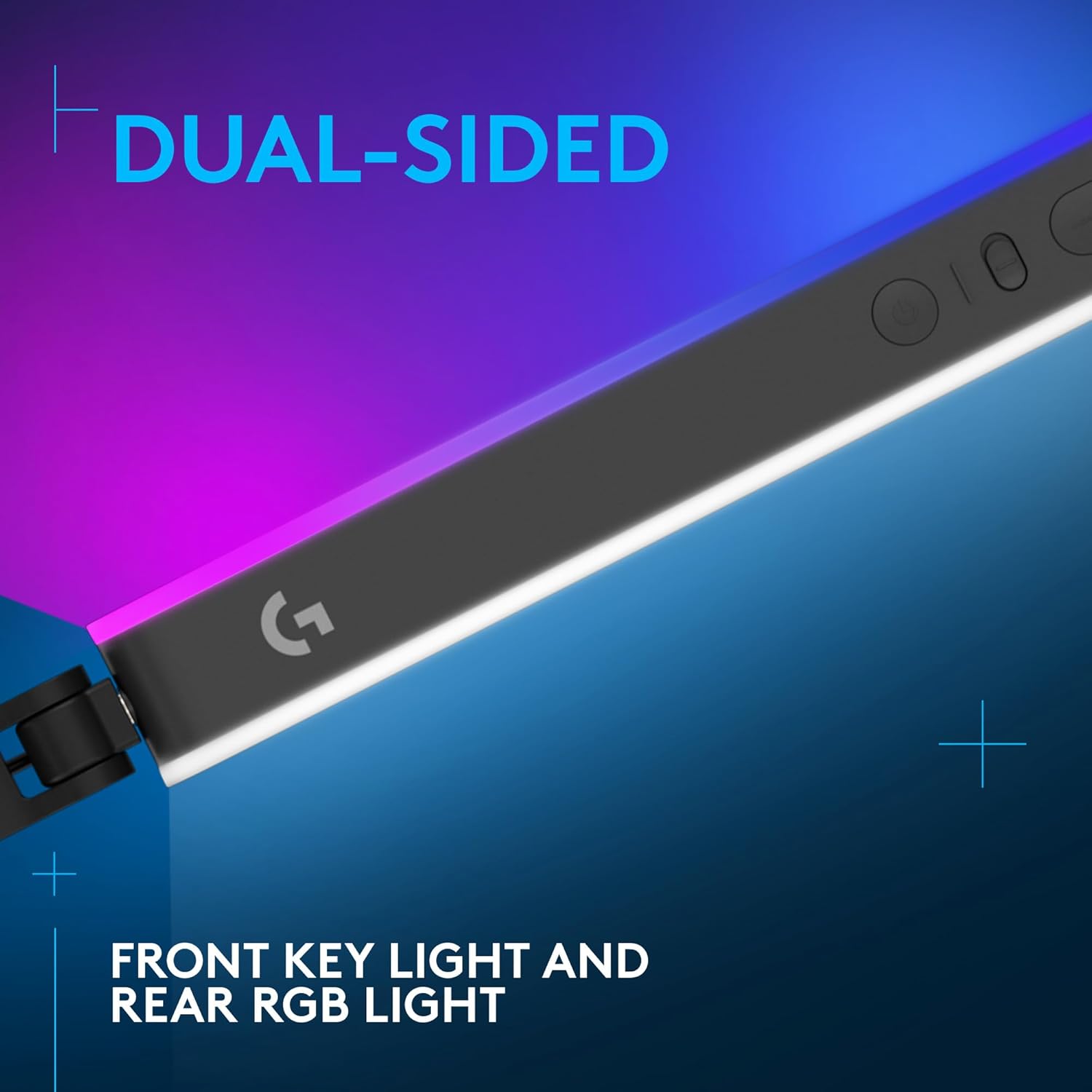
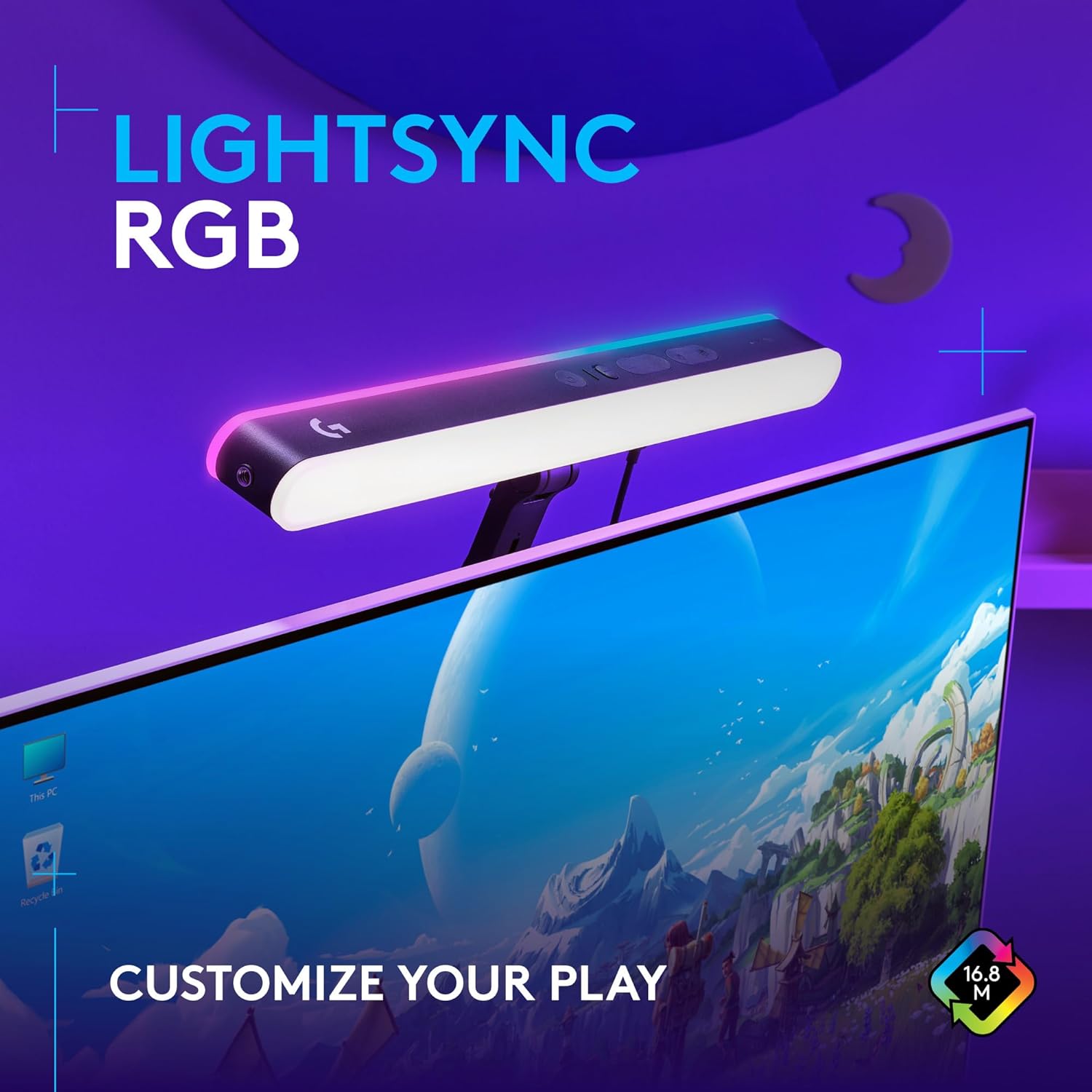
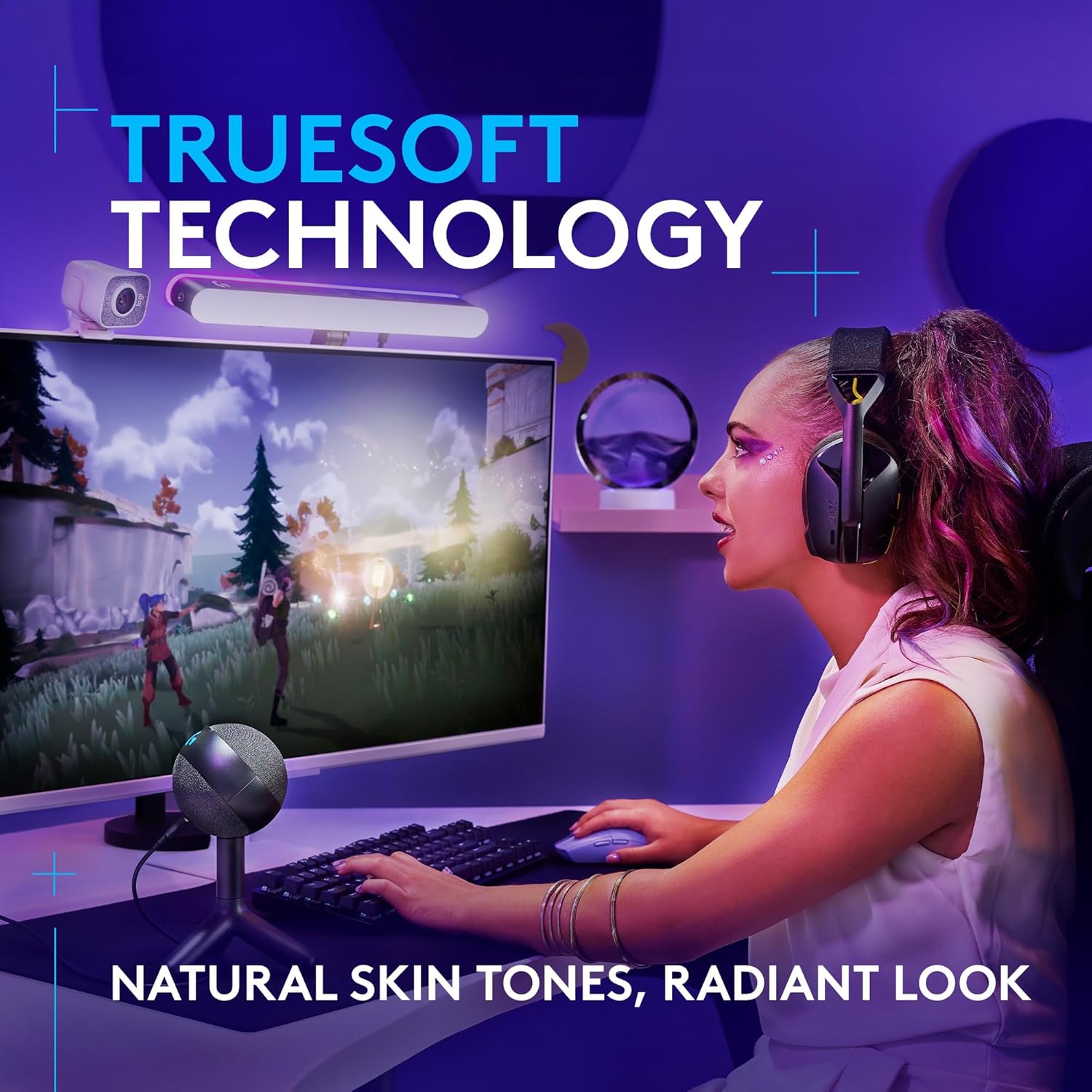
This compact dual-sided LED key light gives streamers and broadcasters precise on-camera illumination while adding RGB accent lighting to the room. It combines a front-facing TrueSoft panel for natural skin tones with a rear LIGHTSYNC RGB strip to enhance mood and match gaming peripherals, so you can tune brightness and colour temperature for both studio and casual setups.
Key Points
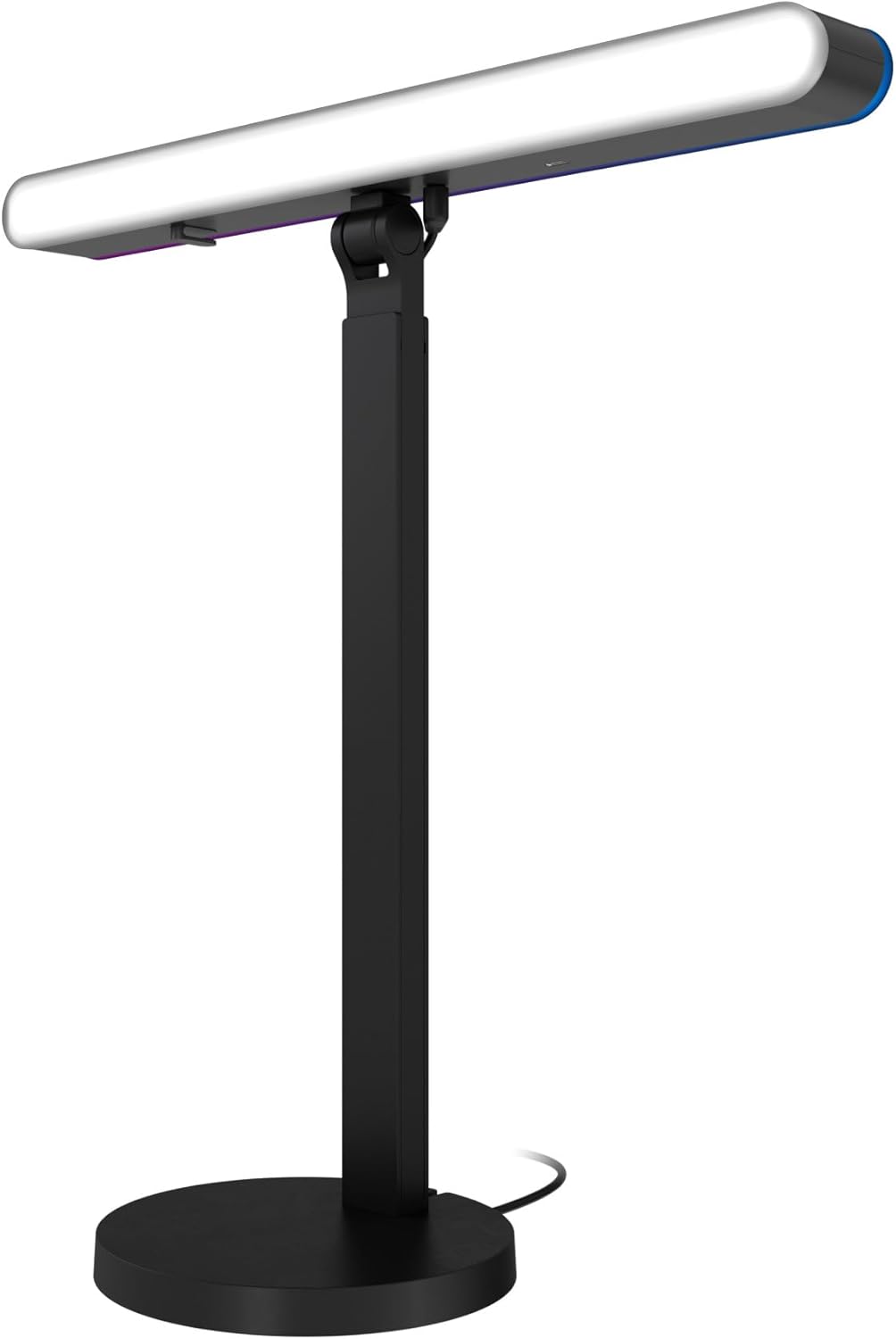
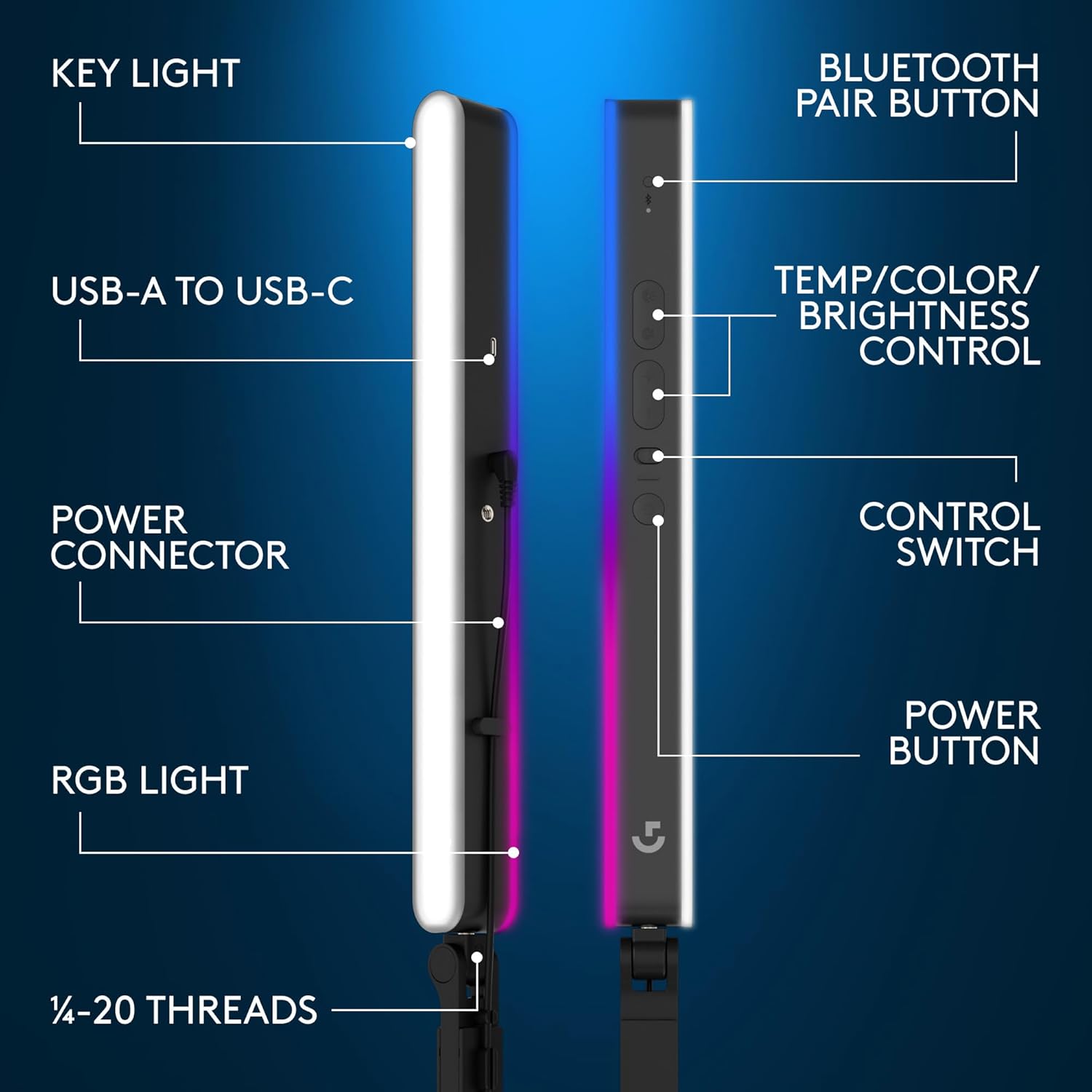
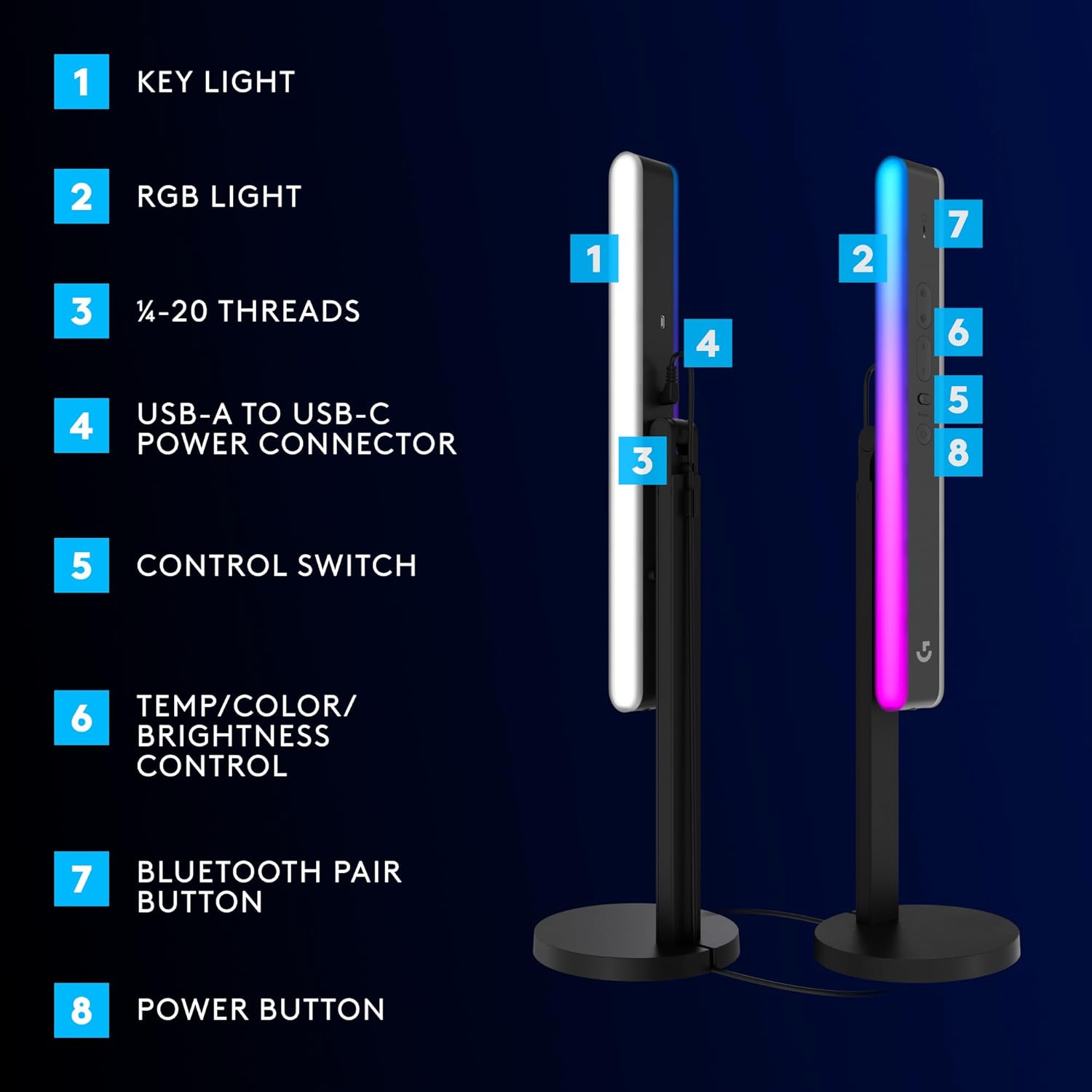
The front panel uses TrueSoft technology to soften diffusion and reduce harsh shadows, helping faces appear more even under bright lighting. The rear LIGHTSYNC RGB offers a wide range of ambient colours and can synchronise with compatible Logitech G devices to create consistent lighting across keyboard, mouse and headset. Control is flexible, with Bluetooth pairing via G HUB or a direct USB-A connection, allowing on-the-fly adjustments from desktop software or the unit itself. The slim graphite body fits on crowded desks and can be angled on both sides to shape light with fewer obstructions. ⚡️🎛️
Technical Specifications
- Name: Logitech G Litra Beam LX
- Light type: Front TrueSoft key light and rear RGB accent strip
- Colour temperature range: 2700K - 6500K
- RGB capability: 16 million colours with LIGHTSYNC RGB control
- Connectivity: Bluetooth with G HUB and USB-A
- Finish: Graphite
Advantages
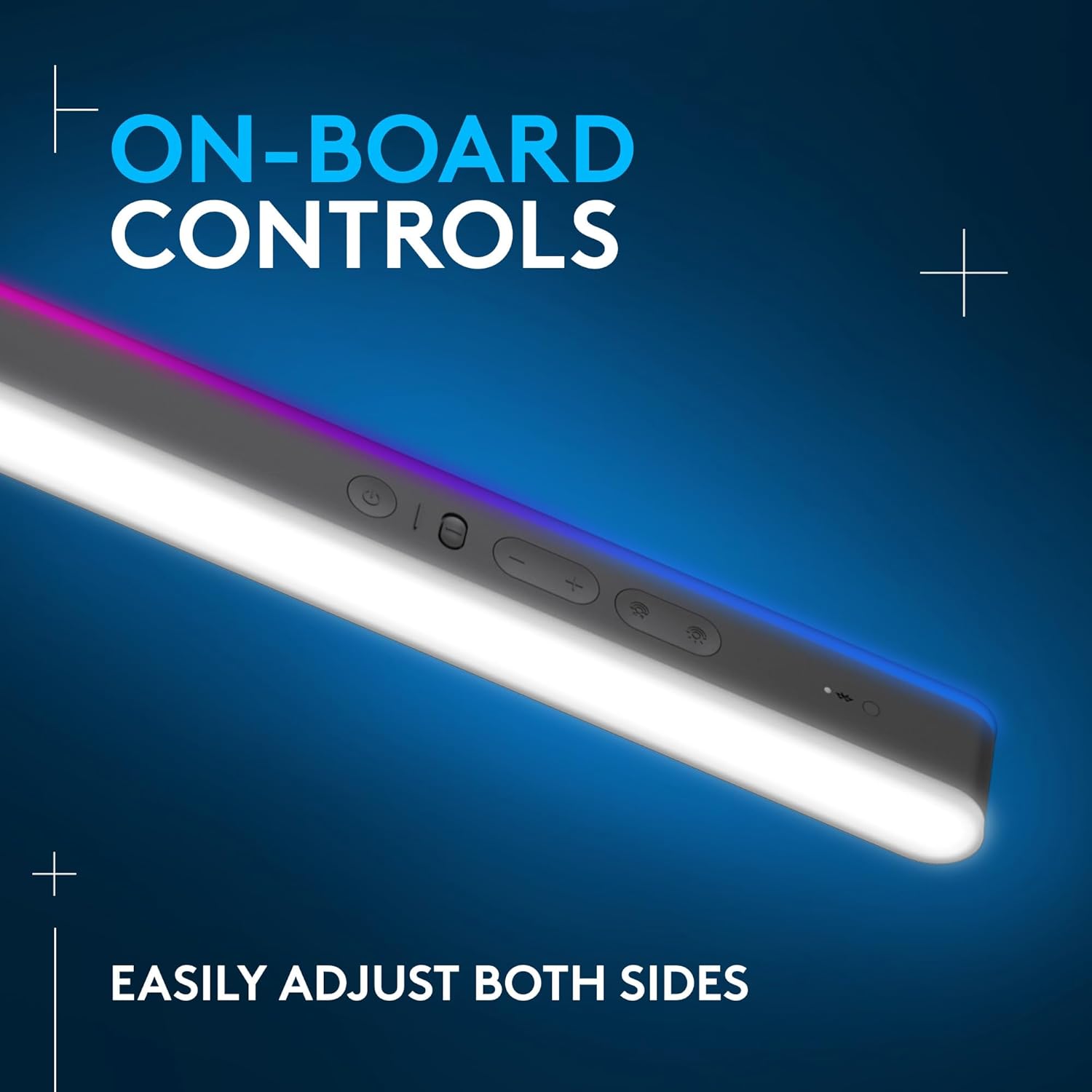
Adjustable controls let you tweak brightness, colour temperature and RGB effects with quick button presses or continuous holds for smooth transitions. The unit has passed stringent UL testing for extended use, which makes it suitable for long streaming sessions according to the manufacturer. The dual-sided approach balances flattering face lighting with creative backlight options, so you can achieve a broadcast-style look without large softboxes. Consider that the light is optimised for desktop use, so it may require additional stands or mounts for some camera setups. 🎥
Usage Recommendations
Place the key light slightly above eye level and angle the front panel to soften features while keeping the rear RGB low enough to add depth without spilling colour onto skin. Use the Bluetooth connection and G HUB to sync with other LIGHTSYNC devices for a coordinated scene, or rely on USB-A when a wired setup is preferred. For interviews or multi-person streams, raise colour temperature toward the neutral end to preserve accurate skin tones, and lower it for warmer, more cinematic moods. Adjust continuously when switching between game capture and talking segments to maintain a natural on-camera appearance.