


GGUA 10.1 Inch WiFi Digital Photo Frame 64GB 🖼
Product description
This 10.1 inch WiFi digital photo frame from GGUA keeps photos and short videos on display with simple touchscreen controls and wireless sharing, making it a practical gift for family and friends. With built-in 64 GB storage and an IPS 1280 x 800 display, it is aimed at users who want a straightforward way to show memories around the home or office, and it supports online sharing through the Frameo app for Android and iOS.
Key Points
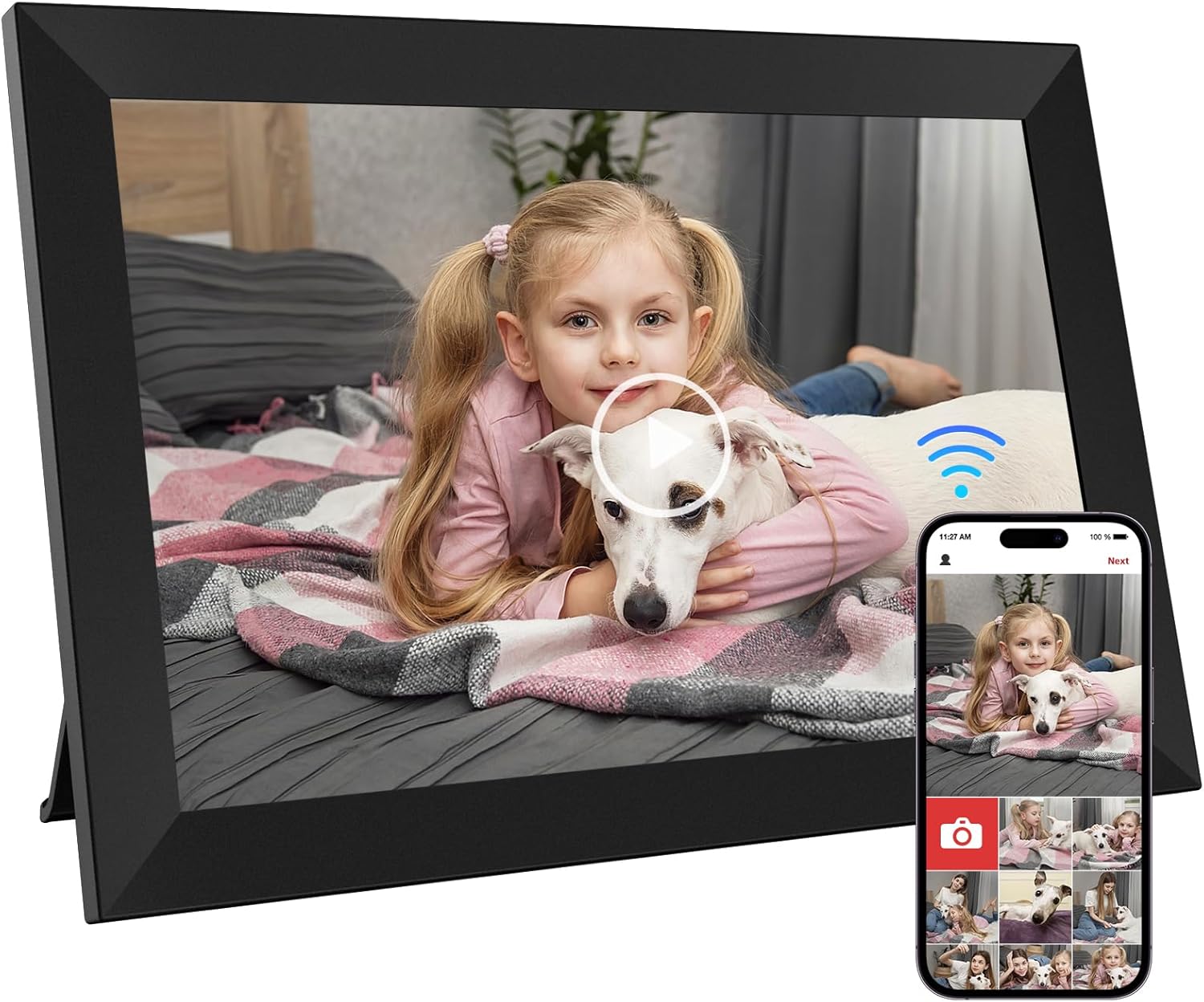
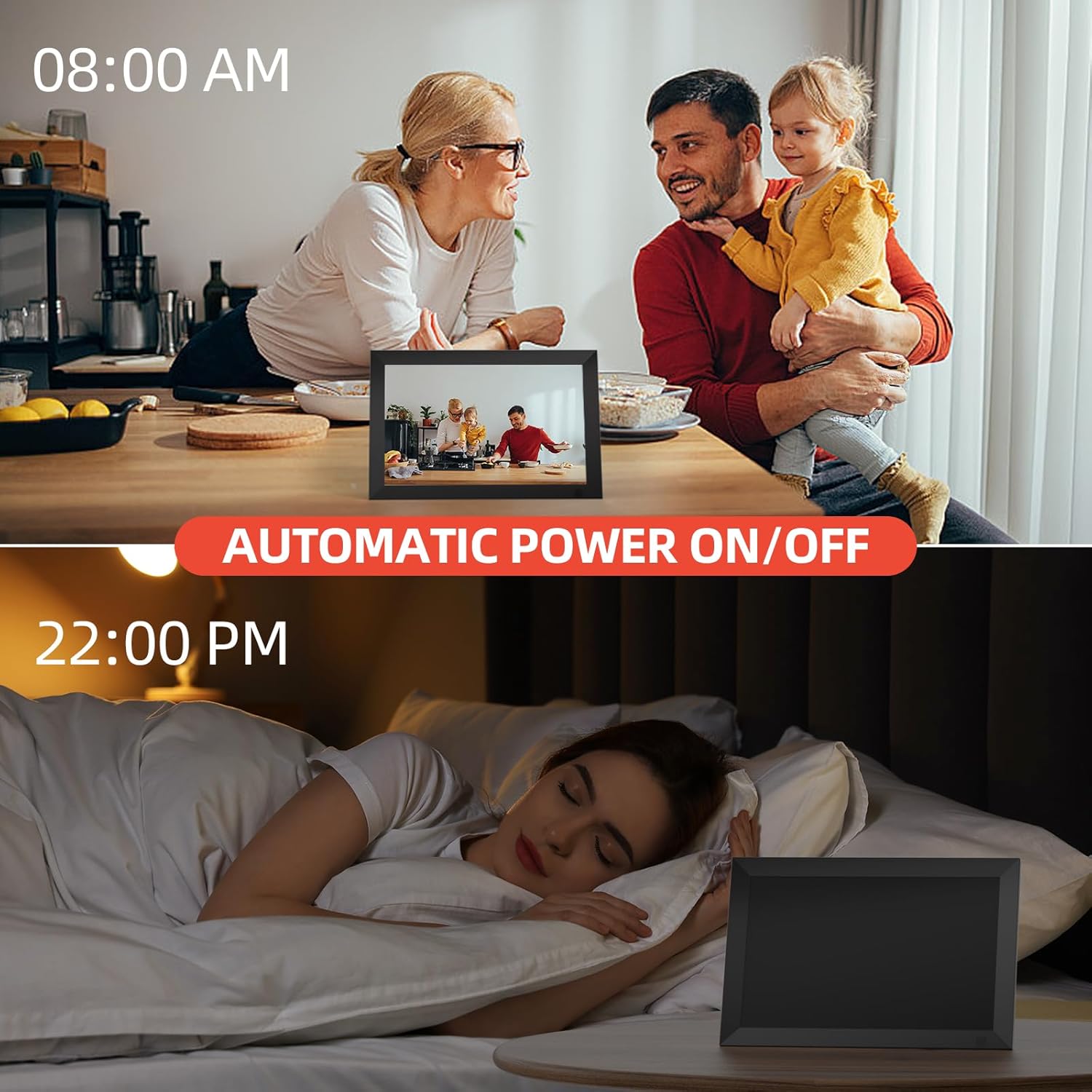
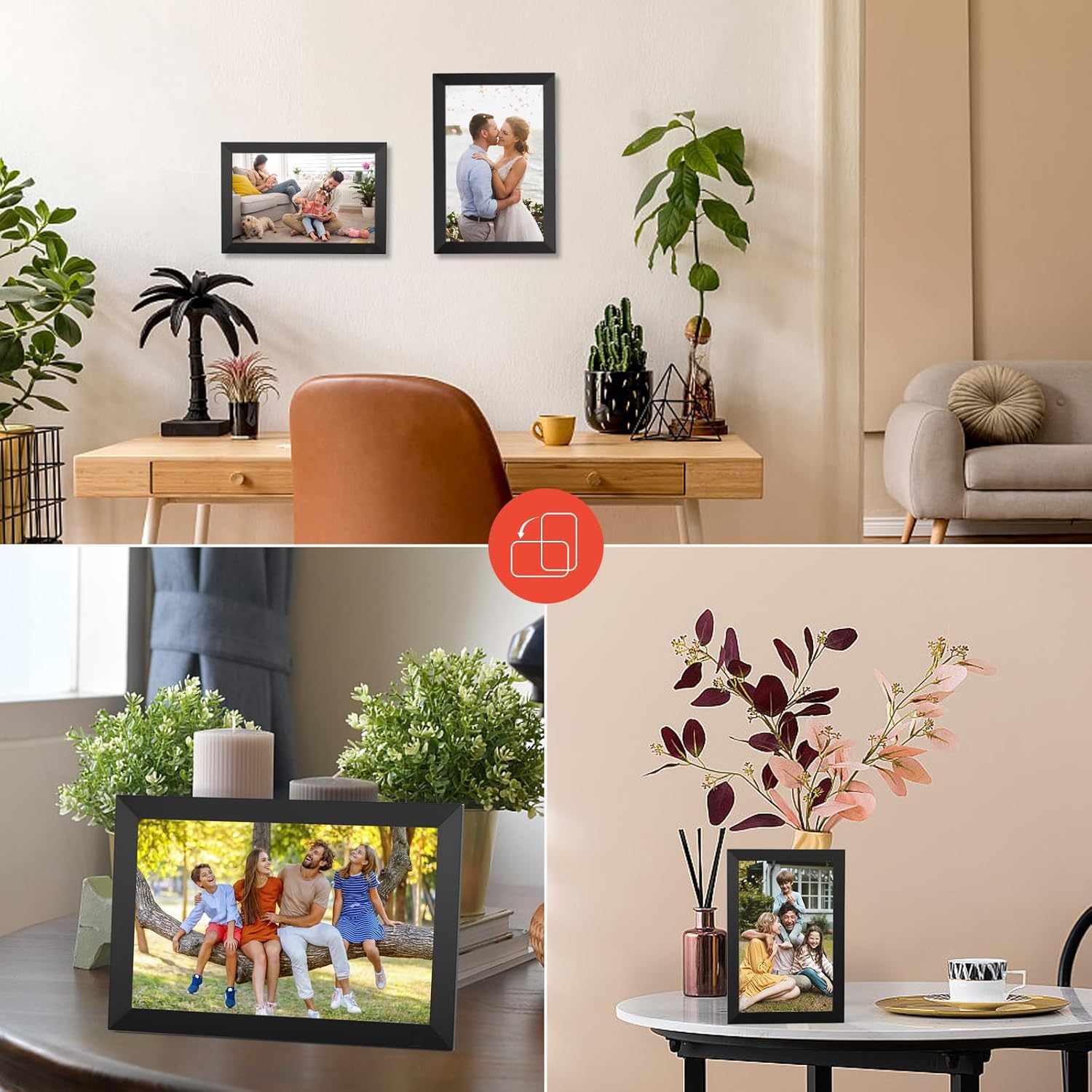
The frame includes 64 GB of internal memory, which the manufacturer indicates is sufficient for a very large number of typical images. The 10.1 inch IPS screen delivers wide viewing angles and improved colour reliability when seen from different seats in a room. Touch controls allow for quick adjustments such as brightness, playback order and zooming into images. There is also an auto-rotate feature that adapts the display orientation, and the unit supports playback of music and video alongside photos. A motion sensor helps conserve energy by switching the display on and off according to presence. For sharing, the Frameo app lets you send photos and captions to the frame over WiFi, and up to several hundred contacts can be invited to contribute.
Technical Specifications
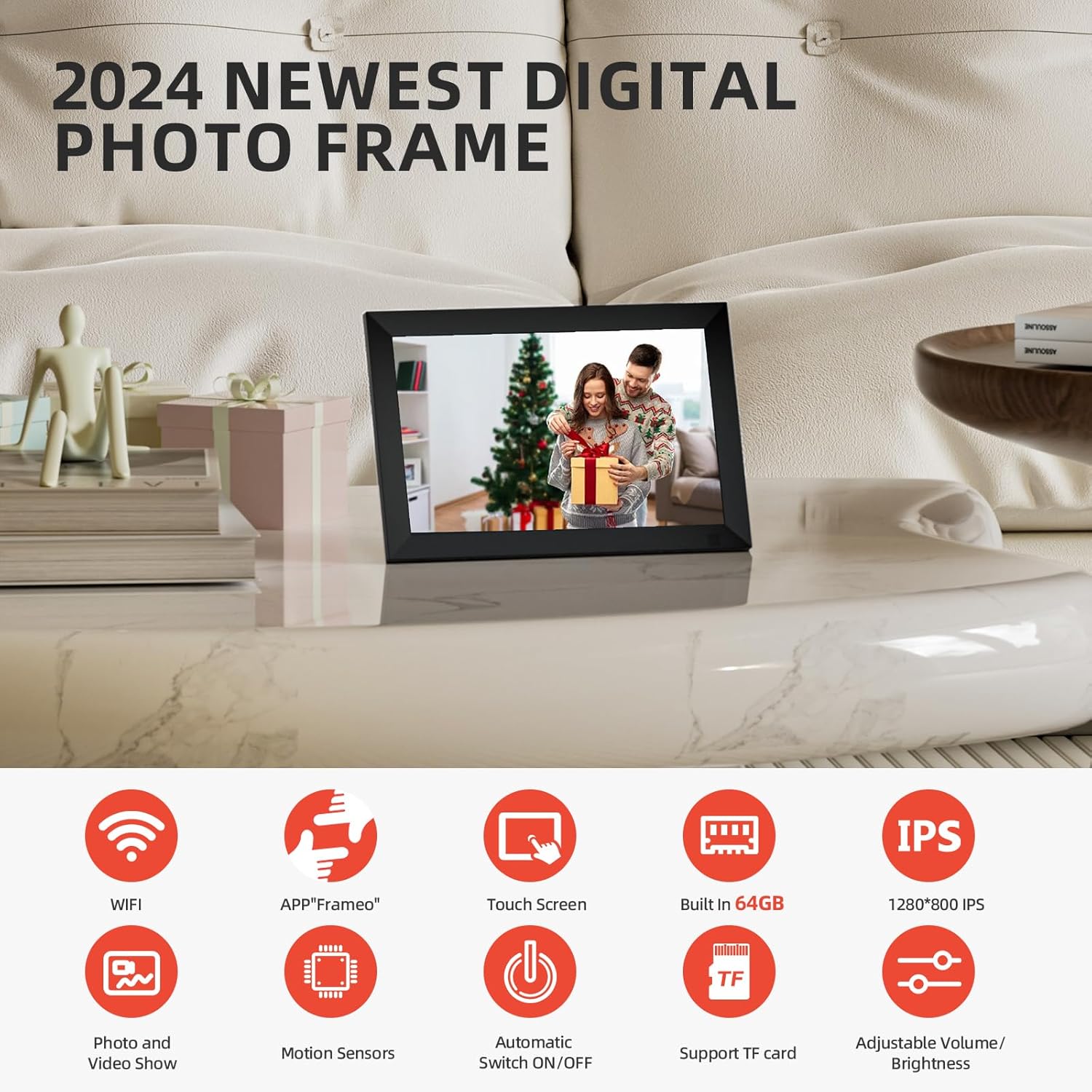
- Name: GGUA 10.1 Inch WiFi Digital Photo Frame
- Display: 1280 x 800 IPS touchscreen, 10-point capacitive touch
- Internal storage: 64 GB
- Expandable storage: microSD up to 32 GB supported
- Connectivity: WiFi, Frameo app compatible with Android and iOS
- Extra features: auto-rotate, motion sensor, music and video playback
Benefits
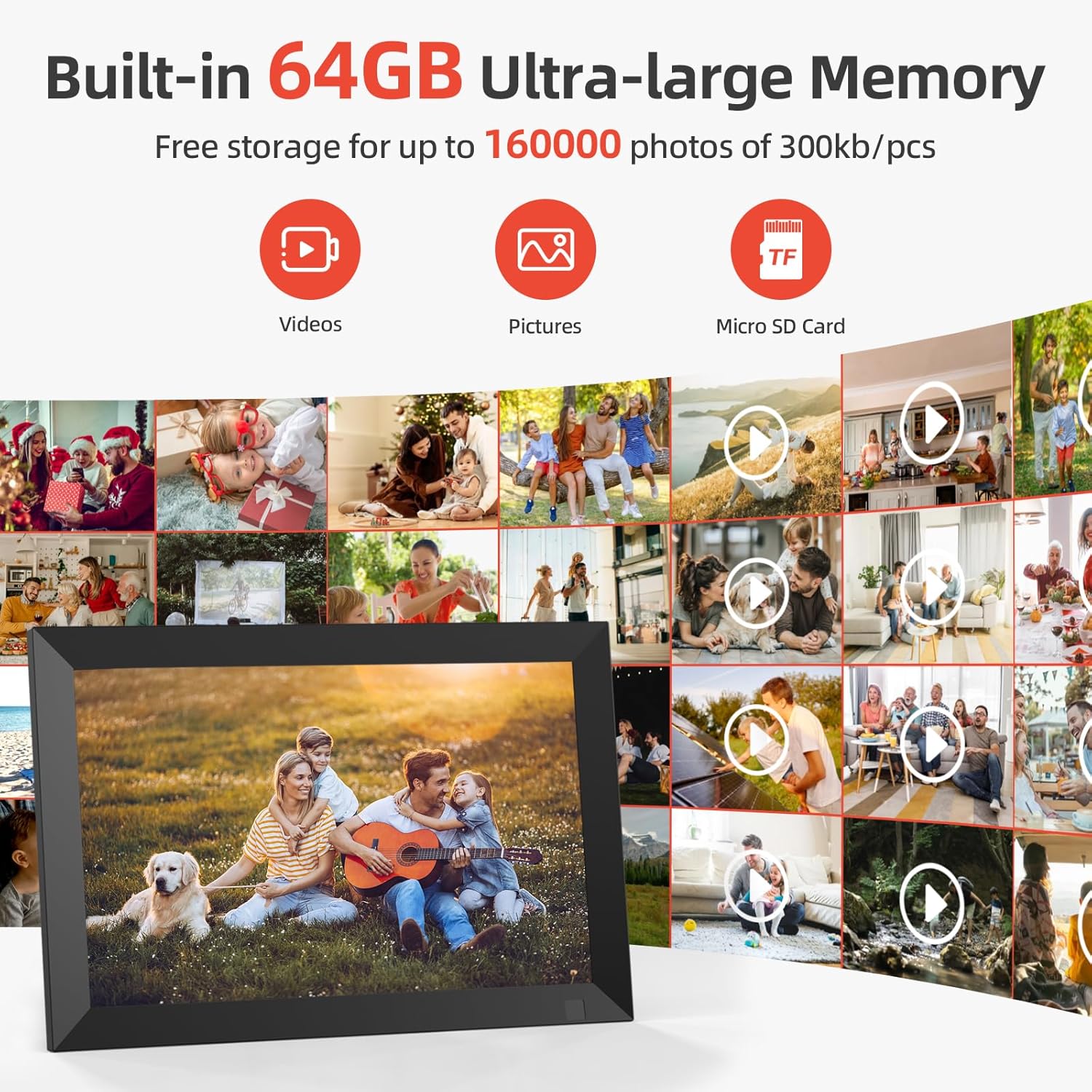

Using the Frameo app makes it possible to update the frame remotely, so moments shared by relatives can appear without physical transfer of files. The internal memory capacity reduces the need to swap cards frequently and stores thousands of pictures according to the typical file sizes mentioned by the manufacturer. The touchscreen interface simplifies everyday interaction, and adjustable brightness plus sleep modes make the display less intrusive in shared spaces. Because audio is supported, playback of short video clips or background music alongside slideshows is straightforward and helps bring images to life.
Usage Recommendations
For initial setup, connect the frame to a home WiFi network and install the Frameo app on your smartphone, then follow the app prompts to link devices. Consider enabling the motion sensor if the frame will be in an area with intermittent traffic, as this can save power when the frame is not observed. If you plan to use microSD expansion, format the card on a computer before inserting it to avoid file system issues. Note that some Frameo features are offered in a paid upgrade version according to the app information, so review the available options if you require advanced sharing functions.