

UGREEN Video Capture Card 2K@30Hz Streaming Device
Reviews
Price
Product description
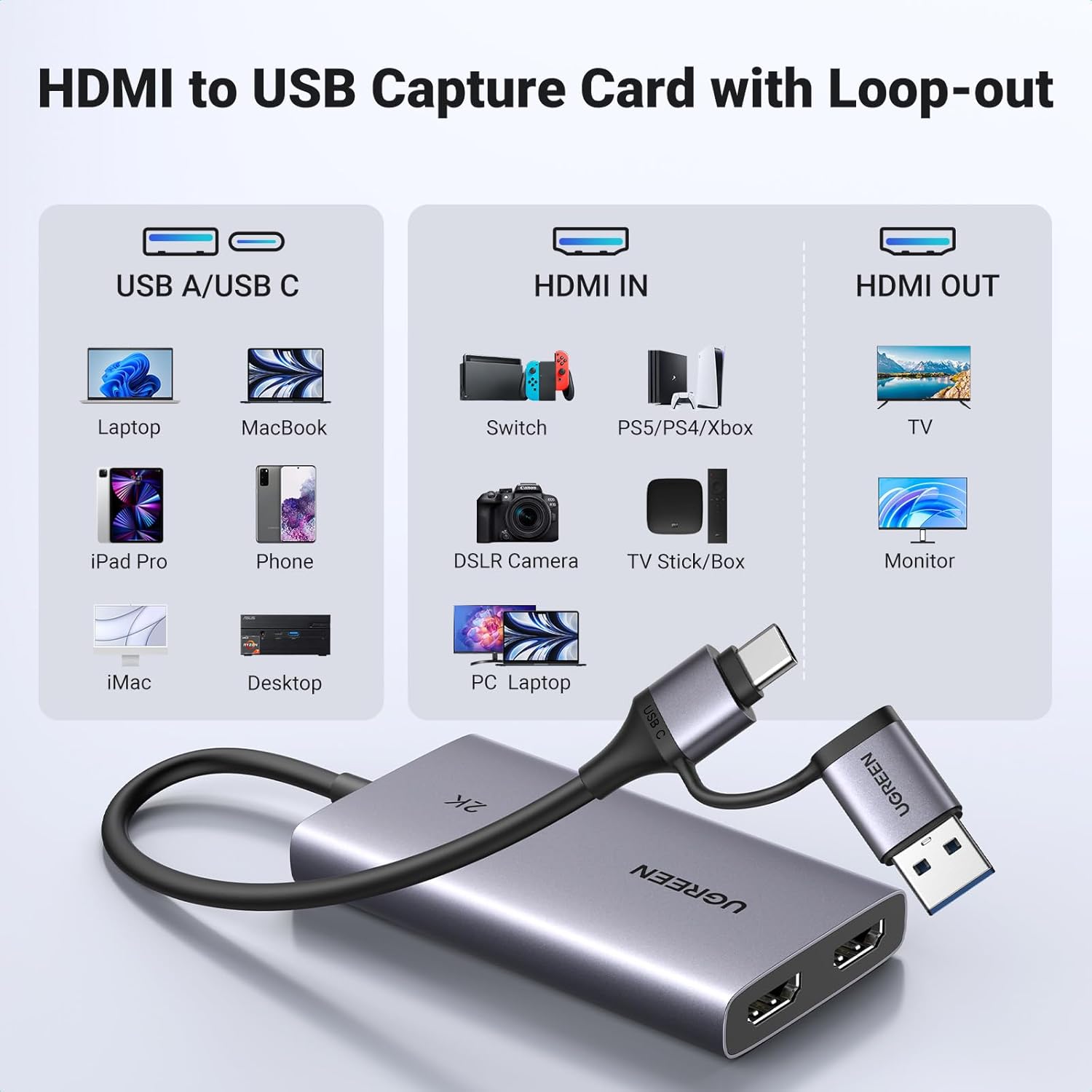
This compact capture card from UGREEN converts HDMI signals to USB-C for streaming and recording, offering 2K recording and 4K passthrough so creators can monitor gameplay or camera feeds while capturing content for later editing. It suits live stream setups, console gameplay recording and camera capture when you need a straightforward bridge between HDMI sources and Mac or PC.
Key Points
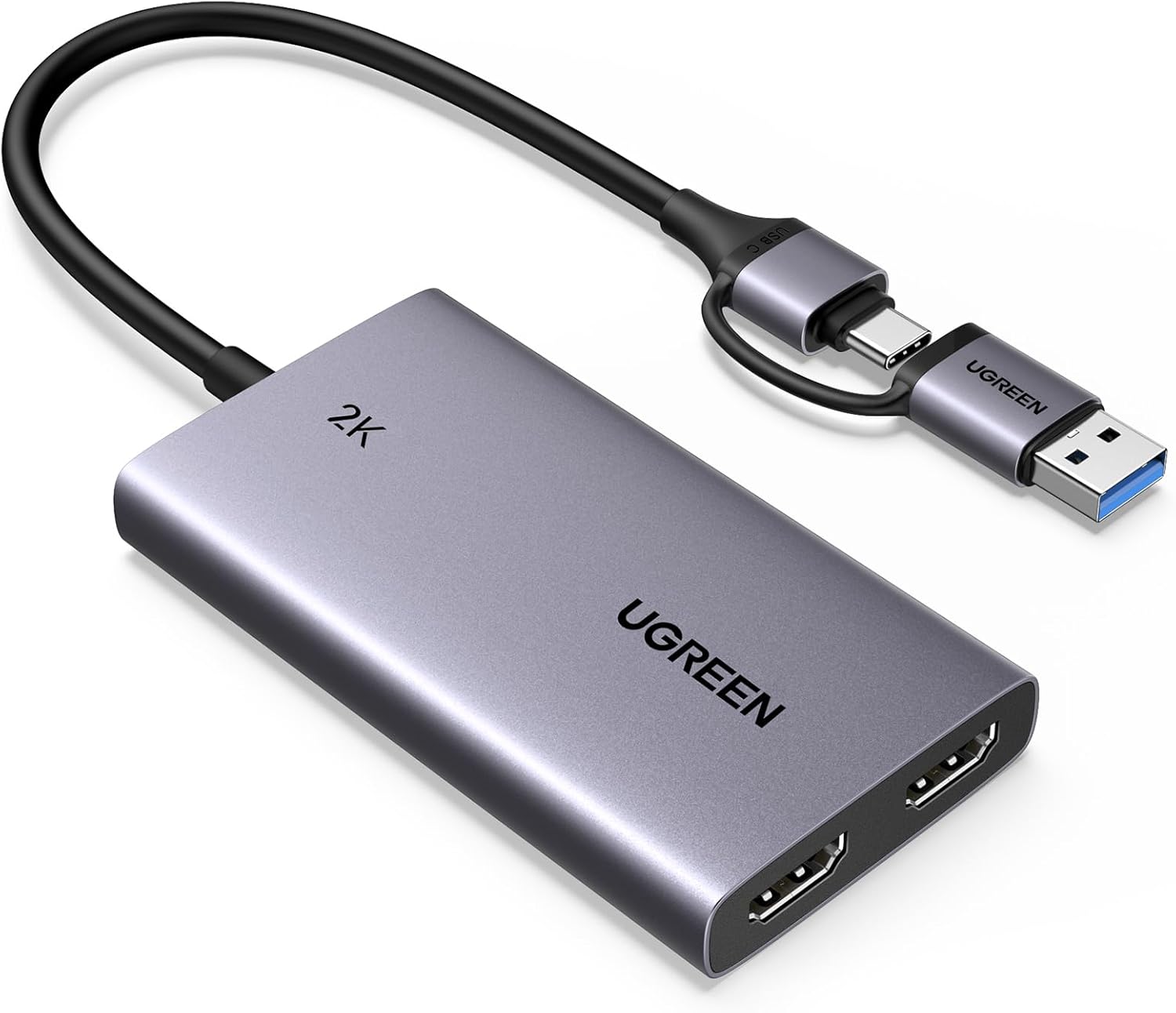
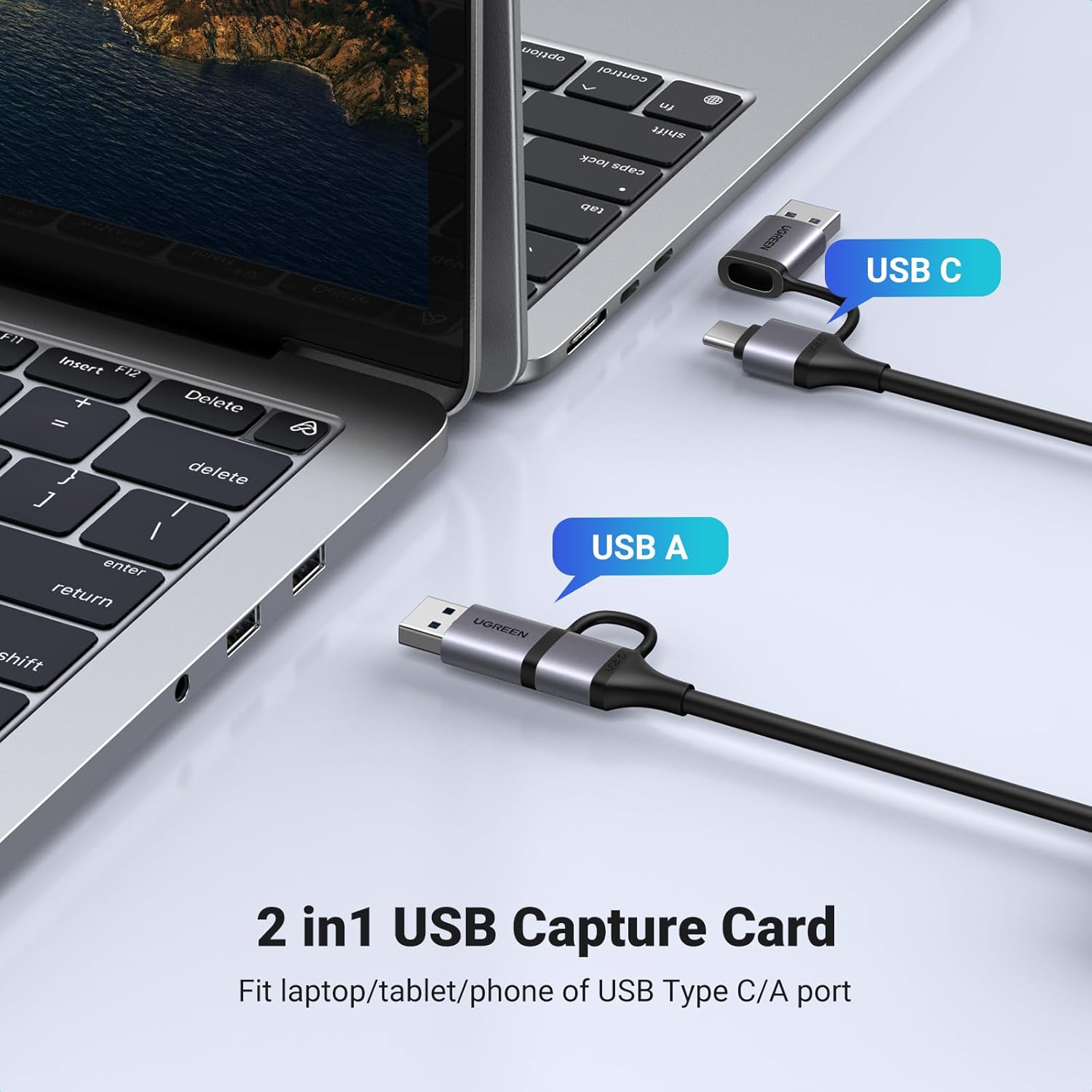
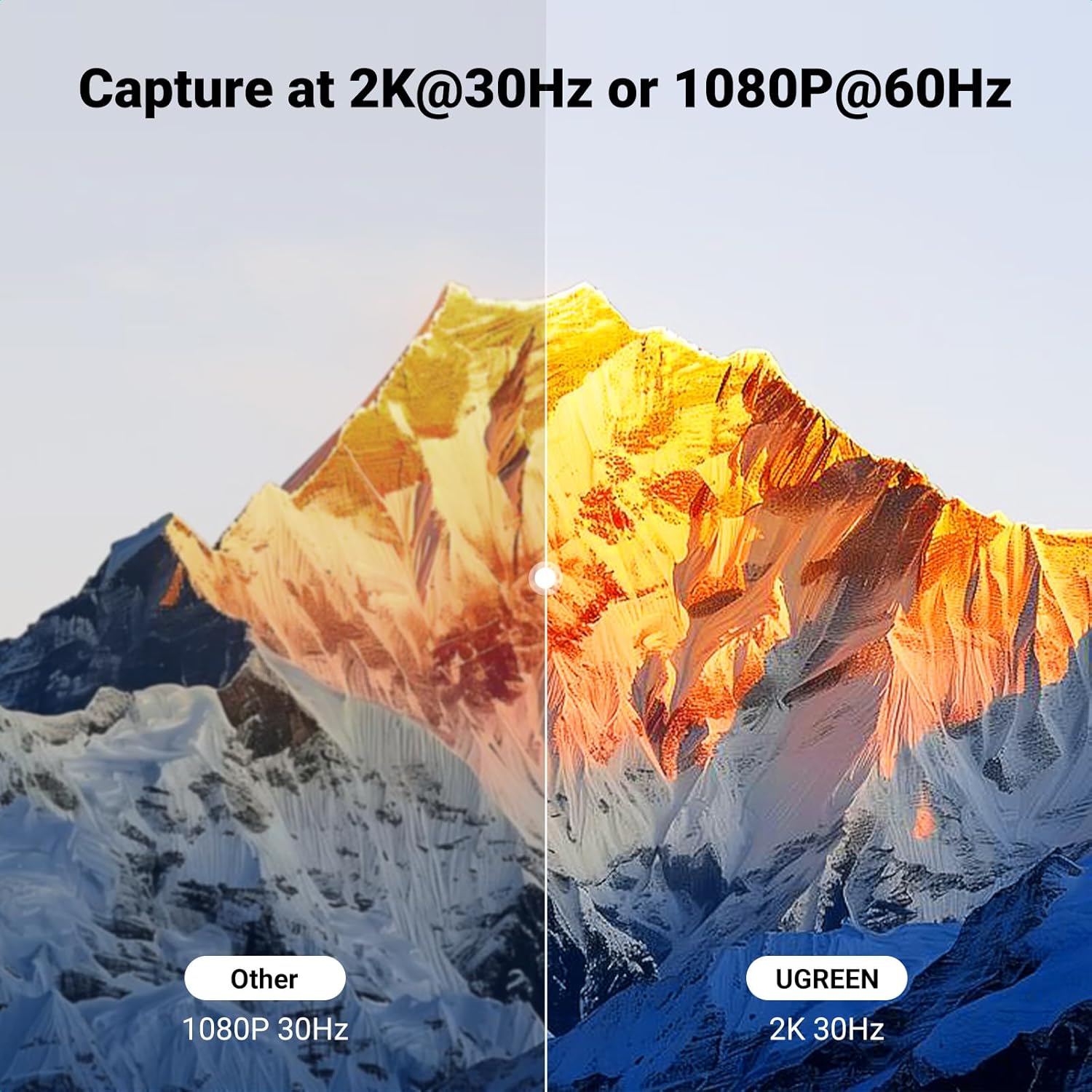
The device accepts HDMI input and provides a 4K@30Hz loop-out so you can preview a clean feed on an external display while recording. Recording is supported up to 2K@30Hz or 1080p@60fps with simultaneous audio capture, which helps capture smooth footage for streaming platforms and post-production. It includes both USB-A and USB-C connectivity and uses USB 3.0 transfer rates up to 5 Gbit/s, meaning connection options for a range of computers and devices. Note that the unit does not support HDCP protected sources and the HDMI port conforms to version 1.4, so ensure input resolution does not exceed 4K@30Hz to avoid capture failures. ⚙️🎮
Technical Specifications
- Name: UGREEN Video Capture Card HDMI to USB C
- Input resolution: - Up to 4K@30Hz (loop-out)
- Recording resolution: - Up to 2K@30Hz, 1080p@60fps
- USB interface: - USB-A and USB-C, USB 3.0 up to 5 Gbit/s
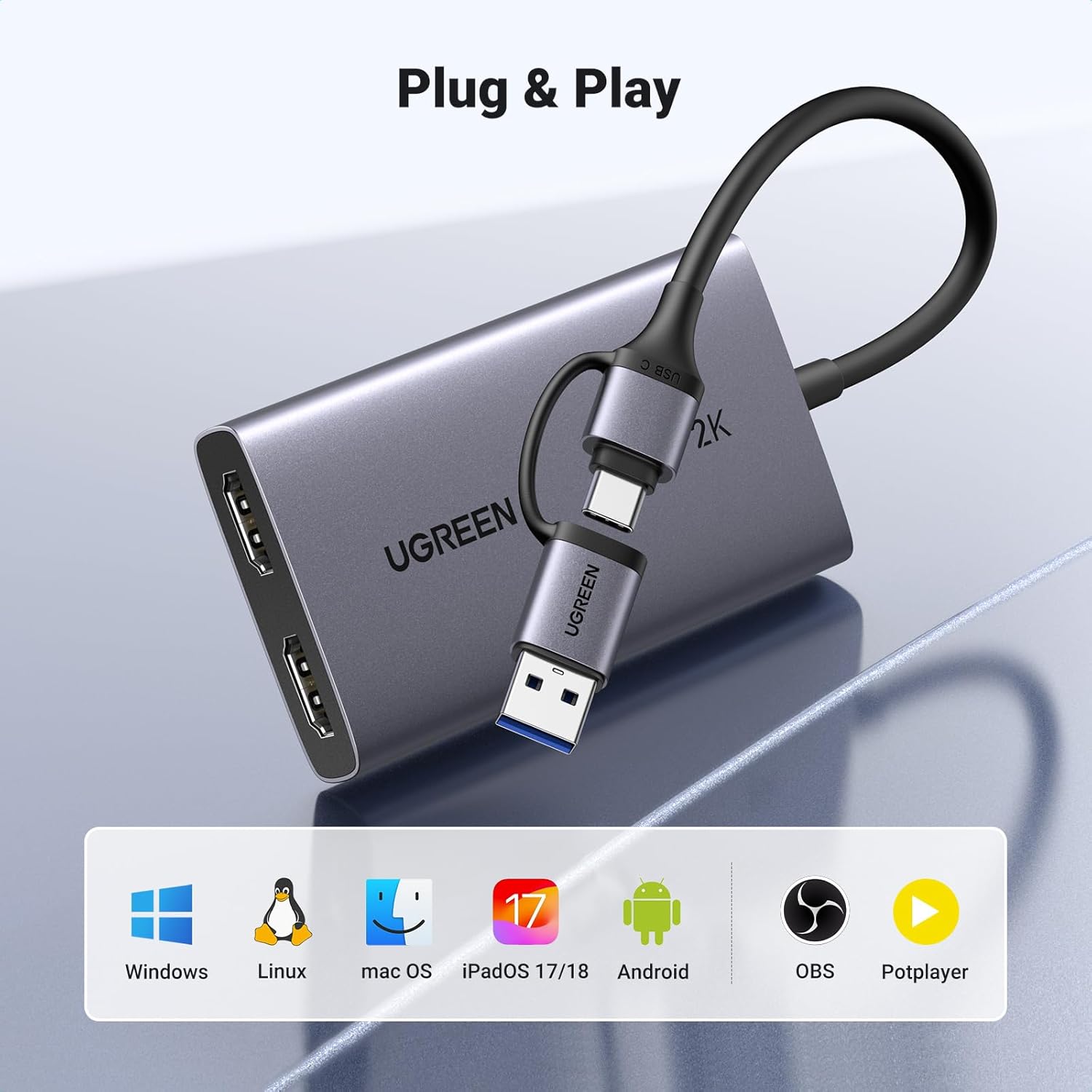
- Compatibility: - Windows 11/10/8.1/7, macOS, Linux, Android and devices with USB-C (some mobile use requires specific apps and OS versions)
- Housing: - Aluminium shell for faster heat dissipation and extended continuous operation
Usage Recommendations
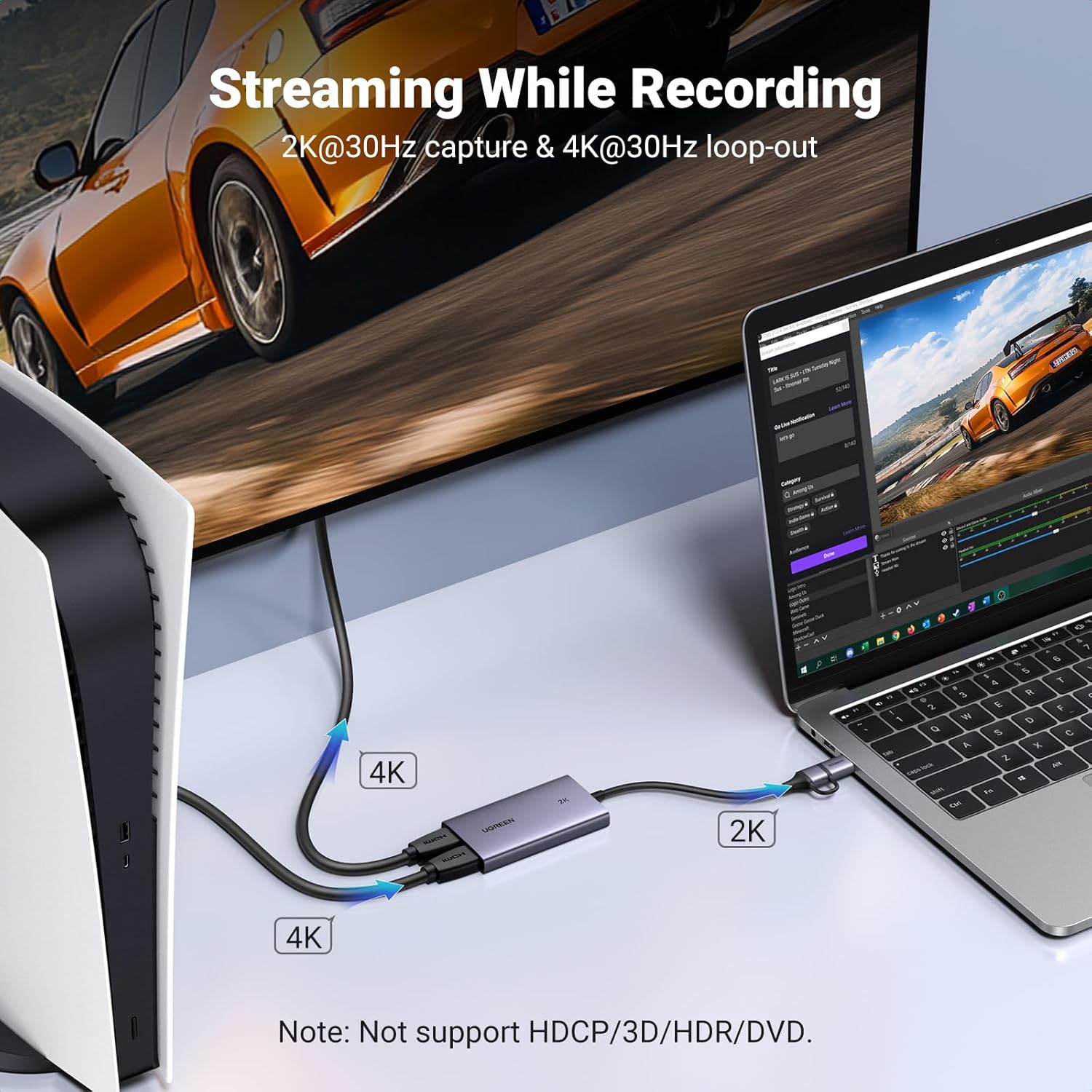
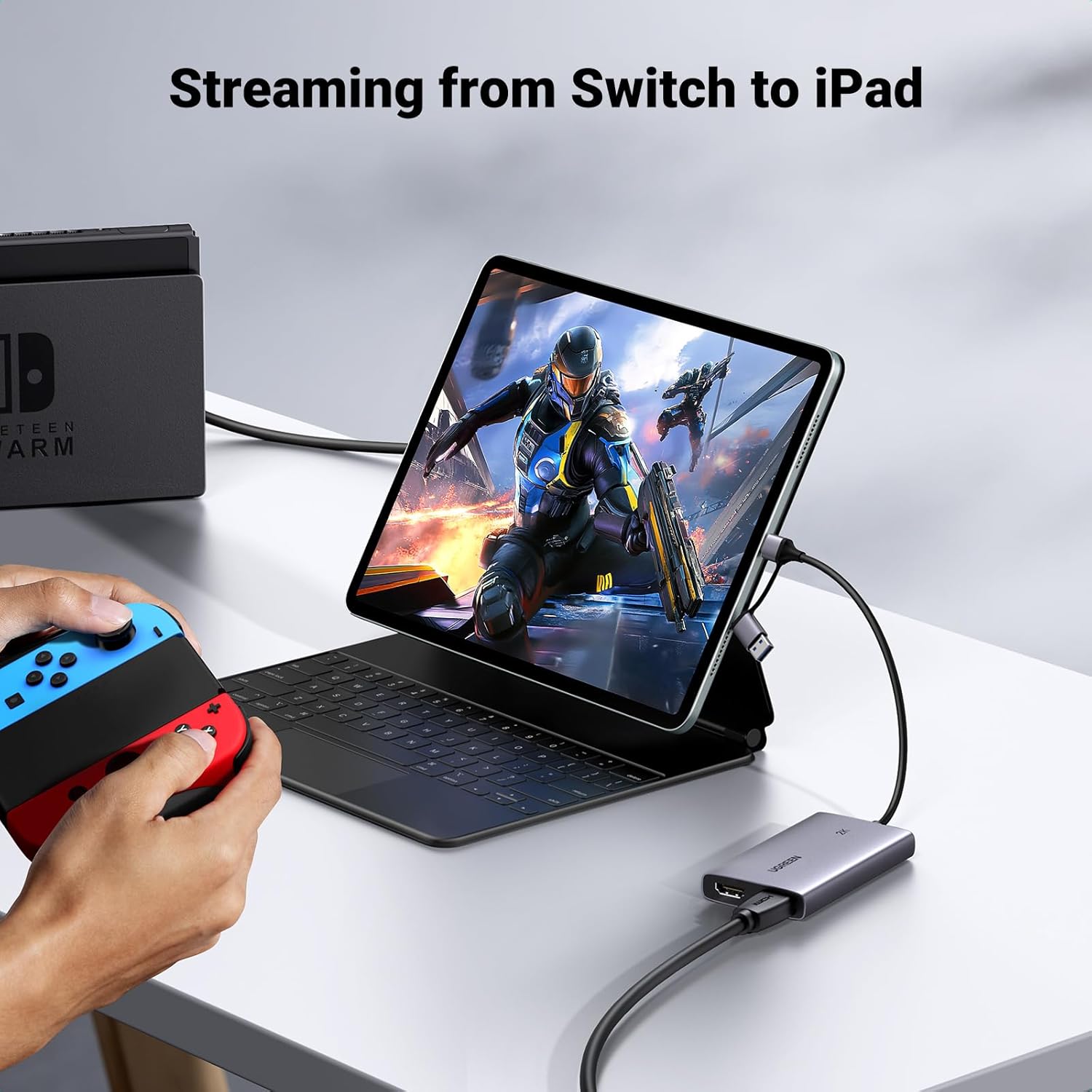
Before first use, enable camera and microphone permissions on your computer through the operating system privacy settings so capture software can access the device. For iPad use ensure the tablet runs iPadOS 17 or later and use a compatible capture app where required. When connecting consoles or cameras, set the output resolution to 4K@30Hz or lower, because higher HDMI signals or HDCP-protected content will not be captured. The metal casing helps with thermal stability during longer sessions, but consider airflow around the device for prolonged recordings. 📷🖥️
Positive Aspects
The compact aluminium body feels robust and dissipates heat efficiently, which is useful for extended streaming sessions. Dual USB ports increase flexibility with older PCs and newer laptops, and the plug-and-play nature with common streaming software reduces setup time. One limitation to keep in mind is that some mobile phones, including certain recent models, may not be supported as capture sources according to the manufacturer, so check device compatibility before relying on phone-based capture.