

NEEWER TL40 USB Streaming Light Bar LED with App/PC/Mac Control (2900K–7000K, CRI 95+, Flicker-free)
Product description
The essentials
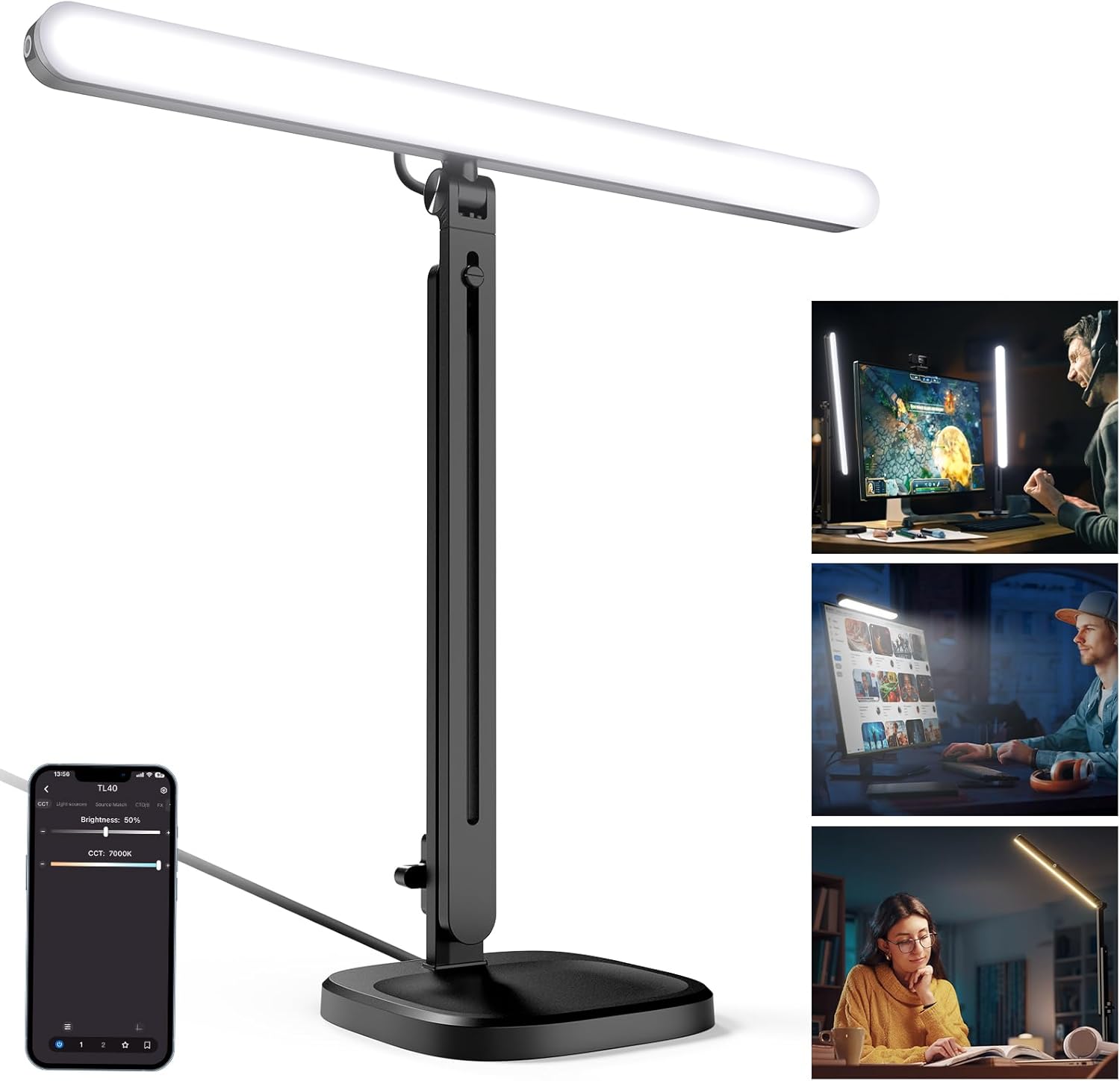
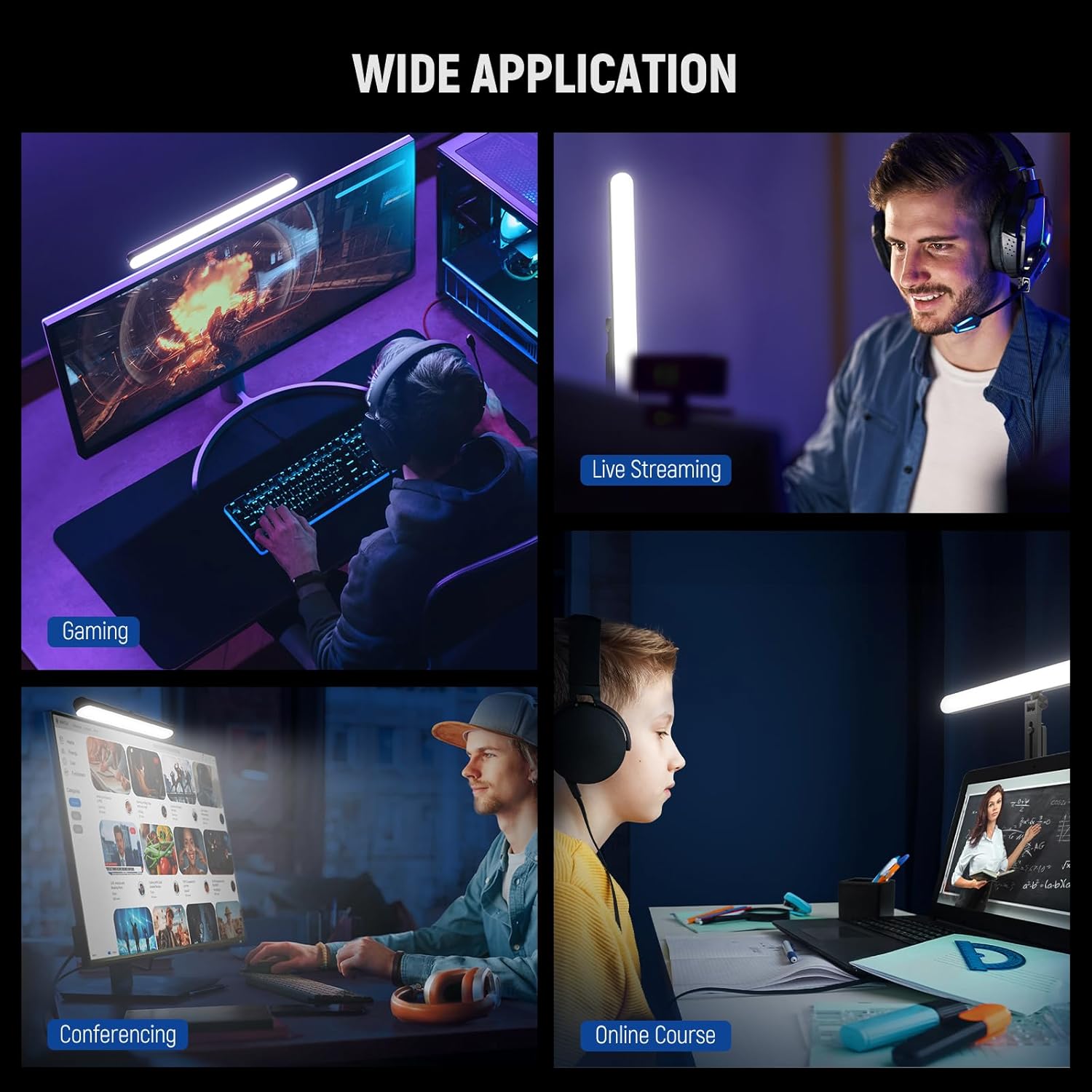
The NEEWER TL40 is a USB-powered LED desktop light bar designed for people who regularly appear on camera: gaming streams, Zoom or Teams calls, video conferencing, and even solo content like filming, selfies, makeup checks, or reading at a desk. It’s a wand-shaped, space-saving fill light, and the big selling point is control—wired via USB Type C to a computer (PC/Mac) or wirelessly via a smartphone using the NEEWER app.
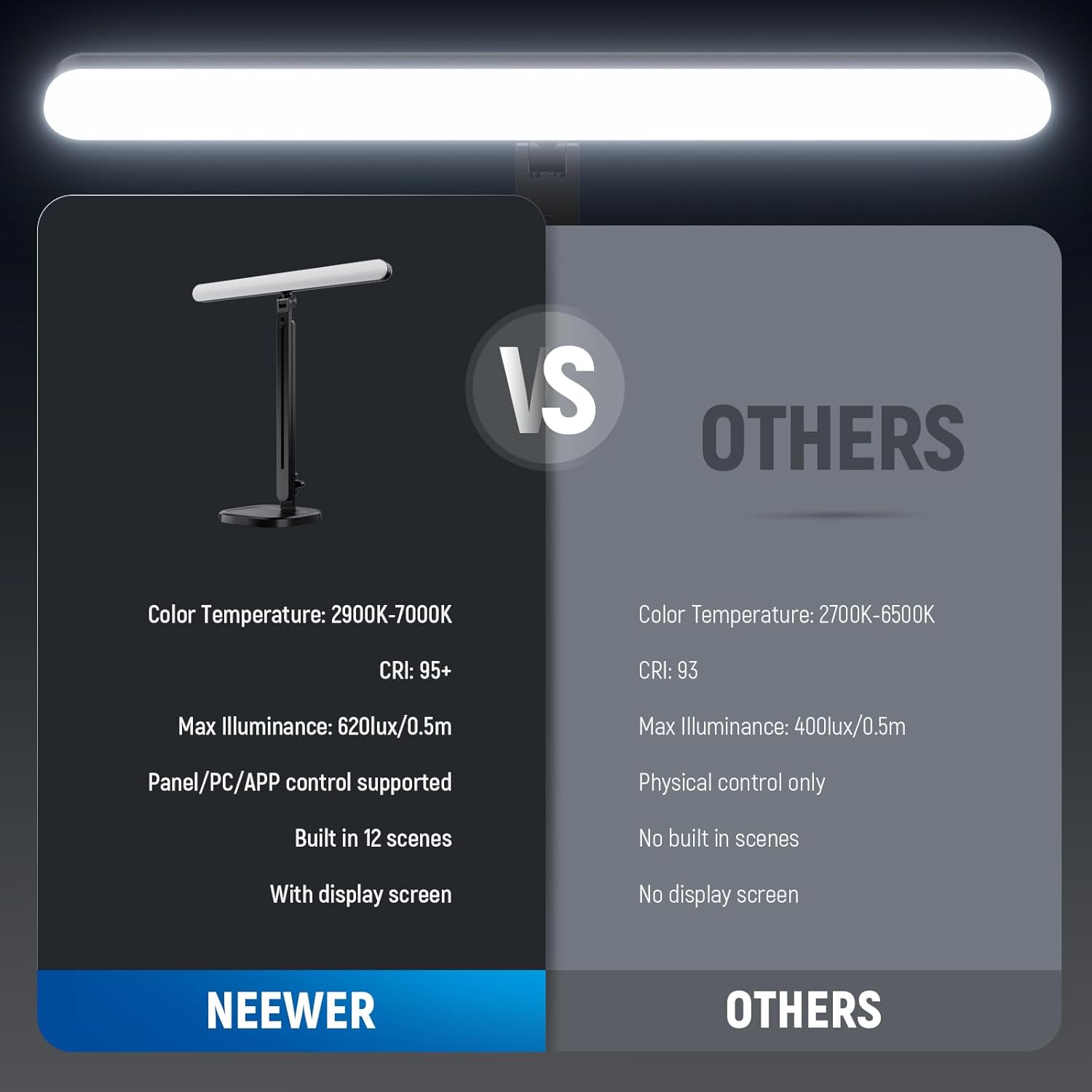
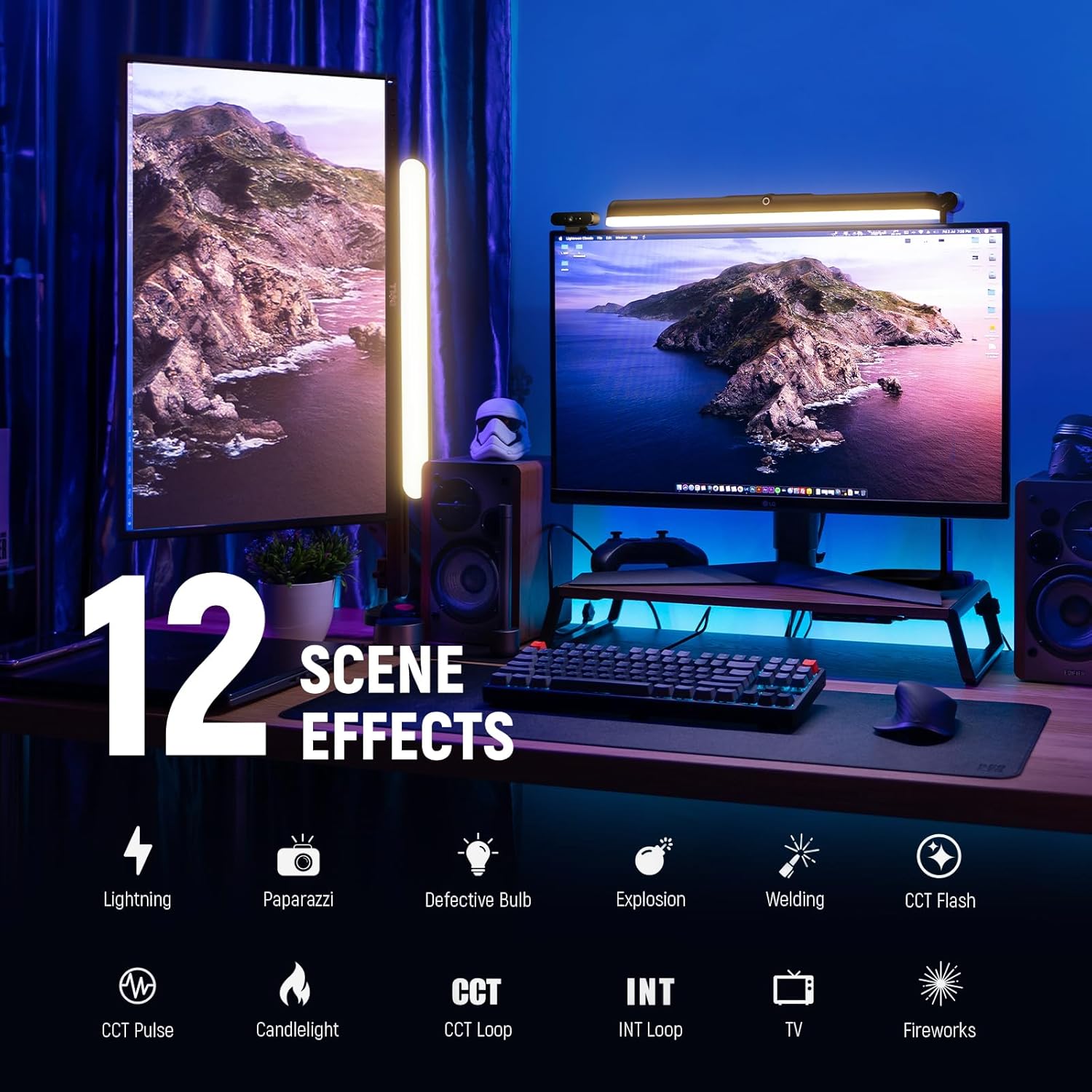
On paper, it’s positioned as a practical “set it up quickly” lighting tool for everyday work and filming. You get a bi-colour tunable temperature range (2900K–7000K), dimming, and 12 preset scenes, which should help if you want less faffing around during sessions.
One limitation to keep in mind: it’s a desktop/fill light rather than a full studio lighting system. If you’re trying to light a whole room, or you expect more dramatic key-light effects, it may feel a bit like bringing a knife to a fork fight.
Key takeaways
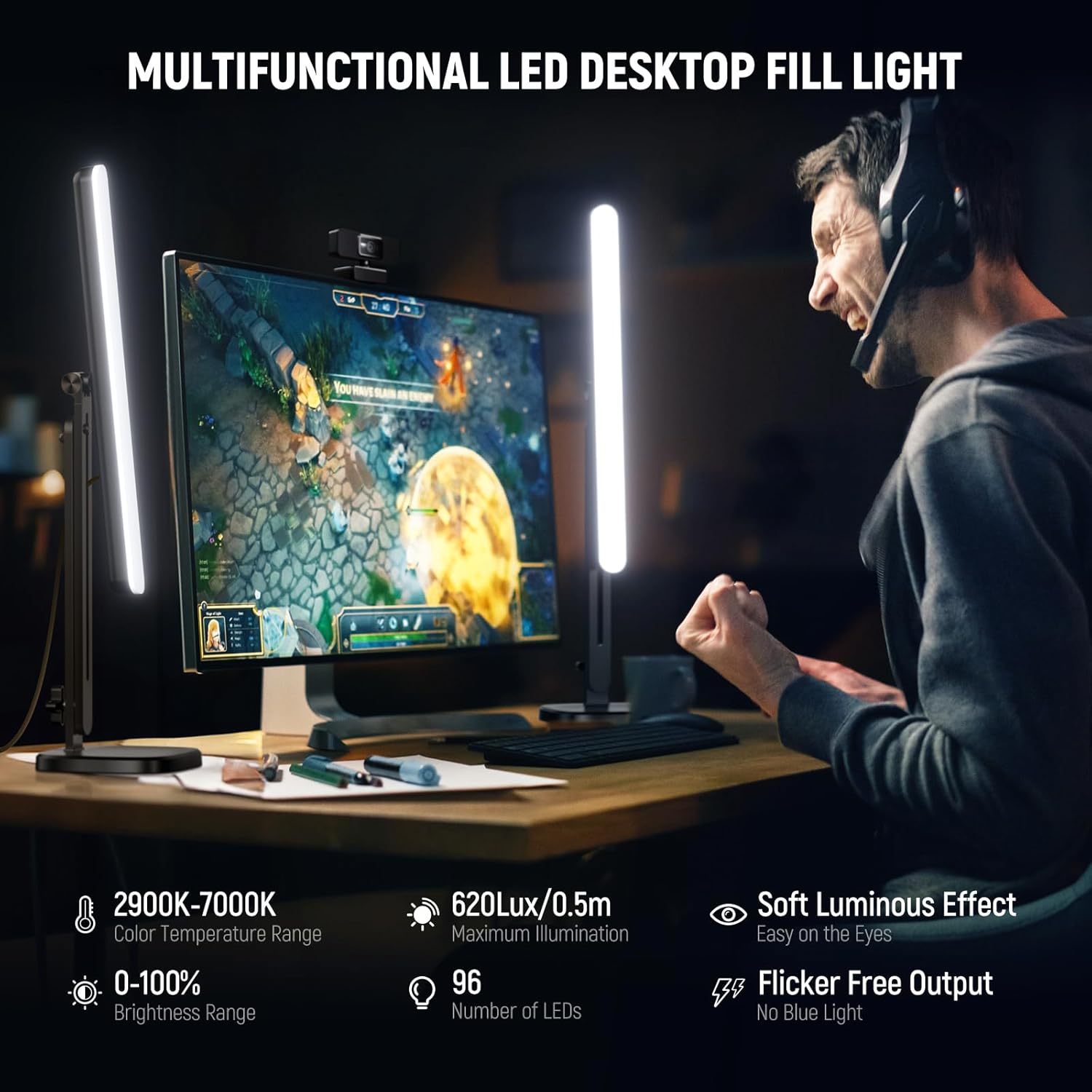
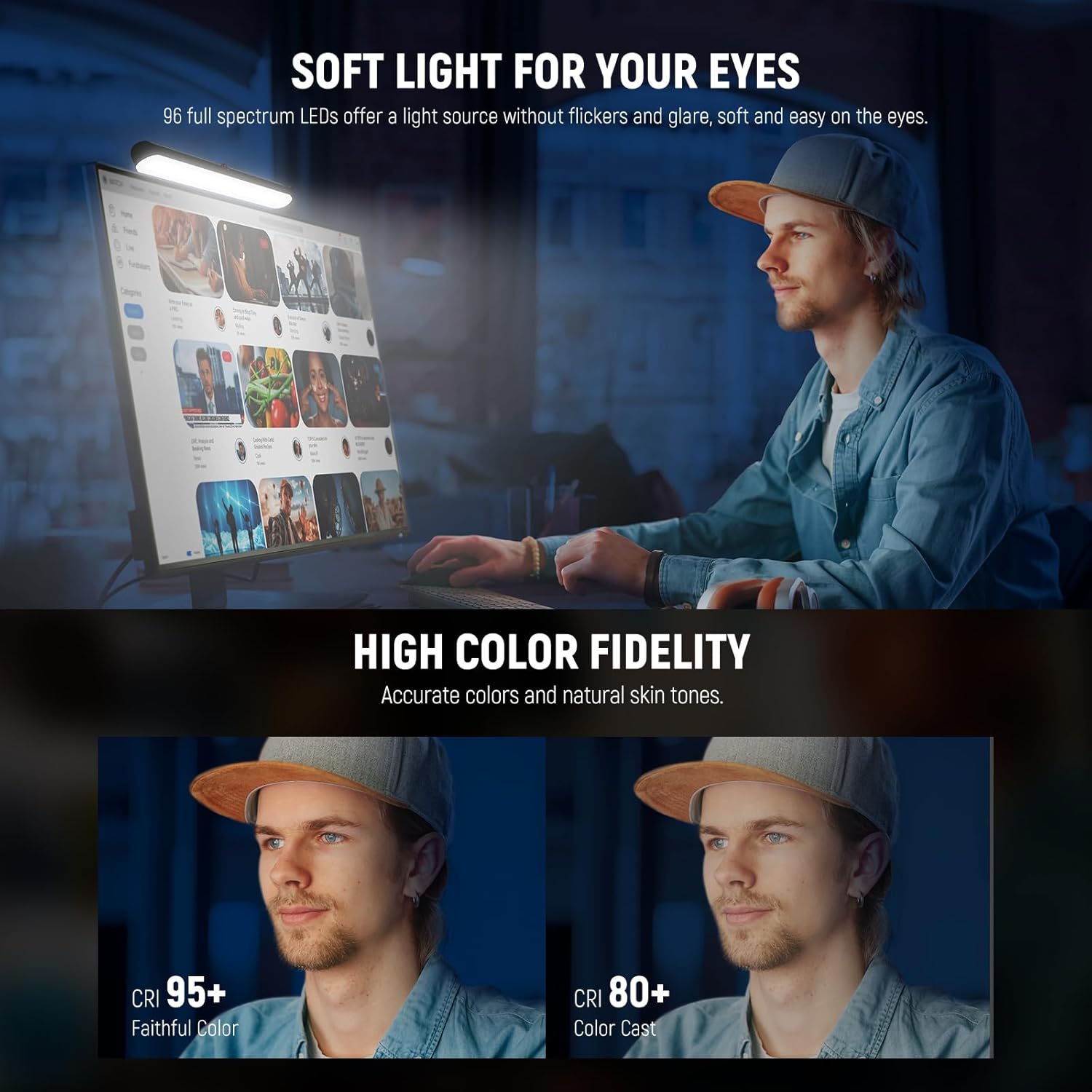
The TL40 focuses on soft, eye-friendly lighting with high colour fidelity. It uses CRI 95+ and TLCI 97+ to support more accurate colours and a more natural skin tone—useful if your camera or streaming setup is sensitive to “greenish” or over-warm casts. It’s also described as flicker-free and glare-free, which matters when you do long sessions and want fewer distractions on your display.
The light bar includes 96 full spectrum LEDs with an 8W output and a maximum illuminance of 620lux/0.5m. That’s the kind of spec you typically look for in a desktop fill light: enough to lift your face and reduce harsh shadows, but not so overpowered that it replaces proper studio lighting.
What you’ll notice day to day
There are two practical things that stand out about the TL40: positioning flexibility and control convenience.
The included adjustable stand is set up for real desk use. It offers a 12–24in / 30–60cm height range, plus 360° rotation and 180° tilt of the light tube. It’s a proper “move it into place” design rather than a fixed lamp. If you’ve ever struggled to get a camera angle that matches your lighting, this flexibility is genuinely handy—especially when you switch between laptop webcam height and a taller camera setup.
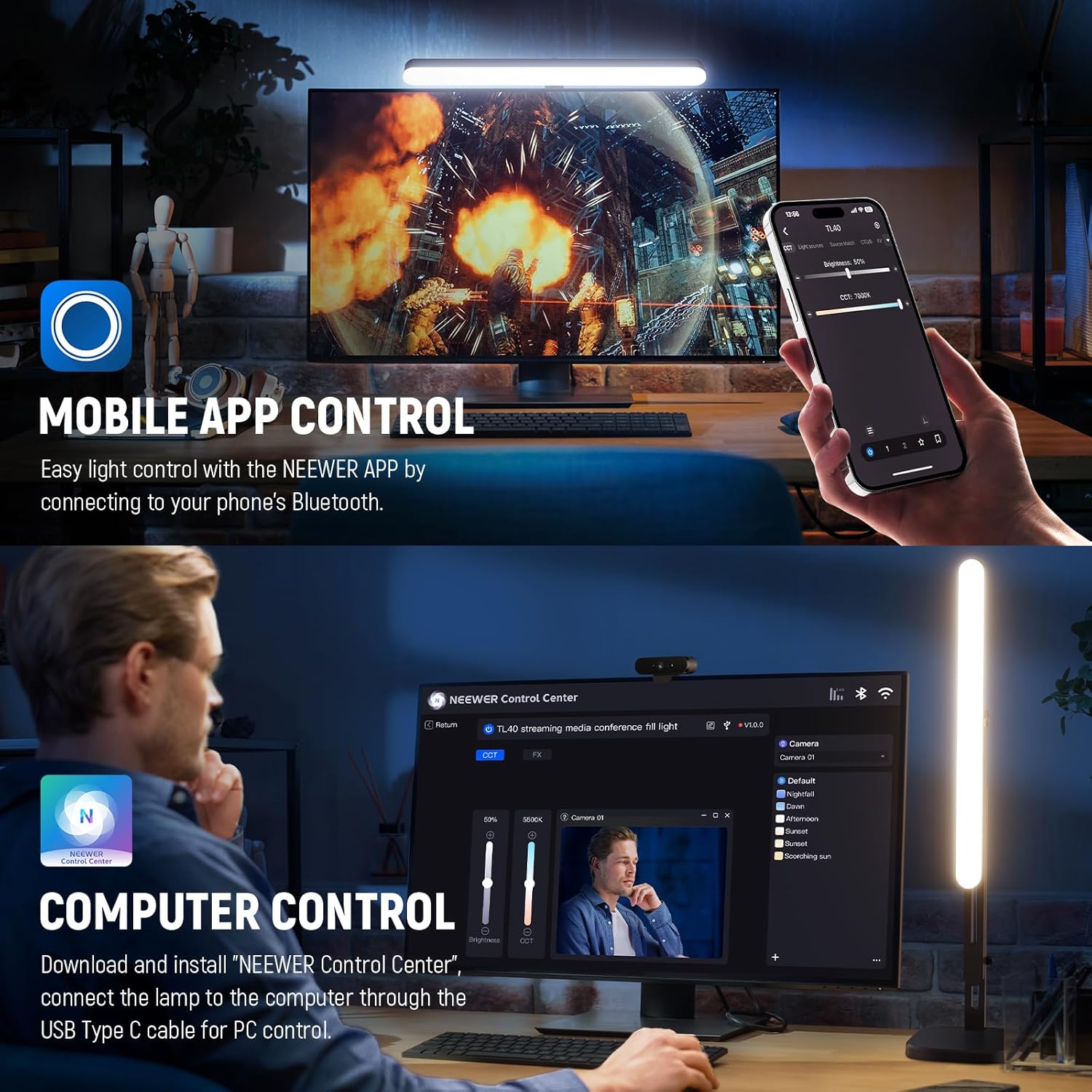
For control, the TL40 supports PC/Mac control via “NEEWER Control Center” software over USB Type C, and smartphone control over Bluetooth through the NEEWER app. During a live stream or a Zoom call, being able to tweak brightness or temperature without reaching for the light every time is the sort of small feature that makes sessions feel smoother.
One note from the instructions: the light tube needs to be turned clockwise for 360° rotation. Turning it counterclockwise can cause it to loosen and fall, so it’s worth handling carefully when you adjust angles.
Tech specs
- Type: USB streaming light bar (LED desktop fill light)
- Size: 16in/40cm light tube
- Power supply: USB Type C port
- Cable length: 2m (USB Type C)
- Colour temperature range: 2900K–7000K
- Dimming range: 0–100%
- Scenes/modes: 12 preset scenes
- Colour accuracy ratings: CRI 95+ / TLCI 97+
- LED count: 96 full spectrum LEDs
- Output: 8W
- Max illuminance: 620lux/0.5m
- Rotation/tilt: 360° rotation, 180° tilt
- Stand height range: 12–24in / 30–60cm
- Mounting threads: 1/4in threads on the light tube
Where it shines (and where it doesn’t)
It’s a good fit if you want a single desktop light that can keep your colours looking consistent across different content types—calls, streaming, studying, or filming—without complex lighting setups. The tunable 2900K–7000K range also helps if you’re matching the look of your room lighting or trying to find a flattering skin tone.
It may not suit you if you’re expecting a bright, punchy key light from a compact bar. For more dramatic, high-contrast looks, you’d usually look for stronger lighting solutions or multiple lights. Also, if you dislike using software (for PC/Mac control) or you’d rather have purely manual controls, the app/software aspect may feel like extra steps.
Getting the most from it
A simple way to test whether the TL40 fits your setup is to start with it at roughly face level when you’re seated, angled slightly towards you to reduce the shadows under your eyes. Then move through the 2900K–7000K range until your skin tone looks natural on camera. After that, use dimming and one of the 12 scenes only if you need speed.
If you work in different lighting conditions—daylight in the morning, warmer lamps at night—bi-colour tunability is where this light earns its keep. Pair that with the ability to adjust via app/software and you can tweak between sessions without breaking your workflow.
Should you buy it?
Final verdict
It’s worth buying the NEEWER TL40 if you’re after a desktop streaming light bar with flicker-free, glare-free soft illumination, strong colour fidelity (CRI 95+/TLCI 97+), and convenient control via USB on PC/Mac or via the NEEWER app on your phone.
You may want to skip it if you’re looking for a high-impact key light for full scene lighting, or if you strongly prefer fully manual lighting with no reliance on app/software control. Also, take care with the rotation instructions—clockwise for 360° rotation—so the tube stays secure.
Quick FAQs
FAQs
Can I control it from my phone?
Yes—according to the product description, you can pair your smartphone via Bluetooth and use the NEEWER app for wireless control.
Does it work with a PC or Mac?
Yes. The description says you can install the “NEEWER Control Center” software on your PC/Mac and connect the TL40 via the included USB Type C cable.
Does it help with long sessions?
It’s described as flicker-free and glare-free with soft lighting, which should be gentler over longer periods of gaming, studying, or filming.
Is it just a white light?
No. It supports bi-colour temperature tuning from 2900K to 7000K, along with 0–100% dimming and 12 preset scenes.