

UGREEN HDMI Dummy Plug HDMI EDID Emulator
Product description
When you need a virtual HDMI signal for remote access, streaming, or a headless setup, the UGREEN HDMI Dummy Plug helps keep things running when there is no physical display attached. It supports high resolution output and is designed to help maintain GPU activity for workflows such as remote desktop, cloud gaming and remote server use. ✅
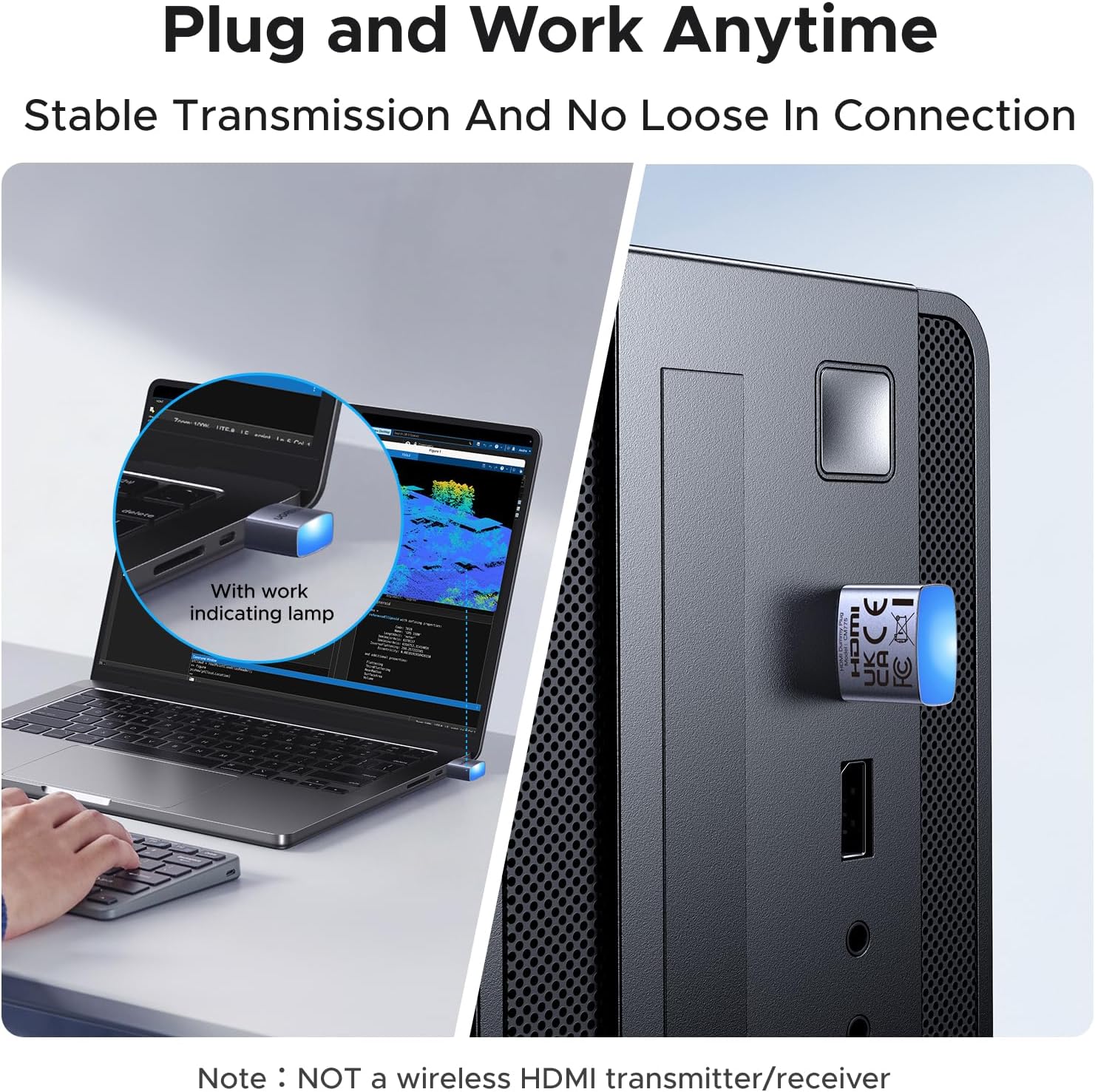
This model is built around EDID emulation, so connected systems can negotiate a display mode in a way that is practical for real day-to-day IT and home office tasks. It is also intended to be simple to use, using a plug-and-play approach without software installation or external power. 🖥️
Key features
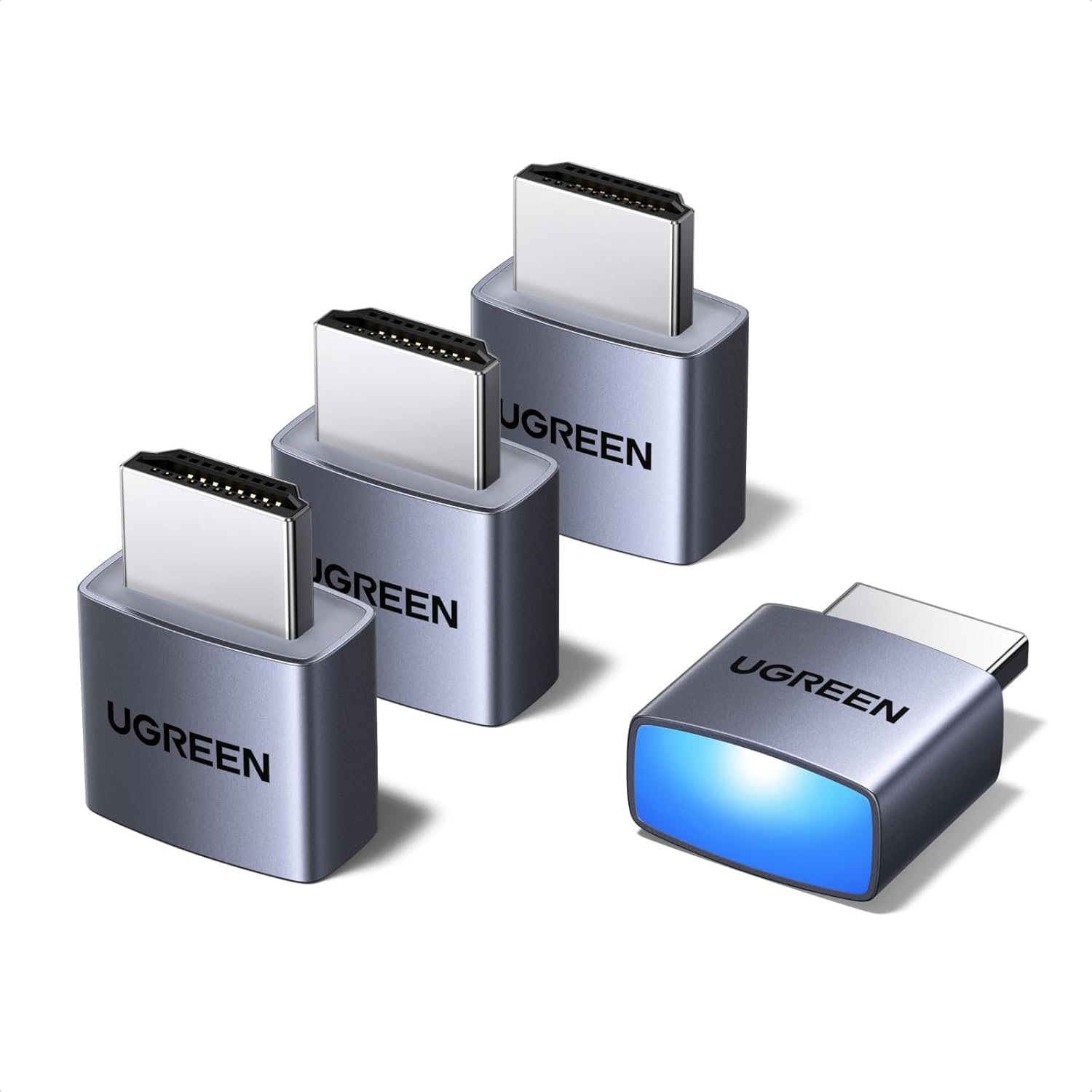
The UGREEN HDMI Dummy Plug is an EDID emulator adapter that creates a virtual display signal over HDMI. That means your setup can behave as if a monitor is present, which is useful for remote access scenarios where the GPU may otherwise idle or where compatibility can become unpredictable. For cloud gaming and AFK style sessions, it can also help keep the graphics pipeline active even when you are not using a local screen.

It supports a range of resolutions and refresh settings listed by the manufacturer, giving you options to match common GPU and application expectations. The adapter also includes an LED status indicator, so you can quickly confirm that it is active during use. 🔎
In practical terms, this is the kind of accessory that can reduce friction when you are setting up remote desktops, maintaining servers, or running systems that rely on HDMI output but do not always have a connected monitor.

Tech specs
- Name: UGREEN HDMI Dummy Plug 4K@60Hz, 1440P@30Hz, 1080P@120Hz HDMI 1.4 EDID Emulator Adapter
- Type: HDMI dummy plug with EDID emulation
- Resolution: Up to 4K@60Hz with 4:2:0 listed by the manufacturer
- Resolution: Up to 4K@30Hz with 4:4:4 listed by the manufacturer
- Resolution: Up to 1440P@60Hz and 1440P@30Hz listed by the manufacturer
- Resolution: Up to 1080P@120Hz and 1080P@60Hz listed by the manufacturer
- Compatibility: Windows 10/11, macOS 10.10 or above, and Linux

Pros
This UGREEN HDMI EDID Emulator is designed to be straightforward, with plug-and-play operation and no software or driver installation required. It also states that no external power is needed, which makes it easier to keep the wiring and set-up clutter under control. If you manage multiple machines, the hot-swapping support and LED indicator can also make troubleshooting faster. ✅

There is also a clear focus on remote and headless environments, including remote desktop, remote streaming, cloud gaming and headless server operation. If your workflow depends on HDMI output staying available and the system behaving consistently, this adapter is intended to help with that practical stability.
The manufacturer also notes efficient heat dissipation through high-quality aluminium alloy materials, which is relevant when the unit is used for long time operation in remote setups, server maintenance, or server-style use. It is a sensible consideration because small accessories can otherwise become a weak point in continuous deployments. 🔧
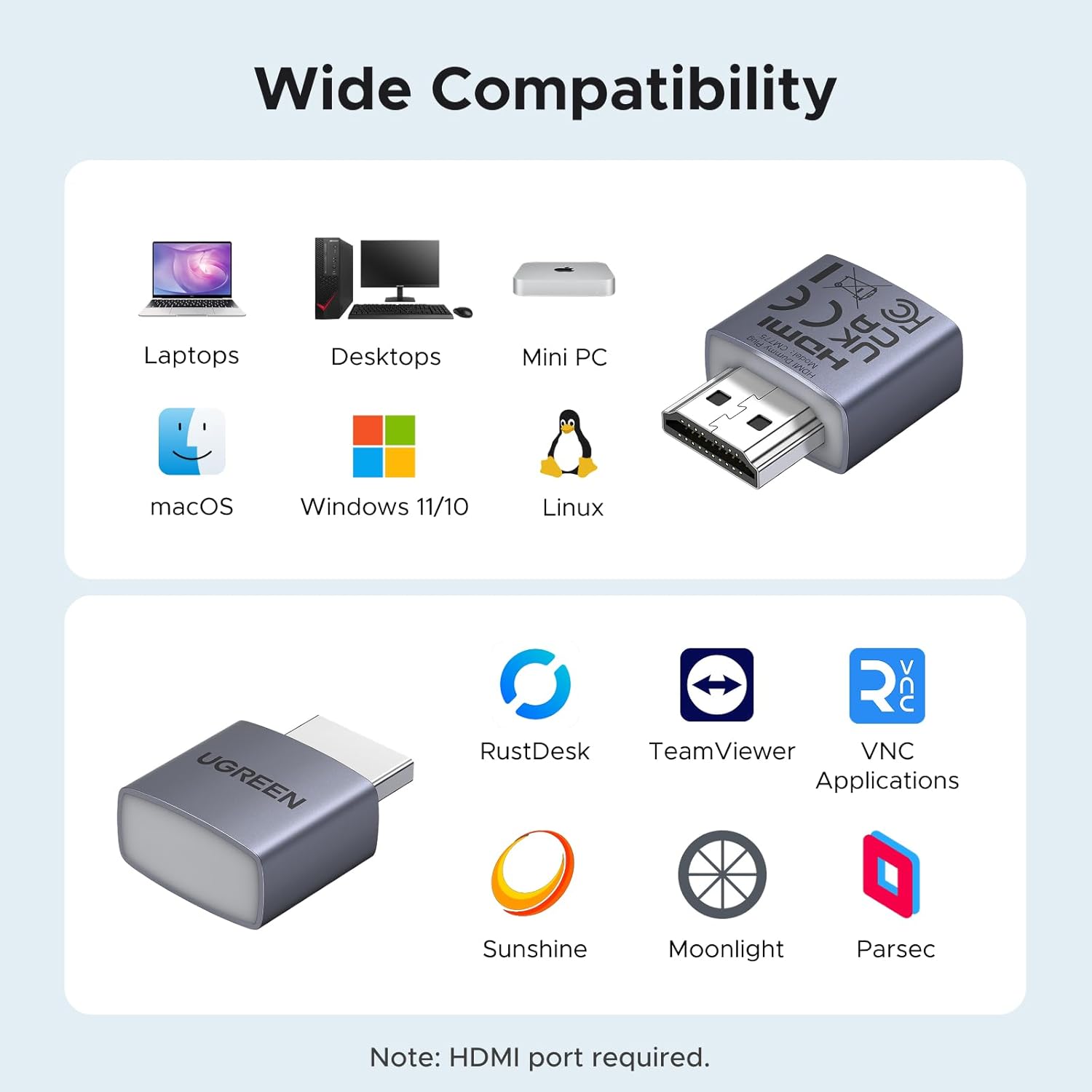
If you are working across Windows, macOS and Linux, the universal compatibility helps reduce the need to hunt for different adapters per platform. That kind of consistency can be especially helpful for IT professionals, streamers and remote workers managing varied devices.
Usage tips
It makes sense if you want a virtual display signal for remote access scenarios, especially when the physical monitor is absent or not practical to keep connected. For best results, match the resolution and timing you need to the ranges supported as listed by the manufacturer, then connect the dummy plug to your HDMI output before starting remote sessions. If you are running a headless server or maintenance tasks, leaving it installed during operation can help keep the environment stable.
It may also suit you if you prefer a low effort installation, because the unit is described as working straight out of the box without extra drivers. You will also want to keep an eye on the LED status indicator during setup, as that provides quick confirmation that the adapter is active. Worth noting that performance and compatibility can still depend on the connected GPU and system configuration, even when EDID emulation is supported.