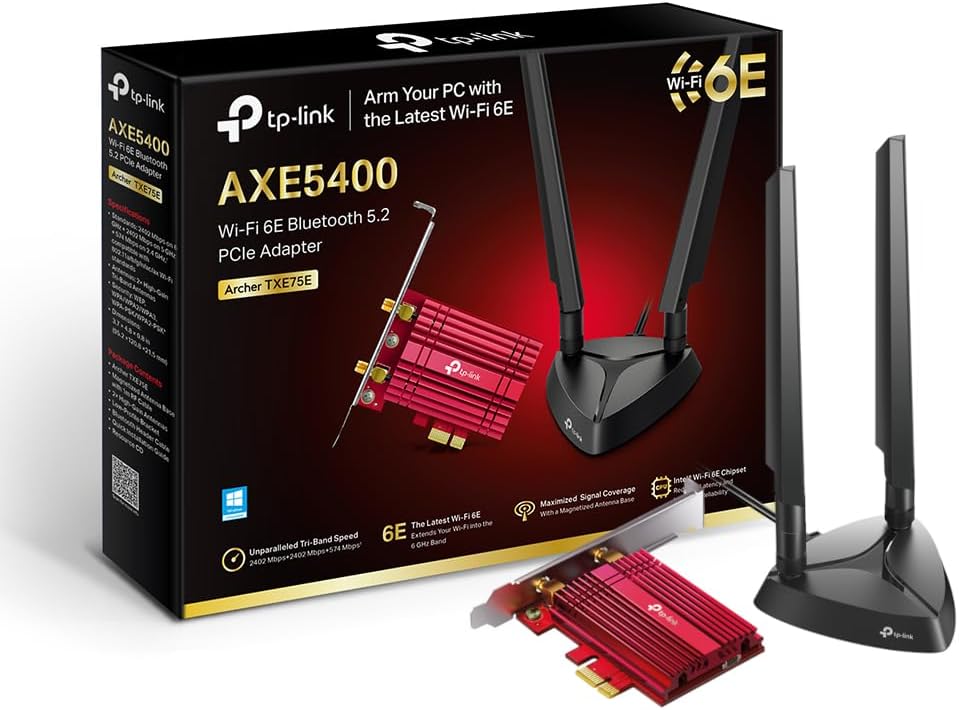
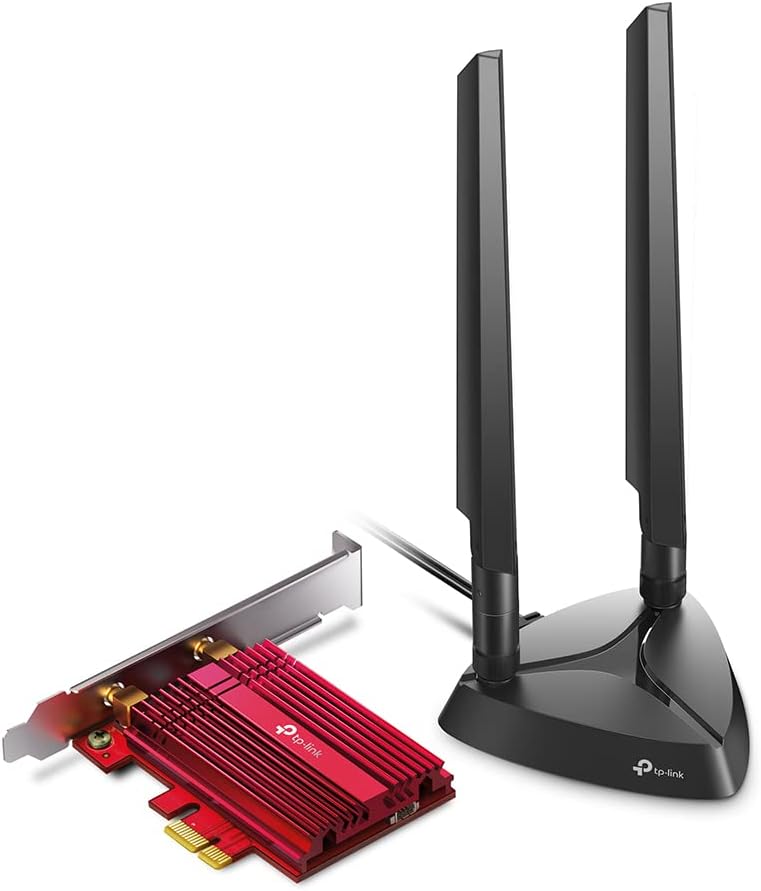
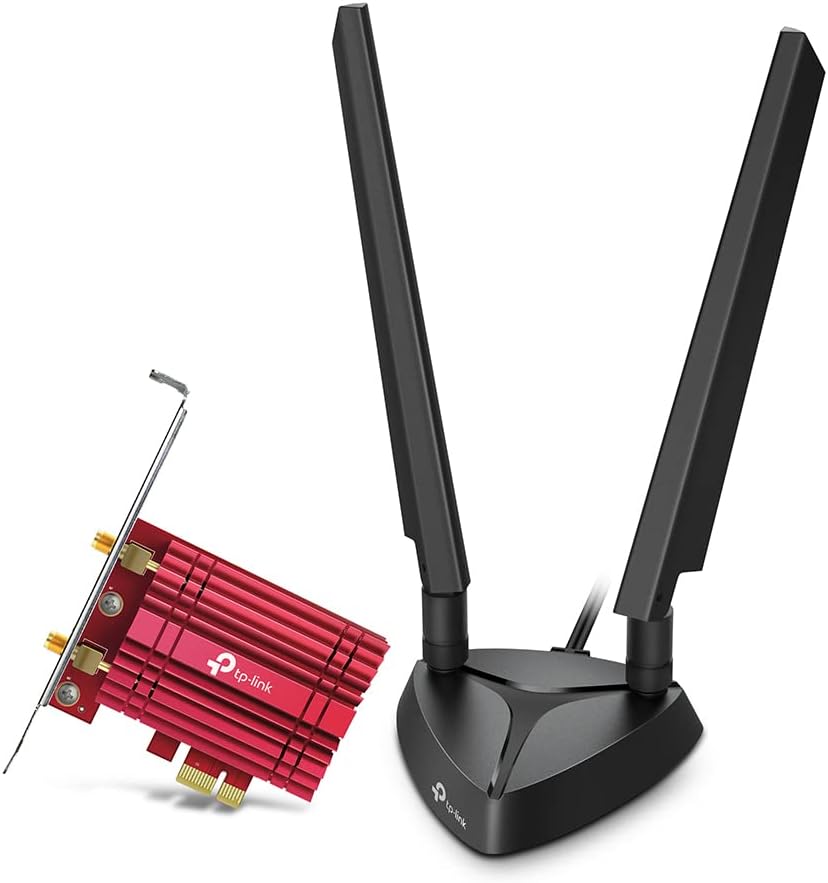
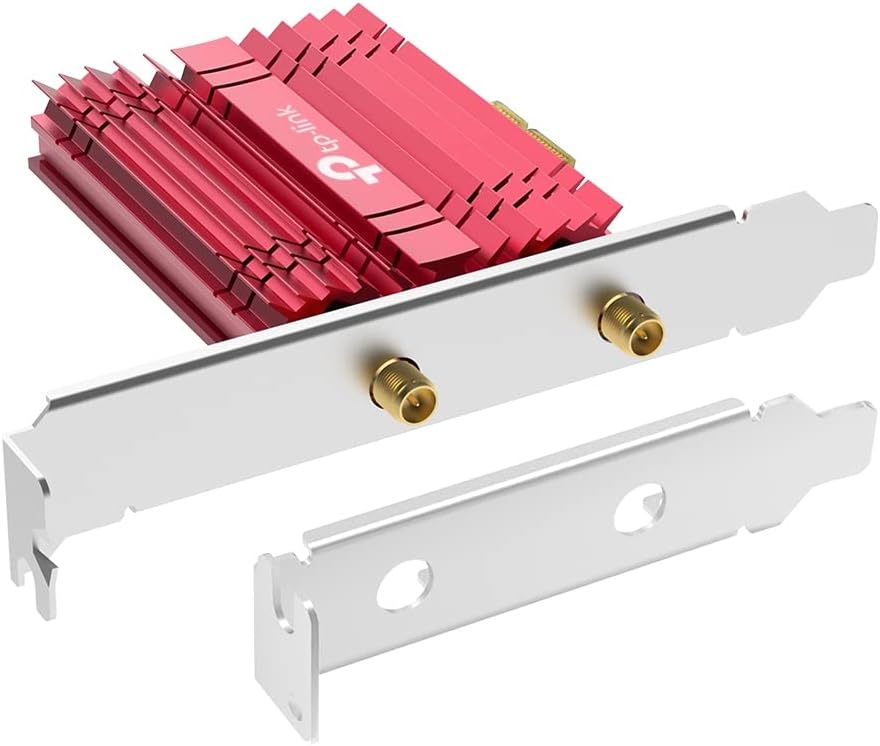
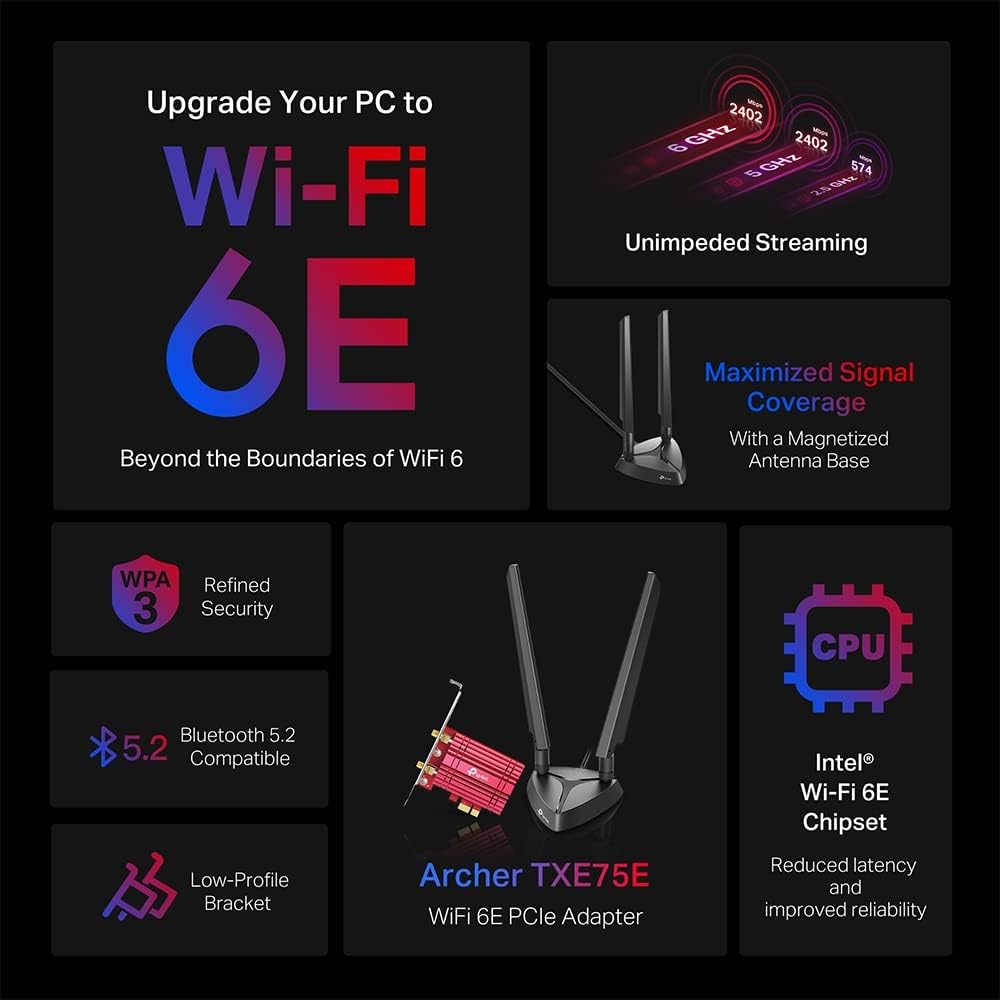
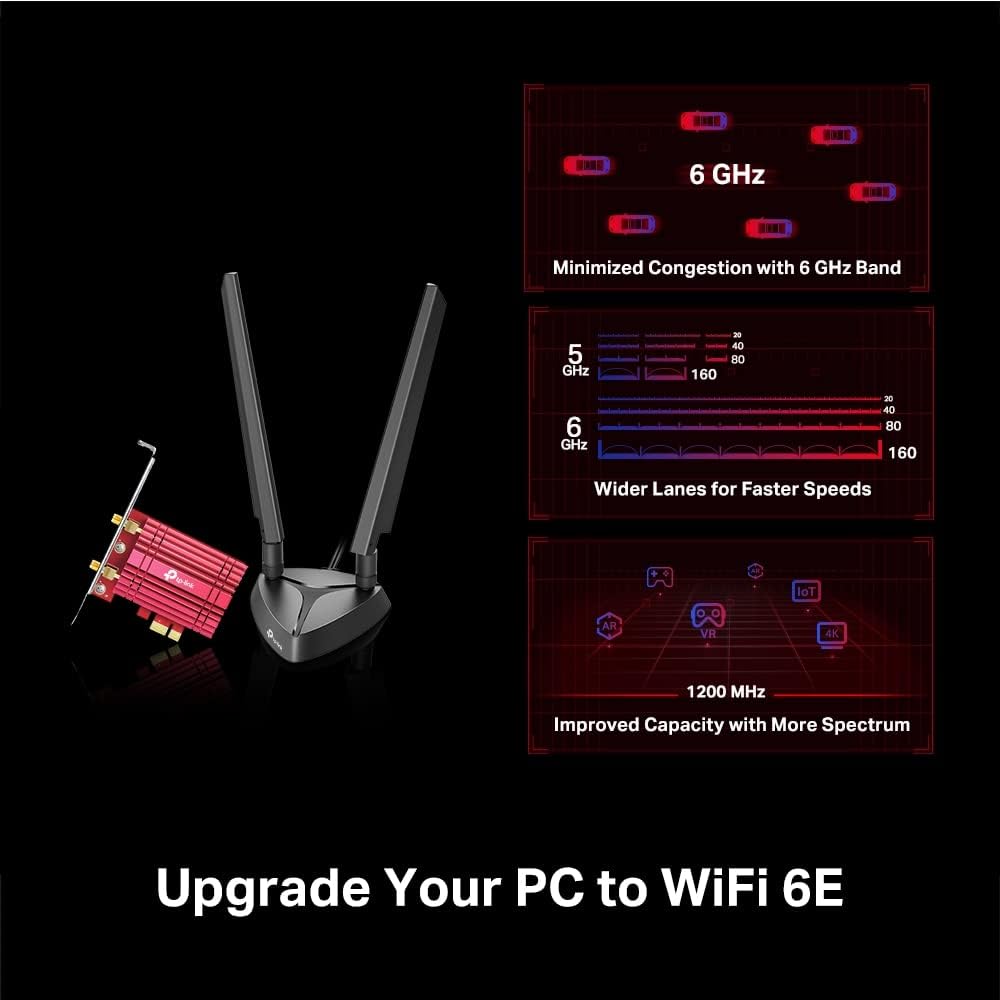
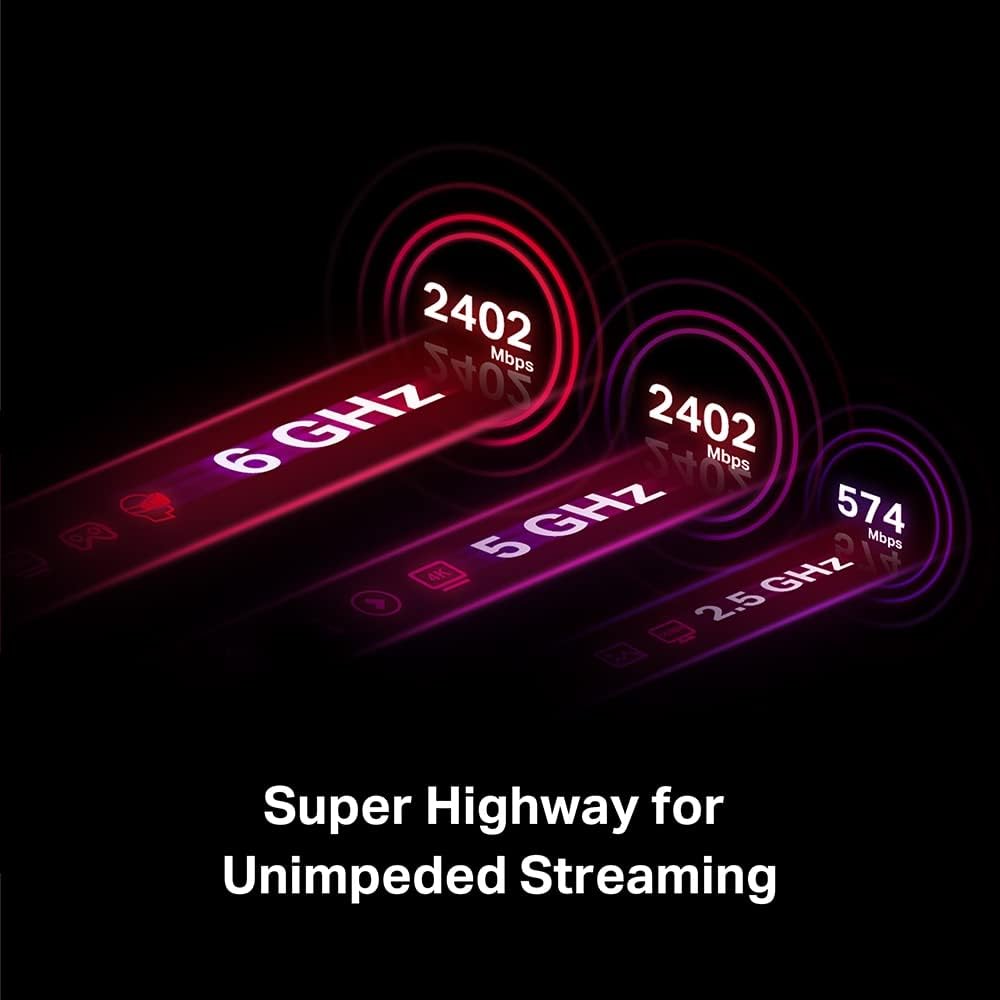
What matters most\nIf you’re looking to upgrade a desktop PC’s wireless capabilities, the TP-Link Archer TXE75E is a PCIe Wi‑Fi 6E adapter that aims to deliver faster speeds across three bands. On paper, it combines a 6 GHz (up to 2402 Mbps) and 5 GHz (up to 2402 Mbps) with a 2.4 GHz back‑up (up to 574 Mbps), which could be beneficial if you have a 6E router or devices that support the band allocations. The card uses an Intel chipset, which is a point often considered when evaluating driver support and stability on Windows 10 and Windows 11 (64‑bit).\n\n## How it performs on paper\nThe 6E standard unlocks the wider 6 GHz spectrum, which, in theory, reduces interference and provides more headroom for bandwidth‑demanding tasks. Pairing with two multi‑directional antennas on a magnetised base should help with reception in typical desktop layouts, where the card is mounted inside a case or on a PCIe slot near a window or with a clear line of sight. Bluetooth 5.2 is stated as part of the package, offering broader wireless peripheral compatibility beyond Wi‑Fi. The device also notes WPA3 security, which is the current recommended standard for personal networks.\n\n## What stands out\nTwo antennas with a magnetised base and a low‑profile bracket make this a practical option for compact or slim desktops. The focus on security (WPA3) and the claim of improved reliability with an Intel Wi‑Fi 6E chipset can be reassuring for users prioritising stability and future‑proofing. The compatibility with older standards (802.11ax/ac/a/b/g/n) adds a level of reassurance for mixed networks.\n\n## What to watch out for\nActual performance depends on your router, environment and whether your devices can utilise the 6 GHz band. While the speeds listed are impressive on paper, real‑world throughput will vary, and not all desktop setups benefit equally from a PCIe Wi‑Fi 6E card. If your current router is not 6E capable or if you have significant interference in the 6 GHz band, the advantages may be more modest.\n\n## Who it’s for\nThis card suits desktop users who want to upgrade to Wi‑Fi 6E with a focus on potential future‑proofing, better bandwidth, and wider band coverage in a PC build. It may appeal to those who value a dedicated PCIe slot solution, a magnetised antenna setup for flexible placement, and WPA3 security.\n\n## When it makes sense to buy\nIf you already own a 6E router or are planning to upgrade to one soon, and you want a PCIe solution with a modern security standard, this card could align with that plan. It might also be attractive if you’re prioritising a stable Intel‑driven driver experience and extra Bluetooth support for peripherals.\n\n## What to check before buying\n- Confirm your computer has a free PCIe slot and adequate internal space for a low‑profile bracket.\n- Verify your router supports 6E and the 6 GHz band to maximise potential gains.\n- Ensure Windows 10 or Windows 11 (64‑bit) compatibility as stated.\n- Consider your current wireless peripherals and whether you need Bluetooth 5.2 features.\n\n## Practical usage example\nIn a typical home office with a cluttered USB Wi‑Fi dongle, upgrading to a PCIe card like this could reduce dropped connections and improve stability when streaming or video conferencing, provided the router supports 6E and the 6 GHz channel is viable in your room.\n\n## FAQ (where data allows)\n- Does it support Bluetooth 5.x peripherals? Yes, Bluetooth 5.2 is part of the specification mentioned.\n- Is WPA3 supported? Yes, WPA3 is listed for improved personal network security.\n- Will I get 6 GHz speeds on a standard router? Speed claims are on a per‑device basis and depend on router capability and environment.\n\n## Is it worth it?\nA solid pick if you prioritise newer security, potential higher bandwidth on supported networks, and a PCIe upgrade path for a desktop setup. It may not be the best choice if your router isn’t 6E or you need plug‑and‑play USB simplicity.