

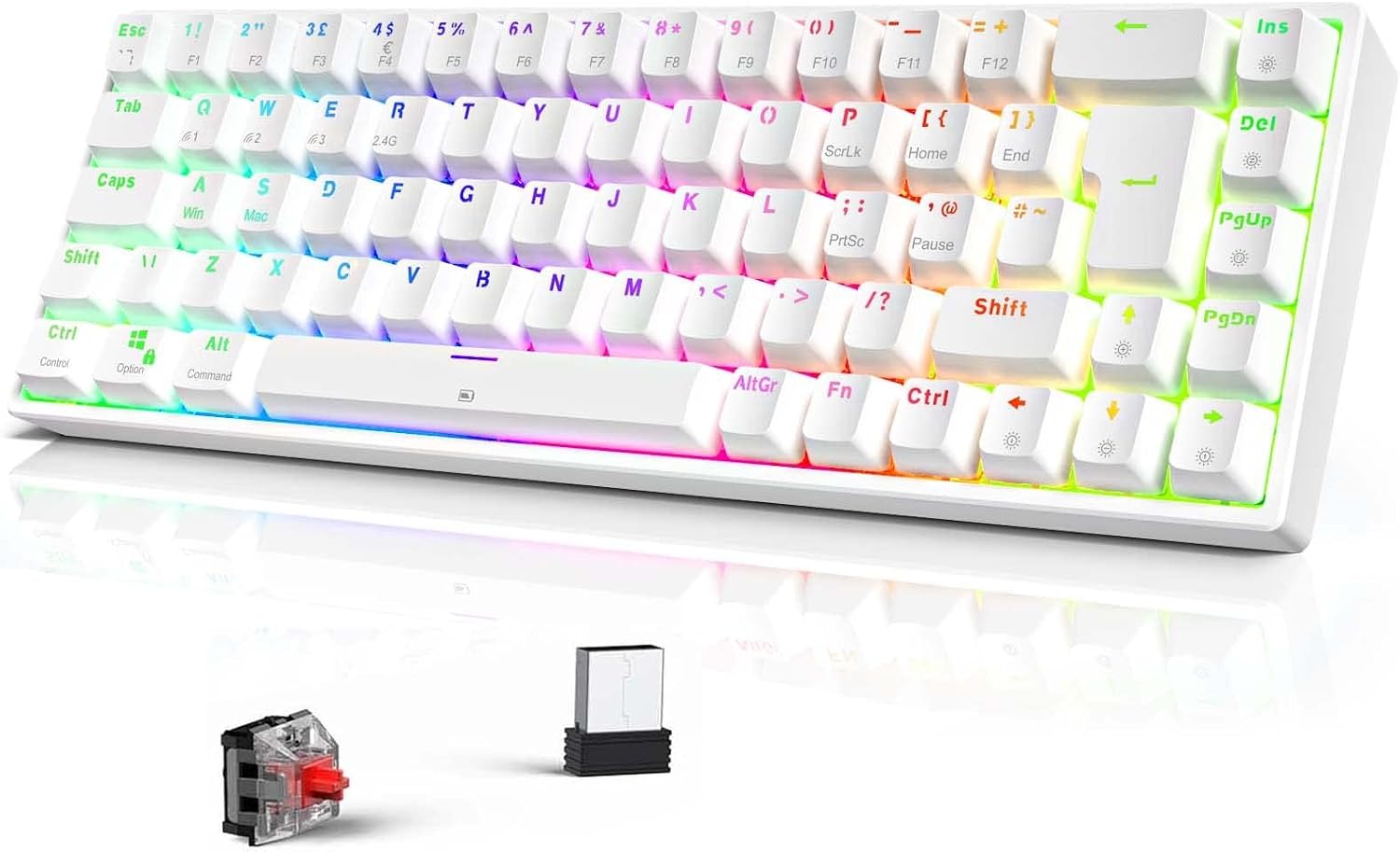
TECURS Wireless Mechanical RGB 65% Keyboard (UK Layout) – 68 Keys, Red Switch, Bluetooth/2.4G/Wired
Product description
What is it and who it’s for
The TECURS Wireless Gaming Keyboard is a compact 65% mechanical keyboard designed for players who want a clutter-free setup without sacrificing multi-device versatility. With Bluetooth, 2.4G wireless, and a wired Type-C option, it aims to offer a truly flexible gaming experience across PC, Mac, tablets and consoles. It’s a compact option for home desks, office use, or on the go, where space is at a premium or portability matters. If you favour a minimalist footprint but still expect tactile feedback, this keyboard positions itself as a practical middle ground.
How it’s set up and what’s included
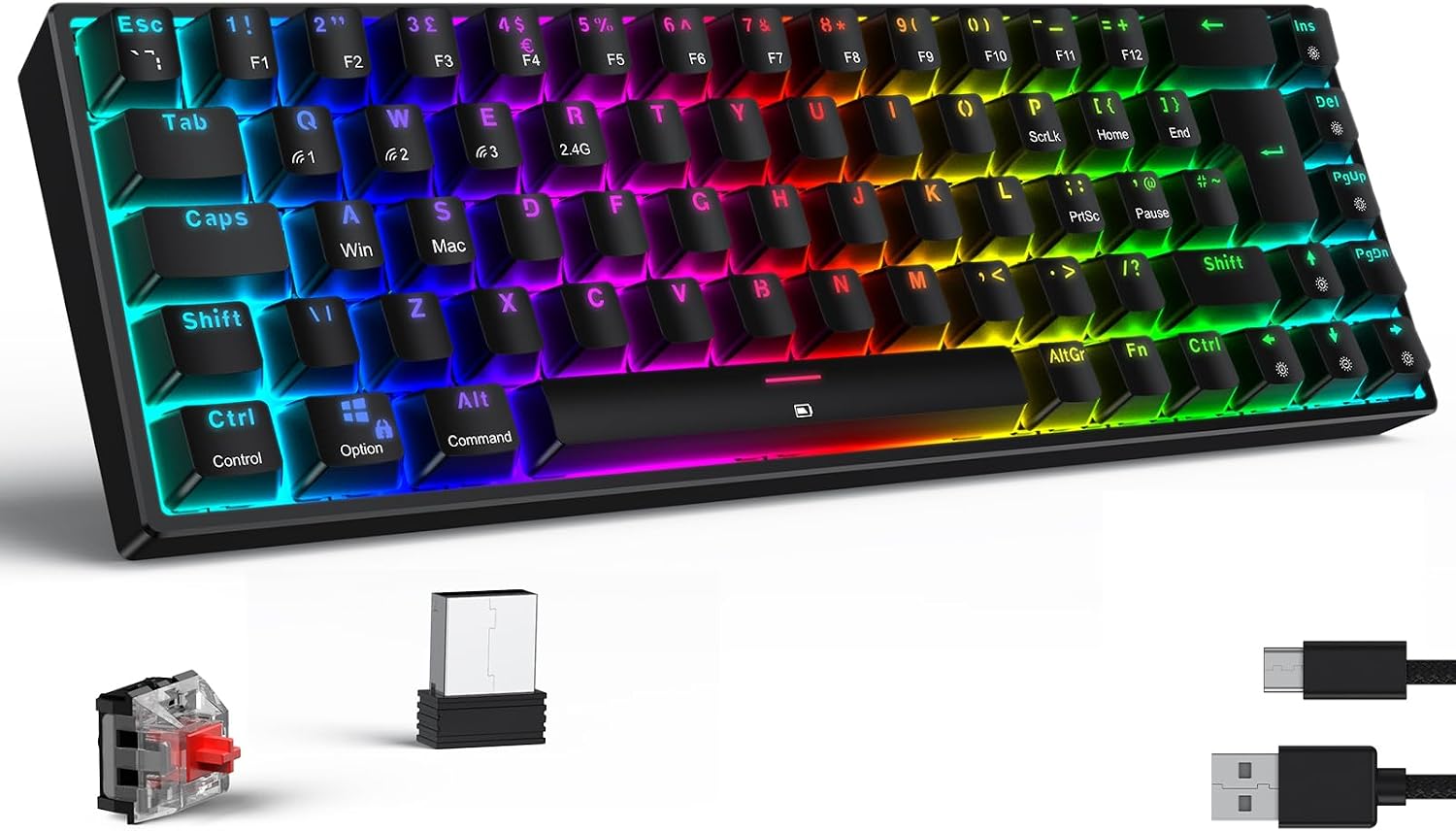
Key selling points are its cross‑device compatibility and the detachable Type-C cable. It ships with a keycap puller for easy maintenance and cleaning, and the layout is a UK 65% arrangement (TKL) with 68 keys. The keys are described as splash‑proof and dustproof to help resist minor spills and dust during everyday gaming sessions or work, though, as with any compact keyboard, you’ll want to be mindful of the reduced number of keys compared with full‑size boards.
What stands out on paper
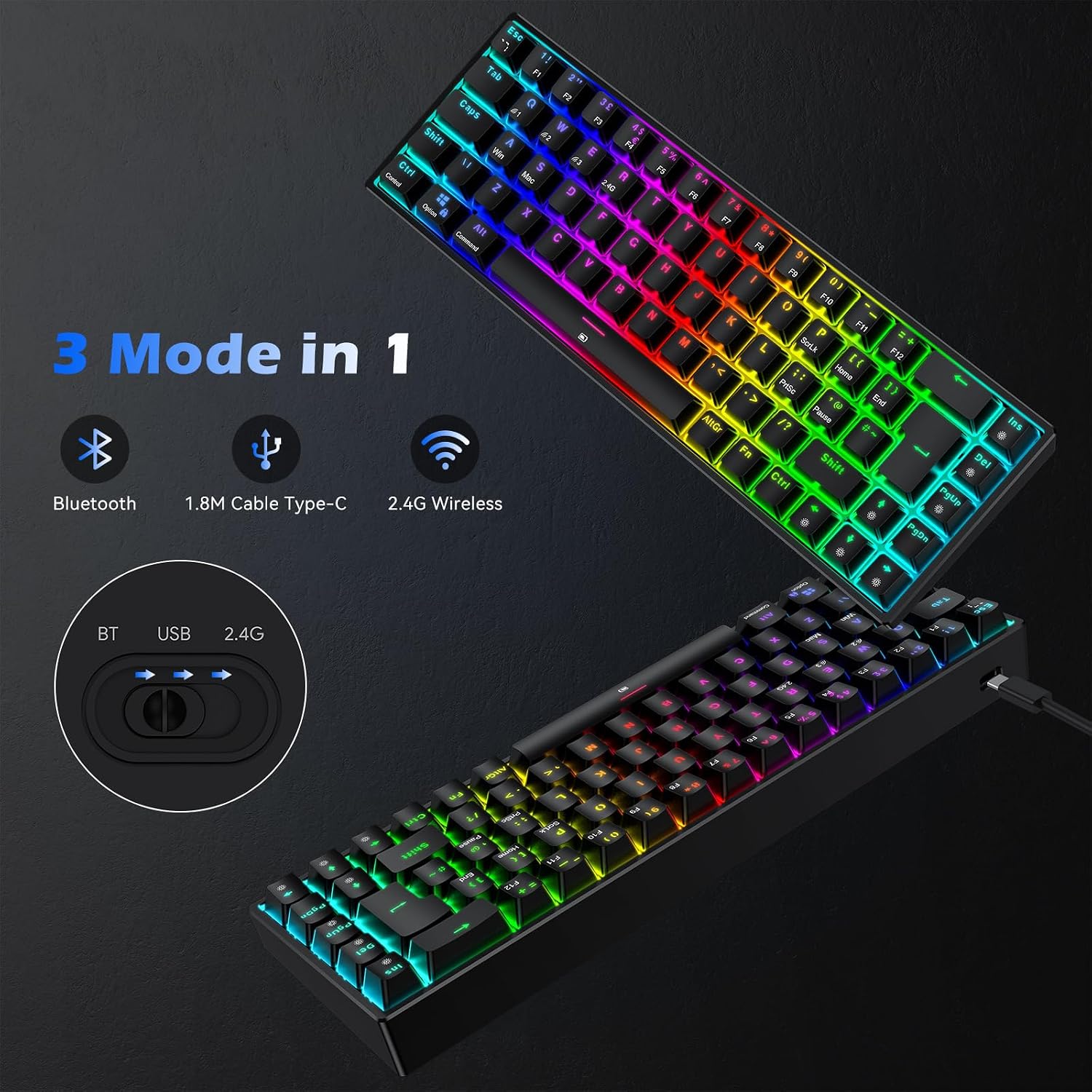
The TECURS keyboard uses red mechanical switches, which are typically linear and known for smooth actuation and quicker resets. This can translate into faster keystrokes during gaming and a quieter typing experience compared with some other switch types. The device supports multiple connection modes, enabling seamless switching between devices and contexts—useful if you switch between a PC, a tablet, or a PS4/Android setup.
The lighting and ambience
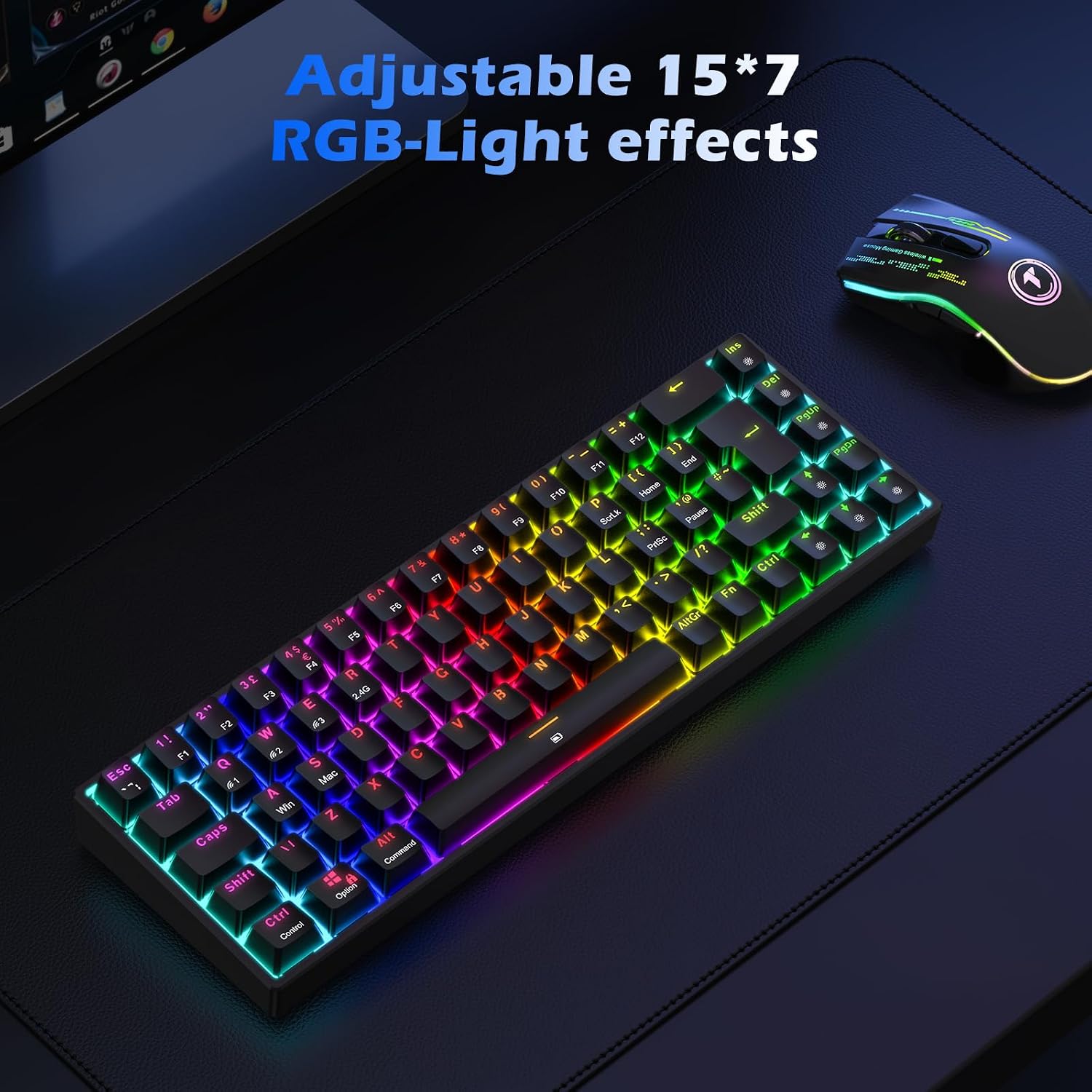
With 15 dynamic RGB lighting modes plus 7 monochrome backlighting options and a colour‑mixing mode, there’s room to personalise the look without overloading on visuals. For gamers who care about immersion or who type in dim environments, the lighting options are a meaningful enhancement rather than a gimmick.
Strengths and limitations
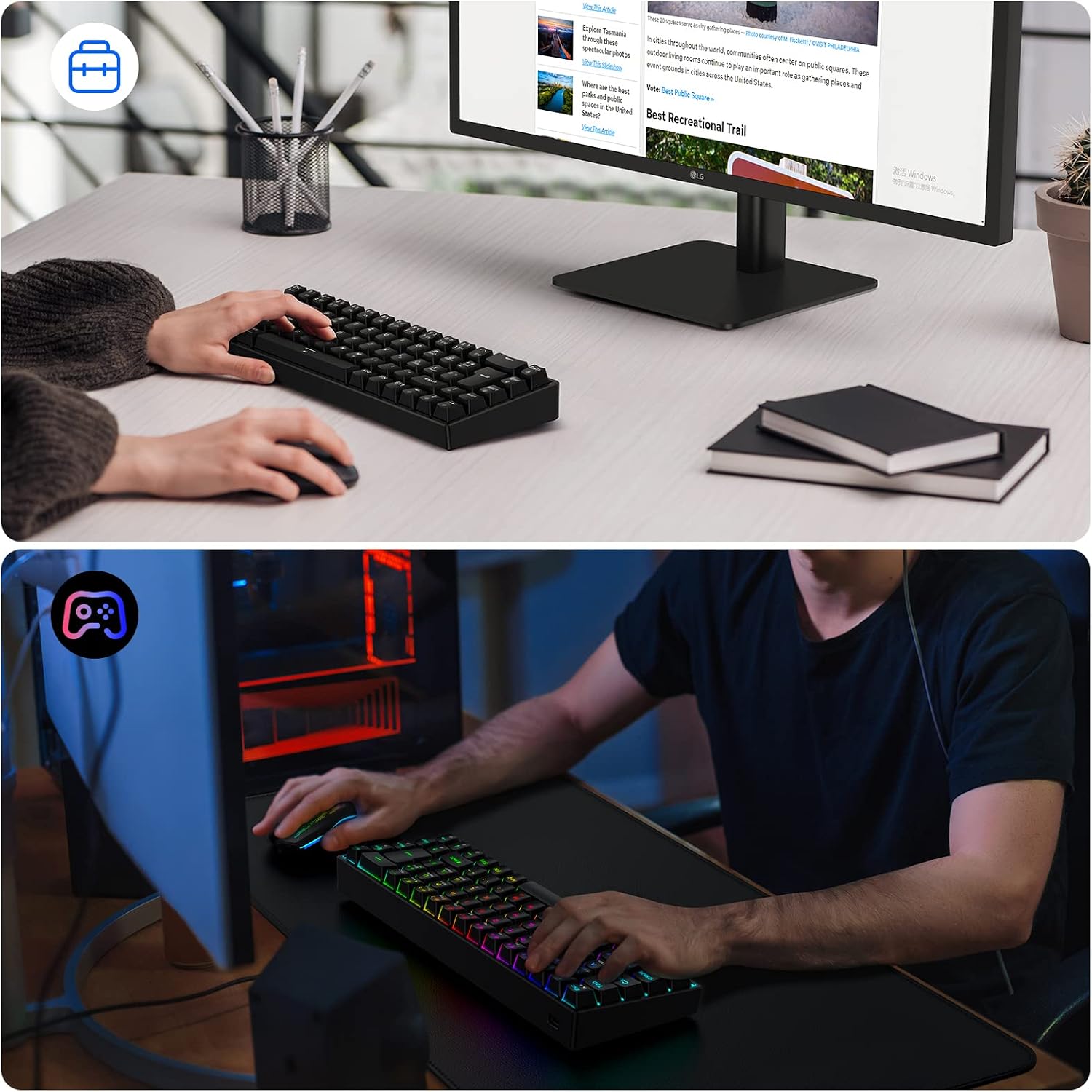
On the plus side, the 65% form factor makes the keyboard easy to carry and fits neatly on smaller desks. The multi‑device connectivity is appealing if you juggle different ecosystems. The red switches offer a balance of smooth feel and relatively quiet operation, which can be helpful in shared spaces.
On the downside, the compact layout means fewer dedicated keys, which can slow some workflows if you rely heavily on a full set of function keys or media shortcuts. The description mentions splash‑proof and dustproof properties, but real‑world spill resistance will depend on usage and maintenance. As with any wireless keyboard, battery life will play a role in day‑to‑day practicality, though no exact figures are provided here.
What it’s best for (and what it isn’t)
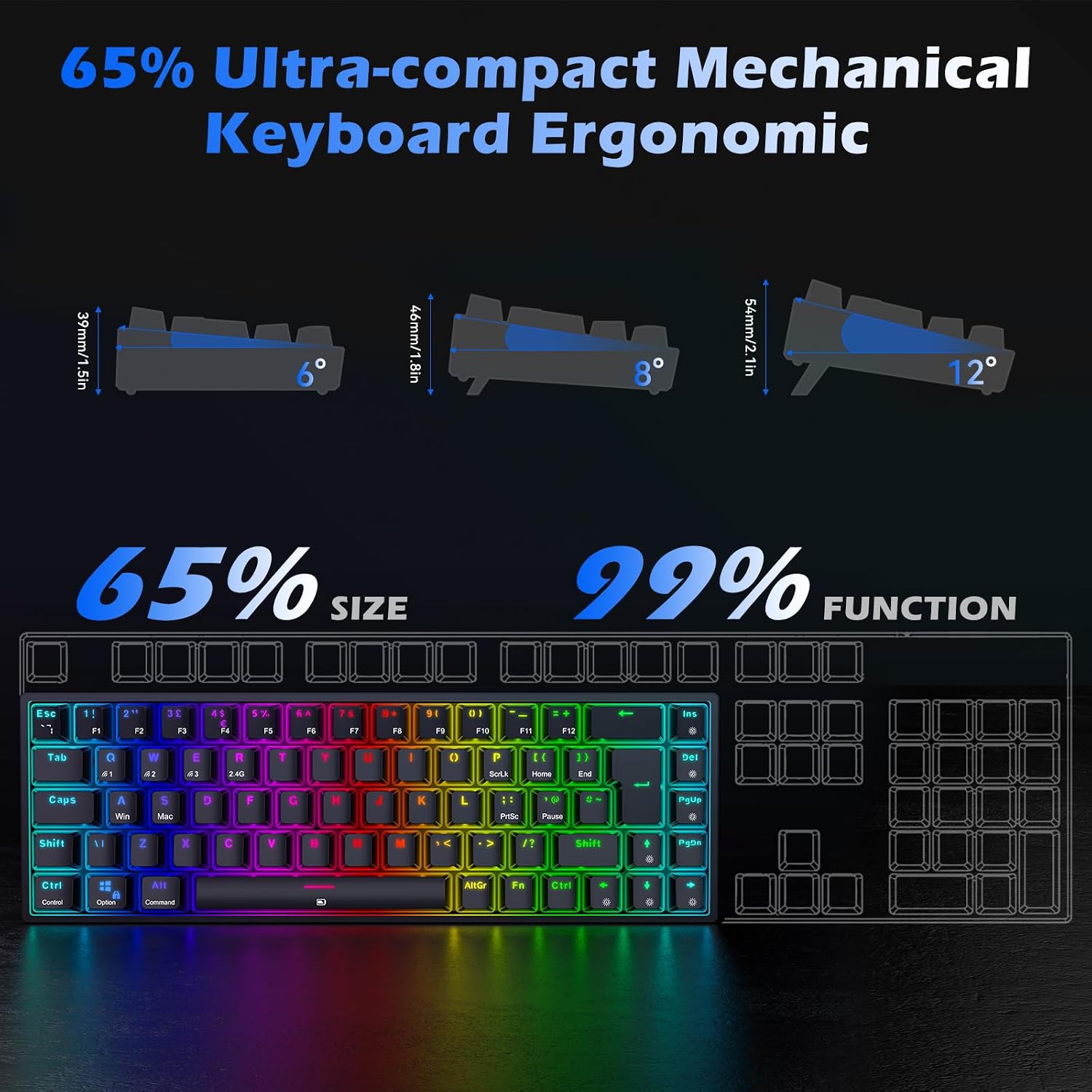
This keyboard suits players and multi‑device users who value portability and a straightforward setup across systems (Mac, Windows, IOS, Android) and a desire for tactile, quick‑response input from red switches. It may not be the best fit if you rely on a full‑size keyboard for extensive macro use or if you require a large number of dedicated keys for complex workflows.
How to decide before buying
- If you prioritise travel or a compact desk footprint, this 65% layout is a sensible choice.
- If your priority is multi‑device compatibility and easy switching between a PC, tablet, or console, the wireless + wired options add flexibility.
- If you need a heavy-duty, feature‑rich board with an abundance of keys and customised macros, you might want to look at larger layouts.
- If you often game in a shared living space, the quieter nature of red switches can be a practical consideration.
Practical usage example
Imagine you’re switching from a PC game to a tablet for late-night casual play. You can connect via Bluetooth, pick up where you left off, and keep a clean, uncluttered desk. The detachable Type-C cable also helps when you’re on a desk or with a travel kit, so you’re not hunting for ports in low light or on a crowded train table.
Quick factors to review before purchase
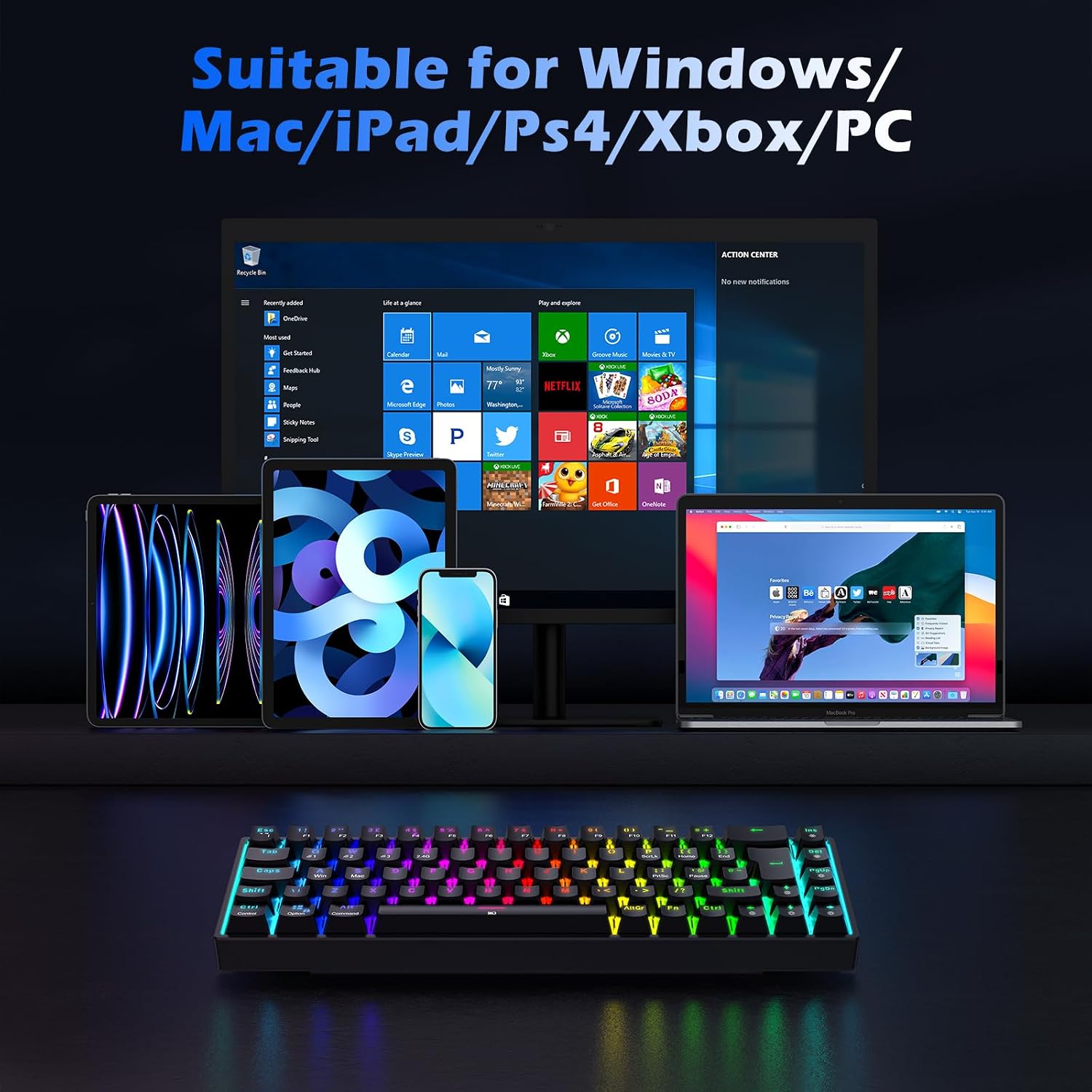
- Confirm device compatibility with your primary system (Mac/Windows/IOS/Android) and whether you’ll use wireless or wired mode most often.
- Consider whether 65% layout suits your workflow and whether you’ll miss any missing keys as part of daily use.
- Check the switch feel for your typing preference, red switches are generally smoother and faster to actuate than tactile or clicky options.
- Look at battery expectations and charging method with the Type‑C connection.
Tech snapshot (brief)
- Layout: UK 65% (TKL), 68 keys
- Connectivity: Bluetooth, 2.4G wireless, wired Type-C
- Switch: Red switches
- Lighting: 15 RGB modes + 7 monochrome + colour mix
- Multi‑device compatibility: Mac OS, Windows, IOS, Android
- Accessories: Detachable Type‑C cable, keycap puller
DECISION: Should you buy it?
Is it worth it? If you want a compact, multi‑device mechanical keyboard with flexible connectivity and a clean footprint for travel or small desks, this TECURS model offers a practical balance of features and practicality. It’s a sensible option for users who prioritise portability and the comfort of red switches, with the real caveat that the 65% layout isn’t ideal if you rely on a full function row or a large number of dedicated keys. It suits mixed use—gaming and everyday typing—better than it does niche, macro‑heavy workflows. Consider this if you value a straightforward setup across devices and a subtle, customisable lighting ambiance.
FAQ
- Will it work with PS4 or Android devices? Yes, the keyboard lists compatibility through wired and wireless modes with multiple platforms, including PS4 and Android.
- Do I get a full number of keys? No, it’s a 68‑key, 65% layout, which omits many standard full‑size keys in favour of portability.
- Is the red switch suitable for long typing sessions? Red switches are typically smooth and quiet, suited to gaming and office use, though comfort is individual.