

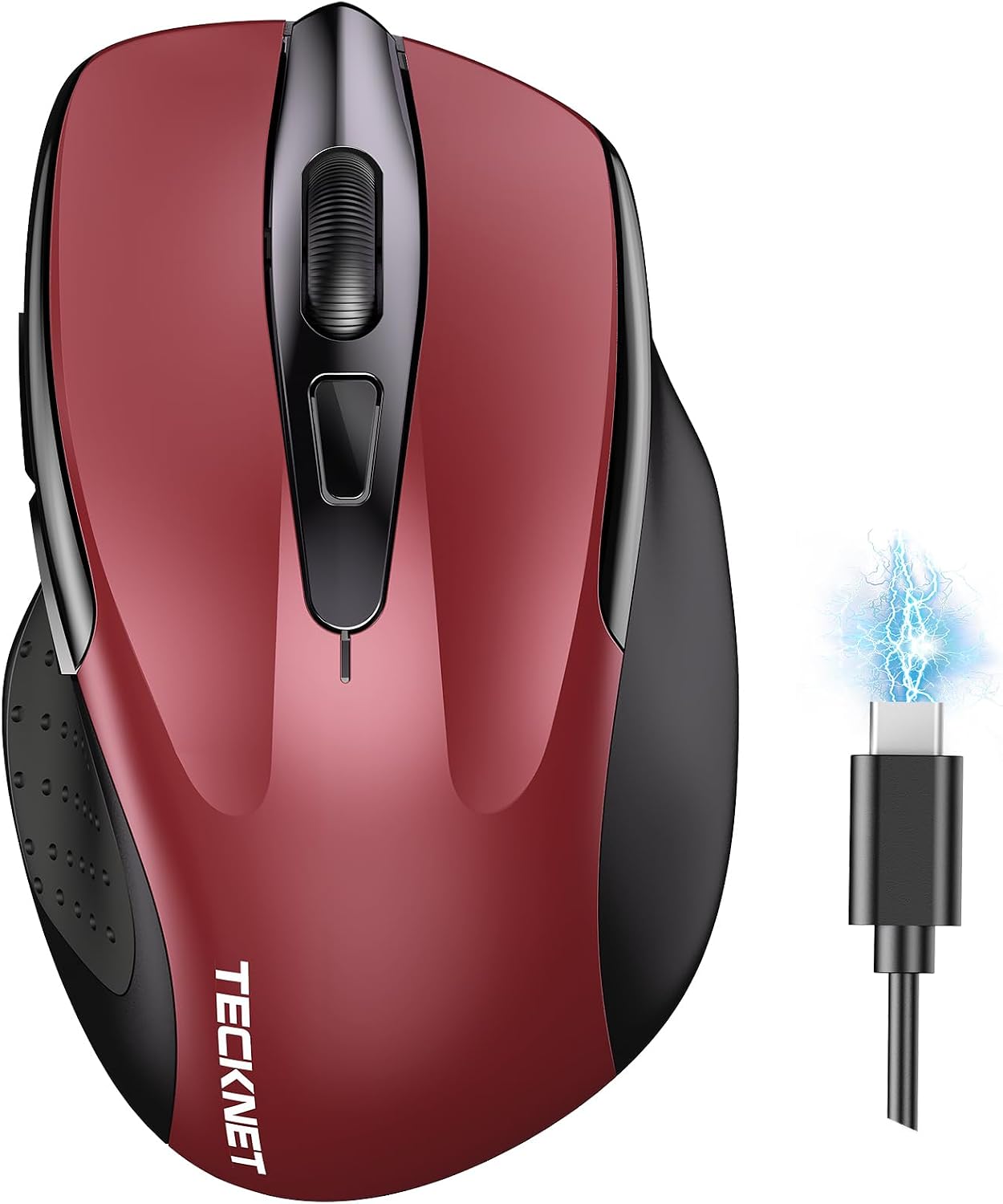
TECKNET Bluetooth Mouse 4800DPI Tri-Mode
Product description
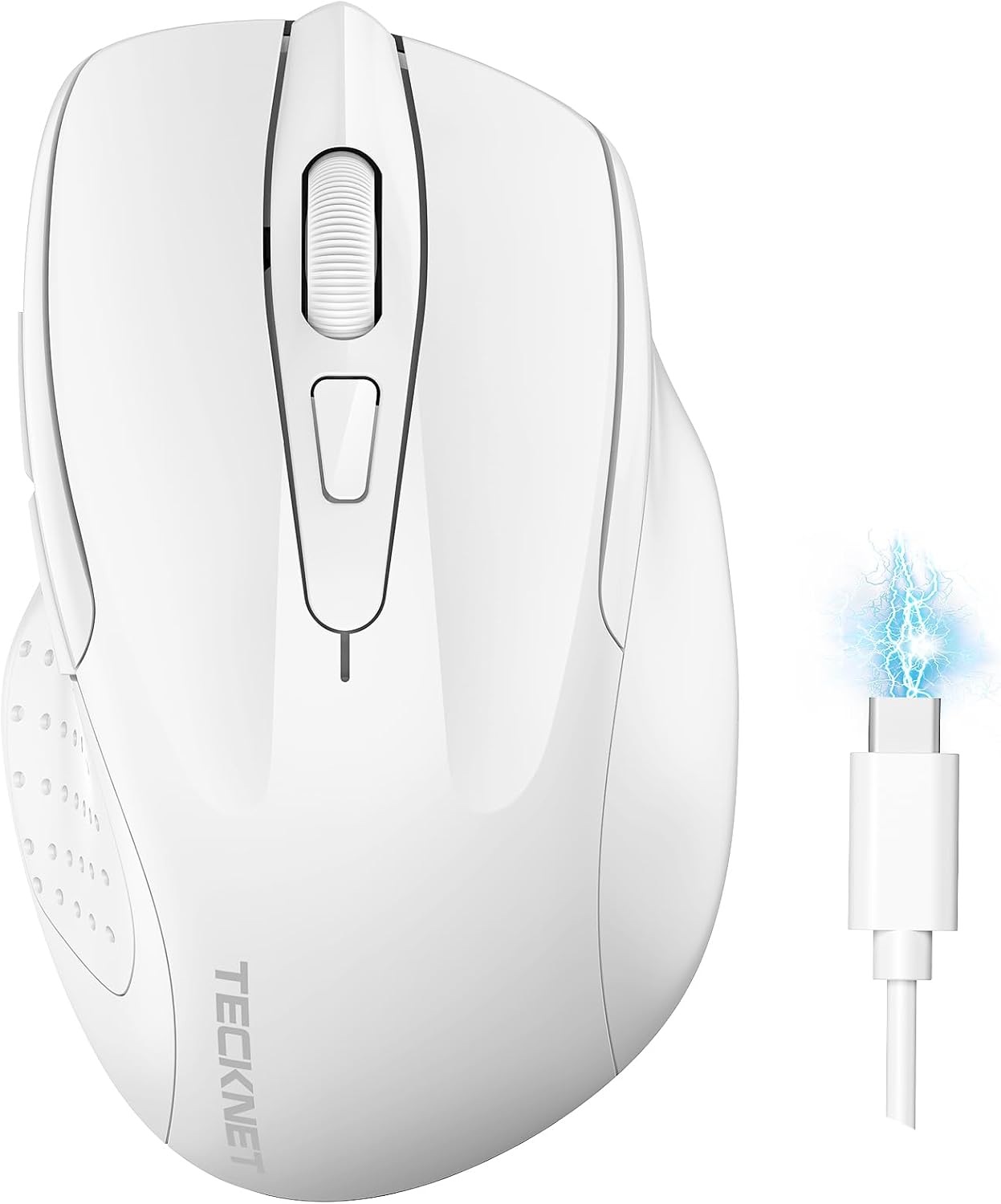
If you want a comfortable wireless mouse that you can switch between devices, the TECKNET Bluetooth Mouse is built for everyday productivity at home or in the office. With tri mode connectivity, it can connect two devices at the same time and switch quickly when your workflow changes. It also brings adjustable 4800 DPI precision and quiet clicking, so you can move through spreadsheets, emails, and general computer tasks with less distraction.
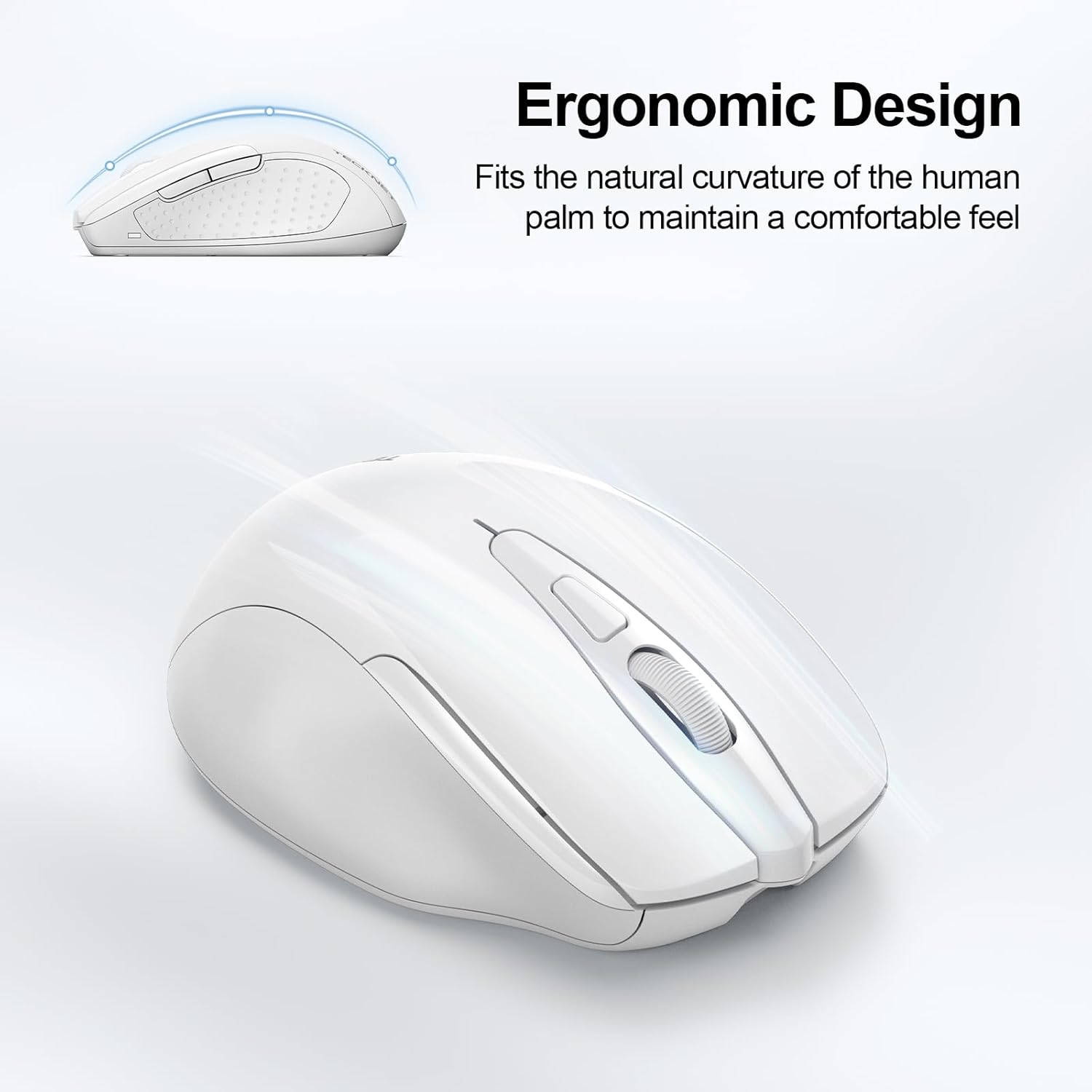
This is a rechargeable, energy saving mouse, which means fewer battery changes over time. The silent ergonomic design is geared towards right handed use and aims to keep hand fatigue down during longer sessions. ✅
The essentials
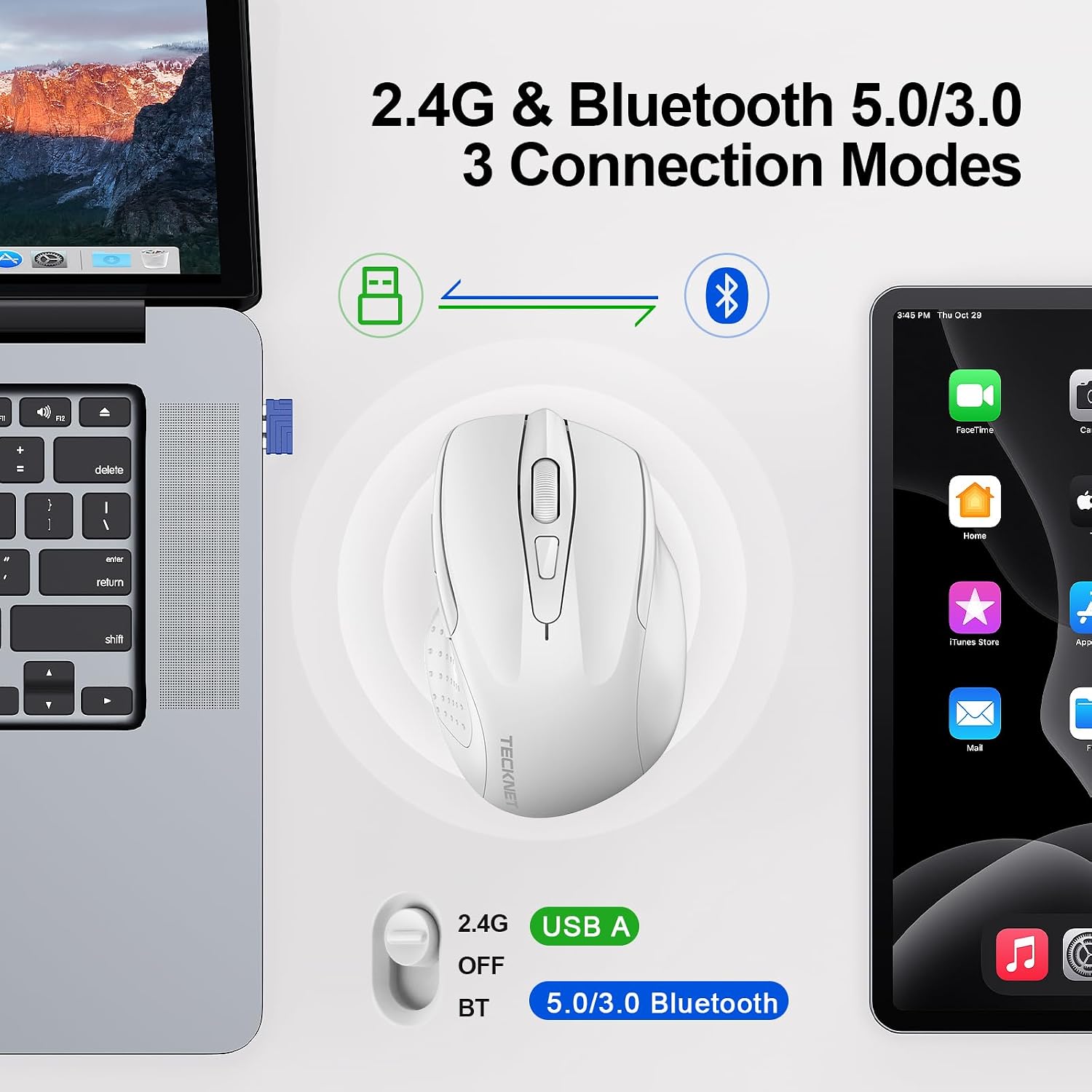
The TECKNET Bluetooth mouse supports three connection modes, including Bluetooth 5.0, Bluetooth 3.0, and 2.4 GHz, so you can match the setup to your device. A key benefit is that it can connect two devices at the same time and then switch between them using the switch button on the mouse. That makes it convenient if you move from desktop to laptop, or from tablet to a MacBook or Chromebook during the day.

You get six DPI levels, including 4800, so you can tune pointer sensitivity to your needs. For detailed work you can raise the DPI, while a lower setting can feel more controlled for everyday navigation. According to the manufacturer, the TruWave optical tracking technology is designed to support smooth cursor control on most surfaces.
Quiet operation is another standout. The mouse uses a silent button design that reduces noise by up to 90 percent, which can be helpful in open plan offices, shared study spaces, or late evening use at home. Tested to withstand more than 6 million clicks, it is positioned for long term use across work, home, and leisure.
Key features and what you’ll notice day to day
If you often bounce between two devices, tri mode connectivity can reduce the friction of switching peripherals. This mouse is designed to let you pair and then change connections quickly with the dedicated switch button. It also supports a recharge routine rather than frequent battery replacements, so your desk stays simpler and you can keep going with charging support.

Recharging is done via a Type C connector. The manufacturer states that it can last 1 to 2 months of intensive use after about two hours of charging. There is also mention of key wake functionality and an automatic sleep mode for power saving, which helps reduce unnecessary drain when you step away.
Silent clicking is intended to keep your environment calmer. Because the buttons are designed to cut noise, you can click and scroll without the sharp, audible feedback some mice produce. For comfort, the ergonomic shape is claimed to sit naturally in the hand, with suitability for right handed users.
On top of that, there are six adjustable DPI steps to help you find your preferred sensitivity. It is not just about high DPI, it is also about having options like 3200, 2400, 1600, 1200, and 800 for different tasks. Would you rather rely on more precision for fine work, or keep things steady for general navigation? This mouse lets you choose.
Tech specs

- Type: Tri mode wireless mouse with Bluetooth 5.0, Bluetooth 3.0 and 2.4 GHz
- DPI levels: 4800, 3200, 2400, 1600, 1200, 800 adjustable
- Buttons: 6 buttons
- Charging connector: Type C
- Silent click: Silent button design reduces noise by up to 90 percent
- Click rating: Tested for more than 6 million clicks
- Compatibility: Windows 11, 10, 8, 7, XP, Vista and Mac OS, Linux, Android, iOS 10.4 plus with BT 5.0 mode for iOS
Compatibility & requirements
It makes sense if you want a flexible connection approach across common laptop and desktop setups. According to the manufacturer, you can connect by using Bluetooth or by plugging in the receiver depending on the Bluetooth capability of your device. For iOS specifically, the guidance is that support is via Bluetooth 5.0 mode, and iOS 10.4 or higher is required.
For pairing, the process involves putting the mouse into the relevant Bluetooth mode, then selecting the device name that appears on your computer or tablet. The pairing name is listed as TK-MS317 5.0 or TK-MS317 3.0 depending on the mode you choose. After pairing, the indicator light goes out, and the mouse can be used.
It is not for you if you only want a single wired connection, as this model is built for wireless use. It also might not suit you if your device cannot support the listed Bluetooth requirements, particularly for iOS where the stated minimum is iOS 10.4.