

Razer Goliathus Extended Chroma – Soft Extended Gaming Mouse Mat (Halo Infinite Ed.)
Product description
What it is and what it solves
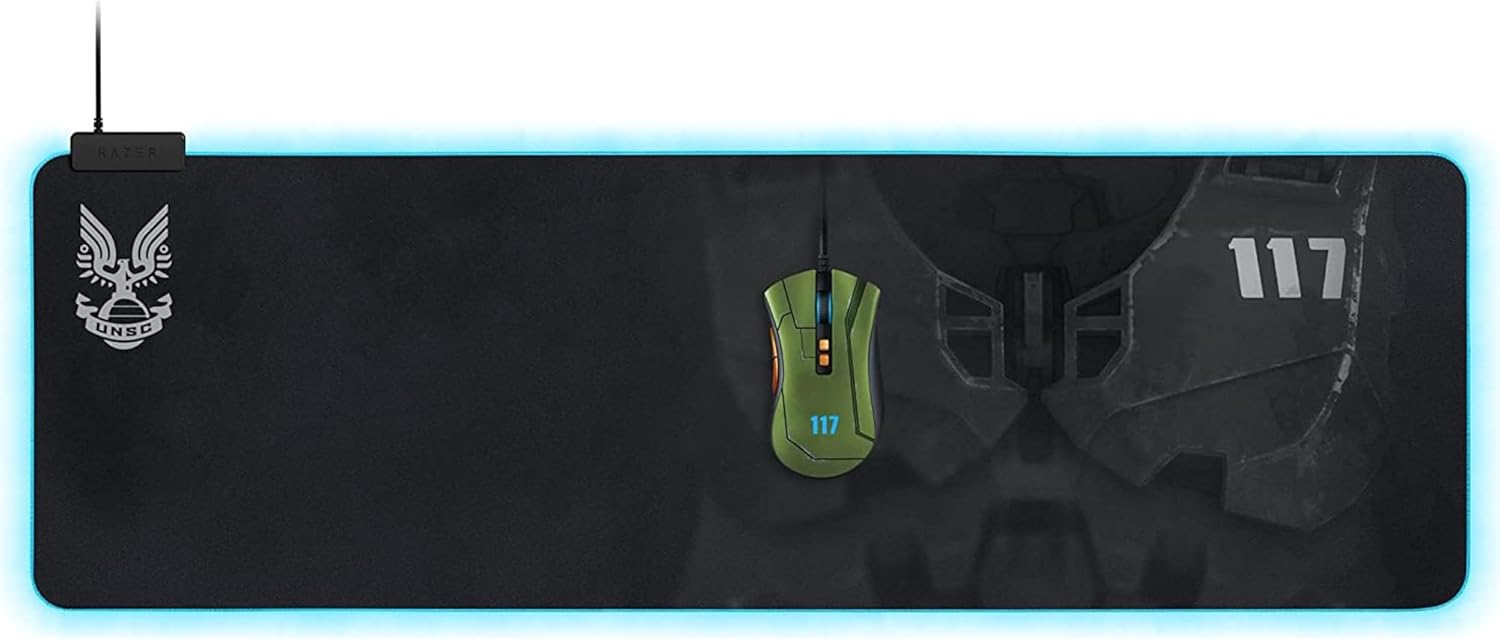
The Razer Goliathus Extended Chroma is a large, soft mouse mat designed to cover ample desk space for immersive gaming sessions. Powered by Razer Chroma RGB, it offers 16.8 million colours that can react to on‑screen events or be customised to your taste. The extended size is aimed at players who prefer a generous glide area for low‑sensitivity setups, reducing the need to reposition the pad mid‑game.
How it feels in use
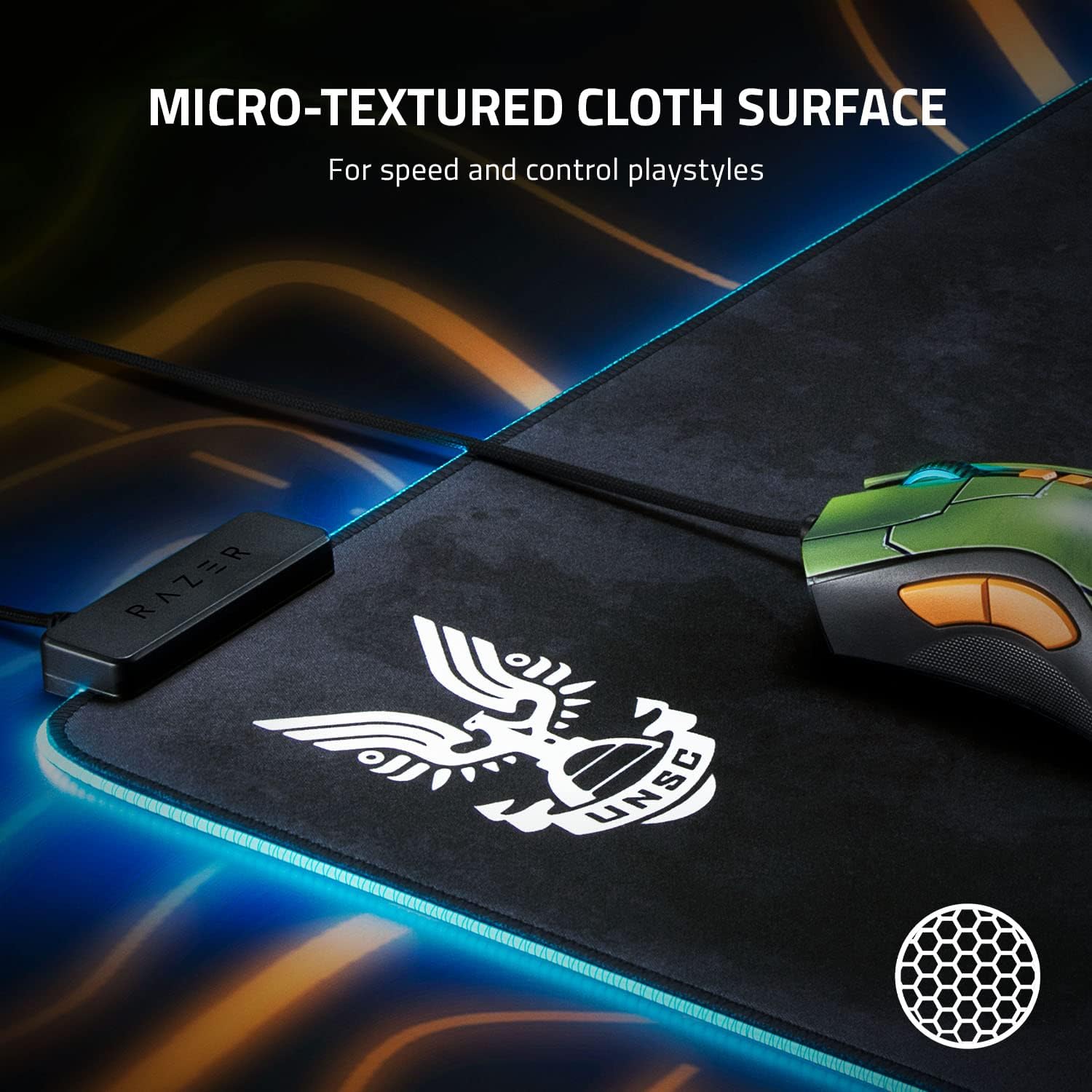
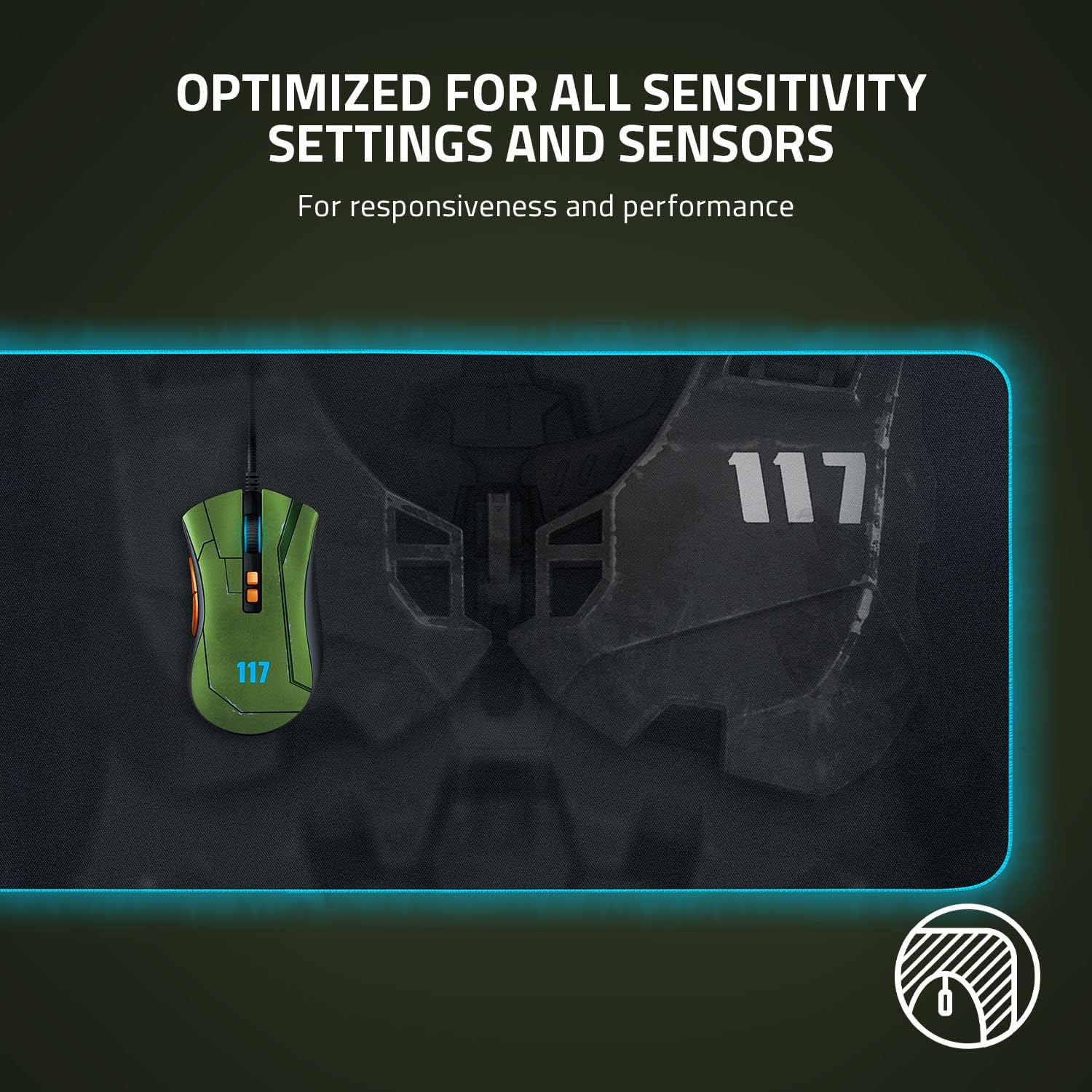
The microtextured fabric surface translates precise mouse movements into accurate cursor control, even during intense moments in gaming. It is pitched as optimised for all sensitivities and sensors, including laser and optical varieties, with an emphasis on reliable tracking across diverse setups. The surface is designed to be consistent, so you get predictable glide and control whether you’re camping a corner or chasing a clutch win.
Lighting and ambience
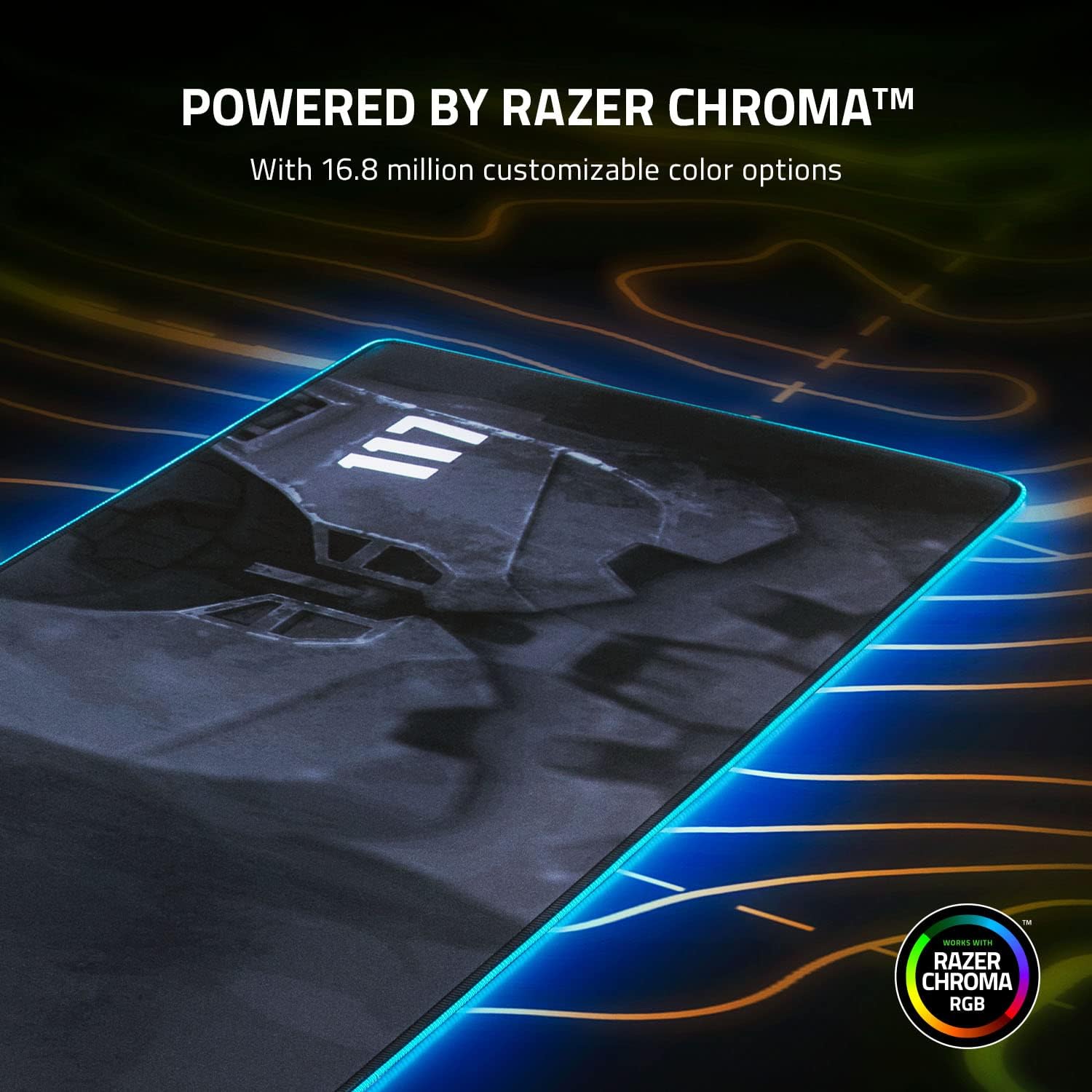
If you enjoy visual feedback, the full spectrum RGB lighting can light up during in‑game events or be customised to suit your mood. Cross‑device colour synchronization means other Razer Chroma devices can light up in harmony, which helps create a cohesive setup rather than a collection of mismatched lights.
Practical design touches
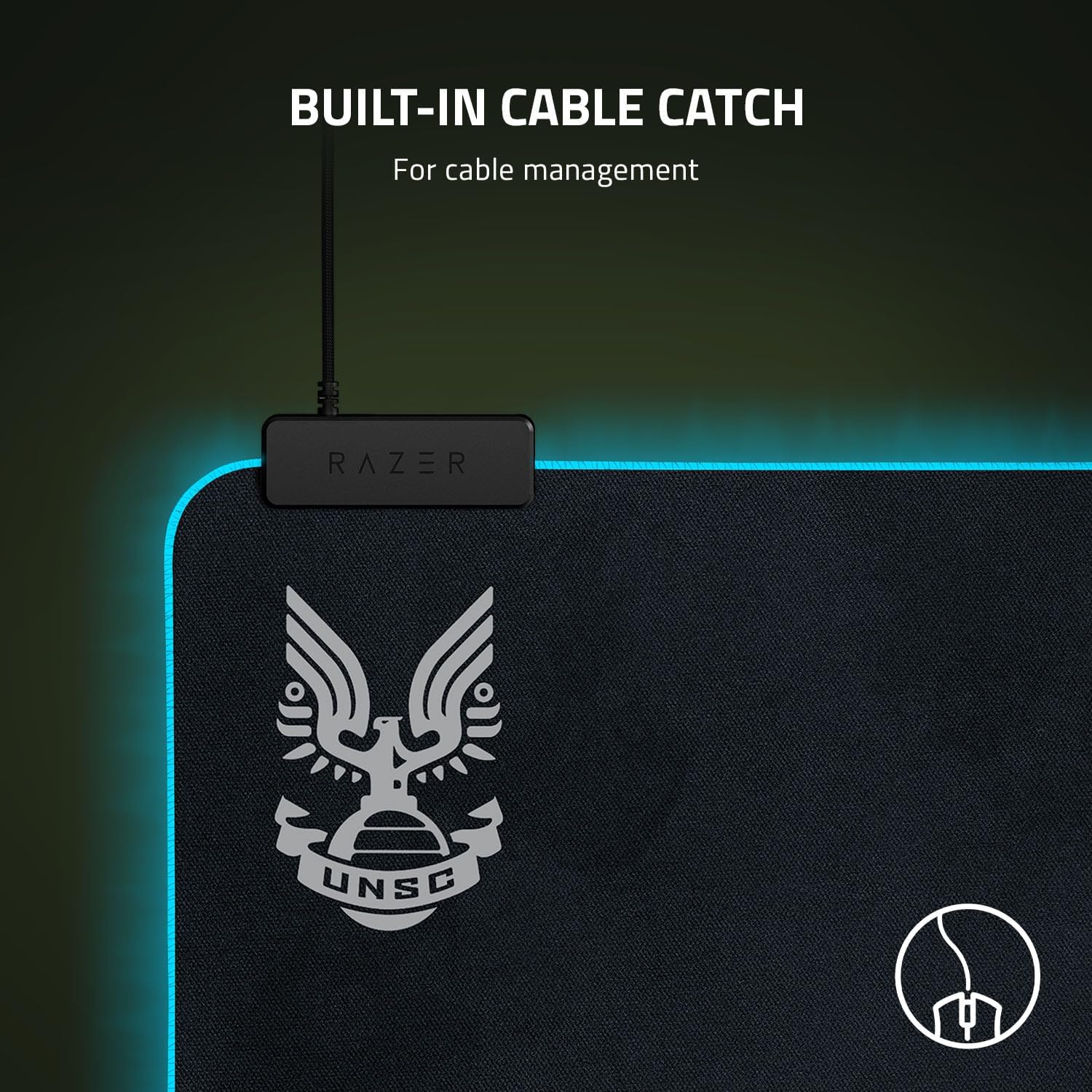
An integrated cable holder helps keep the mouse cable out of the way, preventing snagging and distraction during fast reflex moments. This is a small but practical detail that can influence day‑to‑day comfort and focus.
Who it’s for
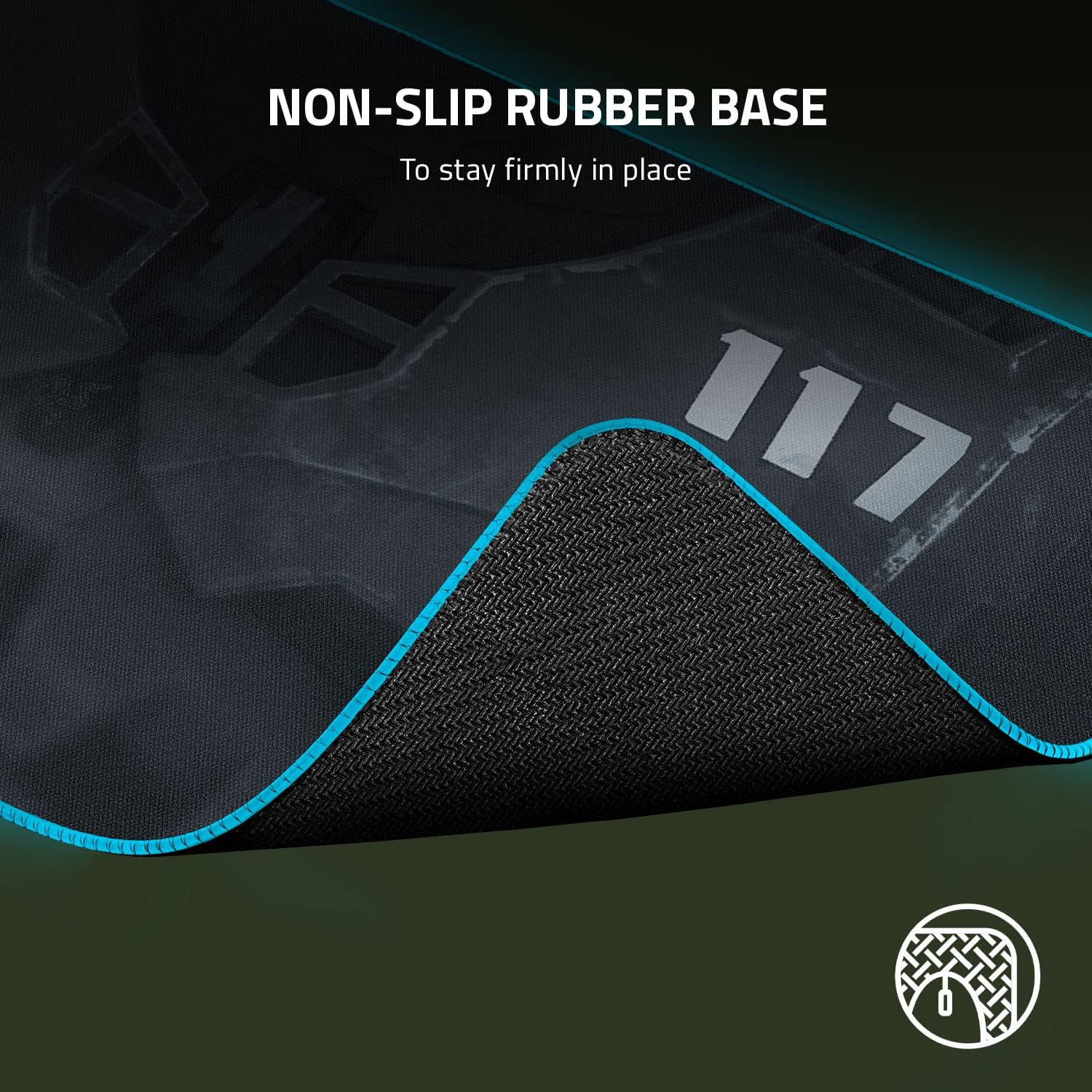
This mat is well suited to players who want a large, stable base for wide‑sweeps and a responsive surface that remains faithful across common DPI settings. It may suit those who already own Razer Chroma peripherals and want lighting cohesion, or anyone looking for a sizeable, reliable non‑gloss surface that doesn’t demand a rigid, hard‑edge footprint.
Pros and real‑world caveats
On the upside, the extended size offers ample space for generous mouse movement and the fabric surface aims for consistent tracking without requiring a hard‑surface desk. The RGB lighting adds ambience and can be matched with other Chroma devices. On the downside, some users may prefer a firmer or faster cloth finish for specific sensor quirks or personal feel. Also, price and availability are not described here, so it’s wise to check current value for money relative to your setup before committing.
Who should consider alternatives
If your desk is small or you prioritise a tighter footprint, a standard or rigid mouse mat could be a better fit. If you don’t care for RGB lighting or Chroma ecosystem, there are non‑illuminated extended mats with similar surface quality. If you play with extremely high DPI and need a surface you can polish to a glassy slickness, this cloth mat may not deliver the same micro‑adjustability as a hard‑surface option.
Before you buy: what to check

- Ensure your desk width accommodates an extended pad with comfortable room for the keyboard.
- Consider whether you want cross‑device lighting harmony across your other Chroma peripherals.
- Reflect on your typical sensitivity and whether a fabric surface aligns with your preferred glide.
- If possible, test how the fabric feels with your mouse on the specific sensor profile you use most, some users notice minor variation with different cloth textures.
In practice: a concrete use case
Imagine switching from a compact desk layout to an expanded rig for MMORPG or fast FPS sessions. The Goliathus Extended provides a broad canvas for wide sweeps, while the integrated cable holder reduces cable drift during critical moments. The RGB lighting can be tuned to pulse with in‑game events, offering a subtle sense of immersion without becoming distracting during a clutch moment.
FAQ (based on available data)
- Does the mat support cross‑device lighting? Yes, via Razer Synapse 3, enabling cross‑device colour synchronization with other Chroma devices.
- Is the surface optimised for all mouse sensors? Yes, it is marketed as being compatible with both laser and optical sensors and various sensitivity settings.
- Can the RGB light be customised independently of others? The description implies customisation through Razer Chroma, for independent per‑device patterns, check Synapse settings.
Is it worth it?
Worth considering if you value a large, cohesive cloth surface with reliable tracking and you already lean into the Razer Chroma ecosystem. If you prioritise a compact setup, or you don’t care for lighting, you may prefer a smaller or non‑illuminated option. Overall, the Halo Infinite Ed. edition adds a themed visual touch for fans, but the core decision hinges on desk space, sensor compatibility with your mouse, and how important RGB ambience is to you.