



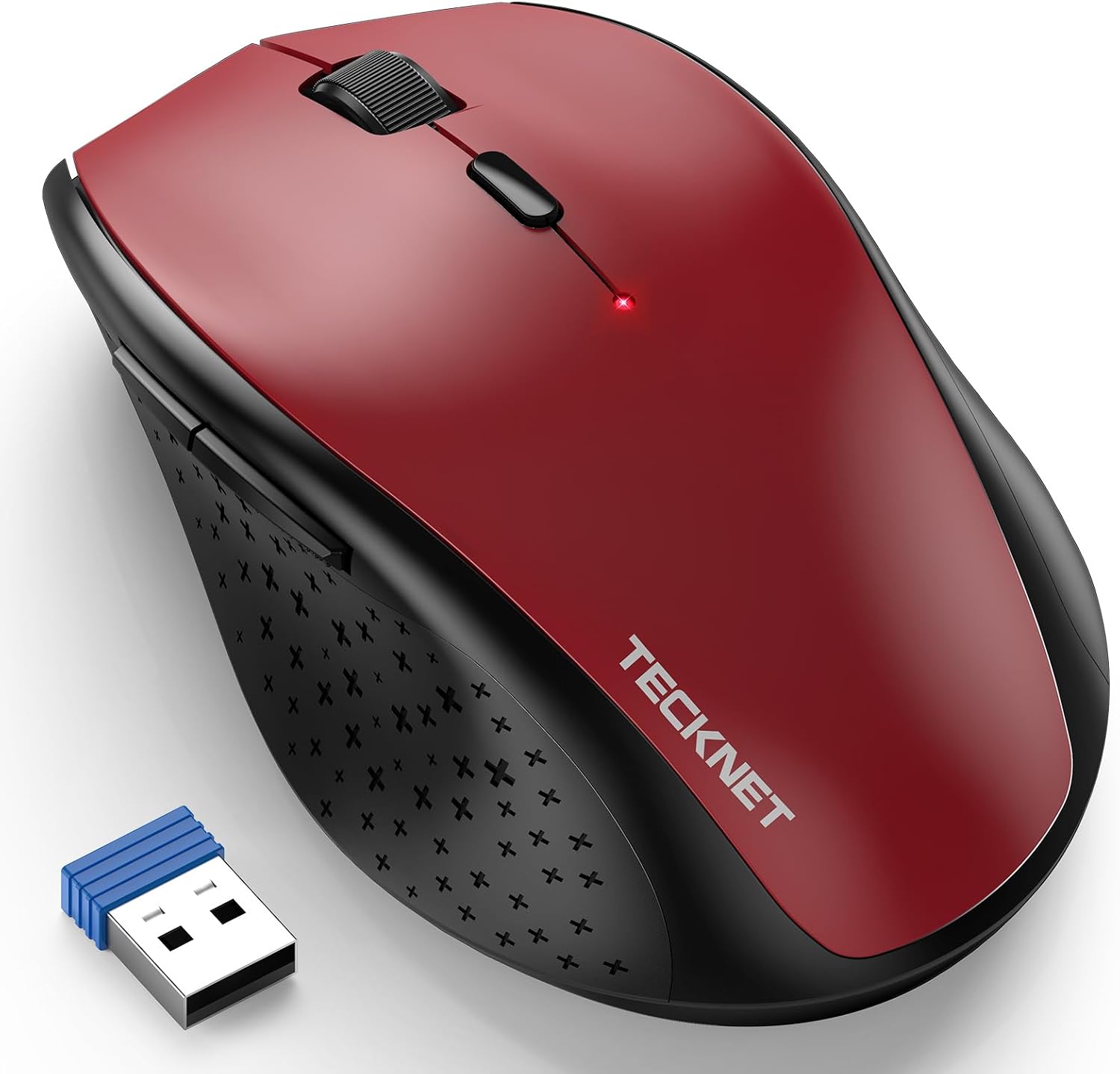
TECKNET Wireless Mouse 4800 DPI for Laptop 🖱
Reviews
Price
Product description
This compact wireless mouse combines adjustable sensitivity and a quiet click profile for everyday laptop and desktop tasks, offering responsive cursor control whether you are browsing, working or light gaming. It features multiple DPI levels that adapt the pointer speed to your needs and a contoured shape aimed at right-handed comfort.
Key Points
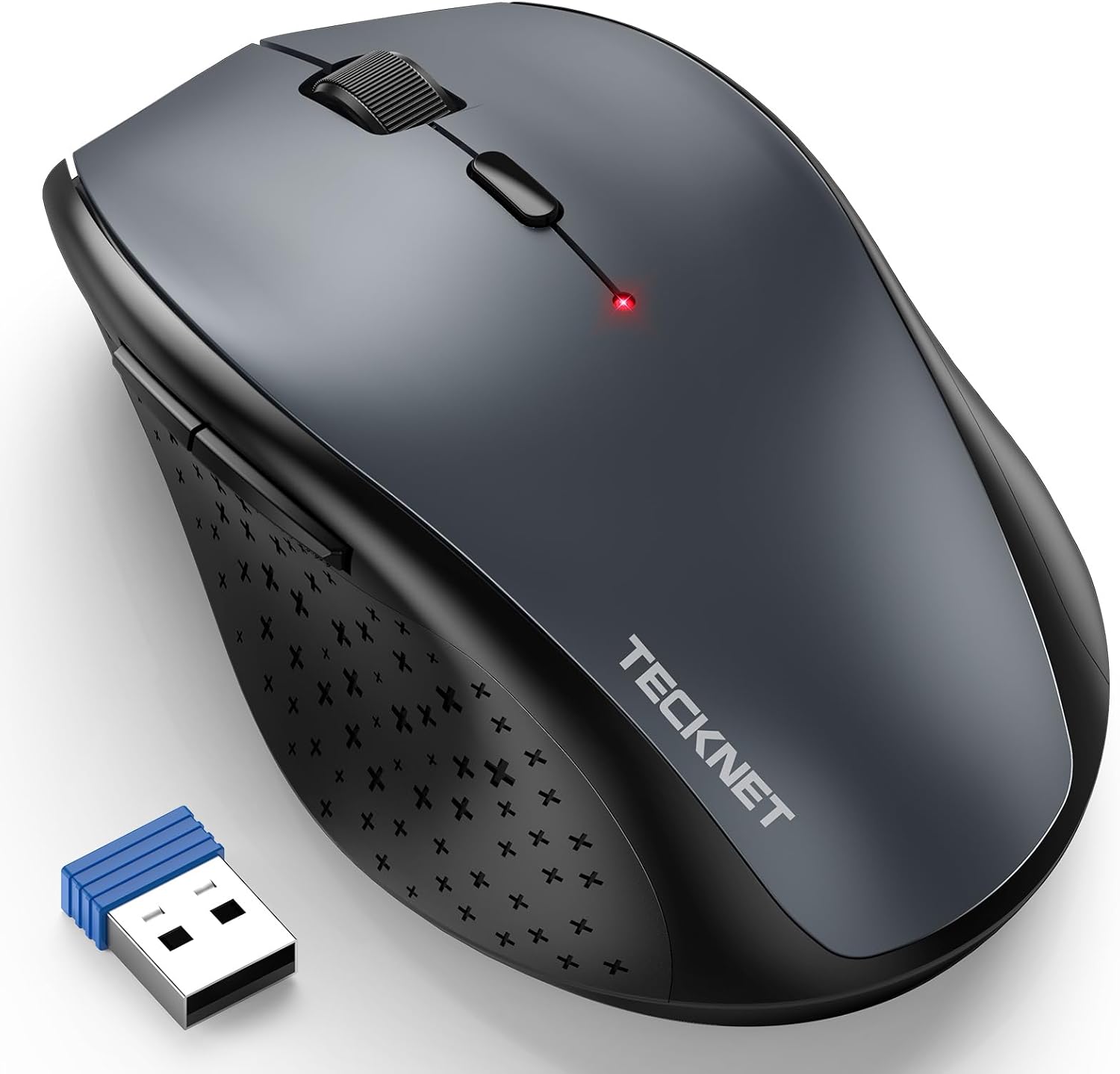
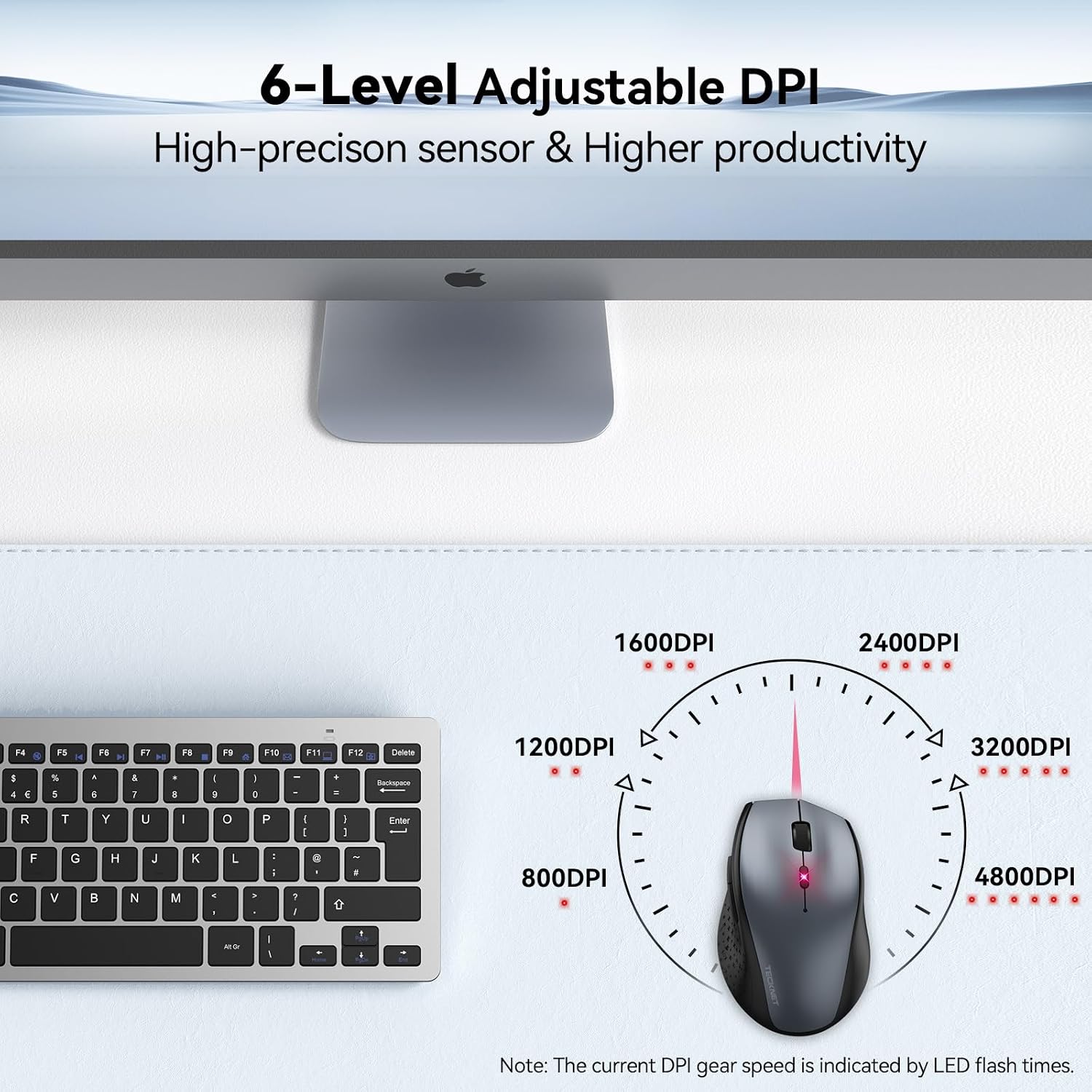
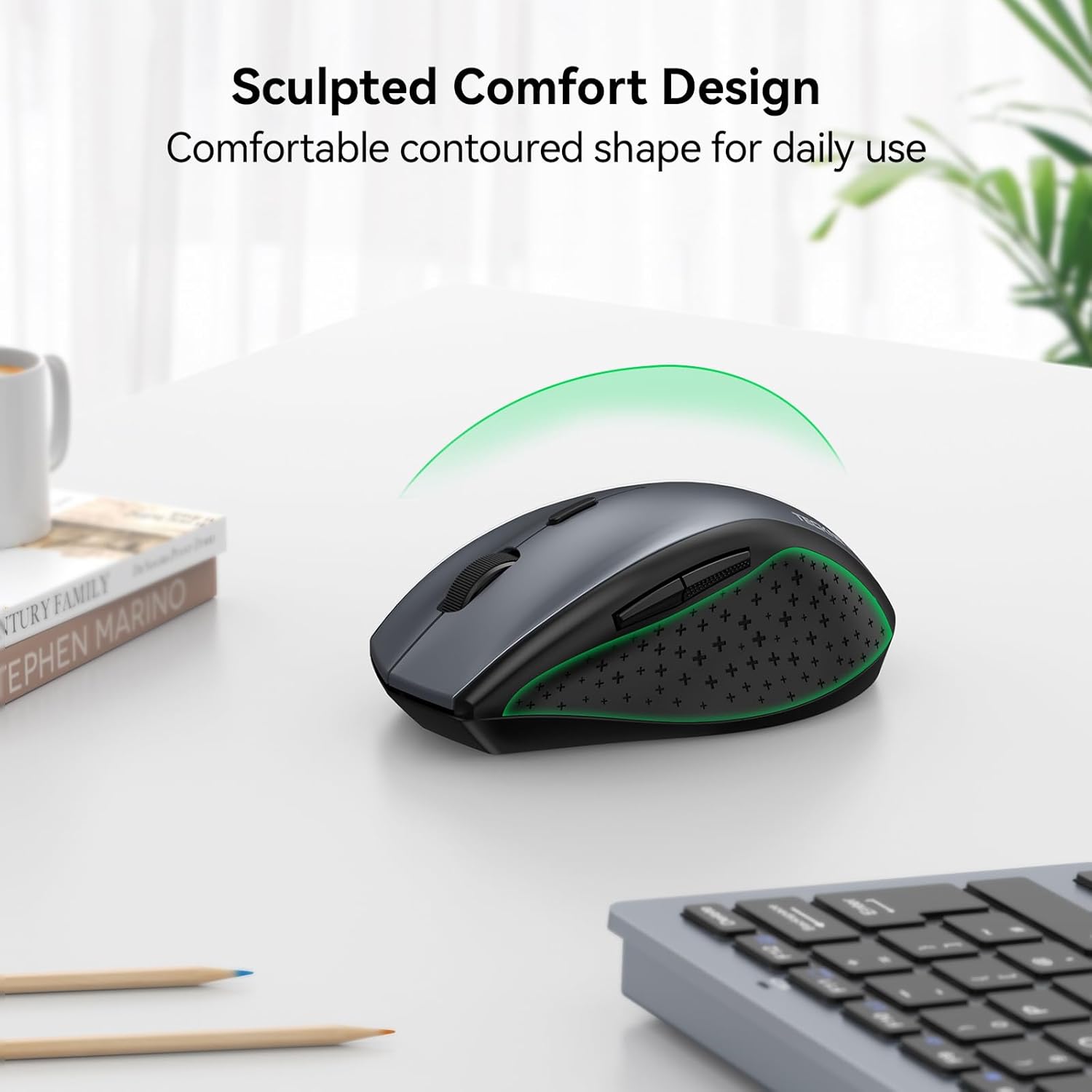
The TECKNET model provides six DPI settings, letting you switch between fine control and faster cursor travel without installing extra software. It also includes two side buttons for page forward and back, which can speed up navigation during browsing and document review. The design emphasises a slim, arced form with textured side grips to reduce slippage during extended use. 🖱️
Do note that the side buttons may not function on macOS, and the mouse is ergonomically shaped for right-handed users. The radio link uses 2.4 GHz transmission with an advertised range of up to 15 m and is intended to remain paired after power loss thanks to the manufacturer’s pairing technology. 🔋
Benefits
This mouse keeps noise to a minimum with a silent click mechanism that helps reduce distractions in shared spaces. The multiple sensitivity options mean you can set a precise 800 DPI for careful editing or jump to 4800 DPI for rapid pointer movement when required. According to the manufacturer, the model can achieve extended battery life, reported at up to 30 months under typical use, which reduces the need for frequent battery changes. The lightweight wireless setup and plug-and-play USB receiver make it convenient for travel and mobile work.

Technical Specifications
- Name: TECKNET Wireless Mouse for Laptop
- DPI levels: 4800 / 3200 / 2400 / 1600 / 1200 / 800
- Wireless: 2.4 GHz, working distance up to 15 m
- Buttons: 6 (including two side navigation buttons)
- Power: 2 x AA batteries, battery not included
Usage Recommendations
For office work or study sessions, keep the receiver plugged into your laptop and switch DPI to 1600 for balanced pointer speed and precision. When editing images or spreadsheets, lower the DPI to 800 for finer control. The mouse is best used on a flat surface, and pairing is maintained after shutdown according to the manufacturer, which helps if you move between devices during the day.
Consider that the side buttons have limited compatibility with Mac systems, and the ergonomic shape favours right-hand use.