


TECKNET Ergonomic Vertical Mouse (4800DPI) Wireless 6-Button Silent Purple
Product description
The essentials
If your current mouse leaves your wrist feeling tight after a long day, a vertical design is often the more comfortable route. The TECKNET Ergonomic Vertical Mouse is built around that idea: a 57° tilt helps keep your wrist in a more natural position, aiming to reduce fatigue and general discomfort during extended use. On top of the ergonomic shape, it’s also a silent, wireless option with 6 buttons for everyday navigation.
This isn’t a “pro” gaming mouse in the sense of being loaded with extra features from the high end, but on paper it covers the basics well for office work, browsing, and general creative tasks where you want accurate control without the click noise.
So, is it worth your money? It comes down to whether you’ll like the vertical grip and whether your setup supports its wireless receiver and battery requirements.
Where it really helps
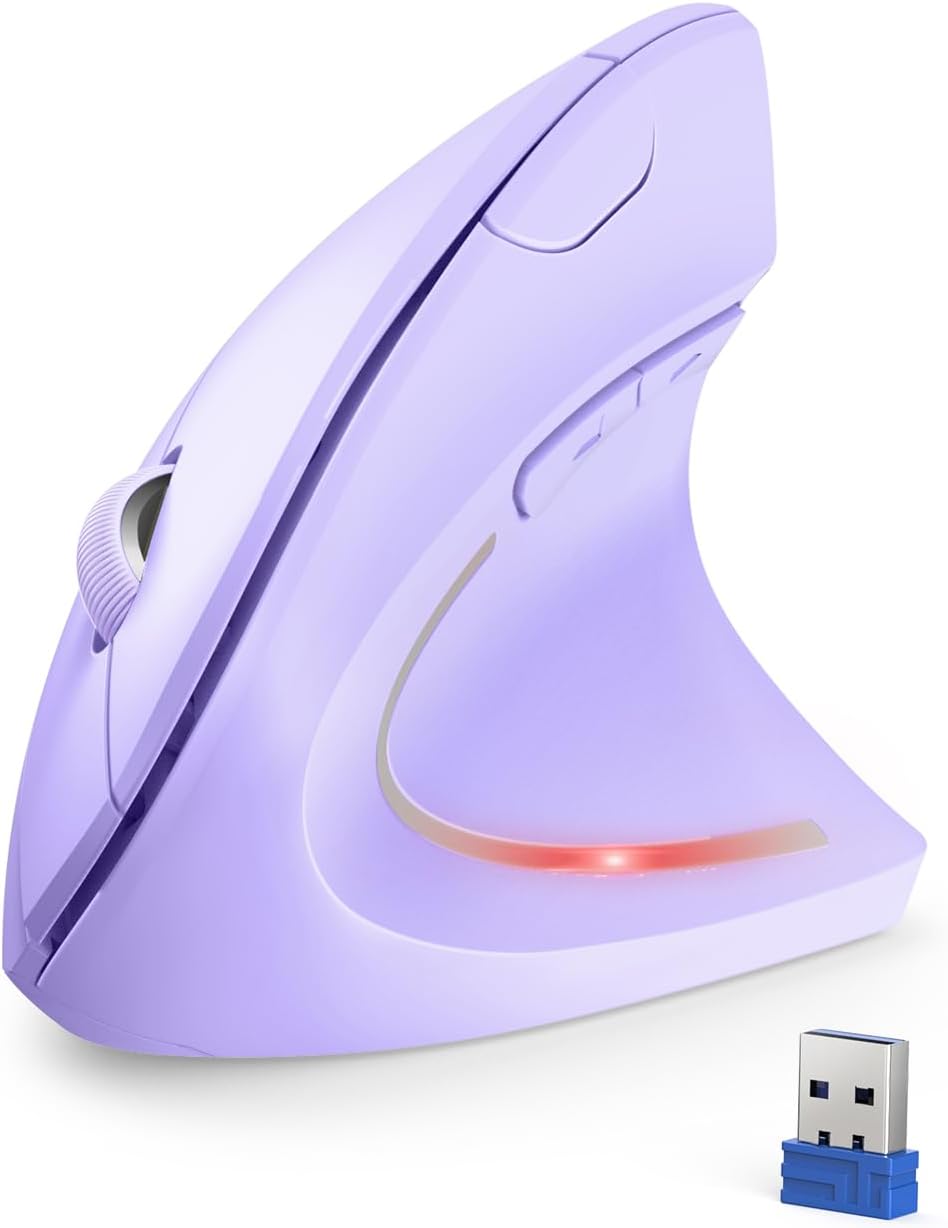
The biggest day-to-day difference is the ergonomic vertical design. With a 57° tilt angle, the mouse encourages a more relaxed wrist posture. That can be a welcome change if you spend hours using a laptop or desktop and have started noticing strain.
Then there’s the “silent click” angle. The mouse is designed to reduce clicking noise by up to 95% while keeping responsiveness. If you work in shared spaces, study in quieter rooms, or you just prefer a calmer desk, that’s the kind of practical feature you’ll notice quickly—especially when scrolling through long documents.
Example use: imagine late evening admin work—spreadsheets, forms, and lots of clicking. With normal mice, the repeated noise can get distracting. Here, the idea is that you can keep moving and clicking without making the same kind of racket.
DPI and cursor control (and what to expect)
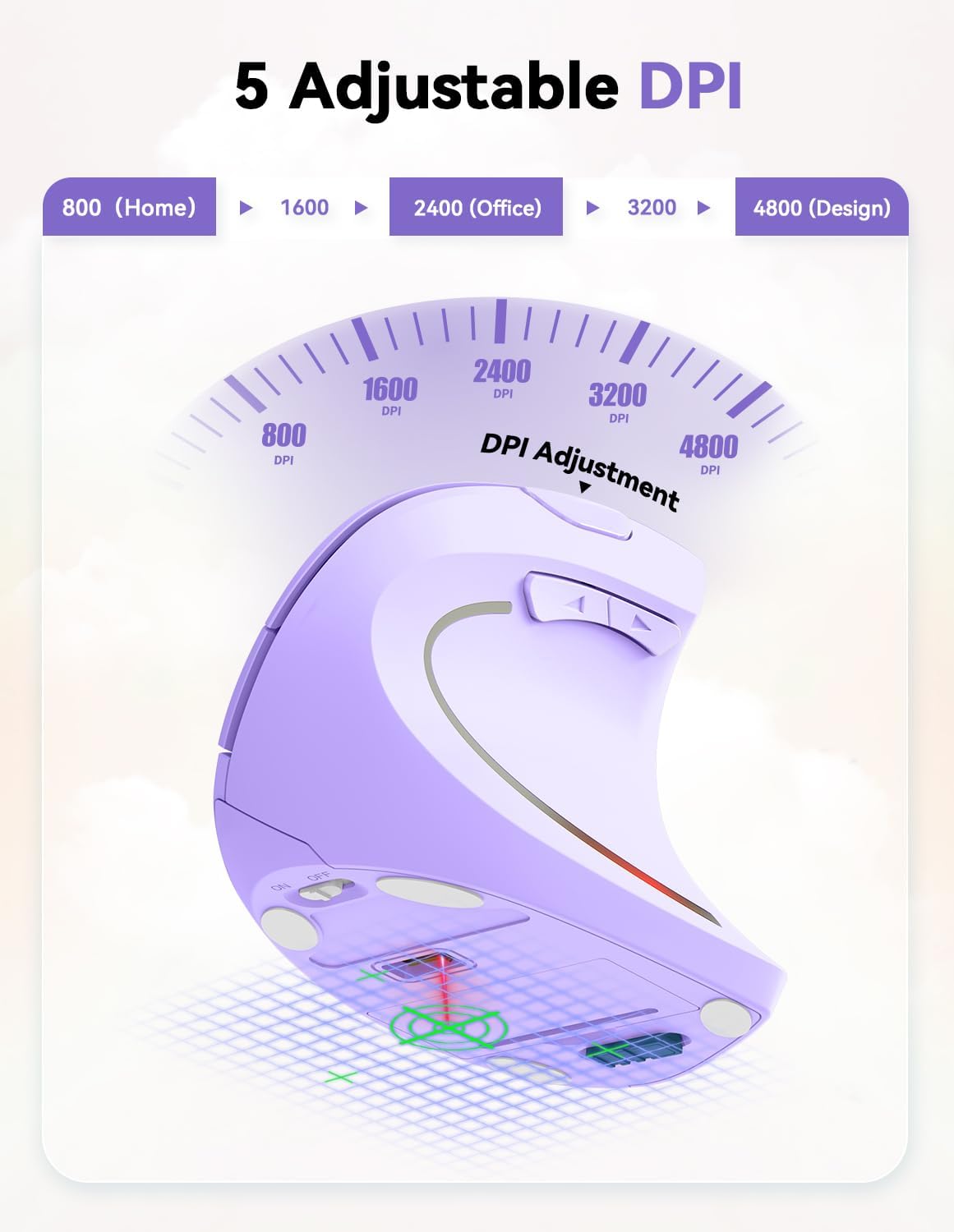
The TECKNET includes 5 adjustable DPI levels: 800, 1600 (default), 2400, 3200, and 4800. In practical terms, that gives you sensitivity options for different tasks—higher DPI for faster cursor movement, lower DPI if you want slower, more controlled navigation.
It’s also positioned as high-precision due to the stated 4800 DPI. Over a normal workday you might only use a couple of levels, but it’s useful having multiple steps when you switch between things like quick menu navigation and more careful cursor placement.
One limitation to keep in mind: if you’re very specific about how a mouse “feels” for games or creative workflows, you’ll still want to check whether the vertical shape and button layout suit you. A high DPI number doesn’t automatically guarantee the right control for everyone.
Buttons, navigation, and compatibility notes
You get 6 buttons in total, including side buttons for page navigation while browsing. That’s handy for the everyday “back/forward” type movements and can make web use feel less clunky.
However, there’s a clear caveat: the side buttons are not supported on macOS. So if you’re using a Mac, you may find that part of the layout doesn’t behave as expected.

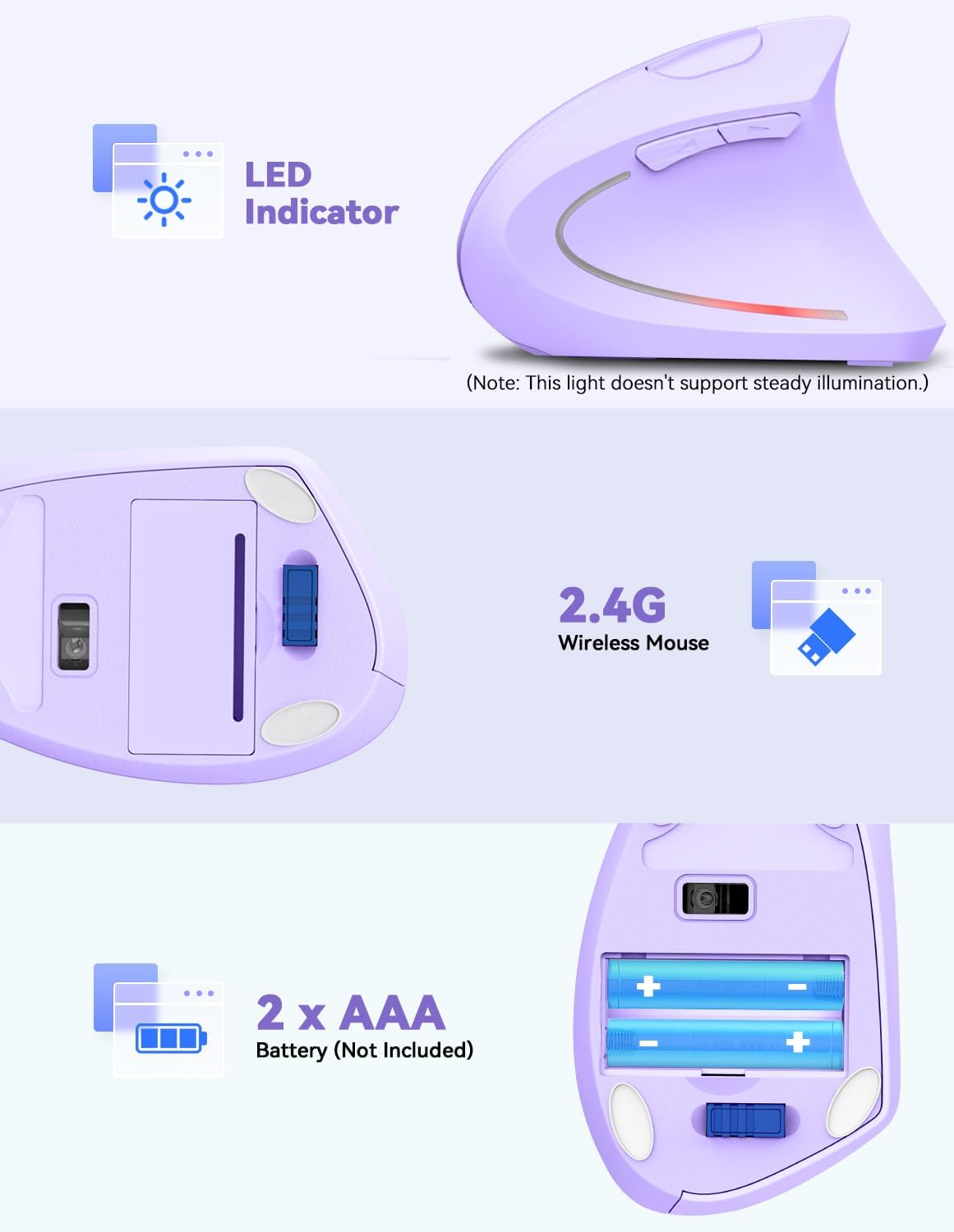
Compatibility is listed for Windows 11/10/8/7/XP/Vista and Linux. For connecting, it uses a 2.4GHz wireless connection with a USB receiver and no driver requirement (plug-and-play style).
Wireless setup and battery life
This mouse runs on 2 AAA batteries (not included). It also uses an auto sleep mode designed to activate after 8 minutes of inactivity, and it wakes instantly when you press the left or right button. There’s also an LED low-battery indicator so you’re not caught off guard.

A separate note: the listing says it’s rated for 24 months battery life, but that will depend quite a bit on your usage pattern (frequency of clicks, active time, and how often it’s left idle).
Connectivity range is stated as up to 33 feet (10 metres), which is solid for most desks and rooms.
Tech specs
- Type: Optical wireless mouse
- DPI: 5 adjustable levels (800, 1600 default, 2400, 3200, 4800)
- Buttons: 6 (including side navigation buttons)
- Silent clicking: reduces clicking noise by up to 95%
- Wireless: 2.4GHz, no driver required
- Connection range: up to 33 feet (10 metres)
- Battery: 2 AAA (not included)
- Battery saving: auto sleep after 8 minutes inactivity, wake on left/right press
- Compatibility: Windows 11/10/8/7/XP/Vista and Linux, side buttons not supported on macOS
- Wireless receiver note: an adapter may be needed for computers with only USB-C ports
- Colour: Purple
Buying verdict
It’s a good fit if you want a wireless mouse with a vertical, wrist-friendly 57° tilt, plus quieter clicking for home, office, or study spaces. The adjustable DPI range gives you flexibility for different cursor-speed needs, and the 6-button layout suits typical browsing and document work.
It may not suit you if you’re on macOS and specifically rely on side button functions, or if you strongly dislike vertical mouse shapes (a comfort upgrade only works if the form factor feels right in your hand). Also, if you prefer low-maintenance setups with rechargeable batteries, this one’s AAA-based by design.

If you’re choosing between this kind of ergonomic wireless option and a simpler flat mouse, the TECKNET makes more sense when comfort and reduced click noise are genuinely part of what you’re trying to fix.
Mini FAQ
Is the mouse silent for office and shared rooms?
It’s designed as a silent mouse, reducing clicking noise by up to 95% while maintaining responsiveness, so it should be better for quieter environments like offices, libraries, and bedrooms.
What DPI levels does it offer?
It offers 5 adjustable levels: 800, 1600 default, 2400, 3200, and 4800.
Does it work with macOS?
The listing notes that side buttons are not supported on macOS.
Do I need drivers to use it?
No driver is required according to the plug-and-play description—just plug in the USB receiver.
What batteries does it use?
It uses 2 AAA batteries, which are not included.