


VersionTECH Wireless Gaming Mouse 3-level DPI
Reviews
Price
Product description
This compact wireless gaming mouse delivers responsive control for everyday work and casual play, with configurable sensitivity and a rechargeable battery that removes the need for disposable cells. Its colourful breathing LEDs add atmosphere to late sessions while the silent left and right buttons reduce disturbance in shared spaces, making it useful for homes and dorms.
Key Points
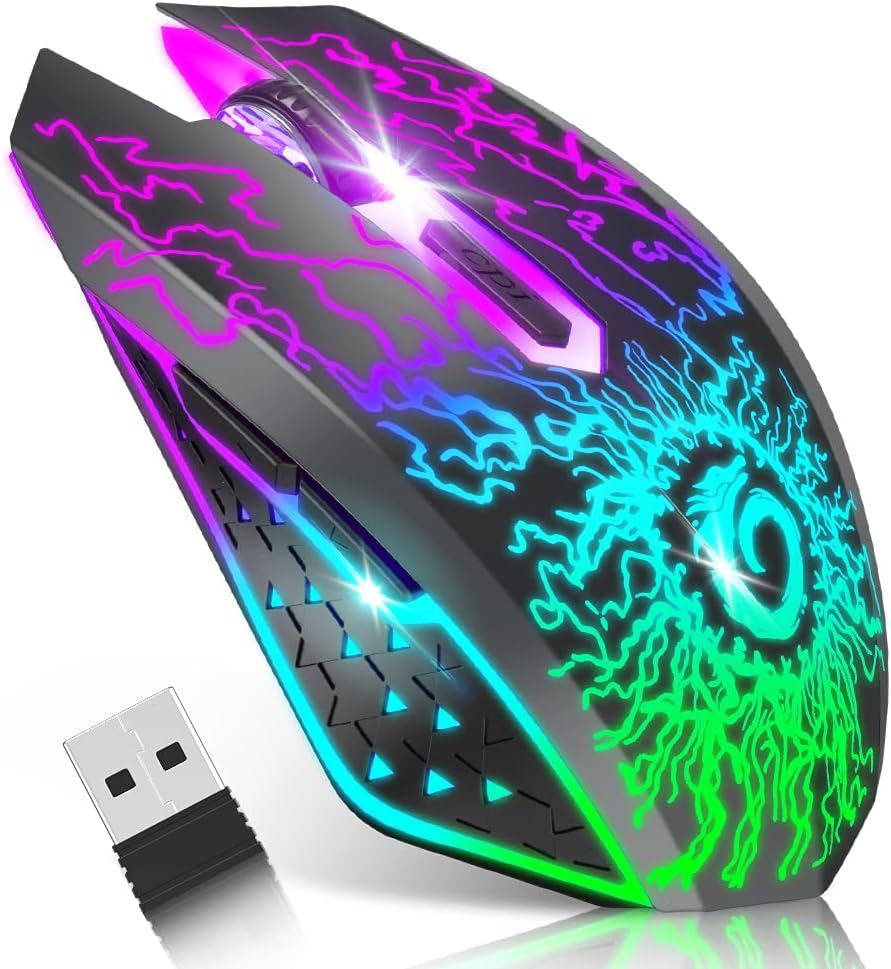
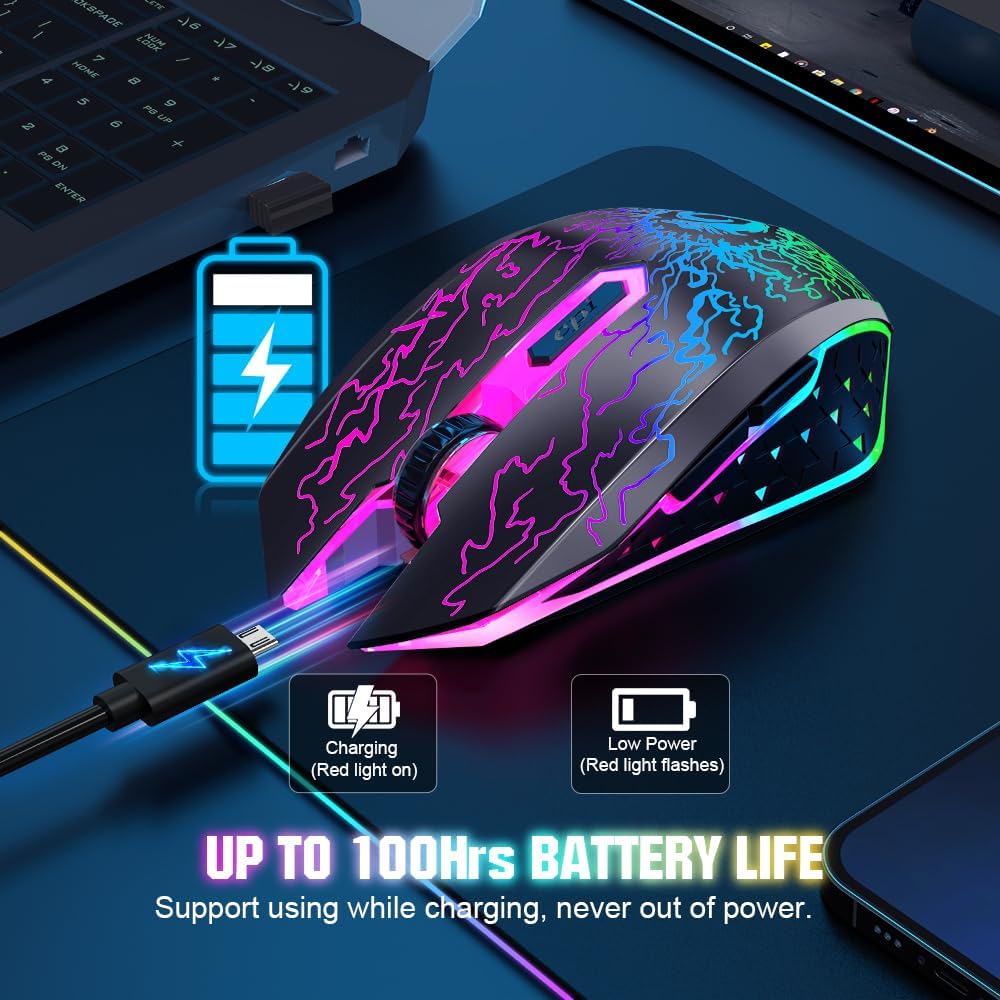
The mouse connects via a 2.4 GHz USB nano receiver for a stable wireless link up to approximately 10 m or 33 ft, according to the manufacturer. It features three DPI levels, so you can switch between 800, 1,200 and 1,600 DPI depending on whether you need precision or faster pointer movement. The device includes six buttons: left, right, forward, back, DPI and scroll wheel, which helps with navigation and productivity. The built-in battery is rechargeable and the unit uses an automatic sleep mode after 8 minutes of inactivity to conserve charge. Note that the LED breathing effect uses more power, and the cursor may slow or behave unevenly when battery charge is low.
Technical Specifications
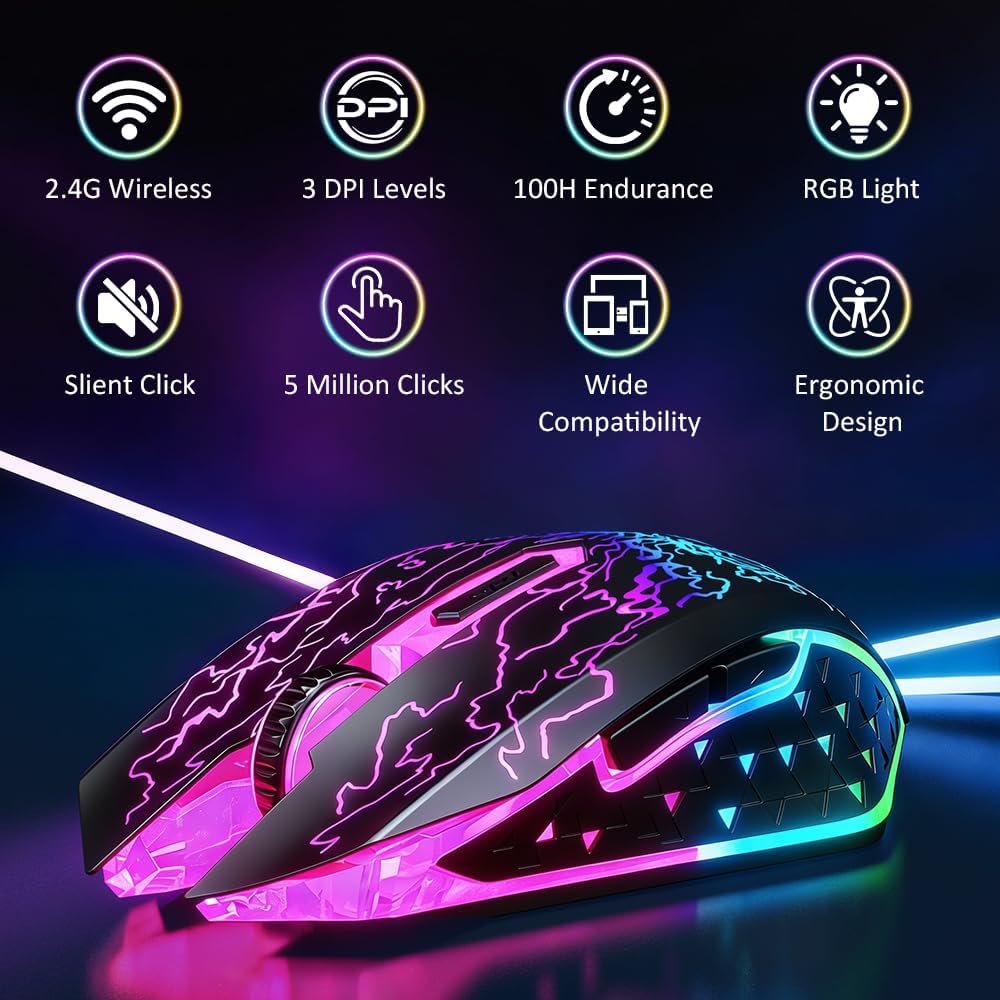
- Name: VersionTECH. Wireless Gaming Mouse
- Connection: 2.4 GHz USB nano receiver
- DPI: 800 / 1,200 / 1,600
- Buttons: 6 (left, right, forward, back, DPI, scroll)
- Durability: 5,000,000 clicks lifecycle for primary buttons
- Power: rechargeable internal battery with auto-sleep after 8 minutes
Benefits
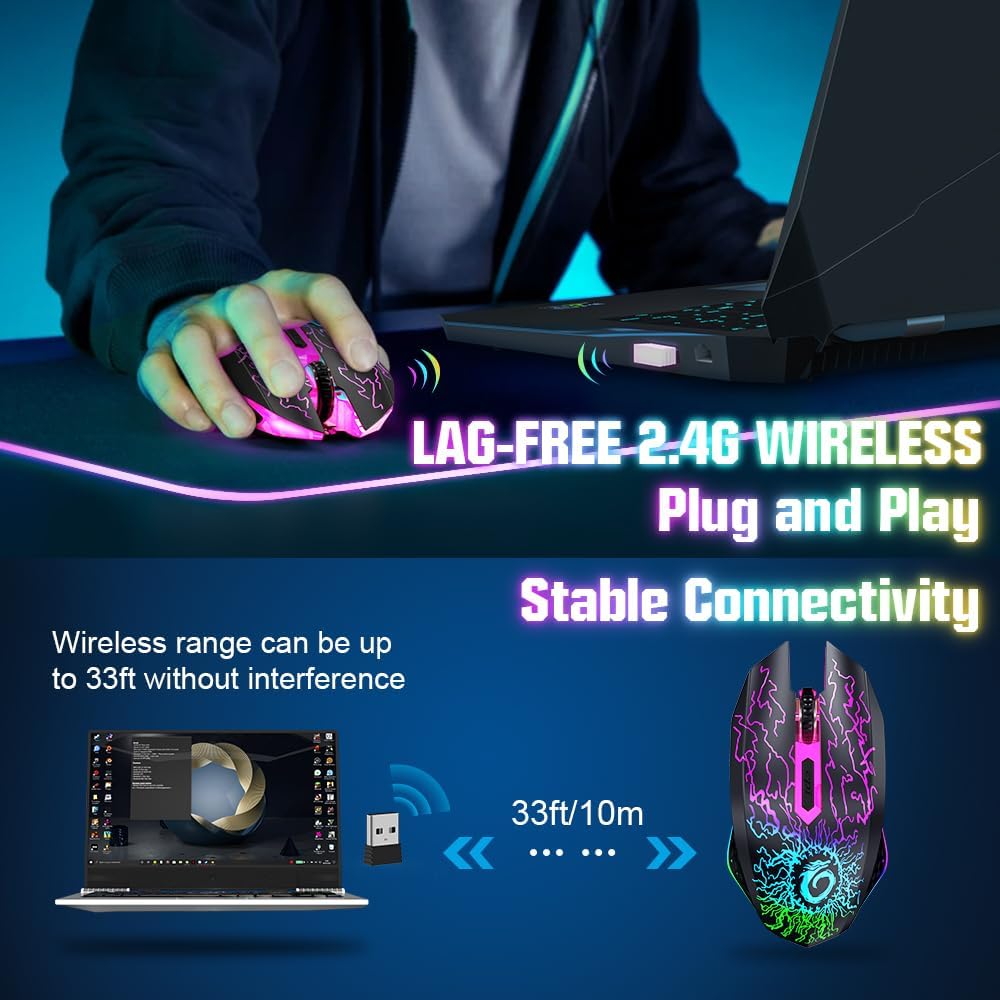
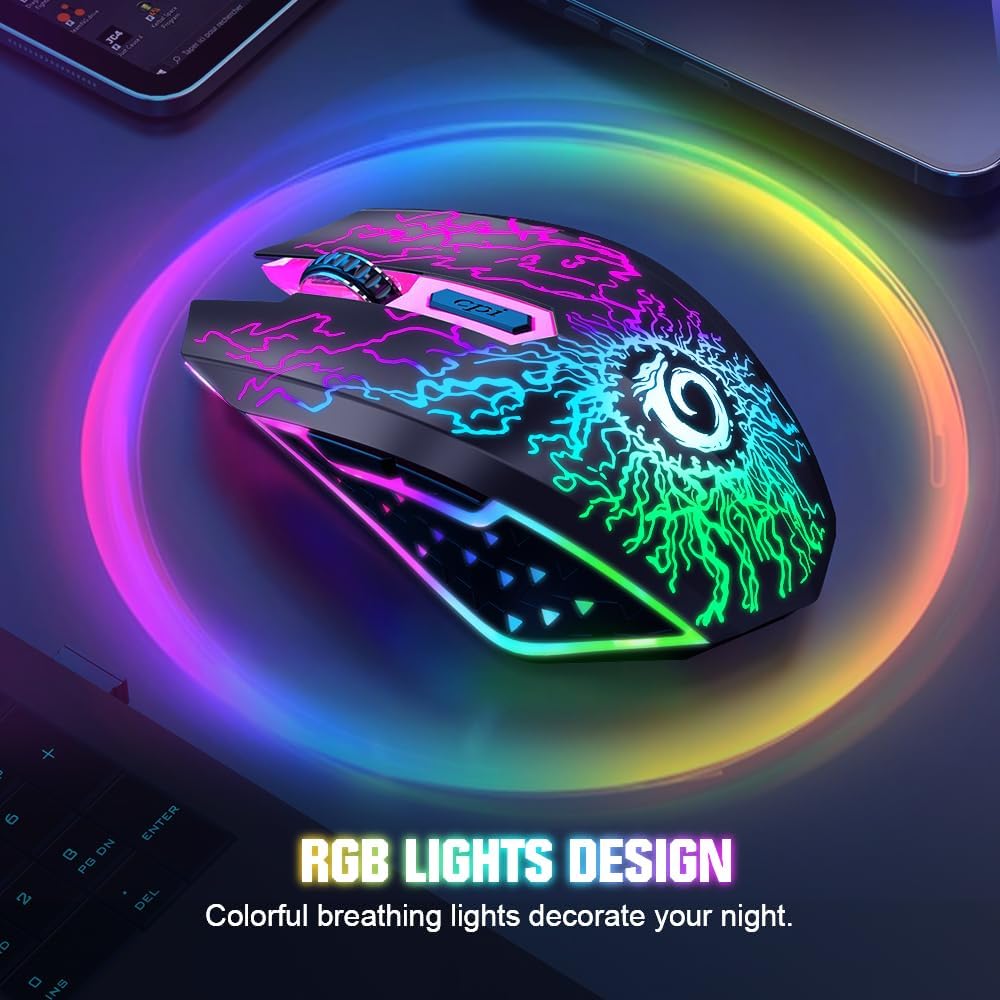
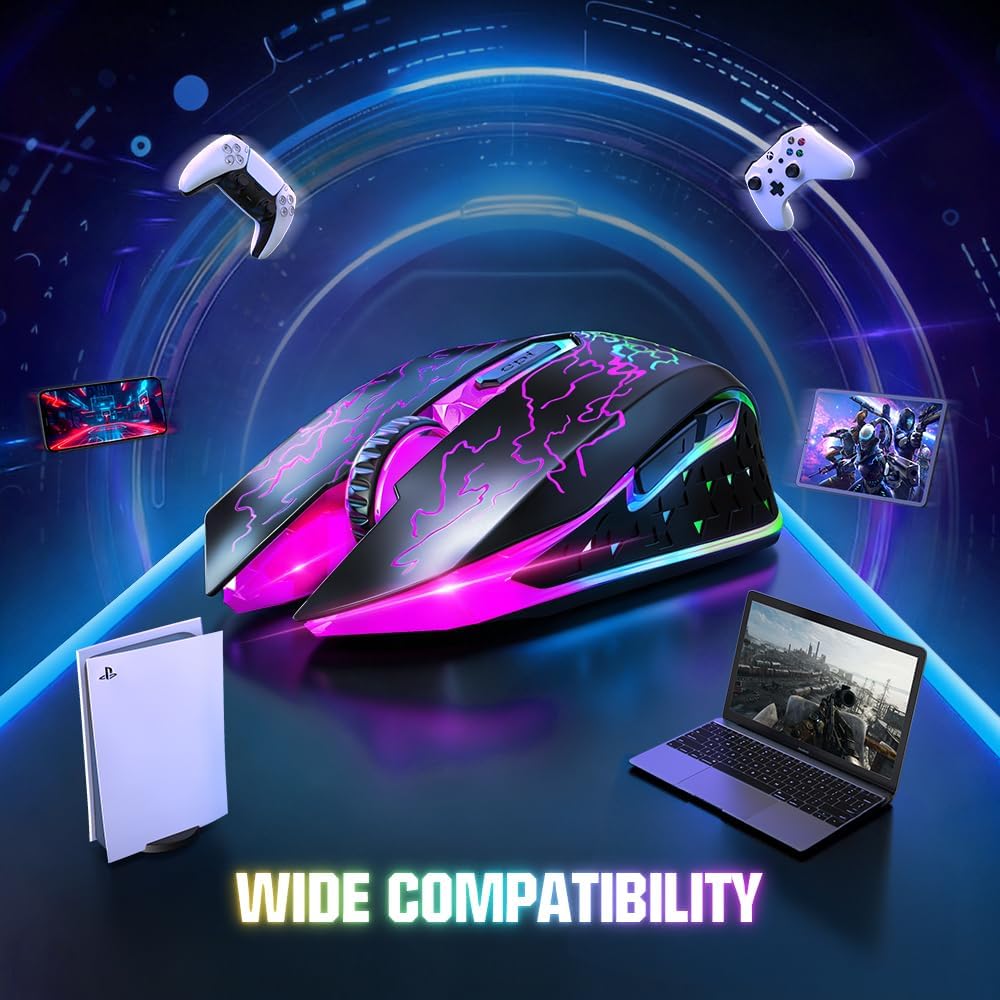
The design balances gaming aesthetics and practical features. The colourful LED breathing lights create a gaming ambience without being intrusive, and the option to switch off lighting helps extend battery life. The quiet buttons mean fewer distractions when working late or in quiet environments, which is a clear advantage over louder peripherals. The simple plug-and-play USB receiver is convenient and broadly compatible with Windows, Mac OS, Linux and Chromebooks, and it can also be used with several consoles according to the manufacturer. 🎮
Usage Recommendations
For the best responsiveness place the nano receiver in an unobstructed USB port and avoid metal surfaces between the mouse and receiver. If you expect extended sessions without recharging, disable the LEDs to preserve battery. The DPI button is handy for switching sensitivity on the fly during browsing, spreadsheets or light gaming. Be aware that when the battery gets low the cursor movement may become slower or inconsistent, so recharge promptly to maintain stable tracking. 🔋.