

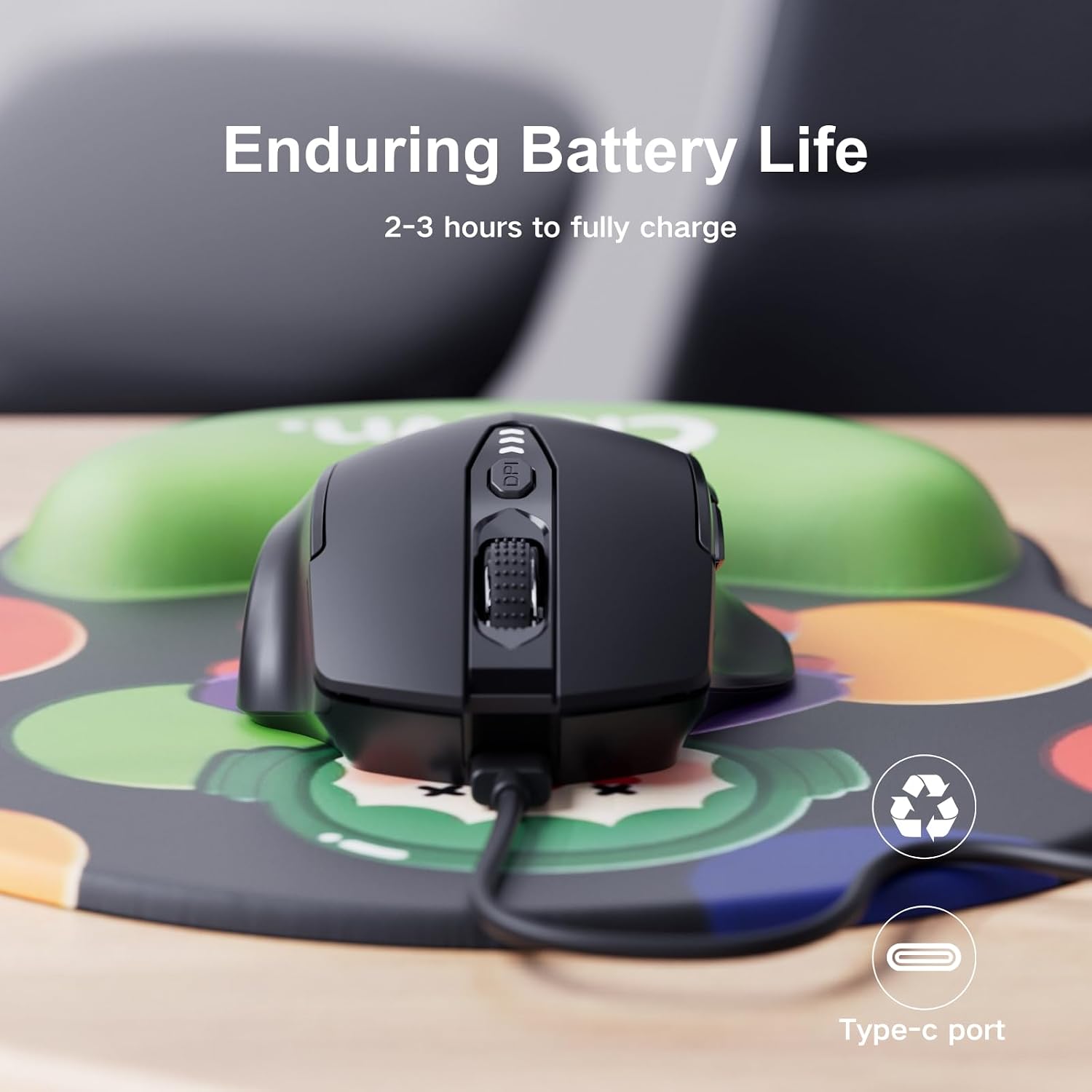
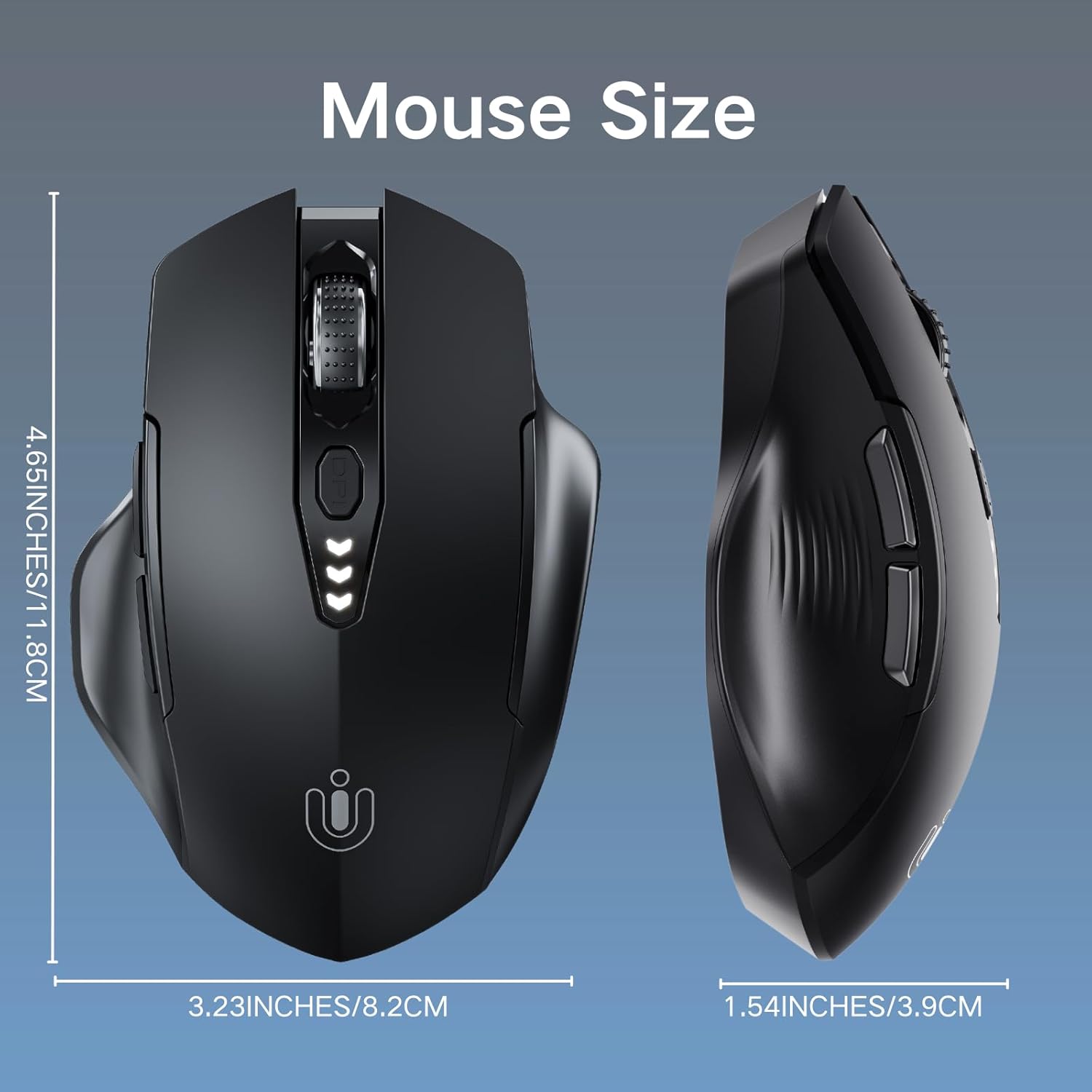

Uineer Wireless Mouse 4 DPI levels
Product description
This rechargeable wireless mouse brings practical control and simple maintenance for everyday laptop and desktop tasks. It combines an ergonomic shell with selectable sensitivity and a visible battery indicator to help you keep working without unexpected interruptions. The design suits office work, web browsing and light creative use.
Key Points
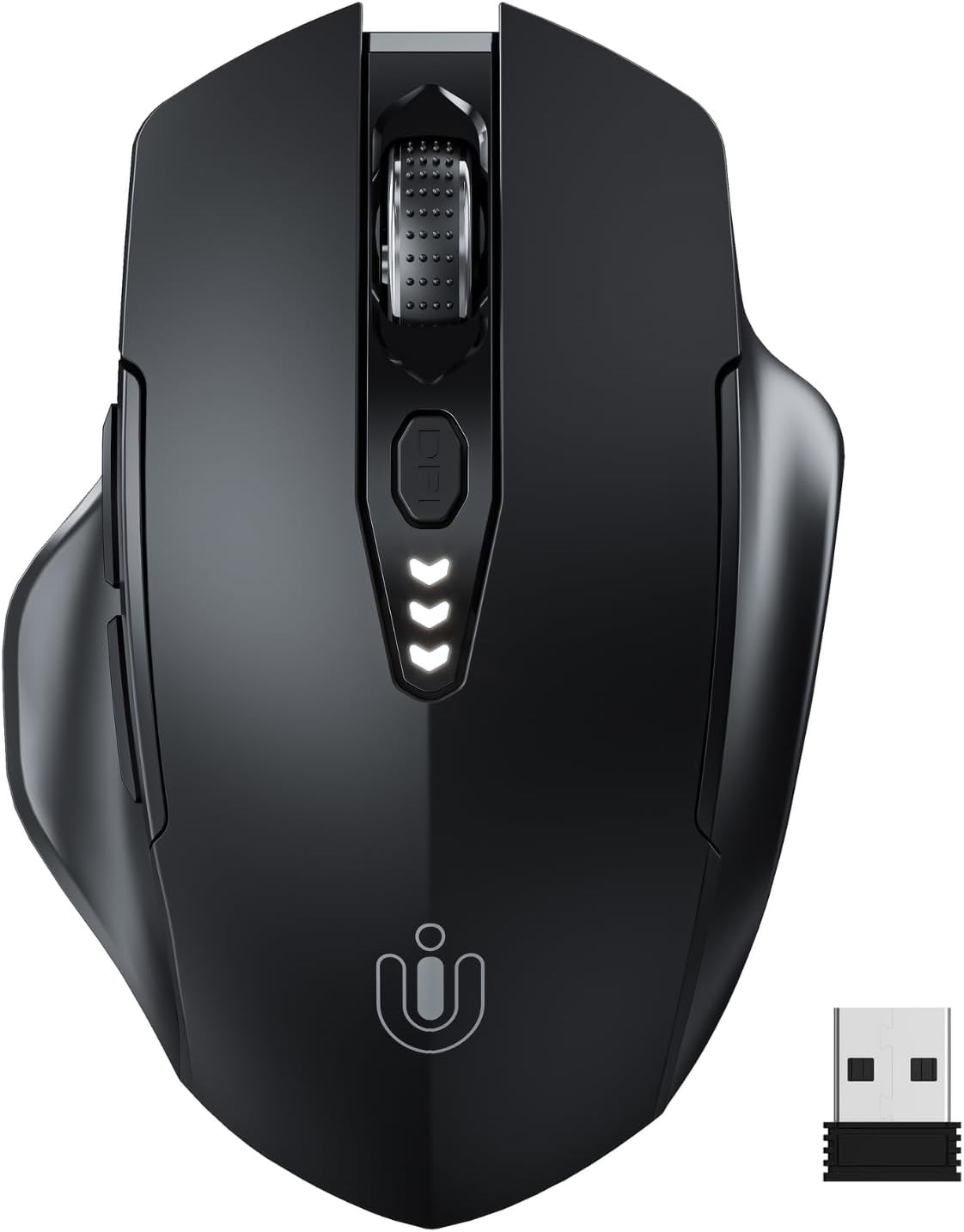
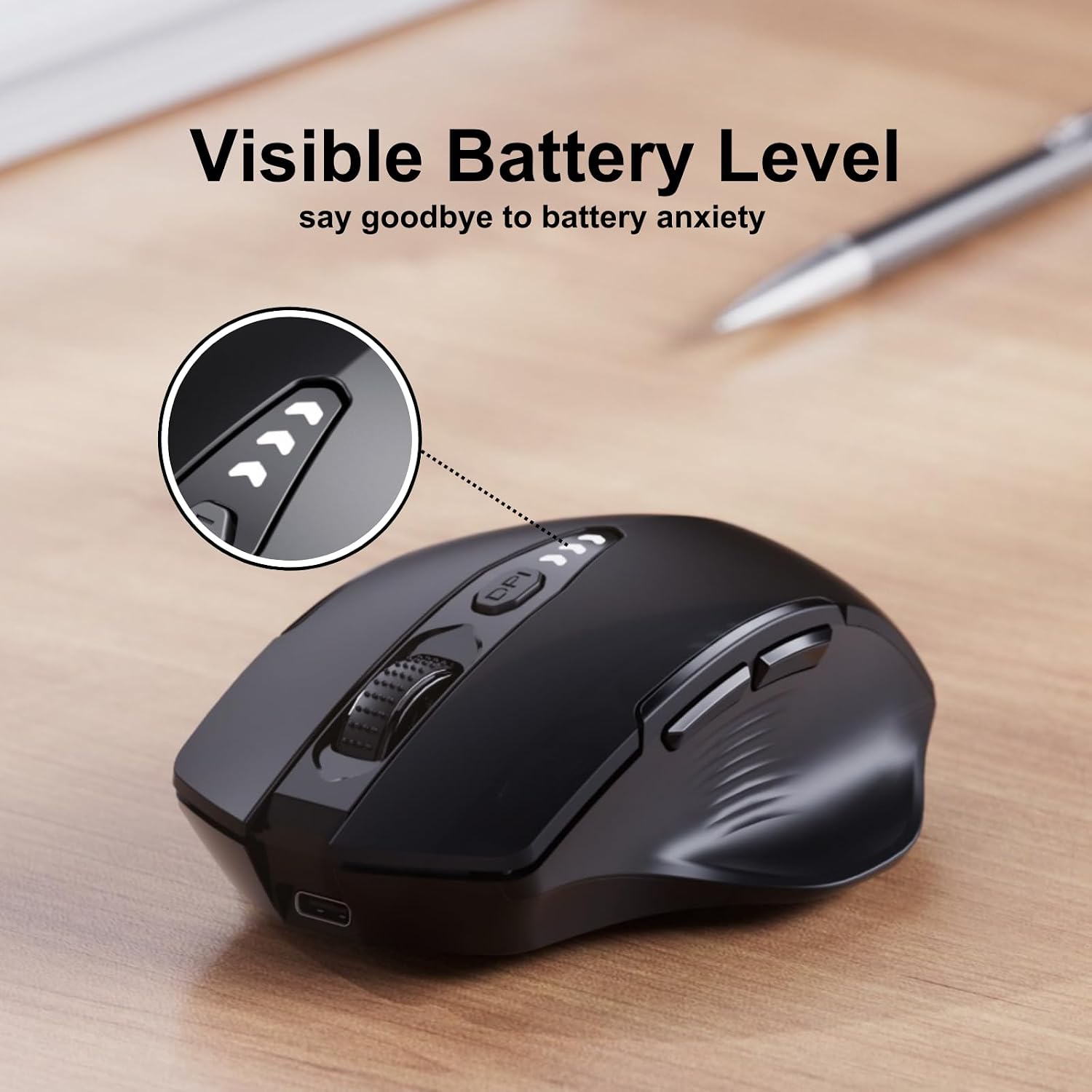
The Uineer Wireless Mouse highlights easy setup with a 2.4 GHz USB receiver that works plug and play, offering a stable connection with minimal interference. It has an ergonomic profile that supports a comfortable grip for extended sessions and a matte black finish that reduces fingerprints. The visible battery display shows remaining charge at a glance, which makes power management straightforward, and the internal rechargeable battery eliminates single-use cells, reducing waste and ongoing cost. ⚡️
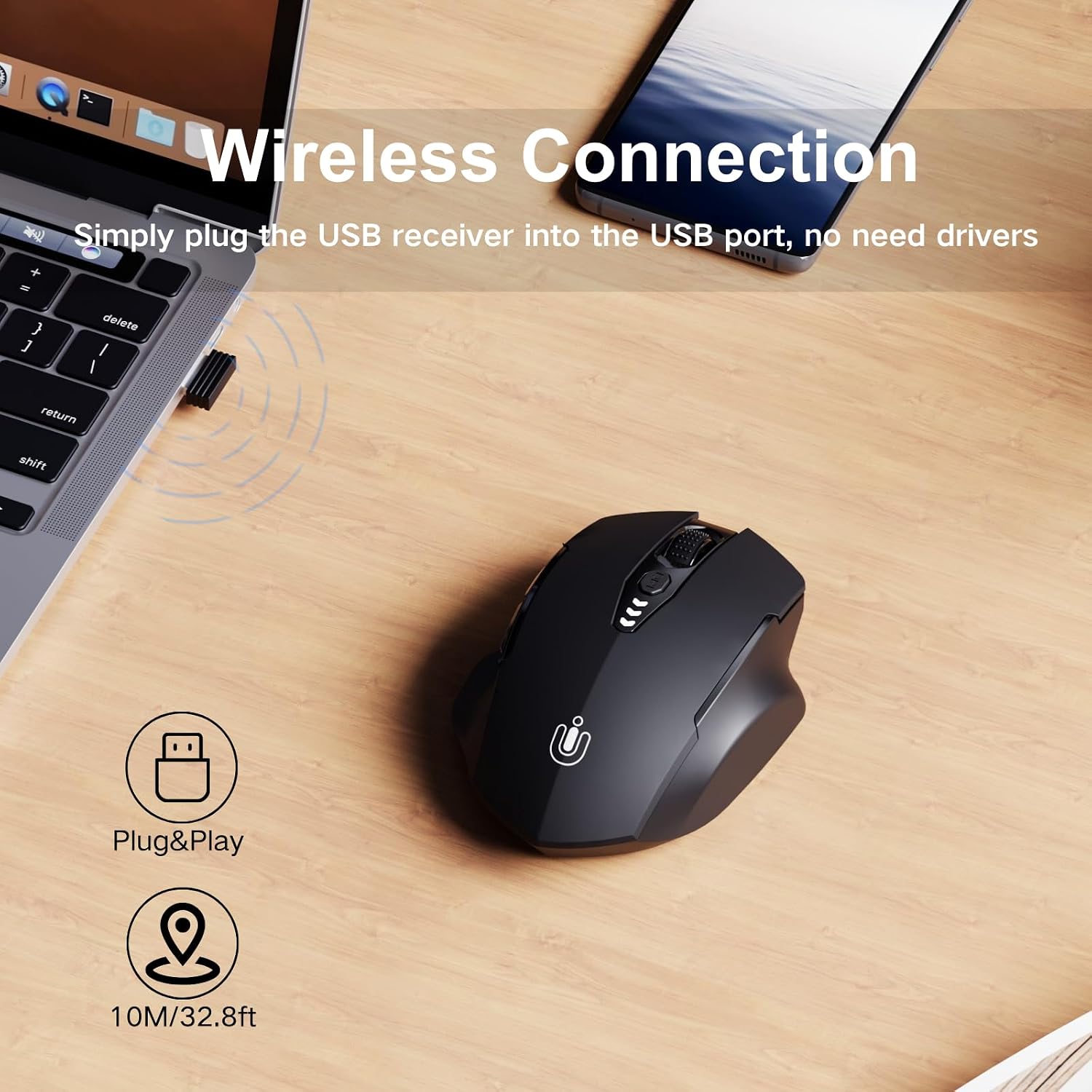
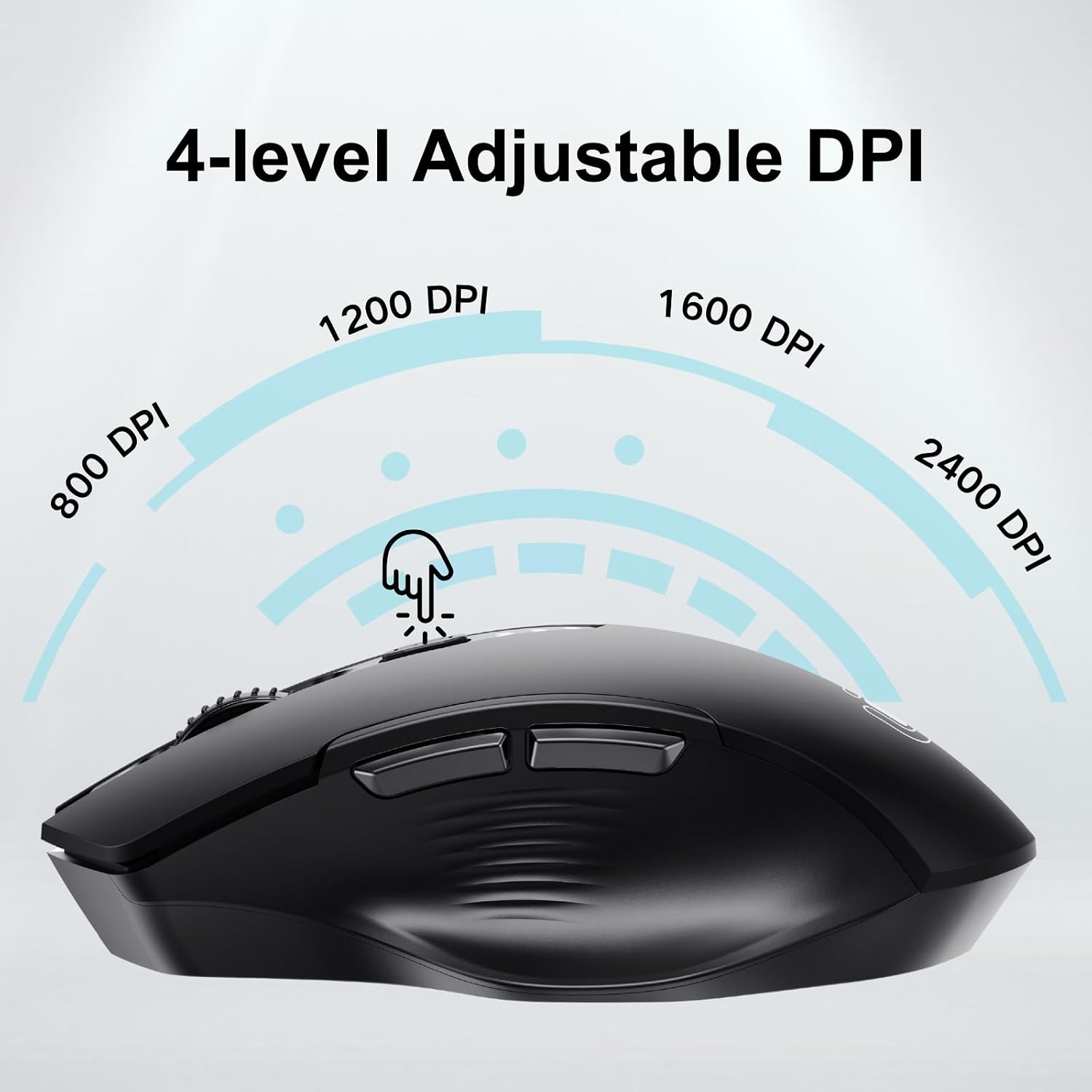
This model includes four DPI settings—800, 1200, 1600 and 2400—which let you adapt cursor speed for precision tasks or faster navigation. The mouse is compatible across common platforms, including Windows, macOS and Linux, so it will integrate easily with most setups. There is also a manufacturer-stated after-sales policy that includes a 45-day refund window and a one-year free replacement service, according to the manufacturer. 🔋
Technical Specifications
- Name: Uineer Wireless Mouse
- Connectivity: 2.4 GHz USB receiver
- DPI levels: 800, 1200, 1600, 2400
- Power: Rechargeable internal battery
- Colour: Matte black
Usage Recommendations
For best results, plug the receiver into a USB port directly on the laptop or PC rather than through an unpowered hub. Adjust the DPI setting to match the task, using the lower values for detailed pointer work and the higher values for general navigation or large displays. The visible battery display is useful before long sessions, but consider charging during breaks to avoid interruption on critical tasks.
Consider that the mouse uses a small USB receiver which can be lost if not stored in the device or a dedicated compartment. Also note that sensitivity steps are fixed to the four provided levels, so users seeking continuously variable DPI may find this limiting. 🖱️
Usage on some very old operating systems may require basic driver updates even though the device is broadly plug and play. Discrete wireless devices in densely populated radio environments can sometimes experience reduced range, however typical home and office use should remain stable.