

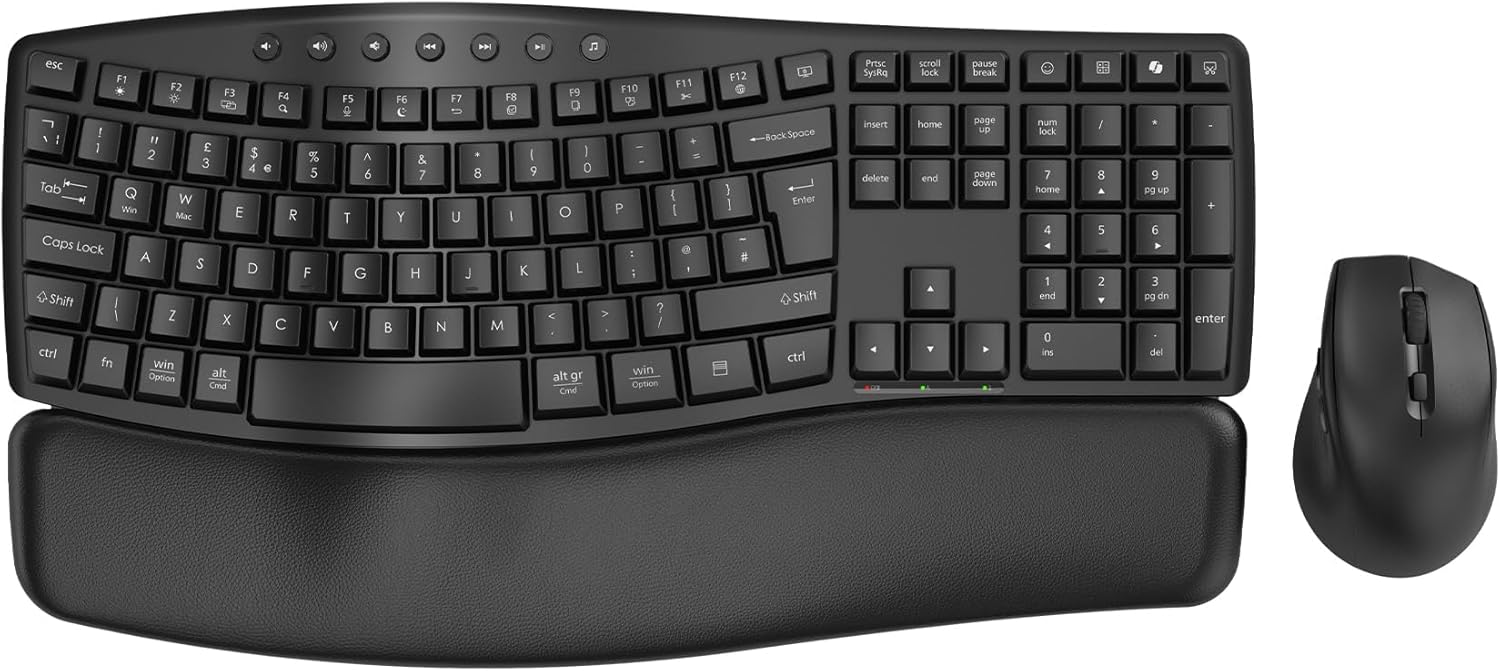
SABLUTE Wave keyboard 30 dB wireless set
Product description
If you type for long stretches, the SABLUTE ergonomic wireless keyboard and mouse combo is built to help you stay comfortable while keeping your desk tidy. The standout feature here is the quiet, wave style full-size keyboard paired with a supportive palm rest, so you can work through spreadsheets, reports, and video calls without unnecessary noise or awkward wrist positions 😊. You also get a matching ergonomic mouse with handy shortcuts, making this a practical office and home office bundle for day to day use.
The combination of the wave keyboard design, soft palm rest, and low noise typing is aimed at reducing daily strain and fatigue over time, which matters if you regularly work 8 hours or more. According to the manufacturer, the wave profile helps keep hands and wrists in a more natural position compared with flat keyboards, and the keyboard is rated at around 30 dB for quieter operation. There is also a spill resistant build and a durable palm rest surface intended to be easy to clean, which is a sensible advantage in busy shared workplaces as well as at home.
If you want an ergonomic input set that is straightforward to set up, the single USB receiver approach is a big time saver. The keyboard and mouse connect to one receiver, and the receiver is stored inside the mouse for neat cable free convenience. Setup is designed to be plug and play across common platforms, so you can focus on work rather than fiddling with connections.
The essentials
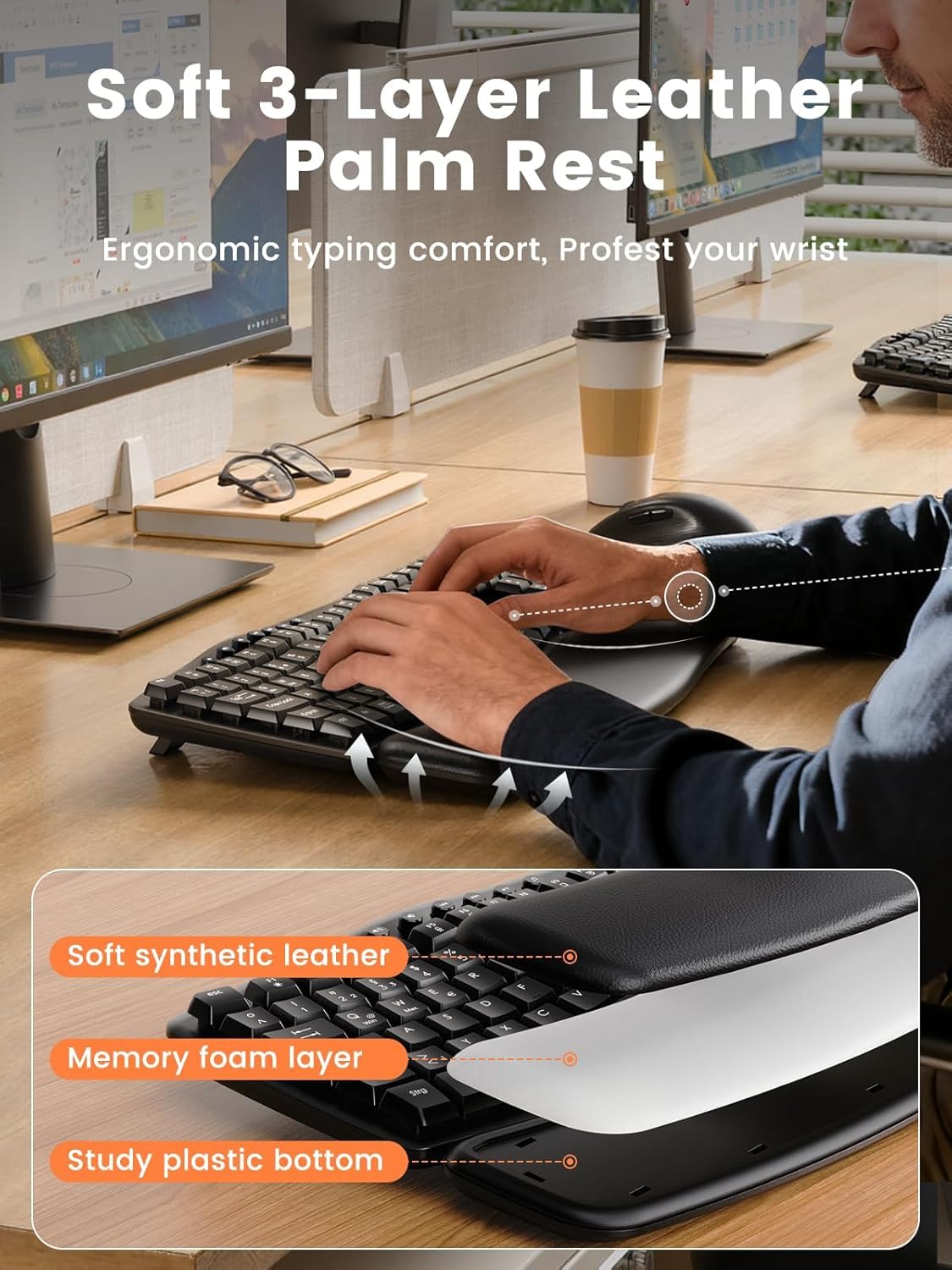
This set brings together an ergonomic wave keyboard and an ergonomic wireless mouse, designed for comfortable, focused typing across long sessions 🧠. The keyboard uses a soft cloud like palm rest intended to support your wrists gently while you work, and its soft touch surface is described as durable and waterproof. That makes it easier to keep clean when you wipe down your desk, especially if you share a workspace or regularly take calls.
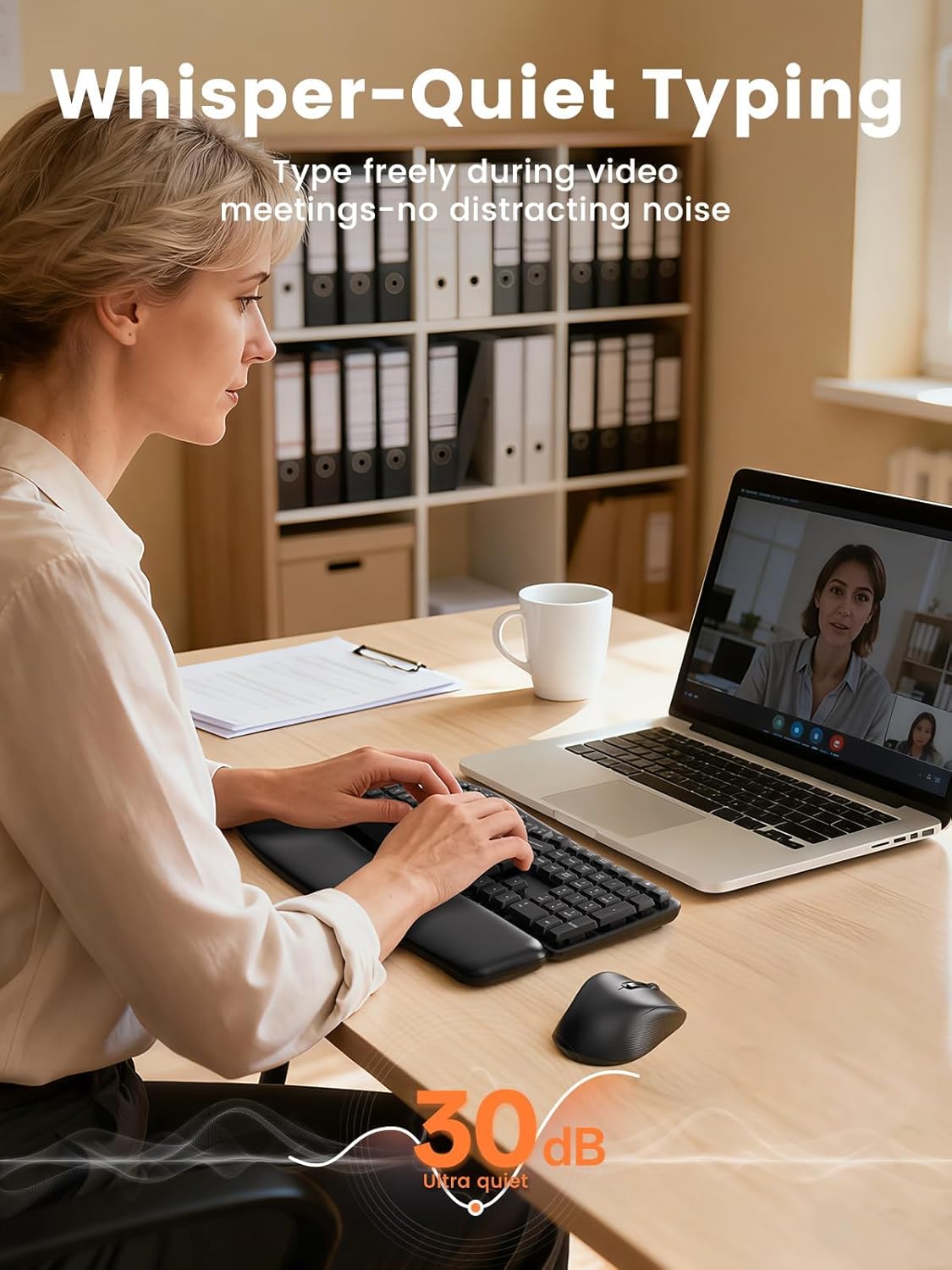
The keyboard itself is made for a modern desk look, with a matte finish and smooth curves that suit professional environments. It is also described as spill resistant, so everyday mishaps are less likely to become a problem. For background noise, the keyboard is described as ultra quiet with typing around 30 dB, helping you stay considerate during calls, late night work, or when family are nearby.
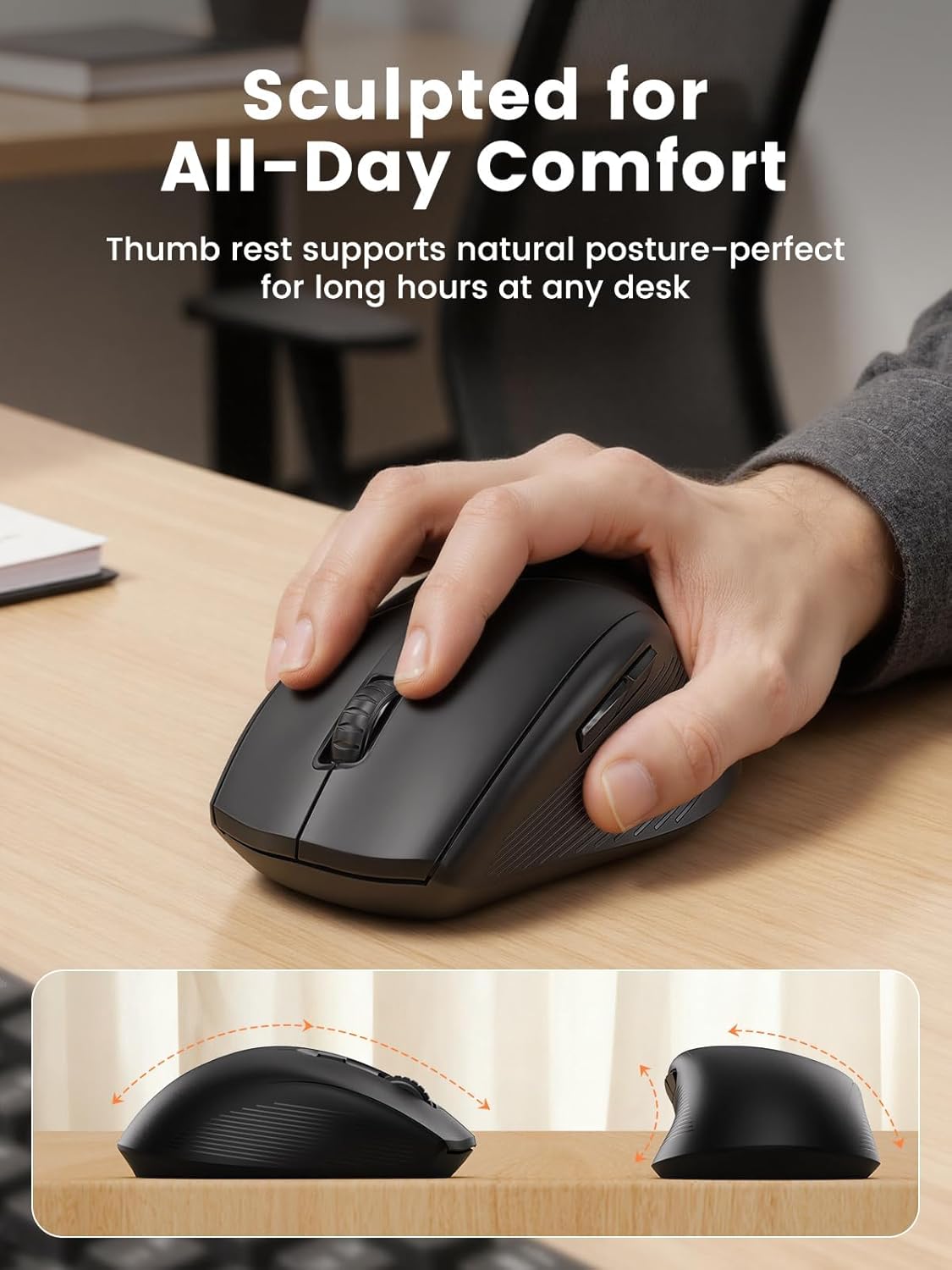
On top of that, the mouse is shaped to support a natural hand posture, which is useful if you feel tension from repetitive clicking and scrolling. It includes three DPI levels so you can adjust sensitivity, plus 11 one touch shortcuts to speed up routine tasks. Note that some shortcuts are not Mac compatible, but the core functions are described as working smoothly.
Key features
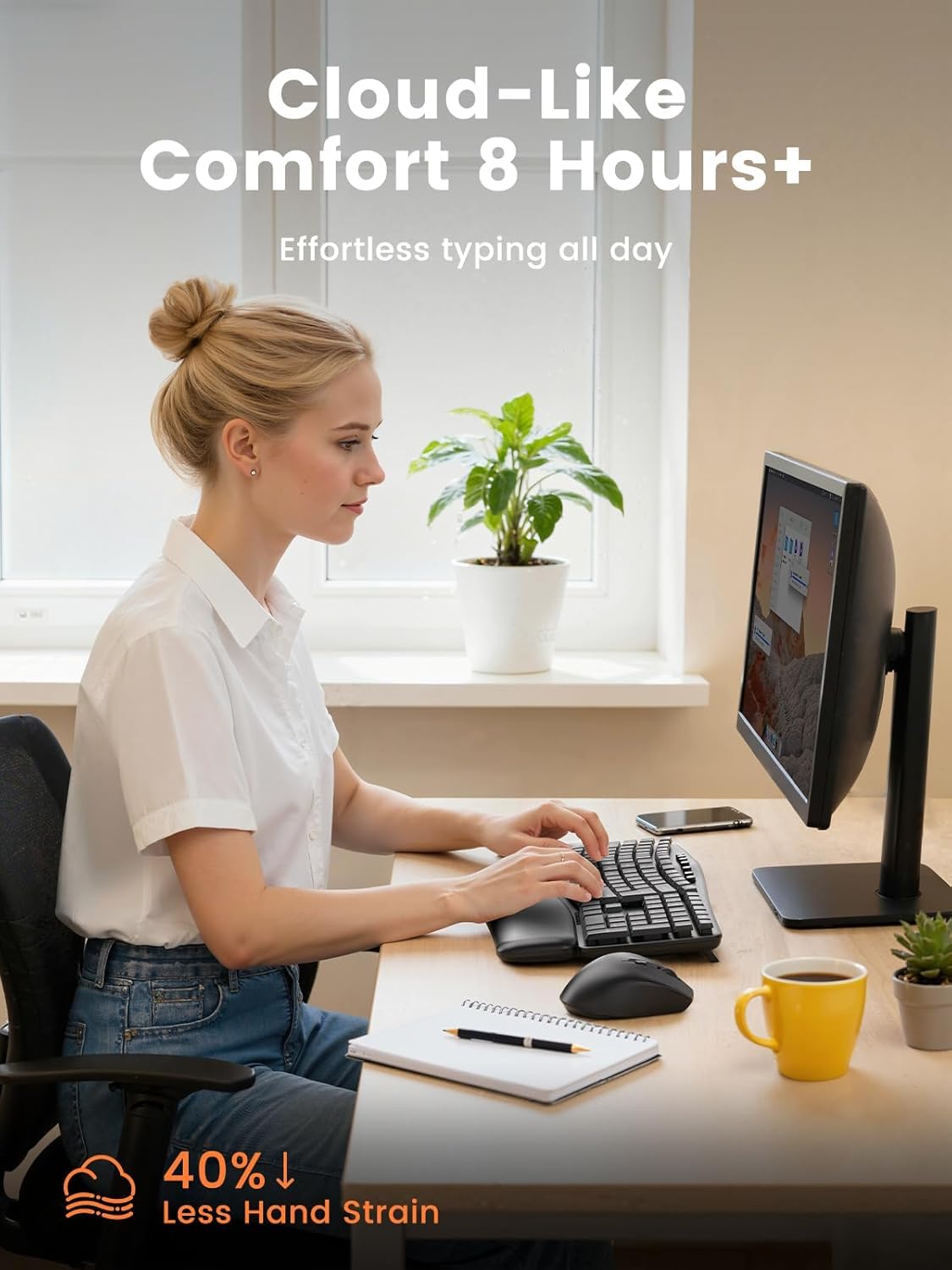
For comfort, the ergonomic wave profile is the key design idea, with the goal of keeping hands and wrists in a natural position. The manufacturer also notes that the keyboard can reduce 40% plus daily strain and fatigue versus flat keyboards, which speaks directly to long day typing 😌. If your hands tend to tense up during spreadsheets, reports, or email heavy days, this design may feel like a more supportive alternative.
The palm rest is another practical comfort layer. It is soft touch, and the surface is described as warm and gentle, with a durable waterproof build that is easy to clean. Because it is part of the workflow, not just an accessory, it can make a noticeable difference when you are resting your wrists while typing for hours.
Quiet operation is also a genuine everyday benefit. At around 30 dB typing, it is designed to help you focus without disturbing colleagues or family, which is especially relevant during team calls and document editing. Combined with wireless freedom, you get a calmer workspace that still feels professional.
Ergonomic keyboard and quiet typing
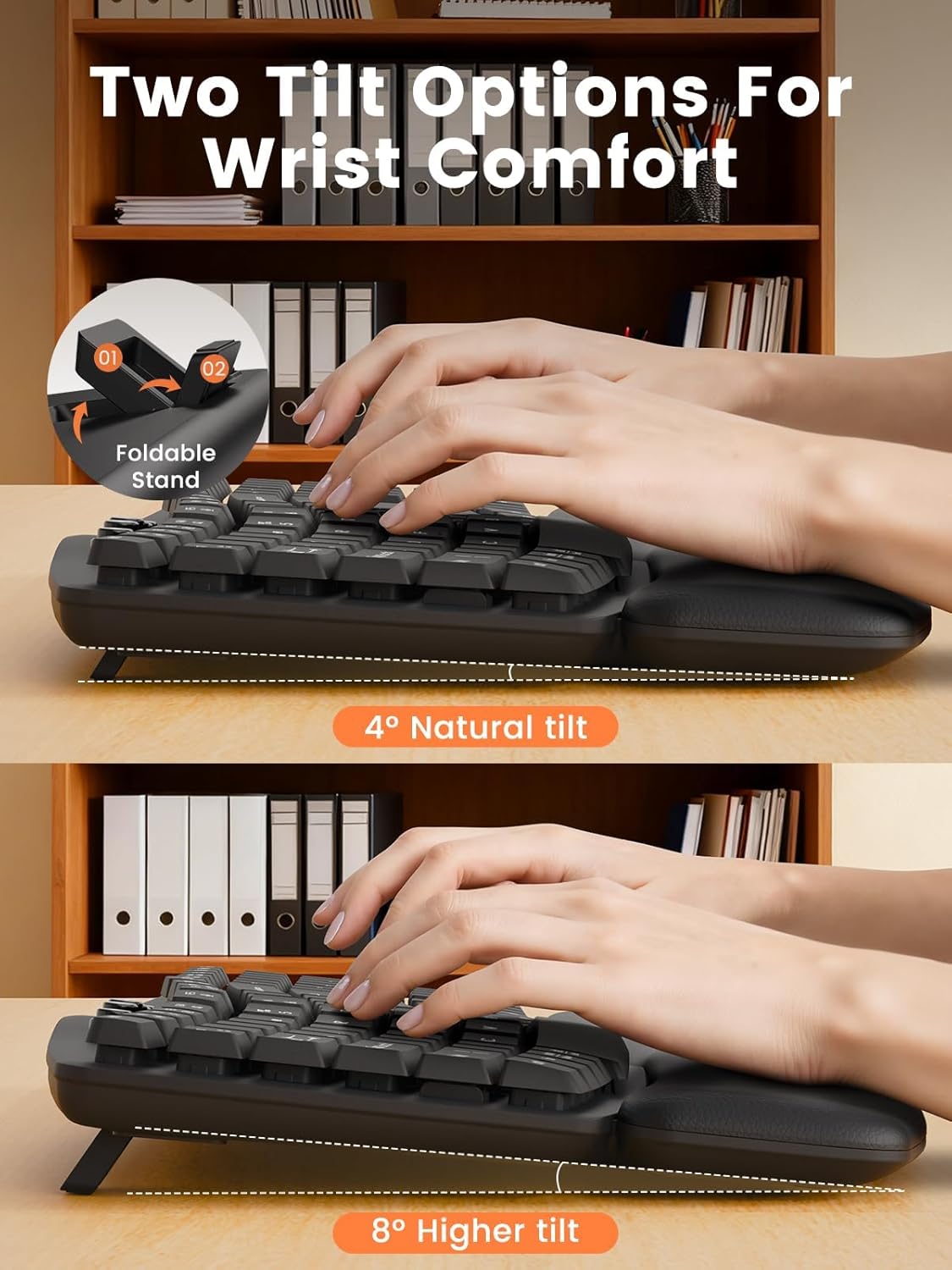
The wave keyboard design aims to reduce awkward wrist angles, while the quiet typing keeps the sound down in shared settings. If you regularly work in open plan offices or you share a home workspace, low noise can reduce distraction for everyone around you.
Mouse shortcuts and DPI levels
The mouse is wireless and ergonomic, with DPI options at 800, 1200, and 1600 for controlling cursor movement. It also includes 11 one touch shortcuts to speed up common actions, helping you move through daily tasks faster.
Tech specs
- Type: Wireless keyboard and mouse combo
- Name: SABLUTE ergonomic wave keyboard and mouse set
- Type: Ergonomic wave keyboard
- Material: Soft touch palm rest with durable waterproof build
- Colour: Black
- Display: Not specified
- Refresh rate: Not specified
What stands out for day to day work
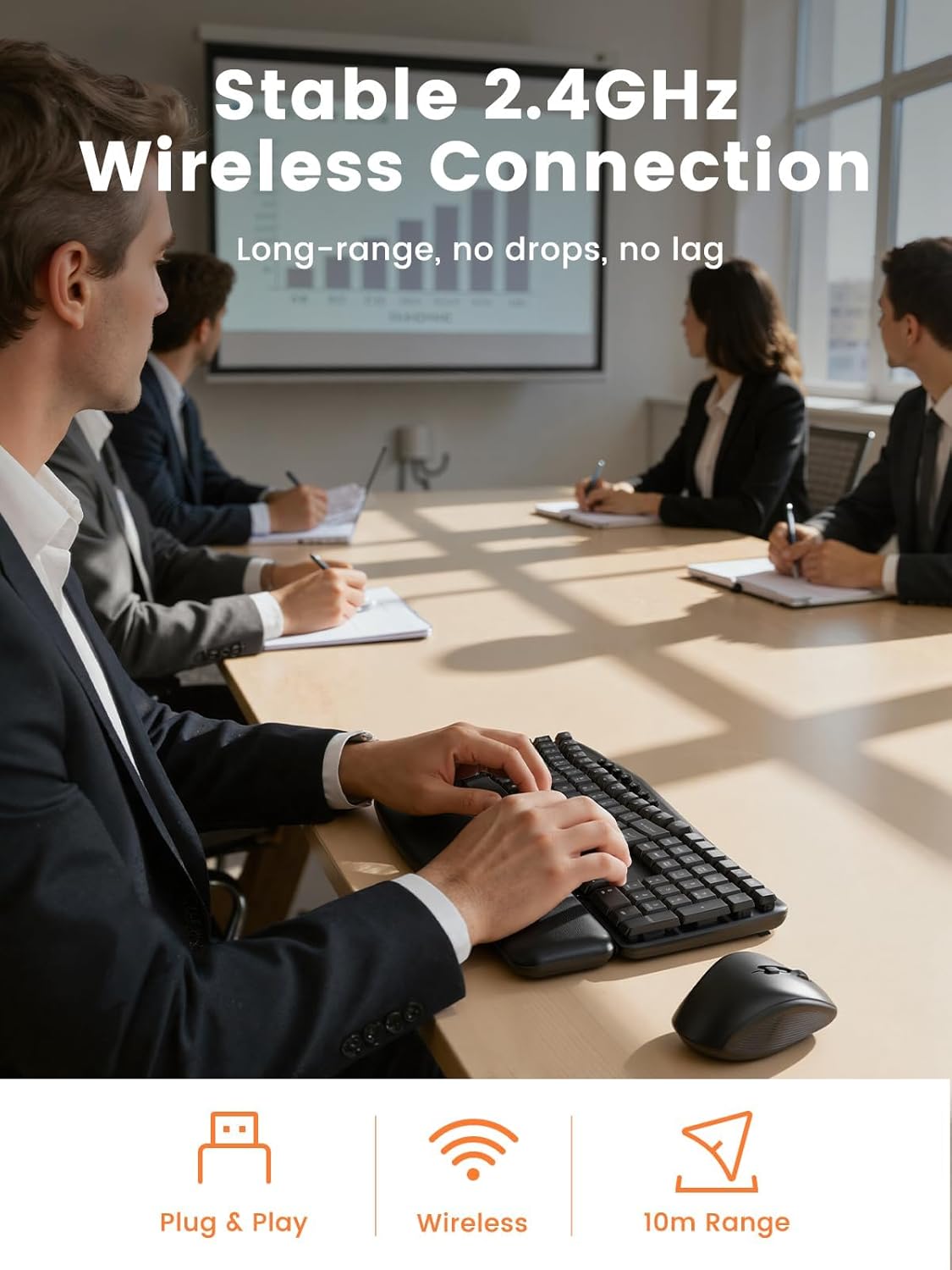
With SABLUTE, you get a practical mix of comfort and quiet working that fits both home office and professional desk environments. The set is described as suitable for personal use or corporate offices, and the matte, smooth curved design is intended to look at home on modern desks. It is also designed to be spill resistant, which is a useful detail if you drink at your workstation or you work in shared areas.
It also makes sense from a convenience point of view. A single USB receiver connects both keyboard and mouse, keeping your desk clear, and the receiver is stored inside the mouse for a tidy finish. Wireless setup is designed as plug and play, so you can start working immediately rather than waiting for drivers.
Compatibility and power
Compatibility is described as Windows, macOS, Chrome OS, Linux, and Android, giving you flexibility across home and office setups. Keyboard power uses 2 AAA batteries, while the mouse uses 1 AA battery, with batteries not included. The manufacturer notes that some shortcuts are not Mac compatible, so it is worth focusing on the core functions if you primarily use macOS.
It’s a good fit if
It’s a good fit if you want a quiet, full size ergonomic keyboard with a soft palm rest for comfortable typing during long workdays. It makes sense if you work from a home office, do remote work, or spend time in professional office desks where noise and desk clutter both matter. It suits you if you prefer a single receiver connection and want an ergonomic mouse with adjustable DPI and one touch shortcuts for everyday tasks.
It might not be a great match if you rely heavily on Mac specific shortcut mappings, since the manufacturer notes that some shortcuts may not be Mac compatible.