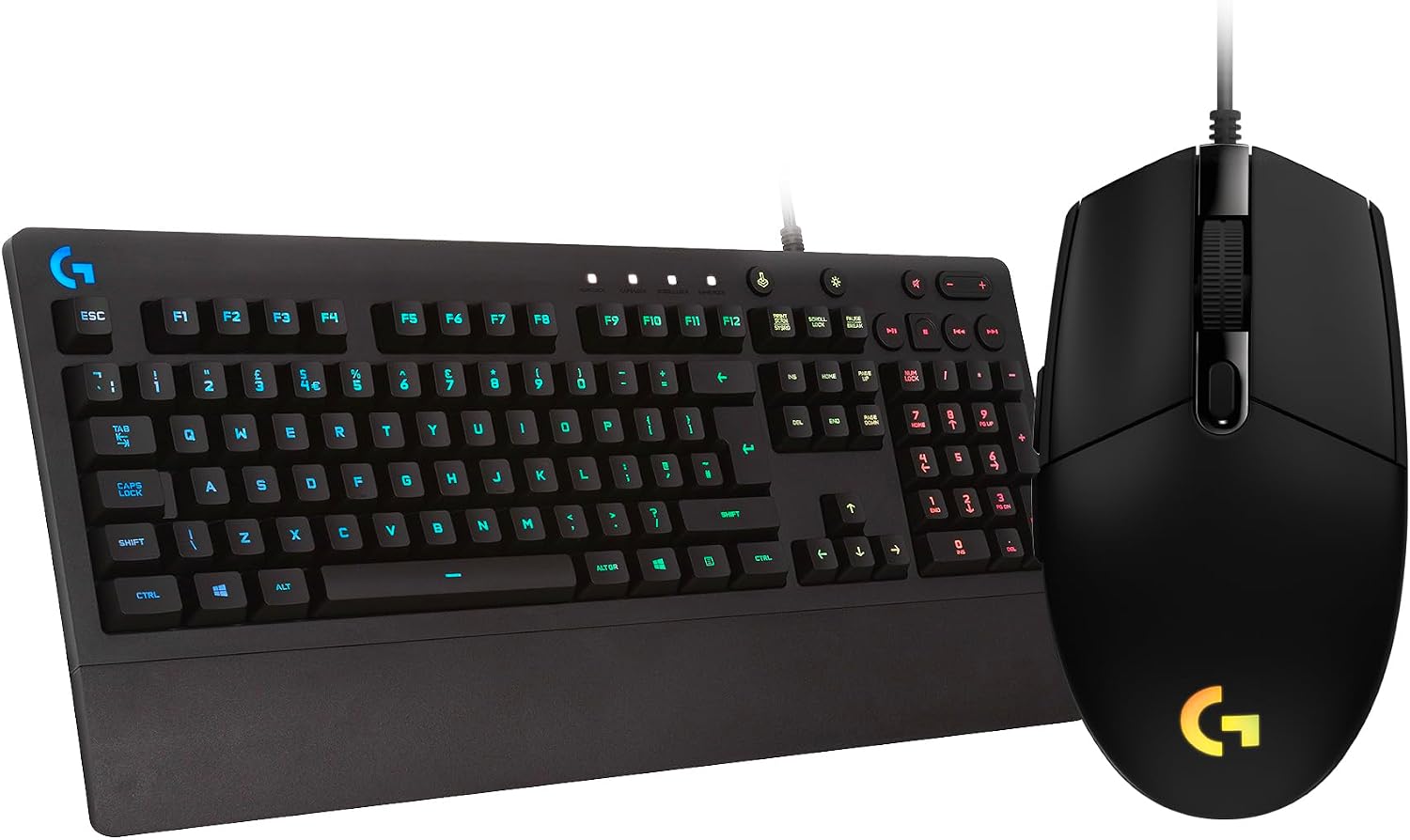
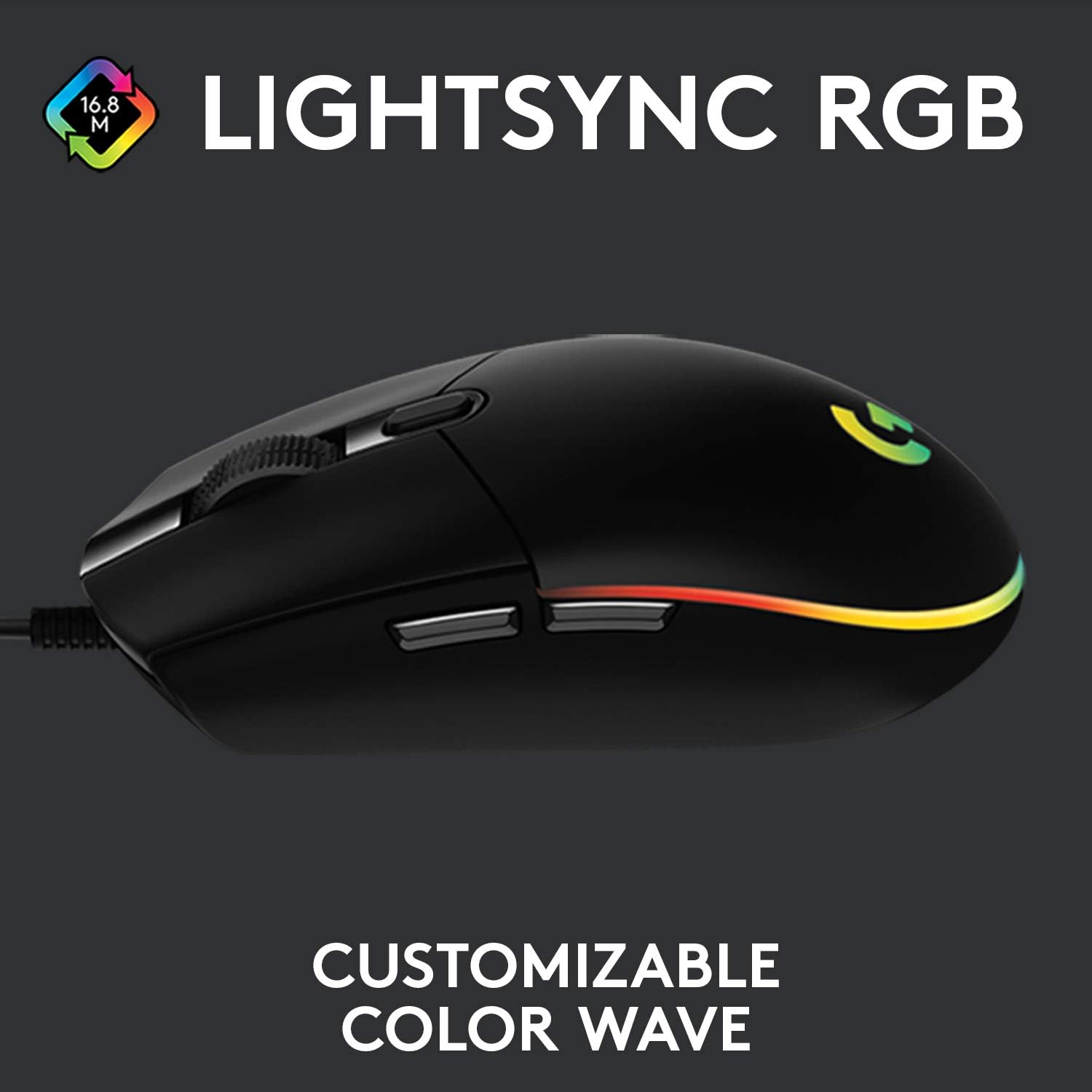
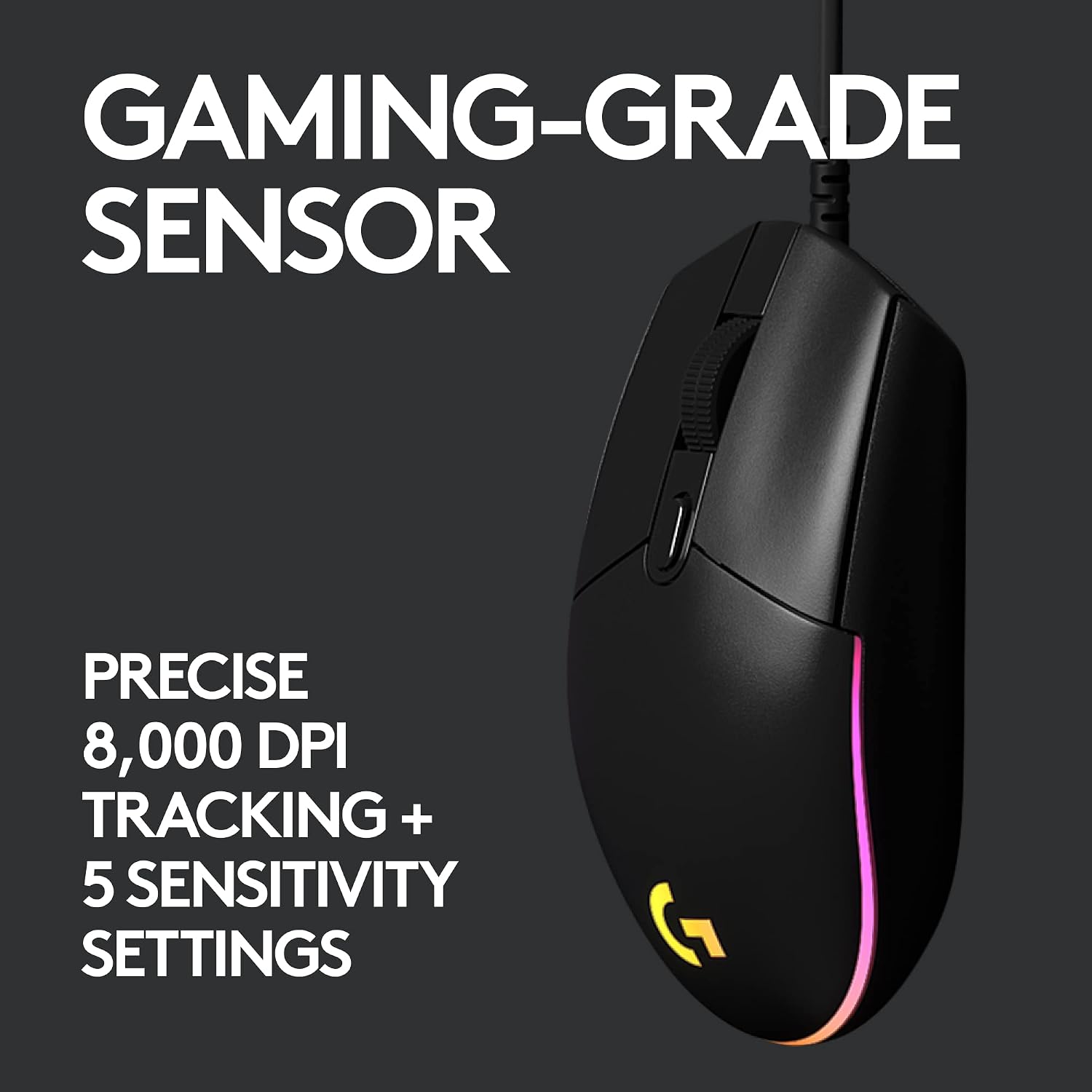
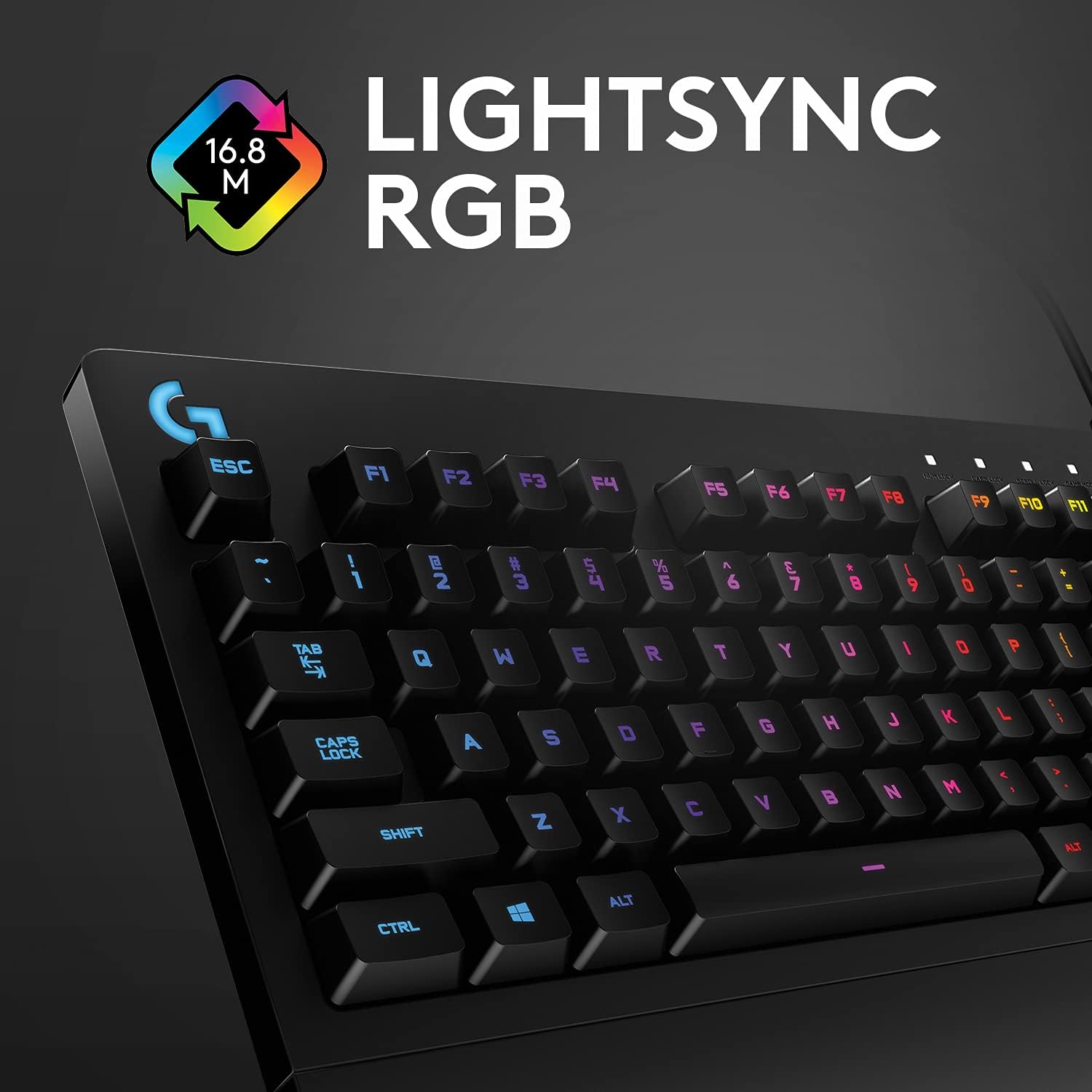
What it is and who it’s for\nThe Logitech G213 Prodigy bundle combines a full‑sized wired gaming keyboard with a G203 LIGHTSYNC gaming mouse. It’s aimed at players and keyboard‑driven tasks who want a single, backlit setup without spending a fortune. On paper, the kit offers a classic, comfortable layout with durable build and RGB illumination, plus responsiveness that should feel reliable for everyday gaming and productivity. If you’re after a straightforward pair that’s easy to set up and use straight away, this combo could be worth considering.\n\n## Design and build for real‑world use\nThe keyboard is described as a full‑sized, durable unit with a design rooted in classic gaming ergonomics. It’s built to resist spills, crumbs and dirt, which is practical if you share a desk with snacks or a drink. The mouse sits in the same ecosystem—compact enough for comfortable control, with a gaming‑grade sensor that supports changing sensitivity through software. It’s not a premium, all‑metal setup, but the attention to practical, long‑lasting materials matters if you’re looking for something that won’t need replacing every year.\n\n## Key features and how they translate to everyday use\n- RGB LIGHTSYNC across roughly 16.8 million colours lets you tailor aesthetics to your setup or mood, with lighting zones on the keyboard and smooth colour effects.\n- The keyboard promises a tactile feel and performance profile akin to mechanical switches, which is appealing for responsive typing and gaming without the price tag of high‑end mechanical boards.\n- The G203 mouse offers up to 8,000 DPI with multiple DPI presets you can switch between on the fly via Logitech G HUB software, helping you dial in precision for shooters or general navigation.\n- A simple six‑button keyboard layout keeps things familiar, reducing the learning curve if you’re upgrading from a basic setup or planning a mixed usage pattern.\n\n## What stands out and where it may fall short\nOn the positive side, the kit provides a cohesive RGB experience, a straightforward layout, and practical durability. The inclusion of software for DPI and lighting adjustments adds a level of polish that’s helpful for fine‑tuning. However, if you’re chasing a high‑end mechanical feel, or a mouse with extensive programmable buttons and ultra‑tight sensor performance, this pairing may feel a step back from premium options. The “pro‑grade” label on switches is useful in description, but there’s no claim of true mechanical switches here.\n\n## Who it’s for and who should think twice\n- It’s sensible for gamers who want an affordable, ready‑to‑go setup with decent lighting and reliable everyday performance.\n- It’s suitable for students or home offices that value a more compact, tidy desk footprint than a separate keyboard and mouse.\n- It may not be ideal for enthusiasts chasing a premium typing feel, pre‑eminent build quality, or a mouse with a broader feature set and ultra‑high‑end sensor performance.\n\n## When it makes sense to buy\nConsider this bundle if you want a complete, pragmatic entry into RGB gaming peripherals without venturing into premium price brackets. It fits desk setups where you need a reliable, water‑resistant keyboard and a configurable mouse in one purchase.\n\n## What to check before buying\n- Confirm you’re happy with a full‑size keyboard form factor and a six‑button layout.\n- If you rely on specific button programming, verify that G HUB provides the required customization for your games or workflows.\n- Assess whether the visual lighting and zone control align with your PC theme and room lighting, as those elements are part of the appeal.\n- Consider whether you value the spill and crumb resistance in your environment, especially if beverages are nearby during sessions.\n\n## Practical usage example\nImagine you’re streaming and gaming simultaneously: you can set distinct lighting zones to match your game scenes, switch DPI on the fly for precise aiming, and type with a comfortable, familiar keyboard layout without having to juggle a separate device.\n\n## Is it worth it?\nIs it worth it? The bundle can be a sensible choice if you prioritise value‑for‑money, straightforward setup, and practical durability over premium materials or advanced mechanical feel. It may not satisfy buyers who want top‑tier switches or an ultra‑compact gaming mouse with extensive macro support, but for many, it offers a balanced, no‑nonsense entry into RGB gaming peripherals.\n\n## FAQ\n- Does the keyboard support macro programming? The base details mention a standard 6‑button layout and G HUB integration for DPI, but it doesn’t detail macro capabilities.\n- Is the RGB lighting customisable across all zones? Yes, RGB LIGHTSYNC supports colour and effects across multiple lighting zones.\n- How durable is the spill resistance? The description notes resistance to liquids, crumbs and dirt, which is practical for everyday use.\n- Can the mouse be used effectively for FPS games? The 8,000 DPI sensor offers fine control, but performance will also depend on your grip, sensitivity settings, and game preferences.\n