

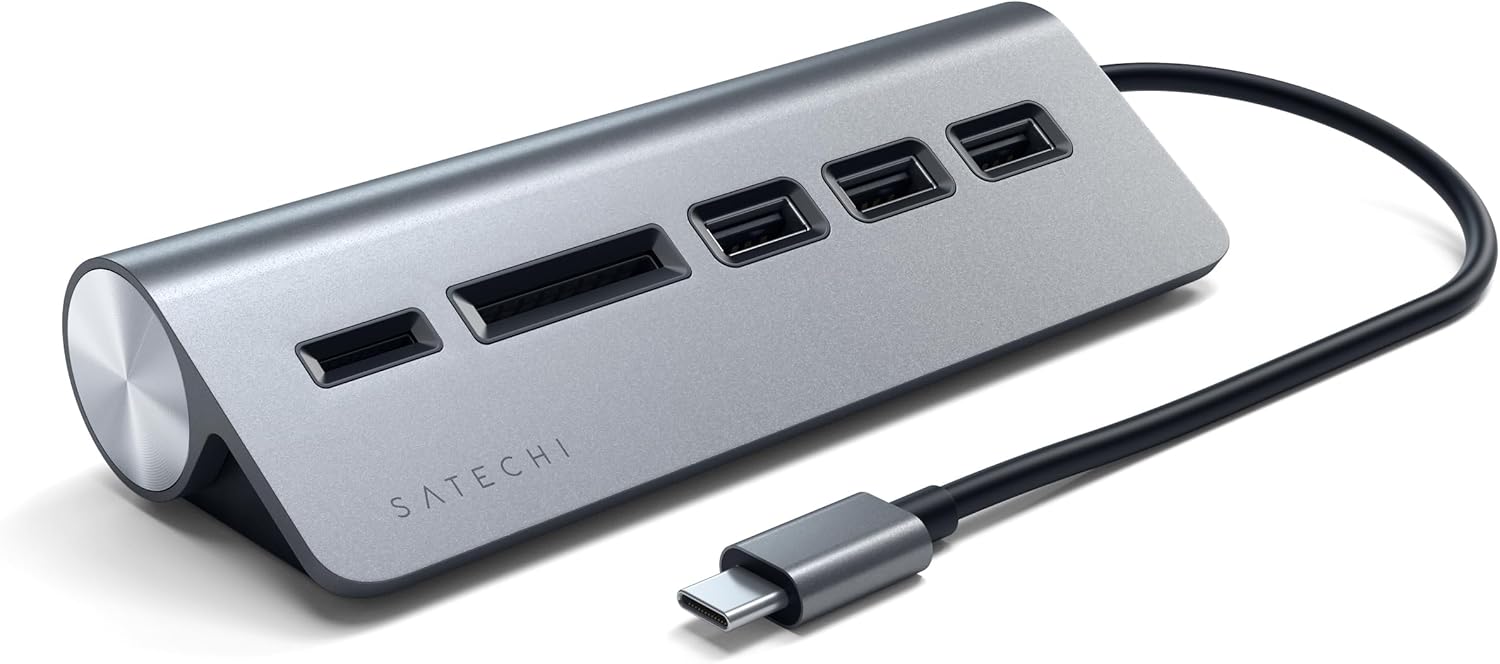
Satechi USB-C Combo Hub for Desktop with 3x USB-A 3.0 ports and Micro/SD card readers (Silver)
Product description
The essentials
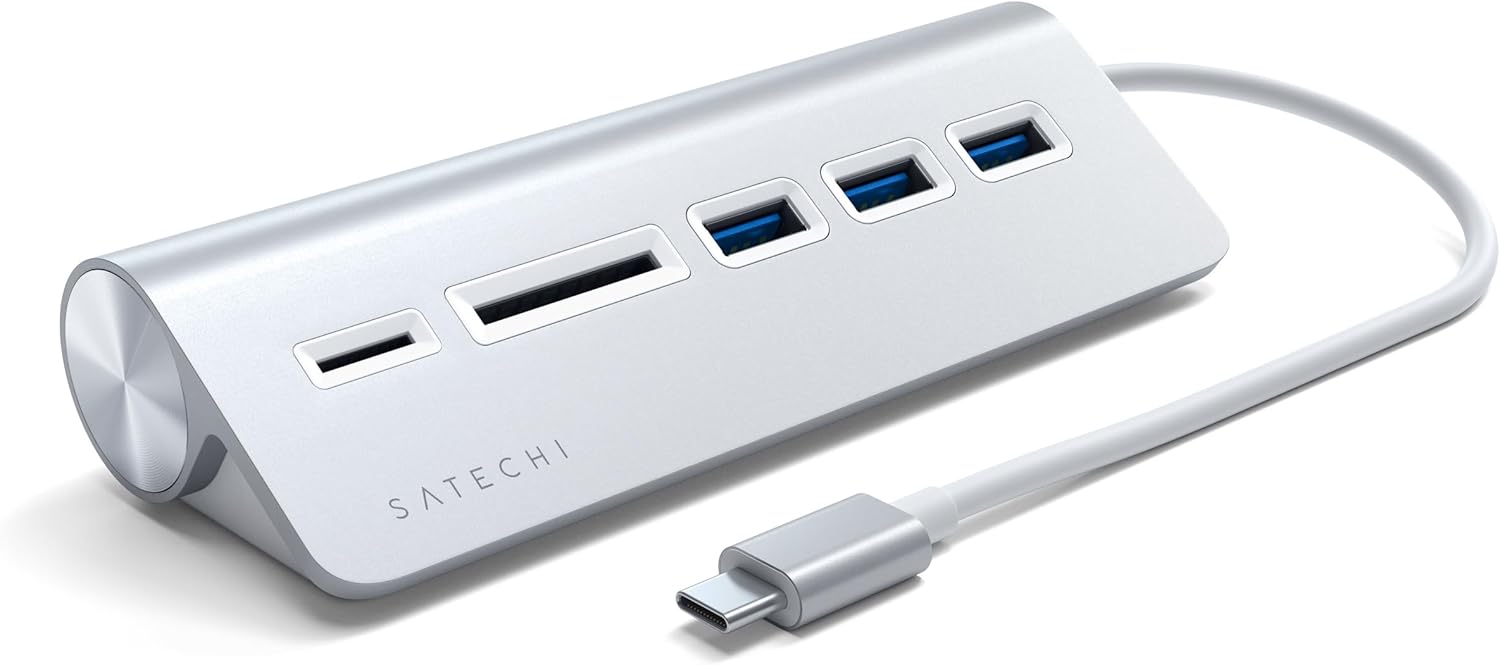
If you’re using a laptop or compact desktop and you keep running out of ports, this Satechi USB-C Combo Hub for Desktop is the sort of add-on that makes daily computing feel simpler. The idea is straightforward: one USB-C connection turns into extra access for peripherals, plus Micro/SD card readers for quick file transfers.
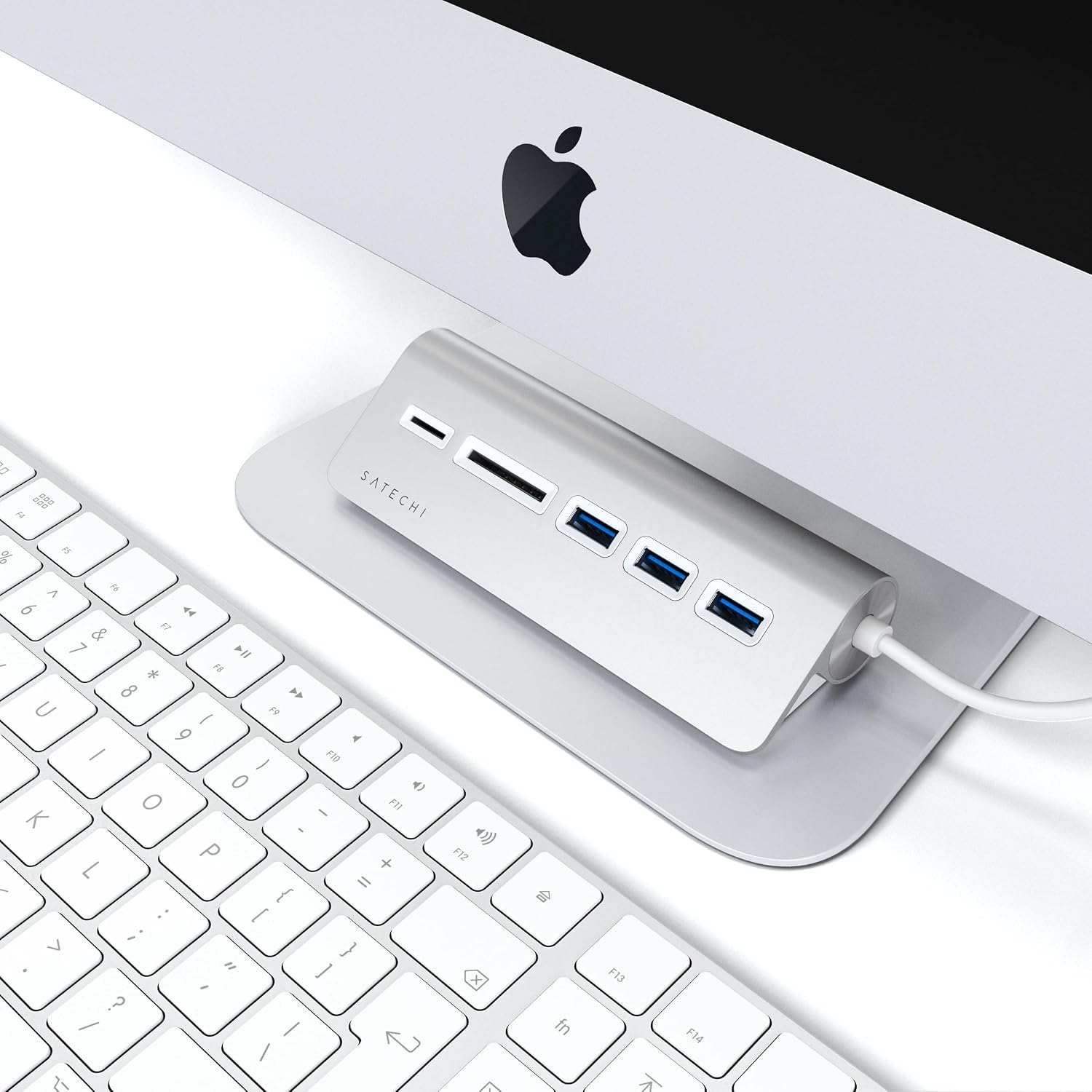
On paper, it’s built around USB 3.0 data speeds (up to 5Gbps over USB-C) and three USB-A 3.0 data ports. Add the Micro/SD readers and you’ve got a small desk helper for chores like plugging in a USB storage device, connecting a keyboard/mouse dongle, or moving photos and documents without hunting for a separate reader.
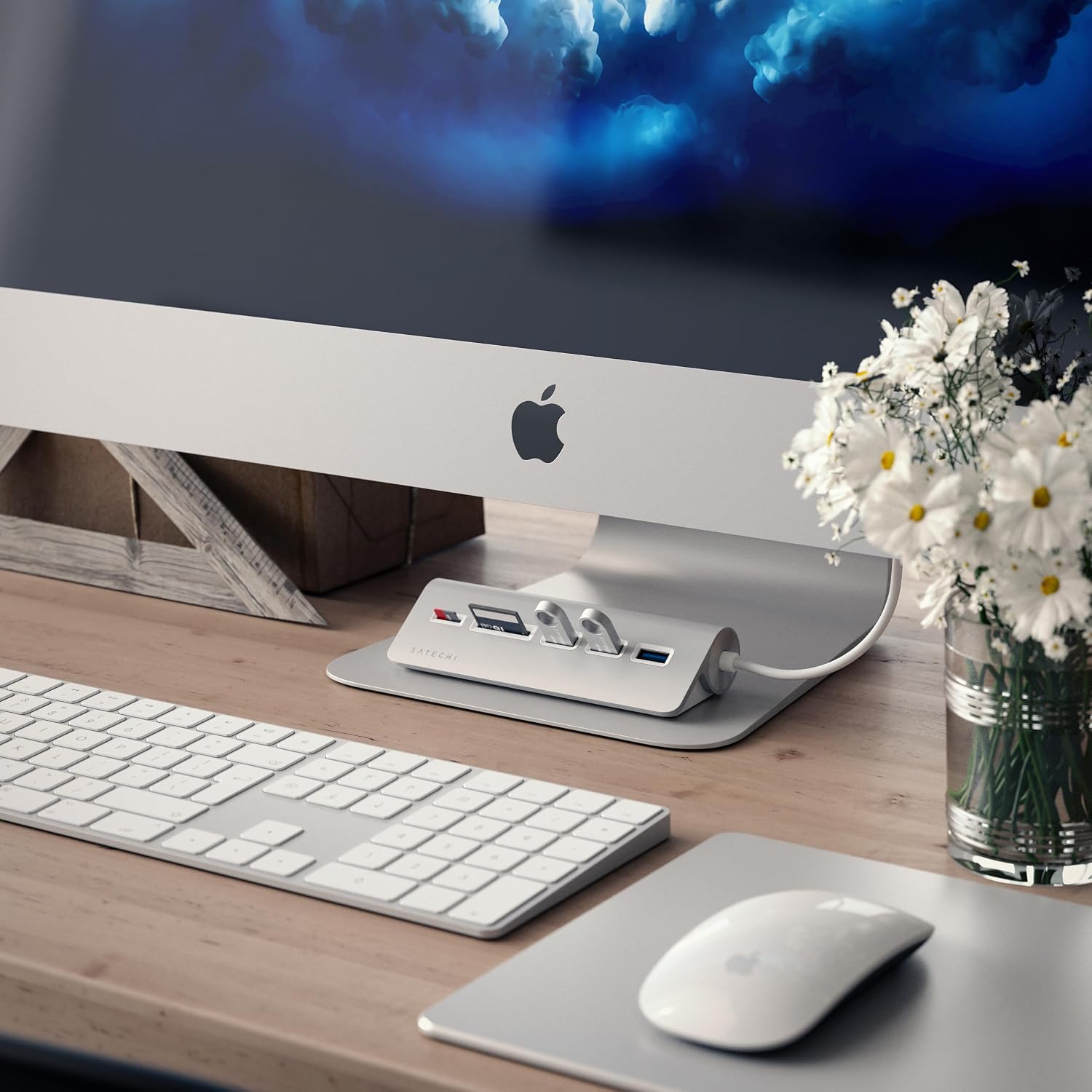
It’s also designed to look at home on a modern desk. The brushed aluminium finish and silver colour are meant to match common Apple-style setups, which matters more than people think when equipment is out in the open.
That said, it’s not a full docking station replacement. If you’re expecting lots of extra display outputs or deep enterprise-style expansion, you may find it a bit limiting—this hub is clearly about basic connectivity and card access.
Key points
What you’re buying here is a USB-C hub focused on desktop convenience rather than maximum docking power. You get three USB-A 3.0 data ports plus Micro/SD card readers, with hot swapping and a plug-in approach that doesn’t require extra drivers or software (as described). For day-to-day use, that’s the main appeal: less fiddling, more doing.
The 5Gbps USB 3.0 figure is useful as a headline when you’re moving files or doing backups, but real-world speed will depend on what you’re connecting—especially the drive/card you’re using and how fast it can actually read or write. Still, the positioning is clear: this is meant to feel responsive for file transfers rather than “slow and steady”.
There’s also a practical “workspace” angle. If your desk is already set up with matching silver accessories, the brushed finish won’t look out of place. If you want a small, tidy expansion hub instead of a big dock, this fits that mindset.
The essentials in use
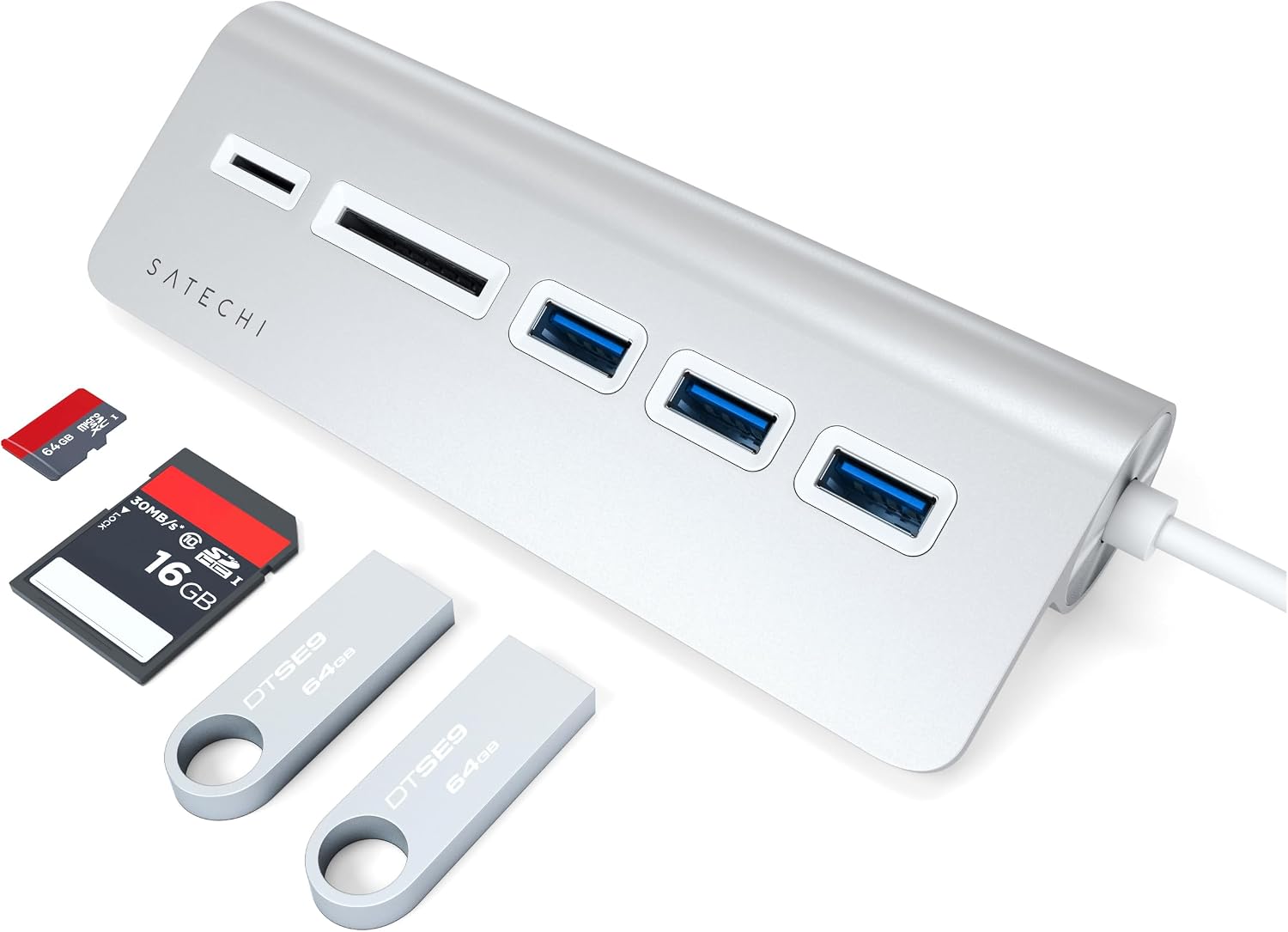
Imagine you’ve just finished editing photos on your MacBook (or Surface) and you want to move them to an external folder quickly. You plug the hub into USB-C, insert a Micro/SD card, and use the reader to transfer files—no extra dongle hunting, no separate card reader left in a drawer.
Or, for a simpler workflow: you arrive at your desk, connect a USB-A device you rely on (like a storage drive), and your laptop instantly has extra USB-A access through the hub. With hot swapping mentioned, you don’t have to power-cycle or wait around for device setup every time.
What stands out
The strongest reasons to consider this hub are its mix of ports and its “no fuss” installation approach.
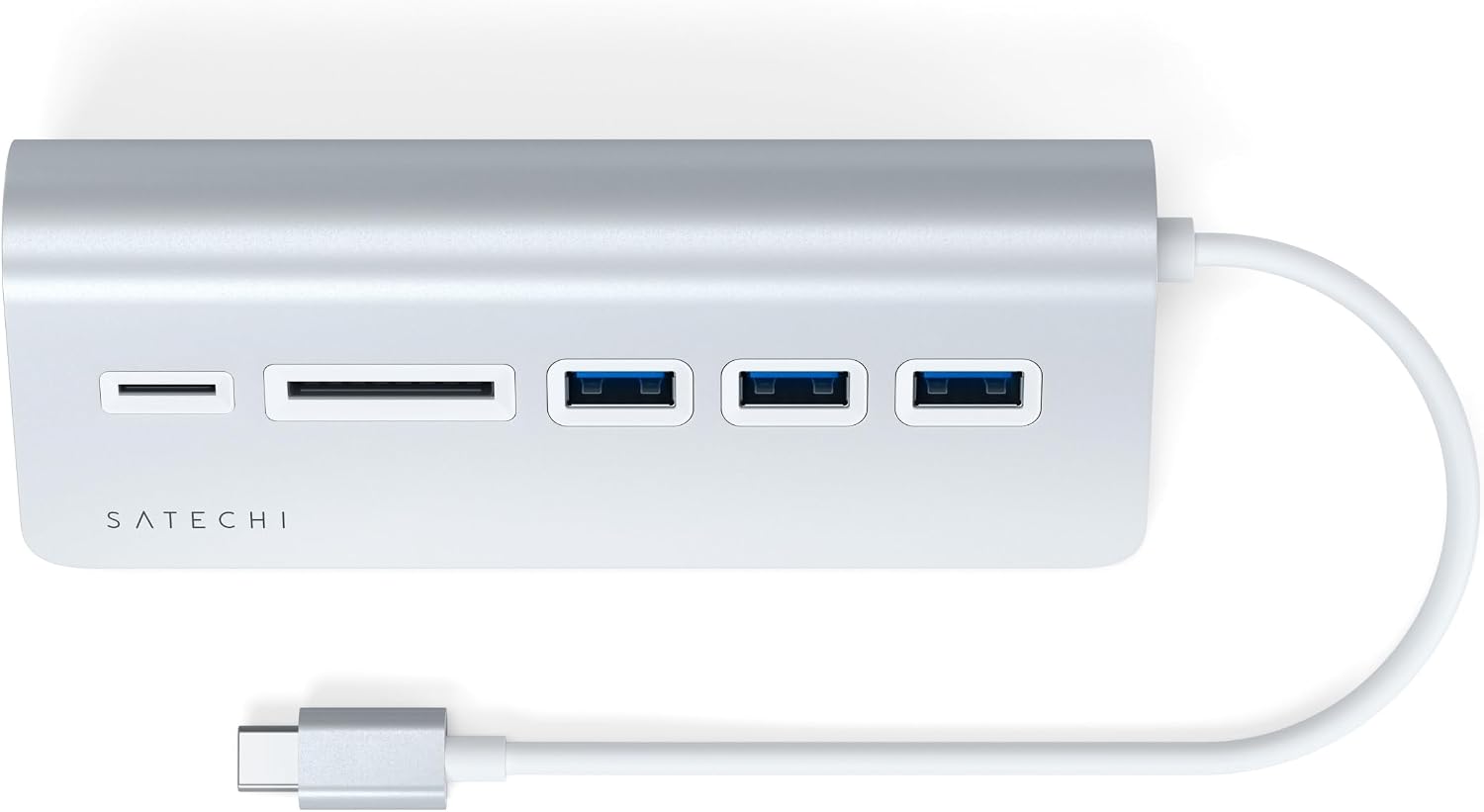
- USB-C input with three USB-A 3.0 data ports: useful for adding common peripherals.
- Micro/SD card readers: handy if you occasionally move photos, files, or media.
- Hot swapping and no extra drivers/software required (as stated): reduces friction for everyday use.
- Brushed aluminium, silver finish: looks designed for a visible desktop setup.
It also comes with customer support and a user manual, plus a 2-year limited warranty against defects in materials and workmanship under normal use (worth noting if you want some reassurance beyond just the initial setup).
What to watch before you buy
This is where you should be a bit cautious. The description focuses on USB-A data ports and Micro/SD card readers, so if your priority is more advanced docking features (for example, multi-display support or lots of extra connectivity beyond USB and card reading), this may not match your expectations.
Also, while it’s described as compatible with Windows, MacOS and Linux, the exact way it behaves can depend on your device’s USB-C implementation and whether you need anything unusual from the ports. If you rely on very specific peripherals, it’s worth checking that your use case fits a “USB-A expansion + card reader” hub.
Finally, the “up to 5Gbps” speed headline can only tell part of the story. If you connect slower storage media, the transfer rate will still be limited by the slowest component.
Tech specs
- Type: USB-C Combo Hub for Desktop
- Ports: 3x USB-A 3.0 data ports
- Card readers: Micro/SD
- Connection speed: USB 3.0 up to 5Gbps over a USB-C connection
- Finish/colour: Brushed aluminium, silver
Who it’s for (and who should skip it)
It makes sense if you want a compact, desk-friendly way to expand one USB-C port into multiple USB-A connections and you occasionally use Micro/SD cards. You’ll likely appreciate it if you bounce between a laptop and a desk setup, or if you regularly transfer files and backups and want to do it without extra readers and cables.
It may not suit you if you’re trying to replace a full docking station for more complex needs, or if you only need one extra USB port and don’t care about card reading.
A solid fit if your daily workflow is “plug in, use the ports, move files when needed”. Better avoided if you’re expecting the hub to do everything a larger dock can.
Mini FAQ
Should I expect fast file transfers from the USB 3.0 ports?
The hub is rated for USB 3.0 speeds reaching up to 5Gbps over USB-C. Actual results will depend heavily on the device and storage you plug in.
Do I need to install drivers?
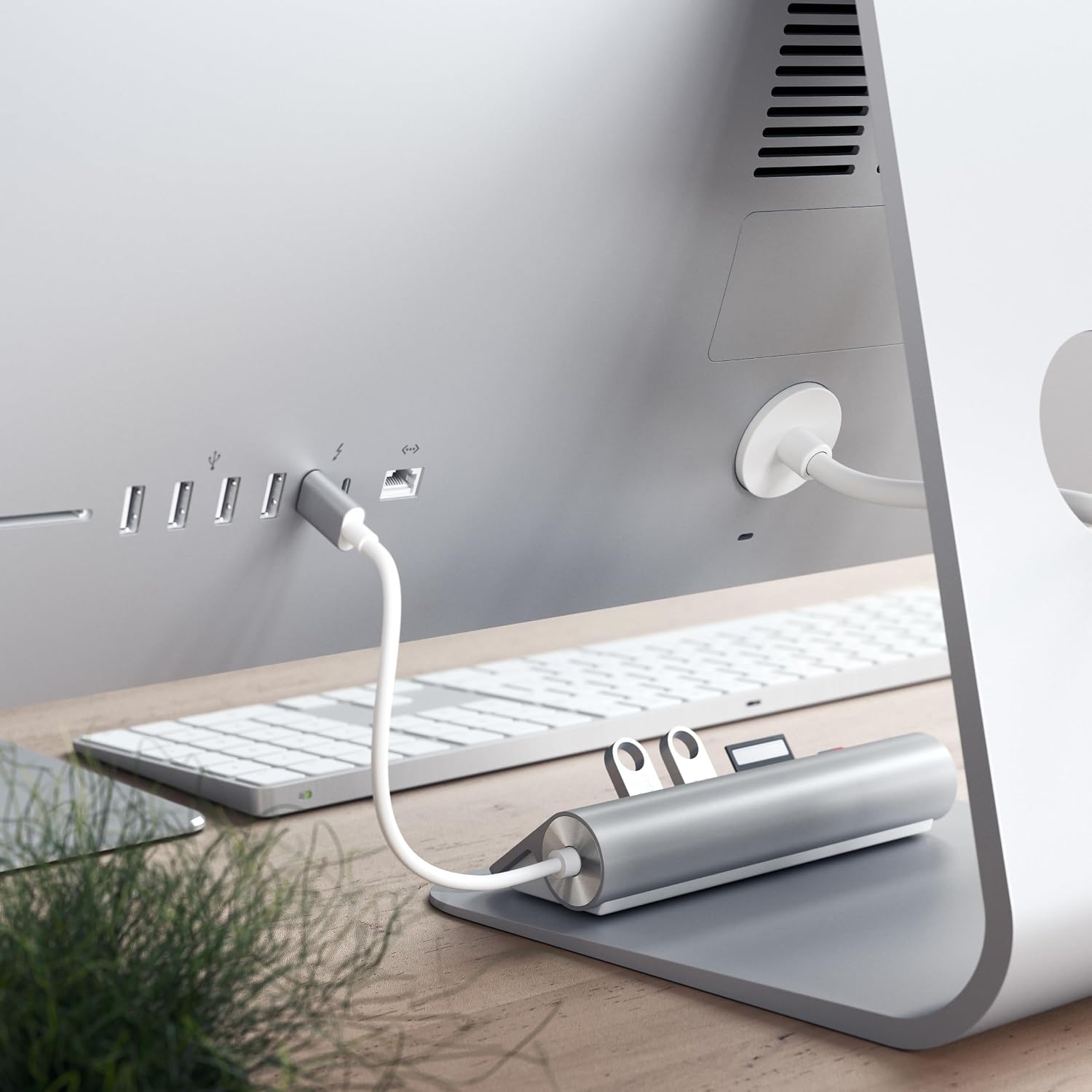
The description says no extra drivers or software are required, and that you can plug in and start using it.
Will it work with both Mac and Windows devices?
It’s described as supporting Windows, MacOS and Linux, so it’s designed to be cross-platform.
Does it include card readers for SD cards?
It includes Micro/SD card readers (not full-size SD, based on the wording provided).
Is the silver brushed aluminium finish just cosmetic?
It’s mainly about matching a modern desk setup, but it also gives the hub a more “desktop” look than a plain plastic adapter.
Is it worth it?
It’s worth buying if your goal is simple expansion from a single USB-C port: add three USB-A 3.0 data connections and get Micro/SD card reading in the same neat hub. The no-driver, hot-swapping approach also makes it practical for everyday desk routines.
You may want to skip it if you’re looking for a comprehensive docking solution with more advanced connectivity than USB-A and card readers. And if you primarily use one USB device, you might find a smaller alternative more cost-effective.
As a general stance, it’s a sensible desktop add-on for users who value convenience and tidy setup more than “everything all at once”.