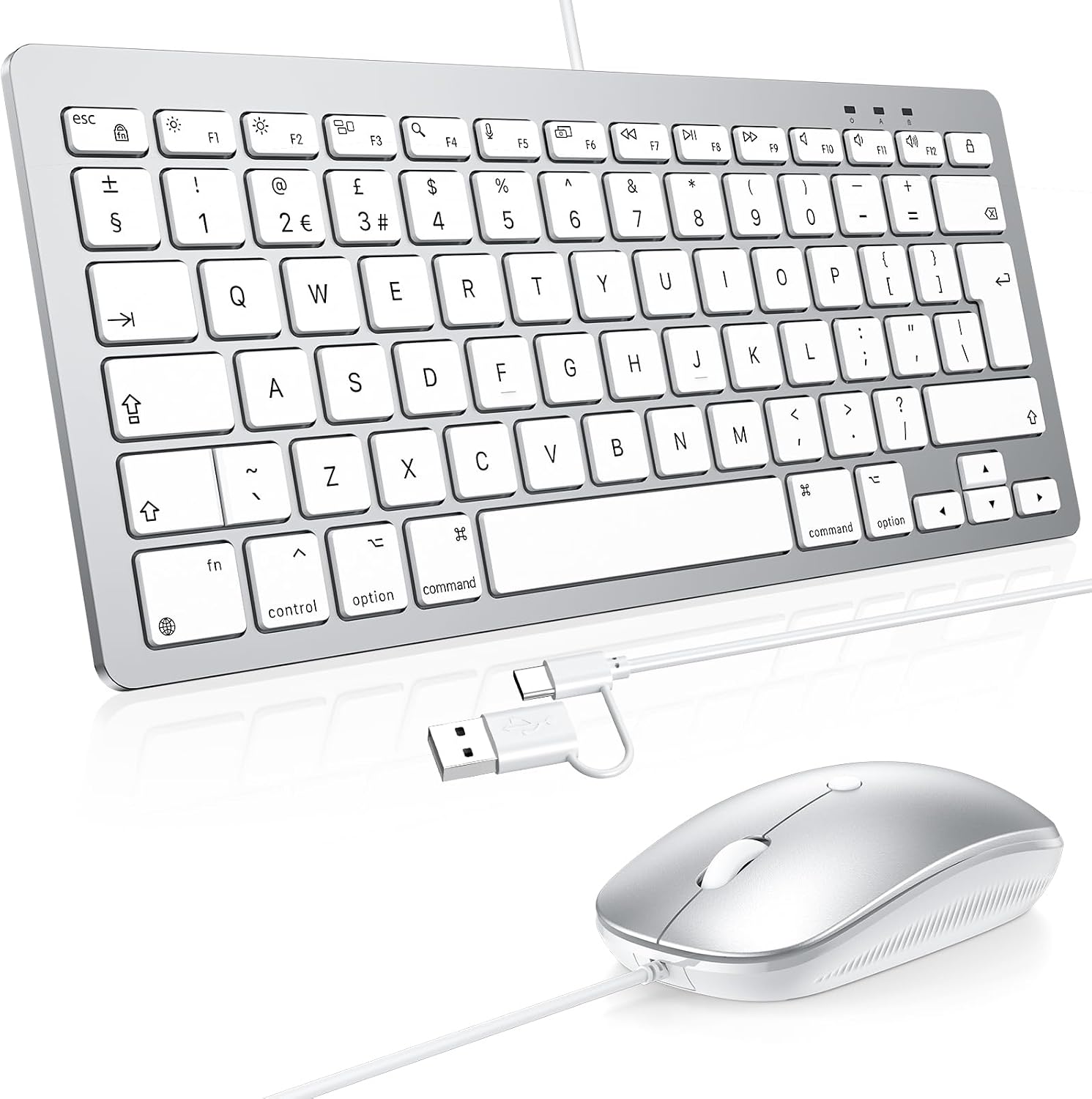
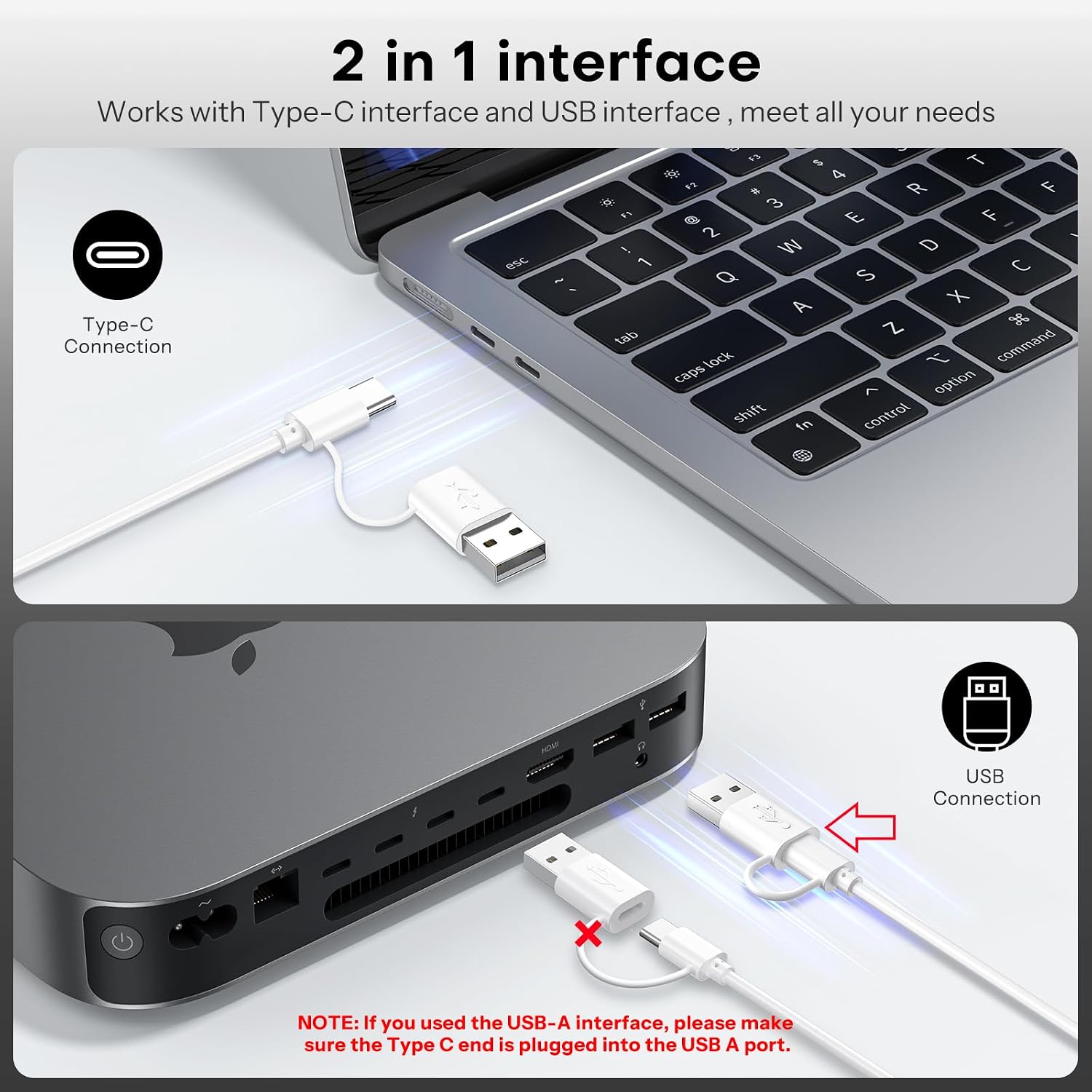
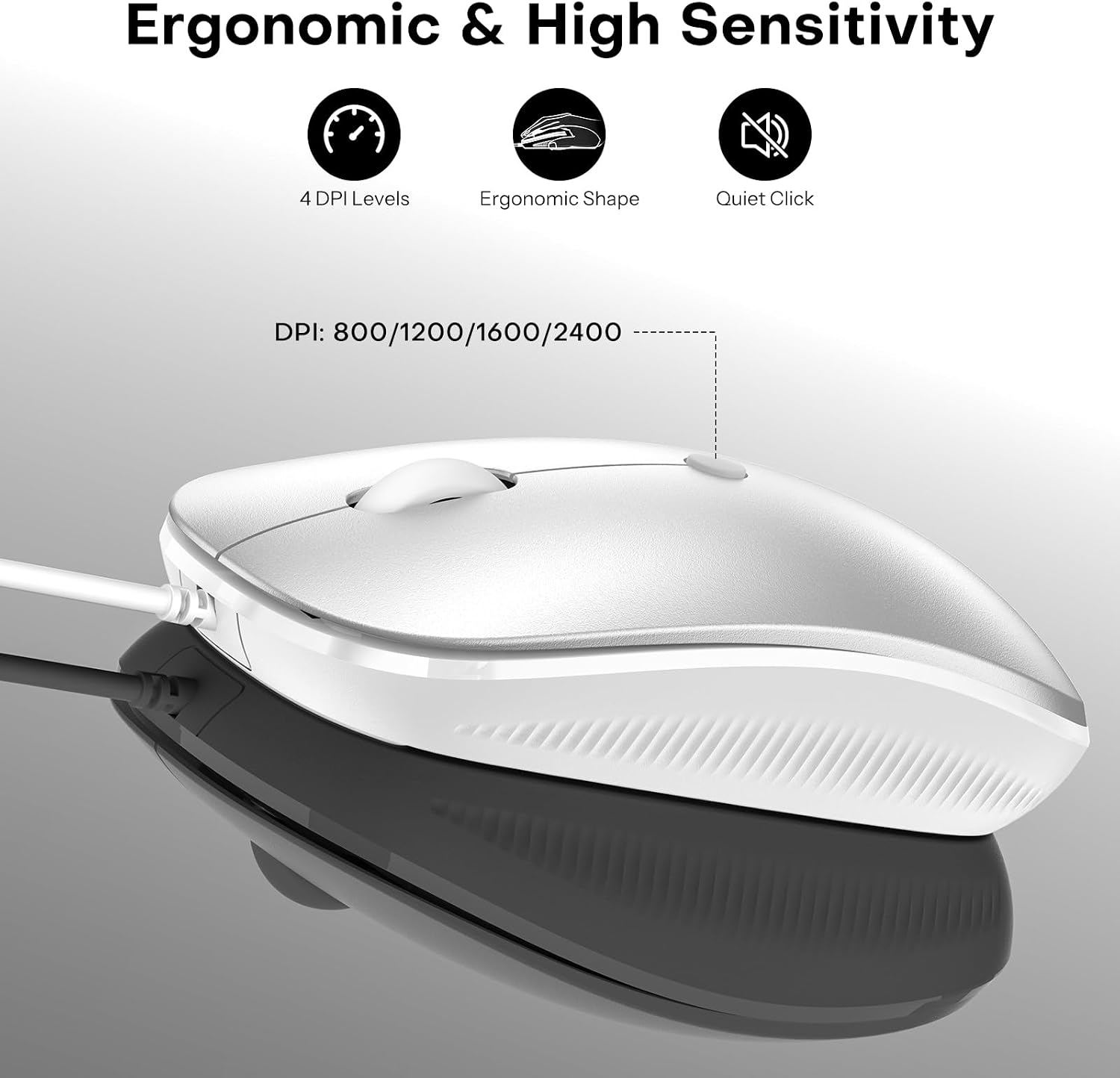
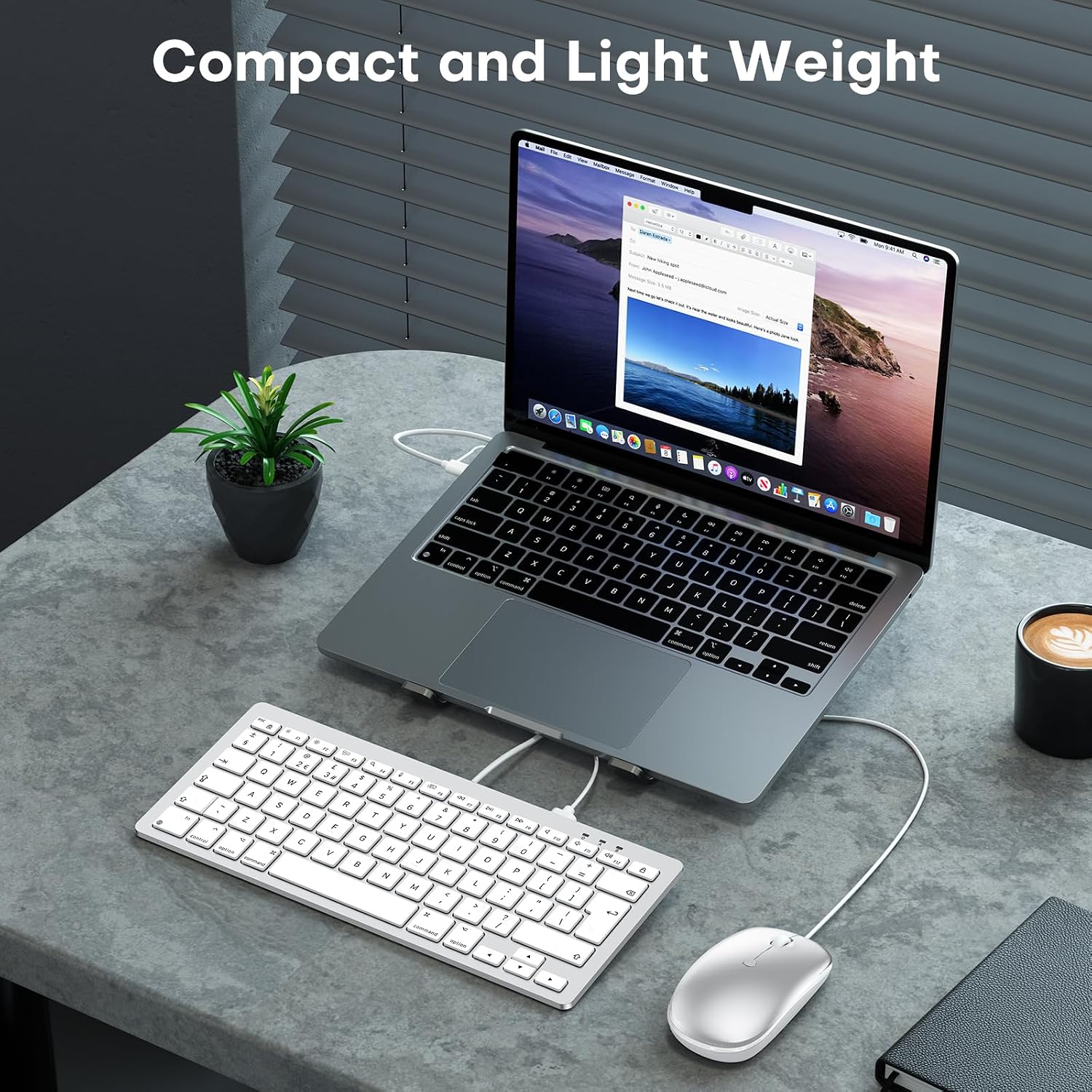
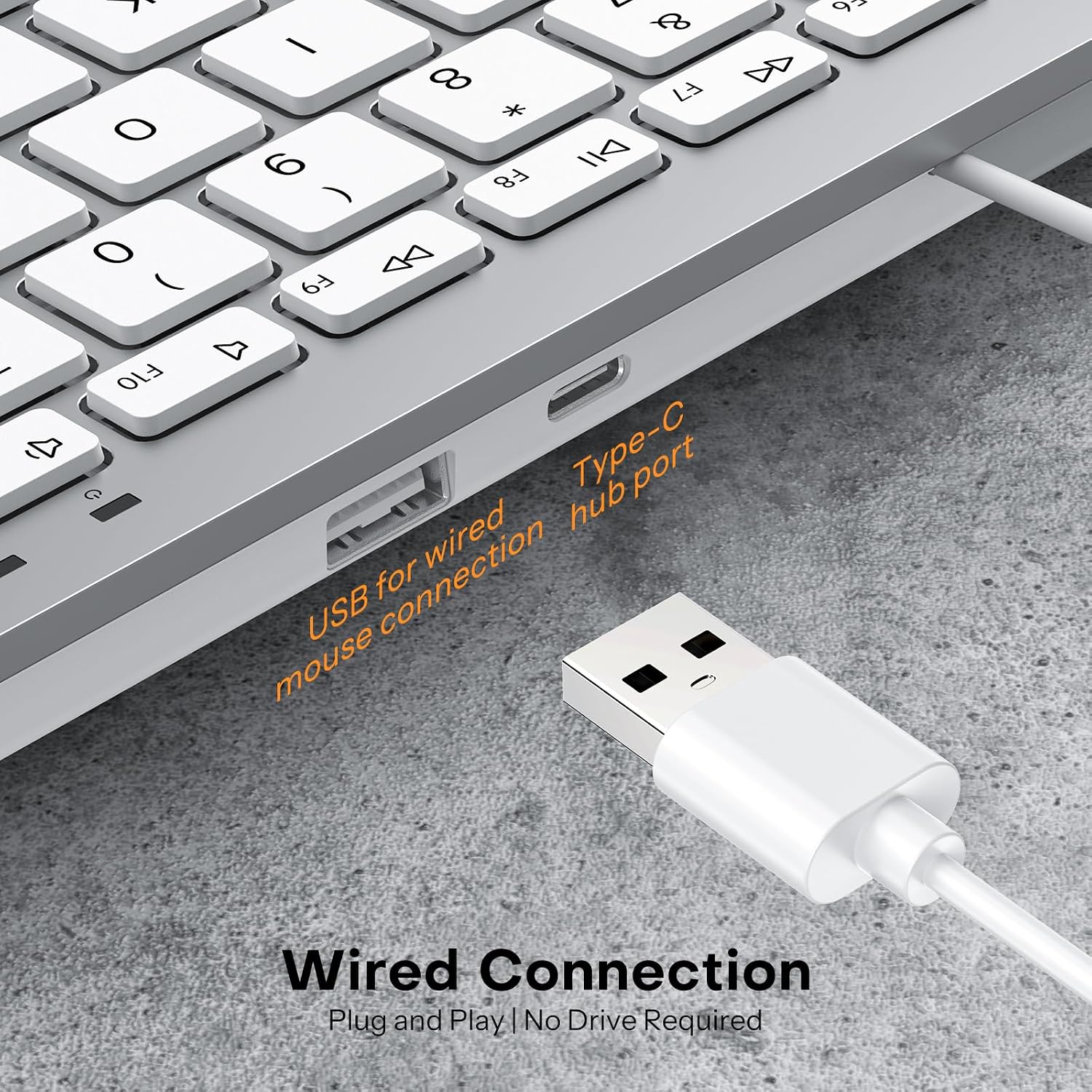
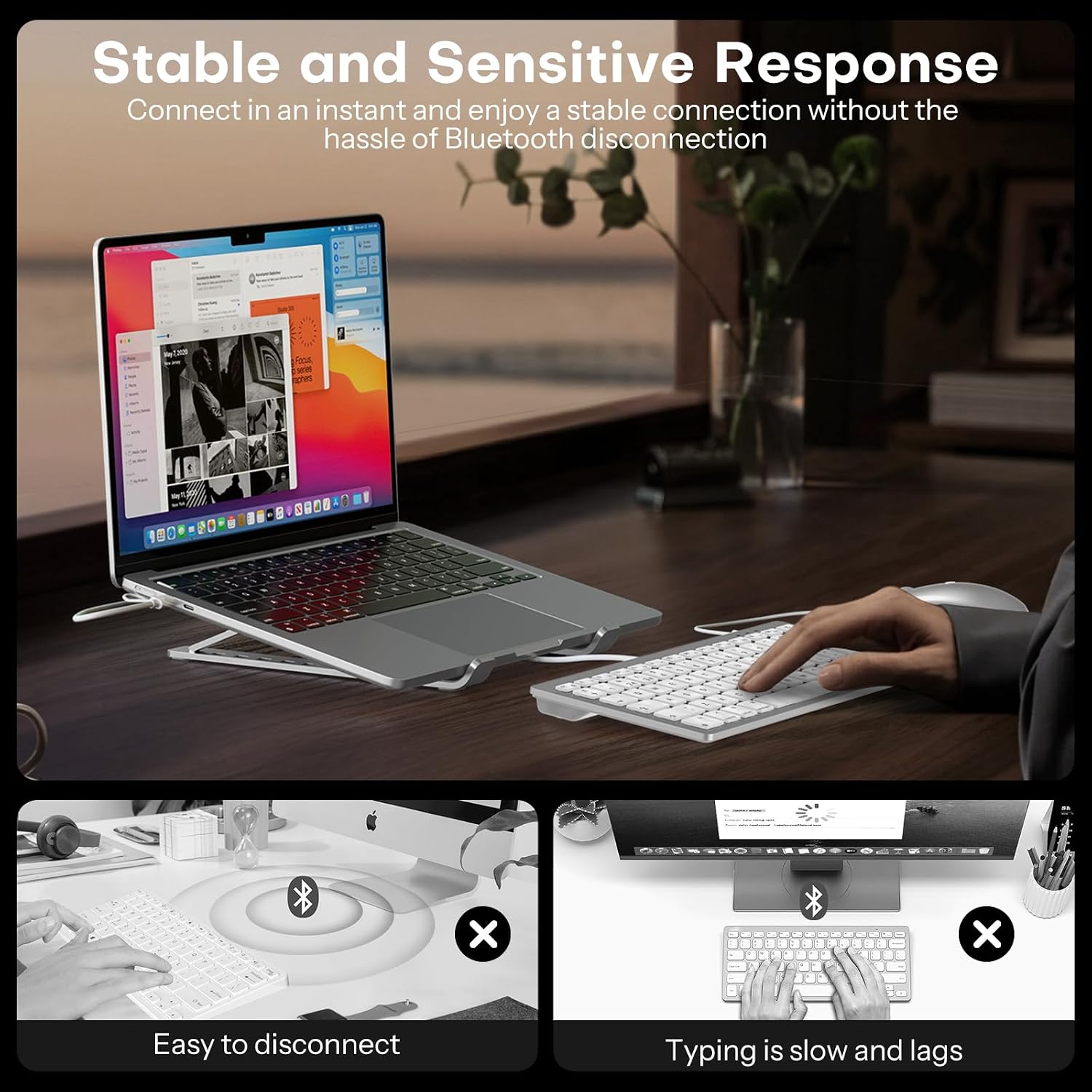
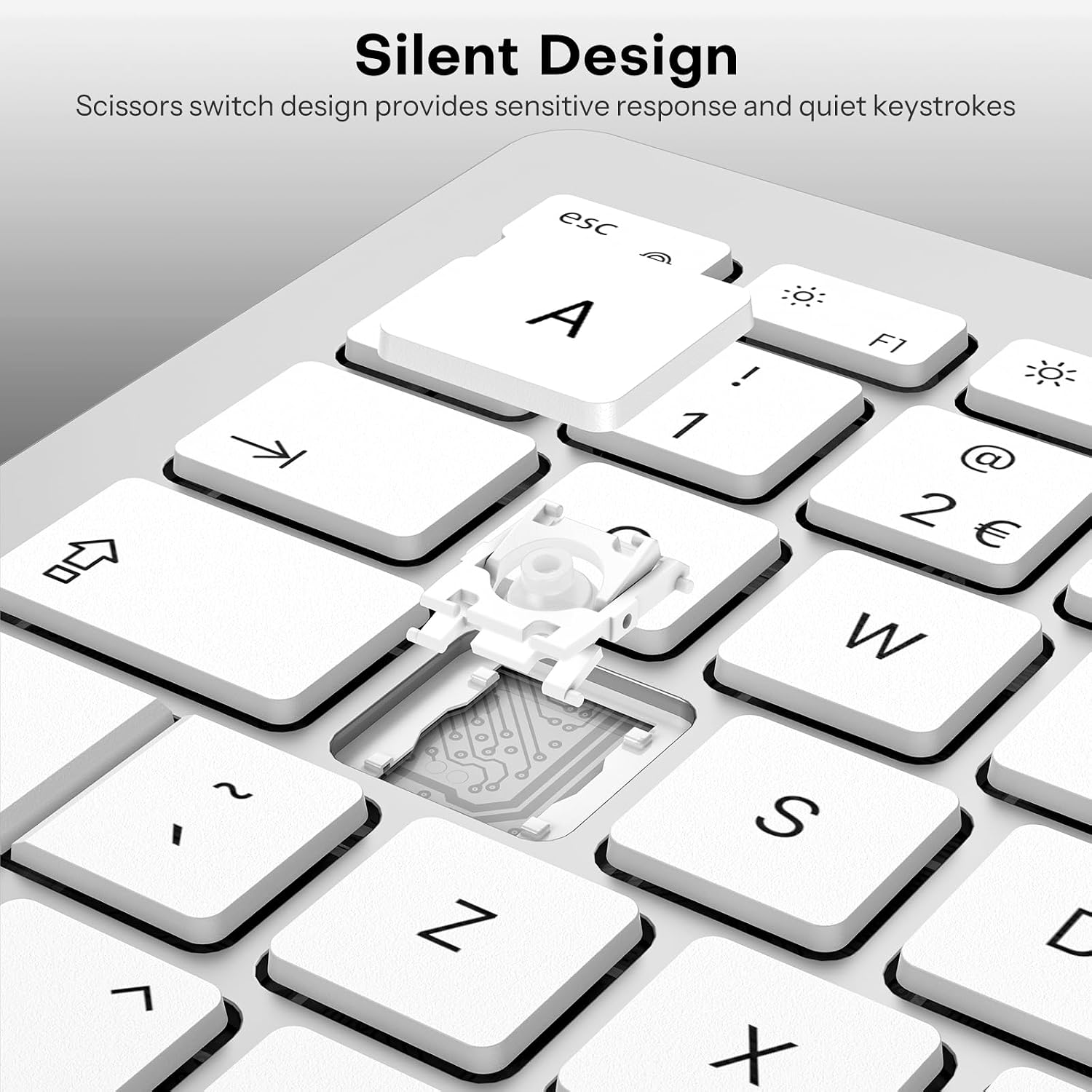
What it is and who it’s for\nThis OMOTON bundle pairs a wired keyboard with a USB/Type-C dual interface and a wired optical mouse, designed for Mac devices. It’s aimed at users who prioritise reliable connectivity without Bluetooth dropouts or battery concerns, and who want a compact, quiet setup for work or study. The UK layout and Mac-friendly shortcuts make it straightforward for macOS users who value convenience alongside a slim footprint.\n\n## How it works and what to expect\nThe keyboard uses a 2-in-1 interface—USB and Type-C—so it should plug into a wide range of Mac machines without needing adapters. There’s no wireless pairing to manage, and no battery to replace, which can simplify the desk setup. The mouse connects via the keyboard’s USB-A port, turning a single plug into a simple, tidy solution. The mouse offers four DPI levels (800/1200/1600/2400), which can be useful when switching between precise cursor work and faster navigation.\n\n## Build quality and feel\nThe keyboard features scissor-switch keys, contributing to quieter keystrokes and a more responsive press. The overall design emphasises a slim profile, which helps save desk space and makes the kit easy to transport if you move between locations. The ergonomic tilt is a small but helpful touch for longer typing sessions, potentially reducing wrist fatigue.\n\n## Pros and what to watch for\nWhat stands out is the simplicity: plug in, start typing, and rely on a stable wired connection without re-pairing. The 12 Mac-focused multimedia shortcuts can speed up common tasks. On the flip side, being wired means it won’t suit someone who needs Bluetooth flexibility or wireless freedom across multiple devices. The mouse’s DPI adjustments are handy, but there’s no optical sensor spec beyond the DPI range provided, so the precise tracking performance isn’t described.\n\n## Practical use cases\n- A home office or student setup where a quiet, compact Mac keyboard-mouse combination helps keep the workspace neat.\n- Situations where a reliable USB-C or USB host is preferred over Bluetooth devices, such as servers, shared desks, or environments with Bluetooth interference.\n- Users who prioritise a Mac-oriented layout with dedicated shortcuts for macOS, rather than a general PC layout.\n\n## Who it’s for and who it isn’t for\nIt’s well suited to Mac users who want a straightforward, wired input pair with a UK keyboard layout and a slim profile. It may not be the best choice if you need wireless flexibility, battery-less devices that aren’t tethered to a single machine, or if you require advanced gaming features or high-end ergonomics.\n\n## What to check before buying\nConfirm that your Mac has a compatible USB or Type-C port and that you’re comfortable with a wired setup. Consider desk space and whether you’ll benefit from the compact, ultraflat design or prefer a larger keyboard with different key travel.\n\n## Quick comparison context\nIf you’re weighing options, this combo sits in the pragmatic category: affordable, reliable, and designed for macOS use, rather than aiming at high-end mechanical keyboards or gaming peripherals. It’s a sensible swap if you want a tidy desk with minimal fuss and a familiar Mac layout.\n\n## FAQ (brief)\n- Does it work with MacBook Pro? Yes, via USB or Type-C connection.\n- Is the mouse wireless? No, it’s wired and recharges aren’t required.\n- Can I use it with Windows? The layout is Mac-oriented, compatibility isn’t specified for Windows.\n- Is there a numeric keypad? The base description doesn’t specify, expect a compact layout.\n\n## Final decision\nIs it worth it? This OMOTON keyboard and mouse combo offers a straightforward, quiet, and space-saving wired solution for Mac users who value reliability and macOS shortcuts. It’s a practical pick if you prioritise a stable connection and a compact footprint, but it may disappoint if you want wireless freedom or a feature-rich keyboard.\n